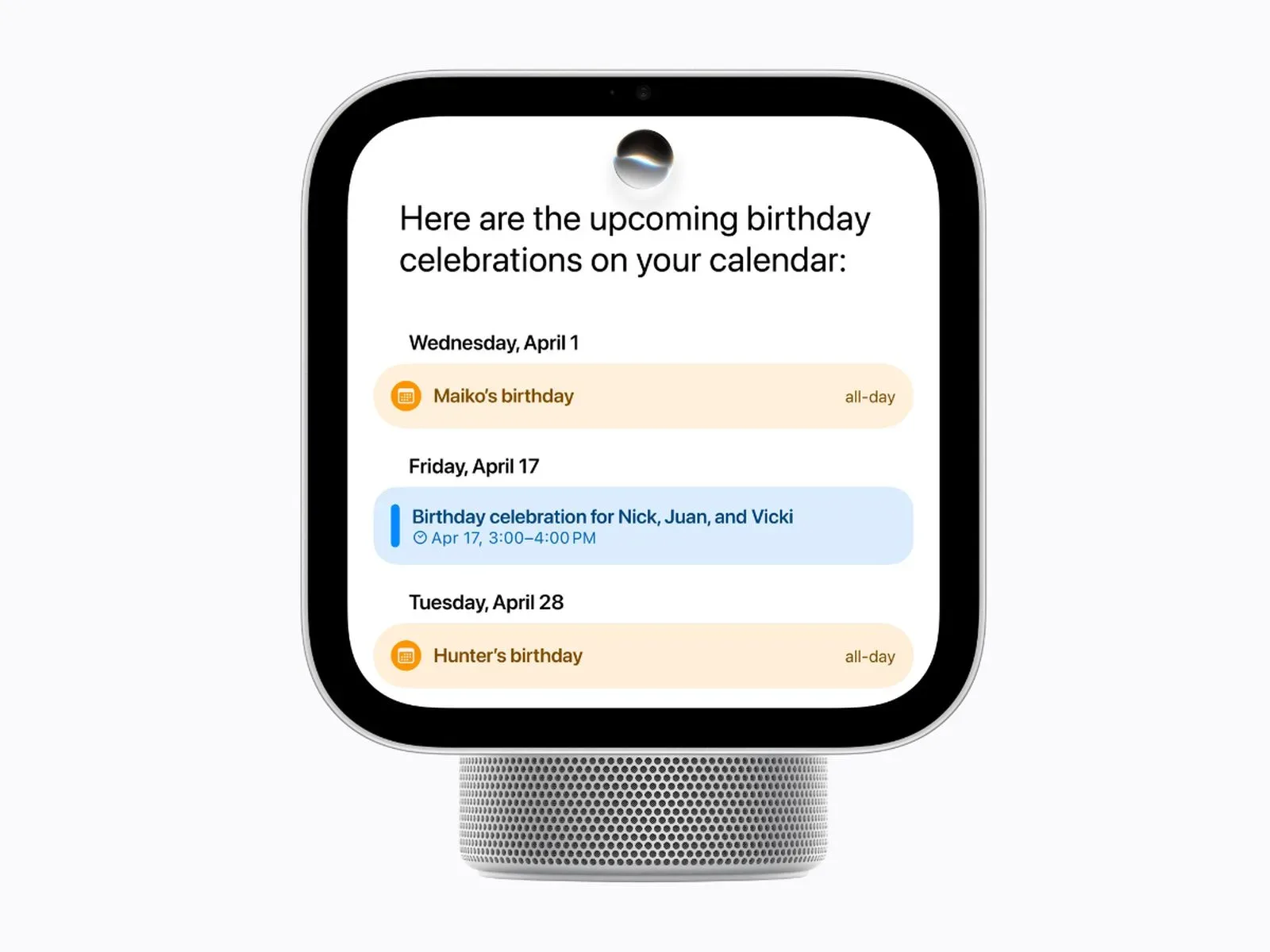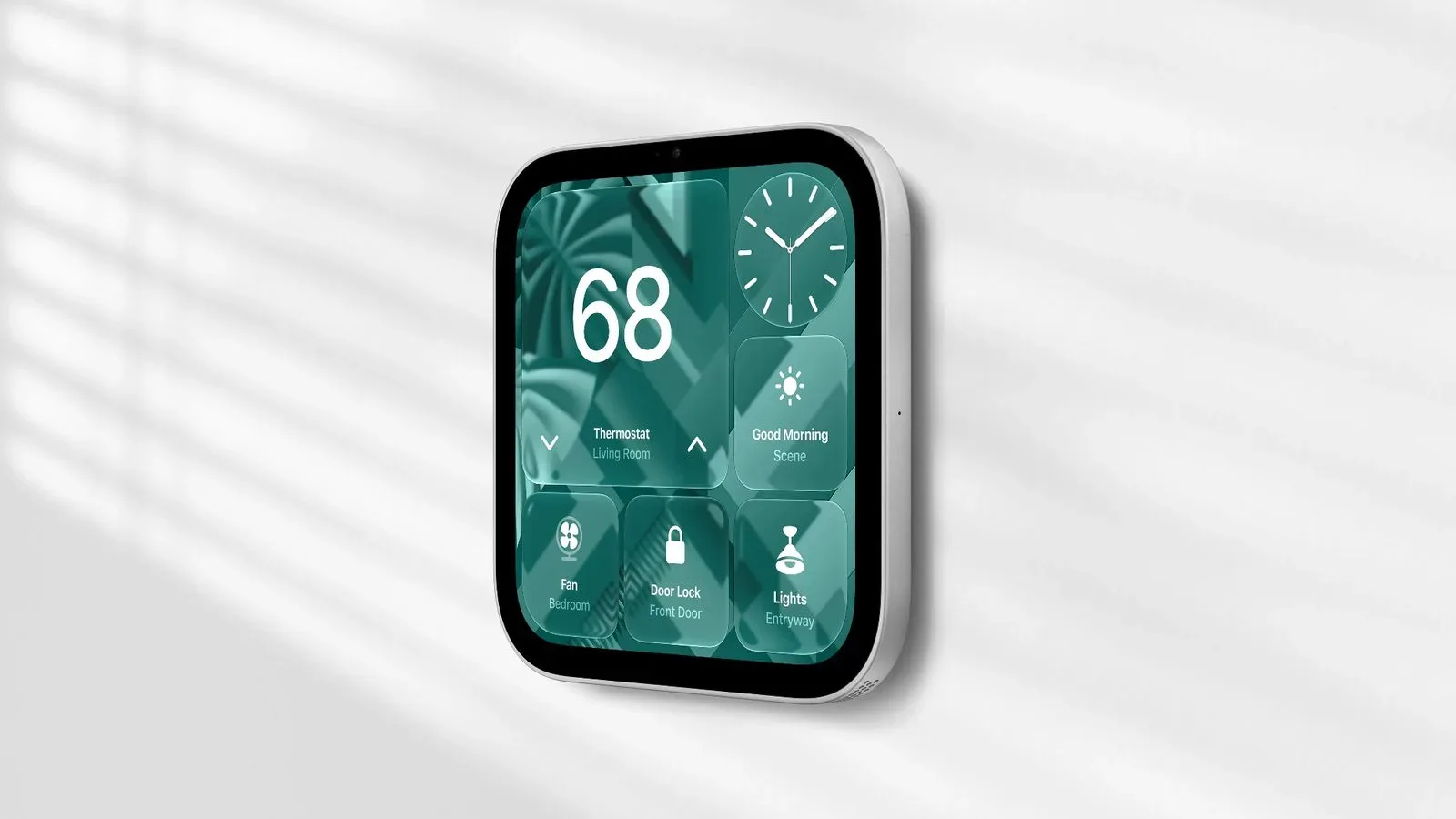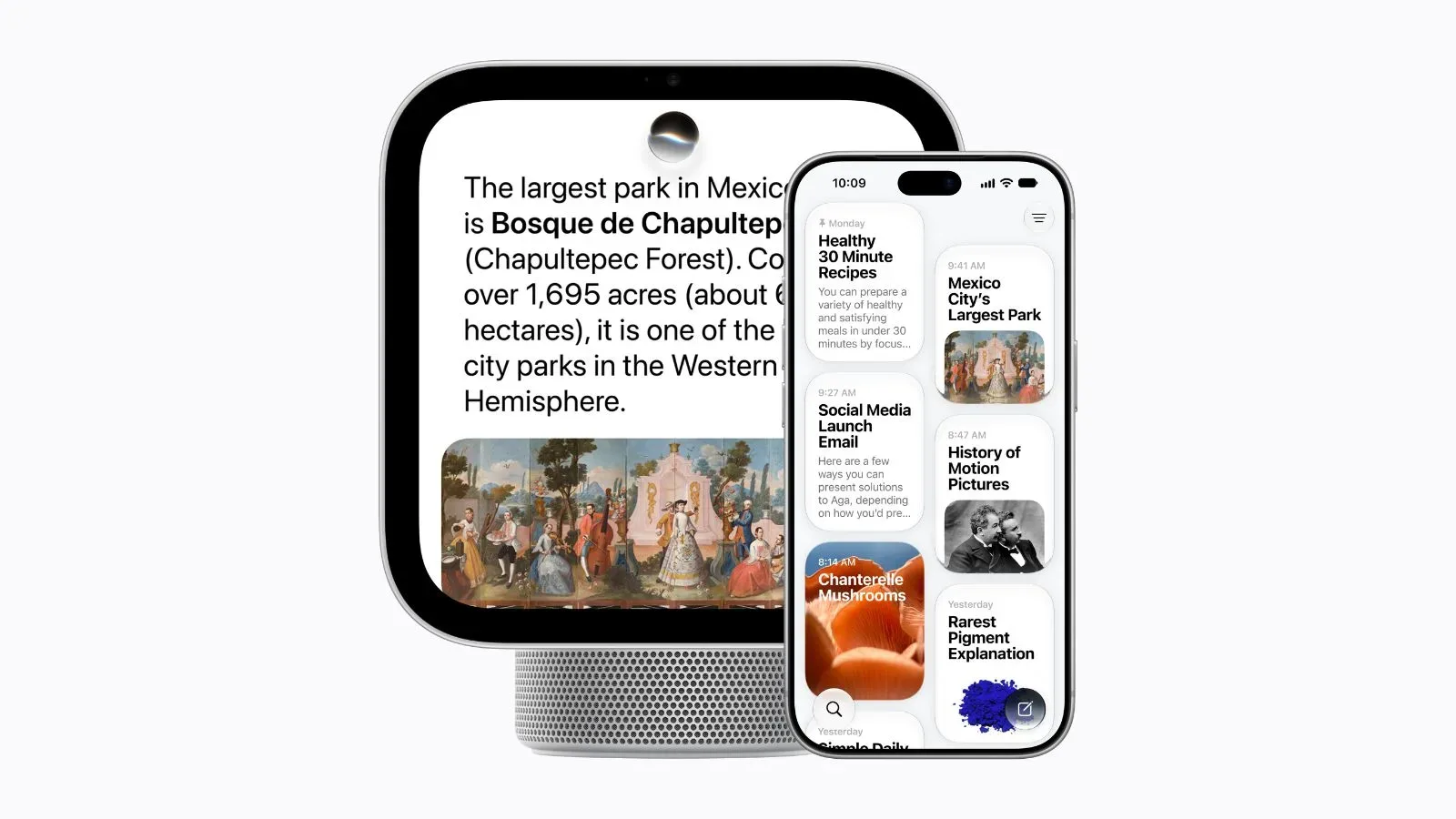
Shared screens are inherently awkward privacy devices. A household display is useful precisely because it sits somewhere everyone can see it, yet that makes it a poor place for a person’s messages, calendar and other private material to appear without safeguards. Apple’s HomeView approach is built around separating the communal parts of a home dashboard from the personal parts—and making identity recognition and device proximity the gatekeepers between them.
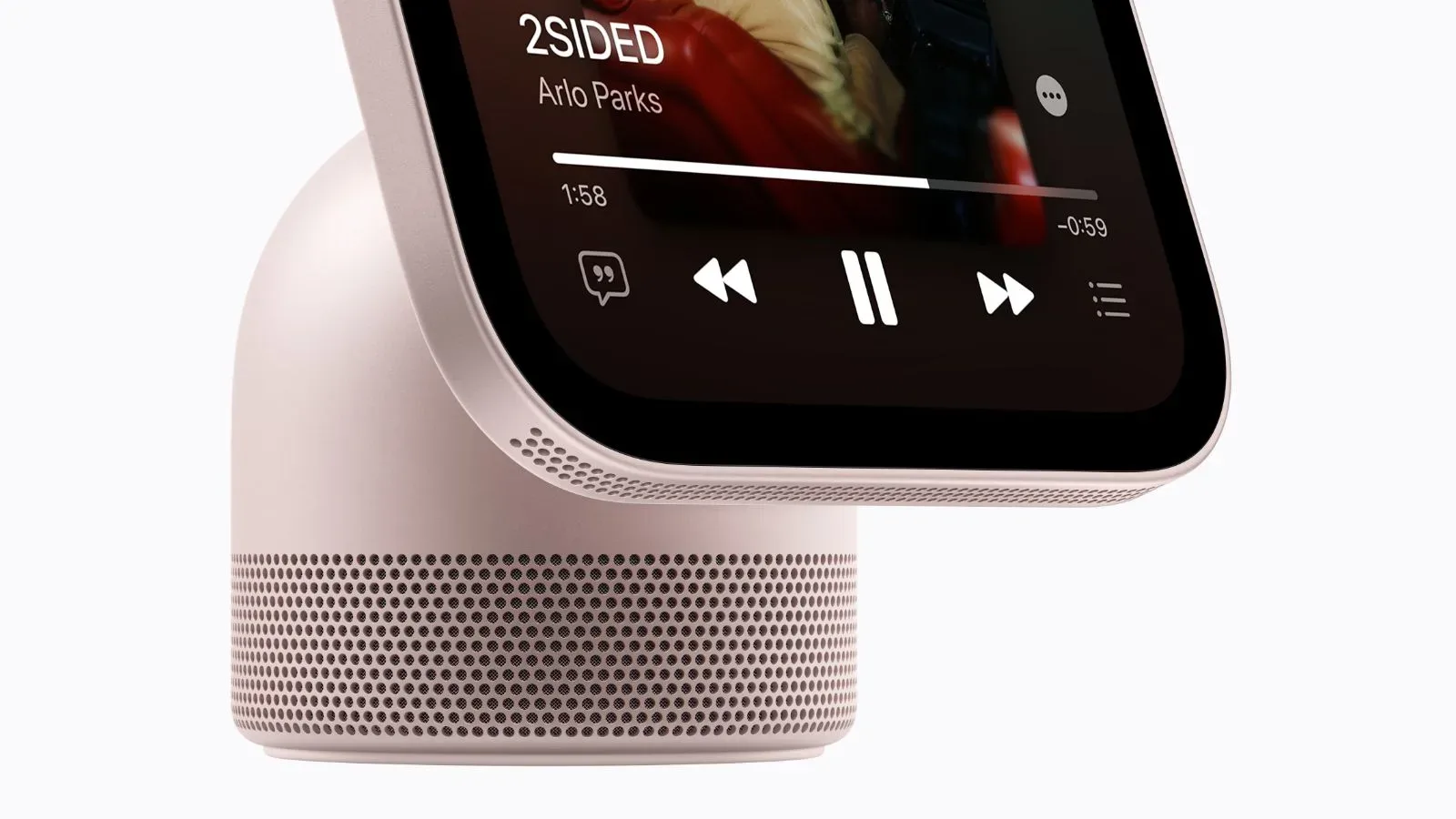
Apple says HomeView can recognize as many as six people, giving each person a distinct Home Screen populated with their own apps and widgets. At the same time, household-oriented material such as shared photo albums and music can remain visible to everybody, including guests. That distinction is the central idea behind the product’s privacy design: the screen can be shared, but access to individual data is intended to be conditional.
The important caveat is that HomeView’s personalized experience is not simply tied to whoever happens to be standing in front of it. For private content from apps including Messages and Calendar to surface, the device needs to recognize an enrolled user’s face. In normal operation, that user’s paired iPhone or iPad also needs to be nearby and recently unlocked.
1. Personalized Home Screens are separate from shared household content
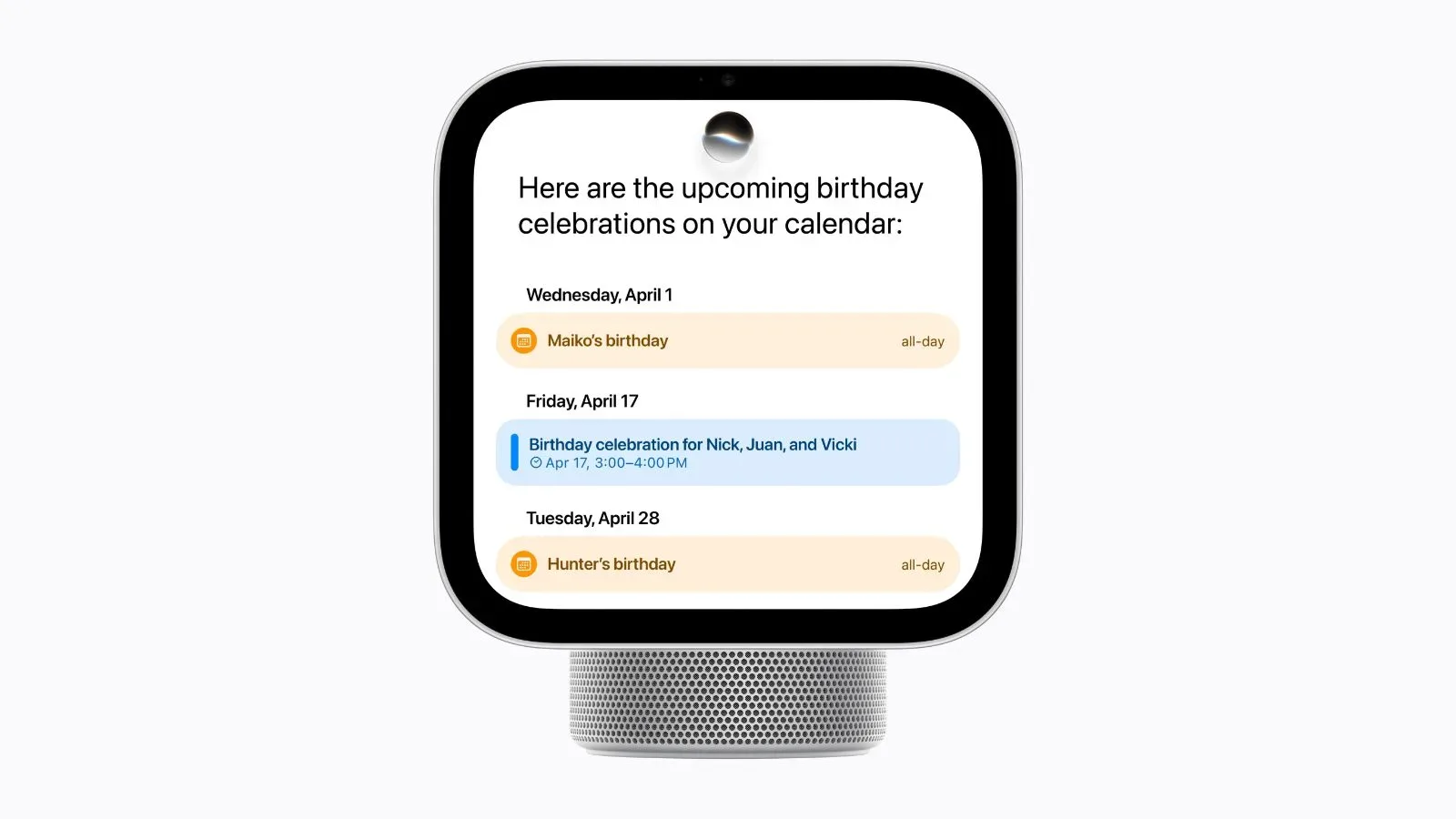
Recognizing up to six people is more than a convenience feature for changing widgets. On a device situated in a family room, kitchen or another shared area, a personalized screen potentially involves information that would not normally be left visible: messages, appointment details and the structure of a user’s daily schedule.
HomeView’s design separates that material from content intended to be communal. Shared albums and music can stay available to everyone, even guests, while Apple says each recognized person’s personal content remains private to that individual. In practice, that means the system is trying to answer two different questions:
- What is appropriate for the household display? Shared photos and music fit this category.
- What should appear only for a specific person? Personal apps, widgets, Messages and Calendar content fall into this more restricted category.
That split matters because a shared smart display cannot rely on an assumption that every viewer has equal access. A guest may reasonably be able to browse a shared music selection, for example, without being entitled to see an enrolled resident’s upcoming appointment or incoming message.
Apple’s described model therefore avoids treating “in the home” as equivalent to “authorized for all personal information.” It uses multiple checks before bringing private app content onto a display that may be within view of other people.
2. Face recognition is the first condition for private app information
Apple says HomeView must recognize the face of the enrolled user before information from apps such as Messages and Calendar can appear. This is an identity check: the system is meant to establish which enrolled person is interacting with the device before it reveals their personal view.
The distinction between an enrolled person and a guest is especially important here. Guests can still access the shared material Apple says is available to everyone, but the stated requirements for personal content are more demanding. A person needs to have been enrolled and recognized by HomeView rather than merely be physically present in the room.
Face recognition, in this context, is not described as a blanket permission for everything on the display. It is one part of a chain of requirements. That layered setup is significant because identity alone does not establish whether the recognized person still controls a companion device or whether their current session should remain trusted.
Apple’s privacy model thus uses face recognition as a front-door check rather than presenting it as the sole lock. The product’s behavior around a paired iPhone or iPad provides the next part of that boundary.
3. A paired, recently unlocked iPhone or iPad normally has to be present
Under the normal stated rule, face recognition is paired with the presence of a recently unlocked iPhone or iPad linked to that HomeView user. This requirement creates a second signal that the person identified at the screen is the person whose private material should be shown.
Paired means the phone or tablet is associated with that user’s HomeView setup. Recently unlocked means it has recently passed its own device-access check. Apple’s stated combination is therefore intended to connect what HomeView sees—an enrolled face—with a companion device that has recently been unlocked by its owner.
There is a practical trade-off. Personal information may not appear merely because HomeView recognizes someone across the room. The user generally needs their paired device to be present as well. For a shared display, that can be read as an intentional bit of friction: private content is less likely to become visible when a phone or tablet has been left elsewhere.
The rule also illustrates that personalized smart-home interfaces are not just about tailoring a screen. They are access-control systems. The experience may feel seamless when all conditions are satisfied, but those conditions are doing real privacy work behind the scenes.
4. Wi-Fi loss has a narrowly defined continuity exception
Apple describes an exception for a paired iPhone or iPad that disconnects from Wi-Fi. Personal information can remain accessible if several conditions continue to be met. HomeView must still recognize the user; the paired device must have been recently connected to the same Wi-Fi network; it must have an active cellular connection; it must stay in the same location; and it must have been recently unlocked.
This is not a simple rule saying that a phone dropping off Wi-Fi keeps everything available. It is a multi-part continuity rule. The device needs to maintain a cellular connection, remain at the same location and retain evidence of a recent unlock and recent connection to the relevant Wi-Fi network. Apple is effectively describing a way to preserve a trusted relationship during a network change without dispensing with identity and proximity-related checks.
For users, the implication is that Wi-Fi disconnection does not necessarily turn HomeView into a blank slate. But it also does not appear to bypass the product’s privacy requirements altogether. Recognition remains required, and the paired device must meet the listed recent-use, location and connectivity conditions.
That balance is relevant in a home setting where connectivity can change while someone is still nearby. A privacy system that failed immediately whenever a paired device shifted away from Wi-Fi could be needlessly brittle. One that continued granting access without limits would create a different concern. Apple’s described exception aims for continuity, but only within a defined set of conditions.
5. The A18’s Secure Exclaves are intended to isolate camera and microphone work
HomeView’s A18 chip includes what Apple calls Secure Exclaves: protected processing environments for camera and microphone data that are separate from the rest of the system. Apple says isolation across the chip prevents other components from accessing those environments.
This is a technical architecture claim with a straightforward privacy purpose. Camera and microphone inputs are among the most sensitive forms of data a household device handles. By placing their processing in an isolated environment rather than leaving it broadly available to the rest of the operating system, Apple says it limits where that data can be handled and who can reach it.
Apple further says that data processed and analyzed inside the Secure Exclaves cannot be accessed by HomeView software, apps, users or Apple itself. That claim is deliberately expansive: it addresses not only third-party apps, but the device software and Apple as well.
In plain terms, a protected processing environment is designed as a boundary inside the chip. The wider system can use an outcome of the protected work without necessarily being given open access to the sensitive inputs that produced it. The supplied details do not specify every operation performed in the Secure Exclaves, so it would be inappropriate to infer more than Apple has described. What is clear is the intended division: camera and microphone data are handled separately, with chip-level isolation intended to block access from other parts of the system.
For anyone evaluating a household display, this is a more meaningful privacy claim than a generic assurance that data is “secure.” It identifies a specific technical mechanism—separate, protected processing environments—and defines the claimed restriction on access.
Siri can run on-device or through Private Cloud Compute
Apple says Siri requests on HomeView can be handled locally on the device or processed using Private Cloud Compute, its cloud-based request-processing system. The distinction matters because an on-device request remains on the hardware, while cloud processing involves sending work beyond the device. Apple positions Private Cloud Compute as the privacy-preserving option for requests that use cloud resources.
Apple says information processed through Private Cloud Compute is neither stored nor accessible to Apple or anyone else. This is a claim about how cloud processing is designed to work, not an assertion that every Siri request necessarily follows the same path. The stated system allows for both on-device handling and cloud processing, depending on the request.
The practical takeaway is that “cloud” does not automatically mean HomeView’s Siri requests are described as retained for later access. Apple says the cloud-processing path is structured so the processed data is not stored or made available to Apple or other parties. Users who think about voice assistants principally as microphones connected to remote servers will likely see this distinction as central to whether they are comfortable using the feature.
Compatible smart-home cameras add end-to-end encrypted recognition
HomeView also works with compatible smart-home cameras for recognition of people, familiar faces, pets, packages and vehicles. Apple says that recognition is end-to-end encrypted when used with a supported iCloud+ subscription.
End-to-end encryption describes a system in which data is encrypted so that it is protected between the relevant endpoints. In this case, Apple applies that term to the camera-recognition capability. The stated list is notable because it goes beyond identifying people: the system can recognize familiar faces as well as pets, packages and vehicles.
This feature has its own eligibility boundary. It requires compatible smart-home cameras and a supported iCloud+ subscription. Those requirements should not be conflated with the household-display protections described elsewhere. HomeView’s personalized screens, Secure Exclaves, Siri processing and camera recognition are related elements of the device’s privacy story, but they are not presented as one single setting that applies identically to every function.
For a broader look at the product’s positioning and hardware proposition, see our coverage of the Apple HomeView wall model.
What HomeView’s approach means for a shared-screen device
The five privacy areas described by Apple form a layered model rather than a single promise. Personalization begins with a recognized enrolled face. Private app content normally also requires a paired iPhone or iPad that is present and recently unlocked. A defined exception covers certain Wi-Fi disconnects. At the hardware level, Secure Exclaves are intended to isolate camera and microphone processing. Siri has an on-device or Private Cloud Compute path, while compatible camera recognition is described as end-to-end encrypted under the required subscription conditions.
The strongest practical message is that HomeView is meant to differentiate between content that belongs on a public household screen and content that belongs to a particular person. Shared photos and music remain social; Messages and Calendar material are held behind identification and companion-device requirements.
All of these protections are Apple’s stated design and access claims. They explain the boundaries HomeView is intended to enforce, particularly in homes where several people can approach the same display. For prospective users, the details worth understanding are not just that HomeView offers privacy features, but what triggers them: enrolled-face recognition, device pairing, recent unlock status, location and connectivity conditions, protected chip environments, and compatibility or subscription requirements for camera recognition.