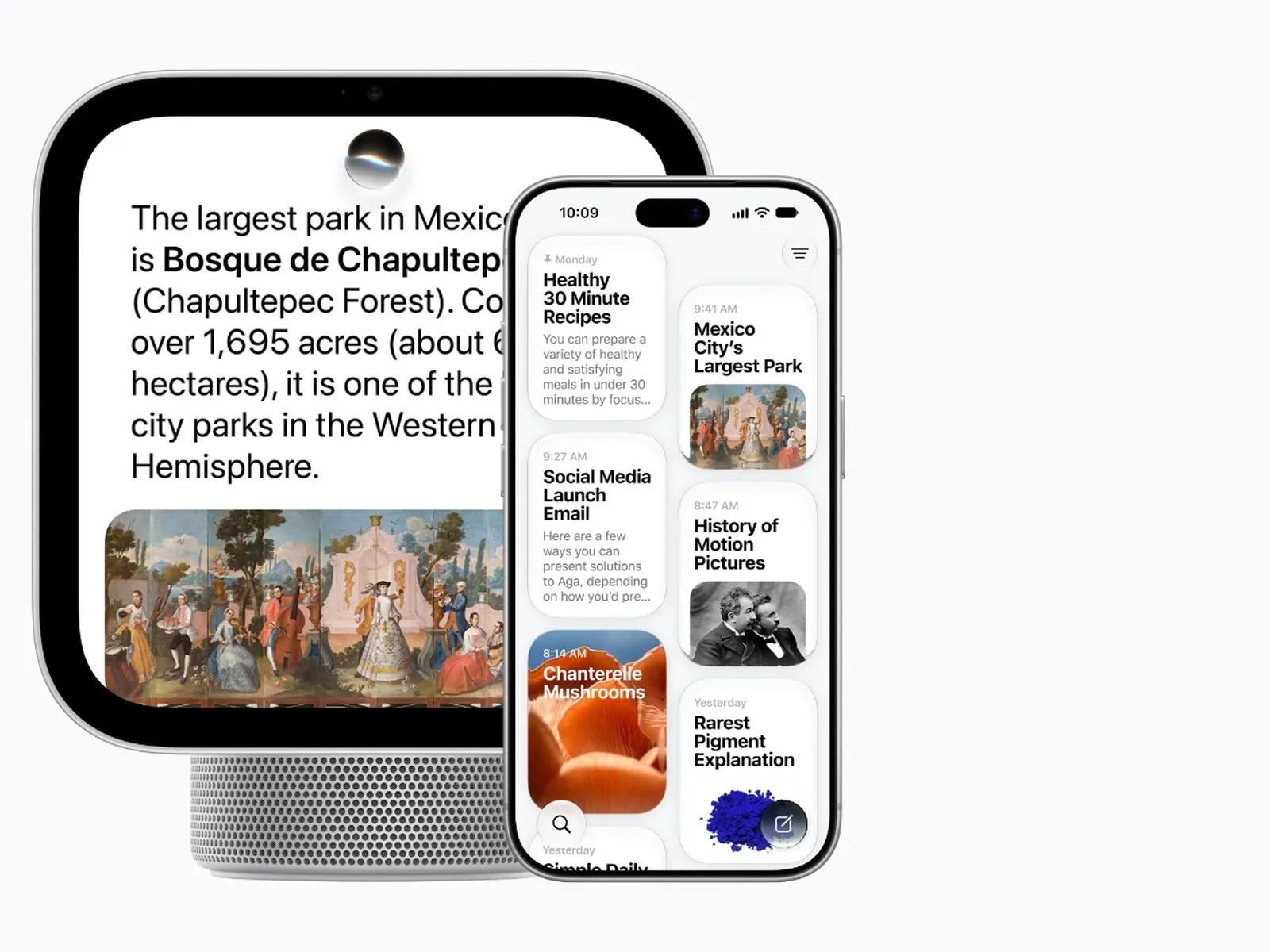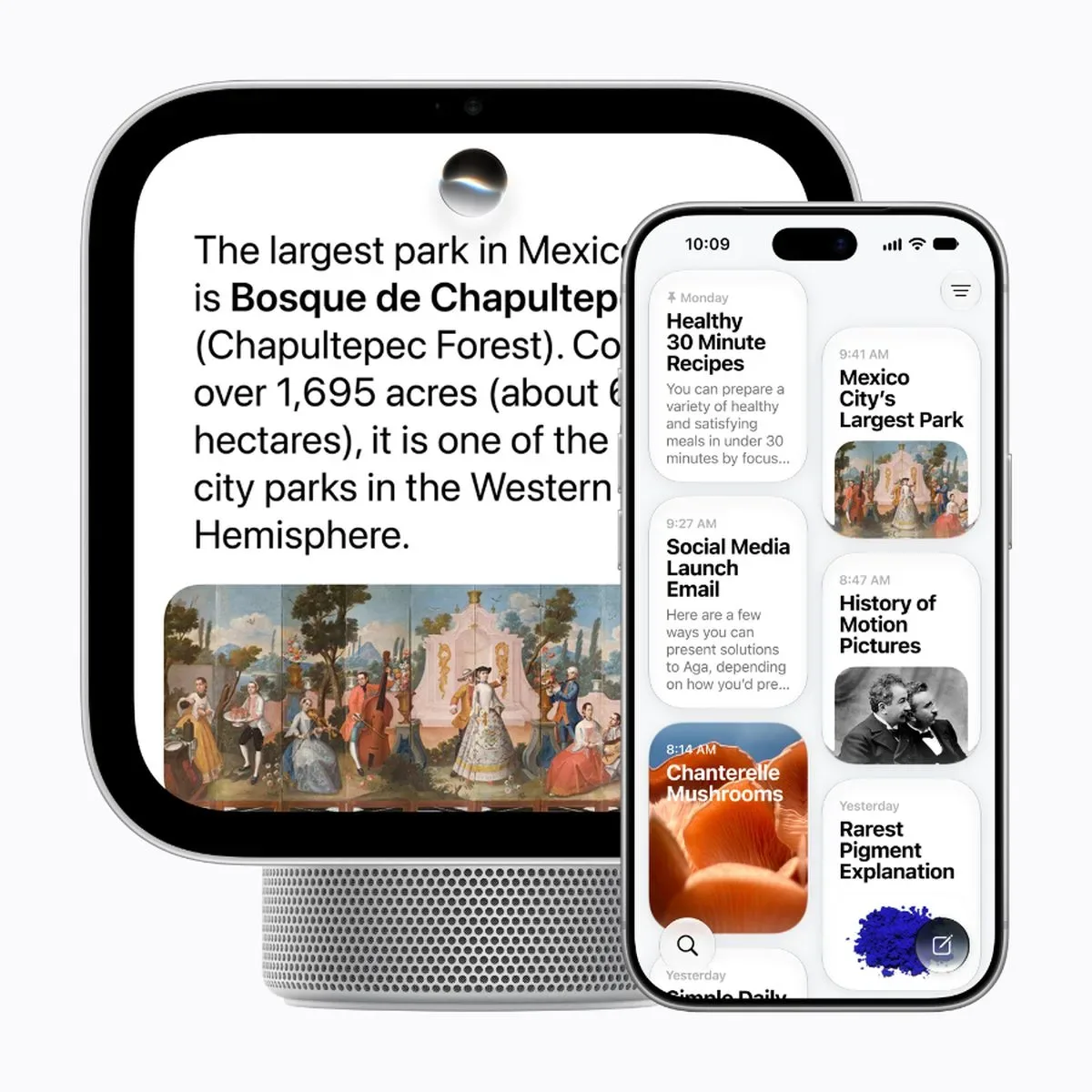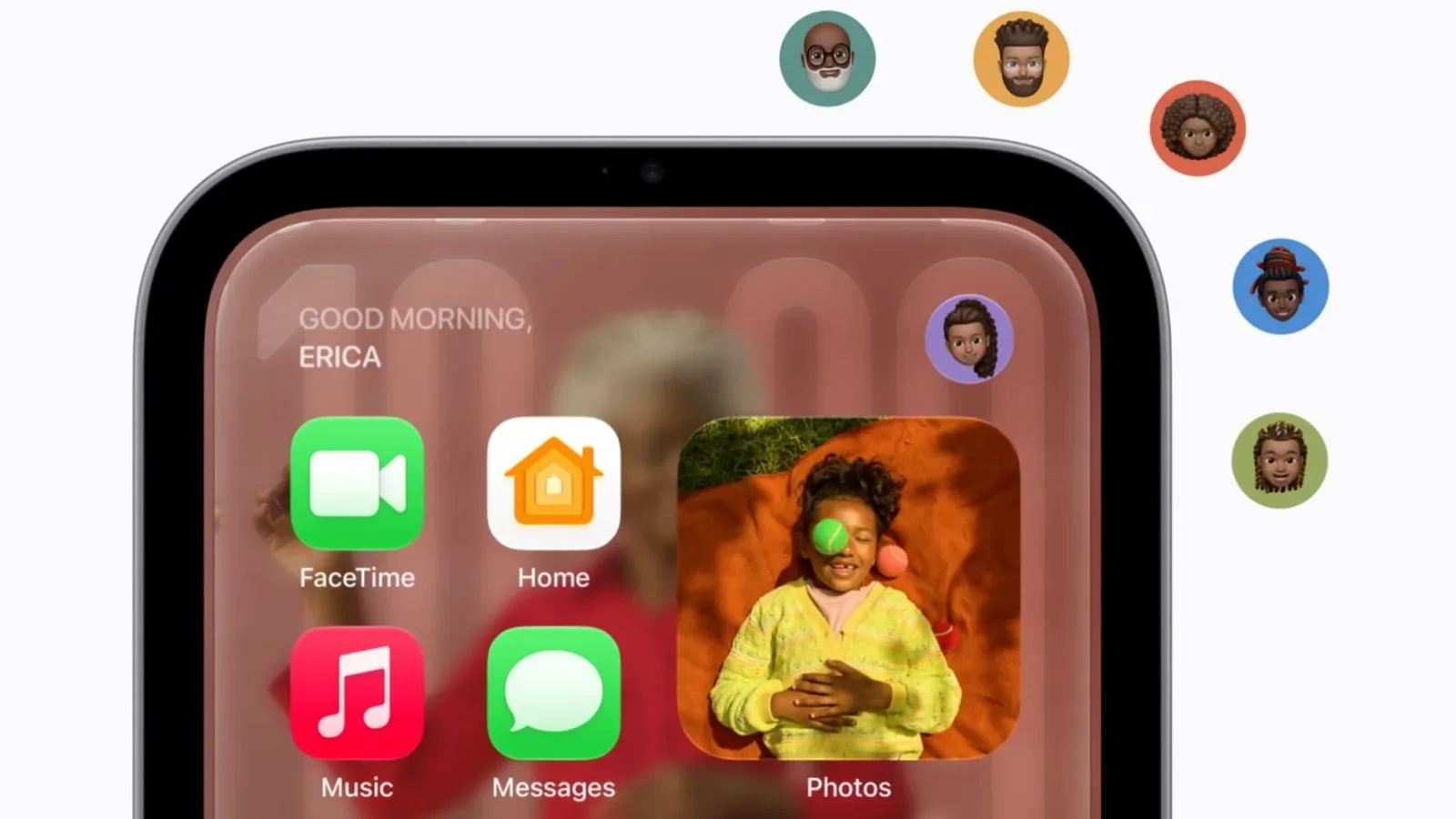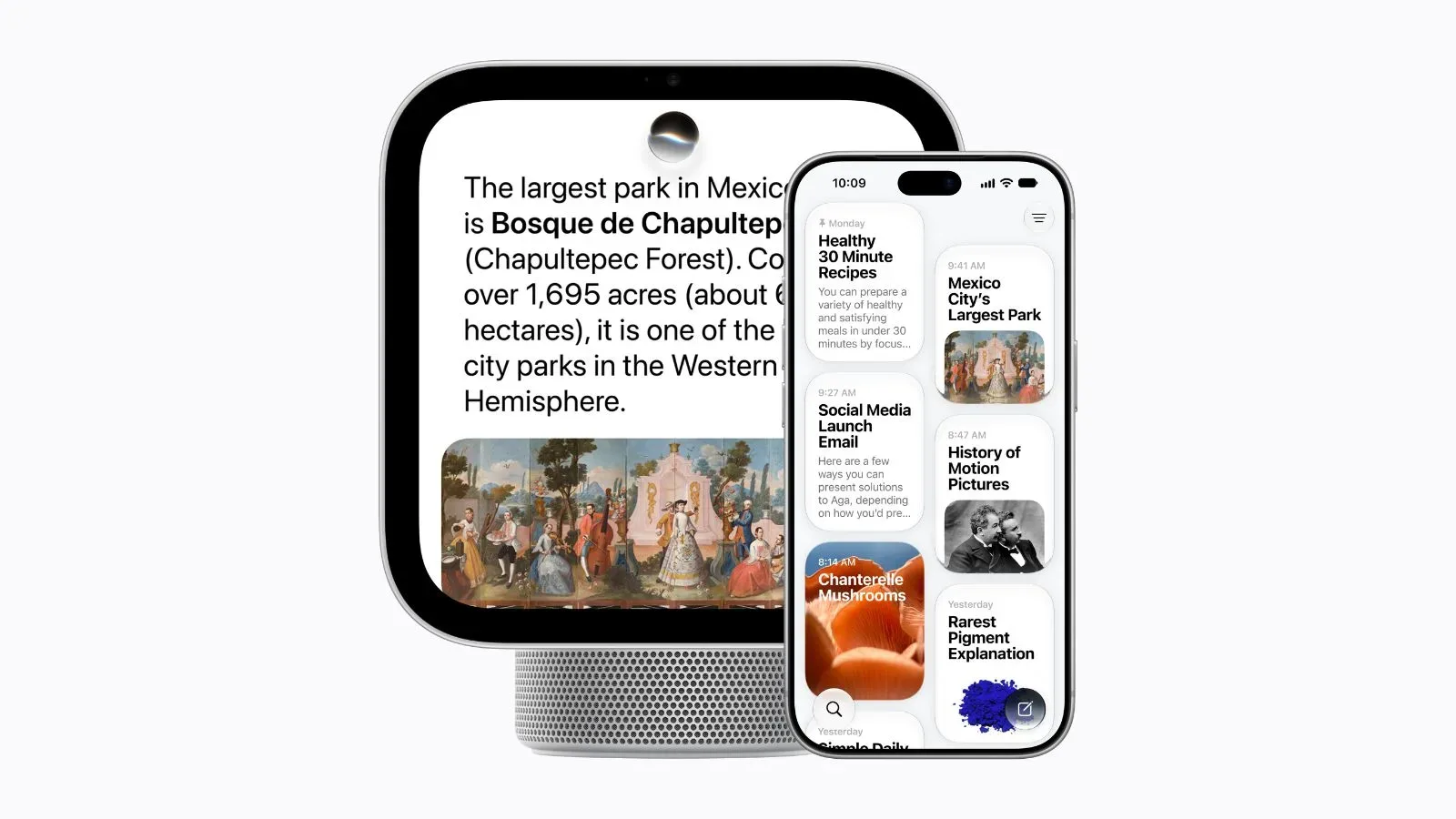
Apple’s HomeView is positioned as a smart-home display with an A18 chip and built-in Apple Intelligence support, yet the device’s most personal and potentially useful AI features do not stand entirely on their own. Several functions require a paired iPhone or iPad that supports Apple Intelligence, runs current software, has Siri AI enabled and is configured in a supported language.
That distinction matters more than a routine setup requirement. A smart display is meant to be available in a shared space, where asking for calendar details, locating a message-related detail or checking a camera event ought to feel immediate. HomeView can still perform a meaningful set of Siri tasks without an Apple Intelligence-capable mobile device. But access to personal context, configurable voice behavior and some camera intelligence has a separate compatibility gate.
HomeView launches November 13 in the United States. Both its tabletop and wall-mounted versions are priced at $299. Anyone considering either version should therefore evaluate the whole device chain—not only the display itself, but also the iPhone or iPad already in the home, the Siri configuration on that device and, for particular video capabilities, an eligible iCloud+ subscription.
What HomeView can do without an Apple Intelligence-capable phone or tablet
The headline is not that HomeView becomes unusable when paired with an older or otherwise unsupported iPhone or iPad. Apple says people in that position can still ask general-knowledge questions, have natural conversations with Siri and use improved music discovery. Requests made through HomeView may be processed on the device or through Private Cloud Compute.
In practical terms, these are the less individually specific parts of an assistant experience. A general-knowledge question does not need the system to pull from a person’s Messages or Calendar. Natural conversation describes a more fluid back-and-forth with Siri rather than a single rigid command. Improved music discovery concerns finding music, rather than granting the assistant a broader window into personal apps and data.
Private Cloud Compute is Apple’s name for cloud processing used for requests that are not handled entirely on the local hardware. Its inclusion here is important because HomeView is not described as an exclusively on-device AI product. The supplied information says a request can be handled either locally or through Private Cloud Compute; it does not specify which individual questions take which route. That means buyers should not infer that every basic Siri interaction will always be processed in precisely the same place.
This baseline is still substantial for a household display. General questions, conversational requests and music discovery can be valuable day-to-day functions. The complication is one of expectations: a buyer may see the A18 chip and Apple Intelligence branding, reasonably expect the full assistant experience, and only later learn that the highest-context features rely on another eligible Apple device.
Personal context is the major compatibility line
HomeView needs a paired Apple Intelligence-enabled iPhone or iPad for Siri requests involving personal context. The paired device must be on the latest software, have Siri AI switched on and use a supported language.
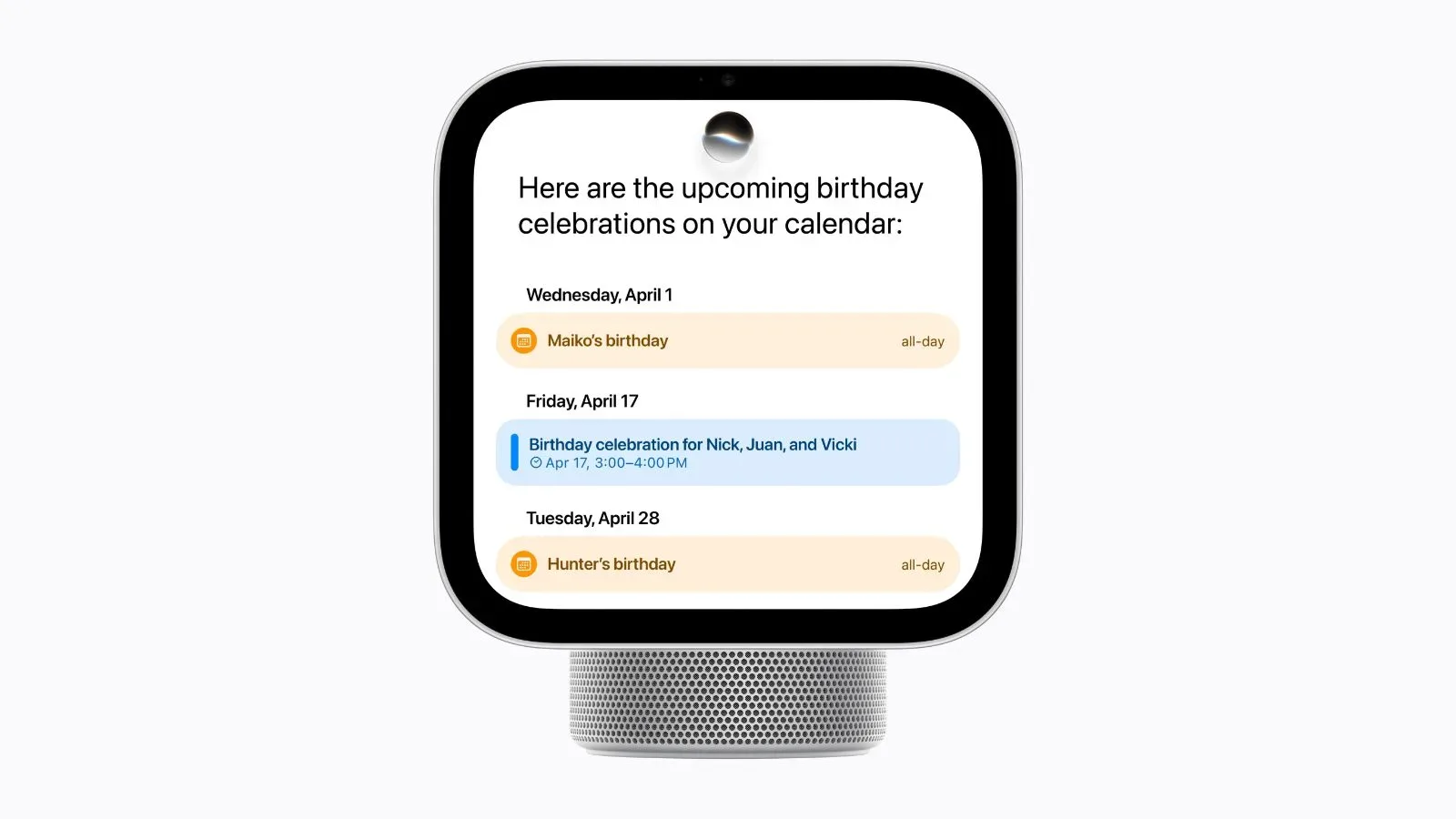
“Personal context” is the key technical term in this arrangement. It means Siri can retrieve relevant information from Messages and Calendar and can take action across apps using information related to the user. Those are different from an ordinary fact lookup because the result depends on the user’s own content, schedules and application activity.
For example, the available description establishes that HomeView can use Messages and Calendar information in relevant requests, but it does not define every phrasing Siri will understand, every app involved or every action it can complete. The safe takeaway is narrower: the personal-data-aware layer depends on the paired iPhone or iPad meeting Apple Intelligence requirements. It is not delivered simply because the HomeView contains an A18 chip.
There is a household-design implication here as well. HomeView may sit in a communal room, while the personal context required for a request resides in a paired device. The setup makes the phone or tablet a functional part of the smart display’s intelligence. For a household with compatible devices, this may be a manageable extension of an existing Apple setup. For someone whose current iPhone or iPad does not support Apple Intelligence, it creates a clear boundary between HomeView’s general Siri capabilities and its personal-context capabilities.
The same condition also introduces a software and language checklist. Ownership of an eligible device is not, on its own, the entire requirement. It must be running the latest software; Siri AI must be enabled; and the selected language must be supported. Those details are easy to overlook because they are configuration conditions rather than product names on a box.
Voice customization has an even narrower device list
Siri voice controls on HomeView have a more demanding set of requirements. Users adjust Siri’s expressiveness and speaking pace on the paired device, and those settings then transfer to HomeView. The adjustments are not described as controls made directly on the display.
Apple limits this feature to the iPhone Duo, iPhone 18 Pro, iPhone Air, iPhone 17 Pro, or an iPad with an M4 chip or later and at least 12GB of unified memory. It is available only in English.
Expressiveness refers to the delivery or character of Siri’s voice, while speaking pace is the speed of its speech. They are quality-of-interaction settings, not a broader indication that every Siri function is unavailable elsewhere. That distinction is useful: people without one of the listed devices can still have access to the general Siri functions Apple outlines for HomeView, but they cannot tune these particular voice settings and carry them over to the display.
The 12GB unified-memory requirement for qualifying iPads is especially specific. Unified memory is memory shared by system components rather than a separate pool framed here as being for one task alone. For buyers, the practical point is uncomplicated: “M4 or later” is not sufficient by itself under the stated condition. The iPad must also have at least 12GB of unified memory.
English-only availability is another important constraint. Even a person with one of the named iPhones or a qualifying M4-or-later iPad does not get this voice-customization feature in every language. The language limitation applies to this customization function; it should not be stretched into a claim about the availability of all HomeView Siri features, for which only a supported-language condition is specified.
Camera summaries and natural-language search require more than HomeView
HomeView’s camera intelligence is also partly dependent on a companion Apple device. Video summaries and natural-language searches across HomeKit Secure Video recordings require setup using an Apple Intelligence-enabled iPhone or iPad. They additionally require an eligible iCloud+ subscription.
Video summaries are a condensed representation of recorded footage, while natural-language search means searching recordings using ordinary phrasing rather than relying only on a manually organized list of clips. The supplied details do not establish the exact wording these searches accept, how long summaries are, or what kinds of camera events qualify. What is clear is that both features sit behind two requirements: an eligible paired mobile device for setup and an eligible subscription.
This is a different dependency from asking a general Siri question. It links HomeView’s intelligent camera tools to HomeKit Secure Video recordings and to iCloud+. Anyone focused on security-camera use should therefore treat the display’s $299 price as only one item in the capability picture. The camera features described here are not presented as universally enabled for every HomeView owner without regard to the supporting device and subscription.
There is a useful distinction between a hardware feature and an ecosystem feature. HomeView has its own chip and Apple Intelligence support, but summaries and recording search also depend on compatible setup hardware and a service plan. That does not reduce the stated value of the features; it defines where their requirements live. It also means a prospective buyer should determine whether their intended camera workflow is HomeKit Secure Video-based and whether they meet the iCloud+ condition before treating summaries and natural-language search as guaranteed parts of the purchase.
A compatibility checklist before November 13
- For general Siri use: HomeView supports general-knowledge questions, natural conversations and improved music discovery even when the paired iPhone or iPad does not support Apple Intelligence.
- For personal-context Siri requests: use an Apple Intelligence-enabled iPhone or iPad with current software, Siri AI enabled and a supported language.
- For voice expressiveness and pace: use an iPhone Duo, iPhone 18 Pro, iPhone Air, iPhone 17 Pro, or an M4-or-later iPad with at least 12GB of unified memory. The setting is English only and is changed on the paired device.
- For video summaries and natural-language recording search: set up with an Apple Intelligence-enabled iPhone or iPad and maintain an eligible iCloud+ subscription.
- For the hardware purchase itself: both the tabletop and wall-mounted HomeView models cost $299 in the U.S.
HomeView’s arrangement is best understood as layered rather than all-or-nothing. The display itself retains useful Siri functions without a qualifying Apple Intelligence phone or tablet. Yet the functions most tied to an individual’s messages, calendar, chosen voice behavior and security-video library require surrounding hardware and, in the camera case, an eligible subscription.
That makes the paired device more than an accessory. It is part of the eligibility system behind the product’s more advanced AI features. Readers looking at Apple’s broader smart-home approach can also see how that broader setup intersects with a privacy-focused account of HomeView’s paired-device and processing design.
The most straightforward buying advice is to match the HomeView feature you want with its prerequisite before launch. If the goal is a conversational smart display for information and music, the stated fallback Siri features may be enough. If the goal is for Siri to work with Messages and Calendar, to use specific voice tuning, or to summarize and search HomeKit Secure Video footage, the model of iPhone or iPad, its configuration, its memory where applicable, language support and iCloud+ eligibility all become part of the decision.