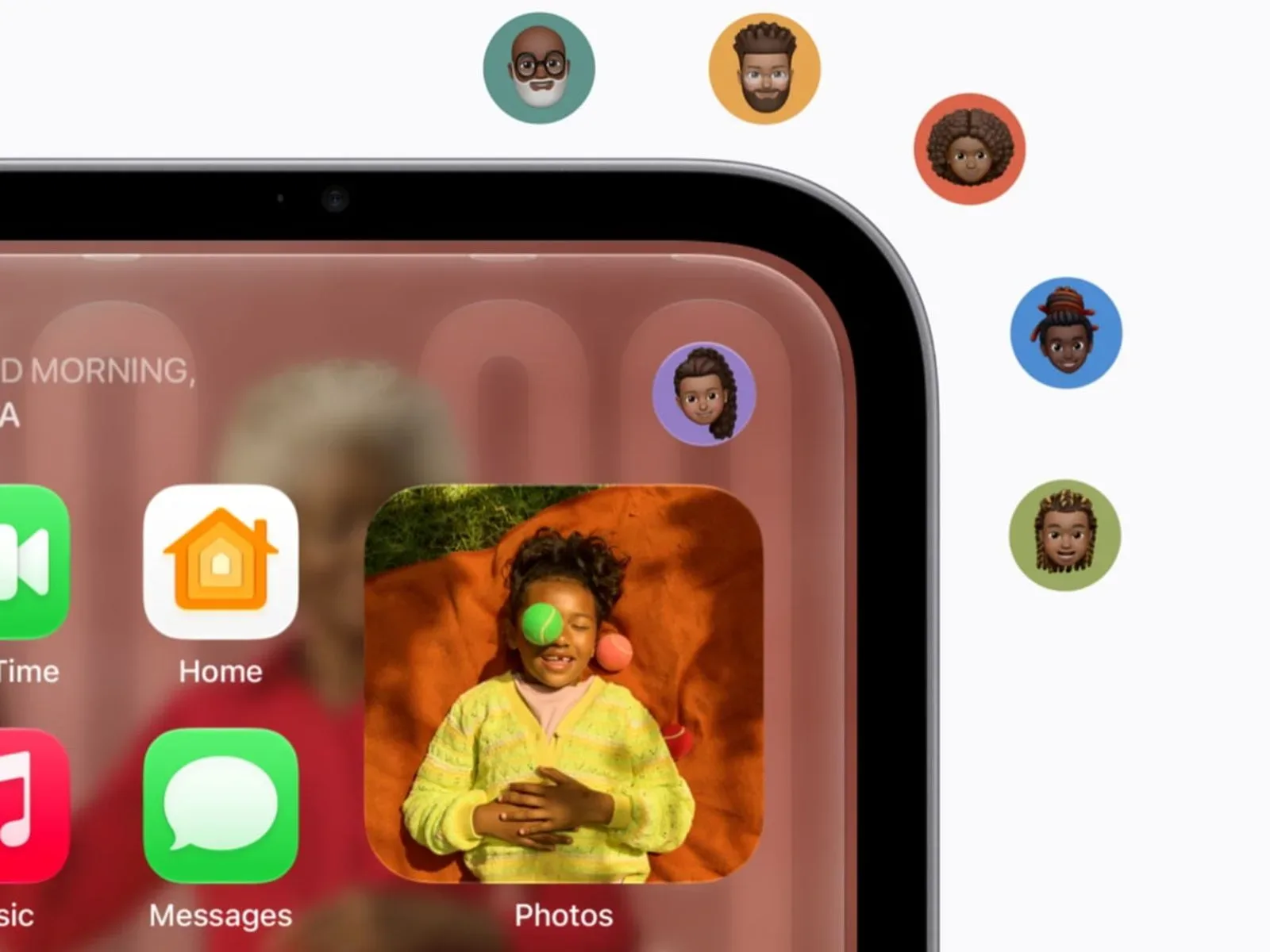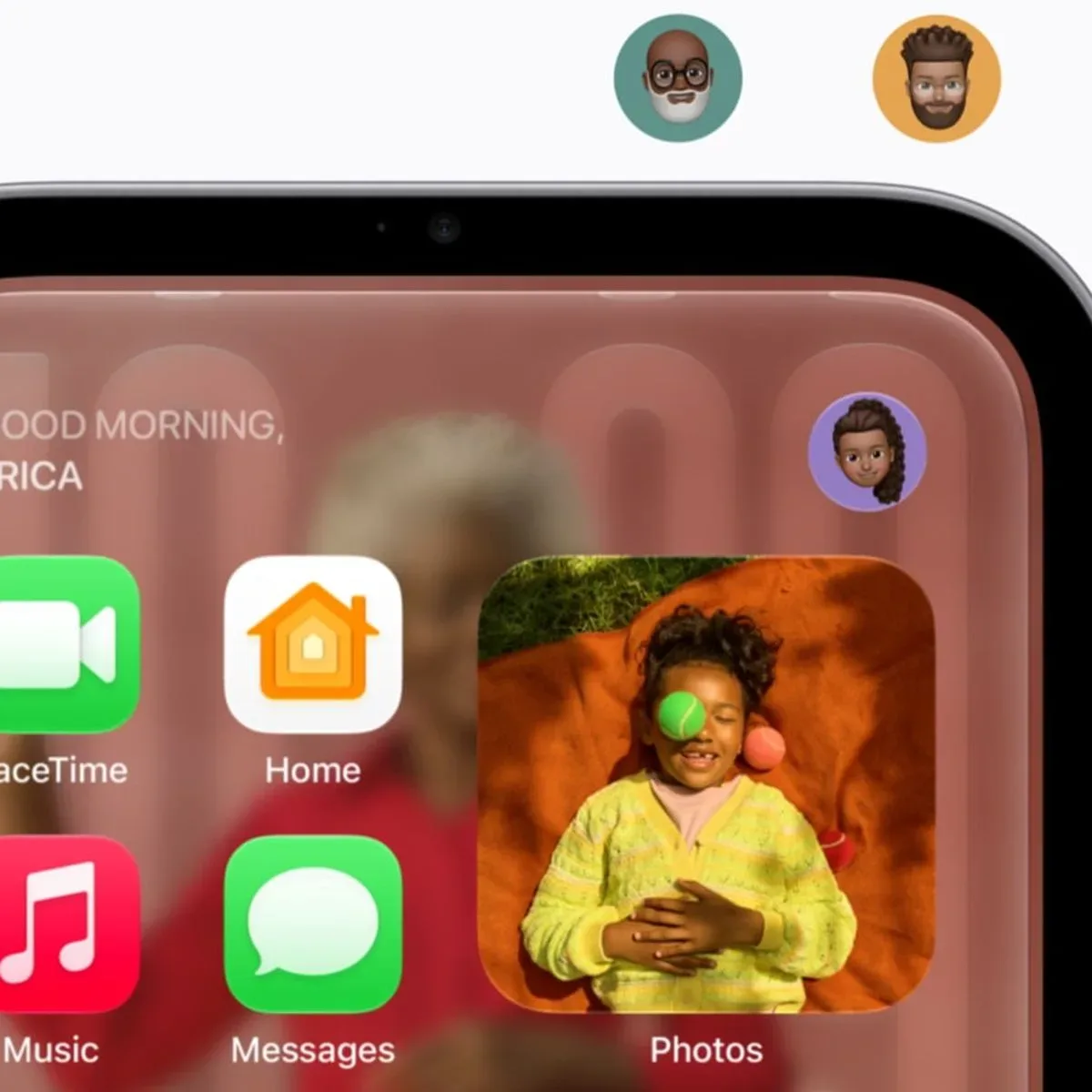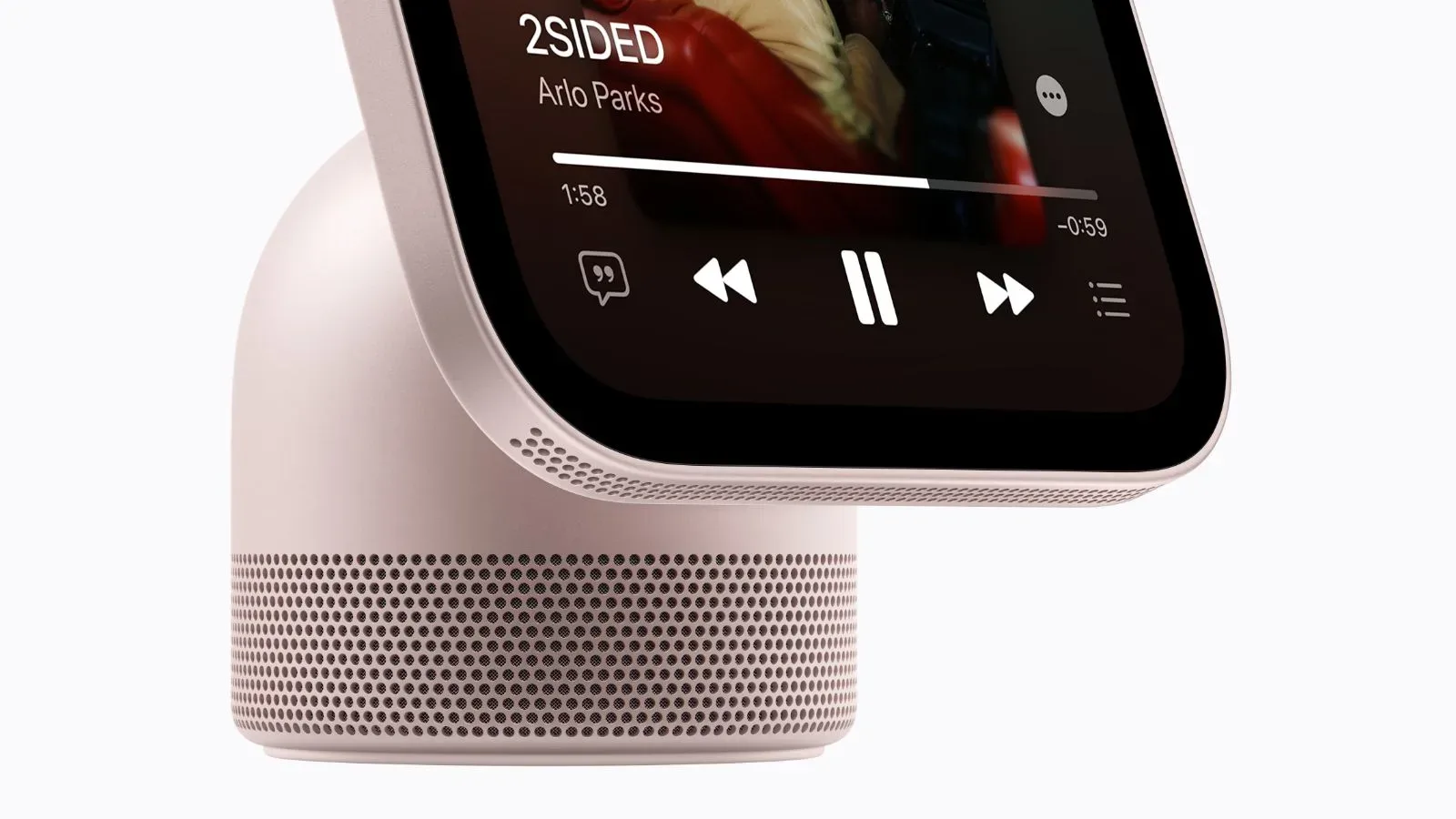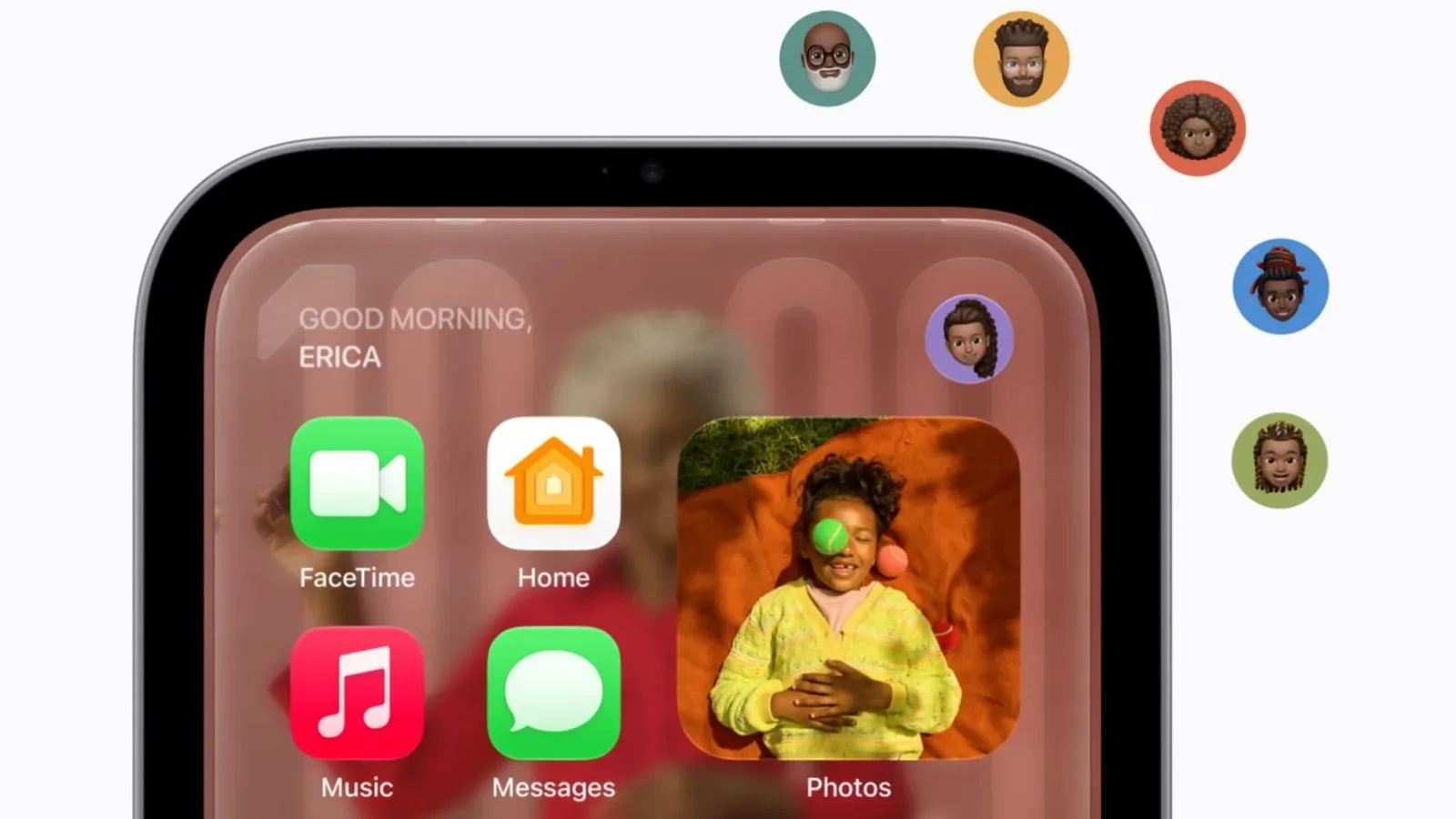
Apple’s HomeView is taking a deliberately narrow route to third-party software. The new household display will support outside audio and video services, including CarPlay audio apps such as Spotify and Audible, but it will not have an App Store of its own. Instead, supported apps appear through a connected compatible iPhone or iPad.
That makes HomeView less like a standalone tablet parked in a common room and more like a shared-screen extension of the devices people already carry. It is a consequential distinction. The screen may be in the kitchen, living room, or another communal space, but the software access remains tied to an individual’s authenticated Apple device.
HomeView costs $299, is available to pre-order, and launches November 13. Its built-in Apple software includes Apple Music, Apple Podcasts, Apple News, Calendar, FaceTime, and Messages. The third-party story is more constrained, though not necessarily small: audio apps built for CarPlay are supported, while developers can add HomeView support to existing iOS video apps.
No on-device App Store, by design
An App Store is a storefront and download system that lets a device independently acquire and manage software. HomeView does not have that model. There is no indication that someone can browse a catalog on the household screen, press download, and create a persistent installation on the device itself.
Apple is instead using a CarPlay-like approach. CarPlay is the relevant conceptual shorthand here: compatible apps from an iPhone are surfaced on another screen rather than treated as locally installed apps on that screen. For HomeView, a compatible iPhone or iPad connection is the bridge between a person’s app ecosystem and the shared display.
The practical result is that HomeView’s third-party selection will be shaped by two things at once: what a person already has on their iPhone or iPad, and which developers choose to support the HomeView presentation. The device may therefore feel quite different from household to household without becoming an open-ended app appliance.
That structure also draws a bright line between the categories Apple has identified. CarPlay-oriented audio apps are the clearest immediate fit, with Spotify and Audible named as examples. Video support is possible through existing iOS apps when their developers extend support to HomeView. Nothing here establishes that every iOS app, every CarPlay app, or every feature within a supported app will be available on the larger screen.
Why the phone-and-tablet tether matters
For personal apps and personal information, HomeView requires more than merely being in the same house. A user must be enrolled and authenticated, recognized by the device’s front camera, and have a paired, recently unlocked iPhone or iPad nearby. Only then can HomeView show that person’s compatible third-party iOS apps and information from services such as Messages and Calendar.
That is a significant privacy boundary for a device designed to sit in view of multiple people. Messages and calendars are not ordinary shared-screen material. They can expose private conversations, appointments, notifications, and other information that should not simply appear because a display happens to be active in a room.
“Recently unlocked” is especially meaningful in this setup. It means proximity alone is not described as enough to reveal personal content. The paired iPhone or iPad must also have been unlocked recently, adding a condition connected to the owner’s device state. Apple has not detailed the precise timing or every edge case, so it would be premature to assume how HomeView will respond if the mobile device is locked, moves away, or is used by another person.
The arrangement creates a clear trade-off. It should make a common-room display less likely to become an accidental noticeboard for someone’s private life. But it also means some of the screen’s most personally useful functions depend on carrying the right paired device nearby and meeting the authentication checks. HomeView is not presented as a replacement for the iPhone or iPad in this workflow; it relies on them.
Six household profiles, plus guest-friendly media
HomeView supports up to six people in a household. It differentiates them with voice and the camera on its front. Each enrolled, authenticated person can have their own apps and personal information surfaced when the stated requirements are met.
This combination matters because a voice-first or shared-display system has to answer a deceptively basic question: who is asking? A household member’s request to see a calendar or messages is fundamentally different from a guest asking to play music. Voice recognition and camera-based recognition are intended to help HomeView make that separation without turning every interaction into a manual account-selection exercise.
The system divides content into personal and communal lanes. Shared photo albums and music can be accessed by anyone in the home, including guests. Guests cannot view personal information because they do not meet the authentication requirement.
That is a sensible distinction in theory. Music is often something a room chooses together; shared albums can be appropriate for family viewing. Messages and calendars are individual by nature. HomeView’s model recognizes that a household device needs both modes, rather than treating all information as either completely locked down or universally visible.
There is an important limitation to keep in mind: the available details describe the access framework, not every control within it. The information establishes that shared albums and music are accessible to guests, and that personal information is protected by authentication. It does not spell out how household members organize those shared items, how profile enrollment is managed, or what a user sees when recognition does not succeed. Those are practical questions that will matter once the product reaches homes, but they are not answered by the announced setup.
A curated extension model rather than a new software platform
HomeView’s design suggests Apple is trying to bring familiar apps into a communal setting while keeping the experience bounded. The device has Apple apps already on board; its third-party support extends from iPhone and iPad software rather than beginning with a new app marketplace. That may reduce the burden for developers that already maintain CarPlay audio apps or iOS video apps, because the path described is an extension of existing work rather than a wholly separate software destination.
It also gives Apple tighter control over what reaches the household display and how it is presented. A device without its own downloadable-app store is less likely to become a free-for-all of interfaces designed for a personal touchscreen. In a shared room, larger controls, glanceable information, and careful handling of personal data are arguably more important than reproducing every function of a phone.
Whether that controlled approach feels elegant or restrictive will depend heavily on support. A person who chiefly wants music, podcasts, audiobooks, video, family photos, calls, and core Apple utilities may see an intentionally focused home screen. Someone hoping for an independent general-purpose app device will run into the central design fact: compatible third-party apps are displayed via a nearby iPhone or iPad, not downloaded directly to HomeView.
That tension is familiar across technology platforms. Hardware can be more approachable when it offers a small, deliberate set of experiences, while users often judge a screen by the breadth of what it can run. In games and services, platform strategy can likewise be shaped by control over software access, a subject also visible in recent discussion of changing industry priorities and platform decisions. HomeView’s choice is not an attempt to be a broad computing platform; it is a bet that a carefully gated companion model better suits a shared screen.
What prospective buyers should understand
- Third-party support is real, but conditional. HomeView can display supported third-party audio and video apps, rather than offering a universal iOS app library.
- There is no HomeView App Store. Apps are not downloaded directly to the device through an on-device storefront.
- Audio has a defined route in. CarPlay audio apps, with Spotify and Audible as examples, are supported.
- Video depends on developer support. Developers can extend HomeView compatibility to existing iOS video apps.
- Personal content is tied to identity and device state. Recognition by the camera plus a paired, nearby, recently unlocked iPhone or iPad are required for personal apps and information.
- Shared media has broader access. Shared photo albums and music can be used by people in the home and by guests, while personal information remains unavailable to guests.
- Household support has a stated cap. Up to six people can use HomeView.
For the $299 asking price, the defining question is not simply which first-party apps are preinstalled. It is whether a buyer wants a shared display that deliberately borrows the identity, app access, and privacy state of an iPhone or iPad. HomeView’s answer is clear: the household screen can become more personal when the right person and their recently unlocked device are present, but it is designed not to act as an independent gateway to every app and every private detail.