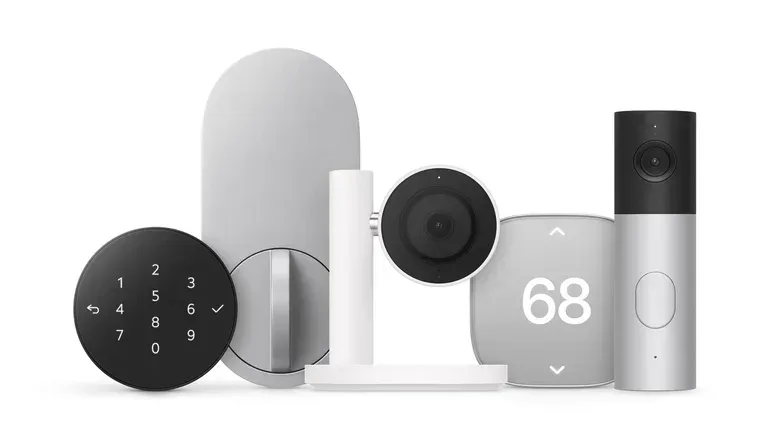
Apple is expanding its smart-home ambitions beyond screens and speakers with the Apple Home Collection, a lineup of connected cameras, a video doorbell, a door lock, thermostats and sensors created in collaboration with LG Electronics and Schneider Electric.
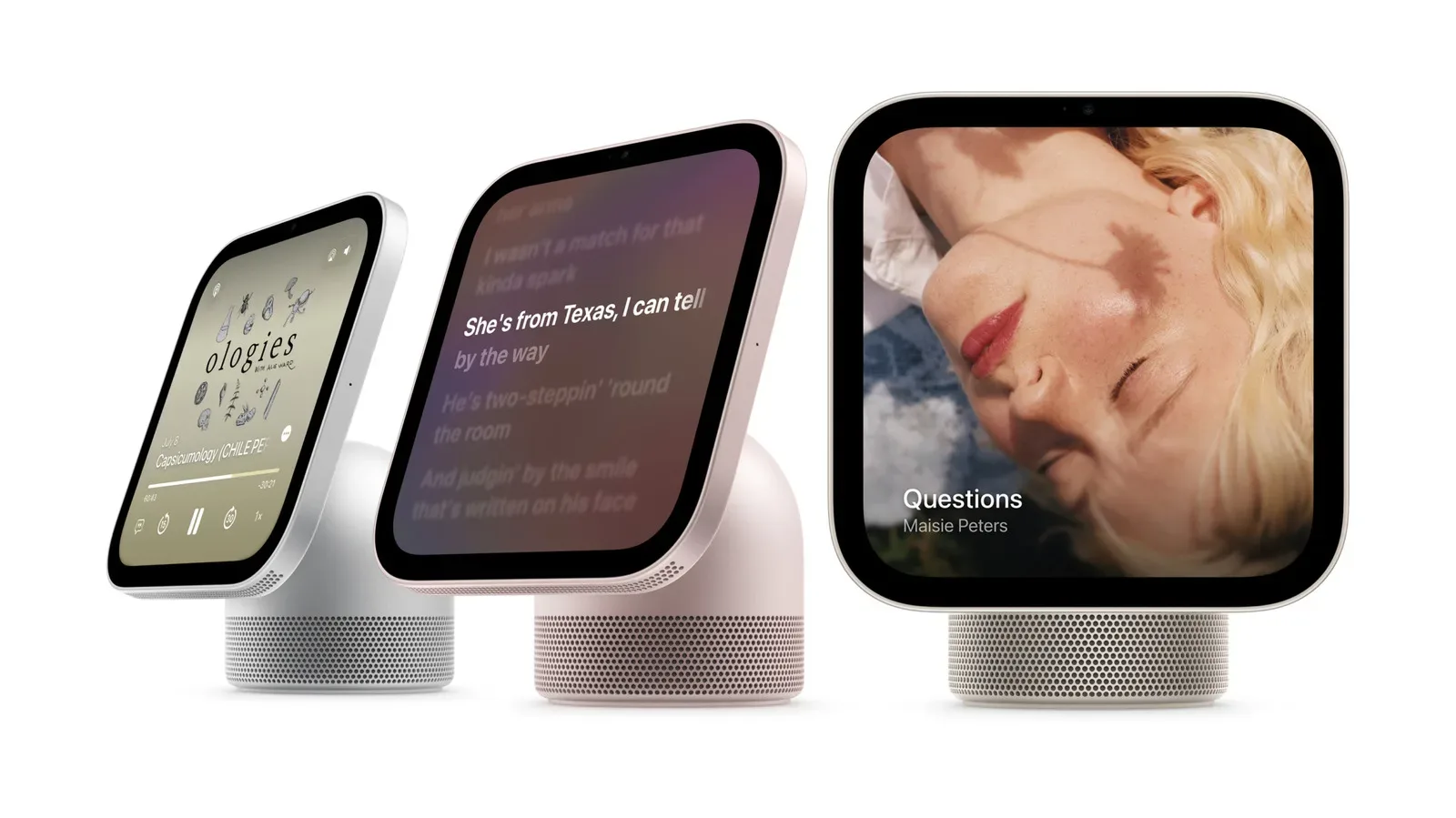
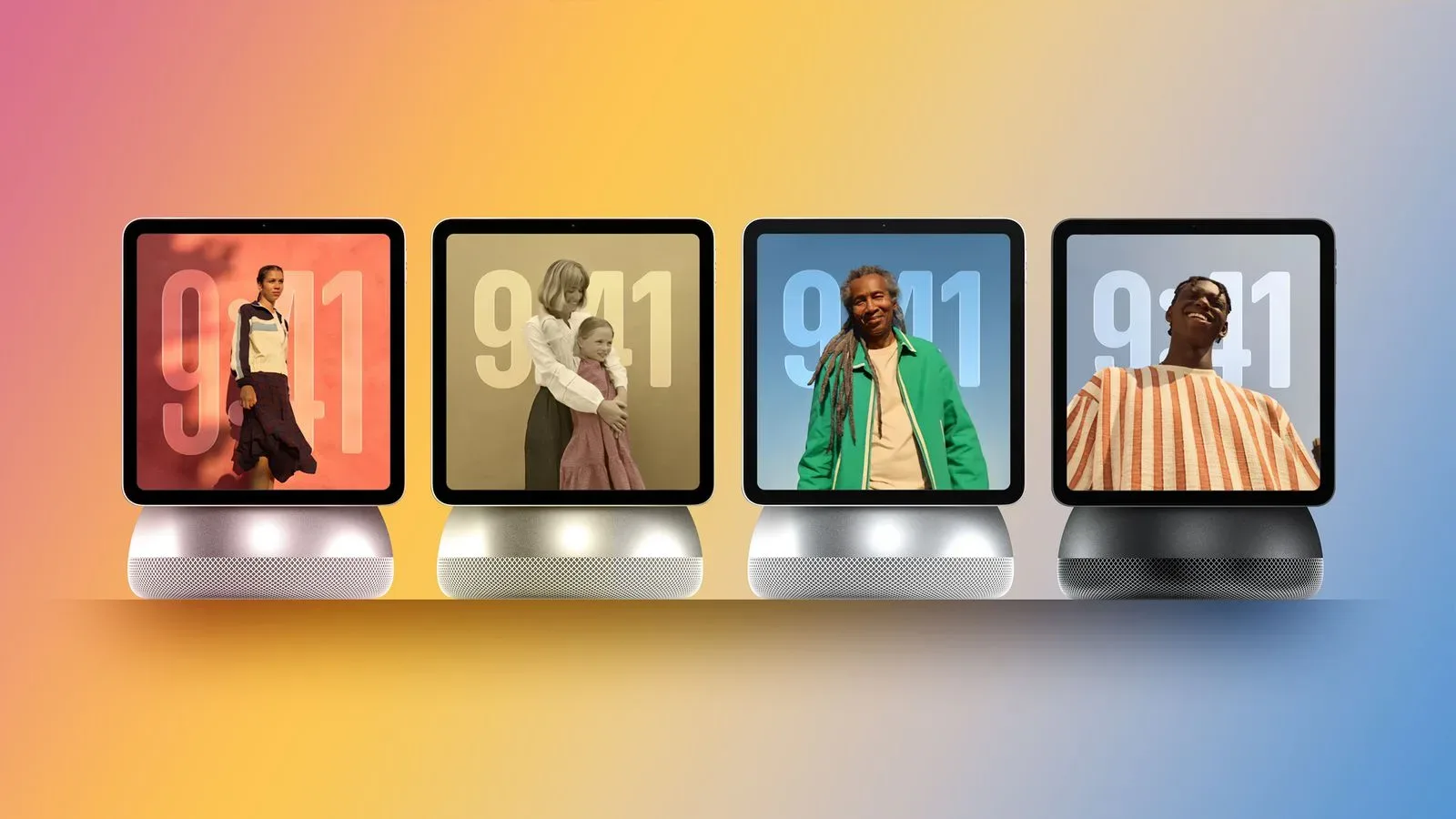
The collection arrives alongside the HomeView display and updated Apple TV and HomePod mini hardware, giving Apple a considerably more complete answer to the question of what sits around a smart-home control center. Rather than simply supporting a range of third-party gadgets through a compatibility label, Apple says these products were designed collaboratively with its partners around reliability, privacy and uncomplicated setup.
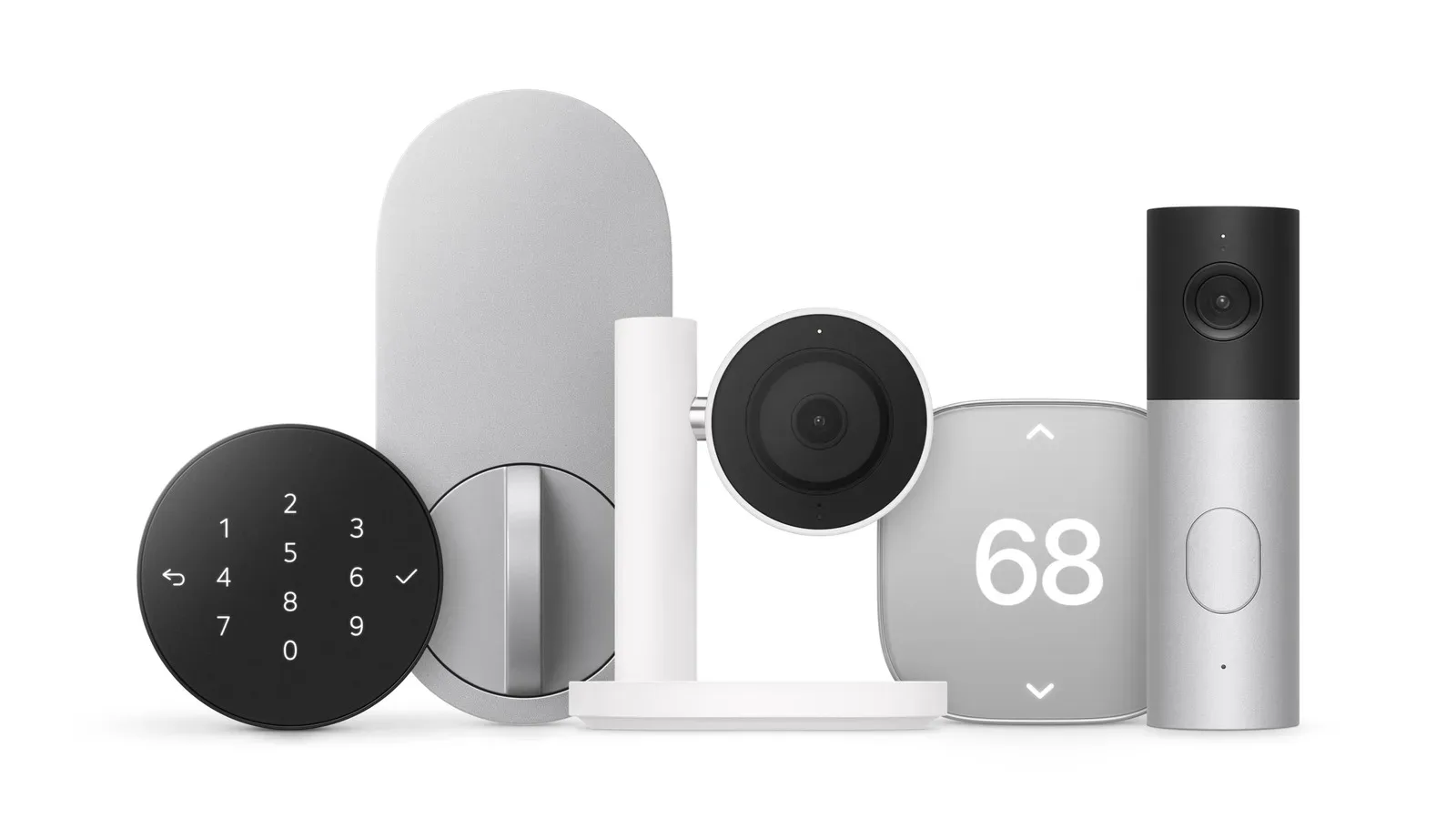
LG is responsible for most of the initial hardware: an indoor camera, outdoor camera, video doorbell, door lock and thermostat. Schneider Electric is contributing a thermostat. The practical pitch is familiar—monitor a property, see visitors, manage entry and automate temperature—but the important detail is how closely the experience is intended to connect with Apple devices, the Home app, HomePod alerts and iCloud+ storage.
What is in the Apple Home Collection?
The initial range covers the core pieces many households consider when building a connected-home setup:
- LG indoor camera: Positioned for checking on belongings or pets while away.
- LG outdoor camera: Available from $329, with a $399 floodlight version.
- LG video doorbell: Priced at $349, with front- and downward-facing cameras.
- LG door lock: Priced at $249 and able to detect a nearby iPhone or Apple Watch via ultrawideband.
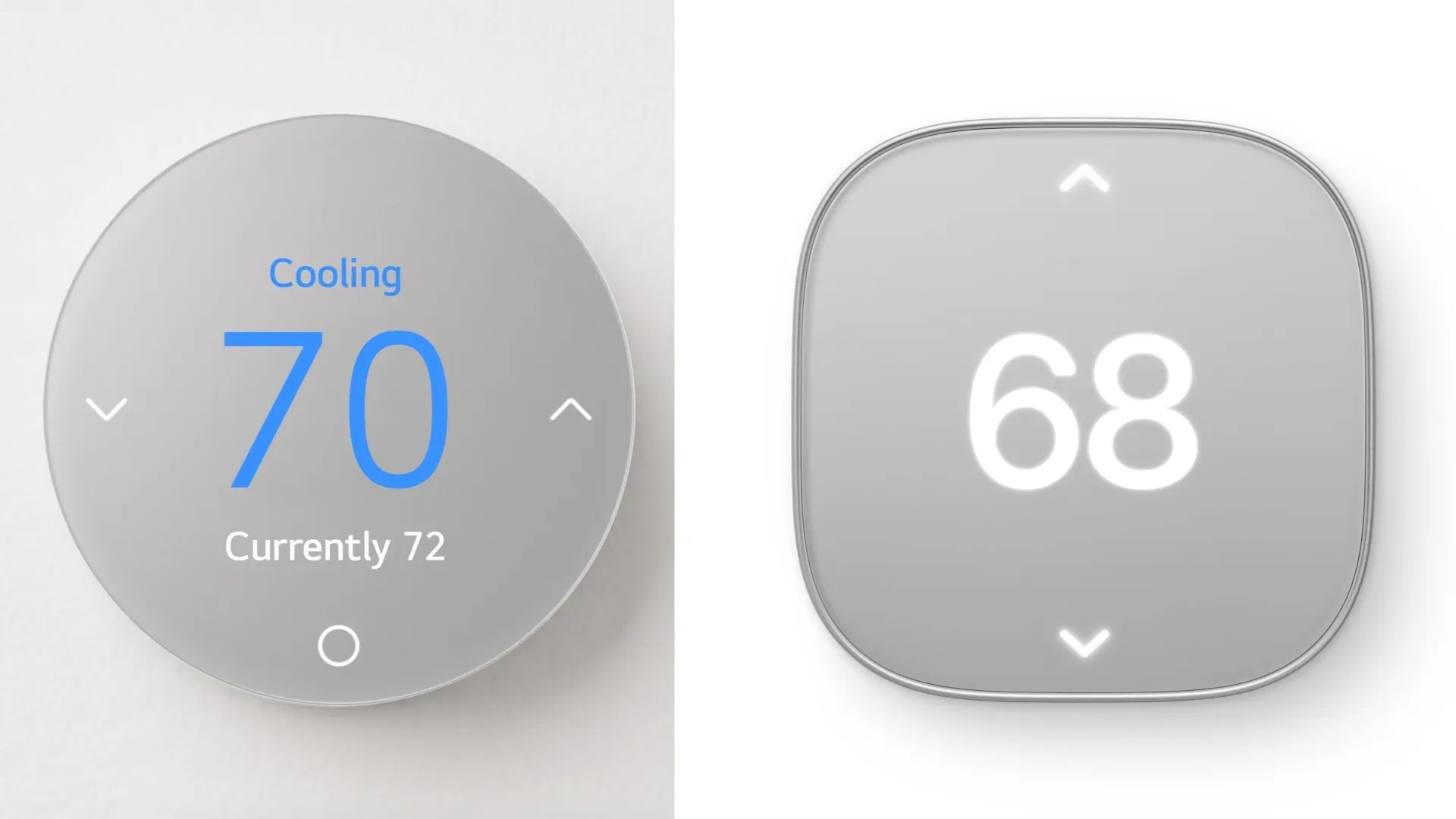
- LG thermostat: Priced at $199.
- Schneider Electric thermostat: Also part of the new lineup, with thermostat pricing listed at $199.
- Sensors: Included within the broader collection, though specific sensor models and pricing have not been detailed here.
That breadth matters because a smart home can become needlessly fragmented when its cameras, lock, heating controls and notification devices each require separate accounts and applications. Apple’s approach is to make the Home app the central place for setup, controls and device information, while HomeView is designed to act as a dedicated display for the broader system.
The aesthetic is said to be simple and minimalist, but the more significant question for prospective buyers will be whether the products make routine actions less fiddly. The collection’s stated design goal is straightforward installation and operation, not merely adding another layer of connected hardware to manage.
Cameras and doorbell: monitoring, alerts and iCloud+ history
The camera side of the range is notably Apple-specific. The outdoor camera can recognize faces, pets and deliveries, while its optional floodlight can gradually activate when motion is detected. A gradual light response may sound like a small detail, but it speaks to the product’s intended role: illumination and awareness around a property without an abrupt, harsh switch-on.
Video history from the outdoor camera is set to save automatically using the owner’s existing iCloud+ storage. That directly ties the camera to Apple’s storage ecosystem, which may be convenient for people already paying for iCloud+ but is still a point worth considering before purchase. A buyer evaluating a camera should account for where recordings will live, how they are accessed and what services are required for the history feature they expect to use.
The video doorbell adds two camera views. Its primary camera shows the visitor, while a downward-facing camera is intended to show the area immediately in front of the entryway. That second viewpoint is particularly relevant to deliveries, since an ordinary face-level angle may not show an item left near the door.
It also has a light for nighttime viewing and can trigger a chime through a HomePod, provided the household has one. In practice, that means the doorbell is not only a phone-notification device; it can behave more like an in-home alert system within an Apple setup.
Why the camera compatibility boundary is important
Apple Home Collection cameras and the video doorbell will work only with Apple products. That is a deliberate limitation, not an omission in the setup process. Apple’s camera system uses local buffering and encrypted uploads that are not currently supported by Matter.
Matter is a smart-home interoperability standard designed to let compatible devices work across different ecosystems. The useful real-world benefit is choice: a supported accessory may be controllable through more than one platform instead of tying a household entirely to a single phone maker or voice assistant.
For the cameras and doorbell, however, Apple’s own video handling processes mean that cross-platform flexibility does not currently apply. Households built around iPhones, HomePods and Apple’s Home app may see that as an integrated privacy-and-convenience tradeoff. Households that want to use Android phones or Echo speakers as equal parts of the system should treat it as a major buying constraint.
This division makes the collection less of a one-size-fits-all package than its name might suggest. The non-camera accessories can reach beyond Apple’s ecosystem; the security-video products cannot.
A door lock that uses ultrawideband proximity
The LG door lock is perhaps the clearest example of Apple trying to make an everyday physical interaction disappear. It can sense a compatible iPhone or Apple Watch using ultrawideband, or UWB, and unlock as the person approaches. The stated aim is hands-free entry: no searching for keys, tapping a screen or pressing a button.
UWB is a short-range wireless technology that can be used to establish proximity between devices with greater precision than a general nearby connection. In the context of this lock, its practical meaning is simple: the system is meant to recognize that an authorized Apple device is close enough for arrival-based unlocking.
There is still a fallback for times when the phone or watch is unavailable. The lock includes a nine-digit keypad for PIN entry. That backup is an essential part of the proposition, since convenience systems need an alternative path when a wearable is off, a phone is elsewhere or a resident simply does not have their Apple hardware at hand.
The feature will appeal most strongly to people already carrying an iPhone or wearing an Apple Watch every day. It also illustrates the collection’s philosophy more broadly: Apple-device ownership is not just a way to control the accessory after installation, but part of the accessory’s core behavior.
Thermostats, sensors and Matter support
LG and Schneider Electric thermostats in the collection can adjust a home’s temperature systems throughout the day with the aim of saving energy. The supplied details do not specify particular scheduling, learning or sensor behaviors, so buyers should avoid assuming that every feature offered by other connected thermostats is present. What is confirmed is the central task: automated temperature adjustment over the course of a day.
Unlike the cameras and doorbell, the thermostats and other non-camera Apple Home Collection devices can work with other Matter-compatible platforms. The LG thermostat, for example, can be controlled with an Echo speaker or an Android phone.
That distinction makes the thermostat potentially relevant even to a mixed-device household. Someone may prefer Apple’s Home app and HomeView display while another resident uses Android, or the home may already rely on an Echo speaker. Matter support gives the non-video portion of the lineup room to operate in that kind of environment.
It does not erase the Apple focus of the overall collection, particularly for setup and the camera products, but it avoids turning every accessory into an all-or-nothing ecosystem decision.
Setup and privacy: what Apple is promising
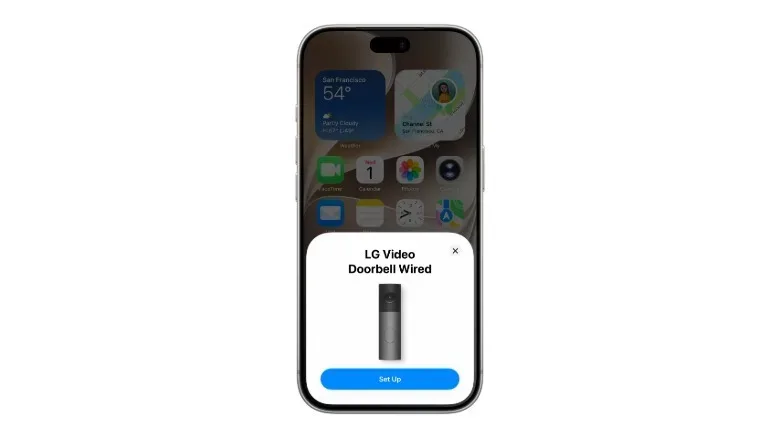
Setup is designed to resemble pairing other Apple accessories. Bringing an iPhone close to a device being installed should bring up onscreen instructions; following those prompts adds the hardware to the Home app, where users can view more information and manage it.
That proximity-led approach is familiar territory for existing Apple-home users, especially those who have added a HomePod mini. The value is not novelty so much as consistency: a camera, thermostat or lock should not require a wholly separate, intimidating onboarding process merely because it comes from another hardware category.
Privacy is a central theme of the launch. The products are managed through Apple devices, and communications are end-to-end encrypted. In plain terms, end-to-end encryption is designed so that communication is protected from the point it leaves one authorized endpoint until it reaches the other, rather than being readable in transit by outside parties.
For smart-home buyers, that promise is especially relevant to devices that can reveal sensitive information: cameras can show activity at home, doorbells can record visitors and locks relate directly to property access. Encryption does not by itself answer every question a shopper may have about retention, permissions or household access, but it is a meaningful architectural claim—and one that helps explain why Apple is keeping its cameras and doorbell within its own system for now.
Pricing, regions and availability
The indoor cameras and thermostats are priced at $199. The outdoor camera starts at $329, increasing to $399 with the floodlight. The door lock costs $249, while the video doorbell is priced at $349.
The devices are planned for the United States and Canada, while the cameras will also come to the UK. Apple will be the first retail destination, with arrival set for December, before a wider retail rollout is expected later.
For buyers weighing the new accessories, the most useful first step is not to compare every individual specification in isolation. It is to decide which ecosystem the household actually uses. Apple-centric homes gain the fullest picture: Home app management, HomePod doorbell chimes, iCloud+ camera history and UWB-based lock behavior all fit together. Mixed-platform homes can still consider the Matter-compatible thermostat and non-camera accessories, but should not expect the video products to bridge to other platforms.
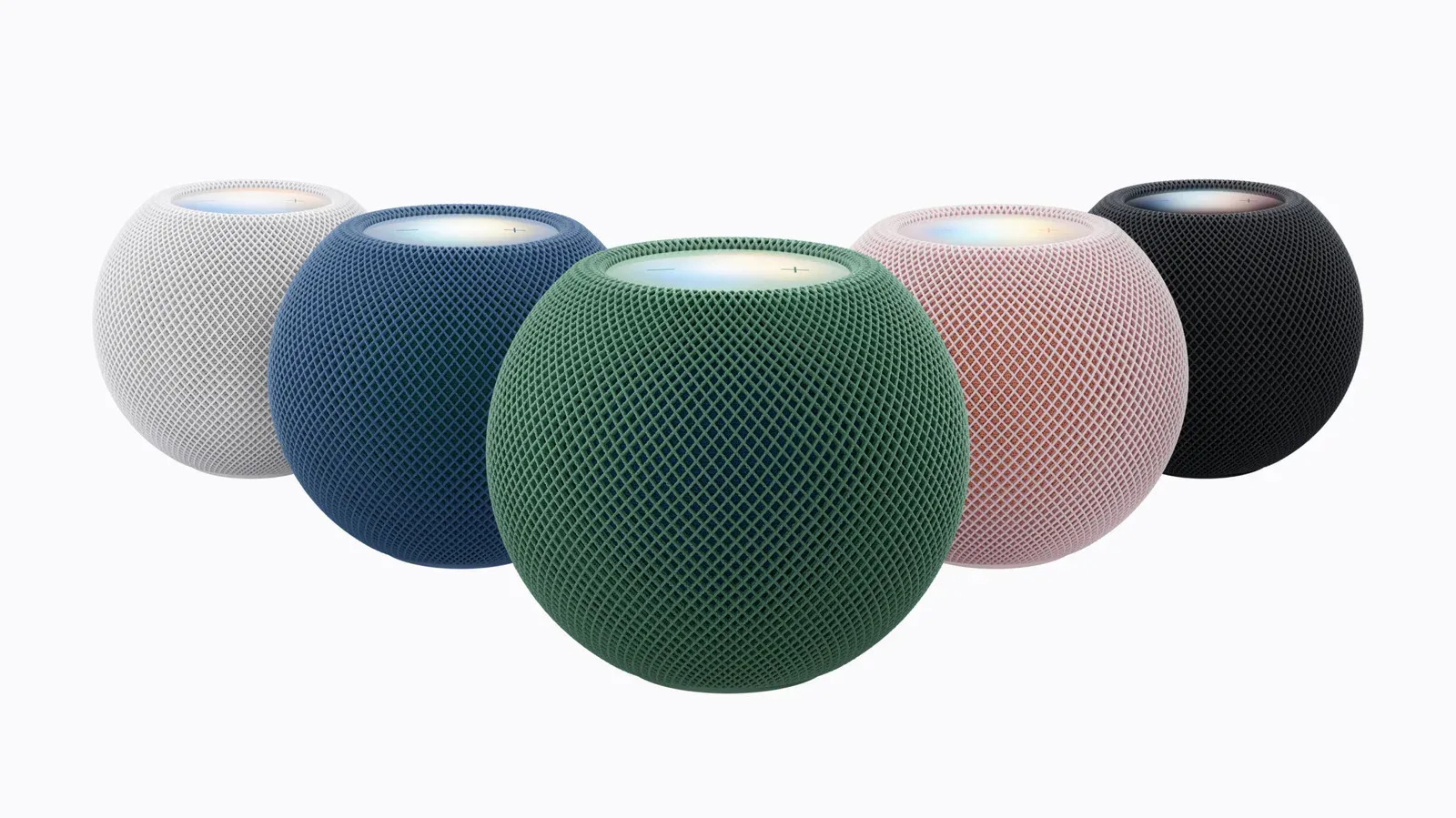
Apple’s accompanying hardware update also puts more emphasis on the devices surrounding the collection. Those interested in the control and notification side of the setup can see how the revised speaker fits into the picture in our look at the HomePod mini 2’s new capabilities. The Home Collection itself, though, is the bigger shift: Apple is moving from being the interface for compatible smart-home products toward offering a coordinated accessory range of its own.