Nothing makes a storage drive feel more fragile than the moment a file refuses to open. For players, that can mean a long-running save, a carefully curated screenshot folder, mod files, edited clips or a library of personal documents suddenly becoming inaccessible. The important point is not to panic at the first bad click; it is to have planned for the possibility before it arrives.
The 3-2-1 backup rule is a widely used, deliberately simple framework for doing exactly that. It does not promise that hardware will never fail or that every account problem can be undone. Instead, it reduces the odds that one failure becomes a total loss by making sure important data exists in more than one place and is not exposed to precisely the same risks.
Its three numbers stand for three copies of data, on two types of media or devices, with one copy kept offsite. It is less a product recommendation than a way to think about resilience. The rule was popularized by photographer Peter Krogh in his 2009 book The DAM Book: Digital Asset Management for Photographers, but the principle applies just as readily to a PC save folder, a phone camera roll, tax documents or the folder full of clips nobody is ever supposed to find.
What “3-2-1” actually means
Three copies
Three copies means the working version plus two additional copies. If the only version of a file is on a laptop SSD, that is one copy. Copying it to an external drive creates another. Placing a further copy in an offsite location completes the basic three-copy idea.
The value here is redundancy: having another version available when a device fails, goes missing or is damaged. A backup is not merely a tidier version of the same storage arrangement. It is a separate route back to the file when the original route has gone very wrong.
Two media types or devices
The “two” historically referred to two different types of storage media. In everyday modern use, it is often interpreted more practically as keeping copies on different devices. A laptop and an external hard drive, for example, are separate devices. A local device and a private cloud server are another possible pairing.
This separation matters because one device can fail without warning. It also avoids placing every copy inside the same single point of failure. If all the files reside on one drive, the condition of that drive determines everything. Multiple copies on distinct storage reduce that dependence.
One offsite copy
Offsite means a copy is stored somewhere other than the place where the primary devices live. This protects against events that can affect nearby possessions together, such as a fire, flood or burglary. An external drive sitting next to the gaming PC is useful for a drive failure, but it may not help if both are taken or damaged at once.
Related coverage includes How the 3-2-1 Backup Rule Protects Your Files.
Distance is part of the purpose. Ideally, the offsite location is far enough away that an event affecting the home will not also affect that second location. A private cloud server can serve as an offsite copy, and cloud services may be part of a personal setup, but the specific behavior of each service matters.
Why a synced folder is not automatically a backup
Cloud syncing is convenient, and it can be a valuable additional copy. But syncing and backing up are not interchangeable terms. A sync service is designed to make changes match across locations. Depending on its settings, deleting a file from a computer may also delete it from the cloud copy.
That means a synced folder can faithfully reproduce an accident. If a player deletes a clip folder while clearing space, or overwrites a document, a service that mirrors the change may leave no independent version behind. This is not necessarily a fault in the service; it is a consequence of what synchronization is designed to do.
The practical implication is to check what a service preserves, how it handles deletions and whether it performs a full device backup rather than simply synchronizing selected folders. There are services that offer automatic backups of devices, with differing storage limits and pricing tiers. The right fit depends on what needs protection and what a person can realistically maintain.
A straightforward setup for a personal PC or console household
The rule does not require enterprise-scale infrastructure. Personal data protection needs are not the same as those of a multinational organization. A workable interpretation can be much more modest: keep files on the computer or primary device, make a copy to an external drive, and maintain another copy away from home through an appropriate private cloud or other offsite arrangement.
For gaming-related files, begin by identifying what would genuinely hurt to lose. That may include:
- PC save folders where a game does not reliably provide its own cloud save system
- Screenshots, video captures and edited highlight reels
- Mods, configuration files and personal presets
- Creative projects, spreadsheets, photos and important records stored on the same machine
- Files transferred from a phone or handheld device before space was cleared
This is also a reminder that an account-based game library and locally stored personal files are different things. Access to a game through an account does not automatically mean every local save, recording or configuration is independently protected. Treat each important category as something to verify rather than assume is covered.
For a device that gets shared with friends or family, basic device security belongs in the same broader conversation. Backups protect recovery after loss; they do not prevent someone from changing or deleting files in the first place. Before passing over a phone for a game, for instance, it is worth considering the practical safeguards outlined in this guide to locking down a Samsung Galaxy phone.
Modern risk: an offsite copy can still be reachable
The original logic of 3-2-1 remains useful, but newer threats affect how people apply it. A copy stored away from home is not automatically safe from a ransomware attack if the device is connected to a network. Ransomware is malicious software that can make data inaccessible, often by encrypting it, and networked storage may be exposed alongside the main computer.
This does not invalidate offsite storage. It means “offsite” addresses one category of risk, while network exposure is another. A backup plan works best when its copies are not all vulnerable to the same mistake, disaster or attack. The more alike and continuously connected every copy is, the easier it is for one problem to spread.
That is why the rule is best understood as a framework rather than a checkbox. Three copies only help if they are copies that can be recovered when needed. Two devices are more helpful if they are genuinely separate. An offsite copy is more helpful if a local disaster cannot reach it. And an online copy deserves extra thought if it remains networked.
How to make the rule manageable
The biggest obstacle is often not technology but scale. A person can accumulate years of photos, clips and documents before deciding to protect any of them. Trying to design a perfect archive for every byte at once can turn a sensible task into one that never begins.
- Pick the irreplaceable files first. Prioritize personal photos, financial records, original creative work, saves without dependable recovery options and footage that cannot be captured again.
- Find the files rather than assuming their location. Saves and captures may be stored in different places depending on the device, game or application. Identify the folders that matter before copying them.
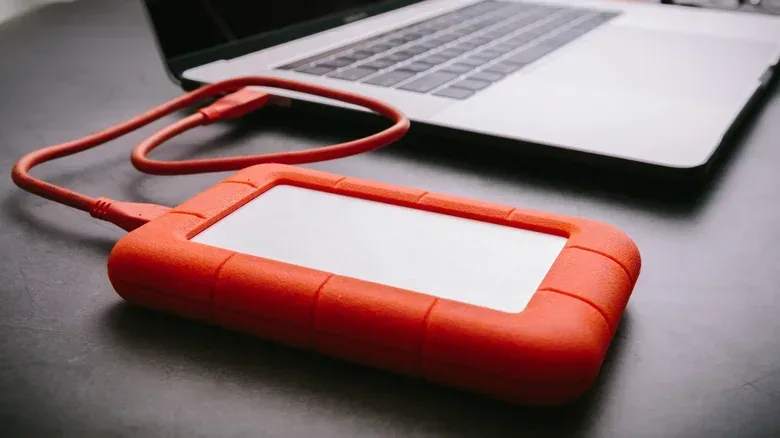
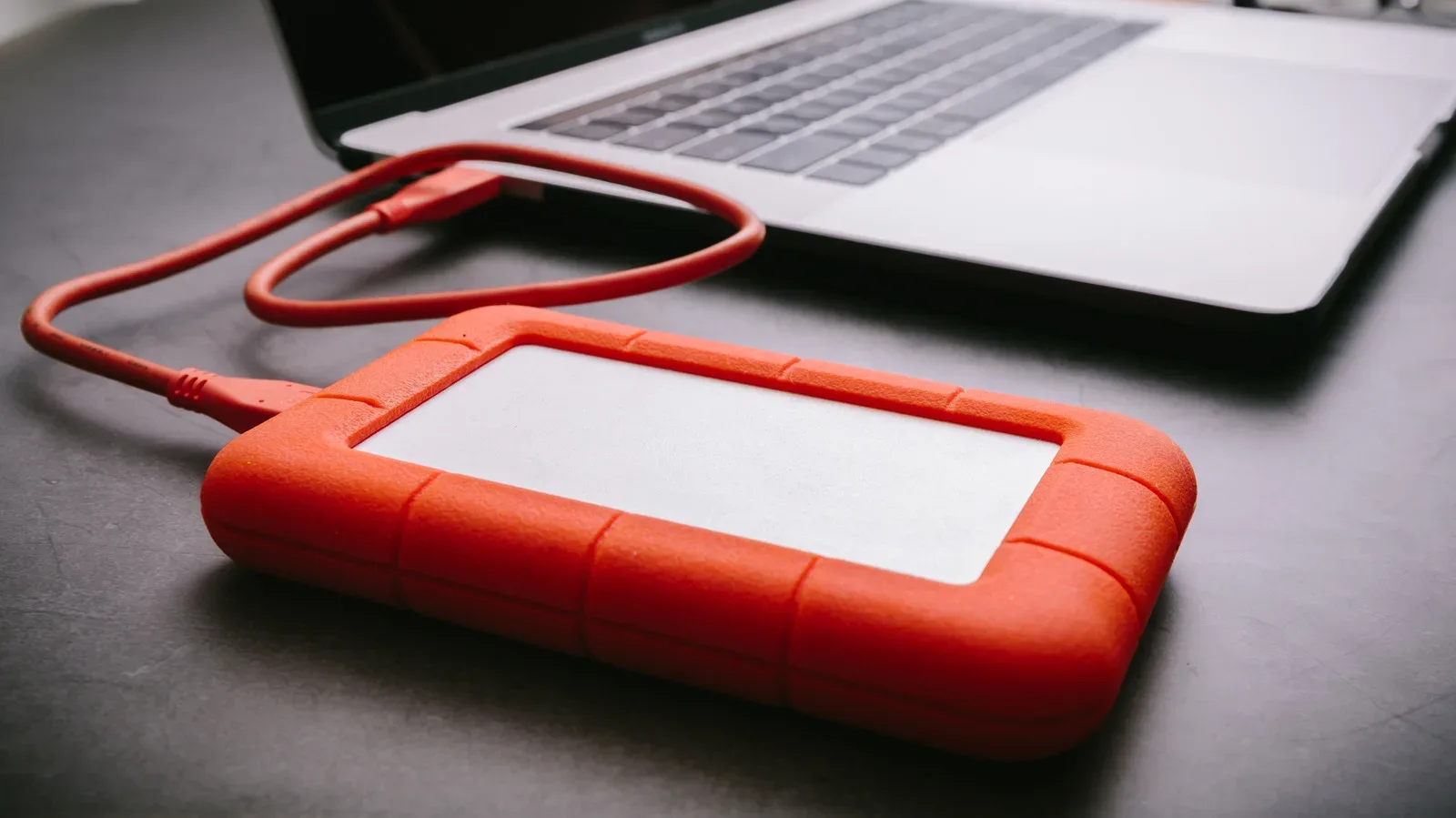
- Create a second local copy. An external hard drive is one example of a separate device that can hold a backup alongside the primary computer.
- Add an offsite copy. Use an arrangement appropriate to the files and budget, while understanding its syncing and deletion behavior.
- Review changes over time. New games, new devices and new habits can create fresh folders that are not included in the original plan.
There is no need to make a backup routine feel heroic. A modest system that actually gets used is more useful than a sophisticated design left unfinished. The aim is to replace the single-device gamble with a series of fallbacks.
What the framework protects against—and what it does not
The 3-2-1 rule is strong against the broad, ordinary problems that cause painful losses: a failed SSD, an external drive issue, a laptop that disappears, a break-in or damage at home. It creates options when one copy is unavailable.
It does not guarantee recovery in every circumstance. A service configuration may synchronize an unwanted deletion. A networked backup may be exposed to ransomware. A backup that was never updated may not contain a recent save or new video. Those limitations are not arguments to skip backups; they are reasons to understand the limits of each copy rather than treating a cloud icon as a magical shield.
In plain terms, the rule is a way to avoid asking one drive, one account or one room to carry the entire burden of your digital life. Whether the files are treasured family photos, essential paperwork, perfectly framed game clips or a deeply questionable poetry archive, separation and redundancy offer something much more useful than optimism: a path back.