A Kindle can last far longer than the upgrade cycle surrounding most consumer tech suggests. Amazon commits to providing security updates for at least four years on every Kindle it sells, yet a working device may remain perfectly pleasant to read on well after that promise ends. In favorable cases, owners can keep one in service for a decade or longer.
That does not mean every old Kindle has the same future. An e-reader has several different “end of life” points, and they do not necessarily happen together. The physical hardware can keep functioning while its battery gradually loses endurance. Software updates can stop while basic reading remains unaffected. More seriously, a device can be excluded from the online services needed to buy, download or borrow new books even though its display, buttons and stored library still work.
For people who treat a Kindle as a long-term library device rather than a disposable gadget, the useful question is not simply, “How many years will it last?” It is: which parts of the Kindle experience do I need to keep working? The answer changes whether an old model is worth keeping, needs a workaround, or has reached the point where a replacement makes sense.
Amazon’s update promise is a floor, not a life expectancy
Amazon’s stated baseline is at least four years of security updates for each Kindle it sells. That is a support commitment, not a countdown to hardware failure. A Kindle does not become unusable the moment that period closes, and some models are scheduled to receive considerably more coverage.
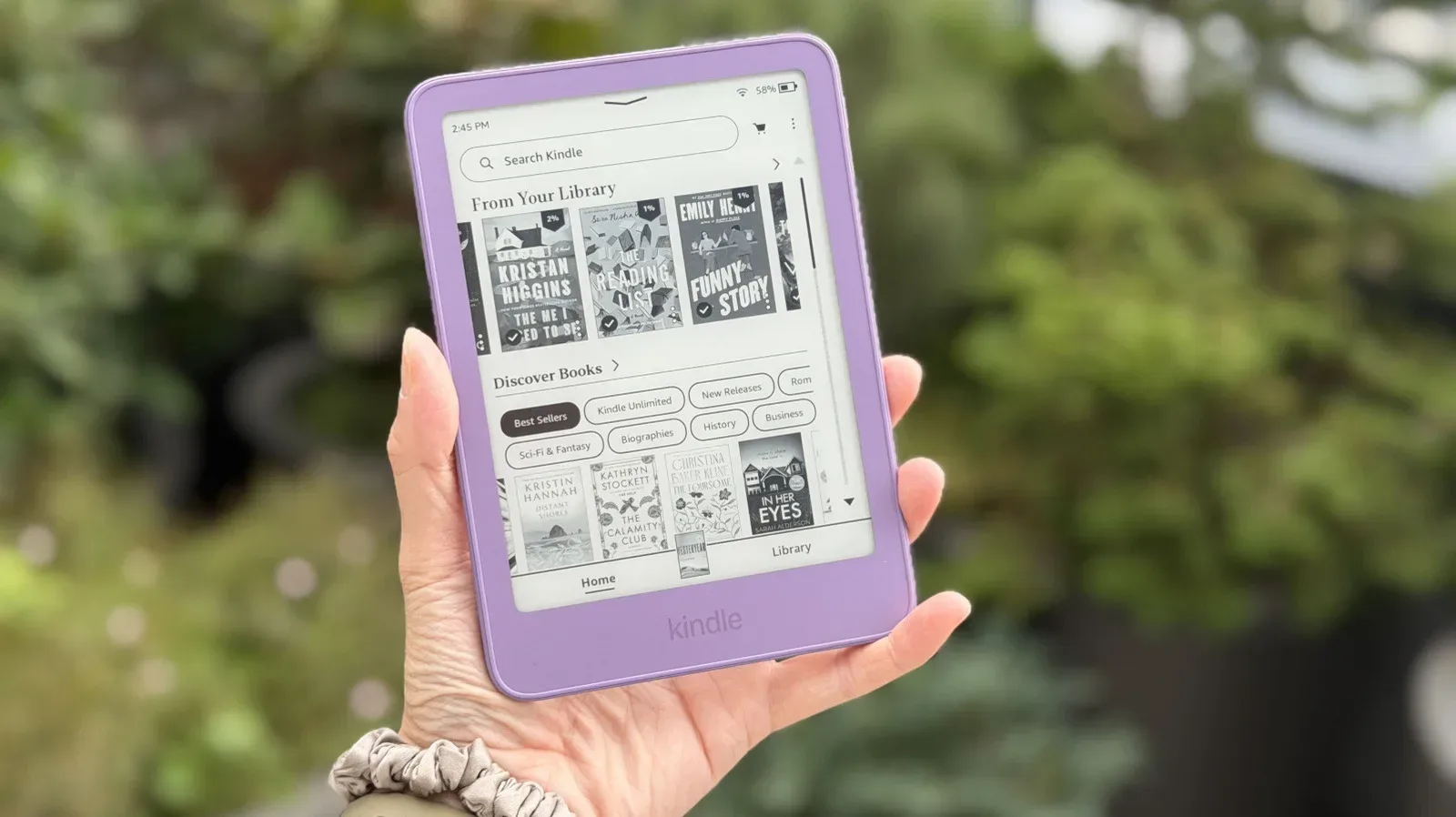
The 2024 Kindle Paperwhite and first-generation Kindle Colorsoft, for example, are slated for security updates through the end of 2030. That amounts to about six years of guaranteed coverage from launch. The distinction is important: a security-support date tells owners how long they can expect patches, not how long the screen, battery, storage or reading software will continue to function.
Security updates are changes intended to address vulnerabilities in the device software. On a laptop or phone, falling behind on patches can be particularly concerning because those devices commonly hold extensive personal information and run a wide range of internet-connected applications. A Kindle is a much narrower-purpose device, so the practical risk profile is different. Even so, losing updates means missing both security maintenance and any future feature additions tied to newer software.
There is evidence that Kindles can remain useful beyond their official update windows. A 2013 Kindle Paperwhite can still work well despite its support having ended in 2019, including through book transfers by email. That is a useful reminder that “unsupported” and “broken” are not synonyms.
The three clocks that determine an old Kindle’s value
1. The battery clock
For most owners, the battery is the first everyday limitation. A new Kindle, with an assumption of roughly 30 minutes of reading each day, can run for approximately six to 12 weeks per charge. That estimate naturally shifts with reading habits: a device used sporadically may stay charged for months in a drawer, while one used heavily will need power much sooner.
What matters on an older model is the change from its own normal behavior. A Kindle that once went for weeks and now needs frequent charging has an aging battery, even if it is otherwise operational. Frequent charging does not automatically mean the device is at its final stop, but it does reduce the chief convenience that makes an e-reader easy to carry and forget about.
Battery capacity is the amount of charge a battery can retain. As that capacity diminishes, a Kindle may still charge and read normally but will spend less time away from a cable. This is different from a sudden failure: it is a gradual narrowing of practical use.
2. The display and performance clock
E-readers are built around reading comfort, so display problems can have an outsized effect on their usefulness. Stuck black or white areas, unwanted discoloration, and yellowing that is not caused by the warm-light setting are warning signs that the screen is deteriorating. A visual defect might be tolerable if it is minor and outside the text area, but it is a hardware issue rather than a setting to assume can be corrected through an update.
Sluggish performance is another signal worth watching. Books that take a long time to open, delayed page turns, or menus that have become a chore can make an otherwise intact Kindle feel near the end of its comfortable life. Slowdowns may not stop someone from finishing a book, but they change a reader from an instant, distraction-free tool into a device that requires patience every time it is used.
The sensible comparison is not with a current model’s speed. Older hardware was never designed to behave exactly like new hardware. Instead, notice whether the device is materially slower than it used to be during its usual tasks.
3. The service clock
The most consequential limit can arrive while the battery and screen are still fine: loss of access to Amazon’s current Kindle services. Earlier in 2026, Amazon cut off certain older Kindles from downloading, purchasing and borrowing new books. These devices can still read books already stored on them, but they are no longer full participants in the Kindle Store ecosystem.
That outcome makes the difference between a surviving device and a supported one especially clear. A Kindle can continue doing the basic job of displaying existing books while losing the convenient path to expand its library. For a reader with hundreds of titles already downloaded, that may be an acceptable limitation. For someone who regularly buys or borrows books, it is likely a much bigger problem than a modestly weaker battery.
The models already affected include the original Kindle, Kindle 2, Kindle DX, Kindle Keyboard, Kindle 4, Kindle Touch, Kindle 5 and the first Kindle Paperwhite. They were released between 2007 and 2012. There has been no announced next round of cutoffs. It is reasonable to recognize that very old models with no updates for years may be more exposed to future changes, but it would be speculation to assign a date or declare a particular currently working model next in line.
What an unsupported Kindle can still do
An old Kindle without security updates is not automatically a paperweight. If it still functions, it may continue to provide a dedicated space for reading the books already on it. Owners may also choose a more self-contained setup: keeping the device offline and transferring DRM-free books over USB.
DRM-free means a digital book does not carry digital rights management restrictions that control copying or use through a particular platform. USB transfer is the direct cable-based method of moving a compatible file from another device to the Kindle. These options can preserve some utility when online features are no longer desirable or available, though they do not restore Kindle Store purchasing, downloading or borrowing on models that have lost that access.
Email transfer remains another route that can work on some older devices. The important practical point is that book delivery methods are part of a Kindle’s longevity story. A reader who depends entirely on store access experiences a cutoff differently from one with a library of compatible, DRM-free files and comfort using USB.
There is a broader technology lesson here: physical durability and ecosystem durability are separate things. A device can be designed to endure, but an online service determines which connected features continue. That same distinction matters when assessing other gadgets whose capabilities rely on software and cloud services, much like the practical limits discussed in this look at radar-and-camera technology: understanding the system behind a feature helps set more realistic expectations for what it can and cannot do.
How to check the model before making a replacement decision
Before assuming a Kindle is too old, identify it. On the device, open Settings, then Device Options, then Device Info. Owners can also check Amazon’s Manage Your Device page online. The exact model matters because update coverage and service compatibility are model-specific, while a generic purchase year or vague “Paperwhite” label can cover very different generations.
Once the model is known, check whether it is still receiving software updates and then assess its real-world condition. A useful quick audit is:
- Charging: Does it still last for weeks under your normal reading pattern, or does it now need repeated charging?
- Screen: Are there stuck areas, abnormal yellowing or discoloration not explained by warm light?
- Responsiveness: Do books open, pages turn and menus operate at a tolerable speed?
- Library access: Can it still perform the purchasing, downloading and borrowing tasks you rely on?
- Updates: Is it still receiving security patches, and does that matter for the way you use it?
This approach avoids replacing a Kindle merely because it is old. A 10-plus-year lifespan is plausible for a well-maintained unit that still has a healthy screen, adequate battery life and a workflow that meets its owner’s needs. Conversely, a newer device with a failing screen or a battery that no longer supports normal reading may be much closer to replacement territory.
When upgrading is practical rather than premature
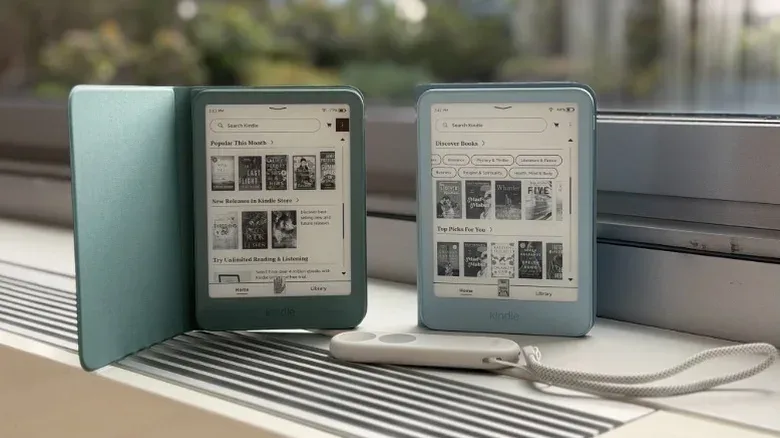
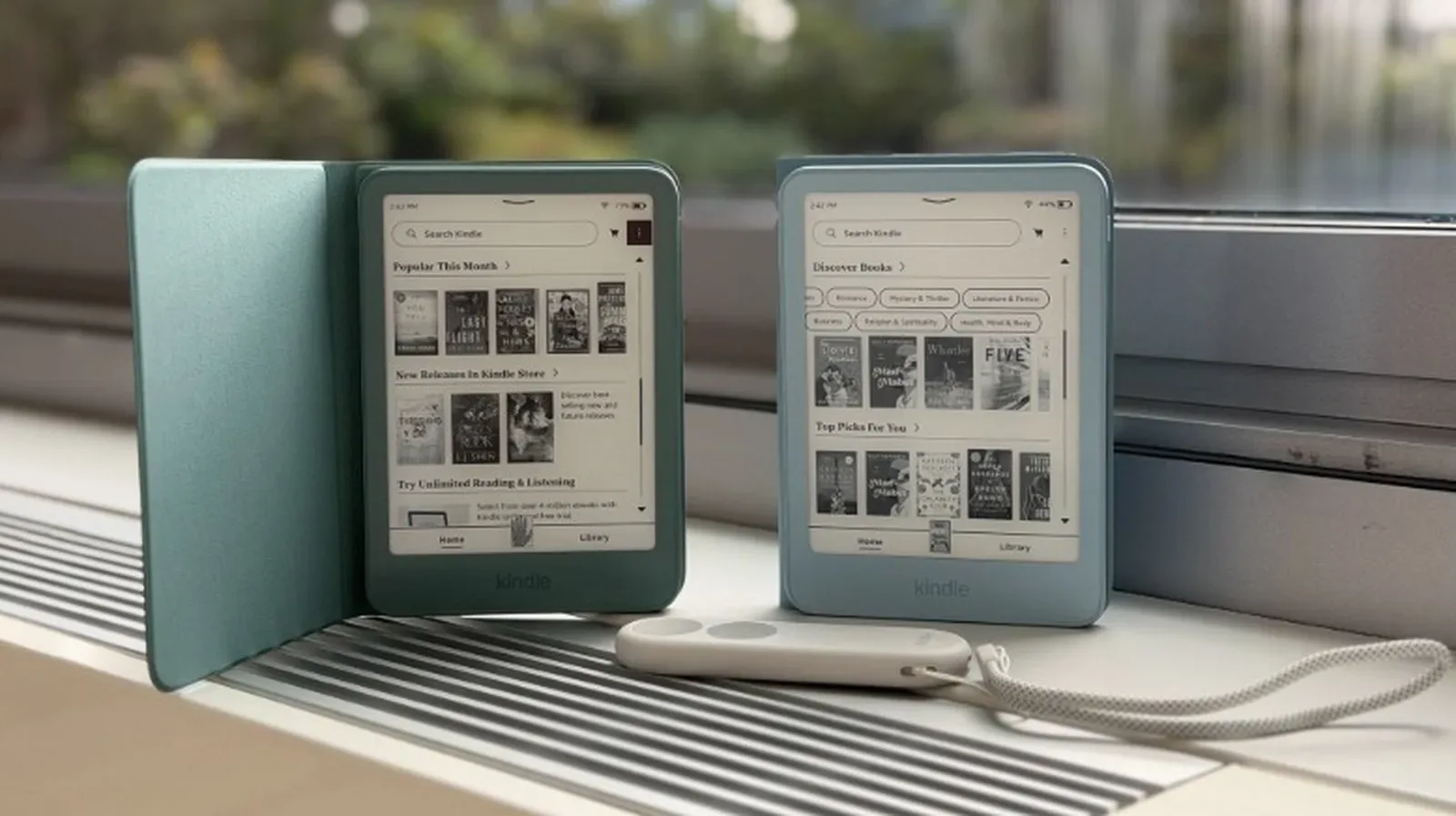
Newer Kindle hardware can offer reasons to move on beyond simple age. The Kindle Colorsoft adds a color display, and the Kindle Click works only with devices from 2024 and newer. Color options and other newer features may also be appealing. Those are valid preferences, but they are different from an urgent need to replace a working reader.
The clearest practical reasons to upgrade are a battery that has become unreliable, visible screen damage, performance slow enough to undermine reading, or the loss of the store and borrowing functions an owner uses. Security support ending deserves consideration, but it is best understood as a change in maintenance status rather than a universal replacement deadline.
In short, a Kindle’s life is not measured by a single number. Amazon’s four-year security pledge offers a useful minimum benchmark, while the extended coverage scheduled for some recent models shows that the real window may be longer. Past that point, the device’s future rests on battery health, display condition, responsiveness and Amazon’s continuing support for the services around it. If those pieces still line up with how you read, an old Kindle can remain a very capable book machine.