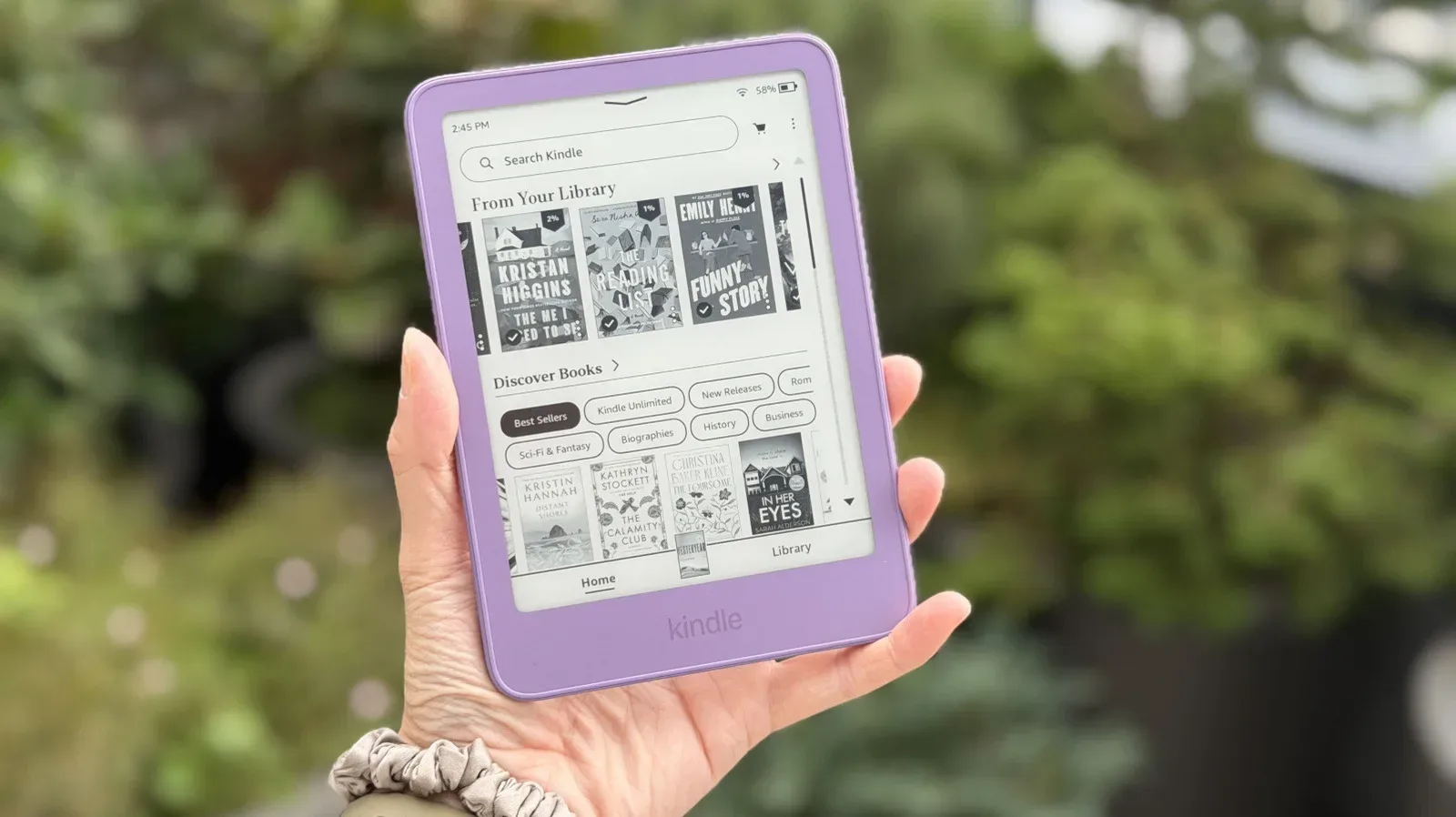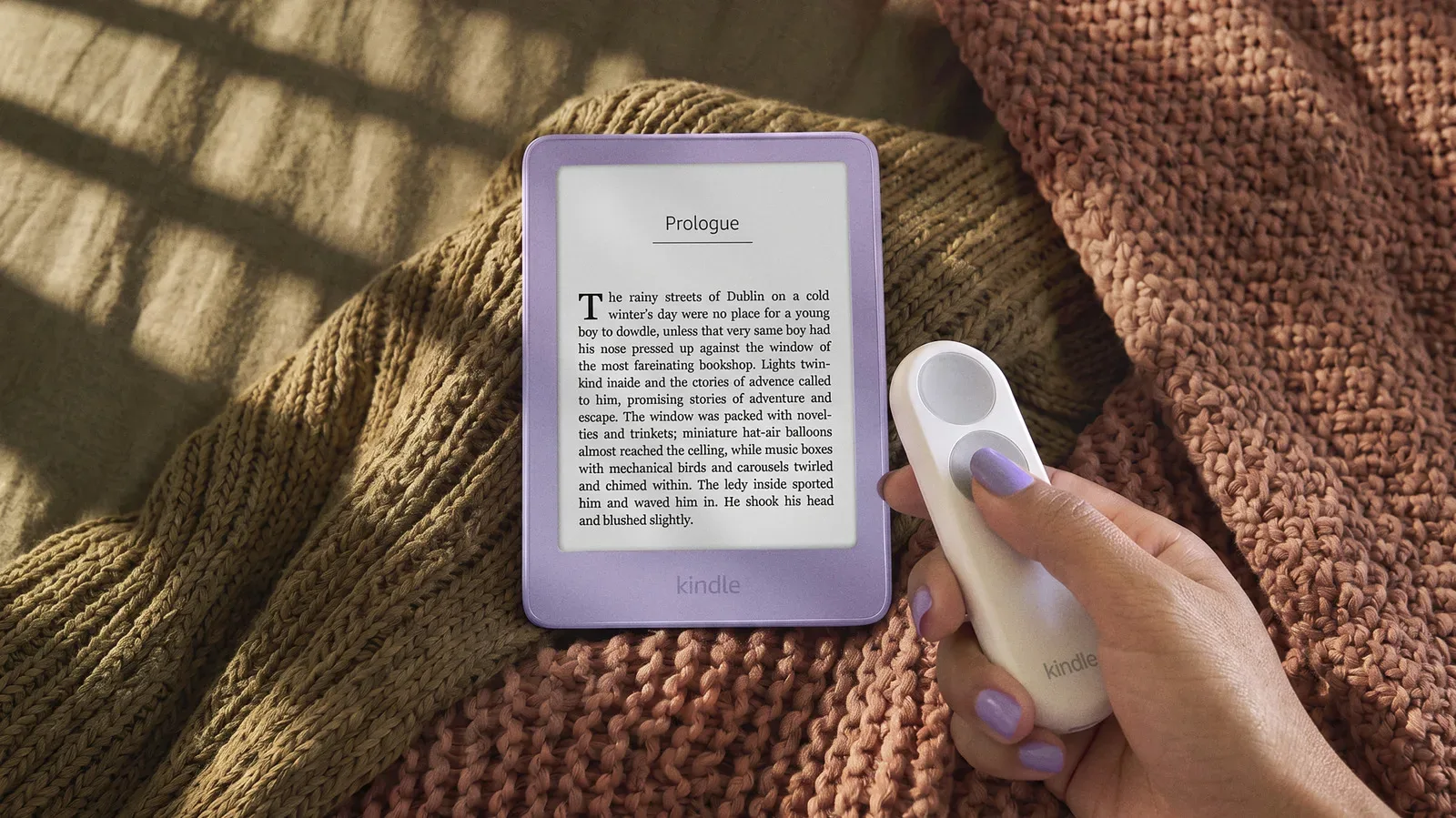
Amazon is adding a more tactile route through its ebook readers with three Kindle accessories built around a simple premise: readers should not always have to touch the screen to turn a page. The new lineup consists of the Kindle Click Bluetooth remote, the Page-Turn Cover with integrated physical controls, and a charging stand that also props up compatible devices.
The accessories arrive alongside refreshed Kindle hardware, but their compatibility is not identical. The $35 Kindle Click has the broadest reach, working with every Kindle currently shipping as well as the newly introduced models. The $80 Page-Turn Cover and the charging stand are more selective: they are for the new Paperwhite Signature Edition and Colorsoft Signature Edition Kindles equipped with pogo pins.
All three accessories are available to pre-order, with shipping planned for October 28.
Kindle Click is the straightforward option
The Kindle Click is a compact Bluetooth remote with separate controls for moving forward and backward through a book. Pair it with a compatible Kindle, press the appropriate button, and the reader changes pages without the device being in hand.
That is a notably focused feature set, but it addresses a real reading setup that touchscreens do not always serve gracefully. A Kindle can sit on a tray, pillow stand or desk while the reader keeps a hand under a blanket, rests their arm, or simply avoids reaching toward the device after every page. Amazon includes a wrist strap, a small practical touch intended to help keep the remote from disappearing into an airplane seat or the cushions of a very ambitious reading nook.
Bluetooth is the short-range wireless connection used here to link the remote and Kindle. It means the Click is not physically tethered to the e-reader, unlike a cover-based control solution. That separation is its defining convenience: the reader can place the Kindle where it is easy to see and hold only the lightweight controller.
Amazon prices the Click at $35. A comparable Kobo remote announced last year costs $30, placing Amazon’s option $5 higher. One physical distinction is that the Kindle Click uses two equally sized buttons. That may sound minor, but control shape and button placement can affect how quickly a user can identify a function by feel when they are not looking down at the remote.
A remote is not the same thing as restoring Kindle buttons
“Physical buttons are back” needs a little unpacking. The Kindle Click puts buttons in a separate accessory, not on the Kindle itself. Readers who want to hold the e-reader normally and feel page controls directly under their fingers may find the Page-Turn Cover closer to that old-school ideal.
The cover attaches magnetically to compatible Signature Edition Kindles. Its support depends on the aluminum housing of those premium models, and its page-turn controls depend on pogo pins.
Pogo pins are small spring-loaded electrical contacts. When matching contacts on two products meet, they can transfer power or data without a conventional cable. In this case, the pins are what allow the compatible Kindle and Page-Turn Cover to communicate. They are also the connection used by the charging stand.
The result is a more integrated control approach, but it comes with a firm compatibility boundary. Existing Kindles and non-Signature Edition models are not included in the stated support list for the Page-Turn Cover. Even shoppers considering a new Paperwhite or Colorsoft need to make sure they are looking at the new Signature Edition versions with pogo pins rather than assuming the family name alone guarantees support.
At $80, the Page-Turn Cover costs more than twice as much as the Kindle Click. That does not make the remote an automatic better value, because the products solve different ergonomic problems. The Click is for distance and flexibility; the cover is for keeping physical page controls attached to the reader. But the gap makes the purchasing decision much clearer: those who only want button-driven turns can get them at a substantially lower entry price through the Bluetooth remote, provided they are comfortable handling two separate objects.
The stand makes hands-free reading a system
Amazon’s third accessory is a charging stand for the same new Paperwhite Signature Edition and Colorsoft Signature Edition models. It both recharges the Kindle through pogo pins and holds it upright.
On its own, a stand is chiefly about placement: the reader remains visible at a desk, bedside table or other surface rather than lying flat. Combined with the Kindle Click, however, it creates a hands-free page-turning arrangement. The e-reader can remain in view on the stand while the remote handles navigation.
That combination is likely the clearest expression of what Amazon is trying to enable. The Click does not need a stand, and the stand does not require the Click, but pairing them removes the two routine interruptions of a long reading session: picking up the Kindle to turn a page and plugging it in to recharge. The provided information does not specify the stand’s price, charging speed, or whether it accommodates a Kindle while the Page-Turn Cover is attached, so those are details prospective buyers will need to verify before treating the three accessories as one complete package.
Compatibility is the important shopping detail
The new accessories divide into two groups:
- Kindle Click: Works with all Kindles currently shipping and with the new Kindle models.
- Page-Turn Cover: Works only with the newly launched Paperwhite Signature Edition and Colorsoft Signature Edition models that include pogo pins.
- Charging stand: Also works only with those new Signature Edition Paperwhite and Colorsoft models with pogo pins.
That makes the Click the simplest purchase for a current Kindle owner. It uses Bluetooth rather than model-specific contact pins, so it is not restricted to the newest premium hardware. The cover and stand are instead part of a narrower accessory ecosystem attached to the Signature Edition devices.
It is a useful reminder that “Kindle compatible” can mean very different things depending on the accessory. A Bluetooth remote can communicate wirelessly across a wider device range. A cover with onboard buttons and a dock that charges through contact points require particular physical and electrical hardware on the e-reader.
Why physical page turns still matter
Touch input is versatile, but dedicated buttons reduce a reading action to a single repeatable press. There is no need to tap in the right region of a display or shift one’s grip around the Kindle. For readers who go through long books in extended sessions, tiny repeated motions are exactly the sort of friction a specialized accessory is designed to remove.
There is also a difference between having more screen functionality and having a more relaxed way to access one recurring action. The Click deliberately does not attempt to become a full remote interface for Kindle navigation. Its job is previous page and next page. That restraint could be its advantage: page turning is the action performed most often while reading, and it is the one that benefits most from a control that can be used without moving the reader.
The Page-Turn Cover takes the same idea in the opposite physical direction. Rather than moving the buttons away from the Kindle, it brings them into the case. Readers choosing between the two will largely be choosing a preferred posture. Do they want the Kindle held in hand with controls connected to it, or do they want the Kindle set down while a small remote stays in hand?
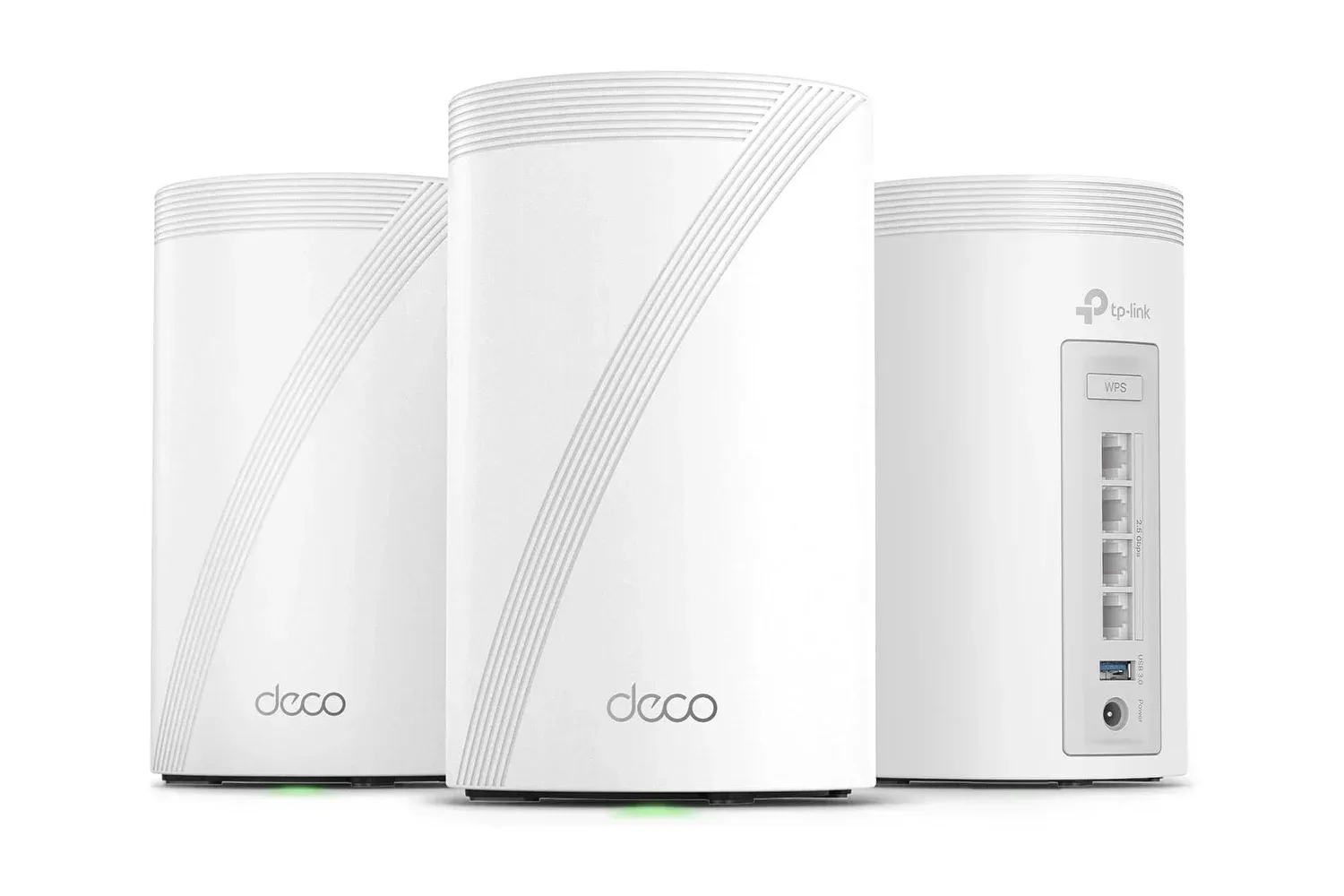
Amazon’s new Kindle add-ons arrive during a period when tech accessories are increasingly judged by whether they improve the everyday setup rather than merely add a checklist feature. That same focus on the surrounding hardware is visible in products aimed at home device setups, including whole-home gaming connectivity gear. For Kindle readers, though, the appeal is much quieter: fewer reaches, fewer cables, and a page turn available from wherever their hand happens to be.
What buyers can reasonably take away
The $35 Kindle Click is the broadly compatible, comparatively inexpensive route to physical page-turning. Its wrist strap and two same-sized buttons fit its uncomplicated purpose, and it works with currently shipping Kindles as well as the new devices.
The $80 Page-Turn Cover is a specialized option for people buying a new compatible Signature Edition Paperwhite or Colorsoft and wanting controls physically attached to the e-reader. Its magnetic connection and pogo-pin requirement mean it is not an upgrade path for the wider installed base of Kindles.
The charging stand completes the desk or bedside configuration for those same Signature Edition models. Used with the Click, it supports the most hands-off reading arrangement of the three: Kindle upright, charging connection available, remote in hand.
For a product category built around quiet, extended use, that is a sensible direction. The screen still carries the words, but Amazon’s accessory trio gives readers more choice over how often they have to reach for it.