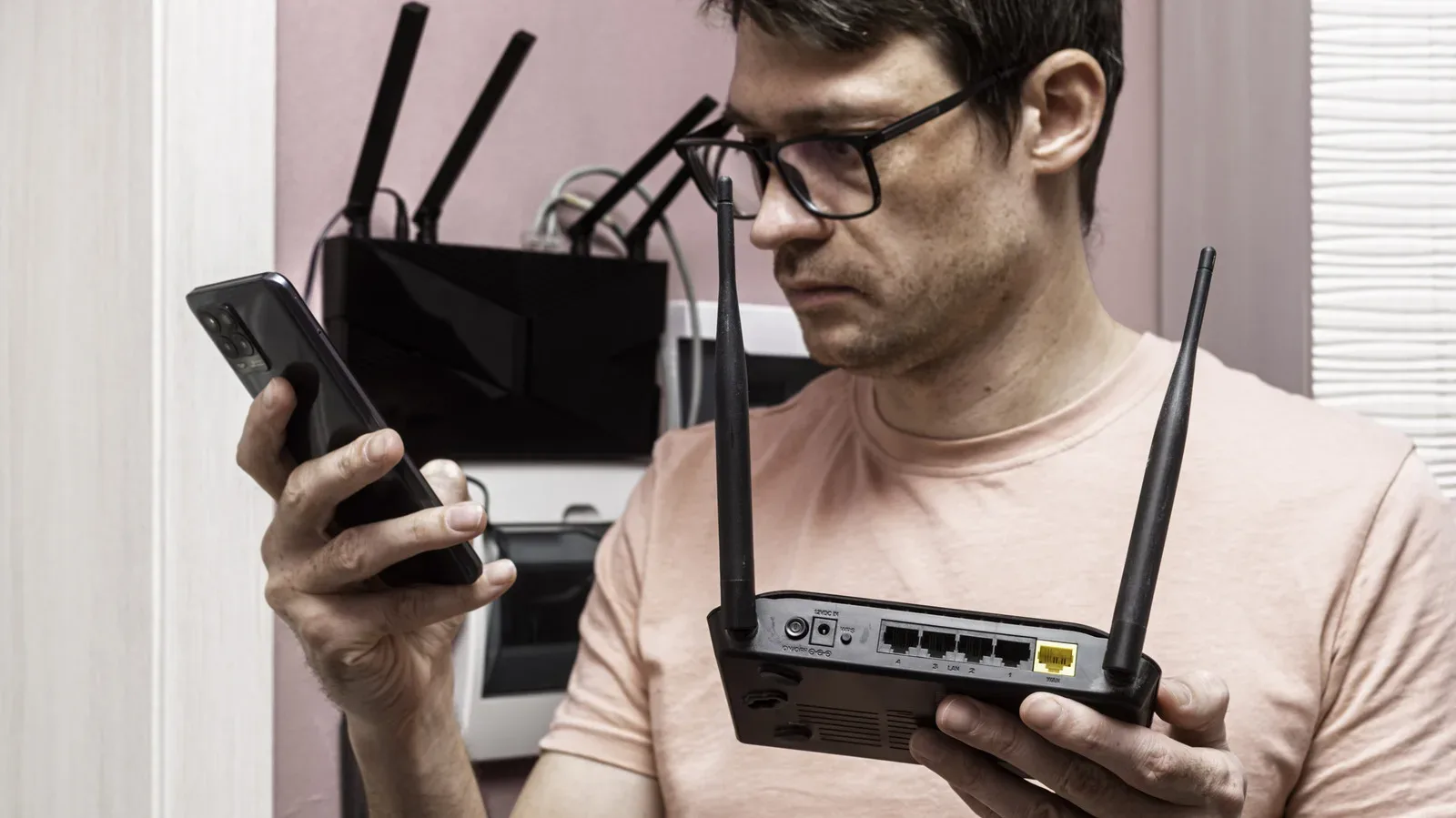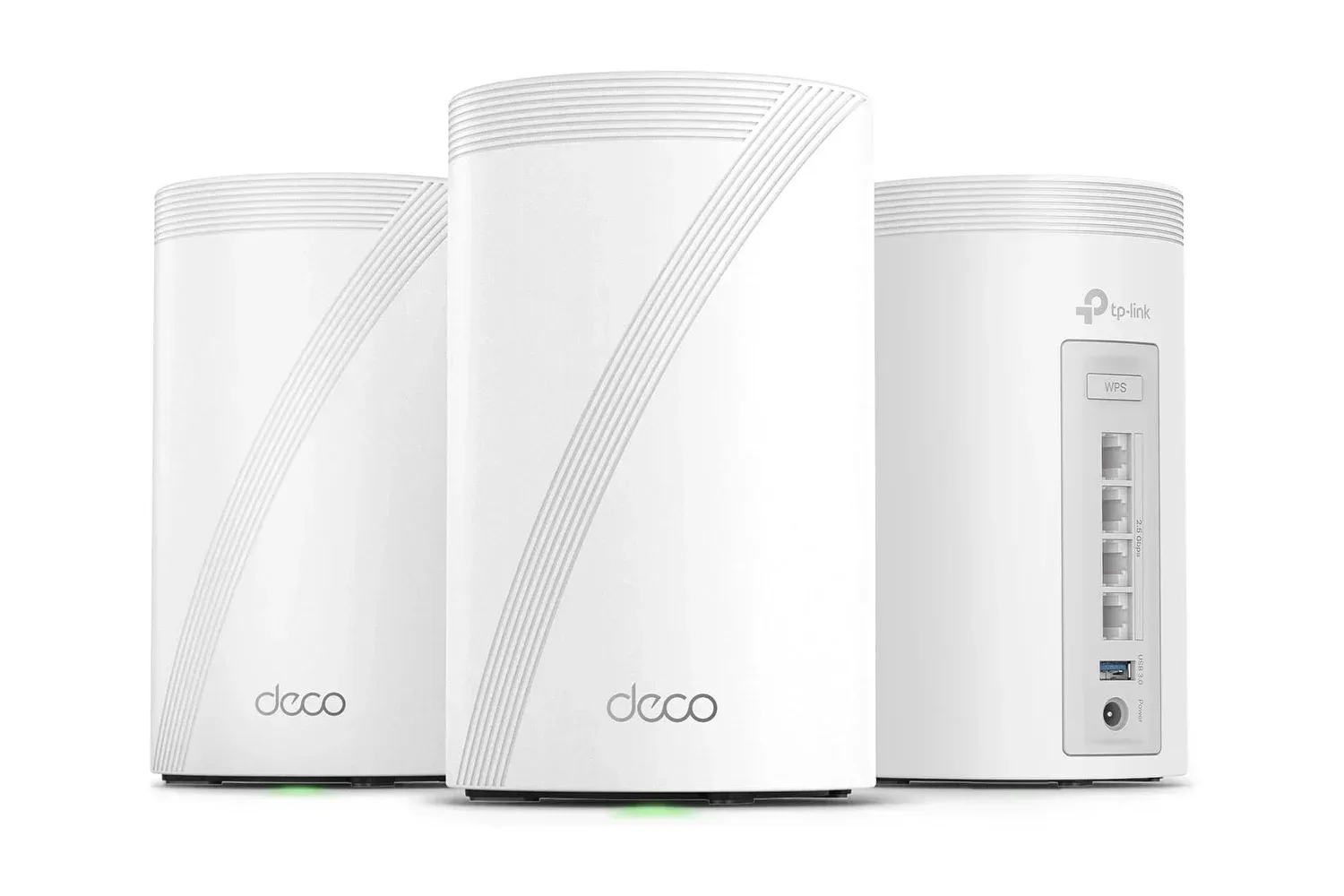
A home network has a funny way of revealing its weak spots at the least convenient moment: a multiplayer match begins in the room furthest from the router, a console starts downloading a huge update while somebody streams in another room, or the backyard signal decides it has had enough. TP-Link’s Deco 7 Pro Tri-Band WiFi 7 BE10000 Whole Home Mesh System is positioned as an answer to that problem, using several linked mesh units rather than asking one router to carry coverage across an entire property.
The system is listed at $397, down from a regular price of $470. That is a $73 reduction, or 16% off. For shoppers weighing a high-end network upgrade, the important point is not simply the headline speed: the Deco 7 Pro combines Wi-Fi 7, three wireless bands, four 2.5-Gigabit Ethernet ports on each unit, and the option to expand coverage with additional units.
What the Deco 7 Pro is designed to solve
A conventional router works from one physical location. Walls, floors, distance, and the layout of a house can make its signal inconsistent in bedrooms, upper floors, garages, or outdoor areas. A mesh system divides the task among multiple nodes. These units communicate with one another and extend the network closer to the places where devices are actually being used.
TP-Link rates each Deco unit for about 3,000 square feet of coverage, and says extra units can be added when a home needs reach beyond the initial setup. That makes the approach potentially useful for multi-story homes or setups where a gaming PC, console, television, or network-attached storage device lives nowhere near the modem.
The distinction matters for gaming. Buying a fast internet plan will not, by itself, fix a poor connection between a room and a router. A strong plan can still be bottlenecked by weak wireless coverage, congestion, or an older wired port. Mesh hardware is chiefly about improving the local network’s reach and consistency; it does not raise the speed supplied by an internet provider.
The system presents a single network name rather than requiring devices to manually hop between several separately named networks. Its AI-Roaming feature is intended to shift a phone, handheld, laptop, or other device from one unit to the next as the user moves through the home. In practical terms, that targets the awkward dropouts that can happen when a device hangs onto a distant access point after a person has moved much closer to another one.
Tri-band Wi-Fi 7, explained without the alphabet soup
The Deco 7 Pro uses the 2.4GHz, 5GHz, and 6GHz bands. These are separate portions of wireless spectrum that devices can use to communicate with the network. The 2.4GHz band is part of the mix alongside 5GHz and 6GHz, while the system’s tri-band design gives compatible devices more than one path through the local network.
TP-Link describes the system as capable of up to 10Gbps overall. Its listed band figures include up to 5,188Mbps on 6GHz and up to 4,324Mbps on 5GHz. Those are maximum connection specifications rather than a promise that every device, game download, or online match will reach those figures. Real performance depends on factors outside the router, including the internet service, modem, connected device, distance, and the conditions in the home.
Wi-Fi 7 adds a feature called Multi-Link Operation, or MLO. In simple terms, compatible devices can use multiple bands simultaneously rather than relying on just one. The intended benefit is higher throughput and a connection that can better maintain itself when one band is less favorable. It is a meaningful technical upgrade, but it is worth separating capability from compatibility: the mesh can continue serving older Wi-Fi hardware, while devices need appropriate support to take advantage of Wi-Fi 7-specific behavior.
The platform also supports 320MHz channels and 4K-QAM encoding. A channel is the wireless lane available for moving data; a wider channel can carry more data under suitable conditions. QAM is a method for encoding data into a wireless signal, and 4K-QAM is intended to increase the amount of data carried by each transmission. Both are tools for improving throughput, not a guarantee that a remote server or an internet connection will deliver data at the network’s theoretical ceiling.
The wired ports may be the biggest deal for a gaming room
Every Deco unit has four 2.5-Gigabit WAN/LAN Ethernet ports. This is a substantial practical detail because it gives each node ports for wired devices as well as a potential connection back to the broader network. A gaming PC, console, or NAS can be hardwired at speeds above the familiar 1Gbps Ethernet tier, assuming the other hardware in the chain supports it.
For a fixed gaming station, wired Ethernet is often the most direct way to remove the uncertainty of a room’s wireless environment. That does not mean Wi-Fi is unusable, nor does it mean every online game needs multi-gig bandwidth. Online play can be sensitive to stability as well as raw download speed, and a wired connection gives a device a dedicated physical link to its nearby mesh node.
A NAS, short for network-attached storage, is storage connected to a local network. It can be relevant to households that keep large game captures, media files, backups, or shared libraries in one place. The 2.5GbE ports are especially relevant to local transfers, where the connection may not be limited by the speed of an external internet plan.
The units also include USB 3.0 ports. TP-Link says that homes with existing Ethernet cabling can use wired and wireless backhaul simultaneously. Backhaul is the connection mesh units use to communicate with each other. A wireless backhaul uses the airwaves; a wired backhaul uses Ethernet cabling. Where cabling is already available, the latter can give nodes a faster, more direct route between one another while the Wi-Fi radios remain available for client devices.
This is the key shopping question: is the problem coverage, local wired connectivity, or both? A single-router household with a centrally placed modem may not need a multi-unit system. A household with dead zones and Ethernet-equipped entertainment areas has a clearer use case for the Deco approach.
Compatibility and setup considerations
The Deco 7 Pro is stated to work with virtually any internet service provider and modem. It is also backward compatible with Wi-Fi 6, Wi-Fi 6E, Wi-Fi 5, and Wi-Fi 4. That matters because an upgrade does not require replacing every phone, laptop, smart-home accessory, or console at once. Existing wireless devices can stay on the network, even if their own hardware prevents them from accessing newer Wi-Fi 7 capabilities.
TP-Link says setup through the free Deco mobile app typically takes minutes. The app is available for Android and iOS and serves as the central place to manage the mesh. Alexa and Google Assistant voice controls are supported as well.
Its HomeShield feature set includes network security options and parental controls. The system also includes built-in VPN client and server functionality. A VPN client connects traffic through a virtual private network service, while a VPN server can provide a way to access a local network remotely. Those tools can reduce the need to install separate VPN client software on every local device, although the source information does not specify individual configuration options or service requirements.
How to judge whether the $397 price fits your setup
The $397 listing is most compelling for a home where several factors overlap: Wi-Fi dead zones, a substantial number of connected devices, a desire to wire gaming hardware from more than one room, or Ethernet cabling that can be repurposed for mesh backhaul. TP-Link says the system can connect more than 200 devices, a figure that speaks to device capacity rather than a recommendation to crowd a network with 200 active gadgets at once.
It also makes sense to match the hardware to the rest of the network. A 2.5GbE port is valuable for compatible PCs, NAS hardware, switches, and internet equipment, but an older 1GbE-only device will remain limited to its own port capability. Similarly, a Wi-Fi 7 mesh network can improve the network foundation without turning a slower broadband plan into a 10Gbps service.
For gaming households, placement remains part of the work. Mesh units need to be located where they can maintain a useful link with the rest of the system while serving the rooms that need coverage. Adding a unit simply at the farthest possible edge is not automatically the best result if it is too poorly connected to the other units. Existing Ethernet runs can be particularly useful here because they provide an alternative to relying entirely on wireless links between nodes.
Ultimately, the Deco 7 Pro’s pitch is broader than faster Wi-Fi on a spec sheet. It is a way to build one expandable network across a home, retaining support for older gear while offering Wi-Fi 7 features and multi-gig wired connectivity for newer equipment. Players preparing for demanding downloads, shared households, and always-connected game rooms may also want to keep an eye on the wider PC release calendar, including an upcoming Steam Next Fest demo. A robust home network cannot make every game better, but it can remove one frustrating category of obstacle between a device and the rest of the internet.
Shop the products
Check current price, model and availability at the retailer.