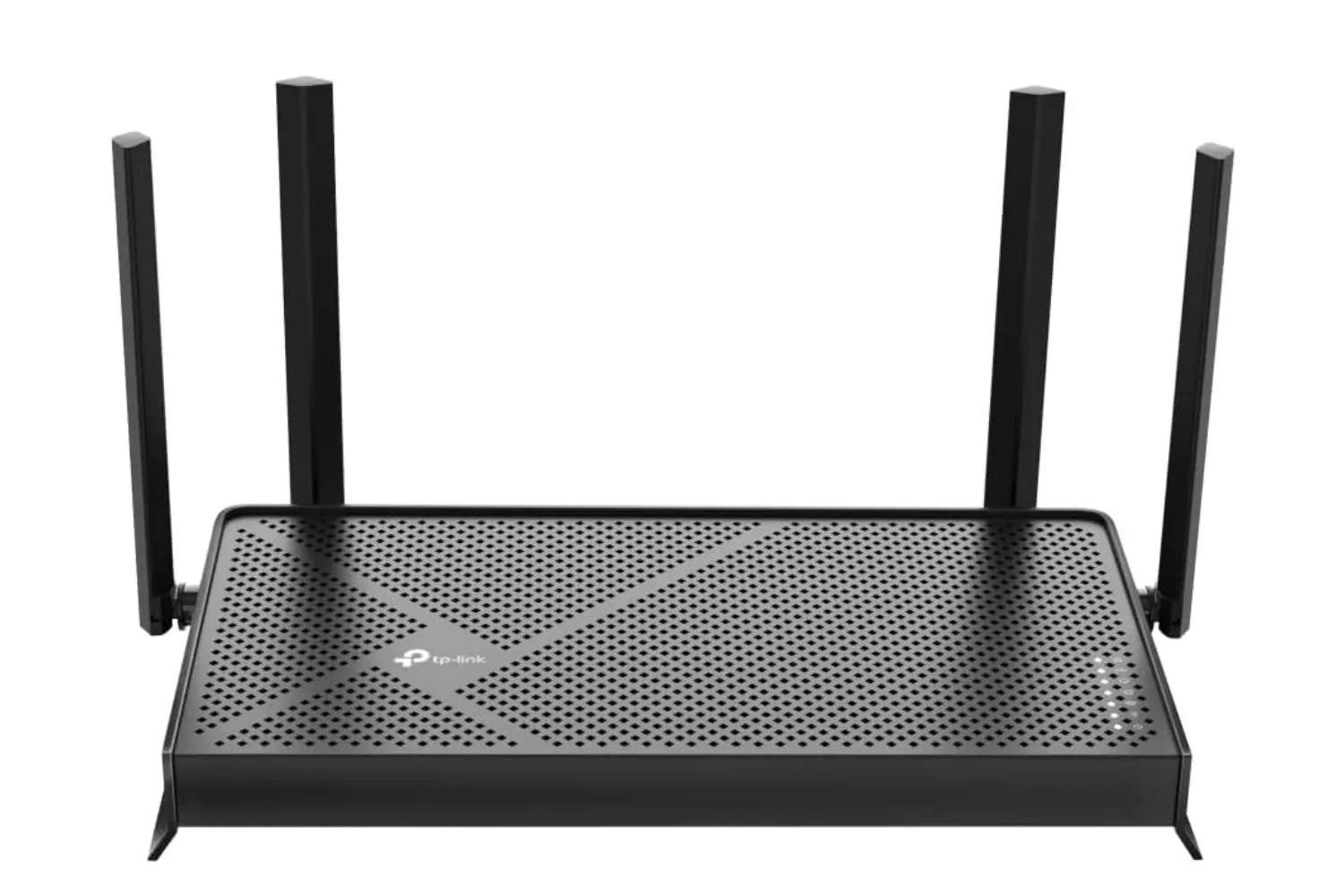
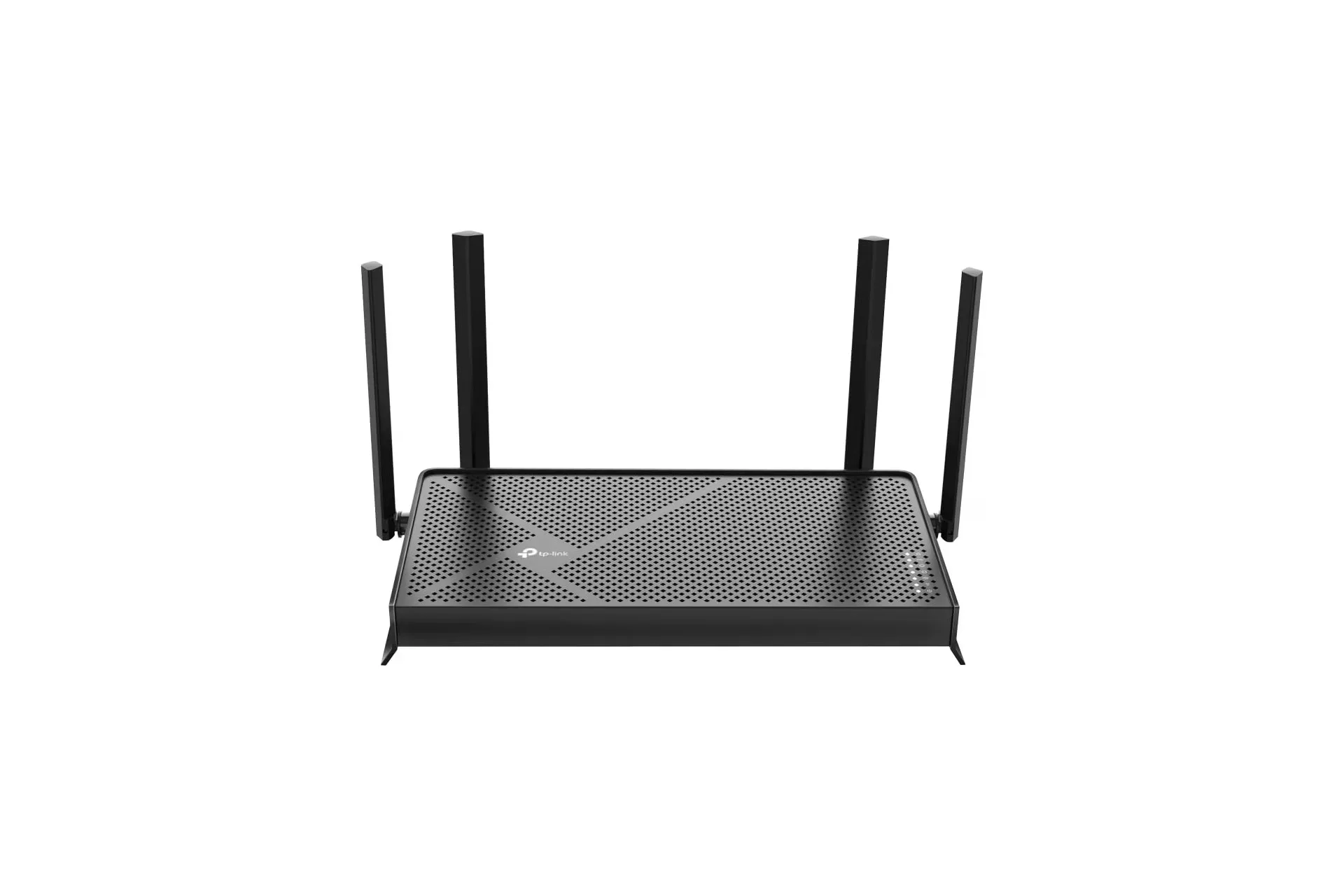
TP-Link’s dual-band BE3600 Wi‑Fi 7 router is listed at $80, a reduction from its stated $120 price. That is a $40 difference, or roughly 33% off, for a router positioned as an accessible step into the newest Wi‑Fi generation rather than a high-end, whole-home package.
For players weighing up a home-network upgrade, the potentially useful parts are straightforward: TP-Link rates the router for up to 2,000 square feet of coverage and up to 60 connected devices, says it uses four internal antennas, and lists compatibility with EasyMesh hardware for wider coverage. Its Wi‑Fi 7 specification is also presented as suitable for wireless PC-to-headset AR and VR gaming, as well as high-resolution video streaming.
The $80 listing is available through this retailer listing. As with any time-limited retail price, shoppers should verify the live price and the exact product configuration before buying.
What the BE3600 name signals
“BE3600” is a speed-class label, not a promise that every device will receive a 3.6Gbps internet connection. TP-Link lists combined theoretical wireless capacity of up to 2,882Mbps on the 5GHz band and up to 688Mbps on the 2.4GHz band. Those figures describe the router’s rated Wi‑Fi link capability across its two bands, rather than a guaranteed real-world download result.
That distinction matters. A home’s eventual internet speed is constrained by its internet service plan, the equipment supplied by the provider, the connected device, local wireless conditions and the destination server. If a broadband plan delivers less than the router’s rated Wi‑Fi capacity, changing routers cannot make that service exceed the plan’s ceiling. A newer router may still be worthwhile for coverage, device handling, newer wireless compatibility or reducing a local bottleneck, but it does not replace a faster internet subscription.
Wi‑Fi 7 is the current generation identified by the router’s “BE” branding. In simple terms, Wi‑Fi is the local wireless connection between devices and the router. Internet service is the connection running from the home to the wider internet. They affect the same experience, but they are not the same thing. A weak Wi‑Fi link can cause slow downloads or unstable game streaming even when the broadband plan itself is fast; equally, excellent Wi‑Fi cannot overcome a slow external connection.
The dual-band detail is important
This model is described as dual-band, using 5GHz and 2.4GHz. The 5GHz band carries its higher listed maximum of 2,882Mbps, while the 2.4GHz band is rated up to 688Mbps. The two bands have different practical roles: 5GHz is the headline-speed option in the provided specifications, while 2.4GHz is the other available band for compatible devices.
Buyers should not assume that the presence of Wi‑Fi 7 branding alone means identical features across every Wi‑Fi 7 router. This particular BE3600 is a dual-band product, and the stated specification here identifies only 5GHz and 2.4GHz operation. Comparing the actual bands, expansion options and stated coverage is more useful than comparing generation labels alone.
The quoted throughput numbers are also maxima. Walls, distance, device capability and concurrent use can all influence a wireless connection. In other words, a console or PC in the same room as the router may not behave like a handheld device behind several walls, and neither case can be inferred precisely from a single top-line speed figure.
Why gamers may care about the upgrade
The most gaming-specific claim attached to the router is support for AR/VR gaming streamed over Wi‑Fi from a PC to a headset. That use case differs from conventional online play. With wireless PC-to-headset streaming, the home network carries a continuous, high-bandwidth video stream between two local devices. A reliable local connection can therefore be important to the experience even if the game itself is not relying heavily on an internet server.
Regular online gaming has a different mix of demands. Downloading a large game update is principally limited by broadband service and the quality of the Wi‑Fi or wired link. Multiplayer responsiveness depends on the complete path to a game server, not just the router. A better local wireless connection may help eliminate one source of trouble, but it cannot by itself determine server performance or the quality of the external route.
That makes the BE3600’s stated capabilities potentially most relevant to a household where the existing router is creating clear local problems: intermittent rooms, many devices competing for connection, or an intended PC-to-headset wireless setup. It is less compelling to treat any router upgrade as a universal fix for every lag spike, slow patch or disconnected match.
For PC games that are distributed online, a stable home network also matters outside of play itself. A dropped connection during a large install, cloud sync or launcher update is frustrating even when the underlying broadband plan is adequate. Readers following PC releases can find more coverage in our PC news section.
Coverage, antennas and the 60-device claim
TP-Link says the BE3600 can cover up to 2,000 square feet and support as many as 60 devices at once. The company also says four internal antennas are intended to direct Wi‑Fi signal toward harder-to-reach areas.
Coverage ratings should be approached as planning figures, not a guarantee that every corner of every 2,000-square-foot property will perform identically. The supplied information supports the stated maximum coverage claim, but it does not establish how a particular layout, construction material, floor plan or device mix will behave. Homes with a dead spot do not necessarily need a completely different router, but they may need expanded coverage.
The 60-device figure is likewise a capacity statement rather than a recommendation that all 60 devices will be transferring demanding data simultaneously. A connected smart-home accessory, an idle phone and a PC streaming to a headset place very different demands on a network. The practical question is not simply the number of devices a household owns, but which ones are active at the same time and where they are located relative to the router.
EasyMesh offers a route to expand later
One of the more practical inclusions is EasyMesh compatibility. A mesh network uses more than one networking device to extend coverage across a larger or more difficult home. TP-Link says the BE3600 can connect with an EasyMesh router or range extender to form a seamless mesh network.
“Seamless” in this context means the goal is a single home network that devices can use as people move through the house, rather than manually swapping between separate network names. It can be a useful option for a player whose desktop, console or headset setup is placed in a room where the primary router’s connection is weaker.
It is also an argument for not overbuying on day one. Someone in a smaller home might use the BE3600 by itself, while someone who finds a weak area afterward has an indicated expansion path through compatible EasyMesh equipment. The router’s support does not mean additional hardware is included; it means the network can be expanded with a compatible router or range extender if needed.
A sensible checklist before replacing an old router
- Check the actual failure: Identify whether the issue is poor Wi‑Fi coverage, slow internet service, too many active local devices, or a specific device with an unreliable connection.
- Compare the broadband plan: The router’s listed Wi‑Fi maxima are not the same as the speed provided by an ISP.
- Look at where gaming happens: A PC and wireless headset in the same part of a home present a different requirement from a console located at the far edge of the stated coverage area.
- Account for future expansion: EasyMesh compatibility may be valuable if one router does not reach every important room.
- Confirm the current deal: The cited $80 price is a listing and can change. Check the live price, seller details and included hardware at checkout.
At its listed discount, the TP-Link BE3600’s case is not that it guarantees a particular performance result. Its appeal is a relatively low entry price for a dual-band Wi‑Fi 7 router with claimed 5GHz capacity up to 2,882Mbps, a 2.4GHz rating up to 688Mbps, up to 2,000 square feet of coverage, support for up to 60 devices and an EasyMesh upgrade route. For a household replacing a notably old router or preparing for Wi‑Fi PC-to-headset gaming, those are the details worth matching against the home’s actual layout and internet service.
Shop the products
Check current price, model and availability at the retailer.