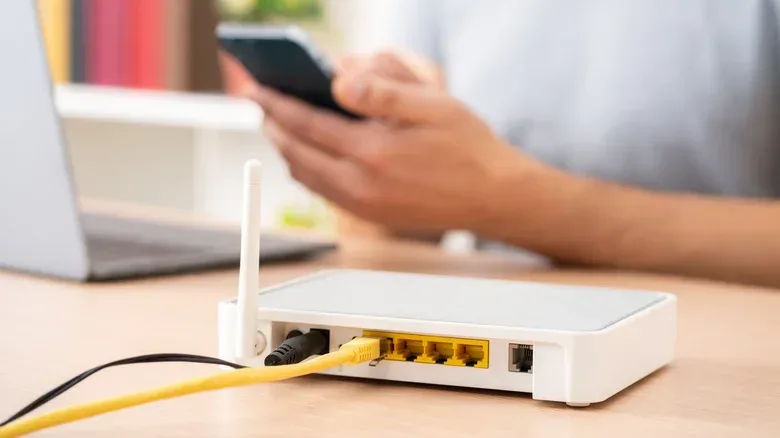

A flagship router can look like the easiest way to cure every internet annoyance: laggy matches, buffering video, weak signal in a bedroom, a headset losing its connection at the worst moment. The box then offers a very large number, a forest of antennas and an even larger price. But a router is not a magical internet-speed generator. For most homes, buying far beyond the connection and devices already in use means paying for performance that will remain theoretical.
That does not mean router specifications are meaningless. It means they have to be read in the right order. A model such as Netgear’s Nighthawk RS700S is rated for up to 19Gbps, has two 10Gbps ports and eight antennas, and costs more than $500. Those are substantial specifications. They are also a poor fit for someone whose incoming plan, client devices and home layout cannot make practical use of them.
A router under $100 from an established brand can cover the everyday needs of many households. The smart shopping move is to identify the actual limiting factor first: the speed of the internet plan, Wi-Fi coverage where people use their devices, the number of simultaneous connections, or a specialized local-network task. Those are different problems, and an expensive single router is not automatically the answer to all of them.
Begin with the connection entering the home
The first number to check is the speed supplied by the internet plan. A router distributes that connection to phones, PCs, consoles, TVs and smart-home equipment; it cannot make the provider’s connection faster. If the service coming through the wall is slower than the router’s grandest advertised capability, the service is the ceiling for internet activity.
The Federal Communications Commission’s broadband benchmark is 100Mbps download and 20Mbps upload. A budget broadband router that can reliably carry that connection to the household’s devices is doing the core job. Purchasing a router rated dramatically above the incoming plan does not increase the speed of a download from the internet. In networking terms, the slower part of a path is the bottleneck. If the provider connection is the bottleneck, replacing the router alone will not remove it.
Router speed figures also deserve some skepticism. The huge total on a package is a theoretical maximum rather than a promise of what one phone, laptop or console will see in a particular room. Walls, distance, placement and the capabilities of the device itself all affect real Wi-Fi results. The useful question is not “What is the largest number available?” It is “Can this router distribute my plan effectively where my devices actually are?”
The practical baseline: four features worth prioritizing
A short checklist is more useful than chasing every line on a premium spec sheet.
Gigabit Ethernet ports
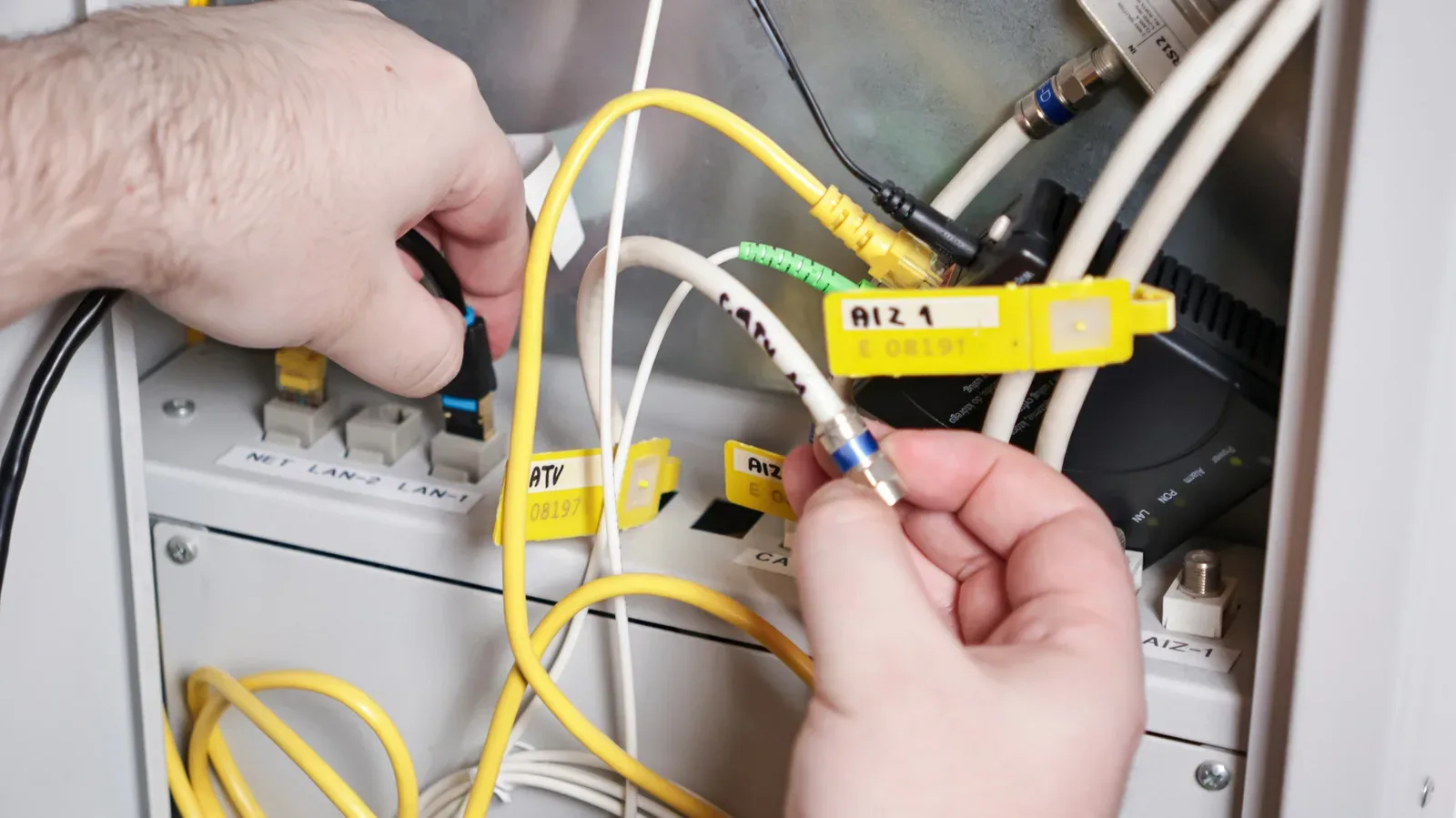
Ethernet is still the dependable option for stationary equipment. A desktop gaming PC, game console or smart TV connected by cable avoids the variability of the wireless link. Gigabit Ethernet ports ensure the router is not needlessly restricting equipment connected that way. This matters particularly when reliability is more important than convenience.
For gaming, wiring a primary PC or console can be a better practical improvement than spending heavily to upgrade Wi-Fi hardware. It does not change the quality of the provider connection, but it removes the Wi-Fi portion of the route between the device and router.
Wi-Fi 6
Wi-Fi 6 is valuable for more than headline speed. Its everyday advantage is handling a busy household more gracefully: phones, tablets, laptops, TVs and other connected devices have to share the same network. That makes it a sensible baseline for a home where several people may be online at the same time.
A person living alone, or sharing with one roommate and using a modest number of devices, may still be well served by Wi-Fi 5. A household of four to six people, meanwhile, has a clearer reason to choose Wi-Fi 6 because contention between devices is more likely to be noticeable.
Parental controls
Parental controls can be a more meaningful feature than an imposing top-end throughput figure. They can schedule screen time and block sites on children’s devices, and many competent budget routers provide them through a free app. Families should confirm the controls they need are included rather than assuming an expensive device will necessarily be more convenient.
Coverage that fits the building
Range is a location problem as much as a hardware problem. A powerful router placed at the far edge of a house may still leave the rooms where people game, work or watch video with weaker service. Before replacing equipment, consider where the router sits relative to the rooms that matter most.
For a larger home, a mesh kit or a second access point may be more useful than paying for a more expensive single router. A mesh system uses multiple points to extend coverage through the home. It addresses the simple but common issue of needing a stronger signal nearer to the devices, rather than betting everything on one central box overpowering distance and obstacles.
Wi-Fi 7 is real progress, but it needs compatible gear
Wi-Fi 7 sits at the high end of the current router market. One of its major features is support for 320MHz channels in the 6GHz band. The Wi-Fi Alliance says this can double throughput compared with Wi-Fi 6. That is a genuine technical advantage, but the conditions around it matter.
To experience Wi-Fi 7’s benefits, the client device also needs Wi-Fi 7 support. A Wi-Fi 7 router remains compatible with older devices, but an older phone or laptop does not become a Wi-Fi 7 device after connecting to one. Many devices currently in use do not support the newer standard, which makes a costly upgrade hard to justify solely on the premise of immediate speed gains.
It is useful to separate throughput from the marketing number. Throughput is the amount of data that can move over a connection in a given time. Wider channels can enable more throughput under the right conditions, but that does not override the internet plan, device support, signal conditions or the practical realities of a home. A 19Gbps rating should be understood as a capability figure, not a forecast for a living-room laptop.
Wi-Fi 7 starts to make a stronger case in a large home or home office that has a gigabit-plus fiber connection and several Wi-Fi 7-capable devices. In that situation, the router, service and clients are aligned closely enough for the newer standard to have room to matter. For everybody else, Wi-Fi 6 is generally the more proportionate choice.
When the premium router case becomes stronger
There are workloads where paying more is not simply gadget enthusiasm. The important distinction is that these cases often depend on a fast and stable local network—the network inside the home—not just the speed of the internet plan.
Wireless PC VR
Wireless PC VR is especially sensitive to latency, meaning delay in data moving between devices. Meta advises that Air Link over Wi-Fi works best on the 5GHz band with the computer connected to the router by Ethernet. It also suggests considering a dedicated router when latency is a problem.
That setup explains why additional router capacity can be useful here. The headset needs a clean, responsive connection, while other activity in the home can compete for wireless attention. A dedicated or higher-capacity router can make sense for someone who regularly streams PC VR wirelessly, particularly if performance is already constrained when the rest of the household is online.
Large local transfers and backups
Copying video projects to a NAS, or network-attached storage, and performing recurring local backups do not depend on the internet plan. A NAS is storage connected to the home network, so transfers between it and a computer are governed by the local equipment and connection method. Wired Ethernet remains the best option for this kind of work, but stronger wireless networking can still help devices that must connect over Wi-Fi.
This is one scenario where comparing the router only with the provider’s advertised internet speed misses the point. The transfer never needs to leave the home, so the capability of the local network is the relevant consideration.
Competitive gaming and live streaming
Gaming and live streaming can expose network instability more sharply than casual web use. A sudden latency spike can decide a match or interrupt a stream. A router with effective traffic prioritization and extra capacity may help keep activity steadier when the network is busy.
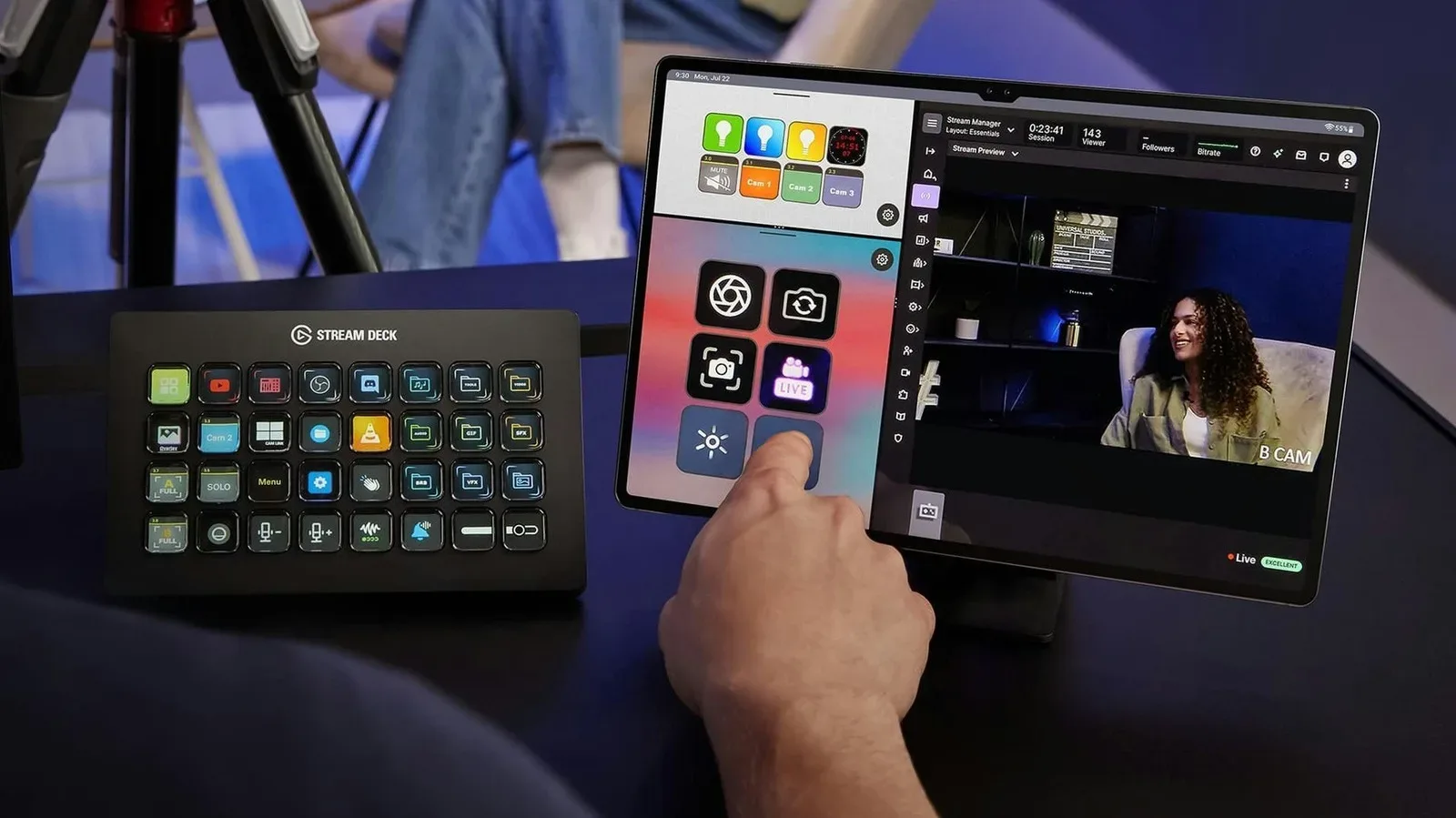
Traffic prioritization means the router can favor selected kinds of activity when several devices are demanding attention at once. It is not a cure for every bad internet connection, and it cannot erase a provider-side bottleneck. It can, however, be useful in a home where a game, stream, downloads and other connected devices regularly overlap. Creators building a more elaborate streaming setup may also find practical use for older devices as controls; an old tablet can serve as a Stream Deck-style control panel without requiring a new networking purchase.
A densely connected smart home
Cameras, sensors, plugs and speakers can turn a household into a large collection of simultaneous connections. In that situation, the issue may be less about one device hitting an enormous speed and more about the router keeping many devices connected reliably. A cheap router can struggle under that kind of connection load, making additional capacity a legitimate reason to move above the most basic tier.
A buying decision that starts with needs, not the box art
For light use in a one- or two-person home, an existing Wi-Fi 5 router may already be sufficient. For the typical multi-device household, Wi-Fi 6, gigabit Ethernet ports, useful parental controls and coverage suited to the home are the sensible targets. These fundamentals address the situations most people encounter every day without paying for capabilities their devices cannot access.
If Wi-Fi is weak only in a remote room, investigate router placement and whether mesh coverage or another access point is the better fit. If games are inconsistent, use Ethernet for the gaming system where possible and determine whether the issue is home Wi-Fi or the incoming connection. If a buyer owns multiple Wi-Fi 7 devices, has gigabit-plus fiber, uses wireless PC VR, frequently transfers large files across a local network, or manages a crowded smart home, the premium segment becomes easier to defend.
The underlying lesson is refreshingly unglamorous: buy the router that solves the actual constraint. For many players and households, that will be a Wi-Fi 6 model costing far less than a flagship. The money left over is not evidence of settling. It is evidence that the network upgrade was matched to the network that actually exists.