A home network upgrade is not usually the most glamorous addition to a gaming setup. It does not flash like a new controller, nor does it make room on an SSD for another enormous install. But it can be the bit of equipment standing between a smooth evening of downloads, voice chat and multiplayer matches—and a household-wide argument about who is using all the bandwidth.
TP-Link’s dual-band BE3600 Wi‑Fi 7 router is currently listed at $80, a $40 reduction from its stated $120 regular price. That is a 33% discount, and the listing also includes a three-month Amazon Music Unlimited trial. The offer is described as limited time, so shoppers should treat the price and bundled trial as subject to change.
The headline here is less about a magic fix for every internet complaint and more about the unusually accessible entry point into a newer Wi‑Fi generation. The BE3600 is specified for wireless speeds of up to 3.6 Gbps across its two bands, coverage of up to 2,000 square feet, and connections for up to 60 devices. For a small or medium home with consoles, PCs, smart TVs, phones and smart-home gear all jostling for airtime, those are the parts of the spec sheet worth examining.
What “BE3600” and Wi‑Fi 7 actually tell you
“BE3600” is the router’s speed class rather than a promise that every device will receive 3.6 Gbps. In this case, TP-Link lists up to 2,882 Mbps on the 5 GHz band and up to 688 Mbps on the 2.4 GHz band. Together, those figures produce the advertised 3.6 Gbps-class total.
That distinction matters. The combined figure represents the router’s rated capacity across bands, while a single device connects on the band it supports and encounters real-world variables along the way. The actual speed reaching a console, PC or phone can be affected by its own wireless hardware, the distance from the router, walls and other obstacles, local interference, network traffic and the speed of the internet service itself.
Wi‑Fi 7 is the wireless standard supported by this model. Put plainly, it is designed for faster and more stable wireless networking than older generations, particularly when numerous connected devices are active. That can be relevant to gaming even when a player does not need anything close to the largest number on the box. Consistency matters: a busy household can be downloading updates, streaming high-resolution video and running smart devices while one person is trying to stay connected to a multiplayer match.
It is important not to confuse Wi‑Fi capability with the speed of an internet plan. A router cannot make an internet connection exceed what the service provides. Nor can a Wi‑Fi 7 router give every existing device Wi‑Fi 7 support. Older laptops, consoles and phones will still connect using the wireless standards they support. The practical benefit can still be meaningful as a network refresh, but the biggest gains depend on the wider setup rather than the router alone.
Two bands, and why that is relevant
The BE3600 is a dual-band router, meaning it operates on 2.4 GHz and 5 GHz wireless bands. Its higher stated throughput is on 5 GHz, while the 2.4 GHz band is rated lower. For users, the key point is not that one band is universally better, but that the router gives a home more than one wireless lane to work with.
That is useful when a living room has a console and TV online while PCs, tablets and phones are active elsewhere. The router is positioned for a broad mix of everyday and more demanding tasks, including 4K and 8K streaming, demanding applications and games. Those use cases are aspirations supported by the router’s stated capabilities, not a guarantee that a particular home will have identical results.
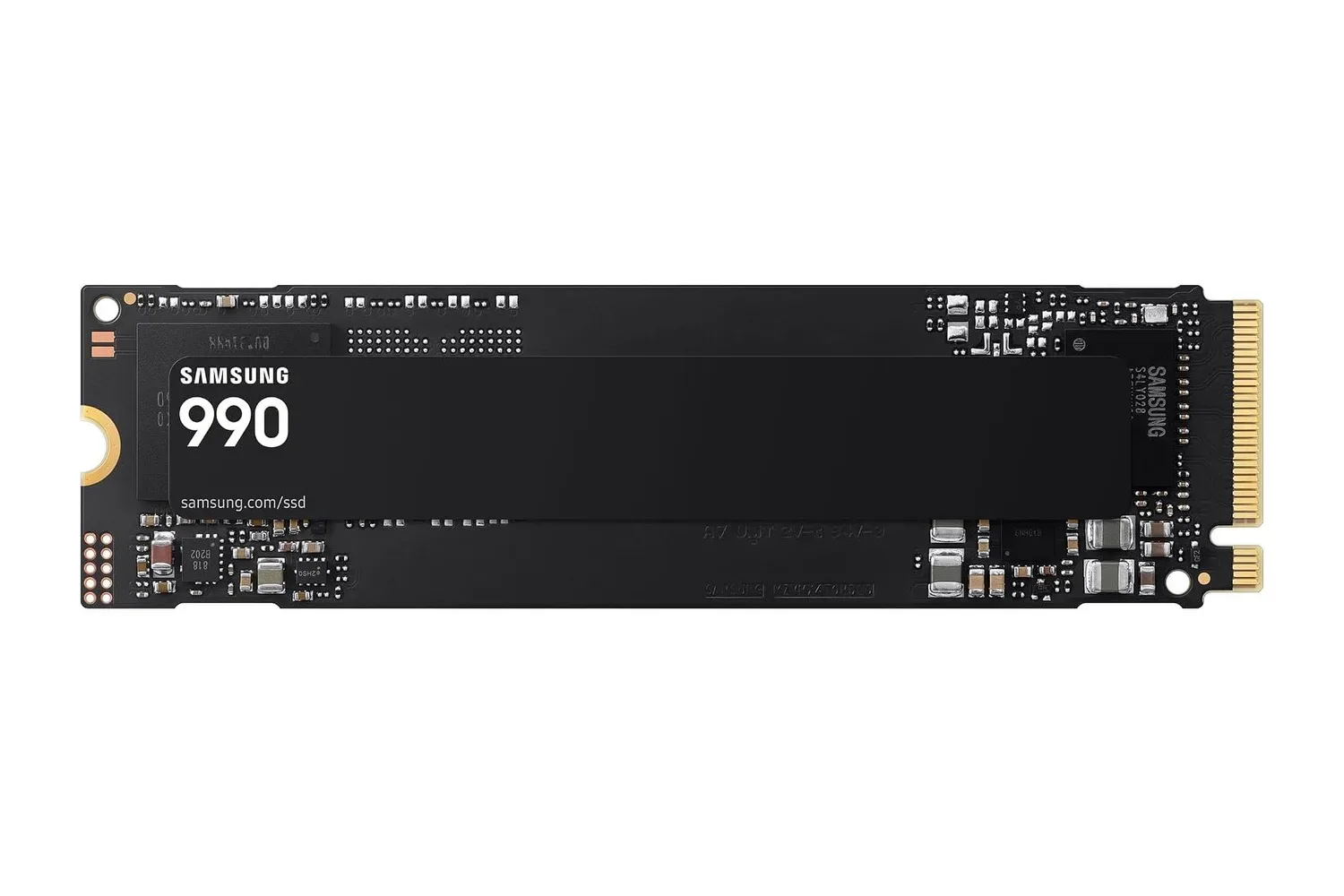
Players considering new hardware elsewhere in the setup can also run into a related bottleneck: local storage and home networking solve different problems. A faster router may help with downloads and connected play, but it does not increase the capacity of a console or PC drive. For the storage side of a gaming PC build, see this look at a 1TB PCIe 4.0 NVMe SSD listing.
Coverage claims are a starting point, not a floor plan
TP-Link rates the BE3600 for up to 2,000 square feet. That places it squarely in the small-to-medium-home conversation, but square footage by itself cannot map every home’s Wi‑Fi experience. A compact single-level layout and a multi-room or multi-floor space with obstacles can behave very differently despite sharing the same area.
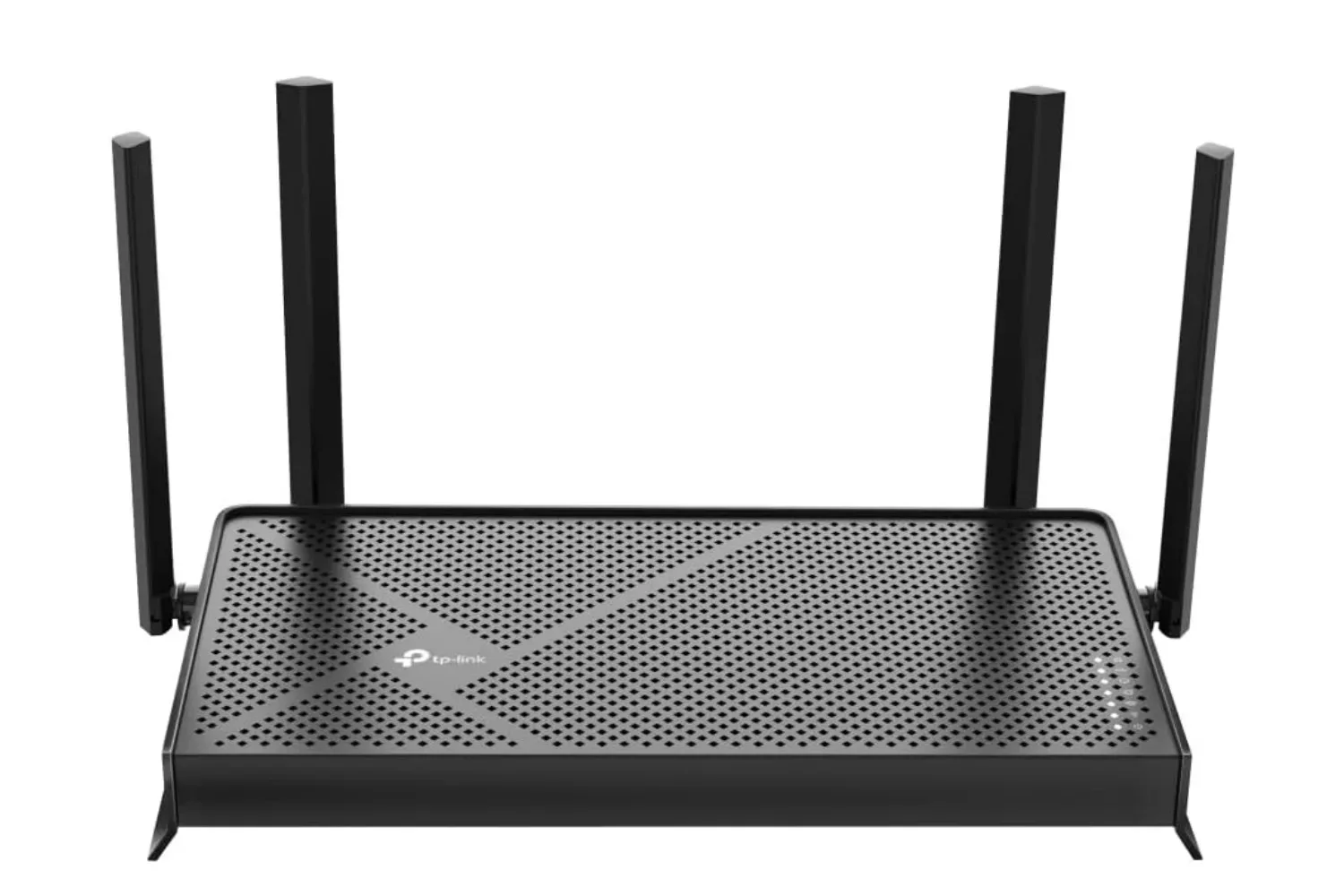
The router uses four internal antennas and beamforming. Beamforming is a signal-management technique intended to focus a wireless signal toward connected devices rather than broadcasting it in an entirely uniform pattern. In practical terms, it is meant to help deliver a more reliable connection around the home. It should not be read as a guarantee that every dead zone vanishes: placement, building materials and device location remain important factors.
The specification of support for up to 60 devices is also useful context for modern homes. That number can include far more than the devices people actively use: televisions, speakers, smart appliances, tablets, phones, laptops, desktop PCs and consoles all add to the count. A stated maximum device figure is not a promise that all 60 will be performing intensive work simultaneously at maximum speed. It does indicate that the router is intended to handle a large connected-device roster instead of a minimal setup.
EasyMesh offers a route to expand later
The BE3600 supports EasyMesh routers and range extenders, providing a stated path to expand coverage if one router is not sufficient. A mesh-style arrangement uses multiple network points to extend connectivity across a larger space. That could be relevant for someone whose main gaming machine is in a room where the initial router placement is not ideal.
The practical appeal is flexibility. Rather than treating the 2,000-square-foot claim as a permanent boundary, the setup can grow with compatible EasyMesh equipment if needs change. That does not mean every expansion choice is interchangeable; compatibility and placement remain considerations. Still, the support means the router is not confined to a one-box plan.
The model also supports voice control through Amazon Alexa and Google Assistant. That is a convenience feature rather than a performance upgrade, but it may suit households already using either assistant for connected-home control.
Who should consider it—and who should pause
At $80, the BE3600 makes the most sense for a household that has identified the router as a likely weak point: aging Wi‑Fi equipment, a growing number of connected devices, uneven coverage in a modest-sized home, or a desire to move to Wi‑Fi 7 without spending at the router’s stated $120 price.
For gaming, the clearest potential upside is a more capable shared wireless environment. It may be particularly appealing where online play competes with video streaming, device updates and general household use. Its 5 GHz rating of up to 2,882 Mbps, four internal antennas and beamforming are all aimed at that kind of connected-home workload.
Buyers should pause before assuming a router replacement is the answer to every slowdown. An internet plan’s limits, the device being used, physical obstructions and where the router sits can all influence the end result. A user whose devices do not support Wi‑Fi 7 should also keep expectations grounded: the router can still serve those devices, but they will not suddenly gain new-generation wireless support.
Still, the price is the compelling part of this listing. The BE3600’s stated mix of Wi‑Fi 7 support, dual-band operation, 2,000-square-foot coverage, up to 60 connected devices and EasyMesh expansion is a substantial feature set for an $80 router. For a small-to-medium home where the network has become the unsung opponent of game night, it is a deal worth checking while the limited-time listing remains active.
Shop the products
Check current price, model and availability at the retailer.