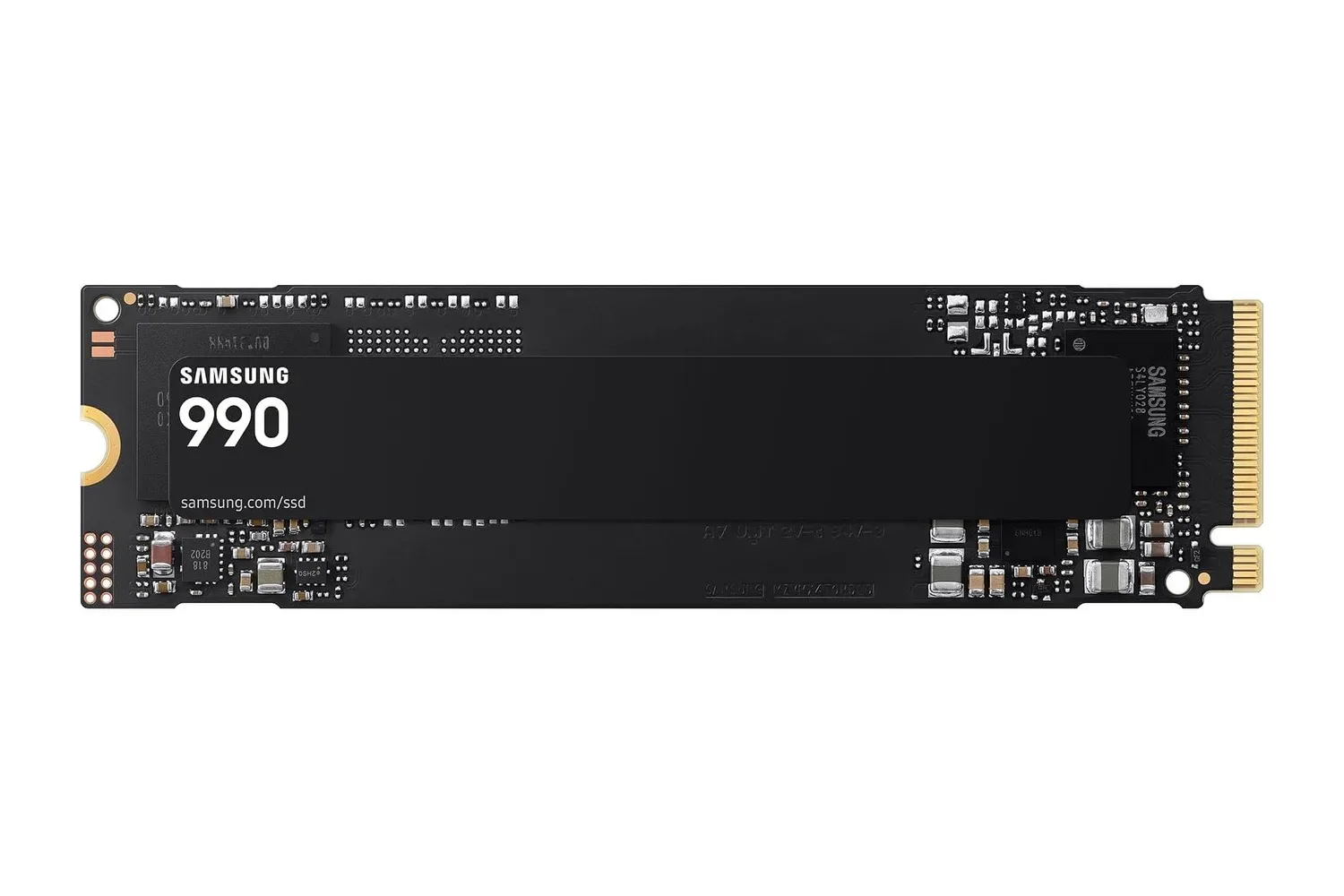
The Samsung 990 1TB internal NVMe SSD is listed at $190, down $40 from a stated usual price of $230. That is a 17% reduction for a 1TB PCIe 4.0 M.2 drive aimed at PC gaming systems, desktop builds, laptops and creative workloads.
For a PC gamer, storage is rarely the flashiest component upgrade. It does not change a GPU’s rendering performance or add CPU cores. But it can make a machine feel substantially less patient: operating systems can boot more quickly, games and applications can launch faster, and copying large files can take less time. The Samsung 990’s quoted sequential performance reaches up to 7,150 MB/s reads and 6,450 MB/s writes, while its random-access rating is up to 700,000 read IOPS and 1.1 million write IOPS.
Those figures are meaningful, but shoppers should separate a drive’s maximum specification from a promise that every game will load at precisely a given rate. Performance depends on the PC’s slot, platform support, workload and the rest of the system. Still, for someone replacing a slower hard drive or planning a new build with an open compatible slot, the specifications describe a fast solid-state storage option with a fairly straightforward physical installation.
What the $190 listing includes
The deal concerns the 1TB version of Samsung’s 990 internal SSD. Its storage capacity is intended to cover an operating system, a selection of regularly played games and current work files rather than serving as limitless archive storage. That makes the capacity decision just as important as the speed headline: a buyer should consider the combined size of their installed games, applications and personal projects before treating 1TB as a long-term answer.
The drive uses the compact M.2 2280 form factor. “M.2” refers to the small internal expansion-card format commonly used for modern SSDs, while “2280” describes its physical dimensions: 22 millimeters wide and 80 millimeters long. It is designed to slide into a compatible M.2 2280 slot in a desktop or laptop rather than attach through a conventional cable.
Its connection is PCIe 4.0 x4 using the NVMe 2.0 protocol. PCIe is the high-speed connection standard between components, and “x4” means the drive uses four PCIe lanes. NVMe is the protocol built for SSDs operating over PCIe, avoiding the older storage approach associated with traditional drives. In practical terms, this is the technical foundation for the Samsung 990’s high quoted transfer rates.
The drive supports PCIe 3.0 as well as PCIe 4.0. That broadens the pool of systems in which it may work, but it is important not to confuse compatibility with identical throughput. The quoted maximum figures are PCIe 4.0-class specifications; a system limited to the earlier PCIe 3.0 standard cannot be assumed to deliver the same peak bandwidth. Buyers should verify that their particular motherboard or laptop has an available M.2 2280 slot and confirm the PCIe support of that slot.
Why the speed numbers are split into two kinds
SSD product pages often present sequential MB/s ratings and random IOPS ratings together. They describe different jobs.
Related coverage includes Samsung 990 1TB NVMe SSD Hits $190: A Fast PCIe 4.0 Upgrade for PC Gaming.
- Sequential read and write speeds measure moving contiguous blocks of data, such as a large file transfer. Samsung lists up to 7,150 MB/s for reading and 6,450 MB/s for writing on this model.
- IOPS, short for input/output operations per second, measure how many smaller storage requests a drive can complete. The listed 700,000 read IOPS and 1.1 million write IOPS are therefore relevant to random-access workloads rather than simply copying one huge file.
For everyday use, random performance helps explain why storage can affect a PC’s perceived responsiveness: launching applications, starting the operating system and working across multiple active programs all involve many smaller requests. For gaming, fast storage can reduce waiting around loading screens and assist with the general flow of getting into a game. It is not, however, a substitute for adequate system memory, a capable processor, or the graphics hardware required to run a game well.
Samsung’s design combines a custom controller with Samsung V-NAND flash memory. The controller is the part of an SSD that manages data movement and the flash memory itself stores that data. The product also uses Host Memory Buffer, or HMB. HMB uses a small portion of the host PC’s system RAM as a buffer instead of requiring a separate DRAM chip on the SSD. The stated purpose is to improve performance while keeping the drive’s hardware design compact.
That terminology is worth understanding because it explains why an SSD’s performance is more than a single sequential-read number. A drive’s controller, flash, cache strategy and interface all play roles in how it handles different tasks. The 990’s listed specifications position it as an upgrade for users who want a responsive primary drive for games and day-to-day workloads, not merely a place to store less frequently used files.
Power use matters, especially in a laptop
Samsung places particular emphasis on power efficiency for this drive. The 1TB model is described as typically consuming about 4 watts while reading and 3.7 watts while writing. Lower power consumption can be useful during extended gaming sessions and major file transfers because it may help manage heat, while laptop users also have an obvious interest in avoiding unnecessary power draw.
That does not mean an SSD should be chosen on wattage alone. Laptop fit, M.2 slot availability and interface support remain essential checks. In a desktop, a prospective buyer also needs to know whether their motherboard exposes an unused compatible slot. But a low-power profile is a practical part of the overall proposition, particularly for a compact system where storage upgrades need to balance speed, heat and power demands.
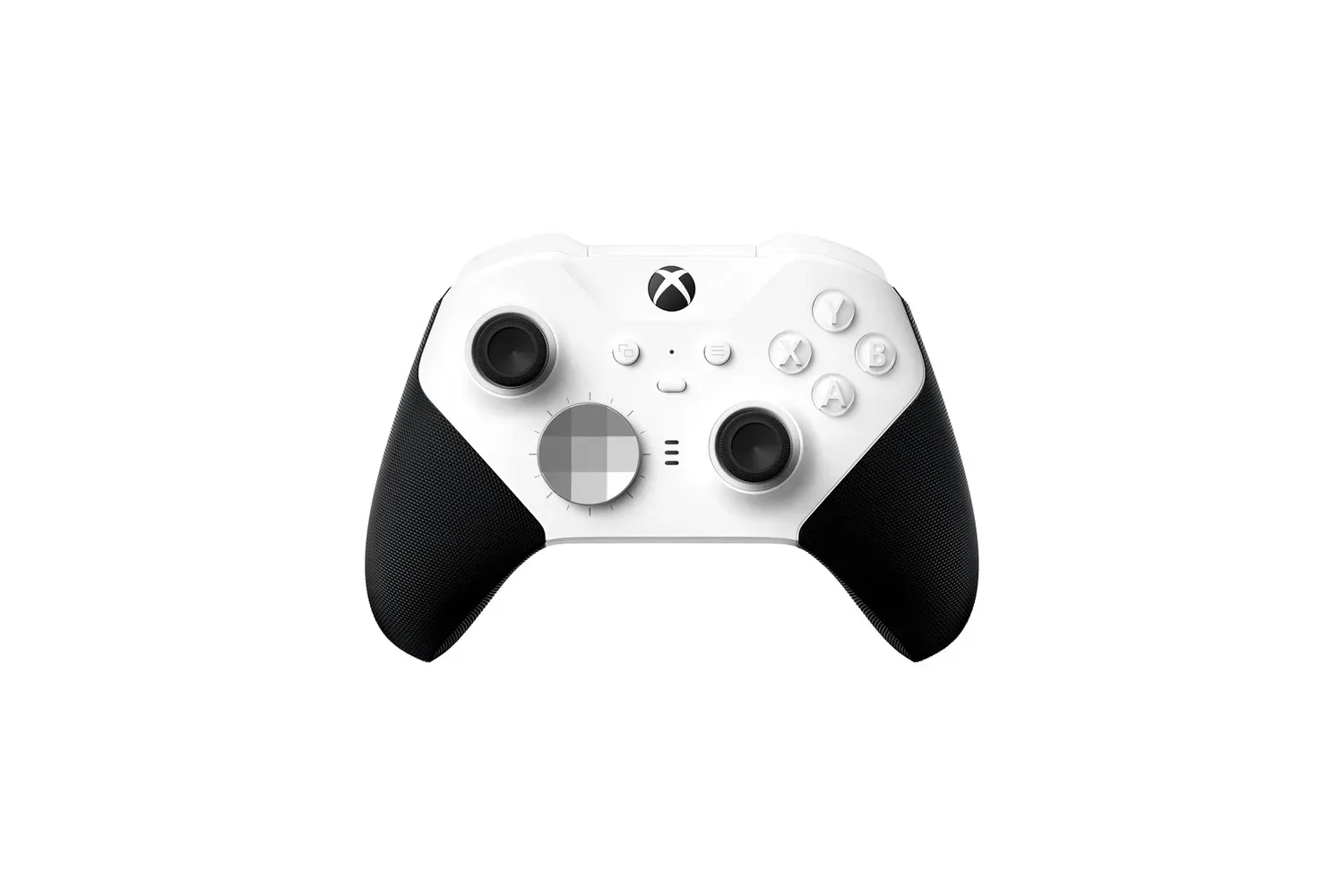
For PC gaming context, storage is one element of a broader setup rather than a standalone answer to every performance concern. A fast drive can help remove storage-related delays, while a controller, graphics card and display shape entirely different parts of the experience. Readers looking at other hardware around a PC gaming setup can also see the Xbox Elite Series 2 Core controller listing, which concerns a separate input-device upgrade.
Setup tools, encryption and longevity ratings
Samsung includes its Magician software as part of the drive’s ecosystem. The utility can be used to check the SSD’s status, update firmware, optimize performance and transfer data from an older drive. For someone moving from a previous boot drive, migration support can be as valuable as raw speed because it reduces the friction of shifting an existing installation and files to new storage.
The 990 also supports AES 256-bit hardware-based encryption and TCG Opal. AES 256-bit encryption is a security capability intended to protect stored data through encryption implemented in hardware. TCG Opal is a storage-security standard related to managing self-encrypting drives. These features will be most relevant to users handling sensitive files, but they are part of the SSD’s overall feature set rather than a gaming-specific performance benefit.
On endurance, Samsung rates this 1TB drive for 400 terabytes written, commonly shortened to TBW. TBW is an endurance measure: it represents the amount of data written to the drive under the manufacturer’s rating, not the amount of data that can be read from it. It provides a more useful way to think about write durability than treating any SSD as either permanently fragile or permanently invulnerable.
Samsung also lists a mean time between failures rating of 1.5 million hours and backs the drive with a three-year limited warranty. MTBF is a reliability statistic used to describe a product population; it should not be read as a prediction that one individual drive will literally operate for that many hours. The warranty terms and the stated endurance rating are the more practical details for purchasers to keep in mind alongside capacity, compatibility and price.
Who should consider the 1TB Samsung 990?
This listing is most compelling for a user with a verified M.2 2280 slot who needs a fast main drive for a PC. That may mean a first-time builder assembling a gaming machine, a desktop owner replacing a slower hard drive, or a laptop owner whose device supports an internal M.2 upgrade. The ability to operate across PCIe 3.0 and PCIe 4.0 systems makes it flexible, although buyers seeking the highest listed performance should ensure their hardware supports PCIe 4.0.
It is also a logical fit for people whose PCs do more than launch games. The cited use cases include video production, photo editing and general computing. Large transfers and active projects can benefit from the drive’s high sequential ratings, while its random-access performance is designed for the smaller, frequent requests that contribute to a system feeling responsive with several applications open.
Before purchasing, the sensible checklist is short: confirm there is an available M.2 2280 slot; check whether the platform is PCIe 3.0 or 4.0; decide whether 1TB will hold the games and files that need fast access; and make a backup plan before moving existing data. The reported $190 price makes the Samsung 990 1TB an option worth examining for an internal storage upgrade, with the caveat that compatibility and capacity should decide whether it belongs in a particular PC.
Shop the products
Check current price, model and availability at the retailer.