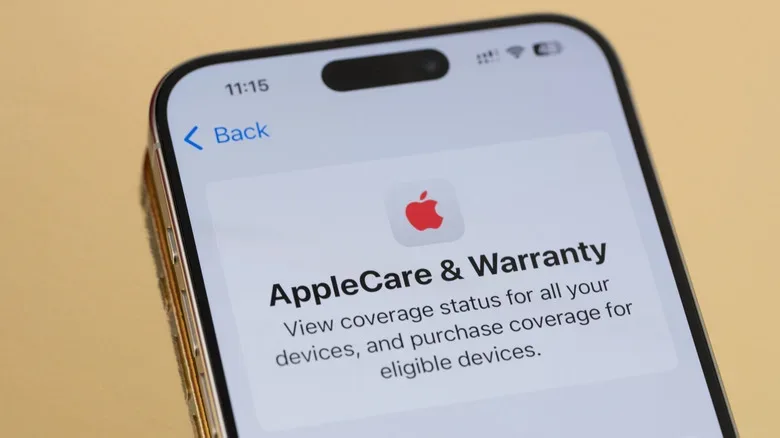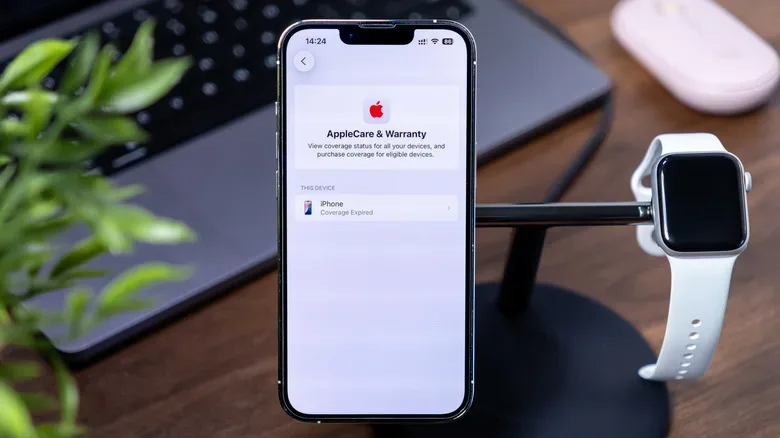
Buying a premium phone, tablet, laptop or wearable can feel a little like pulling a rare item from a loot box: exciting, expensive, and immediately vulnerable to a disaster involving gravity, coffee or a mysteriously slippery pocket. AppleCare is designed to soften that financial hit. It is not magic invincibility, and it is not the same thing as the standard warranty included with an Apple device. But for some owners, it can be a very practical way to avoid a nasty repair bill.
The central question is not whether accidental damage is possible. It plainly is. The better question is whether the combined cost of coverage and any service fees is a deal you would rather make than risk paying the full repair or replacement cost yourself. That answer changes with your hardware, your habits, the protection already on your account, and how much disruption a broken device would cause in your daily life.
Start with the coverage you already receive
Every Apple device includes a one-year limited warranty at no additional charge. That warranty matters, but it has a specific job: it addresses manufacturing faults and qualifying hardware failures. If a component stops working because it was defective, that is the type of problem the standard warranty is meant to handle.
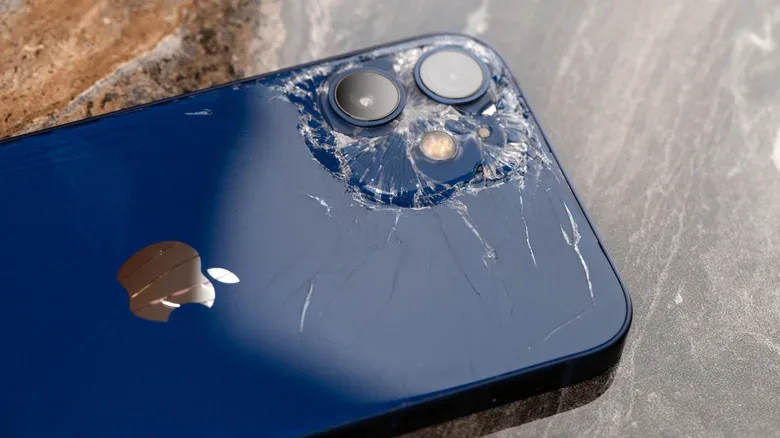
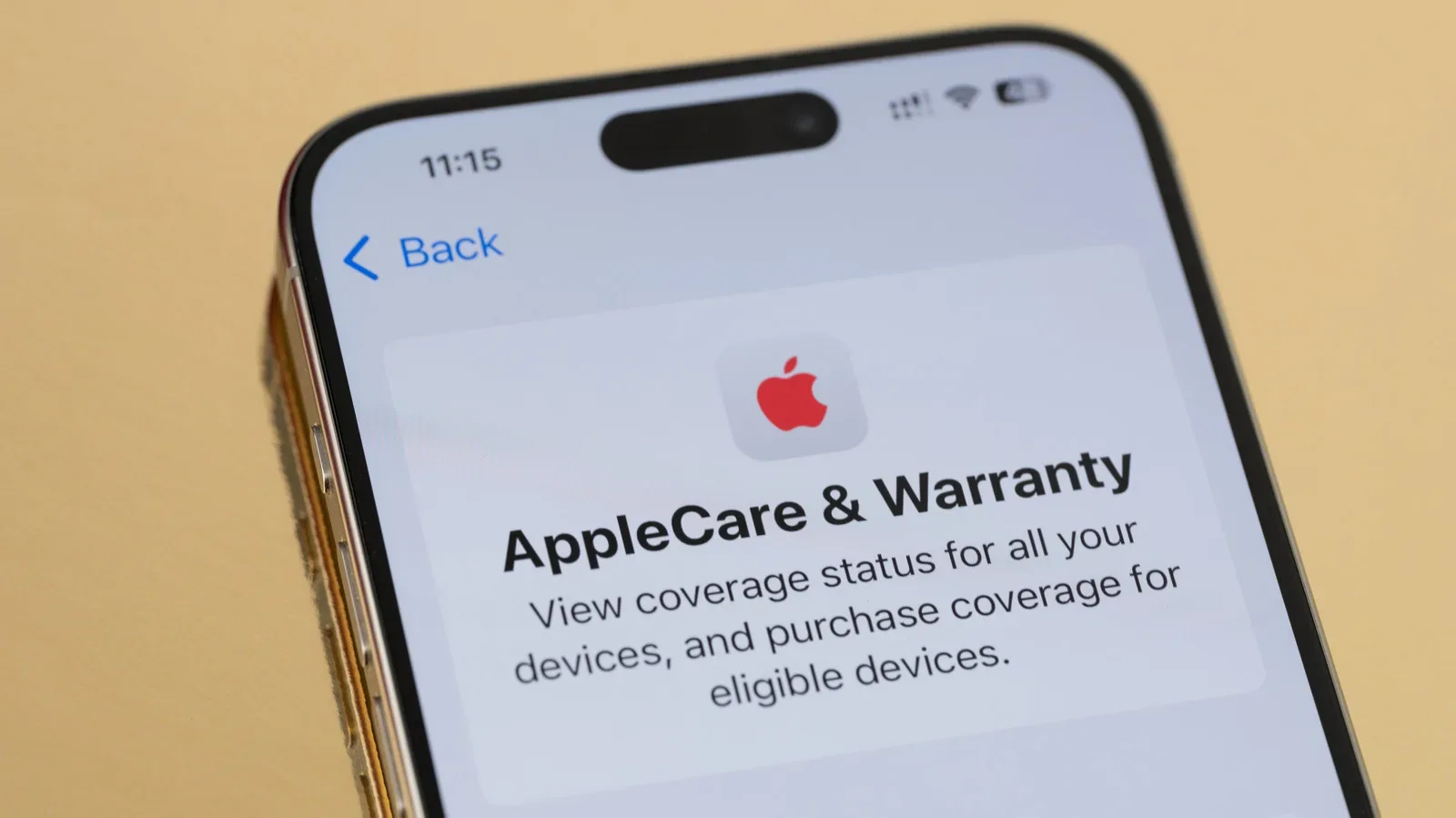
Accidents live in a different dungeon. A shattered screen after a drop, liquid spilled on a Mac, or other accidental damage is not generally covered by that basic warranty. That distinction is the reason AppleCare exists as an optional protection plan. It adds accidental-damage coverage, subject to service fees, rather than simply extending protection against factory defects.
The gap can be substantial. A cracked iPhone 17 display can cost $329 to repair without coverage. That is the kind of single-event bill that makes a protection plan seem much less like a boring checkout-screen add-on and more like a defensive stat buff. It does not mean every owner must buy it. It does mean skipping it is a conscious choice to self-insure against that kind of expense.
What AppleCare plans can cover
Apple’s coverage options have expanded well beyond the earlier model of paying one upfront price for a fixed period. Current choices can include monthly subscriptions, annual payment options, theft-and-loss protection for certain products, and AppleCare One, a multi-device subscription. Eligible product categories extend across much of Apple’s lineup:
- iPhone
- iPad
- Mac
- Apple Watch
- Apple Vision Pro
- Apple TV and HomePod
- AirPods and Beats accessories
Accidental-damage repair coverage is described as unlimited, though a service fee may still apply for each qualifying incident. Apple may repair a device, and in some situations it may provide a replacement rather than repair the original unit. Same-day service may be possible where available, which can be important for somebody whose phone is their camera, authenticator, maps device, work contact number and tiny glowing portal to every group chat at once.
There is a key limitation worth remembering: theft and loss protection is available for iPhone, iPad and Apple Watch, not Macs or accessories. A MacBook owner considering coverage should therefore focus on accident-related repair protection and support, not assume the plan will replace a laptop that vanishes from a train table.
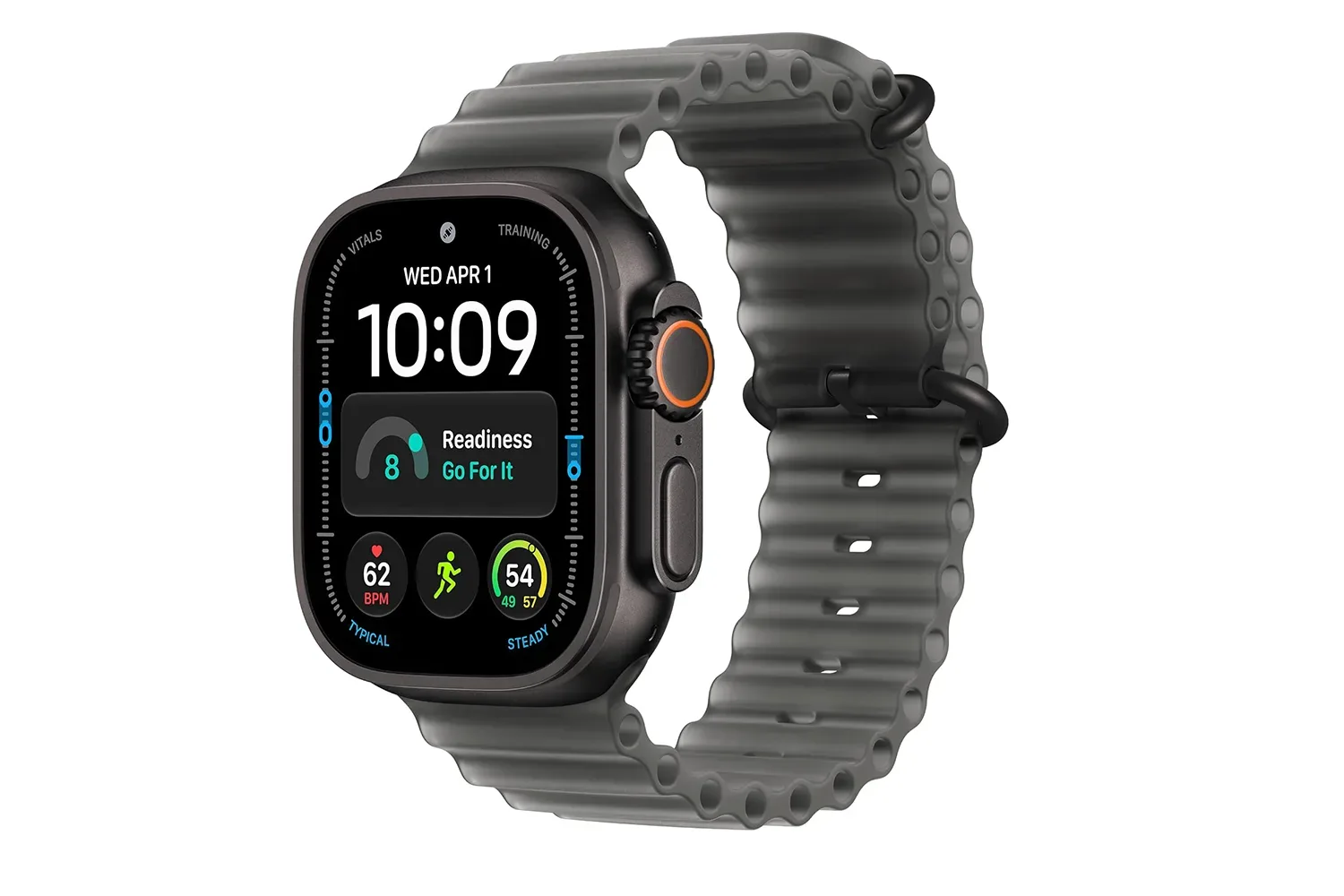
For Apple Watch buyers specifically, the wider hardware context may matter as much as coverage. Our report on the Apple Watch Ultra 4’s pre-orders and claimed workout battery life outlines why a wearable can be an especially active, and therefore potentially accident-prone, piece of kit.
The numbers: premiums do not replace service fees
AppleCare lowers the cost of a covered mishap; it does not make repairs free. For iPhone damage, the reported service fees are $29 for screen damage and $99 for other accidental damage. A theft or loss replacement carries a $149 fee. Those are meaningful charges, but they can compare favorably with paying full out-of-warranty repair prices.
Plan prices vary by model. AppleCare+ with Theft and Loss for an iPhone 17 Pro costs $13.99 per month or $139.99 per year. For an iPhone 17e, the price is $9.99 per month or $99.99 per year. AirPods Pro coverage is priced at $1.99 monthly or $19.99 annually.
Here is the simple iPhone 17 screen-break thought experiment. A year of coverage priced at $199.99 plus a $29 screen service fee totals $228.99. That is still lower than the stated $329 out-of-warranty display repair. In that narrow scenario, damage during the year makes coverage financially favorable. But the calculation reverses if no accident happens: the premium becomes the price paid for peace of mind, support options and protection from a risk that never arrived.
That is why calling AppleCare either an automatic bargain or an automatic waste is too simplistic. Insurance is partly arithmetic and partly tolerance for uncertainty. Some people would rather budget a known monthly expense than keep one eye on every pavement edge. Others have a history of keeping devices pristine and would rather retain that money in a repair fund.
AppleCare One changes the math for multi-device households
AppleCare One is the option aimed at people with an Apple-heavy equipment loadout. It covers three devices for $19.99 per month, with additional devices available at $5.99 each per month. The subscription is offered not only in the United States but also in the UK, France, Germany and Australia.
The three-device format deserves a real comparison rather than an impulse purchase. A household carrying an iPhone, iPad and Apple Watch may find that pooling coverage is more sensible than stacking separate plans. Someone with only a single lower-risk device may find it excessive. It is also important to check the exact devices being enrolled and their eligibility rather than assuming every Apple product can be folded into every configuration under identical terms.
A useful way to approach it is to identify the devices with the largest financial sting and the greatest accident exposure. A phone used outdoors every day and a watch worn during workouts may rank higher than a HomePod that rarely moves from a shelf. An accessory plan can be inexpensive, but inexpensive coverage is still an ongoing cost if the item is unlikely to meet danger outside the occasional encounter with a sofa cushion.
Who is most likely to get value?
AppleCare tends to make the strongest practical case for owners who can honestly answer “yes” to one or more of these questions:
- Have you broken, dropped, soaked or lost a device before?
- Would a sudden repair bill of several hundred dollars strain your budget?
- Do you use your phone or laptop for work, school, travel or essential communication?
- Do children share or regularly handle the device?
- Is theft and loss protection relevant to the iPhone, iPad or Apple Watch you carry?
- Do you own multiple eligible Apple devices that could make AppleCare One worthwhile?
A case and screen protector remain sensible physical protection, but they are not an absolute barrier against bad luck. Conversely, a careful owner using a durable case, rarely taking devices into risky places, and maintaining an emergency savings buffer may be perfectly comfortable declining coverage. That buyer is effectively self-insuring: setting aside the premium that would have been spent and using it for a repair, or eventually toward an upgrade, if nothing breaks.
Do not ignore carrier and third-party alternatives
AppleCare is not the only route. AT&T, T-Mobile, Verizon and Mint Mobile offer smartphone protection options, while SquareTrade also sells accidental-damage-only plans. AT&T plans start at $16 per month, although some repairs have no deductible. SquareTrade’s accidental-damage plans start at $8.99 monthly, and its four-phone family plan is listed at $19.99 per month.
The best alternative depends on the feature that matters most. Carrier coverage or a third-party plan might better suit a family with several phones. A local repair business may in some cases return a device faster than an official route. AppleCare’s appeal is the direct relationship with the company that makes the hardware, alongside the convenience of its own repair and replacement process. Neither advantage automatically outweighs price, deductible structure, family-plan needs or turnaround time.
Before choosing, compare the monthly or annual premium, each deductible or service fee, theft-and-loss terms, device limits, cancellation rules, and the process for making a claim. Do not compare only the headline subscription price. The real bill arrives when a mishap happens, and the fine print is where the side quest becomes the main boss.
A practical decision checklist
- Price the likely repair. Find the out-of-warranty cost for the breakage you are most likely to face, especially a screen repair.
- Add the full coverage cost. Include a year of premiums and the applicable service fee, not merely the monthly number.
- Check other protection. Review carrier coverage, third-party plans and any existing benefits you may already have.
- Be honest about your risk level. Past drops, travel, children, workouts and daily work use are more useful than optimism.
- Prioritize essential devices. Covering the hardware that would be hardest to repair or replace may be more rational than covering everything.
- Read current plan terms. Prices, eligibility and services can change, so confirm details before enrolling.
AppleCare is best understood as a controlled-cost strategy. It will not be the optimal purchase for every careful owner, and it does not erase every payment after an accident. For the right device and the right risk profile, though, it can turn a catastrophic repair encounter into a far more manageable one. For everyone else, putting the equivalent money into a dedicated repair reserve is a valid alternative—provided that reserve does not mysteriously get spent on takeout, collectibles or a suspiciously tempting new controller before the next drop happens.