Apple devices begin with a one-year limited warranty, but a warranty and a protection plan are not the same thing. The warranty is the starter shield; it is not designed to make every unfortunate meeting between a phone and a tile floor painless. For longer-running protection that includes accidental damage coverage, Apple’s choices come down to two similarly named but materially different options: AppleCare+ for one product and AppleCare One for a collection of products.
For players, collectors and everyday gadget jugglers, the decision is less about picking the plan with the snazziest name and more about doing a quick inventory. One iPhone? AppleCare+ is generally the straightforward route. An iPhone, iPad, earbuds and perhaps a MacBook all living under the same Apple account? AppleCare One may turn several separate monthly costs into one easier bill.
There is no universal winner. The price of AppleCare+ changes by device, AppleCare One has regional and age restrictions, and deductibles still apply in certain situations. Here is how to sort the two without turning your settings menu into a side quest.
The core distinction: one device versus a device roster
AppleCare+ is attached to a single eligible Apple product. It extends protection for that individual device. Buy it for an iPhone and it covers that iPhone; adding an iPad or AirPods means considering separate coverage for each product.
AppleCare One is a monthly bundle covering up to three devices. At a base cost of $20 per month, it includes the same broad benefits associated with AppleCare+ for those enrolled devices. More eligible products can be added at $6 per device per month.
That division makes the initial question wonderfully unglamorous: how many Apple items do you actually want insured? A single premium phone has a different calculation from a household—or a gaming setup—where an iPhone handles chats and captures, an iPad travels to tournaments, AirPods cover party audio, and a MacBook is the editing or streaming workhorse.
The multi-device idea is not new in consumer electronics, but it is a useful answer to the modern pile of connected hardware. In a much stranger historical attempt at all-in-one living-room technology, Sony’s Japan-only PS2 DVR hybrid combined game-console ambitions and media features; the Sony PSX is a reminder that tech ecosystems have long tried to put more functions under one roof. AppleCare One applies that consolidation instinct to protection billing rather than DVR menus.
What AppleCare+ provides for an individual product
AppleCare+ is the more targeted option. Its pricing differs substantially across the lineup, so the device matters. AppleCare+ for an iPhone 17 Pro Max costs $14 per month or $140 per year, while coverage for an iPhone 17e costs $10 per month or $100 per year. That gap illustrates why no comparison should assume a flat per-device rate.
The plan includes unlimited repairs for accidental damage incidents such as drops and spills, 24/7 priority support, and access to service through Apple Stores and Apple Authorized Service Providers worldwide. “Unlimited” does not mean every repair is free: service fees and deductibles remain part of the equation.
For example, iPhone screen or back-glass damage carries a $29 service fee. Theft or loss replacement for an iPhone costs $149. Those are meaningful numbers, but they can be considerably less painful than replacing a high-end handset at full cost. Prospective buyers should review the current detailed deductible list for their particular product before treating a protection plan as a blank check.
Benefits also vary with the device category. Battery replacement is available at no additional cost for products including iPhones, iPads and MacBooks when battery health reaches 80 percent of original capacity. Portable products—iPhones, iPads and Apple Watches—include theft and loss coverage for up to two claims over one year. Certain models also qualify for Express Replacement Service, which can provide a replacement device before the damaged one is sent away.
That makes AppleCare+ especially sensible for somebody with one costly, heavily used device. If that iPhone is constantly in a pocket, mounted on a controller, used on commutes and pulled out at crowded events, it is exposed to more chaos than a desktop that never leaves the desk.
Where AppleCare One can pull ahead
AppleCare One becomes compelling when the combined price of multiple standalone AppleCare+ plans exceeds $20 each month. It covers up to three devices at that base price, so the savings can be immediate for a high-end collection.
Consider an example consisting of an iPhone 17 Pro Max, a 13-inch M4 iPad Pro and AirPods Pro 3. Separate AppleCare+ coverage for those three products totals $27.47 monthly. In a place where AppleCare One is offered, the $20 monthly bundle would cost less for that trio.
But this is a comparison, not a law of physics. Three lower-cost devices may have individual AppleCare+ fees below $20 combined. In that case, moving to the bundle would mean paying more, not less. The responsible move is to list the exact items you want covered, check each individual rate, then compare that total with the bundle price and any $6 add-on devices.
AppleCare One availability and eligibility limits
AppleCare One is currently available only in the United States, the United Kingdom, France, Germany and Australia. Anyone outside those markets can stop the spreadsheet early: AppleCare+ is the applicable option from the information available here.
Eligibility also limits what can join the bundle. Most products must be no more than four years old. Headphones face a tighter rule and must be one year old or newer. Enrolled devices must also be registered to the same Apple account. That may matter for families, shared households or anyone whose devices are split between separate accounts.
The ability to add devices you already own is useful, but it should not be confused with universal coverage for every old cable-filled drawer. Check the age of the product and the account registration before building a plan around it.
Coverage details that apply to both plans
Although their enrollment structures differ, both AppleCare+ and AppleCare One include protection for in-box cables and power adapters that shipped with the covered product. That is a small detail until an accessory gets damaged or disappears at precisely the worst moment.
For iPads, both plans also extend accidental-damage coverage to one Apple Pencil and one Apple iPad keyboard. This is particularly relevant for an iPad used as a travel-friendly gaming screen, creative device or portable workstation. The tablet may be the star, but a broken keyboard or Pencil can disrupt the whole setup.
Theft and loss protection should likewise be read carefully rather than assumed across every device type. The stated coverage applies to iPhones, iPads and Apple Watches, with up to two claims in one year. A person primarily worried about losing earbuds should not assume that an iPhone-oriented theft-and-loss scenario translates identically to every category.
A practical way to choose
- Count the devices you genuinely need to protect. Do not add products merely because they exist. Focus on items that travel, cost a lot to replace, or would seriously interrupt daily life if damaged.
- Check whether AppleCare One is offered where you live. Its current availability is limited to the US, UK, France, Germany and Australia.
- Confirm eligibility. Most devices must be four years old or newer, headphones one year old or newer, and all additions must be registered to your Apple account.
- Add up the individual AppleCare+ rates. Compare that exact monthly figure against $20 for up to three devices, then add $6 for every additional enrolled product.
- Look past the subscription price. Factor in the applicable service fees, including $29 for iPhone screen or back-glass repair and $149 for iPhone theft or loss replacement.
- Match the coverage to risk. A stationary Mac and a frequently carried iPhone do not face the same hazards, even if both are expensive.
How to begin an AppleCare+ enrollment
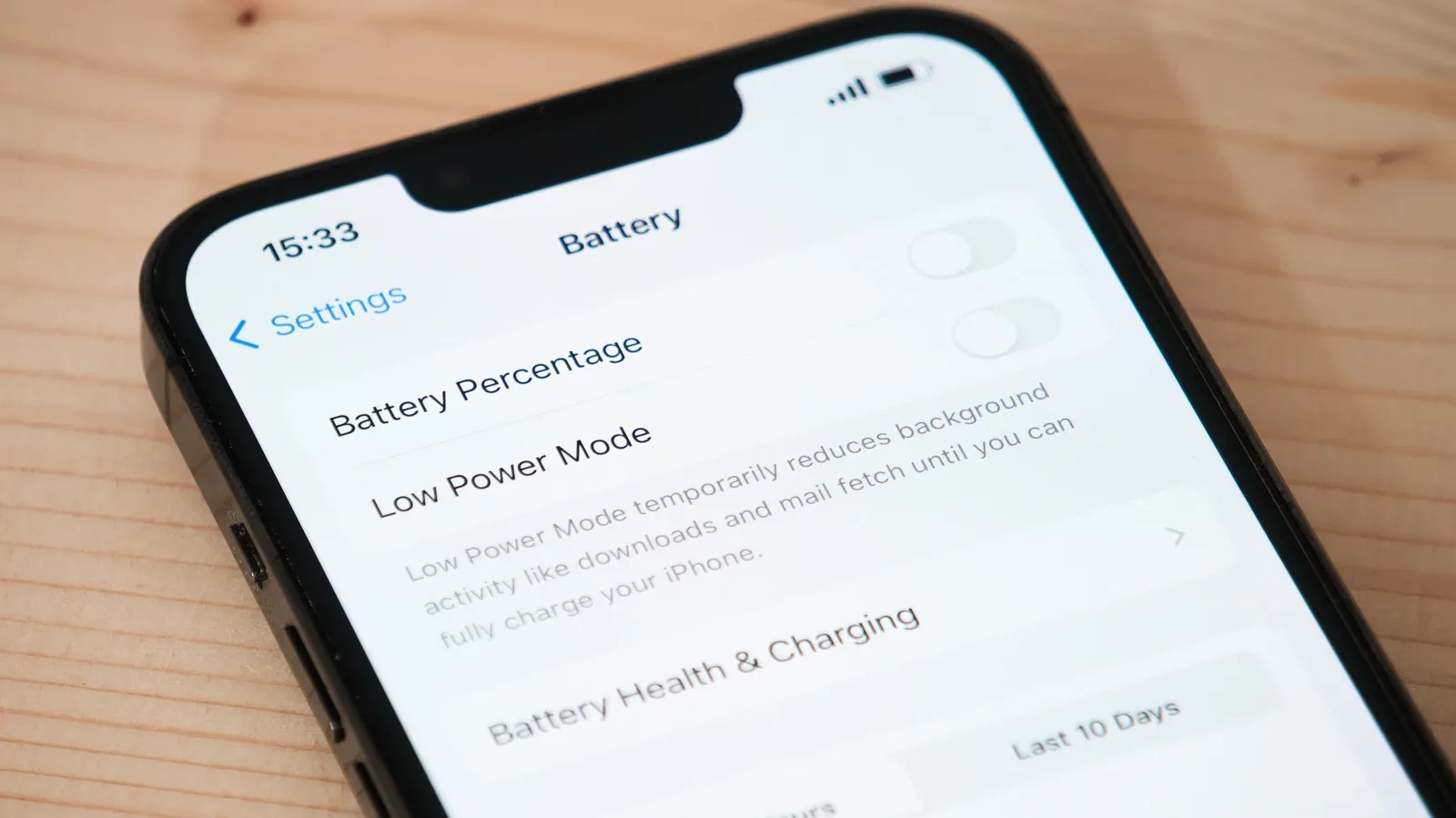
For a device eligible for AppleCare+, the route begins on the device itself: open Settings, select General, then choose AppleCare & Warranty. Another option is Apple’s AppleCare & Warranty page, where selecting a device can provide a QR code to scan.
Before committing, verify the terms and current plan pricing for the specific model. The headline difference is simple—one product under AppleCare+ or several under AppleCare One—but the right choice lives in the less glamorous details: the devices you own, their age, their account status, your country and the service costs you would still pay after an accident. Do that inventory first, and the protection-plan boss battle becomes a short menu decision.