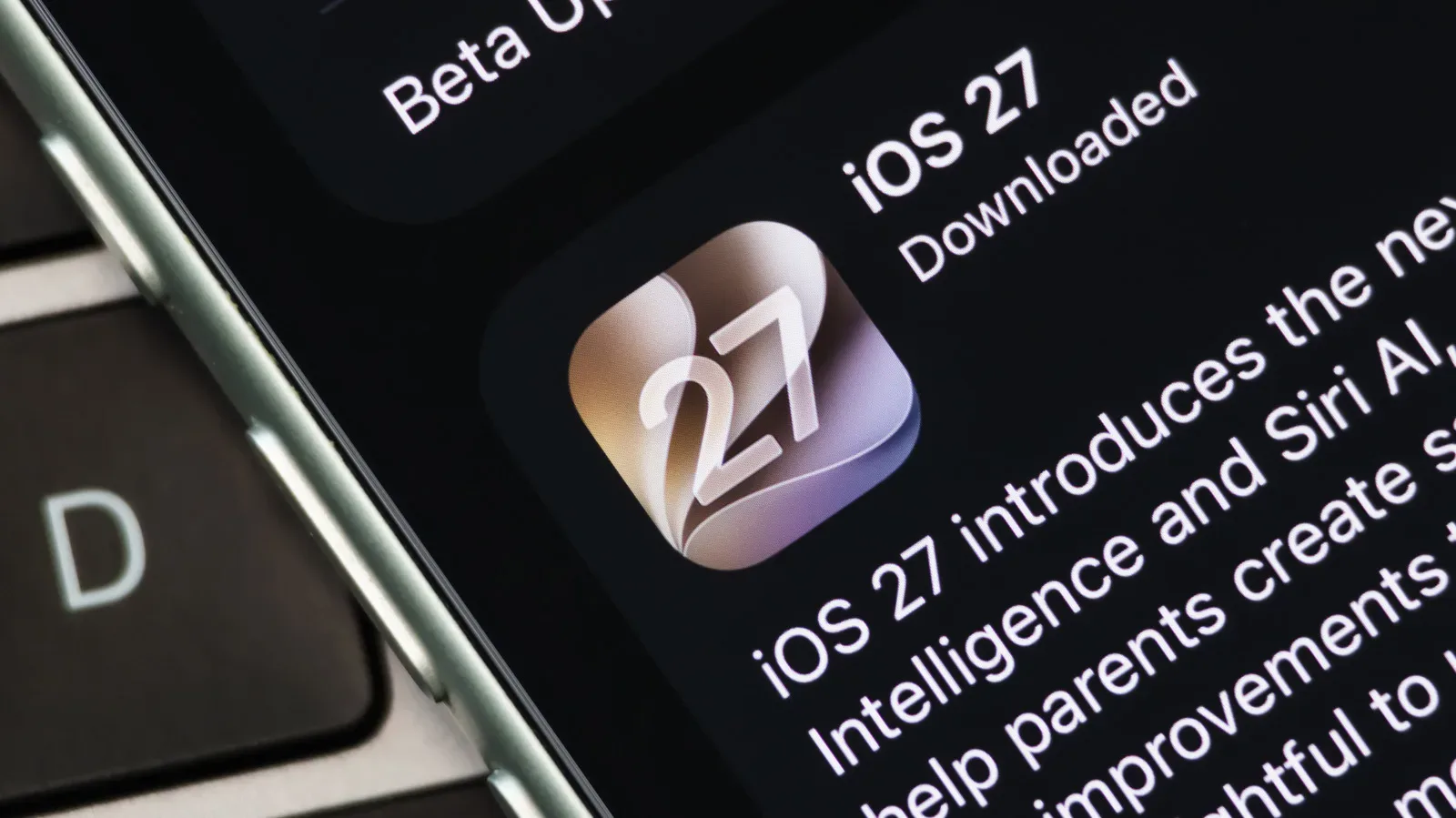
Apple’s iOS 27 update brings faster app launches and AirDrop transfers, but its biggest change is a rebuilt Siri with conversational input, web access and the ability to work from personal context held on a user’s device. It is also an unusually guarded rollout: eligible owners must enable the beta manually and then join a waitlist rather than receiving the feature the moment the operating system is installed.
That extra gate is not simply administrative friction. Siri AI combines local processing with requests handled by cloud servers, and the service is being introduced to a potentially enormous installed base. A waitlist gives Apple a way to admit people in stages, measure demand against available computing capacity and avoid immediately degrading the experience for those already using it.
For iPhone and iPad users, the immediate practical point is straightforward: an iOS 27 update alone does not mean Siri AI is active, supported or available in their region. Hardware, Apple Account region, language settings and an invitation from the waitlist all matter.
What Siri AI changes—and why the rollout is different
The new version of Siri is described as a comprehensive overhaul rather than a small voice-assistant tune-up. It can accept conversational requests in the style of current chatbot tools, including ChatGPT and Gemini. Apple worked with Google on semi-custom AI models, and Siri shares some of Gemini’s technical foundations.
More significantly, Siri AI is integrated into the operating system. It can draw on emails, messages and other on-device content, read what is on screen and retrieve information from the web. That is the distinction between a conventional assistant that responds to a narrowly phrased command and one intended to understand personal context.
Personal context, in this case, means the device builds a usable connection between relevant information across apps and content on the phone or tablet. The upside is that requests can be less rigid and more useful. The trade-off is that the underlying system has more work to do, both in preparing that context and, for demanding requests, in processing the request itself.
Some tasks run on the device through the Neural Engine, Apple’s hardware aimed at machine-learning workloads. Other, more complex tasks go to powerful servers. Apple calls its cloud approach Private Cloud Compute and says it is designed to prevent eavesdropping and data collection. The company’s privacy position is central here because Siri AI’s value depends on handling information that can be far more personal than a generic web search.
Why a waitlist makes technical sense
A waitlist is a capacity-management tool. If millions of people upgraded to iOS 27 and immediately began making sophisticated assistant requests, the resulting volume could exceed the cloud infrastructure currently allocated to the service. That can lead to slow responses, unavailable requests or inconsistent results—exactly the kind of debut that can sour users on a feature meant to be the center of an operating-system release.
Gradual admission lets Apple balance computational load, meaning the aggregate processing work generated by requests, against the servers available to perform it. Not all requests cost the same amount. A task that stays on-device has different demands from one that needs advanced cloud models, web retrieval and contextual reasoning. The number of requests, their complexity and the available server headroom can all change over time.
The opt-in step has a second advantage. Making Siri AI available by default would allocate setup and capacity to people who may have no interest in it. Requiring users to seek out the beta helps concentrate early access among people who actively want to use it, while giving Apple a clearer picture of real demand.
There is no fixed public promise for invitation timing. Some users have reportedly received access within a day, while others have waited longer. That variability is consistent with a phased system in which access is determined by available capacity rather than a simple first-come, first-served queue with a published clock.
How to request access on an iPhone or iPad
First, install iOS 27 on iPhone or iPadOS 27 on iPad. The update check is located at Settings > General > Software Update.
After updating, open Settings > Siri > Try Siri AI (Beta) and follow the option to join the waitlist. If that Siri AI choice does not appear, language and region settings are the first things to inspect. The currently required language is English (United States), and the region must be set to the United States under Settings > General > Language & Region > Region.
French, Spanish, Portuguese, Japanese and Korean support is expected in October 2026. Until then, users relying on those languages should not assume that a compatible device and current software will be enough to expose the beta option.
Compatibility is narrower than iOS 27 support
iOS 27 itself reaches back to the iPhone 11 series, but Siri AI does not. The new assistant requires an iPhone 15 Pro or later; this excludes the standard iPhone 15 models. That split is important because operating-system compatibility and AI-feature compatibility are separate questions.
On iPad, the requirement is a seventh-generation iPad mini with an A17 Pro chip, or any iPad with an M1 processor or later. These cutoffs mirror the wider Apple Intelligence hardware divide: the models need sufficient local processing capability to support the feature’s on-device work.
Even among supported iPhones, feature parity is not complete. Expressive Voices and Advanced Dictation require an iPhone 17 Pro or newer because they need more powerful hardware. Expressive Voices refers to more nuanced speech output, while Advanced Dictation concerns more capable speech-to-text input. In practical terms, an iPhone 15 Pro or iPhone 16-series owner may be able to join and use Siri AI without receiving every headline capability associated with the overhaul.
The “Optimizing Search and Siri” message is part of setup
After joining the waitlist, a device may display “Optimizing Search and Siri.” That message indicates that it is building the personal-context database Siri AI will later use. It is not, by itself, confirmation that the user has cleared the waitlist or that every server-backed feature is ready.
The optimization runs in the background. It works most efficiently when the phone or tablet is charging, locked and connected to Wi-Fi. That combination reduces disruption to active use and gives the device a favorable window to process local information. For users wondering why Siri is not instantly ready after toggling the setting, this preparation stage is a meaningful part of the answer.
It is also a useful reminder that “AI” is not one indivisible action. The local database preparation, the Neural Engine’s on-device tasks and server-side responses are different stages with different resource needs. The waitlist is principally about controlled access to the service, while optimization prepares the device to make its personal-context functions useful.
Regional availability is tied to a regulatory dispute
Apple Account region is another hard limit. Users whose accounts are set to China or a European Union country cannot sign up for the Siri AI waitlist.
In the EU, the barrier is connected to the Digital Markets Act. The European Commission has required Apple to provide rival AI companies with equal access to the same system data available to Siri AI. Apple has resisted that requirement, arguing that extending access to third parties could create privacy risks. The result is that the feature’s absence in the EU is not a mere language localization delay; it sits within a broader argument over who may access sensitive system-level information and under what safeguards.
That tension helps explain why privacy claims and technical architecture matter so much to this release. Apple says Private Cloud Compute is built to prevent eavesdropping and collection of user data. Regulators, meanwhile, are focused on whether the privileged access afforded to Siri should be available on equal terms to competitors. For the person holding an eligible iPhone, the immediate outcome is less abstract: account region can block the signup path entirely.
Mobile AI features are increasingly inseparable from permissions, identity and data handling. The same practical questions shape other wallet and device services too, as explored in this comparison of Google Wallet and Samsung Wallet on Galaxy phones: convenience can depend heavily on which information a service is allowed to use and how that information is protected.
Access does not mean unlimited use
Clearing the waitlist will not necessarily remove all service constraints. Apple says daily usage limits may apply based on server load, request complexity and other factors. In other words, an account may be admitted to Siri AI but still be subject to a moving allowance as the service balances demand.
Apple has also said that expanded AI usage limits will arrive in paid iCloud+ plans in the future, though no details were provided. There is no stated price, quota or timetable for that expansion, so users should treat it as a planned direction rather than a defined product tier.
The broader implication is that iOS 27’s Siri is closer to an evolving online service than a fixed feature shipped entirely inside an operating-system update. Its capabilities rely partly on device hardware, partly on local setup and partly on cloud resources that must be managed in real time. The waitlist is therefore not an accident beside the launch. It is a visible sign of how Apple is choosing to introduce a more powerful, more personal and more resource-intensive Siri.