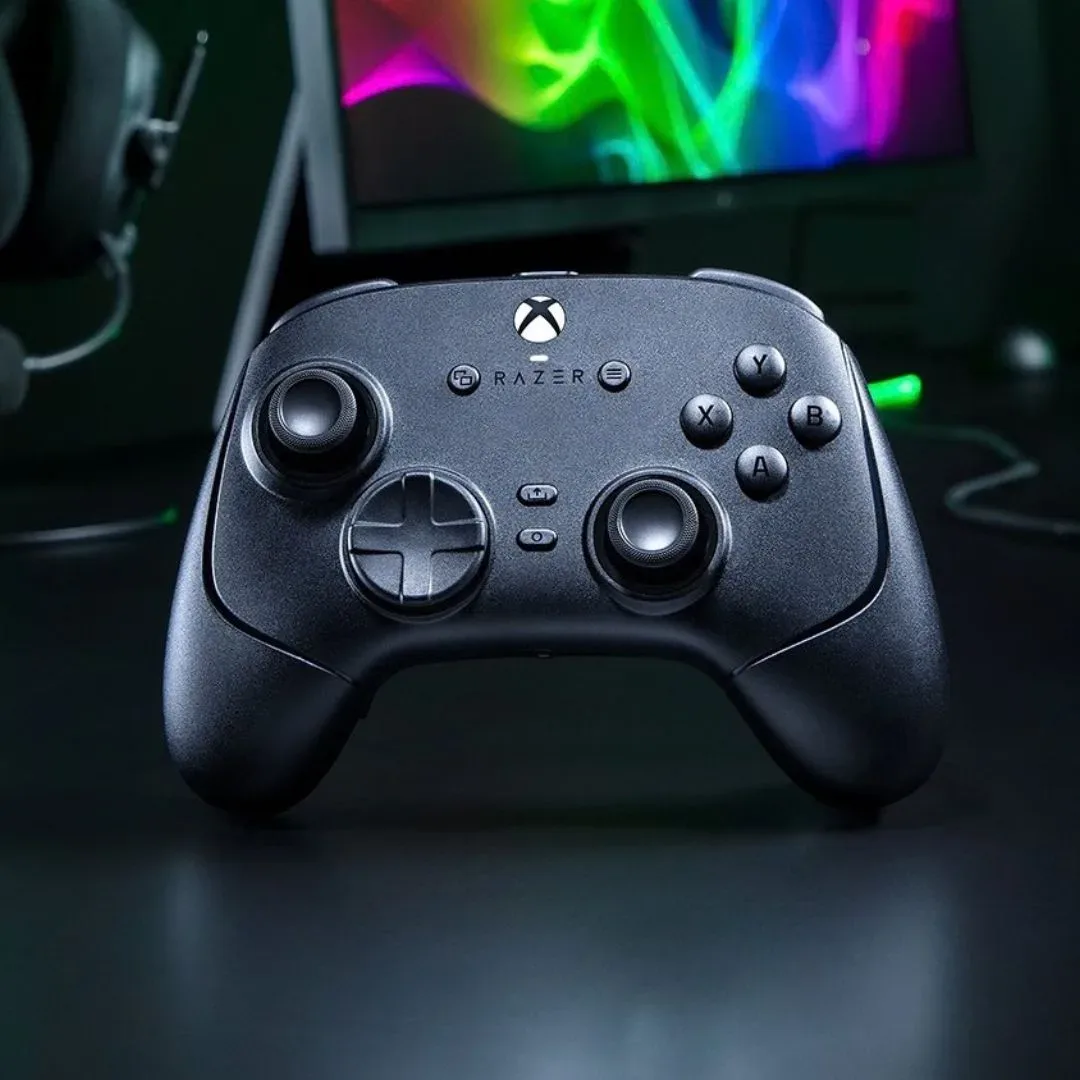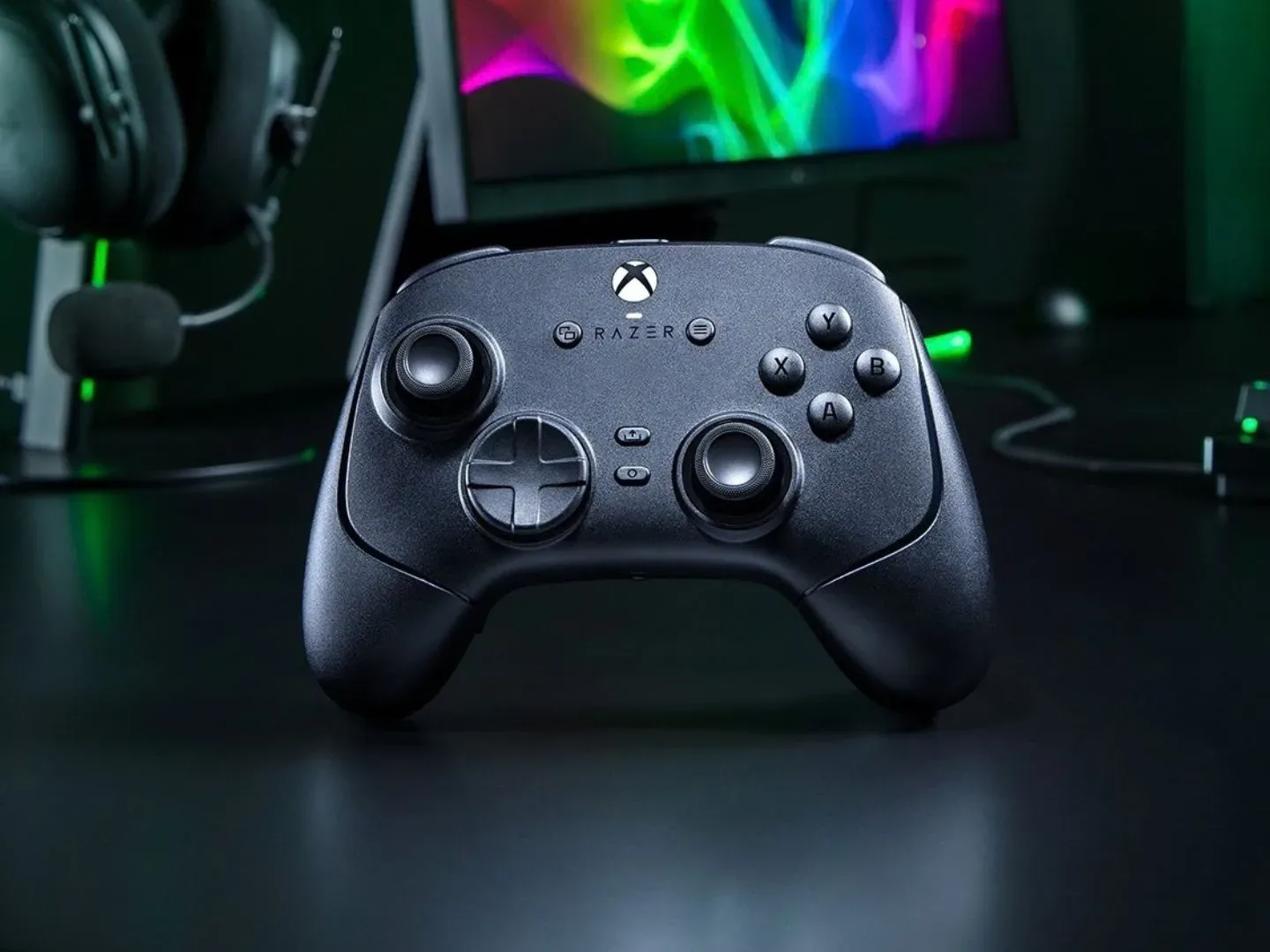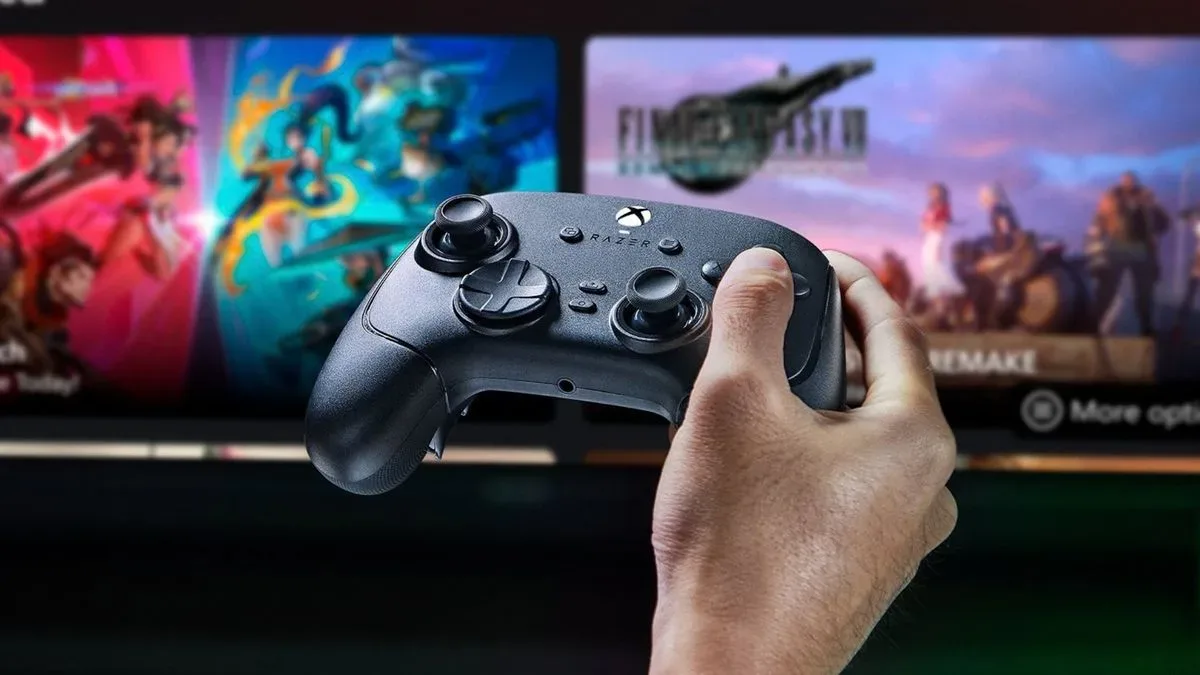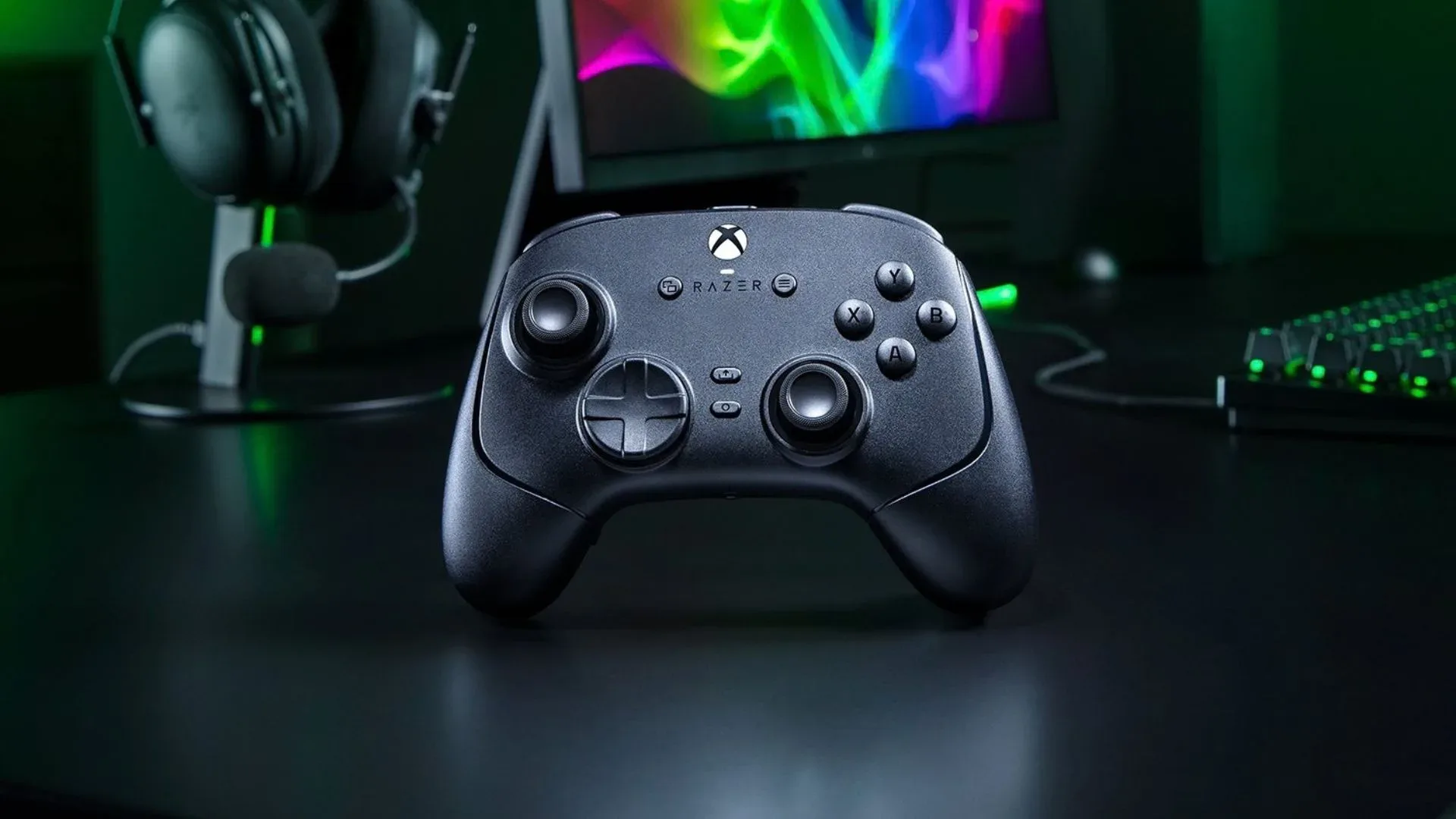
Razer is preparing a new flagship controller that takes a less-traveled route through the increasingly crowded world of anti-drift thumbsticks. The Wolverine V4 Pro is an Xbox and PC gamepad with capacitive thumbstick sensors rather than the Hall effect or TMR designs that have become the most recognizable alternatives to conventional stick mechanisms.
The new Wolverine retains much of the formula of the earlier V3 Pro: extra programmable inputs, click-focused buttons, adjustable trigger behavior, interchangeable stick caps, wireless connectivity and PC configuration through Razer Synapse. Its most consequential change, however, is inside the thumbstick modules. Razer says the capacitive approach delivers higher resolution and better power efficiency than both TMR and Hall sensor sticks, while remaining immune to stick drift.
Those are significant claims in a premium controller market where stick longevity and responsiveness have become major differentiators. The V4 Pro is listed at $199.99 / £199.99, the same price as its predecessor, and arrives without the carrying case that was previously included.
What capacitive thumbsticks mean here
“Capacitive” describes a sensing method based on changes in capacitance—the ability of nearby conductive elements to store electrical charge. In practical controller terms, the sensor detects stick movement without relying on the traditional kind of physical contact that can degrade as parts rub together over time.
That puts Razer’s design in the same broad conversation as Hall effect and TMR sticks, which are also contactless sensor technologies aimed at reducing the risk of drift. Stick drift is the unwanted movement registered by a controller when its physical thumbstick is at rest. It can turn a camera, move a character, or create directional input in menus without the player touching the stick.
Hall effect sticks use magnets and magnetic-field sensing. TMR, short for tunneling magnetoresistance, is another magnetic sensing approach. Razer’s stated reason for moving elsewhere is tied to modularity: the Wolverine V4 Pro uses magnetic, swappable components, and the company’s position is that TMR sticks would create performance problems in that arrangement.
That makes this controller notable not simply because it avoids TMR, but because it tries to solve two design goals at once: a drift-resistant stick mechanism and a collection of magnetic interchangeable parts. Whether the higher-resolution and efficiency claims translate into a meaningful advantage in everyday play remains an open question. TMR has already become a prominent option for controllers designed to emphasize precise input and durability, so capacitive sensing will need to demonstrate benefits rather than merely sound newer.
One controller, two polling-rate modes
The Wolverine V4 Pro is designed for both Xbox and PC, with different polling rates depending on where it is connected. On Xbox, it runs at 250Hz. On PC, players can raise the rate as high as 8,000Hz.
Related coverage includes Razer Reveals Wolverine V4 Pro With Capacitive Thumbsticks for Xbox and PC.
Polling rate is the frequency at which a controller reports its input to the connected system. A 250Hz rate means a report is sent up to 250 times per second; 8,000Hz means up to 8,000 reports per second. Higher polling rates reduce the theoretical interval between a button press or stick movement and the next report sent to the device.
That distinction matters because the prior Wolverine V3 Pro received an 8,000Hz PC-oriented version that did not retain Xbox licensing. The V4 Pro instead combines Xbox compatibility with the faster PC polling option in one product. For players who move between console and computer, that is a more straightforward proposition than choosing between separate versions built around different platforms.
It is also worth keeping the platform split in perspective. Xbox users are not getting the 8,000Hz mode described for PC; the console connection is specified at 250Hz. The utility of the V4 Pro’s headline polling figure therefore depends on where it will actually be used. Players shopping chiefly for Xbox should weigh the controller on its console-specific feature set, ergonomics and extra inputs rather than treating the PC maximum as a universal mode.
PC players interested in controllers may also want to compare the broader hardware considerations around their setup, from peripherals to a stable home connection. Our look at why mesh Wi-Fi nodes hide their antennas and why that can help gaming homes explores a different part of the setup equation.
Extra controls remain central to the Wolverine design
The V4 Pro continues with the control surplus expected of the Wolverine line. It includes four back buttons and two additional bumper/shoulder buttons. Those extra inputs can be useful when a player wants to keep their thumbs on the sticks while activating other commands, though their practical value naturally depends on a game’s control layout and on the player’s comfort with rear paddles or buttons.
Razer includes magnetic blanks for players who would rather remove the back buttons from the controller’s layout. This is a small but practical acknowledgement that extra controls are not universally desirable. Rear inputs can be useful, but they can also introduce accidental presses for users who grip a controller tightly or simply prefer a cleaner rear surface.
The controller also ships with differently sized thumbstick options, a cable and a wireless dongle. The interchangeable stick caps let users alter the physical height or shape of the contact point, providing a way to tune feel without replacing the underlying thumbstick module. The distinction is important: changing a cap changes how the stick feels under a thumb, while the capacitive sensor is the component responsible for detecting movement.
Clicky microswitches and trigger stops return
Razer is again using microswitch-style buttons derived from its esports mouse designs. A microswitch is a compact switch mechanism known for a crisp, tactile click. Compared with softer-feeling controller buttons, this style can make the point of activation feel more distinct.
For the V4 Pro, Razer has adjusted the buttons’ actuation with the stated goal of improving comfort. Actuation refers to the point in a button press at which the controller registers an input. A small change can affect how forceful, shallow or immediate a button feels, although the experience is inherently subjective and cannot be reduced to one specification.
The triggers retain their stop switches. Trigger stops reduce the distance a trigger has to travel, allowing it to behave more like a short-click input when enabled. That can be desirable for commands where a fast binary press is the priority. Players who prefer the full analog range of a trigger can leave the stops out of the way; analog travel is useful when games benefit from gradual input rather than an immediate on-or-off action.
Razer Synapse will handle settings adjustments, and the controller supports four onboard profiles. Onboard profiles store selected configurations on the controller itself, which can be useful for keeping different control setups available without rebuilding them from scratch each time. The supplied information does not detail every remapping or adjustment available, so prospective buyers should avoid assuming a particular setting is supported until the software’s full options are confirmed.
A magnetic faceplate raises customization questions
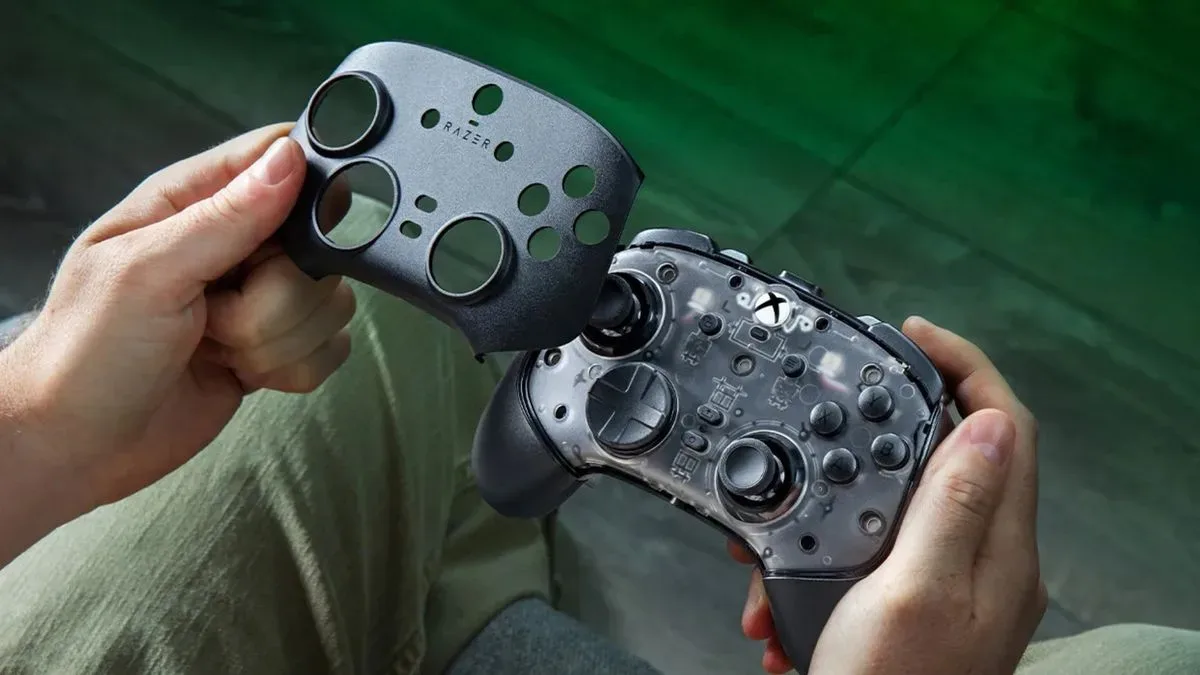
The V4 Pro also adopts a magnetic faceplate concept associated with controllers built around cosmetic swapping. That design opens the door to alternate looks, but no specific future faceplates or cosmetic program have been detailed. It is best understood as potential rather than a confirmed library of accessories.
Magnetic pieces are already a recurring theme in this controller: stick components, back-button blanks and the faceplate concept all point toward a more configurable physical design. That may appeal to users who regularly adjust controls for different games or simply want a controller that can be changed without tools. At the same time, the decision to use swappable magnetic elements appears to be part of why Razer chose a capacitive stick design instead of TMR.
The carrying case is gone, despite the familiar price
The less welcome change for some buyers is the absent carrying case. Razer has kept the V4 Pro at the V3 Pro’s $199.99 / £199.99 price point but no longer includes that storage accessory. The rationale offered is that controllers are not taken on the go often enough to justify it.
That view will not necessarily match how every premium-controller owner uses a case. A carrying case is useful for travel, but it also provides a designated place to keep a controller, cable, dongle and spare stick caps together. For a product that includes detachable and interchangeable pieces, storage can be as relevant at a desk or entertainment center as it is in a backpack.
The omission also changes the out-of-box value calculation. The controller still includes its functional accessories—different thumbsticks, cable, wireless dongle and magnetic blanks—but buyers who value protective storage will need to account for the lack of an included case. Razer is also planning a wired, lower-cost Tournament Edition for the V4 Pro generation, providing a separate option for users who do not need the wireless flagship model.
Why the V4 Pro’s sensor choice is worth watching
For all its extra buttons and software settings, the capacitive thumbstick module is the V4 Pro’s real experiment. Premium controllers are often judged by the number of rear inputs, trigger locks and remapping options they provide. Here, Razer is making a more fundamental hardware argument: that capacitive sensing can preserve drift resistance while working better with a magnetic, interchangeable construction.
The result could matter beyond one controller if the design proves compelling. Hall effect and TMR solutions have shaped the current discussion around drift-resistant sticks, and the V4 Pro presents another path rather than an incremental adoption of the latest magnetic trend. But the claims around resolution, power use and performance should remain clearly separated from independently established results. They are Razer’s product claims, and real-world comparisons will determine how much difference players can perceive.
For now, the clearest picture is straightforward. The Wolverine V4 Pro is a premium Xbox-and-PC controller that keeps Razer’s clicky buttons, trigger stops, additional inputs, configurability and interchangeable pieces, while replacing the expected TMR story with capacitive sticks. Its 8,000Hz PC mode gives it a prominent technical selling point, its 250Hz Xbox mode preserves console support, and its missing case makes the unchanged price harder to assess in isolation. The controller’s success will depend on whether its unusual thumbstick technology feels like a genuine improvement rather than simply a new acronym for buyers to learn.