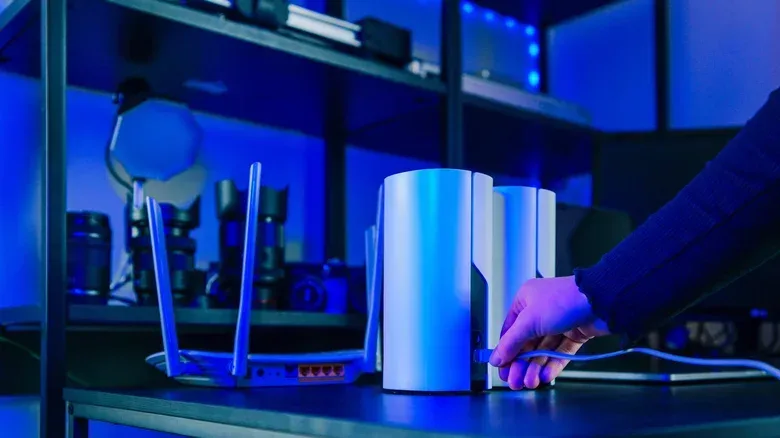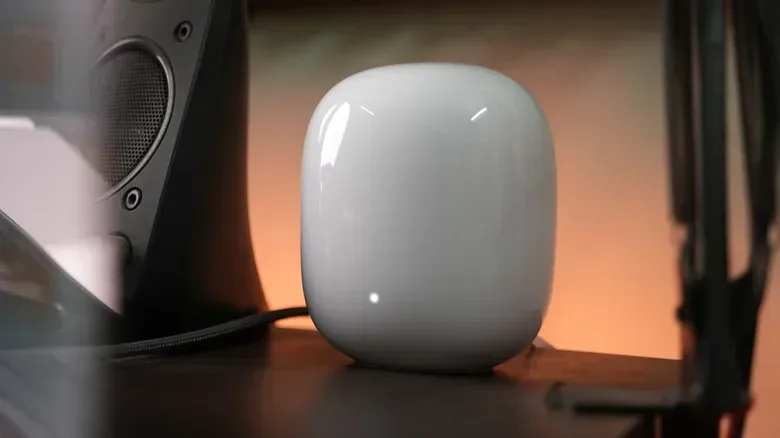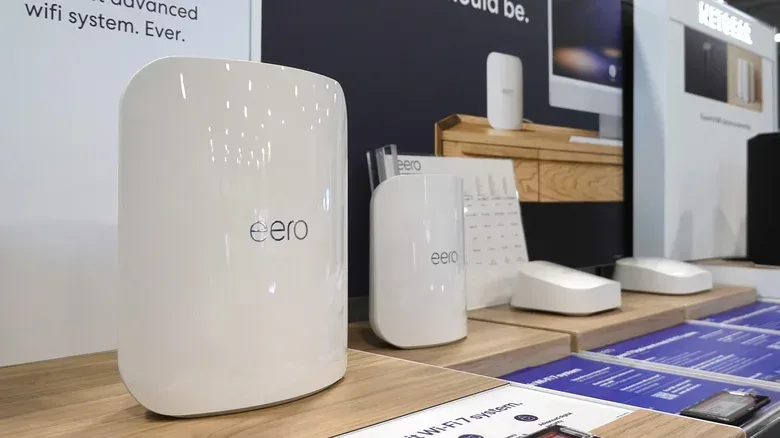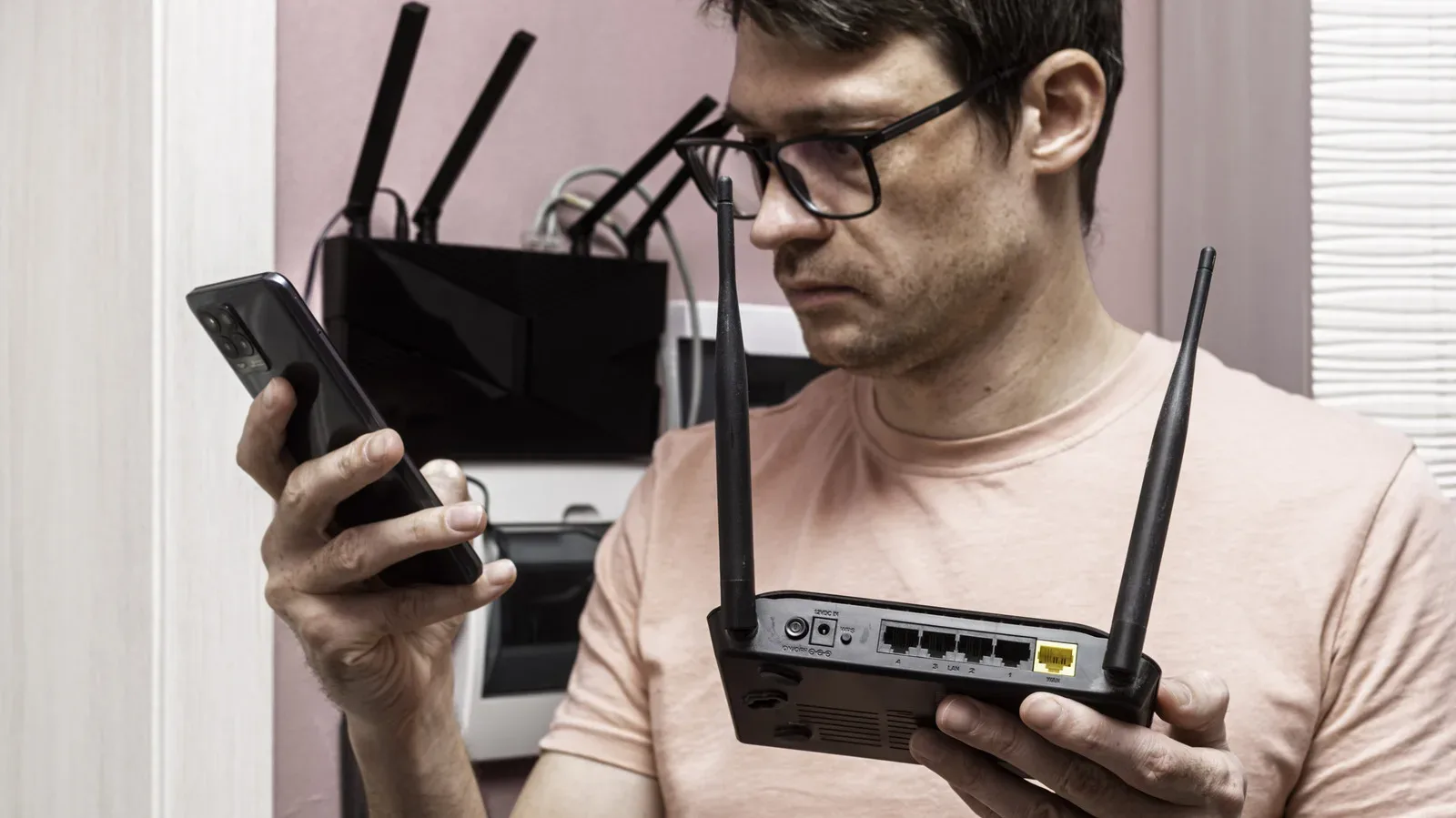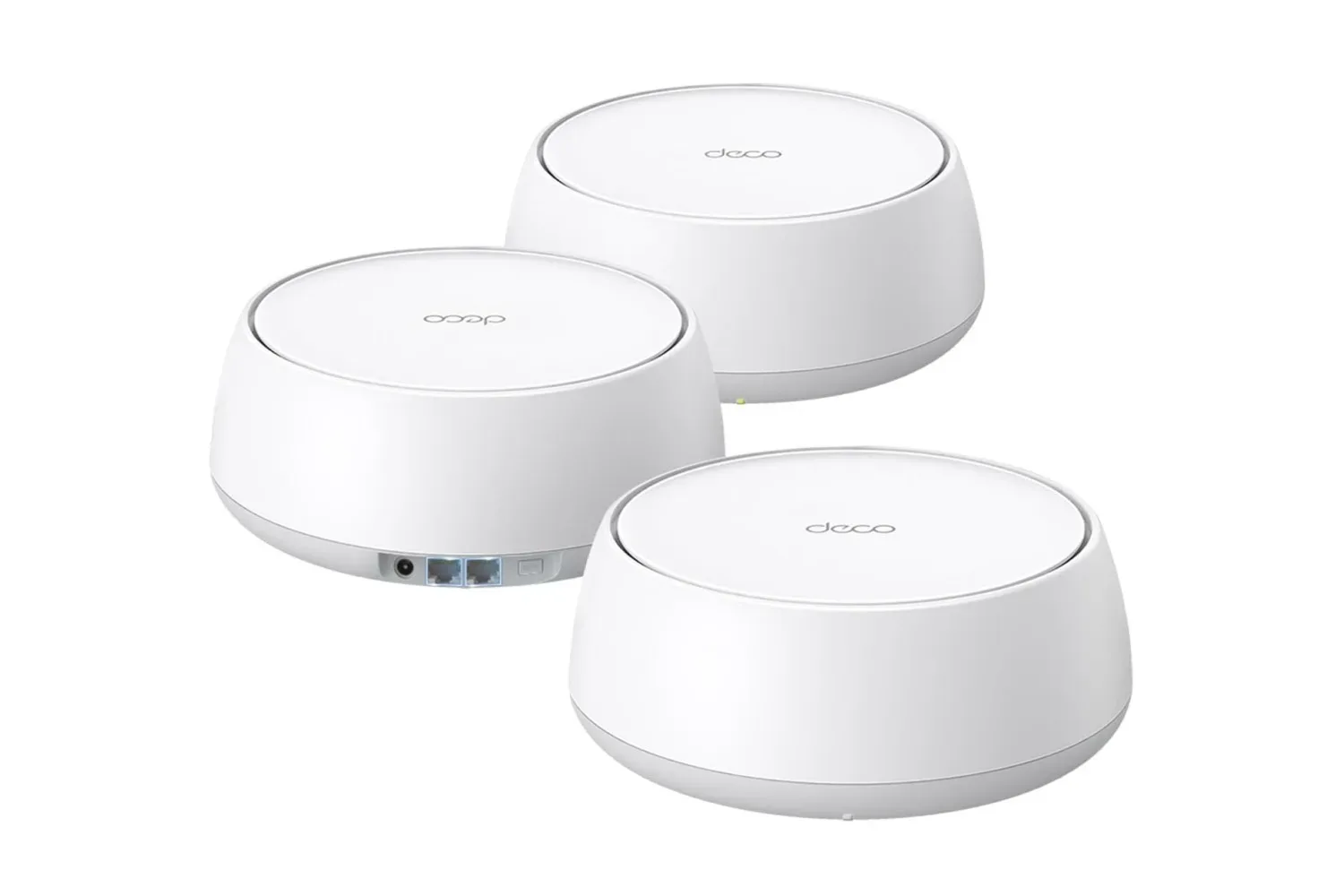
Mesh Wi-Fi hardware often looks less like traditional networking gear and more like a small speaker, a minimalist lamp, or an object that has wandered in from a very clean sci-fi set. The missing visual cue is usually a cluster of long external antennas. That can seem counterintuitive: if a mesh system is sold on improving whole-home coverage, why would its makers hide the very parts associated with reaching farther?
The short answer is that mesh networking has a different job from a single router trying to throw a signal across an entire home. A mesh setup uses multiple nodes to extend coverage into rooms where one central router may struggle. In that context, an internal antenna design is not automatically a compromise. It can support the way nodes communicate with one another, make device handoffs smoother, and remove the placement and durability headaches that come with adjustable external aerials.
For players, that matters less as a question of whether a router looks “powerful” and more as a question of whether the connection remains dependable where games are actually played. A gaming PC in a spare room, a console near the television, a handheld in bed, and a phone on the couch all benefit from usable coverage in their respective spots. A spectacular connection beside the main router is not especially helpful if the signal falls apart at the other end of the house.
A mesh network reduces the need for one giant radio reach
A conventional single-router arrangement puts most of the burden on one device. Its antennas must reach every client—phones, PCs, consoles, televisions and smart-home equipment—from a single location. External antennas can maximize range, which is valuable when the router must communicate directly with faraway hardware.
Mesh systems divide that work between nodes. Rather than asking one router to cover every room alone, the network places multiple access points through the home. Each unit fills in an area that might otherwise be a weak spot. The farthest important conversation for an individual node may be with another node in the system rather than with every device on the property.
That connection between mesh units is called the backhaul. In simple terms, it is the route network traffic takes between a satellite node and the main router. If a console connects to a nearby mesh node, the game traffic still has to travel from that node back to the primary router and onward to the internet. Backhaul performance is therefore a major part of the experience, even though it is usually invisible to the person holding the controller.
Some stronger mesh systems provide a dedicated backhaul, meaning that connection does not have to share all of its bandwidth with nearby client devices. The practical idea is straightforward: the link between nodes has its own lane instead of competing with the PC, console, phone, or streaming box connected to a satellite. That can avoid the slowdown that comes from splitting the same wireless capacity between inter-node traffic and household devices.
Since a mesh node may need to communicate broadly with a nearby node and with devices around it, raw distance is not the only design goal. Consistent coverage across several smaller areas can matter more than having a single antenna arrangement optimized to reach as far as possible in one direction.
Related coverage includes Why Mesh Wi-Fi Systems Usually Hide Their Antennas.
Internal antennas can suit how mesh nodes manage nearby devices
Many internal antenna arrangements are omnidirectional. This does not mean the signal is infinite or perfectly identical everywhere. It means the antenna pattern is intended to cover a broad area rather than focus narrowly in one direction. That broader approach fits the role of a mesh unit placed in an open, visible location where devices may be scattered around it.
It also supports one of the more useful promises of mesh networking: device handover. As someone moves through a home, their phone, handheld, or laptop can be detected by another nearby node and have the connection responsibility shifted over. Ideally, this happens without the user having to disconnect and reconnect manually.
For gaming, handover is more relevant to mobile devices than to a stationary desktop or television console. Still, the principle is valuable throughout the network. A system designed to recognize which node is best positioned to handle a nearby device has a clearer path toward consistent local coverage than one router attempting to serve every corner alone.
That does not make antenna visibility a reliable shortcut for judging a router. Antennas inside a mesh node are still antennas. Their placement is simply engineered inside the enclosure, where the product can be designed around the intended coverage pattern and the node’s role in a wider system.
External antennas introduce their own failure points
Adjustable external antennas can be useful, but they also give owners something else to get wrong. Their position can affect connection strength for certain devices, so a poorly aimed antenna may underperform compared with a properly arranged one. A mesh product aimed at broad household coverage benefits from reducing this setup variable.
There is also a much less glamorous issue: physical survival. External antennas stick out. They can be knocked, bent, or broken while moving a unit, cleaning near it, or accidentally sending a router from a tall shelf to the floor. A node with everything contained inside has fewer pieces exposed to that kind of damage.
The issue grows when a higher-end mesh system needs several antennas. A dedicated backhaul can require more antenna hardware than a basic arrangement. Putting all of those parts on the outside could create a complicated cluster of protrusions on every node. With two or three units placed around a home, that would be harder to live with and harder to protect.
Internal designs are not without tradeoffs. They can sacrifice some range compared with external alternatives, and nearby components could theoretically create interference concerns. But the system’s multi-node layout addresses the range question by bringing coverage closer to the client devices, while the finished product is engineered to minimize the effect of internal interference.
Placement still matters more than the aesthetic debate
Hidden antennas do not mean a mesh node can be treated as a decorative object first and a network device second. For the best results, routers and mesh nodes need to sit out in the open rather than be concealed behind furniture or tucked away solely to protect a room’s visual vibe. The internal antenna design makes that request easier to accept: a compact, plain unit is simpler to leave visible than a device that resembles a miniature radio tower.
This is one of the quiet advantages of the minimalist approach. A mesh system commonly means two or three pieces of networking hardware around the home, not one. A design that blends into a shelf or tabletop can make proper placement more realistic. That is not merely cosmetic; placing each node where it can do its job is central to the coverage advantage that justified buying mesh in the first place.
For a gaming setup, it is worth thinking about the route between the main router, any satellite node, and the device that needs the connection. The most suitable location is not necessarily the one closest to the console or PC. The node must also maintain a strong enough connection to the rest of the mesh. A location that gives a satellite plenty of room to communicate with the primary router while serving a nearby gaming area is more useful than a beautifully hidden node in a difficult spot.
That broader home-network perspective applies to routine PC maintenance too. Connection problems are not always caused by a game client or an operating system, but reducing needless interruptions elsewhere can make a gaming machine easier to manage. Windows 11’s Task Scheduler can help make recurring PC routines less annoying, while thoughtful mesh placement handles a separate but equally practical part of the setup: getting a dependable network signal to the machine in the first place.
Why the cleaner enclosure is also a business win
There is a manufacturing argument for placing antennas inside. External pieces require additional parts and materials. On a single router, that added cost may be small, but it becomes meaningful when multiplied across thousands or millions of units. Internal antennas can reduce those hardware demands.
That cost incentive should not be mistaken for proof that manufacturers are simply removing useful capability. In a mesh system, the enclosed design aligns with the networking objectives: broad nearby coverage, node-to-node communication, simpler device handoffs, and less risk of an owner misaligning or damaging protruding parts. The more attractive exterior is an additional benefit, not the entire explanation.
There is a practical purchasing lesson here. Mesh systems can carry a price-to-performance drawback, particularly if judged only by top speed. But top speed on paper is not the full story when a home has dead zones or inconsistent room-to-room coverage. A gaming download may be fast near the main router yet frustrating elsewhere if the signal is unreliable. Mesh hardware is designed around solving that distribution problem.
So the absence of external antennas should not be read as an admission that a mesh unit cannot cover a home. It reflects a different strategy. A system of several discreet nodes does not need every individual unit to be a maximum-range beacon. It needs the nodes to work together, cover the spaces where people actually use devices, and avoid turning every shelf into an antenna obstacle course.