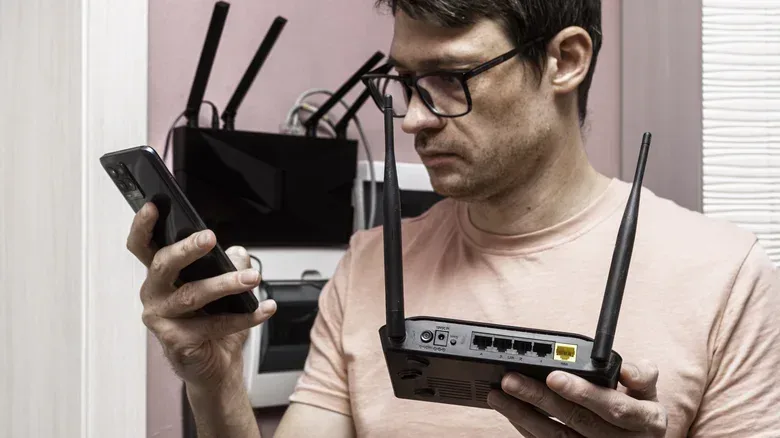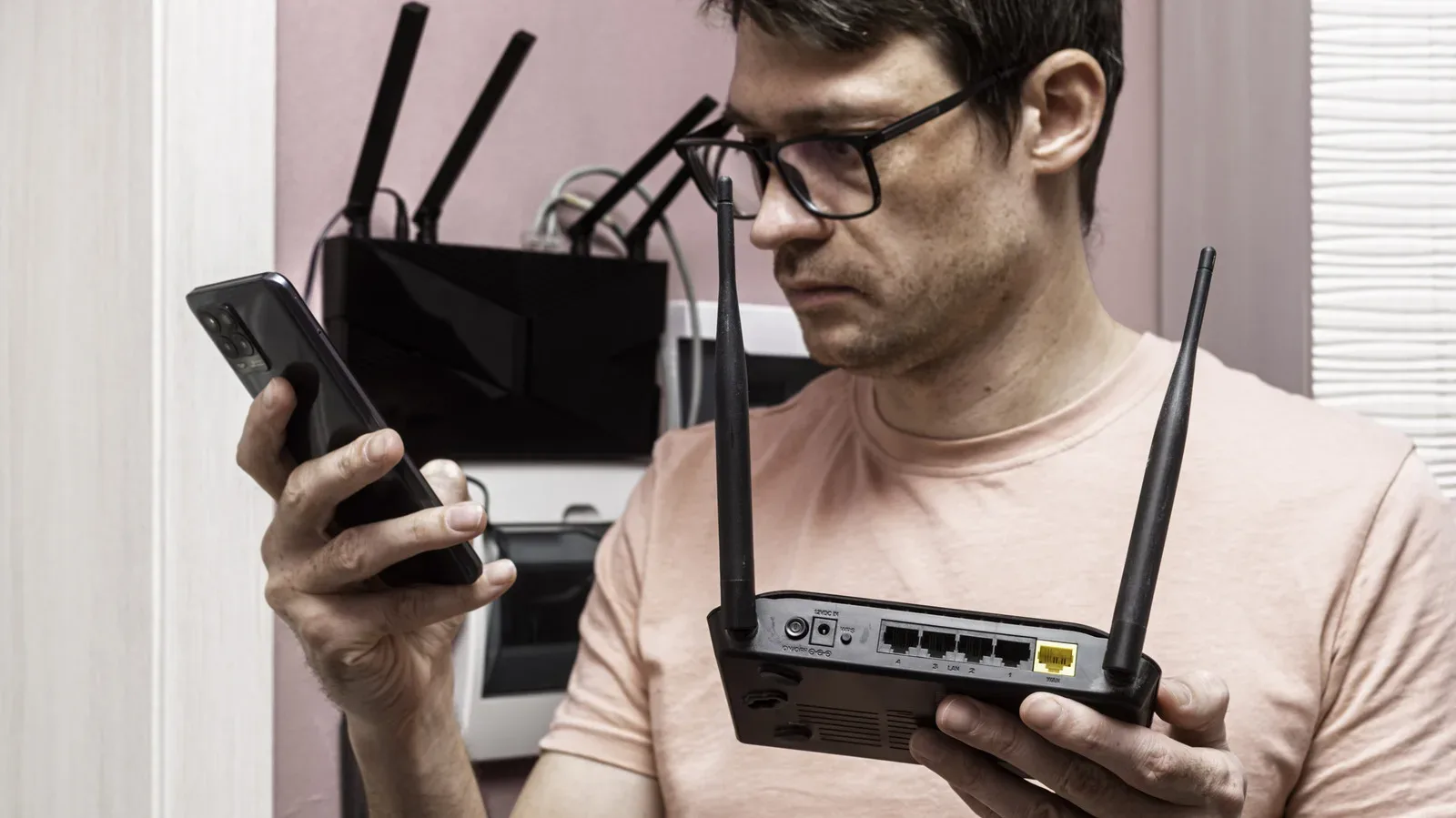
A newly replaced router does not automatically become e-waste with blinking lights. It may no longer be the right machine to run a home’s primary Wi-Fi network—newer hardware generally brings better security, range and performance—but an older unit can still be useful in a supporting role. For players, that can mean extra wired ports where the console lives, a more reachable wireless signal in a difficult room, or a separate VPN-connected network.
The important distinction is between primary-router duty and a narrower secondary job. A router that is no longer receiving firmware updates should not be treated casually as the main gateway for an entire household. But networking fundamentals have stayed useful for a long time, and an old device can be repurposed rather than immediately sent for recycling.
For gaming setups in particular, the modest jobs can be the valuable ones. A smart TV, PC and console can quickly exhaust the small number of LAN ports on a newer router. A bedroom, office or entertainment corner may sit just beyond the most reliable Wi-Fi coverage. The best reuse depends on the physical layout, whether an Ethernet cable can be run between rooms, and which modes the retired router actually supports.
Start with the job, not the gadget
Before changing settings, identify what is actually wrong with the current network. An old router should not be added simply because it is available. Two nearby Wi-Fi broadcasts can create interference and worsen performance, which defeats the point of adding hardware.
For a gaming corner, the first question is often practical: are more physical Ethernet connections needed? For a faraway room, it is whether a cable can reach a secondary access point. For someone who only occasionally wants traffic to go through a VPN, the useful role may be a dedicated VPN router rather than applying that choice to every device on the main network.
It is also worth checking the router’s administration interface and manual before planning around a feature. The terminology varies. A wireless extension feature might be called repeater, bridge or WDS bridging. Ethernet-focused setups may be listed as Access Point (AP) or Switch mode. A small number of compatible Asus models can form a unified mesh under the AiMesh name. The label matters less than confirming the function is available on the specific model.
Most straightforward use: turn LAN ports into a wired hub
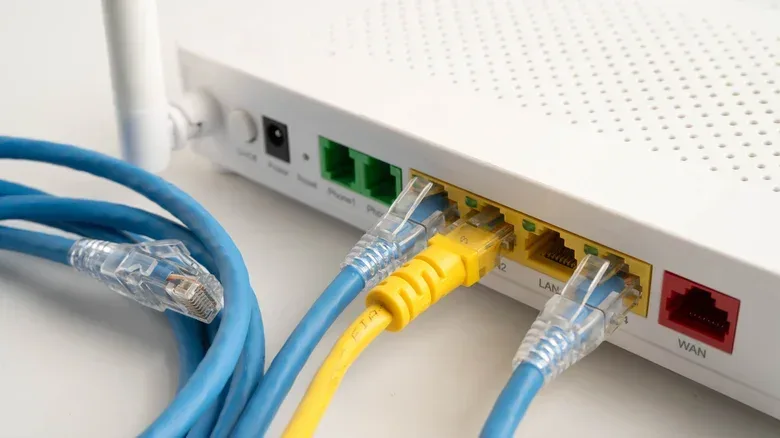
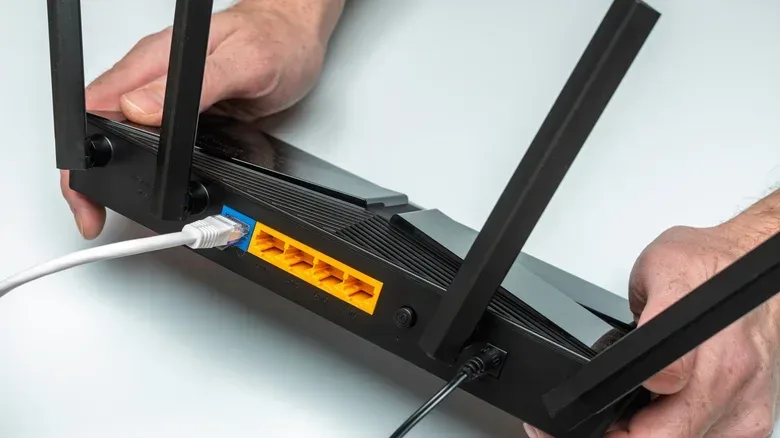
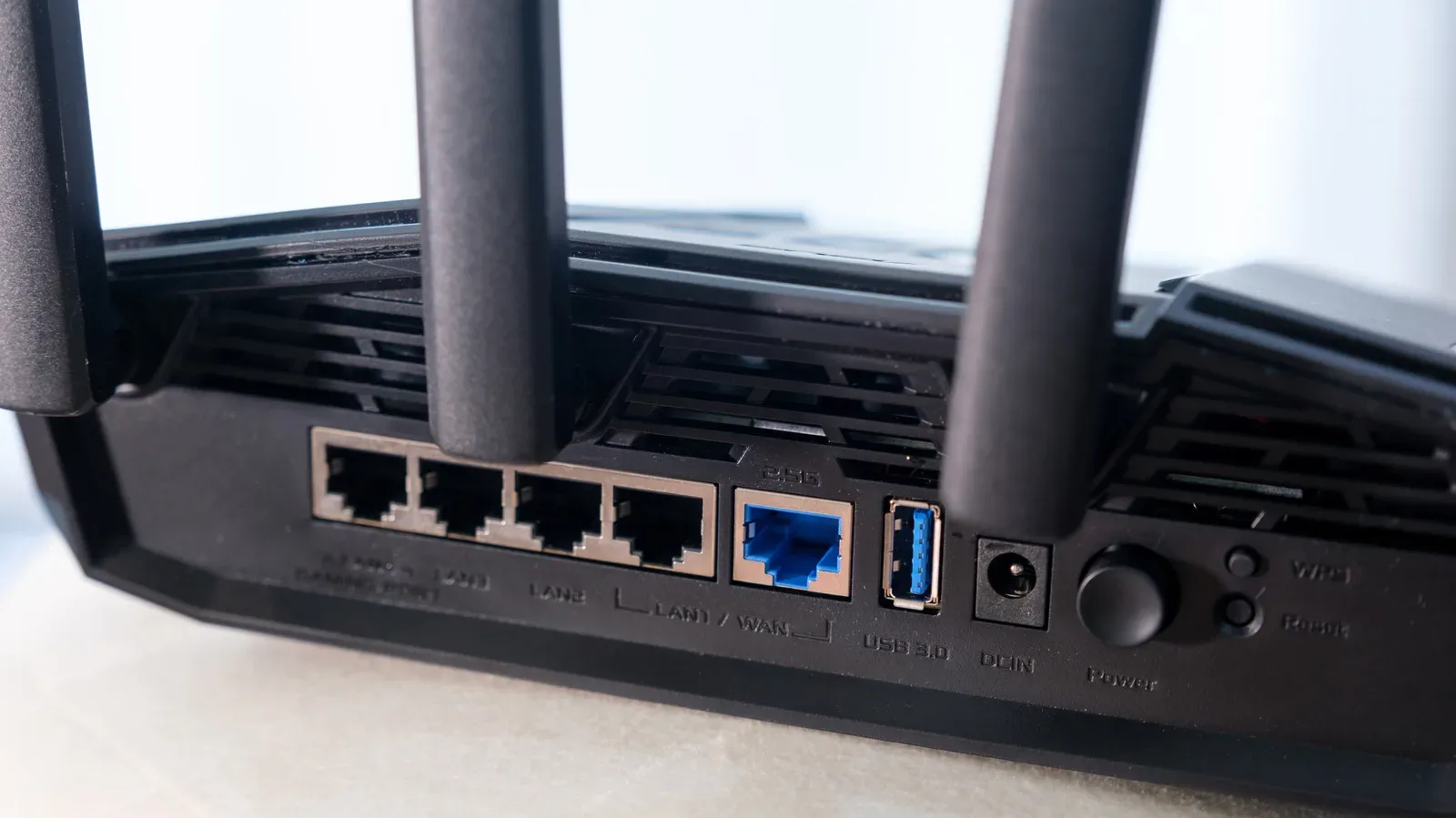
For a desk or TV stand with several networked devices, the old router’s LAN ports can act like a basic network switch. This is likely the least complicated reuse case: one Ethernet cable runs from a LAN port on the new primary router to a LAN port on the old router, and the remaining LAN ports on the older hardware can connect devices such as computers, smart TVs and gaming consoles.
There is one easily missed detail: do not connect the primary router to the old router’s WAN port for this setup. The intended connection is LAN-to-LAN. The WAN port normally serves the router’s internet-facing routing role, which is not the role wanted when the device is being used as an extra set of local ports.
Ideally, the old router has an AP or Switch mode in its administration settings. Enabling the appropriate mode lets it behave in the intended supporting role. If neither option is available, the relevant manual approach is to disable the old router’s DHCP server and other routing functions, including firewall and NAT.
DHCP is the service that assigns local network addresses to devices. NAT, short for Network Address Translation, is a normal part of a main router’s task of managing traffic between a local network and the internet. Leaving a second router to perform these routing jobs unnecessarily can complicate a setup meant only to supply extra local connections. In switch-style use, the primary router should remain in charge.
If the old router is only needed for its Ethernet jacks, turn off its Wi-Fi functions. That avoids adding an unnecessary wireless signal near the main one. This is a small change with a practical benefit: the old device supplies ports without creating fresh radio congestion.
Extend coverage, but understand the wired and wireless tradeoff
An old router can instead become a dedicated access point for a dead zone or weak-signal room. This can avoid buying a separate wireless extender. There are two broad ways to connect it back to the main router.
A wired access point uses an Ethernet line between the old and new routers. It requires the inconvenience of running cable, which may not be realistic several rooms away, but it offers stable connectivity and fast speeds. Where cable placement is feasible, this is the more direct solution for a remote game room, office or media setup.
A wireless repeater or bridge communicates with the main router over Wi-Fi. It can be useful where pulling Ethernet is impossible, but it has an inherent compromise: the old router spends part of its wireless capacity talking to the primary router. Devices connected to that secondary router may therefore see slower real-world speeds.
Frequency planning matters, too. Broadcasting two Wi-Fi networks in close proximity is not automatically a benefit. One suggested arrangement is to let the older router use the 2.4GHz band while disabling 2.4GHz on the newer router. The reason is physical as well as technological: 2.4GHz signals are better at passing through walls, while many improvements in Wi-Fi over the past decade have focused on higher-frequency 5GHz and 6GHz connections.
That does not turn 2.4GHz into a universal answer for every device, nor does it erase the capacity cost of wireless repeating. It is simply a way to reduce congestion while giving an older device a sensible coverage-focused assignment. The result depends on building layout and placement, so the sensible expectation is improvement in reach, not a guaranteed replacement for the performance of a modern primary router.
Mesh is possible only in the right family
Some routers can take on a mesh-node role instead. A mesh arrangement presents compatible hardware as one unified network rather than treating every secondary router as an independent, improvised extension. Asus calls its version AiMesh, and compatible models can be mixed within that family.
This is most useful when choosing a replacement router rather than after the purchase is complete. If the older router supports that system, selecting a new router from the same family can preserve a path to a unified setup. Compatibility is not something to assume from the presence of a familiar brand name alone.
USB ports can give old peripherals a network role
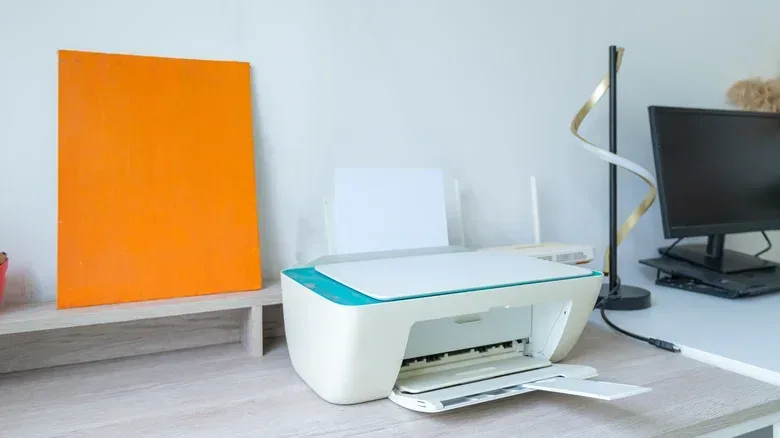
That USB socket on an old router may be more useful than it looks. Connecting a printer can allow print jobs from devices on the network, including wireless devices. For an older printer without its own Wi-Fi support, the router can function as the bridge that gives it a more convenient place in the household setup.
A USB thumb drive or external hard drive can also turn the router into a basic file server. Devices on the local network can read and write to the attached storage. That is a low-cost way to experiment with shared storage, perhaps for moving non-critical files between a PC and other devices, without buying a dedicated network-attached storage machine.
There are firm limits. A router-based storage share is not equivalent to a NAS. Dedicated network-attached storage systems are designed with reliability and backup features that an old router does not provide, and the router’s USB connection is likely to limit transfer performance. That makes this a convenience feature, not a reason to treat the attached drive as the sole home for important data. The router’s USB device-sharing settings in its admin panel determine how the feature is configured.
A separate VPN router keeps the choice separate
Some routers support VPN functionality, but enabling a VPN on the primary router means traffic is routed through the encrypted tunnel. A dedicated older router configured as a VPN client offers a more selective alternative: connect to that router when the VPN is desired, while the rest of the home network continues using the primary connection normally.
The practical appeal is separation. Instead of obliging all devices to take the VPN route, or keeping a VPN application active on a mobile device for long periods, the old router can handle that dedicated network role. The exact process depends on both the router manufacturer and VPN provider. In general, it begins by connecting the old router to the new one, placing it in access-point mode, locating the VPN settings in the administration panel, enabling the service and entering the appropriate credentials.
This is a configuration that deserves care rather than blind menu-clicking. The supplied instructions and settings differ by device and provider, so the router’s own documentation remains essential.
Custom firmware offers freedom—and a compatibility check
Routers are low-power computers: typically a modest CPU paired with limited RAM and storage, running lightweight software tailored to routing traffic. Manufacturer firmware can eventually stop receiving updates or simply omit controls that an owner wants. Open-source router firmware projects aim to change that.
OpenWRT, DD-WRT and FreshTomato are examples of alternative firmware that can make some older routers more flexible. OpenWRT can replace the manufacturer’s software with a system that offers greater control and can install third-party applications, including torrent clients. These projects can also make several of the secondary-router jobs easier to configure than they are in restrictive default interfaces.
However, custom firmware is not a universal rescue button. Support varies by router model, and the number of models on the market means compatibility must be checked in each project’s documentation before any installation is attempted. It is an option for people who need the added control and have confirmed support—not a feature to presume exists on every retired router.
For game hardware and home networking alike, the unglamorous infrastructure often determines whether a room is convenient to use. As handheld and console play keeps spreading across more parts of the home—see the emphasis on stable handheld play in this look at Monster Hunter Wilds on Switch 2—a spare router can be more useful as a targeted networking tool than as a forgotten box in a drawer.
The sensible order of operations is simple: keep current, supported hardware as the primary router; choose one narrow task for the old model; use the correct operating mode; and disable wireless broadcasting when extra LAN ports are all that is needed. That approach makes use of equipment already on hand without mistaking an aging router for a full substitute for modern network hardware.