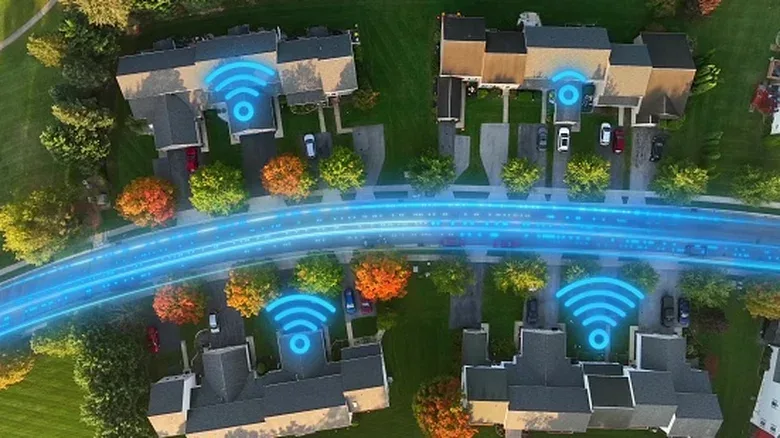
“Wireless internet” is a wonderfully confusing label, especially in a home packed with consoles, PCs, handhelds, TVs and phones. It can describe the Wi-Fi link between a game console and the router, but it can also describe fixed wireless home internet: a service in which a provider uses 4G LTE or 5G to deliver the connection to a gateway in the home.
Those are not the same decision. A household can subscribe to 5G home internet and still plug a gaming PC, TV or console into Ethernet. Equally, a home with a fiber connection can have dreadful Wi-Fi in a bedroom at the other end of the building. Before blaming a match’s stutters on “wireless,” it helps to separate the connection arriving at the property from the network distributing it inside.
For players, the practical answer is not that one option is universally right. Fiber is generally the strongest combination of performance, speed and value where it is competitively priced and available. But fixed wireless may be a very sensible alternative when the wired choices at an address are old DSL, costly cable, or difficult to install. The first rule is simple: compare the actual plans offered at your exact address, rather than choosing based on the word wired or wireless alone.
First, separate home internet from home Wi-Fi
Wired home internet means the provider reaches the home through a physical line. That could be fiber-optic cable, coaxial cable for cable internet, or telephone wiring for DSL. A gateway—such as a modem or optical network terminal—turns that incoming service into a connection that the home network can use.
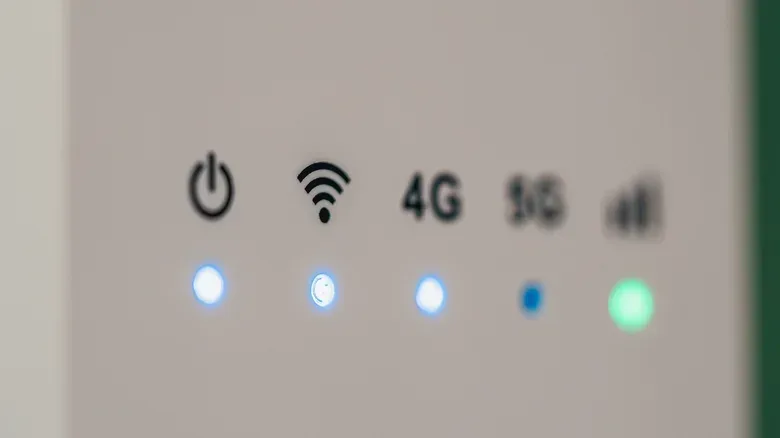
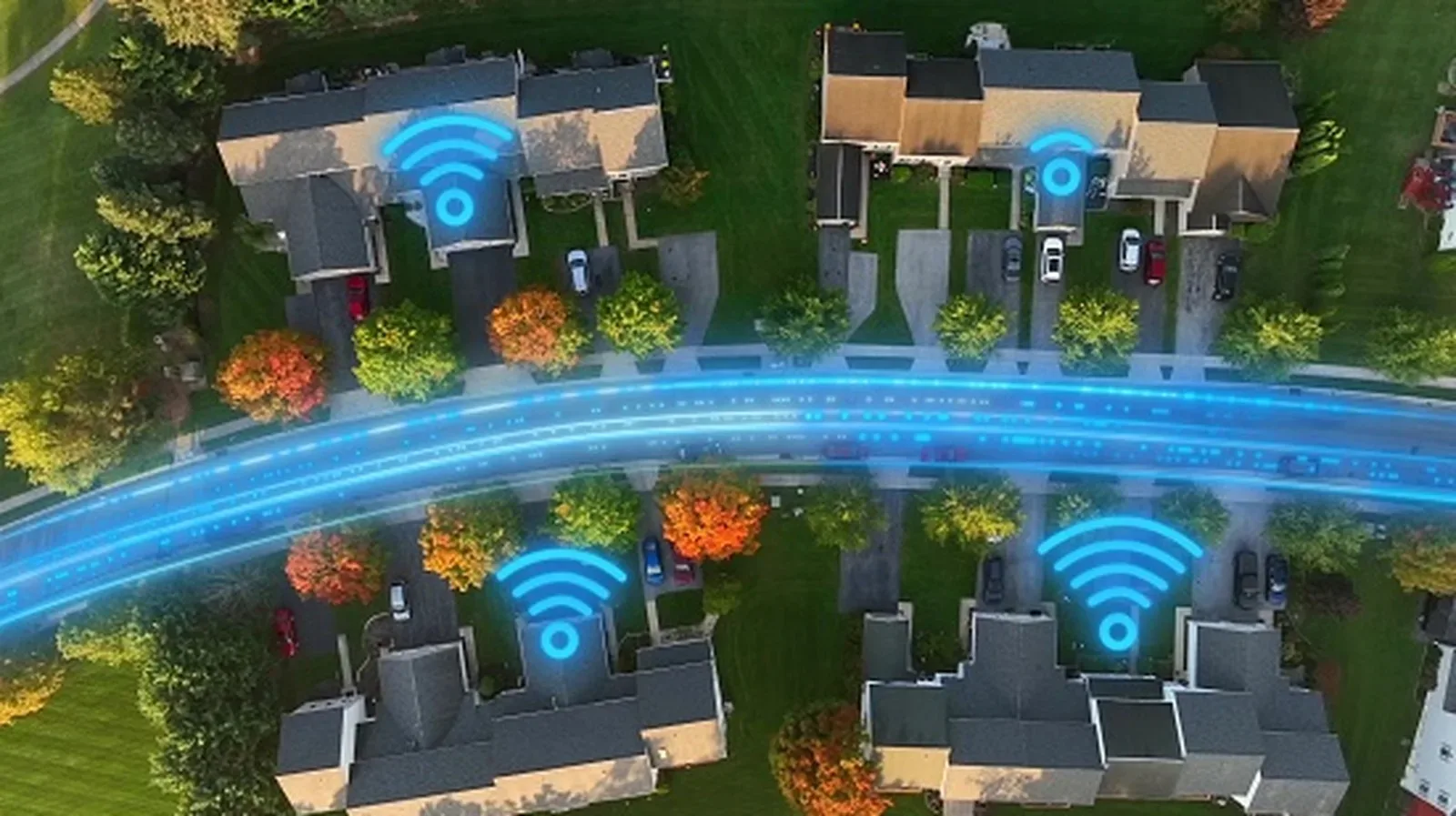
Fixed wireless home internet replaces that final physical line with a cellular connection. A gateway placed in the home connects to the provider’s LTE or 5G network, then shares its internet connection with other devices. It functions much like a phone connecting to cellular service, although it is intended to serve the household.
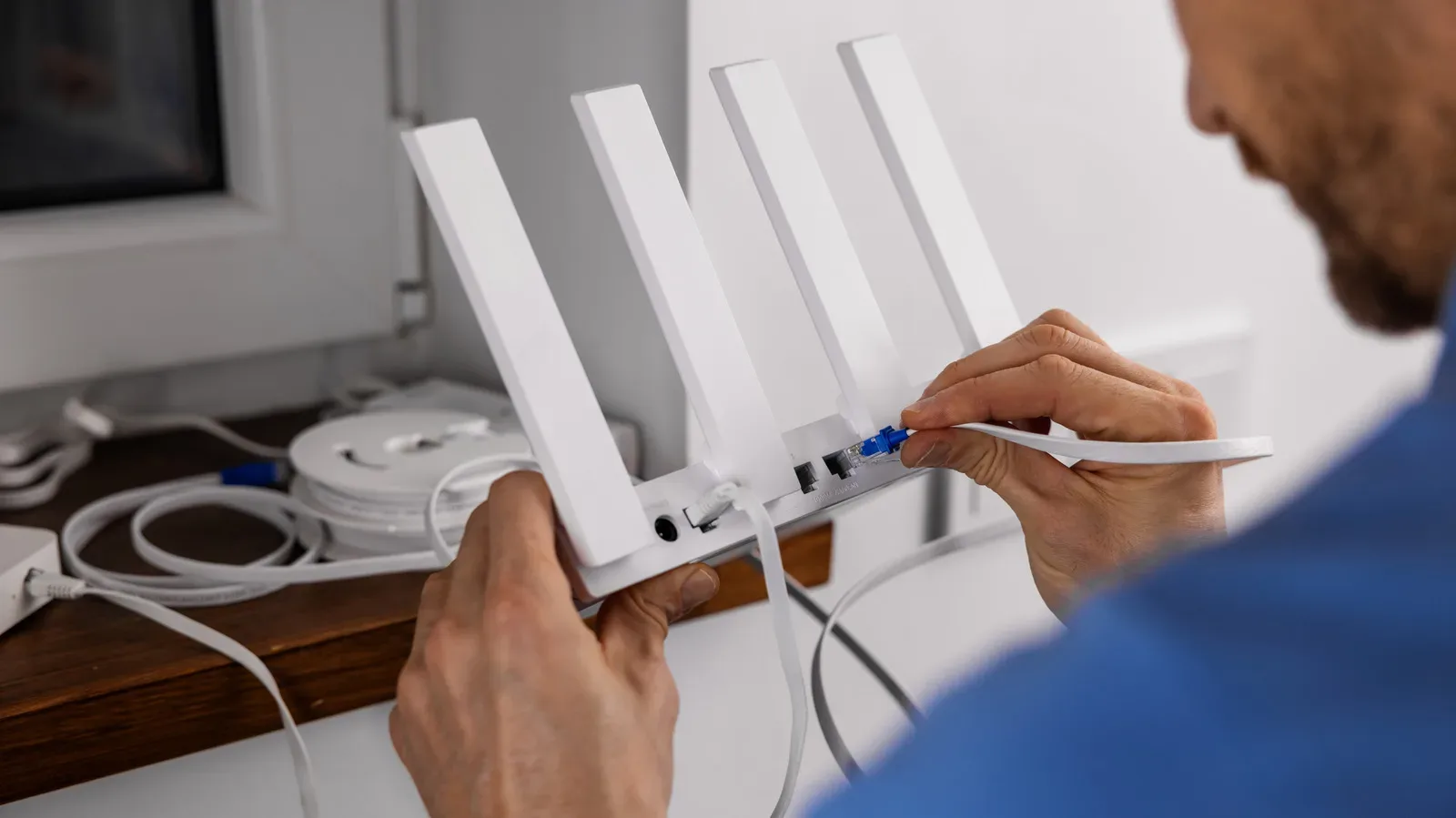
From there, the setup can look quite similar. The gateway may also be the router and Wi-Fi access point, or it may connect to a separate router. The router directs network traffic to the right devices, whether that device is a console downloading a patch, a PC in an online match, or a smart TV streaming a game broadcast.
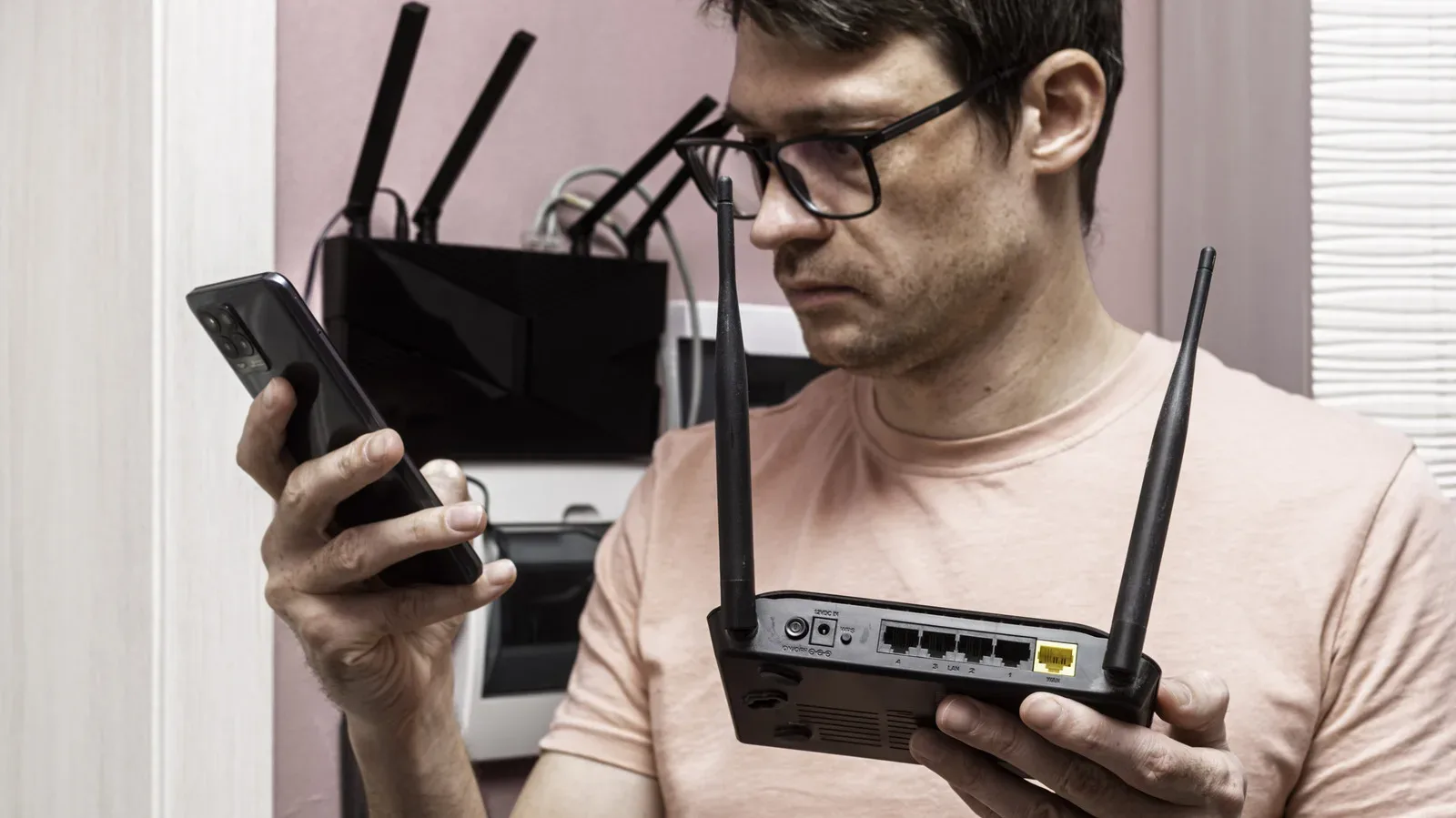
This distinction matters because a fixed-wireless gateway can have Ethernet ports. Choosing 5G home internet does not force every device onto Wi-Fi. If a player wants their desktop PC, PlayStation, Xbox or television connected with an Ethernet cable, that can be possible with either a wired broadband plan or fixed wireless.
Likewise, poor Wi-Fi coverage in one room does not prove that the incoming service is slow. A weak signal through walls or across a large home is a local coverage problem. A mesh Wi-Fi system can broaden coverage and reduce dead zones regardless of whether the provider delivers service via fiber, cable, DSL or 5G. And for anyone tuning a Windows gaming setup, our guide to Xbox Mode on Windows 11 explains a separate system-level option; it does not replace fixing an unstable home connection.
Related coverage includes Wired vs. 5G Home Internet: How to Choose the Right Connection.
What the technical terms mean in play
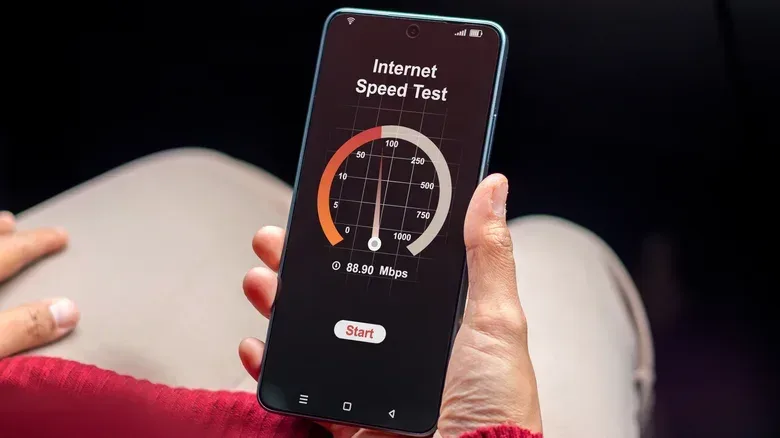
Download speed is the headline figure on most broadband plans. It describes how quickly data travels from the internet to the home. It is relevant for downloading games, updates and other large files. Upload speed is the opposite direction: data leaving the home. Upload capacity can matter for sending clips, streaming, video calls, cloud saves and other outbound activity.
But a huge download-speed number is not the whole online-gaming story. Latency is the delay in sending data and receiving a response. Jitter is variation in that delay. Packet loss occurs when data does not successfully make the trip. These measures help explain why a connection that feels quick enough for ordinary browsing may still be less consistent during a time-sensitive online session.
They are also why raw-speed comparisons do not settle every household’s choice. An April 2026 U.S. analysis by Opensignal found that people with fiber or cable home broadband had higher average download speeds than those using fixed wireless, among subscribers buying home broadband and mobile service from the same provider. However, the gap was smaller in its Consistent Quality measure, which takes speed, latency, jitter and packet loss into account.
That is useful context, not a promise that every 5G service will perform the same way. It does show that fixed wireless is not automatically unsuitable for everyday connected use just because wired services often lead on peak download speed.
Why “wired” is not one performance category
Physical connections include very different technologies. Fiber offers a much higher performance ceiling than older DSL, while modern cable can also provide fast downloads. Therefore, a strong fixed-wireless connection can outperform a slow DSL line. Calling one service wired and the other wireless leaves out the important detail: which technology, at what address, on what plan?
Current fixed-wireless plan disclosures show a broad range. T-Mobile says its Rely Home Internet customers typically receive downloads of 170 to 354 Mbps and uploads of 12 to 55 Mbps. AT&T Internet Air lists typical downloads of 90 to 300 Mbps and uploads of 8 to 30 Mbps. Verizon’s figures span a wider range depending on plan and network type, from typical downloads of 25 to 85 Mbps on some mid-band plans to 300 to 1,000 Mbps on its fastest high-band 5G Home Ultimate option.
These are typical ranges, not guarantees. Fixed wireless depends on the quality of the radio signal at a specific home and on capacity available on the cellular network. Network demand and local signal conditions can change the result. A phone showing 5G at an address is not proof that the carrier offers fixed wireless there, or that it has capacity to accept another home customer.
Wired networks are not immune to trouble: congestion, outages and equipment faults can affect them too. The critical difference is that fiber and cable do not need a cellular signal to reach the gateway. They also can reach substantially higher speed tiers. Verizon introduced a 5Gbps Fios plan in select locations in 2026, illustrating the ceiling available from some wired infrastructure. Few homes need 5Gbps, but it is a reminder that the word wired contains a large range of possibilities.
Where fixed wireless can be the practical win
Fixed wireless has one advantage that cannot be captured by a speed-test screenshot: setup can be simpler. In many cases, a customer can install the gateway themselves and place it where cellular reception is strongest. That can avoid waiting for a new line to be run to the property or for a technician visit.
For a renter, a household moving soon, or anyone whose address lacks appealing cable or fiber options, that convenience is meaningful. It is particularly relevant when the alternative is not ideal fiber but slow DSL, expensive service or a complicated installation.
Plan conditions deserve the same scrutiny as technology. T-Mobile’s current Rely plan, for example, includes unlimited data, no annual contract and no early termination fee. Those terms are not inherent to 5G home internet and should not be presumed on every plan. Still, they demonstrate why the full offer matters: monthly price, usage policy, equipment fees, setup costs and the post-promotion price can be as consequential as an advertised maximum speed.
For fixed wireless in particular, a trial period can be valuable. Performance is unusually dependent on the home’s location and the local network. A trial gives a household the chance to evaluate whether the connection is satisfactory in its own rooms and at its own routine times, rather than assuming the advertised range will perfectly describe the experience.
A sensible comparison checklist for a gaming household
Start with availability, because no amount of theory changes what can be ordered. The FCC National Broadband Map lets users enter an address and see providers that report service there, the reported technology—fiber, cable, DSL or fixed wireless—and maximum advertised download and upload speeds. The map is a starting point, not a performance guarantee: it shows reported availability and advertised speeds, not real-world results or affordability.
Once the local options are known, compare the plans rather than the marketing categories.
- Expected download and upload speeds: Look beyond a single maximum number, particularly on fixed wireless.
- Latency and consistency: These are different from download speed and are relevant to responsive online play.
- Total monthly cost: Include equipment, installation and any change after introductory pricing ends.
- Data limits: Check the policy before committing, especially in a household that downloads games and updates frequently.
- Connection options at the gateway: Verify whether Ethernet is available for devices that need or prefer a direct local connection.
- Installation and trial terms: Self-installation can favor fixed wireless, while a trial can help establish whether its location-specific performance works for the home.
There is no need to turn this into a cable-versus-radio identity contest. If competitively priced fiber is available, it is generally the leading choice for affordability, performance and speed. If it is not, the best decision may be cable, DSL, or a good fixed-wireless service depending on the address and plan. A physical line is not automatically the better gaming connection merely because it is physical, and 5G home internet is not automatically a Wi-Fi-only compromise.
The useful question is narrower: which available plan gives this household the right mix of consistent performance, acceptable cost, workable installation and local network coverage? Answer that, then tackle the separate Wi-Fi coverage and Ethernet decisions inside the home.