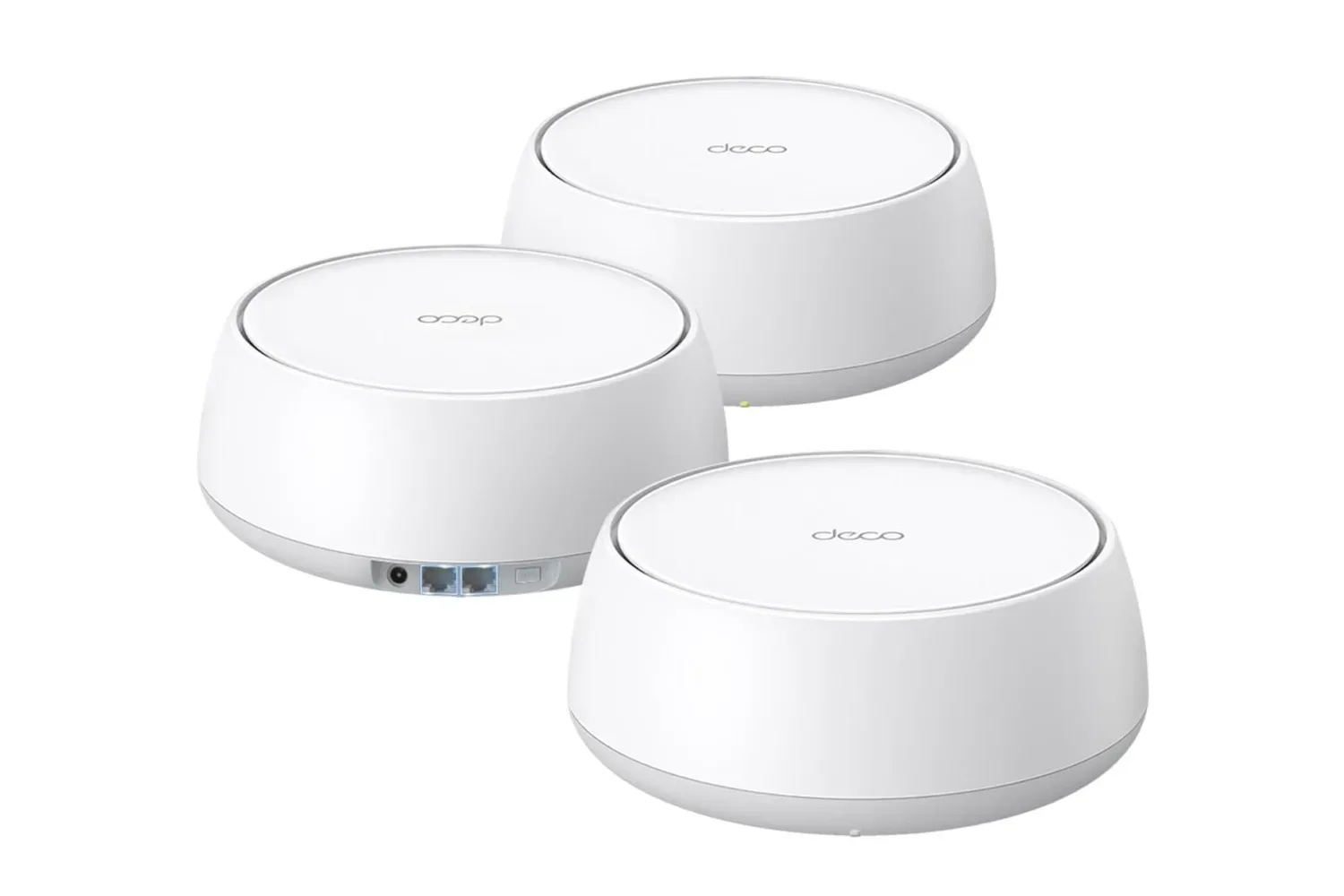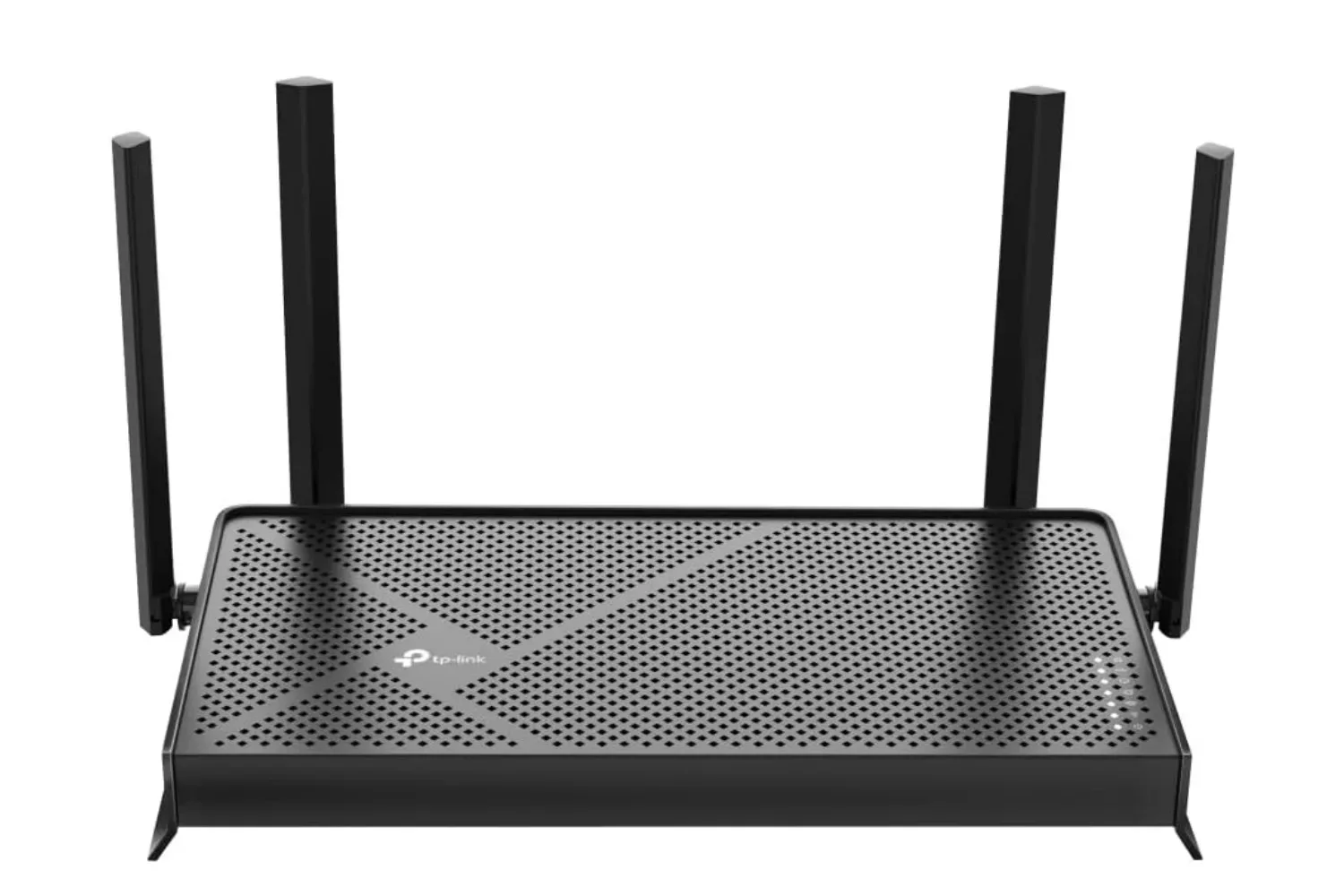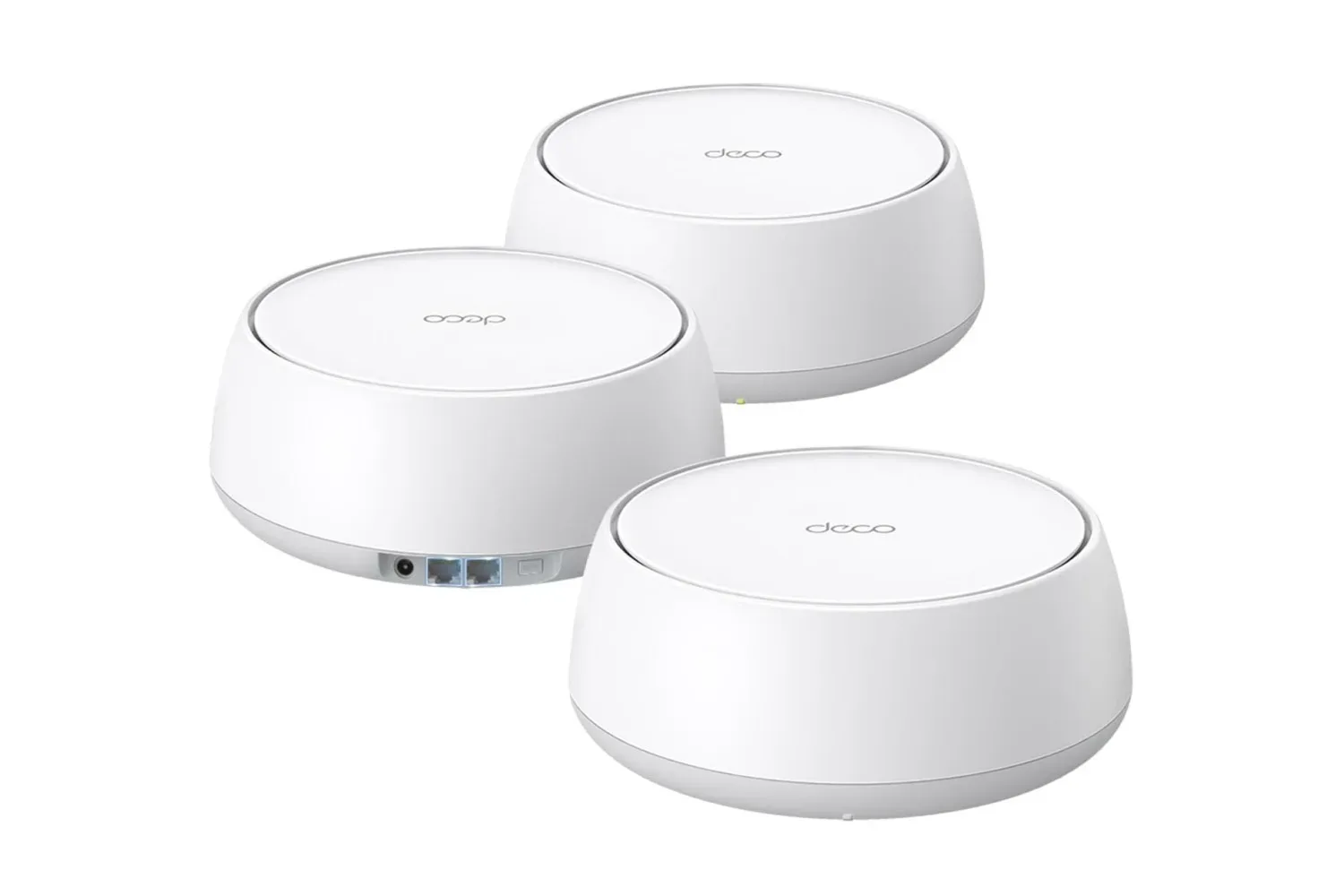
A fast internet plan can feel oddly pointless when the actual experience is a loading icon in one room, a lag spike in another, and a console that suddenly decides the far end of the house is an unreachable wilderness. For households trying to keep multiplayer games, downloads, streams, smart-home gear, laptops, and phones moving at once, TP-Link’s Deco BE5000 WiFi 7 mesh system is currently worth a look.
The three-unit Deco BE5000 bundle is listed at $211, a reduction from a stated usual price of $300. That is a $89 difference, or 30% off, and the listing includes free delivery. As with any retailer promotion, the price and stock situation can change without much warning, so prospective buyers should verify the total at checkout rather than treating the listed figure as permanent.
This is not a magic wand that makes every game server behave or upgrades a modest broadband package into a gigabit connection. It is, however, a mesh system designed to address a more local problem: getting a usable wireless signal to the places where a single router runs out of confidence. For a home with players spread across bedrooms, a living-room console, a desktop setup, and the occasional person streaming 4K video while insisting they are “barely using the internet,” that distinction matters.
What the Deco BE5000 three-pack claims to cover
TP-Link rates the three-pack for up to 6,600 square feet of coverage and more than 150 connected devices. Those are maximum-style manufacturer figures, not a promise that every property will produce the same outcome. Floor plans, construction materials, router placement, nearby wireless networks, furniture, and the distance between each Deco unit can all influence real-world coverage and throughput.
Still, the scope of those claims helps explain who this package is for. A three-node mesh layout is especially relevant when a home has persistent weak spots: a second floor where a handheld struggles to download updates, a basement gaming space where voice chat turns robotic, or a detached work corner that has become an accidental Wi-Fi dead zone. Rather than asking one router to punch through every wall from a single location, a mesh arrangement distributes access points around the home under one coordinated network.
In practical terms, the goal is not merely seeing more bars on a device. It is giving devices a nearer, stronger point of connection as people move through the house. That can be valuable during large game downloads, cloud saves, video calls, remote play, 4K or 8K streaming, and creative work that involves moving substantial files. It also helps a household avoid the familiar ritual of standing in a hallway and holding a phone overhead like a particularly low-tech summoning spell.
WiFi 7 specifications, with the important real-world caveat
The Deco BE5000 is a dual-band WiFi 7 system. Its stated maximum wireless rates are up to 4,324 Mbps on 5GHz and up to 688 Mbps on 2.4GHz. Those numbers describe the system’s theoretical band capabilities under appropriate conditions; they should not be mistaken for guaranteed internet speed at every device.
Your internet plan remains the ceiling for traffic coming from the internet, while device compatibility and local conditions shape what a phone, PC, console, or streaming box can actually achieve over Wi-Fi. An older device may not support WiFi 7 at all, for example. It can still connect because the Deco range is backward compatible with earlier Wi-Fi generations, but it will use the capabilities of the older standard rather than somehow unlocking new hardware features through sheer router enthusiasm.
For gamers, the most useful framing is consistency. High headline bandwidth is useful, particularly in a home handling several heavy connections, but ping and stability are just as significant in competitive online games. A mesh setup can improve local wireless coverage where the existing signal is poor, yet it cannot eliminate latency caused by an internet provider, a distant game server, congestion outside the home, or a weak connection between mesh nodes. Players seeking the most predictable connection for a fixed desktop or console should still consider Ethernet where it is practical.
That does not make a mesh system a consolation prize. Plenty of setups cannot easily run a cable to every room, and modern homes have more networked hardware than just a single game machine. A healthier wireless foundation can mean fewer compromises for everyone sharing the connection. The person installing an enormous patch on PC may no longer have to negotiate with the person watching a high-resolution stream, while smart-home accessories can stay connected without turning the router into an overworked traffic controller.
Why three nodes may make sense for a gaming household
A single conventional router can be perfectly adequate in a smaller, open home when it is placed centrally. The appeal of this deal grows when that is not the layout. Long homes, multiple stories, denser walls, and rooms located at opposite ends of the property can all expose the limitations of a one-box network.
The included three Deco units give buyers more flexibility in deciding where coverage is needed. One unit connects to the modem, while the others can be positioned to extend the network into areas that need stronger service. Placement is crucial. A node placed too far from the rest of the mesh, or tucked behind dense obstructions, may not deliver the result a coverage number on a product page suggests. Giving each unit a sensible path to the others and placing them where people actually use devices is more useful than hiding them wherever there is an empty outlet.
- Console and TV room: useful when streaming and online multiplayer happen in the same space.
- Desktop or creator setup: relevant for downloads, uploads, remote work, and bandwidth-heavy creative tasks.
- Upstairs bedrooms: often where handhelds, phones, laptops, and consoles compete for service.
- Shared family areas: where smart TVs, tablets, smart speakers, and visiting devices can accumulate quickly.
The system can also be expanded with another Deco router if a three-unit layout eventually proves insufficient. That does not mean every Deco model will create identical performance in a mixed setup, but it does offer a growth path for users whose homes or device counts change over time.
Setup and compatibility are part of the pitch
TP-Link positions setup as a straightforward process: connect a Deco unit to the modem, power the units on, then use the Deco app and follow its on-screen steps. For people replacing an aging router, that app-guided approach may be less intimidating than manually configuring every network option from a browser page.
The Deco BE5000 is described as working with almost all internet service providers. That broad claim is encouraging, but buyers should still check the requirements of their own service and equipment. In some arrangements, a provider-supplied gateway may need configuration changes, or its router functionality may need to be handled carefully to avoid creating a confusing double-router setup. The product’s compatibility with prior Wi-Fi generations is also helpful for mixed-device homes, where a new WiFi 7 phone might sit alongside older laptops, smart plugs, and consoles.
Anyone building a network around a newer Nintendo machine may also want to keep an eye on the evolving Switch 2 software lineup. A better home network cannot make a game launch sooner, naturally, but it can make the increasingly routine cycle of patches, digital purchases, cloud synchronization, and multiplayer sessions less irritating across the household.
Security features and subscription boundaries
The package includes access to TP-Link HomeShield features at no additional charge, including routine security scans, IoT device identification, and Wi-Fi Access Control. Those tools can be useful in homes where the network is crowded with smart devices whose names in a device list are not always immediately recognizable.
HomeShield also has premium features available through a subscription. Buyers should distinguish between the included functions and anything that requires an ongoing payment, especially if they are budgeting this as a one-time network upgrade. The free security and control features may be enough for some homes; others may decide that premium options are worthwhile only after reviewing exactly what they add.
The deal in perspective
At the listed $211 price, the Deco BE5000 three-pack is positioned as a potentially compelling route into a WiFi 7 mesh setup for households that have outgrown a lone router. The stated coverage of up to 6,600 square feet, support for more than 150 devices, dual-band ratings of up to 4,324 Mbps on 5GHz and 688 Mbps on 2.4GHz, backward compatibility, and the option to add another Deco unit all make it a feature set aimed at a busy connected home rather than a tiny apartment with one laptop.
Before buying, it is sensible to check the square footage and layout of the home, the speeds supplied by the internet plan, where the modem lives, which devices actually support WiFi 7, and whether wired connections are possible for the most latency-sensitive machines. Those checks make the decision more grounded than chasing a standards label alone. But for anyone whose current Wi-Fi network has become the biggest boss fight in the house, this discounted three-pack may be a timely upgrade to investigate.
Shop the products
Check current price, model and availability at the retailer.