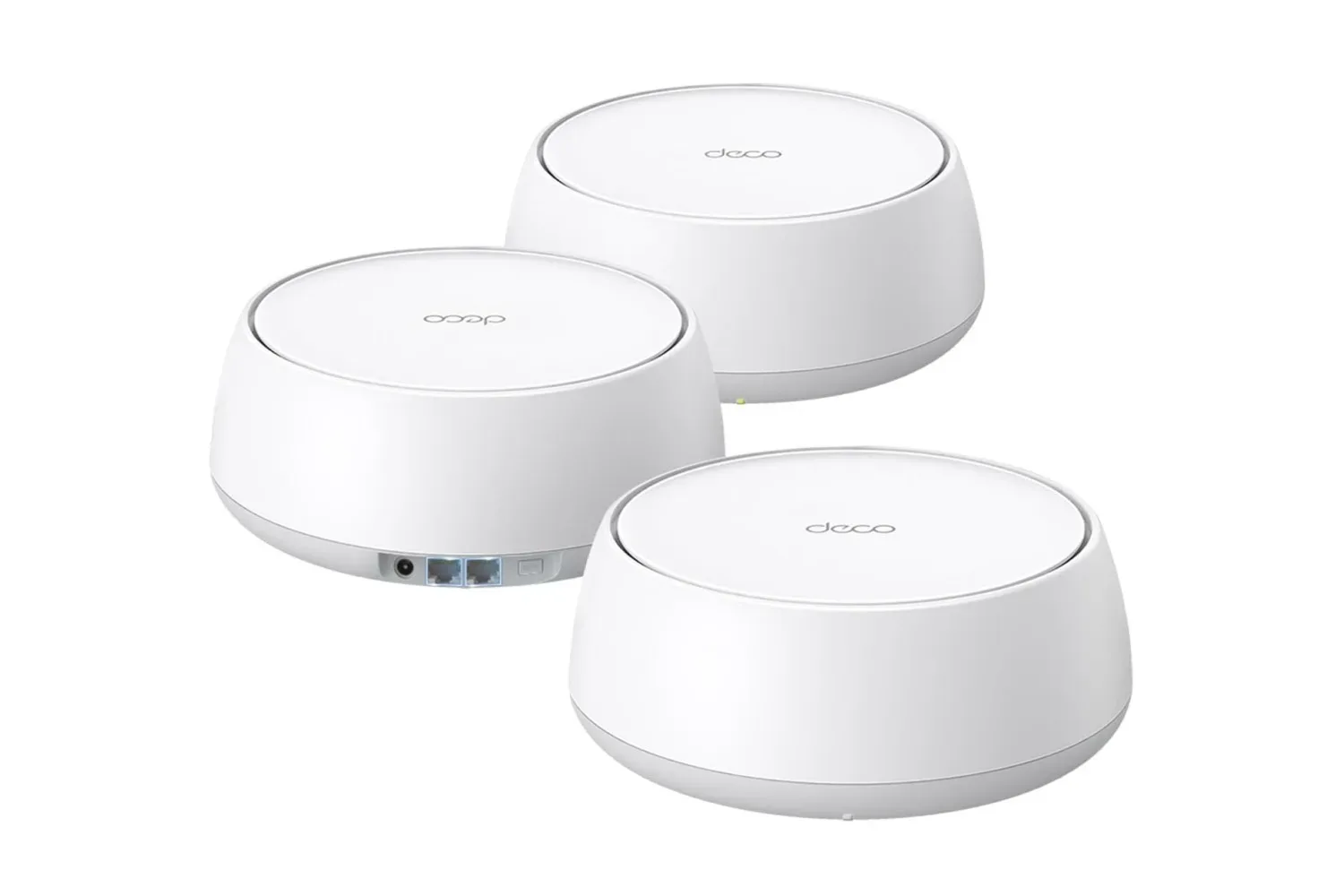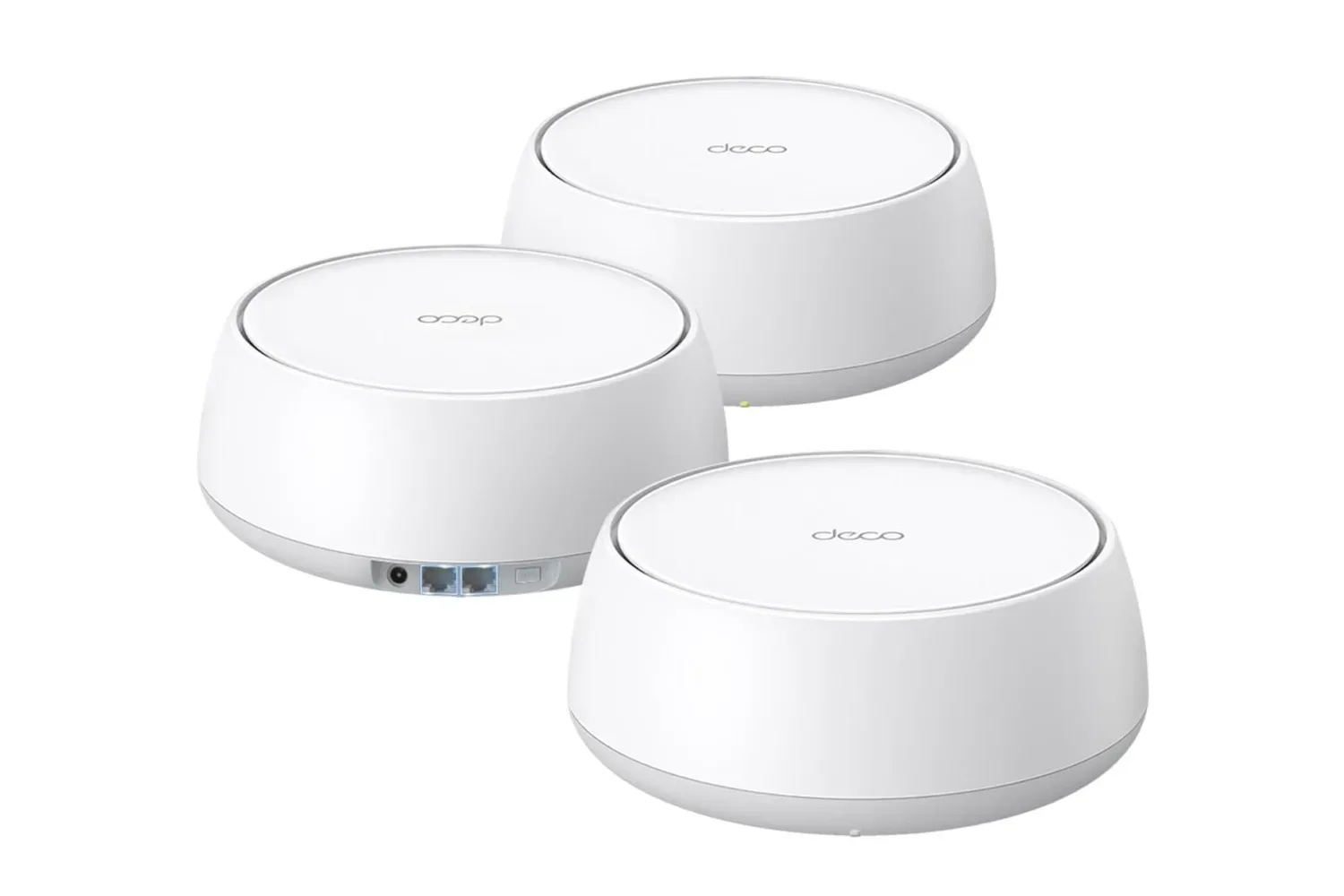
A single powerful router can be perfectly adequate in a compact home. Once a connection has to reach upstairs rooms, distant bedrooms, a basement setup or several simultaneously active screens, though, the problem is often less about the internet plan and more about getting a dependable wireless signal where it is needed. That is the practical case for a mesh system—and a reported deal on TP-Link’s Deco 7 Dual-Band BE5000 three-pack makes that case more compelling than usual.
The bundle is listed at $209, a 30% reduction from its stated $300 price. One unit is said to normally cost $130, so the three-pack’s effective per-node cost at the deal price is about $70. That matters because mesh hardware is fundamentally a coverage purchase: a buyer who needs multiple access points gains little from comparing the package only with the sticker price of a single conventional router.
For households juggling online games, large downloads, video calls, streaming boxes and a growing number of connected devices, the attraction is not a magic guarantee of maximum speed in every room. It is the opportunity to put wireless access closer to the rooms that currently suffer from weak signal or inconsistent connections.
What the Deco BE5000 package is claiming
The Deco 7 Dual-Band BE5000 is a Wi-Fi 7 mesh system with two frequency bands. TP-Link lists throughput of up to 4,324 Mbps on 5 GHz and up to 688 Mbps on 2.4 GHz. It also states that the three-unit package can cover up to 6,600 square feet and accommodate more than 150 connected devices.
Those figures establish the product’s intended role: a larger-home network built around multiple nodes rather than one central box. They should not be read as a promise that every phone, console or PC will see 4,324 Mbps. Wireless performance changes with the client device, distance, walls, interference, placement and the connection supplied by the modem. The speeds are also band-specific maximum figures, not a single guaranteed result shared across the home.
Still, the listed 5 GHz capacity is relevant to the rooms where modern consoles, gaming PCs, TVs and newer phones tend to demand more bandwidth. The 2.4 GHz band is slower on the supplied specification, but it remains useful for many lower-bandwidth household devices. A dual-band arrangement therefore divides the job across two types of wireless connection instead of forcing every device onto a single band.
Wi-Fi 7, explained without the marketing fog
Wi-Fi 7 is the wireless standard supported by this system. In plain terms, it is the networking generation the Deco uses to communicate with compatible devices. It does not turn an internet plan into a faster plan, and it does not mean every existing device automatically becomes a Wi-Fi 7 device. Its value here is that the mesh is positioned as newer network infrastructure for a home that may add compatible hardware over time.
For a gaming household, the first benefit may be more mundane than headline-grabbing throughput: steadier connectivity in a room that previously sat at the edge of a router’s useful range. Download time, online responsiveness and voice-chat stability are all affected by the quality of the link between a device and the local network, but they are also shaped by the game’s servers, the broadband service and other traffic in the home. A mesh can address local Wi-Fi coverage; it cannot solve every cause of lag.
That distinction is worth keeping in mind for people using a PC in a separate room for online play, whether they are catching up on a new Steam release such as Among the Trolls or simply trying to prevent a shared household stream from becoming a disruption. Better coverage is helpful, but it is not a substitute for diagnosing a slow broadband line or an overloaded remote game server.
Why three nodes can be more useful than one router
A mesh network uses several units, often called nodes, to distribute Wi-Fi across a property. One Deco unit connects to the modem, while the additional units extend the network’s reach. Rather than treating a remote room as an afterthought for a router located at one end of the building, the system gives the home additional points from which a device can connect.
This design is particularly relevant for multi-story houses and larger floorplans, both of which are identified as situations where dead zones and dropouts become more likely. It can also make a difference when the router has to live in a less-than-ideal location near the broadband entry point. A modem’s location is often determined by installation logistics, not by where a household wants to play, work or watch.
Coverage ratings should be treated as planning guidance rather than a measurement of a specific home. The stated 6,600-square-foot figure is substantial, but a building’s layout can change real-world outcomes. The useful question is not merely, “How many square feet do I have?” It is, “Where does the connection fail now, and can a node be placed between that weak area and the primary unit?”
That makes the three-pack potentially more flexible than a buyer who only needs an immediate fix might expect. One unit can be attached to the modem, while the other two can be deployed toward the places where connectivity matters most. If a home does not require all three at once, the package still leaves room to adapt the network layout later rather than committing to a one-unit solution with no expansion path.
Capacity is not just about gaming devices
The quoted support for more than 150 connected devices sounds excessive until a household counts everything that joins Wi-Fi: phones, tablets, laptops, desktop PCs, consoles, smart TVs and appliances are all explicitly within the kinds of devices the system is intended to serve. The number does not mean 150 devices will all be downloading games at full speed. It indicates that the system is designed for an environment with a large device roster.
That is meaningful because modern gaming setups rarely exist in isolation. A console update may arrive while another person attends a video call, a television streams video and several phones remain connected in the background. More devices do not automatically cause trouble, but each active connection increases the importance of a network that can distribute coverage effectively and manage a busy home without obvious dropouts.
For prospective buyers, it is sensible to separate two needs. First is coverage: can the signal reach the room where the gaming PC or console sits? Second is capacity: can the home operate comfortably when many devices are connected? The BE5000 three-pack is framed around both, with its multi-node design addressing the former and its stated device support addressing the latter.
Setup and control features
TP-Link’s setup flow is designed to begin with one unit connected to a modem. After powering on the equipment, the owner downloads the Deco app and follows the in-app process. The same app is presented as a way to manage the system remotely.
App-led setup can be useful for people who do not want to approach home networking as a specialist project. It also centralizes the practical tasks that come after installation: checking the configuration, making adjustments and managing the network away from home. The source material does not provide a complete list of controls, so buyers should avoid assuming every advanced network setting is included. What is established is that remote setup management is part of the intended experience.
The system also includes TP-Link’s HomeShield service. Free features mentioned for it include security scans and the ability to create guest networks. A guest network is a separate Wi-Fi connection for visitors, allowing them to get online without placing them on the same primary network used by the household’s own devices. That can be convenient when friends bring over phones or handhelds for local multiplayer, or when a visitor needs temporary internet access.
Security scans are another useful inclusion, though their exact scope is not detailed here. As with any network-connected product, the sensible takeaway is to use the available security tools and keep the network configuration under the owner’s control, rather than treating an included service as an all-purpose solution.
Expansion is part of the value proposition
TP-Link says Deco products can work with all Deco devices to form a mesh Wi-Fi network. The practical implication is that a buyer is not necessarily locked into the footprint created on day one. A household can add another compatible Deco unit later if it expands into a room that needs better coverage or if a home layout changes.
That interoperability is especially relevant to a three-pack because it frames the bundle as a starting layout rather than a fixed limit. It does not establish which model would be the best addition in every circumstance, but it does give the system a clear upgrade route within the Deco family.
Who should consider the deal—and who should pause
At the reported $209 price, this is most straightforwardly appealing to someone who already knows that one router cannot adequately cover their living space. Multi-level homes, larger floorplans and households with several active users are the clearest fit. The arithmetic is unusually favorable if three nodes are genuinely useful: the bundle costs less than two units at the stated individual retail price.
Buyers should pause if their only goal is to improve a single device’s internet speed without evidence of a Wi-Fi coverage problem. The source material supports strong headline specifications and broad coverage, but it does not establish what results a particular building, broadband plan or client device will achieve. A mesh system is an infrastructure upgrade, not a universal answer to every online-performance complaint.
The offer is described as available to all shoppers rather than requiring a Prime membership. As with any retailer promotion, the listed price and availability can change, so the $209 figure should be checked before purchase. For homes that do need three points of coverage, however, the Deco BE5000 package’s mix of Wi-Fi 7 support, stated 6,600-square-foot reach, app-based management, HomeShield features and future Deco expansion makes the discounted bundle a more coherent proposition than buying one node at a time.
Shop the products
Check current price, model and availability at the retailer.