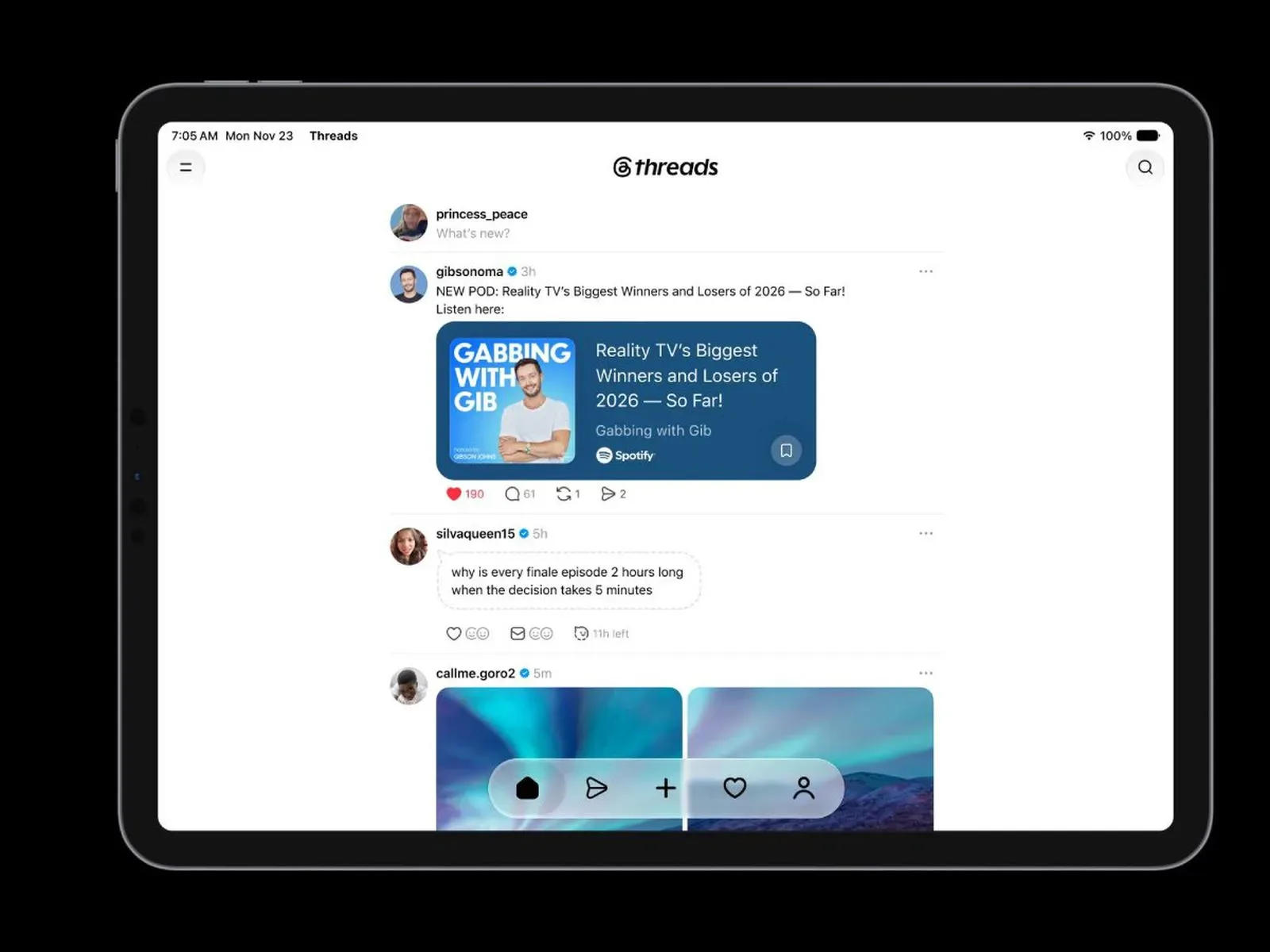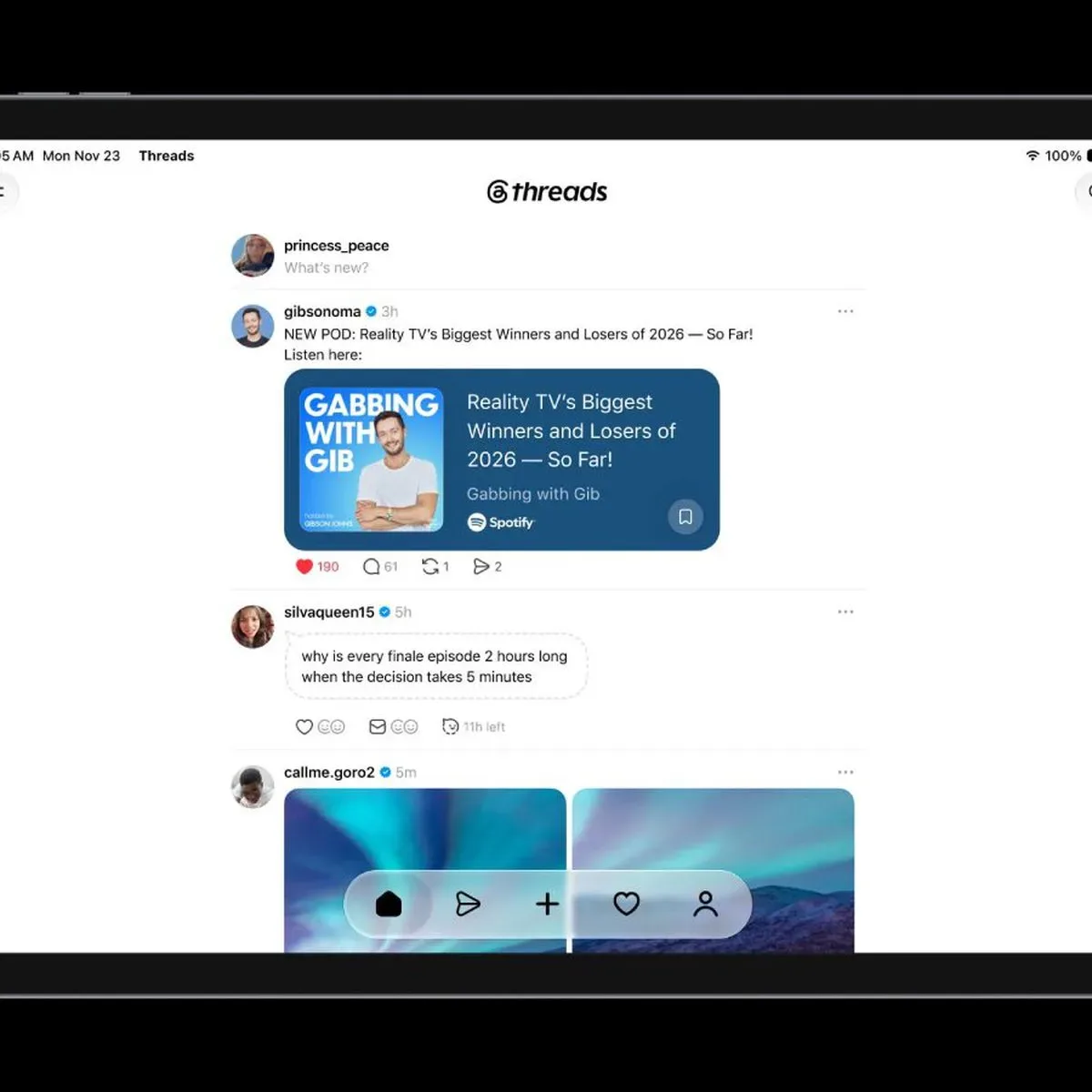
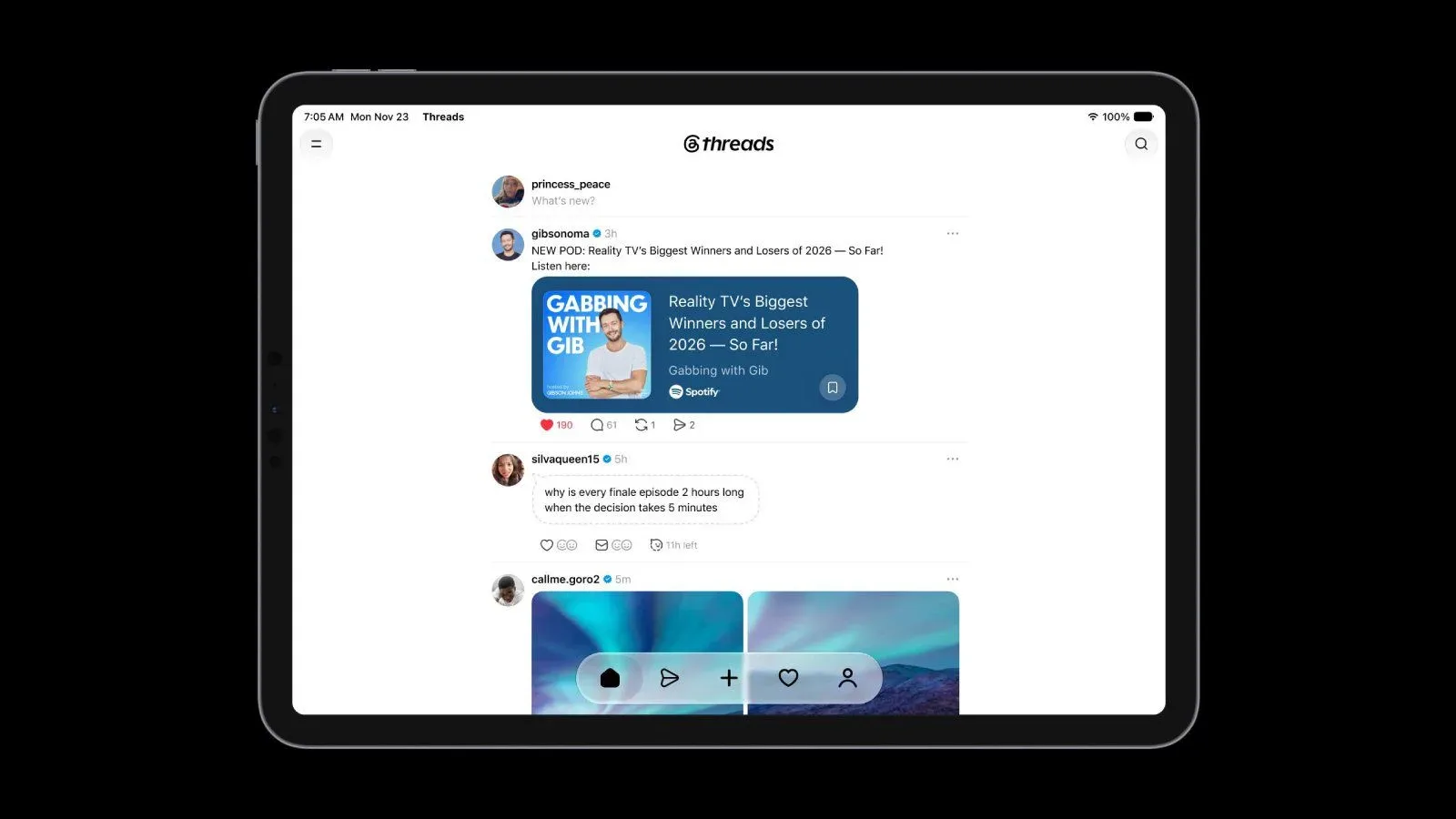
Threads is preparing a native iPad app, with design head Christopher Clare saying support is coming “very soon.” The key detail is not simply that Threads will open on an iPad—it already can through its iPhone version—but that the forthcoming update is meant to use the tablet’s larger display properly rather than presenting a stretched phone interface.
That distinction matters. An iPhone app running on an iPad can be functional, but functionality and fit are not the same thing. A native iPad interface is designed around the additional room offered by the device: more space for reading, controls, navigation, and potentially a layout that makes better use of landscape orientation. Threads has not yet detailed its precise iPad design, feature set, or release date, so those implementation specifics remain unknown. What is confirmed is the intention to move beyond the enlarged iPhone app experience.
What “native iPad support” actually means
In this context, native iPad support means the app has a user interface built with the iPad’s screen dimensions and interaction patterns in mind. It does not merely mean an app icon that happens to be installable on the tablet.
An enlarged iPhone app generally preserves a phone-first layout while expanding it to fill more pixels. That can leave an interface looking sparse, overly large, or awkwardly proportioned. Text feeds may be confined to a narrow central region; buttons designed for a compact screen can feel oversized; and horizontal space can go largely unused.
A dedicated tablet version can instead make intentional decisions about that space. For a text-centered social service such as Threads, the obvious opportunities include a more comfortable reading column, room for persistent navigation, or a more efficient composition view. Those are examples of what a tablet-focused design can enable, not announced features for Threads. Until the update arrives, users should not treat any particular multi-column layout or new tool as confirmed.
The practical point is simpler: iPad owners should expect an experience that is designed for their device instead of one that looks like it has been enlarged by a very enthusiastic photocopier.
Why the change is meaningful for Threads users
Threads revolves around a scrolling conversation feed, replies, profiles, media, and post creation. Those activities can work on any screen, but the size and shape of the screen affect the rhythm of using them.
On a phone, a social feed is usually a one-task-at-a-time environment: scroll, open a post, write a reply, return to the feed. On a tablet, there is room to reduce some of that constant switching. Even where an app retains the same basic features, a larger canvas can make long posts, reply chains, images, and account pages easier to take in without feeling visually crowded.
It may also matter to people who use an iPad with a hardware keyboard. Writing a longer post, responding to a discussion, or managing several drafts is often more comfortable when the device is propped up and used more like a lightweight workstation. The announcement does not promise special keyboard shortcuts or productivity features, but native layouts are an important baseline for anyone who uses an iPad as more than a video screen.
There is also a credibility issue familiar to tablet owners. A major app that remains in phone-layout mode can make the iPad feel like an afterthought, regardless of how usable the service itself may be. A tailored version signals that the screen class is being considered on its own terms.
What has and has not been announced
The confirmed information is focused: Threads will gain iPad compatibility soon, and the app is intended to take advantage of the larger display rather than operate as a blown-up iPhone app.
- Confirmed: Threads is getting an iPad app.
- Confirmed: The design is intended for the iPad’s larger display.
- Confirmed: The timing was described as “very soon.”
- Not specified: An exact release date.
- Not specified: The exact visual layout or whether it uses sidebars, multiple panes, or new navigation.
- Not specified: Any iPad-exclusive features, keyboard additions, multitasking support, or changes to Threads’ core social features.
That last list is worth emphasizing because platform announcements often invite users to fill in the blanks with their ideal version of an app. There may be meaningful refinements beyond the screen layout, but no such details have been stated. For now, the sensible expectation is a better-fitting Threads client, not a wholesale reinvention of the service.
What iPad owners should do next
There is no separate installation process described at this point. The practical advice is to watch for a Threads update in the App Store. Once it arrives, the updated app should provide iPad compatibility.
- Open the App Store on the iPad.
- Check whether Threads has an available update.
- Read the update notes when it appears, especially for any details on iPad-specific behavior.
- Update the app and compare the interface with the existing enlarged phone version.
Users who rely on automatic app updates may receive it without manually checking, depending on their device settings. Since “very soon” is not a calendar date, however, it is better understood as a near-term expectation than a firm deadline. Until an update is live, there is no announced final version to download or evaluate.
A small update with a larger-interface payoff
The announcement is modest on paper, but native tablet support can be one of those quality-of-life changes that is felt immediately. Social platforms live or die in part on friction: how quickly a person can scan a discussion, open a reply, compose a thought, and return to the feed. A layout that respects the device can make those routine actions feel less compromised.
It also arrives in a broader environment where software increasingly has to account for several screen sizes instead of treating the phone as the only meaningful endpoint. The same basic question applies across apps and connected devices: does the software adapt thoughtfully to the hardware people actually use? That question is also relevant when considering device ecosystems and accessories, such as the hardware trade-offs covered in this look at smart rings without Oura’s monthly fee.
For Threads, the immediate benefit is more direct. iPad users should soon be able to use the app without the persistent sense that they are running the phone edition on a much larger piece of glass. The exact shape of that improvement will have to wait for the App Store update, but the target is clear: a Threads experience made for the iPad, not merely enlarged to fit it.