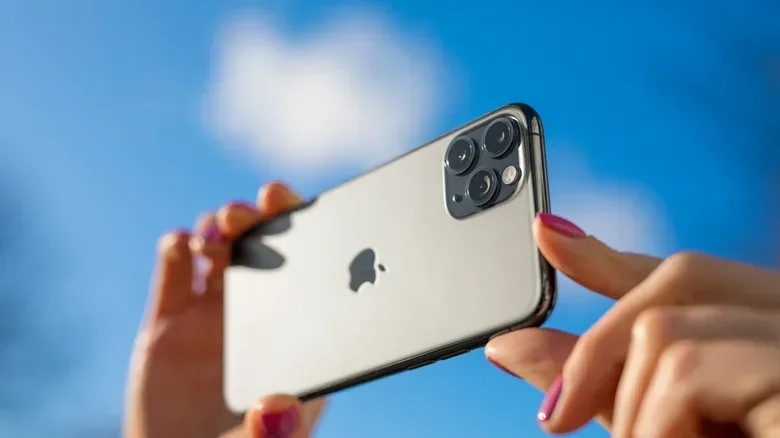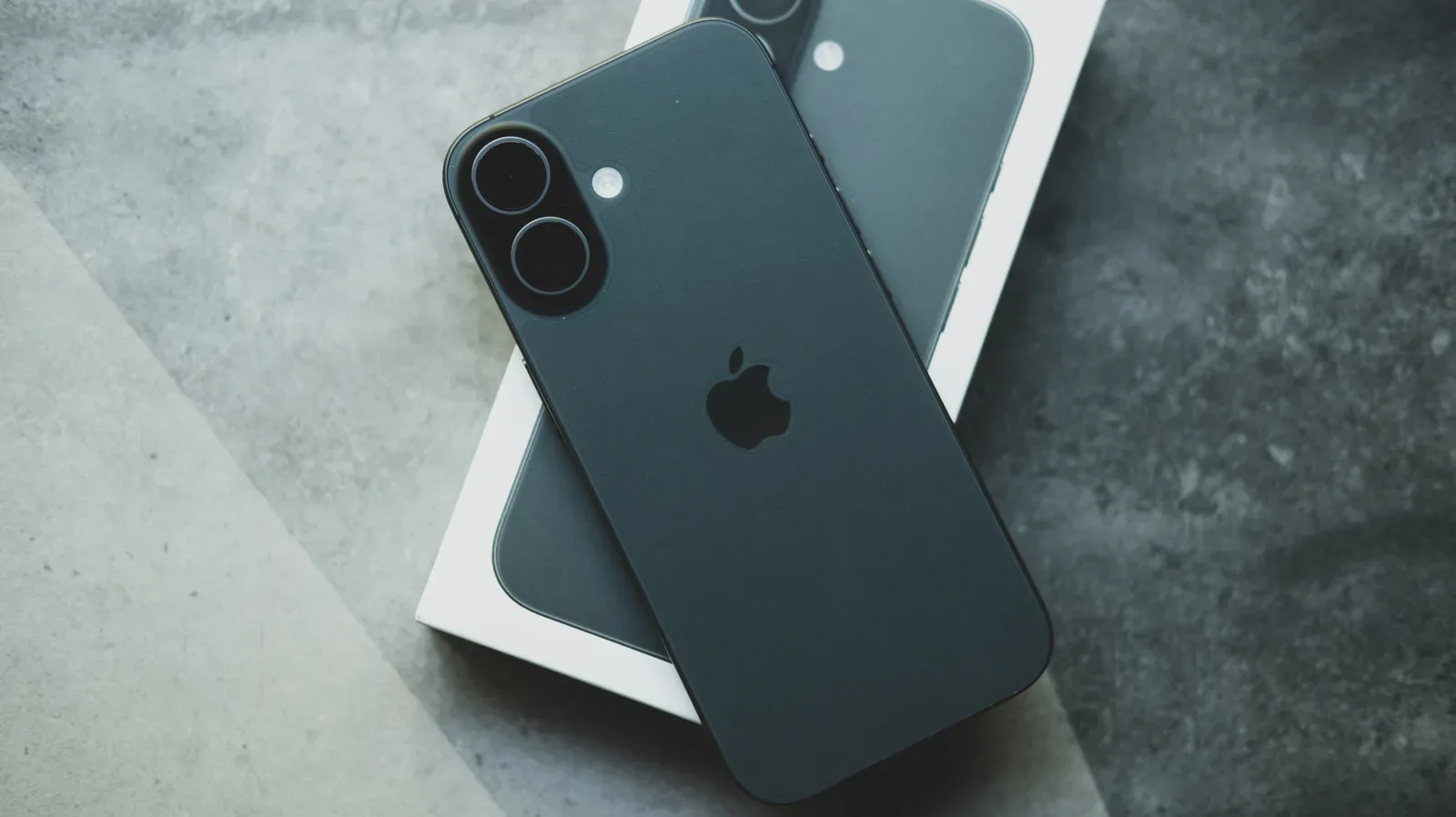
Magnetic accessories are a convenient way to attach an iPhone to a car mount, add a removable grip, hold a battery pack in place or position a ring light. But accessories that use especially strong magnets—or magnetized plates placed close to the rear camera—can create an unwelcome tradeoff: poorer camera performance.
The concern is not that an accessory will necessarily stop the phone from operating normally. It is that a strong magnetic field near the rear camera array can disrupt components that help the camera compensate for movement and maintain focus. The visible result may be blurry photos, less reliable focus or a lens whose movement is more limited than expected.
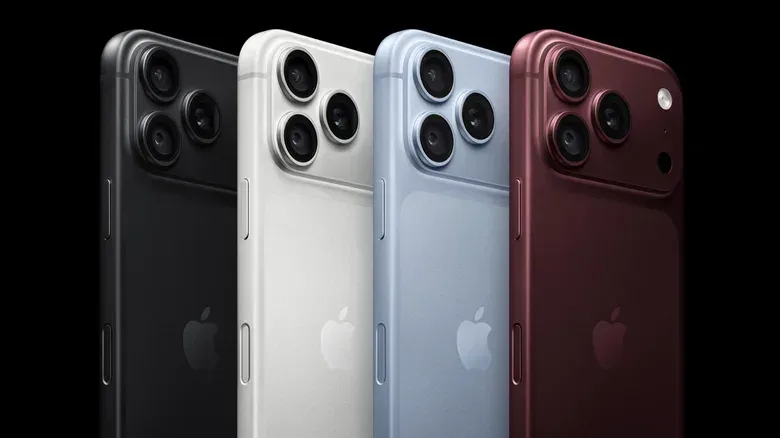
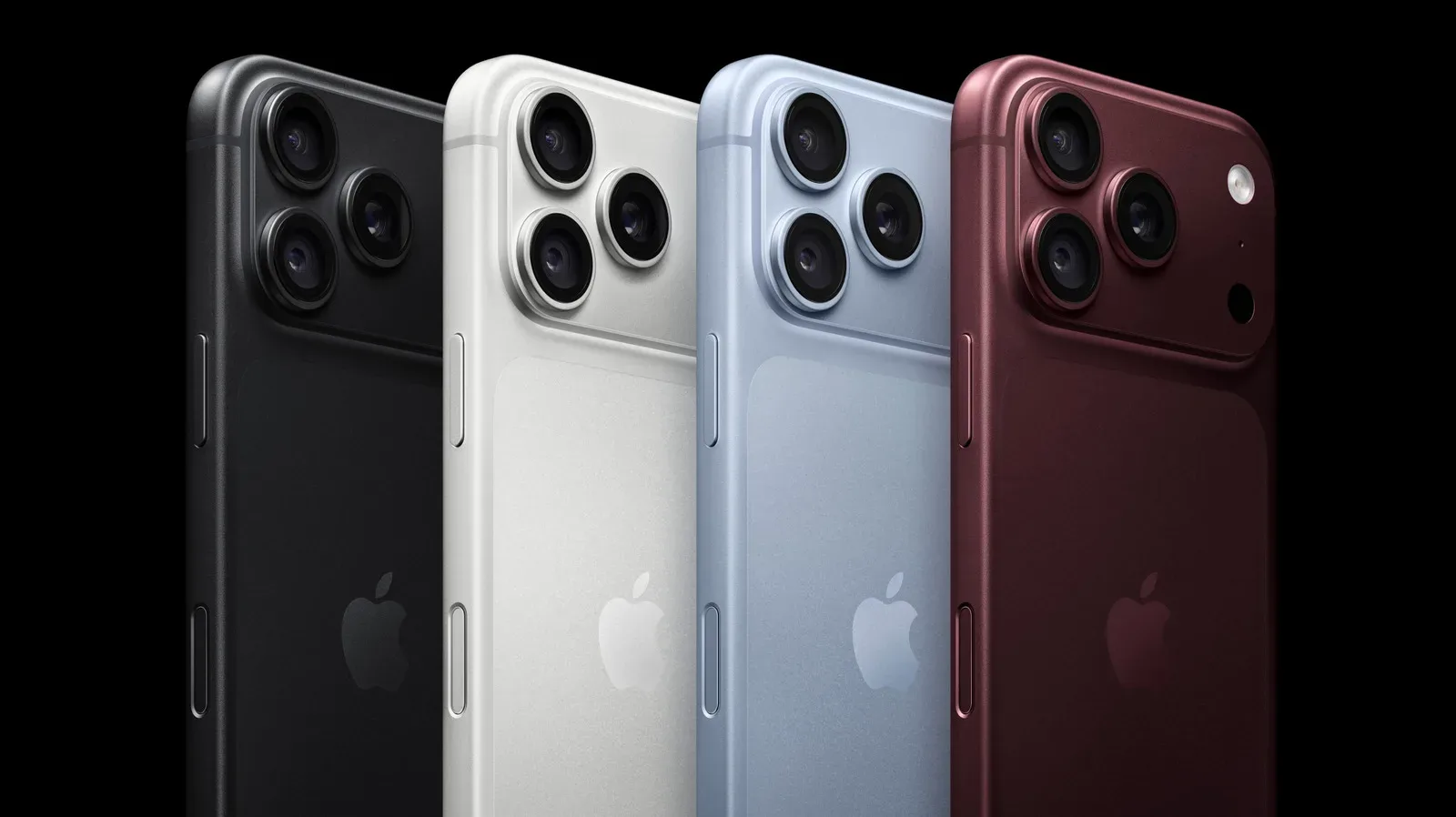
That matters more as phone cameras take on jobs once reserved for dedicated cameras: recording video, capturing panoramas, photographing low-light scenes and preserving moments where a second attempt is not possible. The iPhone 18 Pro and iPhone 18 Pro Max, introduced in September, include a 48-megapixel Fusion Main camera with variable aperture, a low-light sensor and professional controls. Those features can expand what the camera can capture, but image quality also depends on the tiny moving and sensing systems behind the lenses being able to do their work.
The practical takeaway is straightforward: be cautious with third-party accessories that put powerful magnets immediately beside, over or very close to the rear-camera housing. Car mounts and latch-style folio covers deserve particular scrutiny, but the same basic caution applies to magnetic grips, power banks, ring lights and any accessory using a magnetized metal plate.
Why a magnet can affect a camera
Modern rear-facing phone cameras use stabilization and autofocus systems to counter the small movements that happen even when someone believes they are holding a phone still. Hands tremble, a person shifts their stance, a vehicle vibrates and gravity changes the forces acting on the camera module. Without compensation, those tiny motions can soften a still image or make video look less steady.
One of the relevant systems is optical image stabilization, commonly shortened to OIS. In simple terms, OIS works to reduce blur from camera movement by adjusting the lens in response to detected motion. A gyroscope senses movement while a photograph is being made, and the stabilization system moves the lens to compensate. This is a hardware-level correction, rather than merely a software attempt to sharpen an already blurred result.
The other system described here is closed-loop autofocus. Autofocus is the process by which a camera adjusts its lens so that the subject is sharp. “Closed-loop” refers to a system that monitors lens position and makes corrective adjustments, rather than assuming the lens has moved exactly as commanded. The phone uses its sensor feedback to compensate for forces such as gravity and vibration while keeping the lens positioned for focus.
These systems are valuable for more than one camera mode. They help preserve sharpness in stills, video and panoramas, particularly when the phone is moved slightly during capture. They are also precisely the sort of systems that can be sensitive to an external magnetic field.
Related coverage includes Strong Magnets Can Interfere With an iPhone’s Rear Cameras.
When a sufficiently strong magnet is brought close to the rear cameras, it can interfere with lens-position sensing. The camera may then read motion less accurately, or the lens may have a reduced range of movement. That can affect autofocus and optical stabilization, which are designed around precise lens adjustments. The camera can still take pictures using other stabilization methods, but the accessory may prevent the camera hardware from delivering its intended best result.
What interference can look like in everyday use
The exact symptom can vary with the accessory’s magnet strength, placement and proximity to the camera module. A user might see images that appear soft because stabilization is no longer compensating as effectively for small hand movements. Focus can be less dependable if lens positioning is affected. In some cases, the issue may only become apparent in conditions where stabilization is doing more work, such as low light or while recording video.
That does not mean every blurry photo proves a mount or case is to blame. Blur can come from subject motion, dim lighting, incorrect focus, a dirty lens or an unrelated camera problem. Likewise, simply owning a magnetic accessory is not the same as demonstrating interference. The meaningful risk is a strong field positioned near the sensitive rear-camera components.
Still, the placement issue makes diagnosis relatively approachable. If a camera problem appears while a magnetic accessory is attached, removing that accessory is a sensible first isolation step. Check whether autofocus and image clarity return with the phone bare, then avoid reinstalling an accessory that repeatedly coincides with the problem. This approach does not establish a repair diagnosis, but it can distinguish a removable external factor from a fault that persists without it.
Accessories worth checking first
- Car mounts: Their purpose is to secure a phone, so they may use a strong magnet. Their location can also put the phone through continuous road vibration.
- Folio or latch covers: A magnetic closure that sits near the upper rear portion of the phone can be more relevant than a magnet positioned farther from the camera array.
- Magnetic grips and rings: Their usual placement may be away from the camera, but a design that extends toward the lenses is worth assessing.
- Power banks: Magnetic attachment adds convenience, yet the size and placement of the pack may bring magnets close to the rear housing.
- Ring lights: An attached lighting accessory can combine a mounting mechanism with a position close to the camera hardware.
“Magnetic” alone is not a complete measure of risk. What matters is the strength of the field and where the magnet sits relative to the rear cameras. An accessory’s ability to hold the phone securely does not automatically mean it will cause a problem, but it is reasonable to consider camera clearance as part of the buying decision.
Vibration is a separate concern
Magnets are only one external factor that can affect rear-camera mechanisms. High-amplitude vibration—such as the vibration associated with high-powered motorcycles—can cause lasting damage to camera sensors. That distinction is important. Magnetic interference concerns the influence of a nearby field on sensor operation; damaging vibration concerns physical stress on the camera system over time.
A vehicle setup can potentially involve both considerations. A mount might rely on a powerful magnet, while the vehicle itself can introduce vibration. Removing a magnetic case may address a possible interference issue, but it does not remove the need to consider vibration exposure. Conversely, a non-magnetic mount is not automatically a complete answer if it positions the device where severe vibration is transmitted to the camera hardware.
A practical camera-protection checklist
- Keep strong magnets away from the rear camera area. Before attaching a new accessory, look at whether its magnetic components sit near the lenses rather than only considering whether it fits the body of the phone.
- Test camera behavior before relying on an accessory. With the accessory attached, take a few photos and check focus and sharpness. Repeat without the accessory if anything looks off.
- Do not mistake a temporary improvement for a full diagnosis. If camera trouble continues with all accessories removed, another underlying issue may be involved.
- Consider vibration as well as magnet placement. This is particularly relevant for vehicle mounting, where a stable hold is only one part of protecting the camera.
- Use the phone maker’s troubleshooting guidance if the fault persists. Persistent blur or autofocus problems need a more complete troubleshooting process than accessory removal alone can provide.
For readers weighing broader Apple hardware decisions, our coverage of the reported Apple TV 4K and HomePod mini updates is a reminder that the accessory ecosystem is often part of the product decision, not an afterthought. With iPhone camera gear, however, convenience should not come at the expense of the camera systems that make the phone useful in the first place.
There is no need to treat every magnetic accessory as inherently harmful. The more useful rule is narrower: avoid powerful magnets close to the rear cameras, pay attention to changes in focus or stabilization, and remove the accessory when troubleshooting starts. For anyone who records video, shoots in low light or simply wants reliable snapshots, that small precaution can protect the benefit of the iPhone’s camera hardware.