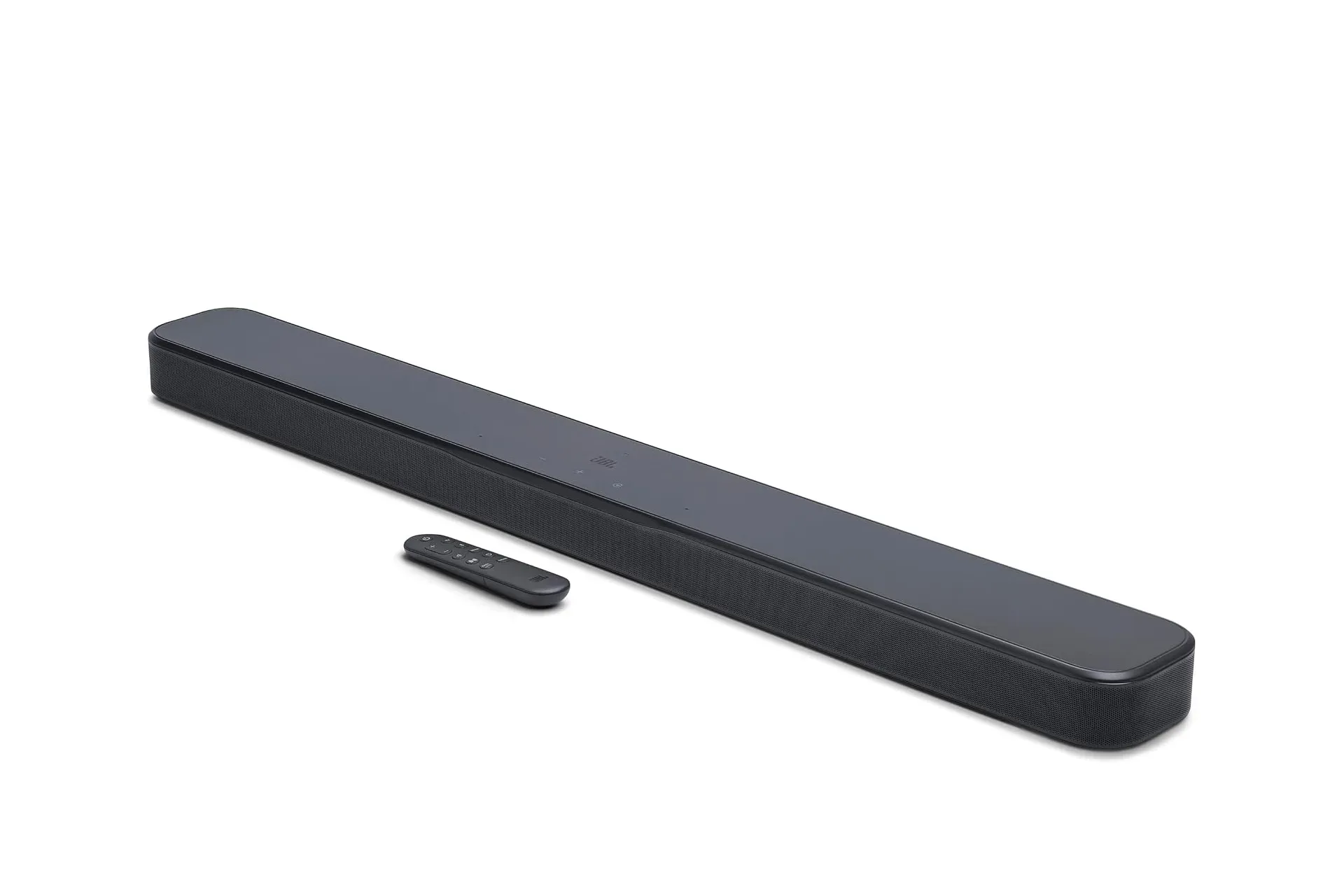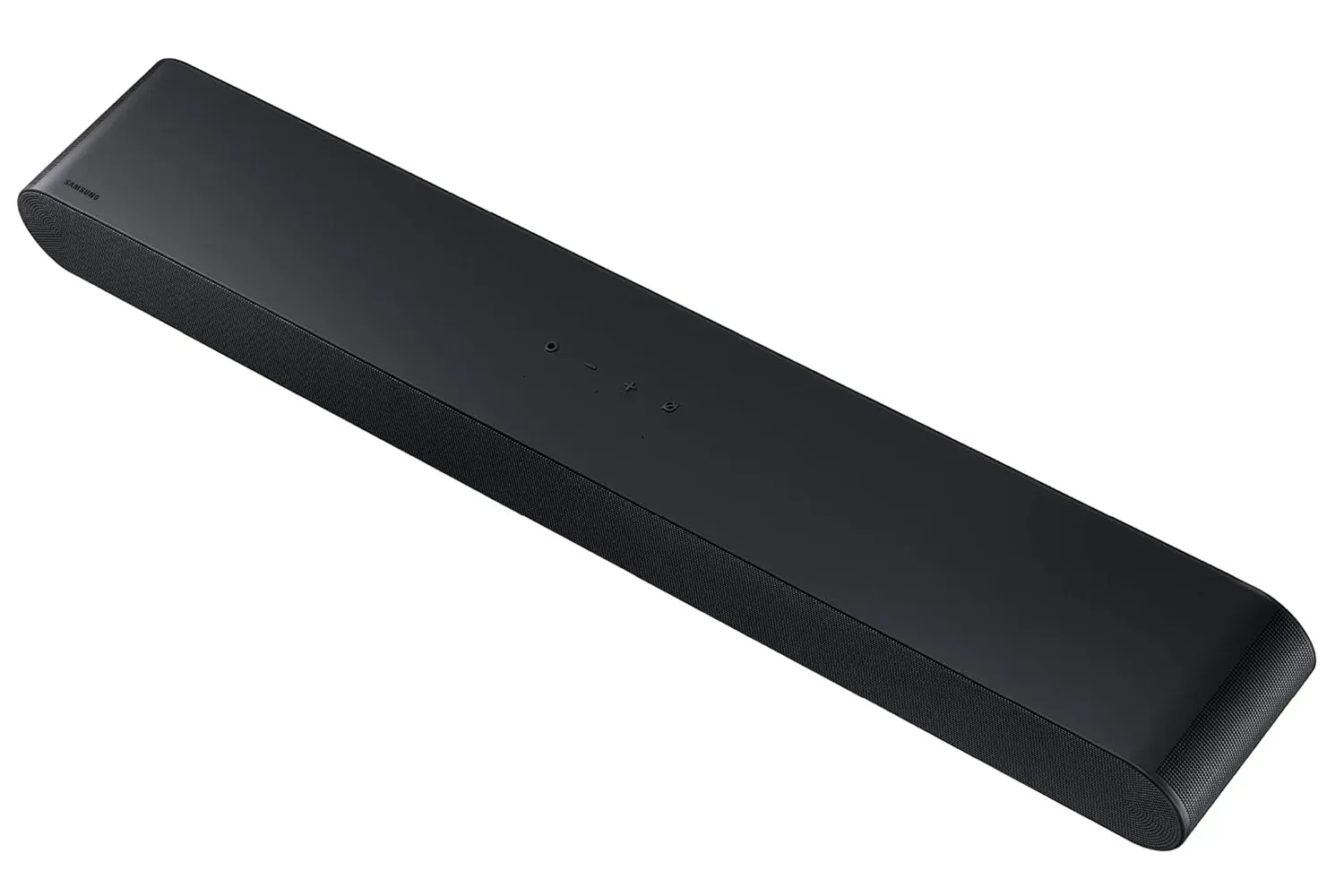
A television can deliver a huge, bright game world while doing comparatively little for the soundscape attached to it. The details that establish space in a game—rainfall, a distant voice, an approaching set of footsteps or the low-end force of an action sequence—can become compressed into the narrow presentation of built-in TV speakers. A soundbar is not an automatic substitute for a complete surround system, but it can be a more manageable first move for a console setup.
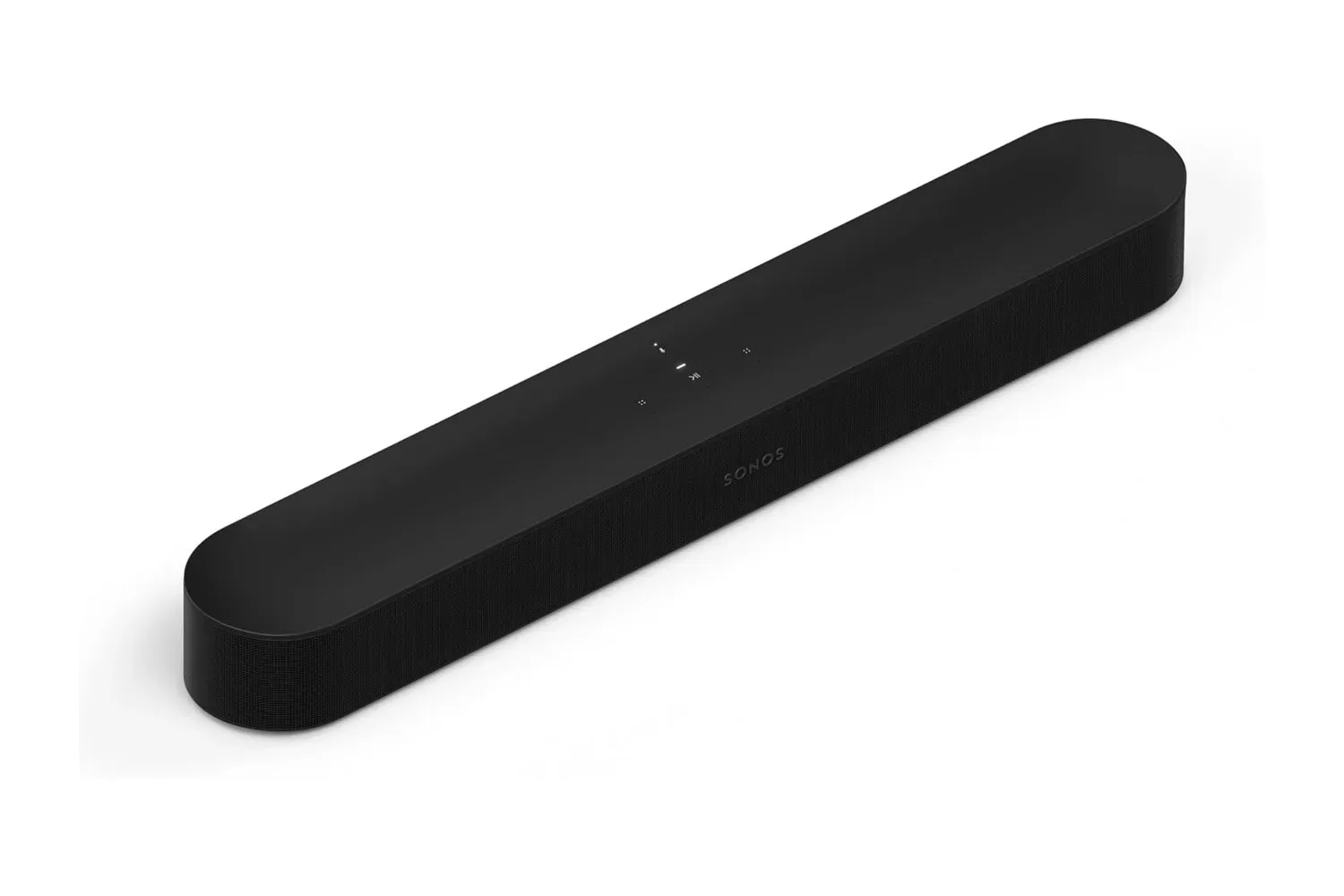
The Sonos Beam Gen 2 is currently listed on Amazon for $359, compared with a $499 list price. The offer applies to the standalone soundbar in black or white and is described as limited time. Bundles with other Sonos speakers are also shown on the product page, but anyone comparing costs should treat the $359 figure as the price for the Beam by itself rather than a full surround package.
What the Beam Gen 2 is meant to improve
The Beam Gen 2 uses five drivers. Sonos says the array is tuned for bass, dialogue clarity and a soundstage that extends beyond the physical width of the bar. For a gaming setup, dialogue may be the least glamorous item on that list, but it is often the practical upgrade people notice first. Clearer speech can make story scenes easier to follow without continually reaching for subtitles or raising the overall volume.
That is especially relevant during late-night sessions. Turning up a television to catch quieter dialogue can also make music, combat and effects uncomfortable for other people nearby. A soundbar cannot erase that compromise, but bringing dialogue forward can make moderate listening levels more workable.
The Beam Gen 2 also supports Dolby Atmos. Atmos is an audio format designed to provide a more three-dimensional sense of placement, including the impression of sound above and around the listener. It is important to separate that intended effect from the hardware arrangement: the Beam is one soundbar, not a set of physical speakers placed behind and above the seating area.
In this configuration, the sense of height and width is created through audio processing. How persuasive that effect feels can vary with the room. The walls, furnishings and where the listener sits all matter when a single front-mounted bar is trying to suggest sound outside its own footprint. The useful expectation is an upgrade from TV audio and a broader presentation, rather than a promise of the same physical coverage offered by dedicated rear and height speakers.
HDMI eARC is the compatibility check to make first
The Beam connects to the television through HDMI eARC and can be controlled with the television’s existing remote. That is a significant convenience point: once connected, volume adjustment can remain part of the familiar TV routine rather than becoming another device and remote on the coffee table.
eARC means Enhanced Audio Return Channel. In simple terms, it is the HDMI connection on a compatible television that sends audio from the TV to the soundbar. That matters for a console or streaming application connected through the television, because it provides the route for the TV to pass audio back to the Beam.
Related coverage includes Sonos Beam Gen 2 Falls to $359 With Dolby Atmos Support for Gaming Setups.
Before buying, shoppers should check their particular television for an HDMI port marked eARC if they want the full Atmos signal described for the console or streaming-app setup. The presence of HDMI alone is not the same as confirming an eARC port. That small check is more valuable than assuming a newer-looking television will necessarily have the connection needed for the intended setup.
For people playing on a console through a TV, the layout is straightforward in principle: the console sends video and audio to the television, then the television sends audio through the eARC connection to the Beam. Because the soundbar is designed to use the TV remote for control, the everyday experience should remain simple after the connection is in place.
A soundbar first, but also a Wi-Fi speaker
The Beam’s job does not stop when the TV is off. It works as a Sonos speaker for music, radio, podcasts and audiobooks streamed over Wi-Fi through the Sonos app. It also supports Apple AirPlay 2, allowing audio to be sent directly from an iPhone or Mac.
That gives the Beam a second purpose in a smaller home or apartment. Instead of reserving the device solely for television and games, it can serve as the living-room speaker for everyday listening. For buyers who would otherwise consider both a TV sound solution and a separate wireless speaker, that flexibility is central to the product’s appeal.
Alexa is built in for voice requests, including music playback and smart-home actions such as switching off a smart light. The soundbar also includes an Ethernet port. Wi-Fi is the normal route for its streaming features, but Ethernet offers a wired alternative for a TV stand location where the wireless signal is unreliable.
For more gaming and entertainment coverage, see our report on The Elder Scrolls Online’s emphasis on secrets, puzzles and exploration.
What “expandable” means—and why it changes the budget
The Beam can be the beginning of a larger Sonos configuration. Sonos offers the Sub Mini for deeper bass and supports adding a pair of rear speakers for actual surround placement. Other Sonos speakers can also be used for multiroom listening around the home.
Those are distinct upgrades with distinct purposes. A subwoofer is aimed at extending bass performance. Rear speakers are the component that changes the room layout by adding speakers behind the listener, rather than asking a front soundbar to create all spatial cues from one position. Multiroom speakers, meanwhile, are about carrying music and other audio to additional rooms.
That modularity means the Beam can be approached as a gradual purchase rather than a commitment to buy every component at once. It also means the initial sale price should not be mistaken for the cost of a full Sonos surround arrangement. Adding a Sub Mini and a pair of rear speakers raises the eventual total considerably beyond the soundbar alone.
For a buyer replacing TV speakers, starting with the Beam by itself is the clearest way to assess whether the step up meets the need. A later addition can make sense only if deeper bass or genuine rear-channel placement becomes a priority. This is less about treating every upgrade as required and more about recognizing what each extra product actually changes.
Setup considerations before placing an order
Sonos describes installation as involving two cables, and the Beam includes Trueplay tuning to adjust sound to the room. Room tuning is the process of adapting playback to the acoustic character of the space, which can be affected by factors such as furniture and room shape. It is a useful feature to consider for a soundbar, but it does not remove the basic reality that rooms influence how convincing virtual width and height can be.
Amazon also lists professional setup as a $99 add-on. Wall mounting is not included in that service. Anyone planning to mount the Beam should therefore distinguish between having the soundbar connected and configured versus arranging a wall installation.
The practical pre-purchase list is short:
- Confirm that the TV has an HDMI eARC port if full Atmos support from a console or streaming app is the goal.
- Decide whether the Beam will sit below the TV or whether wall mounting is part of the plan.
- Consider Wi-Fi conditions near the television, with Ethernet available as a wired option if needed.
- Budget separately for a Sub Mini or rear speakers rather than treating them as part of the standalone $359 deal.
- Choose between the black and white finishes offered at the listed price.
The Amazon listing says returns are free, which is relevant for a product whose perceived spatial effect can be room-dependent. The advertised drop from $499 to $359 makes the Beam Gen 2 less expensive than its listed price, but its value depends on the buyer’s goals. It is best viewed as a compact front soundbar with Atmos support, TV-remote control and Wi-Fi speaker features—not as an all-in-one replacement for the physical speaker placement of a completed surround system.
Shop the products
Check current price, model and availability at the retailer.