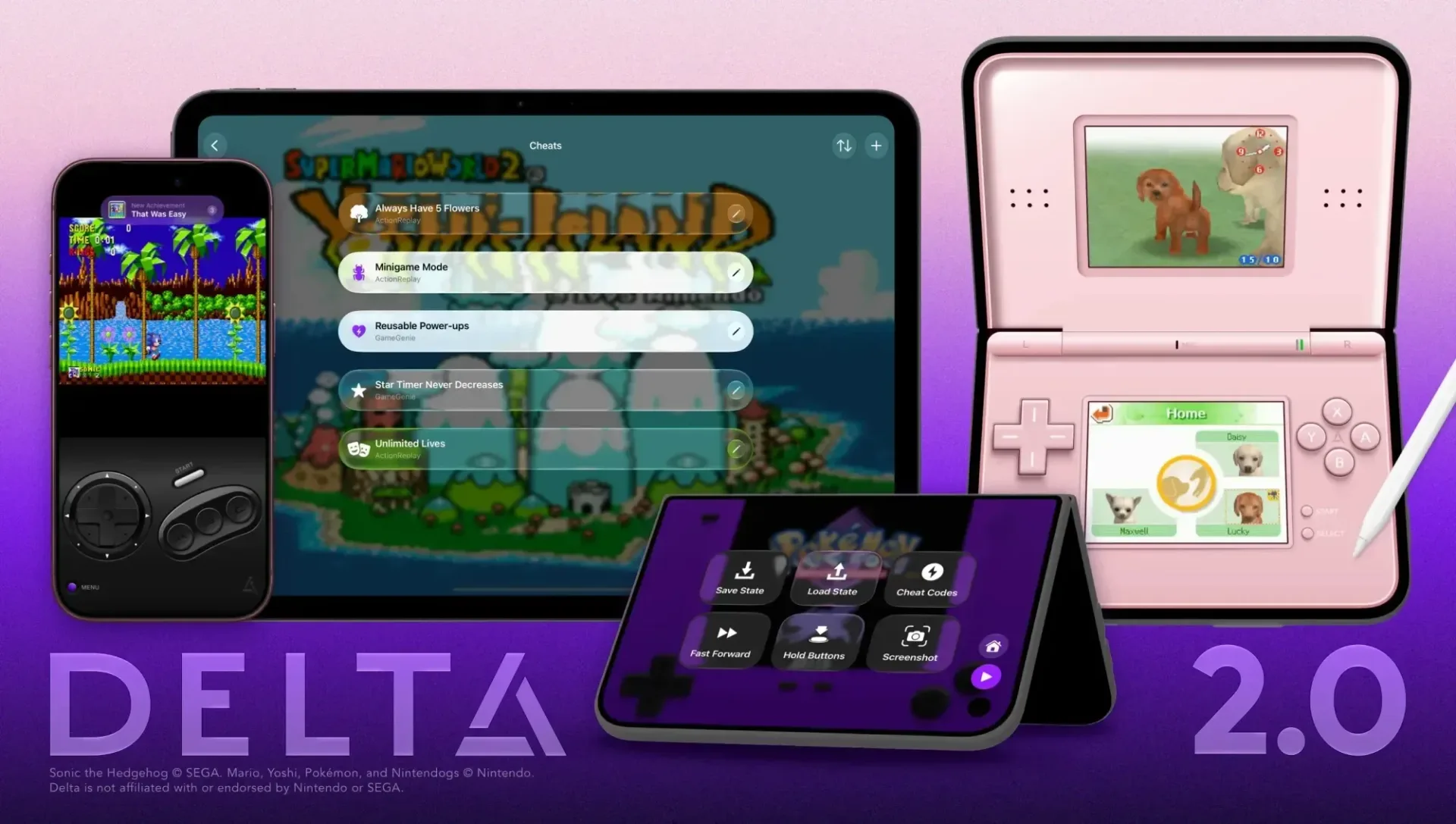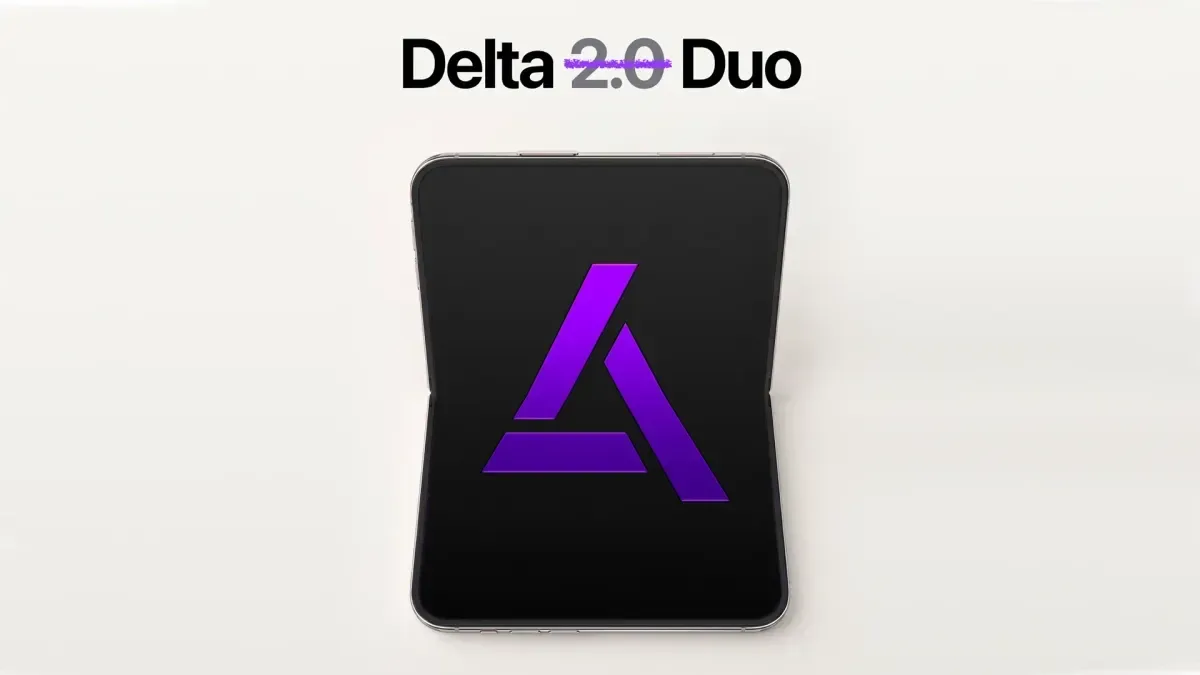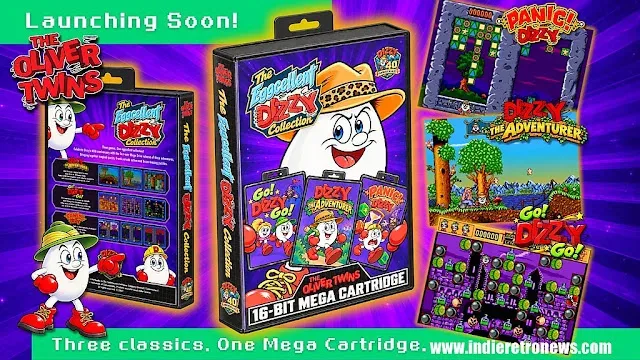
Delta 2.0 is a substantial new update for the iOS emulation app, adding Sega Genesis/Mega Drive support while putting a major emphasis on adaptable displays, controller customization and more convenient ways to return to a retro library. The release also marks Delta’s arrival on the EU App Store, extending its official availability to a new regional audience.
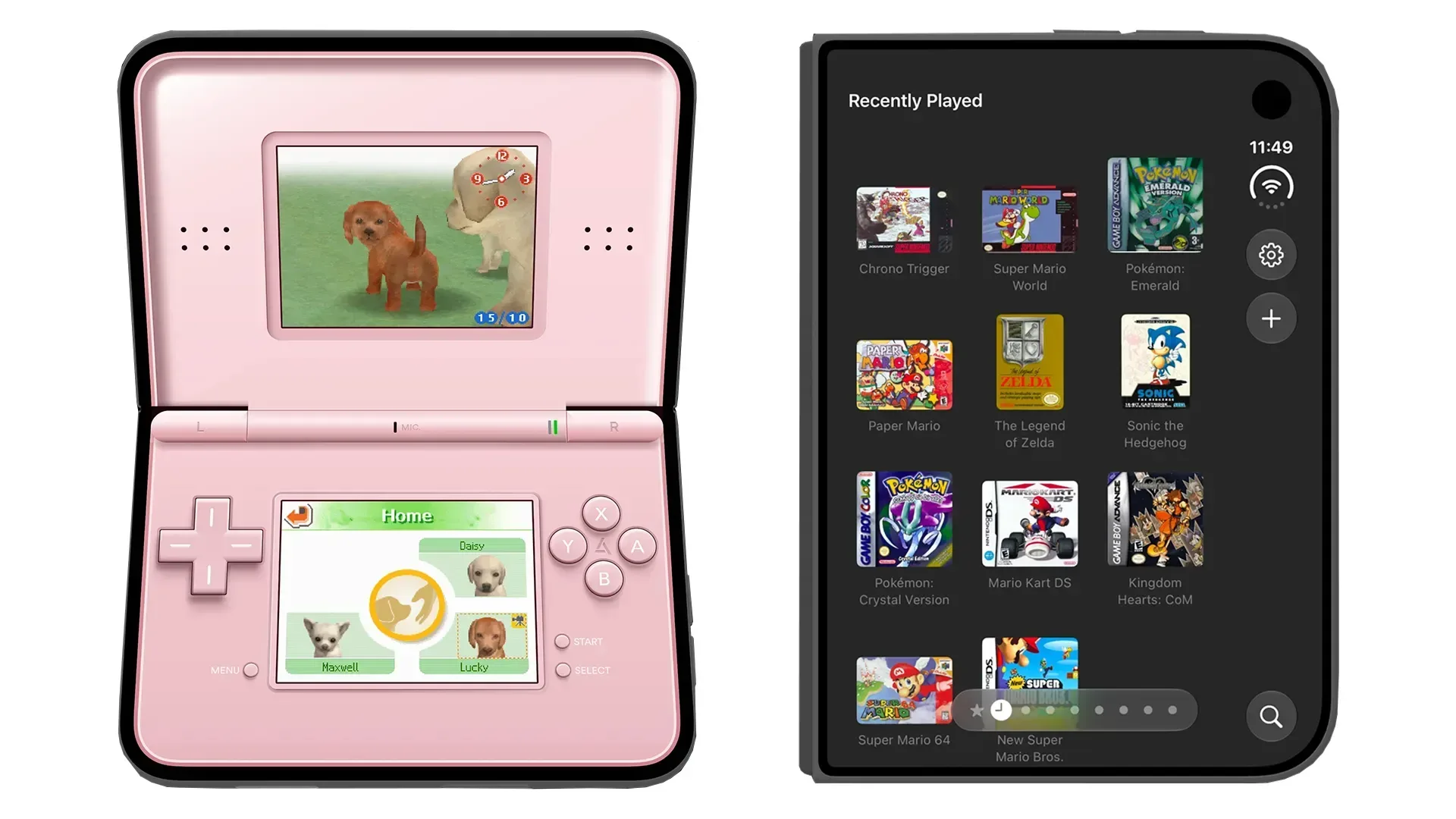
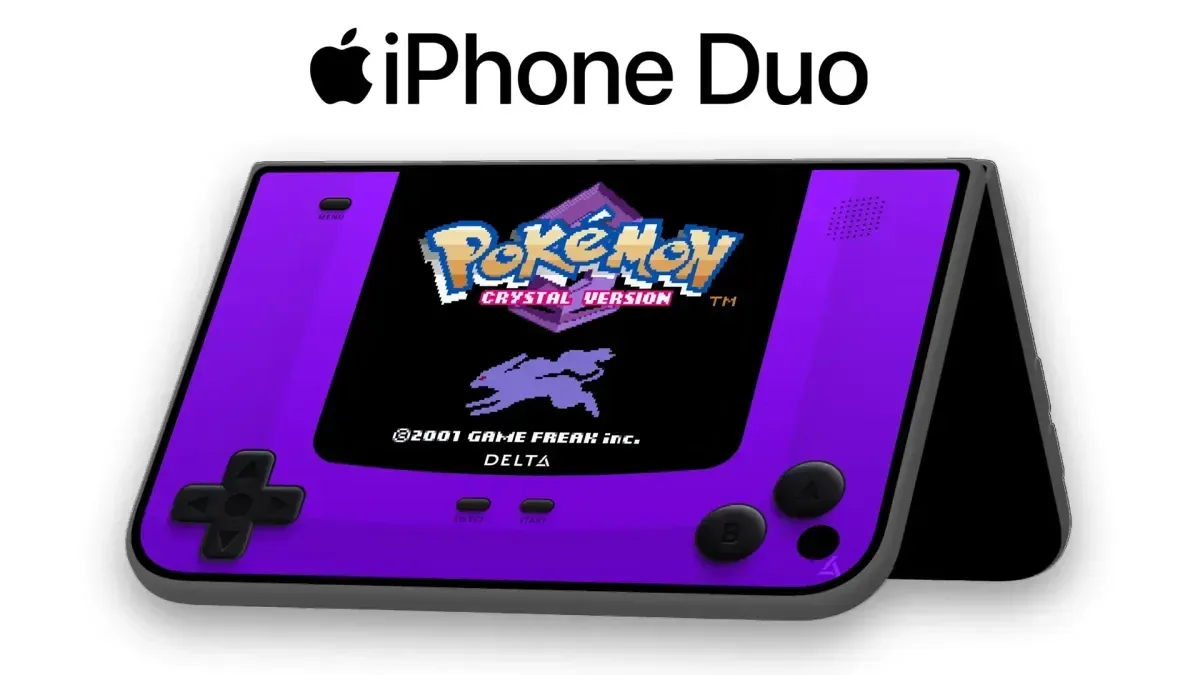
The update is positioned around iPhone Duo, Apple’s first foldable phone. That makes particular sense for Nintendo DS games: the original handheld’s defining feature was its clamshell design and dual screens. Delta 2.0 uses the unfolded display with optimized controller skins, split-view multitasking support, and a sleep behavior intended to resemble closing a physical DS. Rather than merely stretching an existing portrait or landscape interface, the app’s new layout is designed to make use of the extra screen space and the device’s folding form.
Delta says the app has been downloaded more than 20 million times on iOS. That scale helps explain why this is more than a narrowly targeted hardware update. Alongside the Duo-specific work, version 2.0 introduces a new supported console, revises the interface across screen sizes, broadens cartridge-device support and adds a range of quality-of-life tools that could matter regardless of whether a player owns a foldable phone.
Sega Genesis/Mega Drive joins Delta’s supported systems
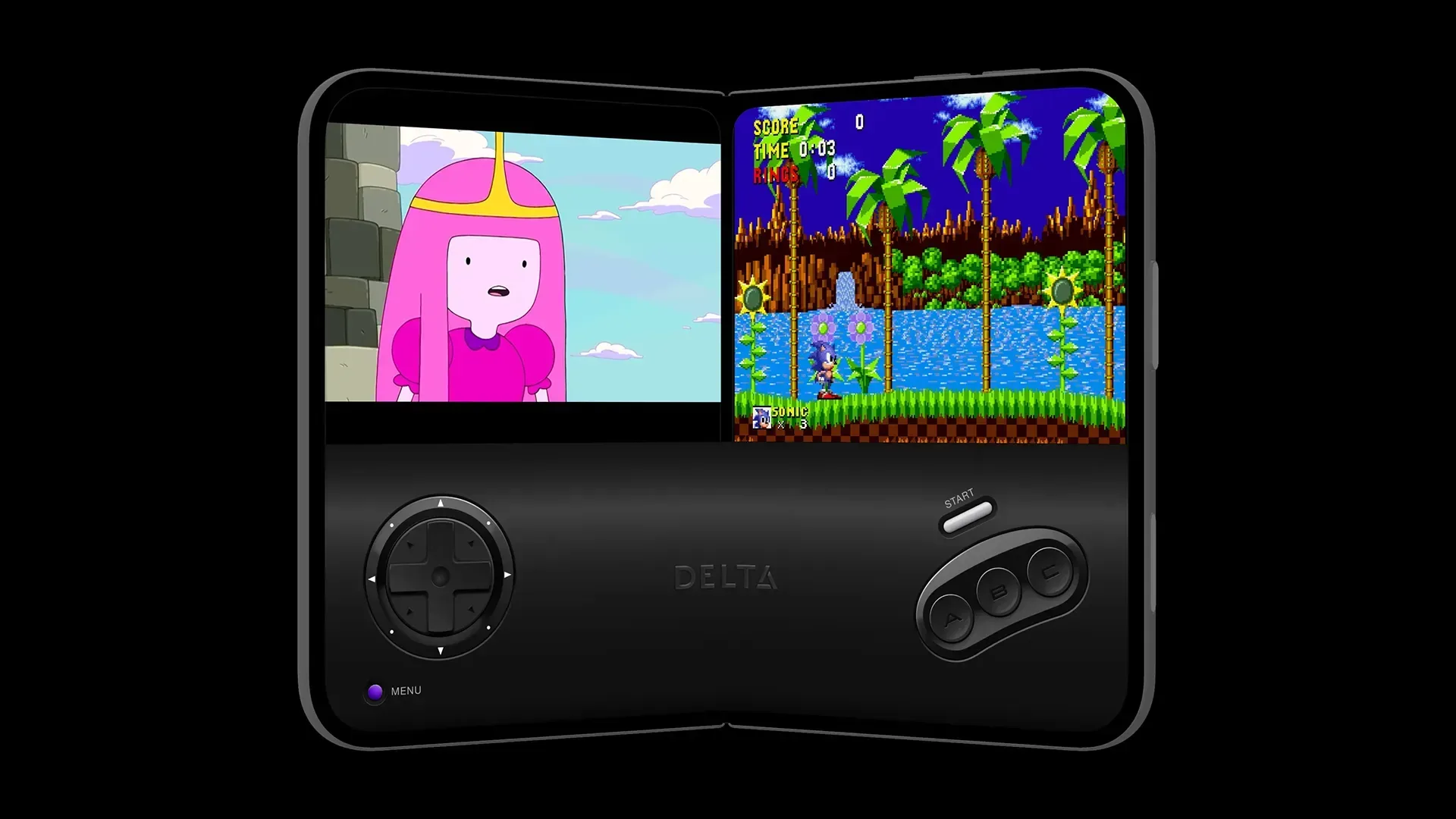
The biggest compatibility addition is support for Sega Genesis, known as the Mega Drive in many territories. Delta 2.0 includes controller skins for both iPhone and iPad that are styled after the original Genesis pad, bringing a distinct visual and control option to Sega’s 16-bit library within the same app that already handles other retro systems.
For more context, explore Westside Gunn Sets HEELMATIC for November 13 as “ZILLA” Opens Mass Appeal Era.
The update also has built-in support for Action Replay and GameGenie cheats on Genesis/Mega Drive games. These names refer to cheat devices historically used with cartridges to modify game behavior, such as changing lives, items or other rules. In an emulator interface, built-in support means those codes can be handled through the application rather than requiring a separate physical accessory.
That feature sits alongside several options intended to let people tailor the experience system by system and game by game. Delta 2.0 adds custom filters, including a CRT filter, with the ability to apply settings per system and import compatible filters. A CRT filter aims to alter the image to evoke characteristics associated with older cathode-ray tube displays. It is a presentation choice rather than a change to the underlying game, and a per-system setting should make it easier to keep different visual treatments for different hardware families.
Game Boy players receive another display-focused option: color palettes for original Game Boy titles, including all official Game Boy Color palettes. This lets compatible monochrome Game Boy games be viewed through the palette choices associated with the Game Boy Color, rather than being limited to a single default appearance.
What iPhone Duo changes for DS play
Foldable phones have an obvious visual connection to the Nintendo DS, but Delta’s approach goes beyond the visual resemblance. On iPhone Duo, the app supports split view for multitasking, optimized skins, and the ability to put DS games to sleep by folding the device. The sleep function is especially notable because it reflects a behavior familiar to DS owners: closing the handheld could suspend play without needing to navigate a separate menu.
Delta co-founder Riley described unfolding the phone as a new kind of DS experience for the app and said the team had focused on getting Delta ready for the hardware’s launch. That framing is important: the objective is not to replicate a DS exactly, but to use a foldable device’s changing screen shape as a more natural fit for a dual-screen game interface.
The broader interface has also been redesigned for Liquid Glass and is said to adapt across devices from iPhone Duo to iPad. Delta’s Game Library now uses system icons to identify its sections, while default artwork receives a lighter, glass-like visual treatment. The redesign includes refreshed pause and settings menus, plus dedicated Recently Played and Favorites pages.
Those library additions may sound modest next to a new platform, but they address a practical issue in multi-system emulation. Once a library spans multiple consoles and many games, a player needs a quick route back to the title they were playing rather than repeatedly browsing a full collection. Recently Played is built for that immediate return, while Favorites offers a persistent short list chosen by the user.
Achievements, Hardcore rules and controller flexibility
Delta 2.0 lets users sign in with a RetroAchievements account to earn achievements in supported games. The app can show achievement progress when a game launches, creating a modern goal-tracking layer around older titles. RetroAchievements is an achievement service for retro games; in this implementation, the significant detail is that progress is visible directly at launch instead of being treated as a separate, detached feature.
The release also supports RetroAchievements Hardcore mode. Hardcore mode disables save-state loading and cheats. A save state is an emulator-created snapshot that can preserve play at virtually any instant, rather than only at a game’s intended save points. Removing access to save states and cheat functions raises the stakes for achievement completion by requiring play under more constrained conditions. Players who value convenience can still view the setting as optional, while those chasing Hardcore achievements know the app is enforcing a stricter ruleset.
Controller personalization receives attention as well. Delta now supports animated buttons and controls in controller skins, and it supports third-party skins so creators can design their own. An official animated Game Boy Advance skin by Caroline Moore is included as an example of the new capability. Skins are visual control layouts placed over the screen; animated skins add motion to those interface elements without changing the game itself.
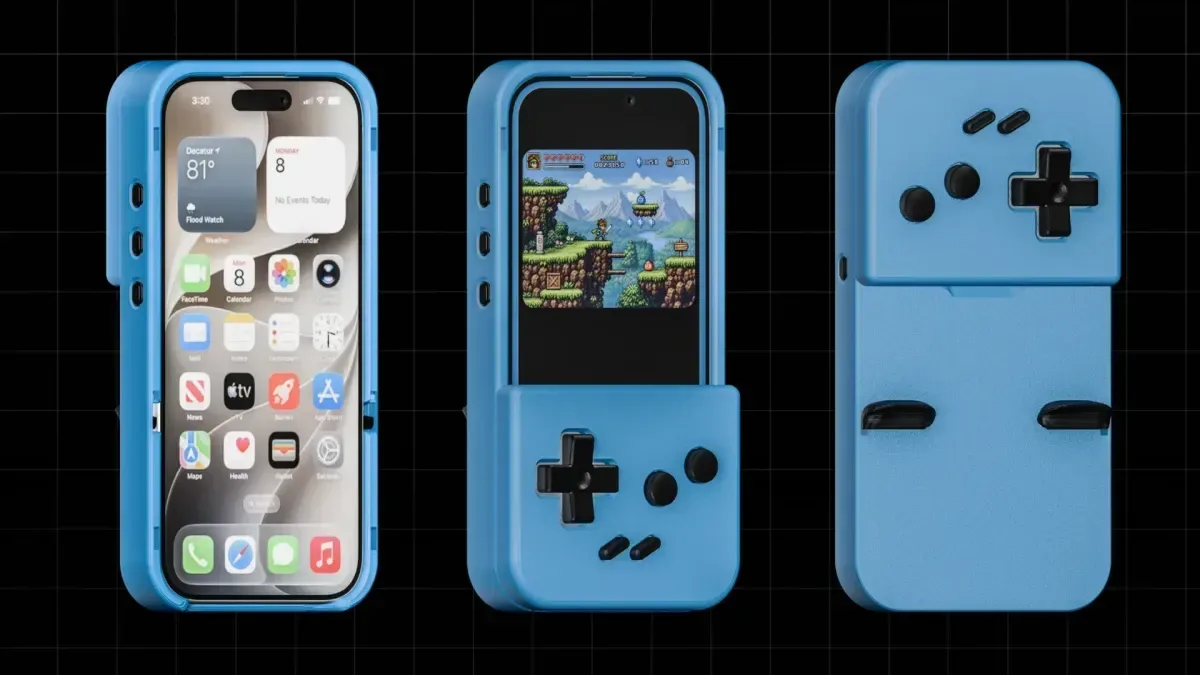
For players using an external controller, Delta 2.0 allows the game screen to be moved by long-pressing it. This is a small but useful layout tool: when physical controls are handling inputs, the on-screen game window can be positioned to suit the player’s preferred viewing arrangement. The update specifically notes compatibility considerations for the GAMEBABY case and 8BITDO FlipPad.
Fast-forward settings can now be customized per game from the pause menu or in-game settings. Fast-forward is an emulator feature that runs a game above its original speed. Per-game control matters because the useful speed can vary: one title may benefit from a modest increase, while another may become hard to follow if accelerated too aggressively. Delta also adds audio controls for determining how it handles sound from other apps.
Physical cartridge-device support and future Pokémon options
Version 2.0 adds support for the Epilogue GB Operator and SN Operator, devices associated with using physical cartridges. The GB Operator is relevant to Game Boy-family cartridges, while the SN Operator is relevant to Super Nintendo cartridges. Delta’s support for these devices connects the app to players who maintain physical game collections and want that hardware to work alongside an iOS-based setup.
Delta also outlines a future feature for classic Pokémon games. Described as custom in-game experiences usable as “DLC,” these are planned to unlock event items, rare Pokémon and more in mainline Game Boy Advance Pokémon games. The feature is explicitly listed as coming soon, so players should not treat it as part of the current 2.0 feature set. The proposal is notable because it would handle certain historically limited game content as optional add-ons within the app rather than presenting it as a standard emulator setting.
For the EU launch, Delta says a previous Apple Core Technology Fee would have made App Store distribution financially impractical, potentially costing the team millions of dollars. With that fee no longer in the way, the app is now available through the EU App Store. It is a consequential distribution change for an app whose user base has already passed 20 million downloads.
Delta 2.0 is available now from the App Store. Its headline additions—Genesis/Mega Drive emulation and a foldable-conscious DS experience—will draw the most attention, but the update’s wider value is in the number of smaller adjustments around library navigation, display treatment, achievements, physical-device support and control layouts. For a retro app built around many systems rather than one, those are the details that can make a growing library easier to use day to day. For more reporting on the update’s feature set, see this Delta 2.0 overview.