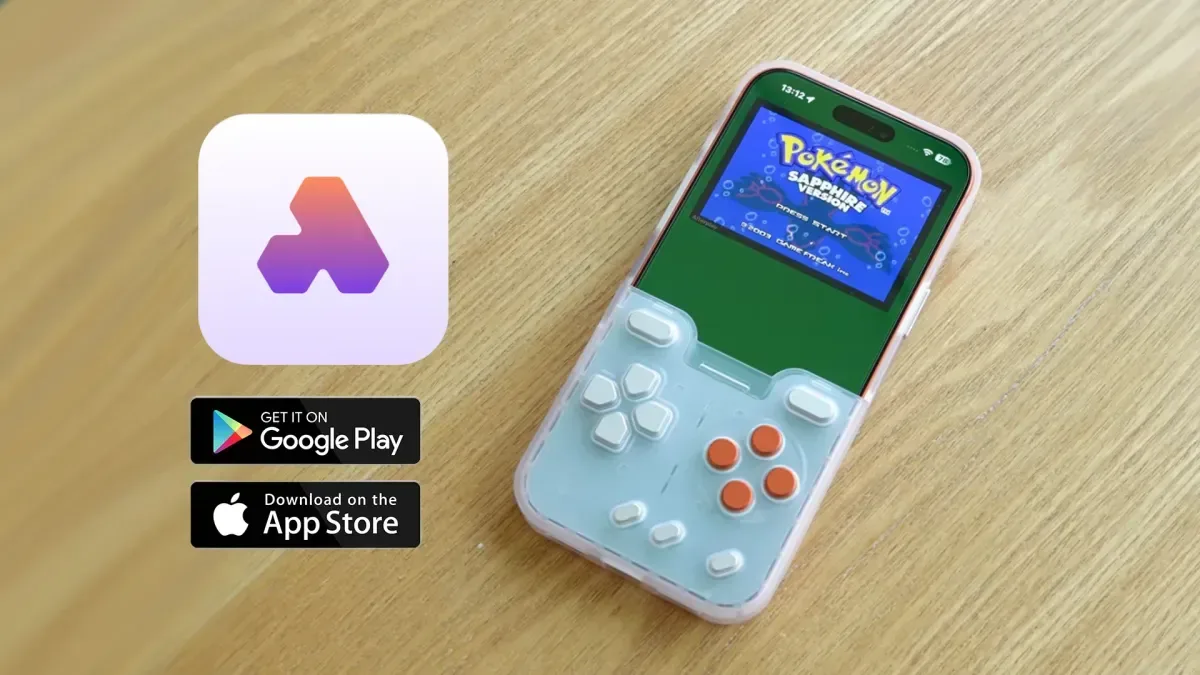
Afterplay’s retro-emulation platform is now available as a native app on both iOS and Android. The move brings the service’s game-library management and multi-device focus directly to phones and tablets, rather than limiting mobile players to a browser-based route.
The platform is free to download through Apple’s App Store and Google Play. It also offers paid premium tiers, which unlock additional features including save-state syncing across hardware and the browser. A 20% discount on monthly or yearly premium pricing is available with the checkout code RETRODODO.
For people who keep a personal ROM library and want access to it on more than one screen, the native mobile launch is the important part of the story. Afterplay is built around organising and playing ROM files across devices, with support spanning 39 consoles. Its mobile apps add a more direct phone-and-tablet experience while retaining the service’s broader ecosystem.
What native mobile apps change
“Native” means software designed to run as an app on a device’s operating system, rather than primarily operating through a web browser. In practical terms, Afterplay’s new iOS and Android apps are intended to offer more reliable, higher-quality emulation performance on mobile hardware.
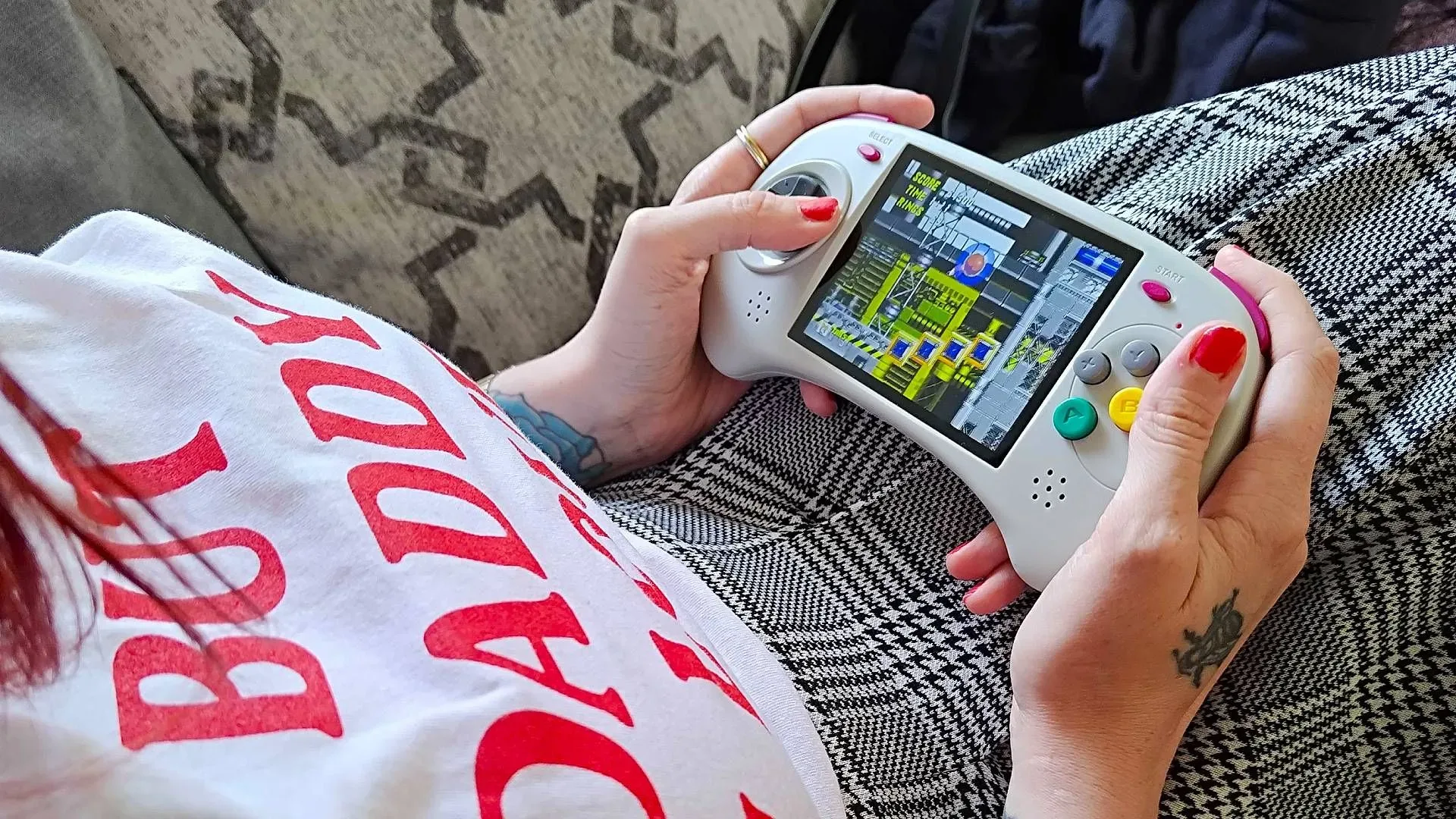
That distinction matters most for portable play. A browser remains useful for quickly reaching a library from a computer, but a dedicated app makes the phone or tablet a more central destination in a cross-device setup. Someone can maintain a game library through Afterplay’s platform and use their handheld device as an everyday play option, rather than treating it as a compromise or a separate setup.
Afterplay’s existing appeal is not simply that it can run games from many systems. Plenty of retro setups begin with the question of whether a game will launch. A service spanning dozens of console platforms also has to answer a less glamorous set of questions: where files sit, how they are arranged, whether play progress follows the user, and how controls behave on screens with different dimensions. The mobile release puts those organisation and continuity questions at the centre.
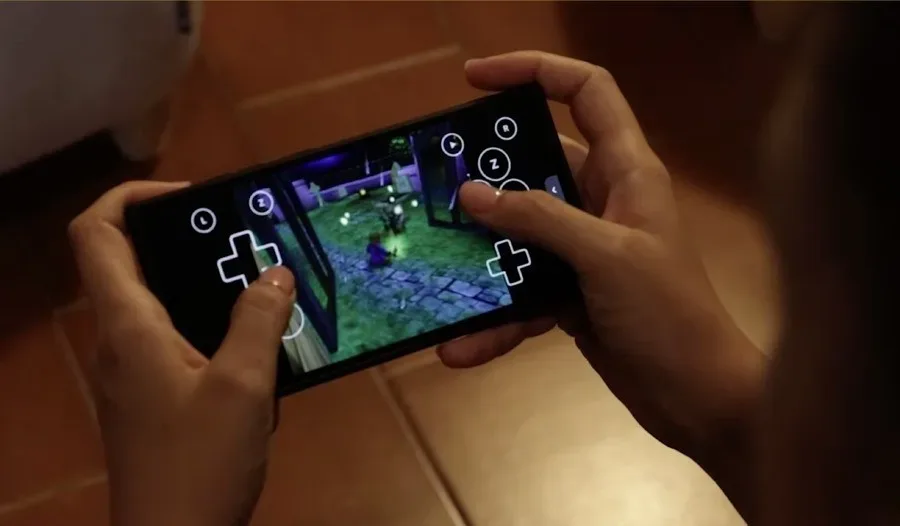
The platform’s touch controls will automatically adapt to both the screen size and the console being used. That should reduce some of the setup work normally associated with playing controller-based games on a touchscreen. Different systems call for different button arrangements, and a small phone display has different constraints from a larger tablet. Automatic control layouts are designed to account for both without asking the player to rebuild the interface every time they switch systems.
Core features: saves, rewind, filters and customisation
Afterplay supports several tools commonly associated with modern retro emulation. These include cheats, visual filters, rewind functionality and file customisation. Each serves a distinct role, so it is worth separating them rather than treating them as one vague bundle of extras.
Related coverage includes Afterplay Brings Native iOS and Android Apps to Its Retro Emulation Platform.
- Save states preserve a game at a particular moment, independent of a game’s original save system. Afterplay’s premium save-state syncing is designed to carry those states across hardware and the browser.
- Rewind lets players move backward through recent gameplay. It can be useful after a missed jump, a bad hit or another mistake that would otherwise mean replaying a longer section.
- Cheats alter aspects of a game through supported codes or settings, giving players another way to tailor how they approach older titles.
- Filters change the appearance of the game image, offering visual adjustments for players who want a different presentation on modern screens.
- Customisation covers user-directed changes to files and the experience around them, complementing the platform’s library-management focus.
The premium sync feature may be especially relevant to players who move between a computer, browser and mobile device. The practical benefit is continuity: a session started on one piece of hardware does not necessarily have to remain there. That is a more meaningful convenience than merely having the same game installed in several places, because progress is often the part that makes switching devices inconvenient.
It is also worth being precise about the split between the free app and the paid service. The apps themselves are free to download, while premium tiers provide access to a group of added features. That makes it possible to begin with the basic mobile platform and decide later whether cross-device save-state sync and the other premium benefits justify a subscription.
A library tool as much as an emulator
Emulation is often discussed only in terms of individual games or individual systems. Afterplay’s stated scope points in another direction: it is designed as a single place to organise and play ROM files across 39 console platforms. The value of that approach grows with the size and variety of a player’s library.
A unified library can make it easier to move from one system to another without treating every platform as a completely separate technical project. Instead of a collection being divided among disconnected applications and device-specific arrangements, the service aims to offer one tidier framework across hardware. The arrival of native mobile apps extends that framework to two of the most widely used device ecosystems.
There is a hardware angle here, too. Phones and tablets are already screens that many people carry or keep nearby, and a native app means a retro library can sit alongside the rest of a mobile routine. Players planning longer sessions may also be interested in practical accessory considerations such as charging capacity; our look at the UGREEN Nexode 100W GaN charger covers a multi-port option positioned for handhelds, phones and laptops.
That does not turn a phone into a replacement for every preferred setup. Physical controls, display size and individual preferences still shape how people choose to play. But the new apps make Afterplay’s mobile use case more direct: a player can use adaptive on-screen controls built for the relevant system and display, while the platform handles the broader organisation of compatible files.
The store adds a separate route to discover retro-style games
Alongside ROM-library features, Afterplay includes an online store where users can buy new retro games. The store supports titles from publishers including Incube8Games and Mega Cat Studios, and game demos are available before purchase.
This store is a distinct part of the platform from personal ROM-file organisation. Its inclusion gives users a way to browse newly released games in a retro space while also managing their own compatible library. Demos are particularly useful in that setting: they let prospective buyers sample a game before deciding whether to purchase it.
The combination is notable because it places two types of retro interest under one roof. One is the preservation-and-library side of playing games across older console formats. The other is the continued creation of new games associated with retro platforms and aesthetics. Afterplay’s native mobile arrival does not just broaden where existing libraries can be accessed; it also puts its storefront within easier reach of phone and tablet users.
Who the mobile release is for
The clearest audience is players already using Afterplay on a computer or through a browser who want a more dependable mobile option. Premium subscribers who rely on synced save states have an obvious reason to use the app, since cross-device continuity is one of the paid features highlighted by the platform.
It may also suit players starting a multi-system library for the first time. Support for 39 consoles means the service is aimed at breadth rather than a single-platform niche, while automatic touch-control adaptation lowers one of the barriers to getting started on a touchscreen. The free download provides a low-commitment entry point, and paid tiers remain optional for those who need the extra features.
For current users, the takeaway is straightforward: Afterplay is no longer only a Mac and browser-oriented part of a retro setup. Native iOS and Android apps turn phones and tablets into first-class destinations for the same platform, with adaptive controls, a free starting tier, and premium tools for those who want their save states to follow them across devices.