Buying a Starlink dish is no longer a simple matter of ordering the one terminal currently on sale. The hardware range now spans ordinary fixed-home service, compact travel use, moving vehicles, harsh remote deployments and fixed business networking. That is useful choice, but it also means the best-looking specification sheet is not necessarily the best answer.
The practical starting point is not maximum stated download speed. It is the job the dish has to do: stay at one address, pack into a vehicle, work while that vehicle is moving, endure difficult weather, or connect to a more involved business network. Once that is clear, the lineup is easier to separate.
There are six core hardware options: the residential V4 and V5, the portable Mini, Performance Gen 2 and Gen 3 terminals, and Enterprise. Some appear in more than one kit, where the dish remains the same but bundled networking equipment changes.
Start with the location, then choose the hardware
A fixed home and a boat may both need internet, but their equipment needs are very different. A home dish can prioritize straightforward installation and everyday service. A terminal mounted on a moving RV or vessel benefits from a broader view of the sky and hardware intended for permanent installation. A remote commercial site may need tougher environmental sealing, alternative power arrangements or direct integration with an existing router.
Two technical terms matter repeatedly in this comparison:
- Field of view is the portion of sky the terminal can see. A wider figure can be particularly helpful where the terminal is moving, because it has more opportunity to maintain contact with passing satellites.
- Peak throughput is a stated maximum data rate, not a promise that every user will receive that rate all of the time. It is useful for comparing the hardware’s stated ceiling, but it should be weighed alongside installation conditions, availability and the intended service plan.
Power use also deserves more attention than it receives in typical home-networking comparisons. A lower-wattage dish can matter for off-grid setups and can be a meaningful convenience advantage when a unit is used away from a conventional mains supply. Conversely, more demanding hardware may be reasonable when ruggedness, mobility or installation flexibility matters more than minimizing power draw.
V4: the mainstream fixed-home choice
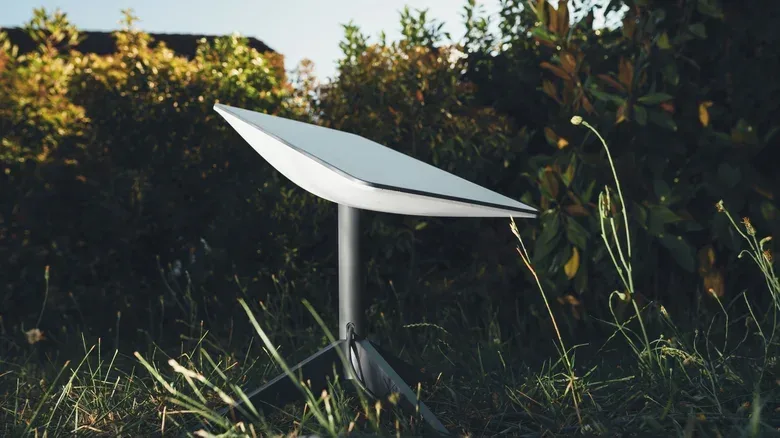
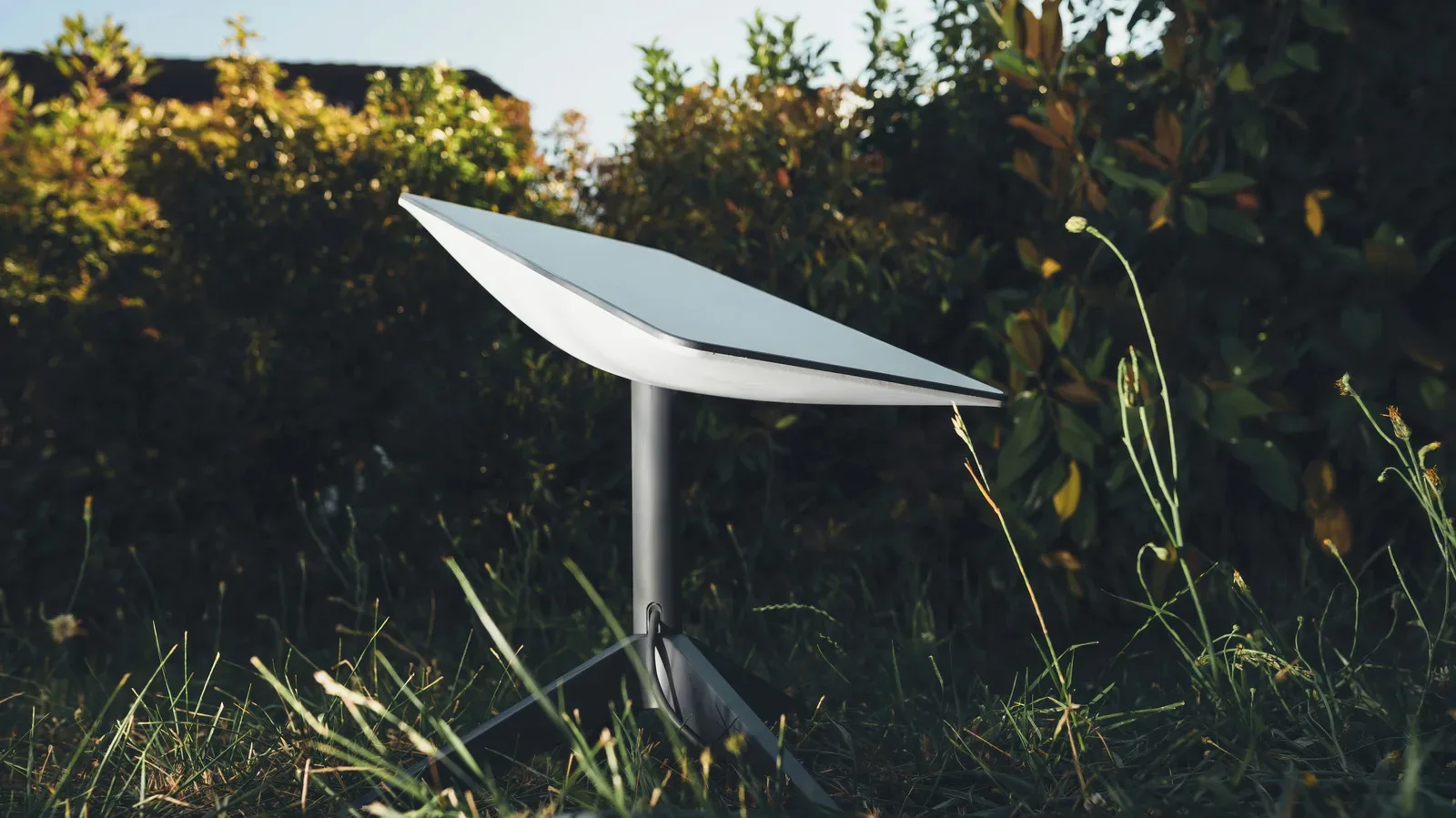
The Starlink V4 is the conventional place to begin for a household needing a fixed internet connection. It is the terminal used in the Standard 4 and Standard 4 X kits, and it is positioned for everyday activities including video calls, streaming and online gaming.
This is a rectangular terminal that uses software-assisted manual orientation rather than an internal motor. It measures roughly 23.4 by 15 inches, weighs 6.4 pounds and has a 110-degree field of view. Those dimensions make it substantially larger and heavier than the V5 and Mini, but that does not make it a lesser residential option. Its listed peak download rate is 400 Mbps or more, compared with up to 375 Mbps for V5.
Related coverage includes How to Choose the Right Starlink Dish for Home, Travel or Business.
Buyers should pay attention to the kit name rather than assume every V4 package has identical networking gear. The Standard 4 pairs the dish with a Router Mini, while the Standard 4 X includes the newer, faster Router 3. The Standard 4 is also available as a ready-to-connect kit with a kickstand, power supply and necessary cables.
For a stationary home, the V4’s argument is uncomplicated: it is established residential hardware with a higher listed peak download figure than the newer V5. Its average power consumption is listed at 75 to 100 watts, so it is less attractive where energy use is a primary constraint. But for a standard permanent home setup, it avoids paying for mobility or commercial features that may never be used.
V5: smaller residential hardware, not a simple speed upgrade
The V5 is the newest residential dish in this group, though “newest” should not be mistaken for a blanket performance upgrade. Its major advantages are size, weight and power efficiency. At about 15.1 by 12 inches and 2.4 pounds, it is far smaller and lighter than the 6.4-pound V4.
It also has a listed average draw of 35 to 50 watts, versus 75 to 100 watts for V4. That difference can make a V5 easier to handle during installation and potentially less demanding to operate over time. The stated tradeoff is a lower peak download figure: up to 375 Mbps, rather than 400 Mbps or more on V4.
The V5 remains fixed-location residential equipment. It is not intended for use while a vehicle is in motion. Its included accessories are a Router Mini, kickstand, pipe-adapter mount and 15-meter cable, which provides a solid basic package for a household installation.
Availability is the key caution. V5 is currently offered only in select areas as production expands. That makes the comparison partly theoretical for shoppers outside those locations: V4 may be the practical choice regardless of which hardware profile looks more appealing. Check availability before planning an installation around the lighter model.
Mini: portability and low power take priority
The Starlink Mini is the most distinct consumer option because portability is central to its design. At 11.75 by 10.2 inches and approximately 2.4 pounds, it is compact enough to make travel a real part of the purchase decision rather than an afterthought.
It includes a built-in Wi-Fi router, eliminating the need to pack a separate router. Its average listed power usage of 20 to 40 watts is lower than the larger dishes discussed here. With the optional USB-C-to-barrel-jack cable and a compatible USB-C power source, it can also be powered in a way that is especially relevant for camping, road trips and other off-grid situations.
The Mini is listed for downloads up to 300 Mbps. That is below the listed peaks of the residential V4 and V5 and the Performance products, but the point of Mini is not to win a static specification contest. It is to offer a smaller connection kit that can be taken between home and travel locations. It is widely available and does not require a residential subscription, expanding its appeal for people who do not want their device limited to one type of use.
It is also notably less expensive than at its original direct-sale price: it first sold for $599 and is now listed at $199 when bought directly from Starlink. Hardware pricing is only one part of the overall decision, however. A buyer should still account for the service arrangement, mounting requirements and the environments where the terminal will actually be used.
If a dish will sit permanently at a house and portability has no value, a Standard dish may be the more sensible fit. If carrying the terminal, minimizing its power demands or avoiding a separate travel router is important, Mini has a clearer advantage.
Performance Gen 2: designed for installations that move
Starlink Performance Gen 2, previously called the Flat High Performance Kit, moves beyond ordinary home hardware. It was developed for mobility applications and is intended for permanent mounting rather than quick, occasional setup.
Its 140-degree field of view is wider than the 110-degree view of V4, V5 and Enterprise. In practical terms, that gives the terminal more of the sky to work with, which can help it stay connected as a vehicle travels or a boat shifts on the water. Enhanced GPS capabilities are also part of why this model is suited to moving RVs and boats.
The included wedge mount places the dish at an eight-degree tilt for water runoff. That detail illustrates the difference in design priorities: this is hardware for an ongoing installed deployment, not merely a unit placed on a kickstand for a temporary connection. It has listed peak throughput of up to 450 Mbps down and 60 Mbps up, plus a survivable wind speed greater than 174 mph.
For someone trying to equip a vehicle or vessel that will need service while moving, Gen 2 is purpose-built in a way the Standard and Mini products are not. For a stationary home, its specialized installation and mobility strengths are unlikely to justify choosing it over the simpler residential products.
Performance Gen 3: greater protection and power flexibility
Performance Gen 3 is aimed even more directly at remote, challenging and commercial deployments. It can be used in motion and is designed for harsh environments, distinguishing it from the Standard and Mini units primarily through resilience and installation options.
Its stated operating temperature range is minus 40 to 140 degrees Fahrenheit, and it is rated to survive winds above 174 mph. With its cables installed, it carries an IP69K rating. In plain language, that rating signals robust protection against water and dust, including high-pressure cleaning. The rating is not just a marketing footnote; it directly relates to scenarios where a terminal may face dirt, weather and intensive cleaning practices.
Gen 3 has a 140-degree field of view, stated peak downloads up to 475 Mbps and uploads up to 75 Mbps. Average power draw is listed at 70 watts. It supports both AC and DC power, a significant practical distinction for specialized setups, and it supports third-party routers.
For a typical home, these strengths likely amount to unnecessary complexity. For Business and Enterprise customers with a remote site, a demanding environmental exposure or a need to accommodate different power systems, they can be the reasons to select it. The right reading of Gen 3’s specifications is not that every buyer needs the toughest terminal; it is that the product is tuned for cases where a simpler consumer dish carries avoidable compromises.
Enterprise: installation and networking flexibility at a fixed site
The Enterprise kit is intended for fixed-site business users and power users who need more control over where equipment goes and how it joins an existing network. Its clearest differentiator is what it includes: a 50-meter, or 164-foot, cable and a five-meter Ethernet cable.
That 50-meter run can make a material difference where the best place for the dish is well away from the building or networking equipment. Enterprise can connect directly to third-party routers and custom network configurations. A Starlink router is not included; buyers who want one need to obtain it separately.
The terminal uses software-assisted manual orientation, has a 110-degree field of view and lists average consumption of 75 to 100 watts. It carries an IP67 Type 4 environmental rating. Its strengths are therefore not primarily compactness or travel convenience, but cabling reach, network integration and fixed-site deployment flexibility.
That makes Enterprise potentially excessive for a household that simply wants internet service. Yet for an organization that already has its own routing equipment or needs to position the dish some distance from the network endpoint, the kit addresses problems that a standard consumer bundle may not.
A practical shortlist before placing an order
- Choose V4 for a typical fixed-home connection when you want the established residential option and its higher listed peak download capability.
- Choose V5 for a fixed home where lower power use and a notably smaller, lighter terminal matter more than the slight difference in stated peak speed—provided it is available locally.
- Choose Mini when the dish must travel, low power consumption is valuable, or an integrated Wi-Fi router is useful for a compact kit.
- Choose Performance Gen 2 for a permanent vehicle or boat installation that needs service while in motion.
- Choose Performance Gen 3 for a demanding remote or commercial environment where weather protection, AC/DC support and third-party networking matter.
- Choose Enterprise for a fixed business site requiring long cable routing and more direct integration with a custom network.
For gamers, a terminal choice should begin with the same basics: whether the connection will live permanently at home or travel to events, temporary workspaces or remote locations. A stationary setup does not automatically need the high-end Performance hardware simply because online games benefit from a strong connection; V4 and V5 are explicitly positioned for routine online activity, including gaming. A portable setup changes the decision more substantially, and that is where Mini’s size, router integration and lower power use are relevant.
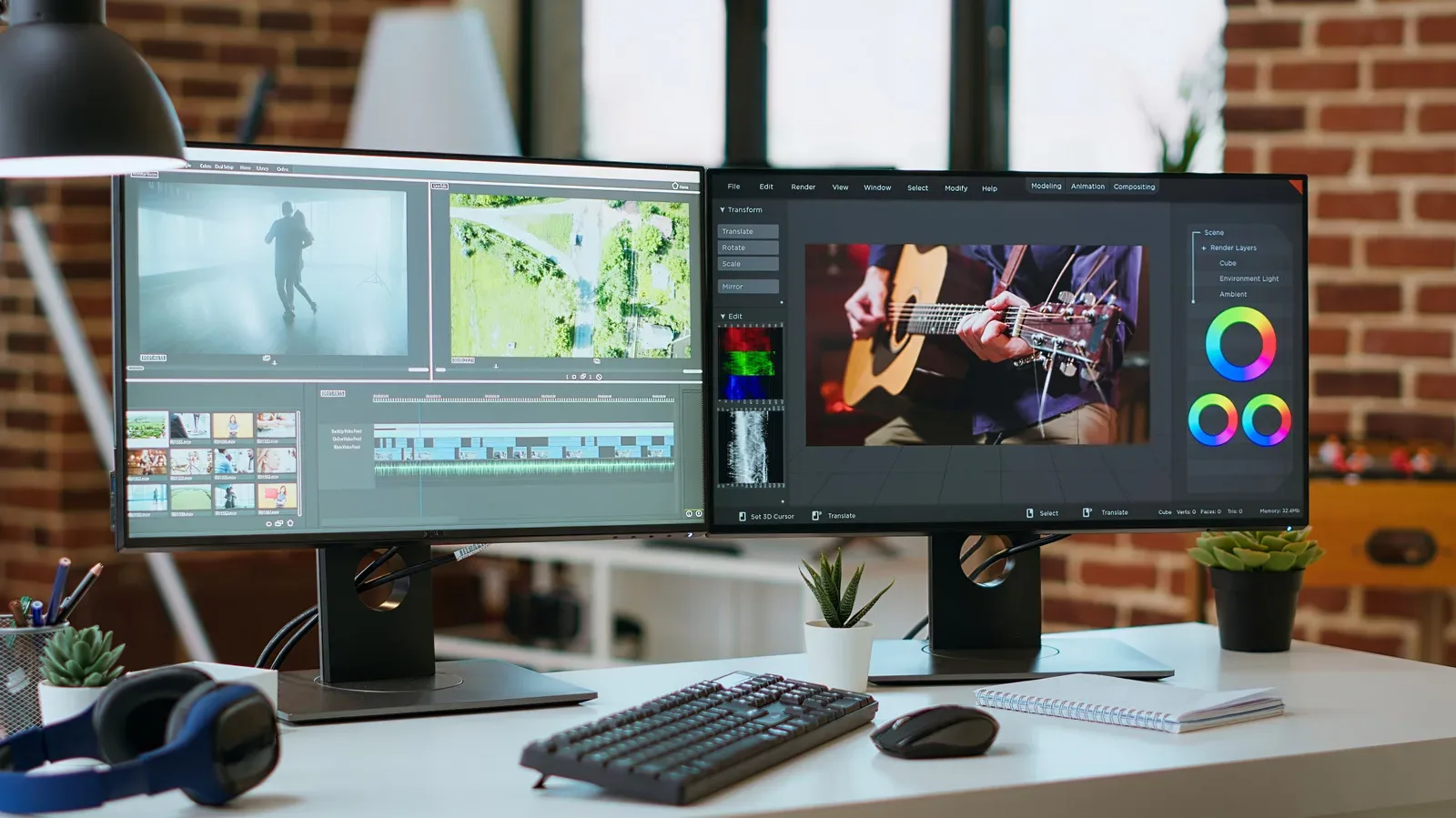
It is equally important not to confuse a dish choice with the rest of a gaming desk or home setup. Hardware placement and the surrounding local network remain separate considerations. For example, a more comfortable multi-screen workspace can help make PC gaming and everyday work less fiddly, as covered in this guide to using a second monitor, but it does not change which Starlink terminal is appropriate for the location.
Mounting, bundled gear and local availability can decide the purchase
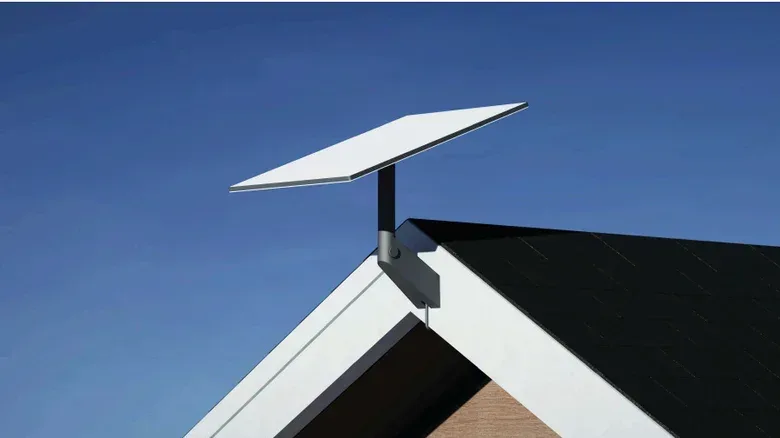
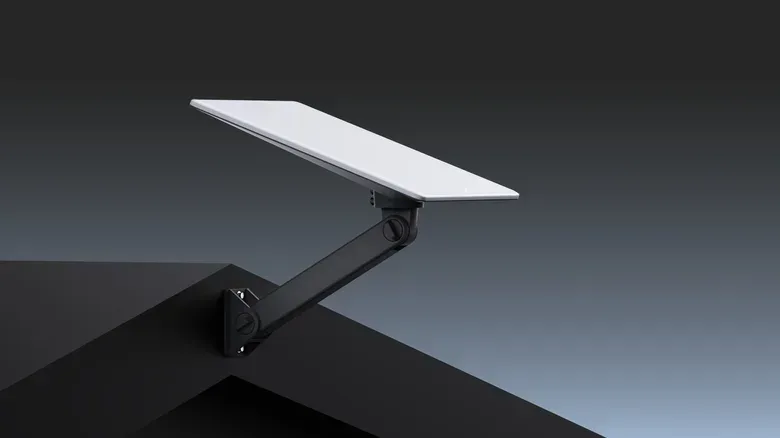
Do not evaluate only the terminal. Standard and Mini kits include kickstands for a basic setup, so a separate mount or professional installation may not be required. Mini also includes a pipe adapter and flat mount. Additional mounts are available for more permanent placement on a roof, wall or other location, and professional installation is available when a project is more complicated. The hardware is designed for self-installation.
That means a buyer can separate the decision into two questions: which dish is right for the use case, and what mounting solution is needed for the physical site? A basic temporary setup may be covered by the included gear. A permanent roof, wall or vehicle installation may call for a dedicated mount even if the dish itself is the correct model.
Finally, confirm local availability before committing. The V5 is restricted to select areas at present, and hardware availability can vary by location as the lineup changes. The best Starlink dish is ultimately the one matched to the required location and movement, with installation needs and locally available equipment checked before the order is placed.
Shop the products
Check current price, model and availability at the retailer.