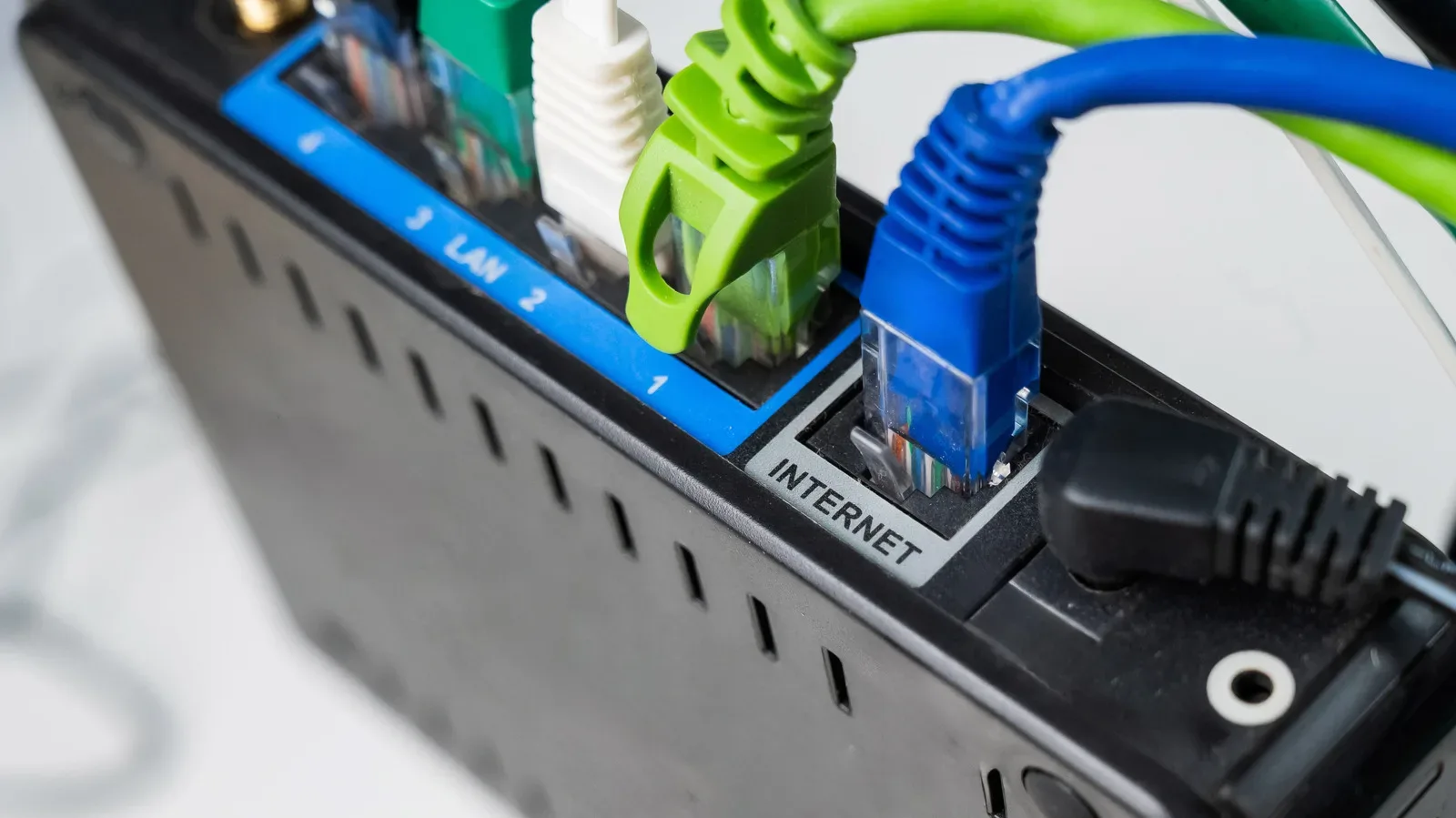
Ethernet shopping has an easy trap: a cable with a bigger category number, thicker jacket, gold-plated plug, heavy shielding and a premium price can look like the obvious route to a faster gaming setup. It is not. A network cable is an important part of the connection, but it is not a stat-boosting item that can overrule the hardware attached to it.
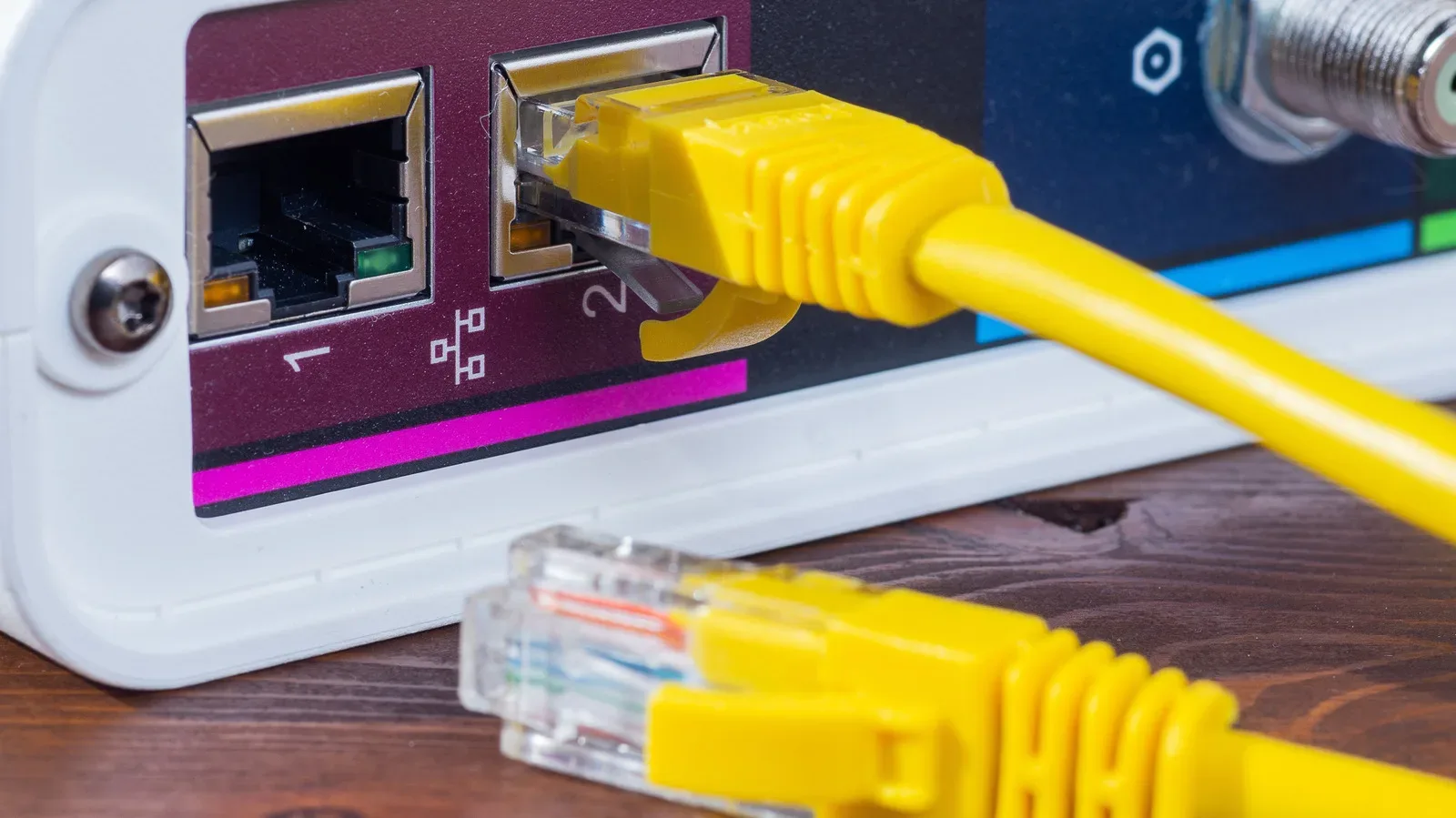
If a console, gaming PC, router or switch has a 1GbE port, the connection between those 1GbE devices is capped at 1Gbps, even when the cable is rated to handle substantially more. The devices negotiate a link speed based on what both ends support. Put simply, an expensive cable can be well made, durable and suited to a more demanding installation, but it cannot turn a Gigabit port into a multi-gigabit port.
That makes the sensible buying question less glamorous but much more useful: what speed does the whole route between the device and the network actually support, and how long is the cable run? For a short cable behind a desk, TV stand or console cabinet, a properly specified, all-copper cable may be the entire answer. Networking jewelry is optional.
The slowest part of the network sets the pace
Ethernet performance is constrained by the slowest relevant link. That could be the internet service itself, a router or switch port, the Ethernet adapter in a PC or console, the cable, or—in longer installations—the distance the signal must travel. Replacing just one component with something theoretically faster does not remove the other limits.
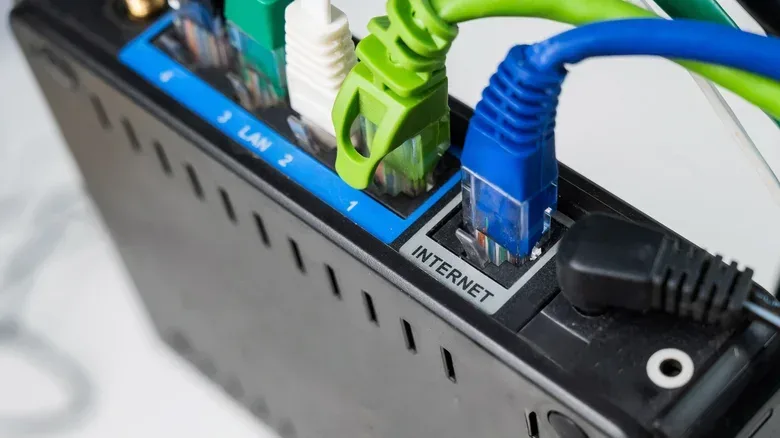
Consider a common 1GbE setup: a gaming PC with a 1GbE network adapter connects to a router with a 1GbE LAN port. Connecting them with a cable carrying a higher rating than Gigabit Ethernet does not make that negotiated link exceed 1Gbps. The cable may leave room for later upgrades, but current hardware still decides the active speed.
The same principle applies when evaluating a faster internet plan. A plan may be one limiting link, but it is not the only one. If a router, switch, PC adapter or console port is slower than the service speed, that component can become the practical bottleneck for a wired connection. Buying a costly cable without checking the ports is therefore an inefficient way to troubleshoot disappointing speeds.
This distinction matters because “Ethernet speed” can mean several different things in casual conversation. A cable category describes the type of cabling and the performance it is designed to support under specified conditions. A port’s Ethernet rating describes a device interface’s capability. Meanwhile, the speed available from an internet provider is a separate limit beyond the local network. They are connected in the same chain, but they are not interchangeable specifications.
Cat5e, Cat6 and Cat6A: read the conditions, not just the label
Cable categories are useful, provided they are treated as standards-based guidance rather than a ranking system where the highest visible number automatically wins. Cat5e is commonly associated with Gigabit Ethernet, but it is not necessarily confined to 1Gbps. Telecommunications Industry Association guidance covers running 2.5Gbps and 5Gbps Ethernet over existing Cat5e and Cat6 cabling.
Cat6 also has more headroom than its usual Gigabit reputation suggests. It can support 10Gbps on shorter runs. Guidance referenced by Fluke Networks places 10Gbps over Cat6 at up to 37 meters, with 37 to 55 meters possible depending on interference from nearby cables. The detail is important: a category’s capability is not a single unconditional promise, and the length of the run plus its environment affect the outcome.
For 10Gbps across a full 100-meter run, Cat6A is the more straightforward choice. That does not mean every home gaming setup needs Cat6A. It means Cat6A fits a particular technical requirement: a long run where 10Gbps is the target. A short patch cable behind a PC is a very different job from a permanent cable path through walls or across a large property.
For a deeper comparison of the labels that most often cause confusion at home, see Cat6 vs. Cat7 for Home Gaming: Why the Bigger Ethernet Number Usually Isn’t the Better Buy.
Why Cat8 is usually excessive for a living-room setup
Cat8 sounds like a decisive upgrade because its number is so high, but its design target is not the ordinary run from a router to a console. It can carry 25Gbps and 40Gbps, uses shielding by design, and reaches those speeds over a maximum 30-meter channel length. Those characteristics align it with data-center connections.
That is useful context, not an argument that Cat8 is somehow bad. If a network has the appropriate high-speed equipment and a short enough run, its specifications may be relevant. But for a typical setup based around 1GbE ports, it is capacity that cannot be used by the connected hardware. Spending more solely to obtain a Cat8 label is not the same thing as buying more real-world speed.
Cat7 is another reason category numbers should not become a shopping shortcut. It is recognized under ISO standards, but the TIA did not include Category 7 in its North American cabling standard. A larger number can therefore obscure more than it clarifies. The better approach is to identify the desired link speed, measure or estimate the required run, and select a cable whose construction and category fit that job.
Construction matters more than a premium look
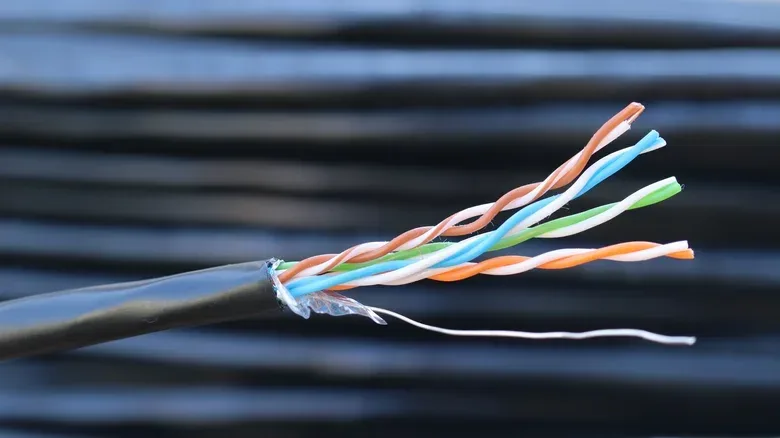
A cheap Ethernet cable is not automatically a false economy. The real concern is whether it cuts corners on the conductor material. Copper-clad aluminum, usually abbreviated as CCA, is marketed as an alternative to standards-compliant copper conductors. It is the construction detail worth avoiding when shopping.
Fluke states that aluminum has roughly 55% greater resistance than same-diameter copper. In practical terms, higher resistance can mean more heat and less voltage available to a device powered through the network cable. That is particularly relevant to Power over Ethernet, or PoE: a system in which the Ethernet cable carries electrical power as well as network data to equipment such as cameras, access points and phones.
Even where PoE is not part of a PC or console connection today, solid construction is still the more meaningful sign of value than a luxury finish. U.S. and international twisted-pair cabling standards require 100% copper conductors. A listing that clearly identifies pure copper rather than CCA gives a buyer a concrete material detail to evaluate.
Gold-plated contacts, meanwhile, should not be treated as proof that a cable is inherently premium or fast. Monoprice offers a 10-foot Cat6 cable with pure bare copper conductors and gold-plated contacts for less than $5, while its shielded 10-foot Cat6A option is listed for less than $10. Both examples have gold-plated contacts, demonstrating that the feature is not reserved for extravagant cables—and should not be the reason a shopper accepts an inflated price.
When paying more is justified
“Do not buy the most expensive cable” is not the same as “always buy the lowest-priced cable.” Extra spending can be rational when it buys a property the installation genuinely needs.
- Long or permanent runs: An in-wall cable can be much more inconvenient to replace than a short lead behind a desk. Choosing an appropriate category for the required speed and distance is more valuable there.
- Electrically noisy environments: Shielding can be worth considering where interference is a concern. It is a situational construction benefit, not an automatic frame-rate upgrade.
- Repeated movement or physical stress: Better strain relief can be a sensible reason to pay more when a cable will be handled frequently or must endure a demanding route.
- PoE equipment: For devices receiving power over Ethernet, all-copper conductors are especially important because resistance affects heat and the voltage available to the powered device.
Notice what is absent from that list: buying a more expensive cable simply because it promises a larger category number. The better purchase is the cable that satisfies the actual job, with adequate build quality and honest specifications.
Verification beats branding
Brand names alone are not a complete quality check, nor does a high price settle the question. Third-party verification is a more useful signal. UL Solutions operates a performance verification program for Category 5e, 6, 6A and 8 cabling. A UL Verification Mark gives buyers a stronger reason to believe that the category printed on the jacket reflects tested performance rather than marketing.
That does not create a universal “correct” price. UL Solutions does not state what a good Ethernet cable should cost, and the source-supported examples make the point neatly: legitimate short Cat6 and Cat6A cables can cost well below $10. Price can reflect shielding, strain relief, cable length or the difficulty of a particular installation, but it should not be used as a substitute for checking the specification.
A practical checklist for a gaming PC or console
- Check the ports first. Identify the Ethernet capability of the gaming device and the router or switch port it uses. If both are 1GbE, a faster-rated cable cannot make that link faster.
- Account for every limit. Consider the internet plan, network equipment, device adapter, cable and distance. The slowest link determines the speed available through that route.
- Match category to speed and run length. Cat5e and Cat6 can support more than many shoppers assume, while Cat6A is the cleaner option for 10Gbps across a full 100-meter run. Avoid treating category numbers as a simple leaderboard.
- Look for 100% copper conductors. Do not confuse copper-clad aluminum with standards-compliant copper cabling.
- Pay for a need, not a vibe. Shielding, stronger strain relief and a more future-minded choice for difficult-to-replace in-wall wiring can all be sensible. A short, ordinary patch cable mainly needs to meet its specification.
- Seek independent verification where possible. For Cat5e, Cat6, Cat6A and Cat8, a UL Verification Mark is a useful indicator that the stated category has been performance-verified.
For gamers, the payoff is not mysterious: spend the cable budget where it addresses a verified constraint. If the network hardware only negotiates at Gigabit, a compliant Cat6 cable may already be doing everything the setup can use. If the goal is a long 10Gbps run, the case for Cat6A is much clearer. The smart Ethernet purchase is the one matched to the network in front of it—not the cable that looks most like a boss-level accessory.