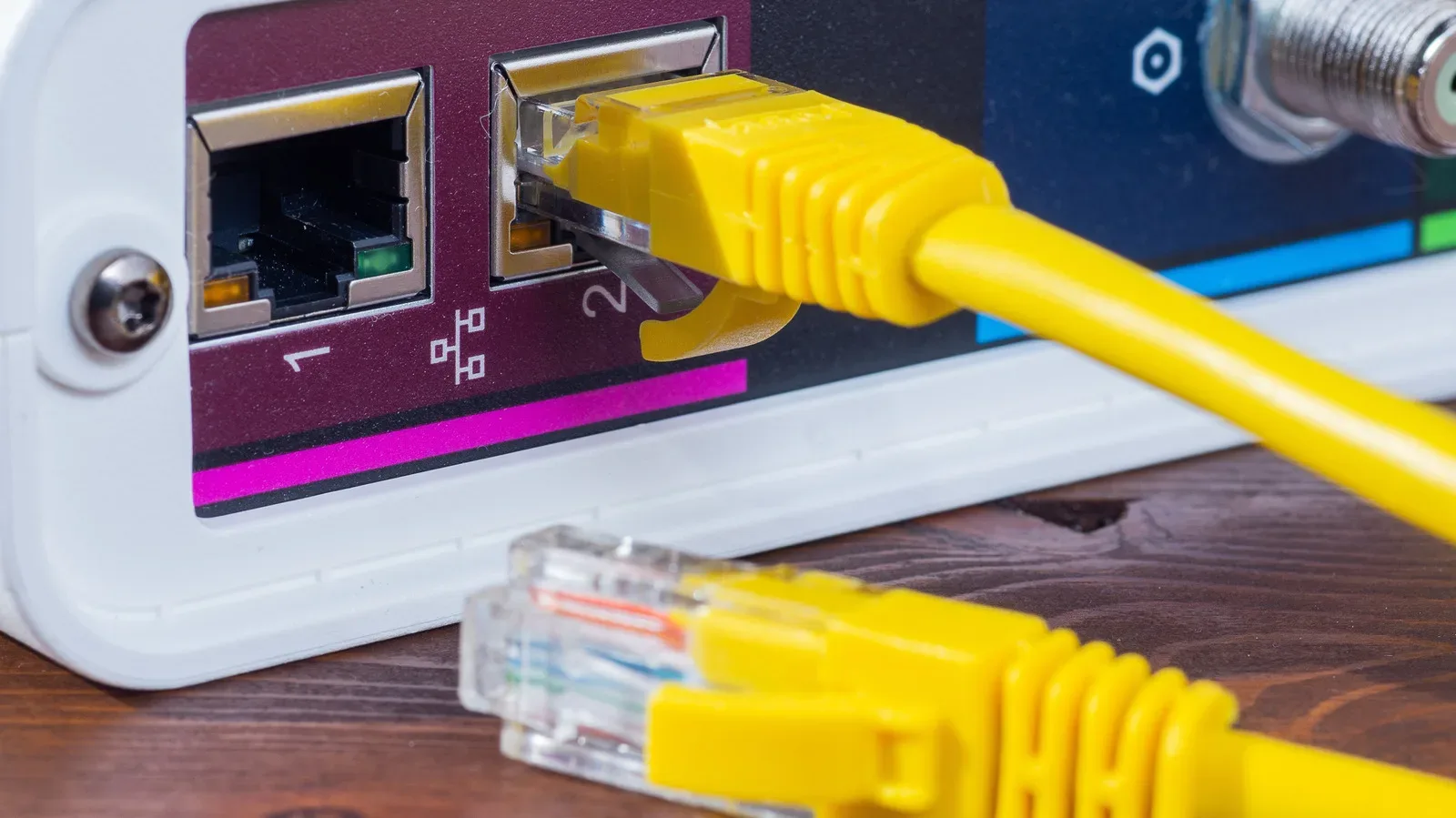
Ethernet cable shopping has a familiar tech-store trap: the bigger number looks like the automatic upgrade. Cat7 sits above Cat6, carries a 600 MHz rating rather than 250 MHz, and uses extensive shielding. On a product listing, that can make it seem like an easy way to level up a gaming PC, console corner, router, or NAS.
For most homes, though, Cat6 is still the sensible pick. It supports Gigabit Ethernet across a standard 100-meter, or 328-foot, channel. It can also handle 10Gbps over shorter cable runs. In other words, a Cat6 cable is not automatically a 1Gbps-only relic just because a Cat7 label promises a larger number.
The important distinction is between a cable’s capability, the specification of an entire cabling installation, and the speed that the network hardware can actually negotiate. An Ethernet cable does not create bandwidth on its own. A router with 1Gbps LAN ports and a PC with a 1Gbps Ethernet adapter will still form a 1Gbps connection, even if a more ambitious cable sits between them. Swapping functional Cat6 for Cat7 therefore will not, by itself, accelerate downloads, improve a NAS connection, or unlock extra network capacity for a game library.
The short answer for a home setup
Choose Cat6 when the goal is Gigabit Ethernet or when shorter 10Gbps runs suit the layout. Consider Cat6A if a home is being wired for 10Gbps across the full standard 100-meter channel. Cat7 has legitimate uses, particularly where its Class F design and shielding are specifically needed, but it is not the default “better Cat6” choice for a typical residence.
That answer matters for gaming spaces because a wired connection can be part of a broader setup involving a router, switch, PC, console, streaming device, or local storage. The cable choice should follow the actual equipment and run length, rather than trying to win a numbers contest on a retailer’s shelf.
- Cat6: rated to 250 MHz; supports Gigabit Ethernet over a 100-meter channel and can support 10Gbps over shorter distances.
- Cat6A: rated to 500 MHz; supports 10GBASE-T over a full 100-meter channel and is available in shielded systems for interference-sensitive environments.
- Cat7: rated to 600 MHz; uses shielding around individual twisted pairs plus an outer shield, and was developed principally for 10 Gigabit Ethernet over 100 meters.
What the MHz rating does — and does not — tell you
The MHz figure is a frequency rating, not a direct statement that a cable will deliver an equivalent internet speed. Cat6’s 250 MHz rating and Cat7’s 600 MHz rating describe characteristics of the cabling. They are useful specification details, but they are not a shortcut around the limitations of network ports at each end.
Network speed is constrained by the complete connection. That includes the ports and adapters on the connected devices, as well as the cable between them. If either endpoint is limited to 1Gbps, that is the link speed regardless of whether the installed cable is Cat6, Cat6A, or Cat7.
For a gaming household, this is the practical question to ask before replacing anything: what speeds do the router, PC, console, switch, or NAS actually support? If the relevant hardware is Gigabit, buying a Cat7 patch cable does not turn those ports into 10Gbps hardware. If a future upgrade calls for 10Gbps, the length and type of in-wall run deserve more attention than the marketing appeal of the category number.
Cat6 has more 10Gbps headroom than its reputation suggests
Cat6 is commonly associated with Gigabit Ethernet, which is accurate for a standard 100-meter channel. But its useful range does not stop there. TIA guidance indicates that 10GBASE-T can operate over Cat6 channels up to 37 meters, roughly 121 feet. Between 37 and 55 meters, approximately 121 to 180 feet, results depend on conditions including interference between adjacent cables.
10GBASE-T is the Ethernet application being discussed when 10Gbps operation is mentioned here. The distinction is important: support for that application is tied to the total channel and its operating conditions, not merely to a single loose cable with a particular label.
Those distances can be meaningful in a house or apartment. A run from a router to a desk, media cabinet, or nearby networked storage device may be well within the shorter-range territory where Cat6 can be suitable for 10Gbps. It is not a guarantee for every installation, and the conditions of the cable path matter. Still, it is enough to show why Cat6 remains a credible choice instead of an automatic bottleneck.
For people whose networks are primarily Gigabit, Cat6 has even clearer footing. It handles that speed over the standard 100-meter channel, which covers the needs of many existing home networks and many new basic installations.
Why Cat7 is not simply a plug-in upgrade
Cat7 is a genuine ISO cabling standard, but it was not recognized by TIA. That helps explain why it did not become the straightforward next consumer step in many US home installations.
More importantly, a Category 7/Class F setup is a complete system specification. It is not created simply by replacing one ordinary patch lead with a pricier cable. Cat7 can use RJ45-compatible GG45 connectors or TERA connectors, and the whole cabling channel must meet the relevant requirements. The channel is the broader connection path, rather than just one segment of cable.
This is where many “future-proof” cable decisions become less future-proof than they sound. Plugging a cable advertised as Cat7 into the same RJ45 ports already in use does not automatically convert every device, connector, and installed segment into a Category 7 channel. Nor does it guarantee a faster negotiated link.
Cat7’s construction does have a clear technical purpose. It places foil around each twisted pair and adds an outer shield. This is meant to reduce crosstalk, or unwanted signal interaction between cable pairs, and electromagnetic interference, unwanted electrical noise that can affect a signal. Those are real considerations, particularly in electrically noisy environments. Most homes, however, are not being wired under factory-like electrical conditions.
That does not make shielding worthless at home. It means shielding should solve an identified installation concern, not serve as a blanket assumption that every household run needs the heaviest cable construction available.
Cat6A is the more direct full-distance 10Gbps choice
A homeowner planning cable pulls through walls and targeting 10Gbps across the full 100-meter channel should look closely at Cat6A. It is rated to 500 MHz and is designed to support 10GBASE-T over that entire 100-meter distance.
Cat6A also avoids treating shielding as something exclusive to Cat7. Shielded Cat6A systems are available for situations where electromagnetic or radio-frequency interference is a concern. That gives a planned installation a route to 10Gbps capability and interference-conscious construction without relying on Cat7’s more complicated category story.
The distinction between a loose patch cable and permanent wiring is especially useful here. Replacing a short cable that runs from a PC to a nearby router is a relatively simple choice: check the endpoint speeds and choose a cable appropriate to the required distance. Cabling that will be pulled through walls is a more durable infrastructure decision. If 10Gbps at full channel length is the requirement, Cat6A provides the cleaner route supported by the supplied specifications.
A practical buying checklist
Before treating Cat7 as an upgrade, reduce the decision to a few concrete checks:
- Identify the speed of the endpoints. Check the LAN port on the router or switch and the Ethernet adapter on the PC, console, or NAS. A 1Gbps component keeps the connection at 1Gbps.
- Measure the required run. Cat6 supports Gigabit Ethernet at the standard 100-meter channel length, while its 10Gbps usefulness is tied to shorter runs and installation conditions.
- Decide whether the cable is a patch lead or permanent house wiring. Full-distance 10Gbps planning points toward Cat6A rather than an assumption that Cat7’s label alone solves the design problem.
- Assess interference realistically. Cat7’s shielding can help in electrically noisy settings, but that does not describe every home environment. Shielded Cat6A is also an option where electromagnetic or radio-frequency interference warrants it.
- Do not confuse a category label with an instant network upgrade. The cable, connectors, hardware, and full channel all contribute to the result.
The bottom line: buy for the network you have, and the one you can actually build
Cat7 looks superior in an isolated specification comparison: it has a higher frequency rating and more shielding than Cat6. But those attributes do not mean it is the best default purchase for home networking. There are no IEEE Ethernet applications that require Category 7 or 7A cabling, and a nominal Cat7 cable connected to ordinary existing hardware does not magically establish a Category 7 installation or increase a 1Gbps link’s speed.
Cat6 remains the practical all-rounder for Gigabit home networking and can be appropriate for shorter 10Gbps paths. Cat6A is the logical option when a full-length 10Gbps in-wall installation is the actual objective. Cat7 remains relevant for specific Class F or shielding-driven needs, rather than as the automatic answer to every desk setup.
For a PC-centric setup, that means the useful upgrade is usually the one that matches the ports, run length, and interference conditions already present—not the cable with the most imposing number. For more PC hardware and networking-adjacent game coverage, see our latest PC news.