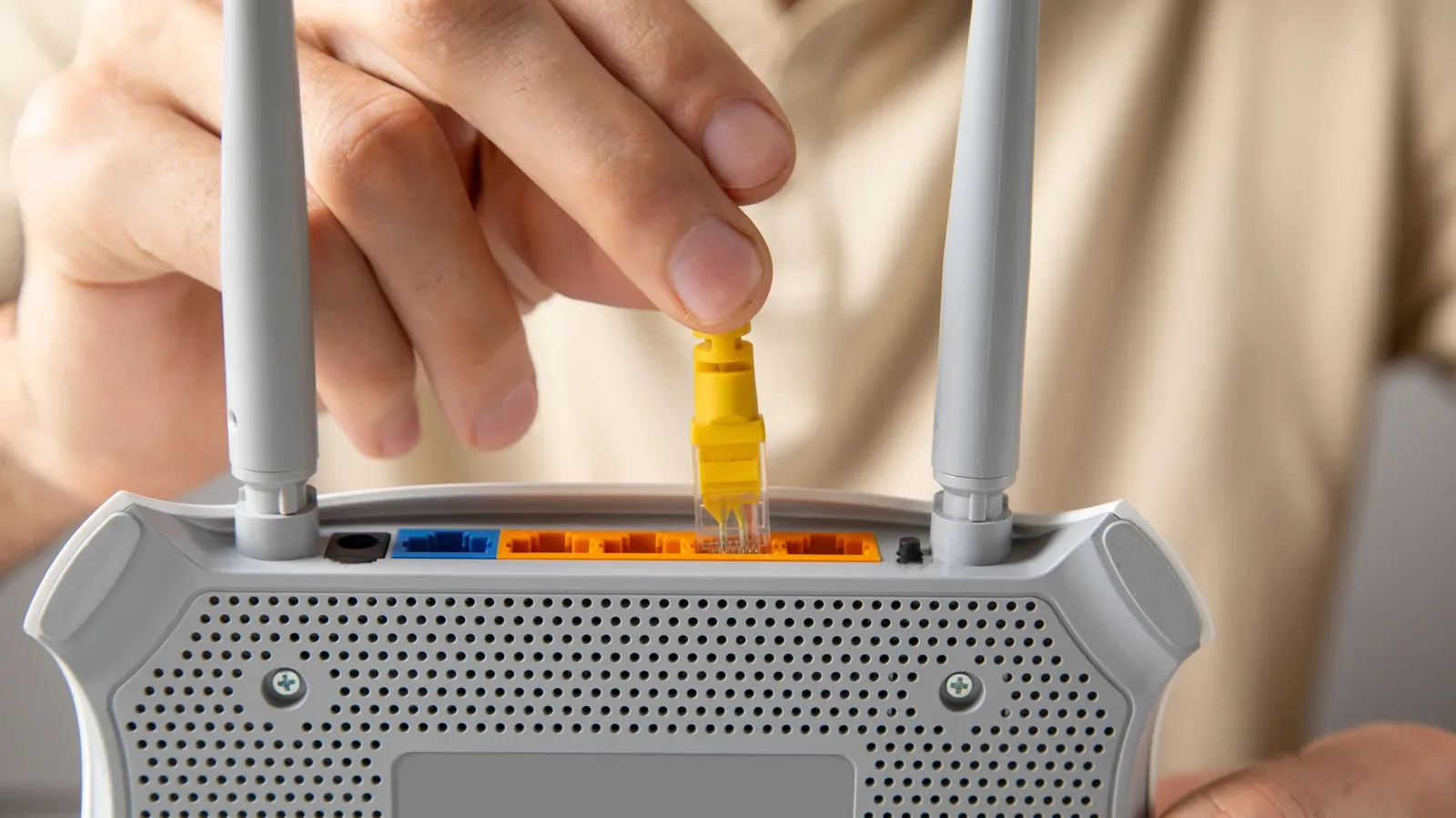
A router’s 2.5G Ethernet port can look like an obvious upgrade: it has a bigger number than the ordinary LAN ports, may be a different colour, and seems to promise a faster path for every device plugged into it. The reality is slightly less magical, but still useful. It is a wired networking port capable of up to 2.5 gigabits per second (Gbps), versus the 1 Gbps ceiling commonly associated with a standard Ethernet port.
That extra capacity can be valuable for the right job. Moving large files, sending a substantial backup to network-attached storage, or downloading and uploading on a genuinely multi-gig internet connection are the clearest cases. For a single console or PC playing an online game, however, plugging into 2.5G should not be confused with an automatic ping fix, a frame-rate boost, or a guarantee that streaming apps will look better.
The port is infrastructure, not a cheat code. Its practical value depends on the slowest link between the two things communicating.
2.5G Ethernet: the short version
Ethernet is the physical wired connection used to link devices such as a PC, console, NAS, switch, or router. A standard router LAN port often tops out at 1 Gbps. A port marked 2.5G or 2.5GbE can support up to 2.5 Gbps—two and a half times that theoretical port speed.
“Up to” matters. It describes the capability of the connection, not a promise that every transfer will hit that number. A 2.5G-capable router connected to a device limited to 1G will operate at the lower rate. Likewise, a cable or another networking component that cannot support the faster link becomes the constraint.
A 2.5G port is most useful when every relevant part of the path can use it. One faster socket cannot pull the rest of the network along behind it.
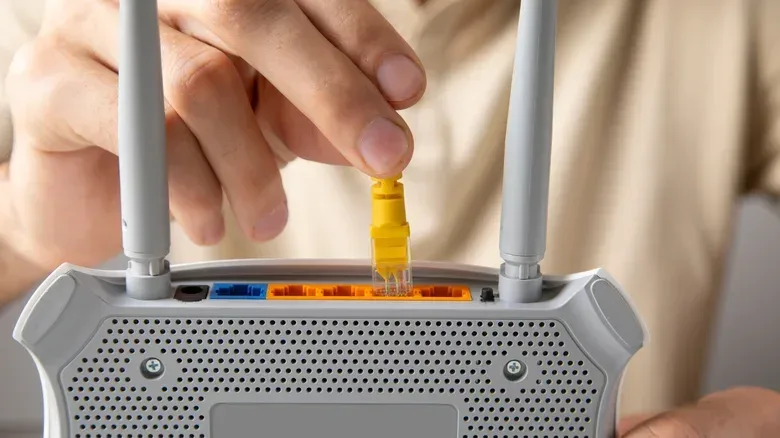
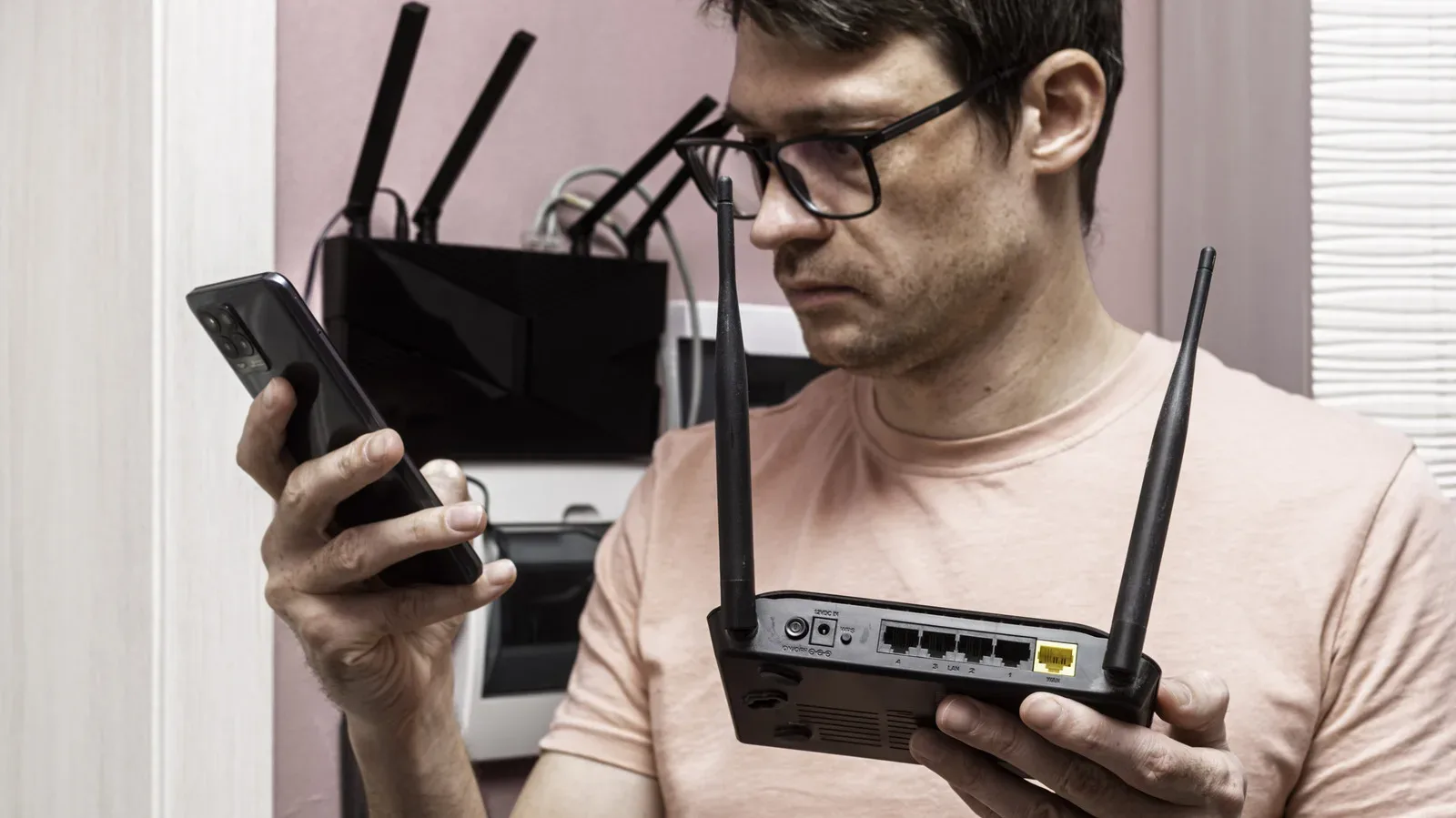
On many routers, ordinary ports may simply say LAN or carry no special speed label. A faster connection is generally labelled 2.5G or 2.5GbE, and its casing or surrounding colour may differ from the 1G ports. The label, rather than colour alone, is the sensible thing to trust when deciding where to plug in a high-bandwidth device.
First, work out what you are trying to make faster
The easiest way to decide whether to use 2.5G is to separate internet traffic from local-network traffic.
Internet traffic
This is data travelling beyond the home network: game downloads, patches, cloud uploads, cloud backups and ordinary browsing are examples. For these tasks to take full advantage of a 2.5G Ethernet link in practical terms, the internet plan itself must provide at least 2.5 Gbps. If the plan is slower, the ISP connection caps traffic headed to and from the internet regardless of the speed of the Ethernet port inside the house.
That does not make the port useless on a slower plan. It simply changes the best reason to use it. A device might still enjoy faster local transfers while its internet downloads remain limited by the plan.
Local-network traffic
Local traffic stays within the home network. Copying files from a computer to a NAS is the straightforward example. A NAS, or network-attached storage device, is storage accessible over the network rather than connected directly to one computer. If the router, computer, NAS and their connections are all compatible with 2.5G, that transfer can use the higher local speed even when the broadband plan is well below 2.5 Gbps.
This distinction is important for people who keep big media libraries, routinely archive files, or use a NAS for backups. They can get a concrete benefit from 2.5G without paying for a multi-gig internet tier. The local route has no reason to be limited by the outside connection.
The compatibility checklist: router, device and cable
A workable 2.5G connection requires more than finding the right hole on the router. Check all three pieces before expecting the higher rate.
- The router needs a 2.5G Ethernet port. A port labelled 2.5G or 2.5GbE is the basic starting point.
- The connected device needs a 2.5G Ethernet port as well. A computer, NAS, or other wired device with only a 1 Gbps connection will limit the link to that lower speed.
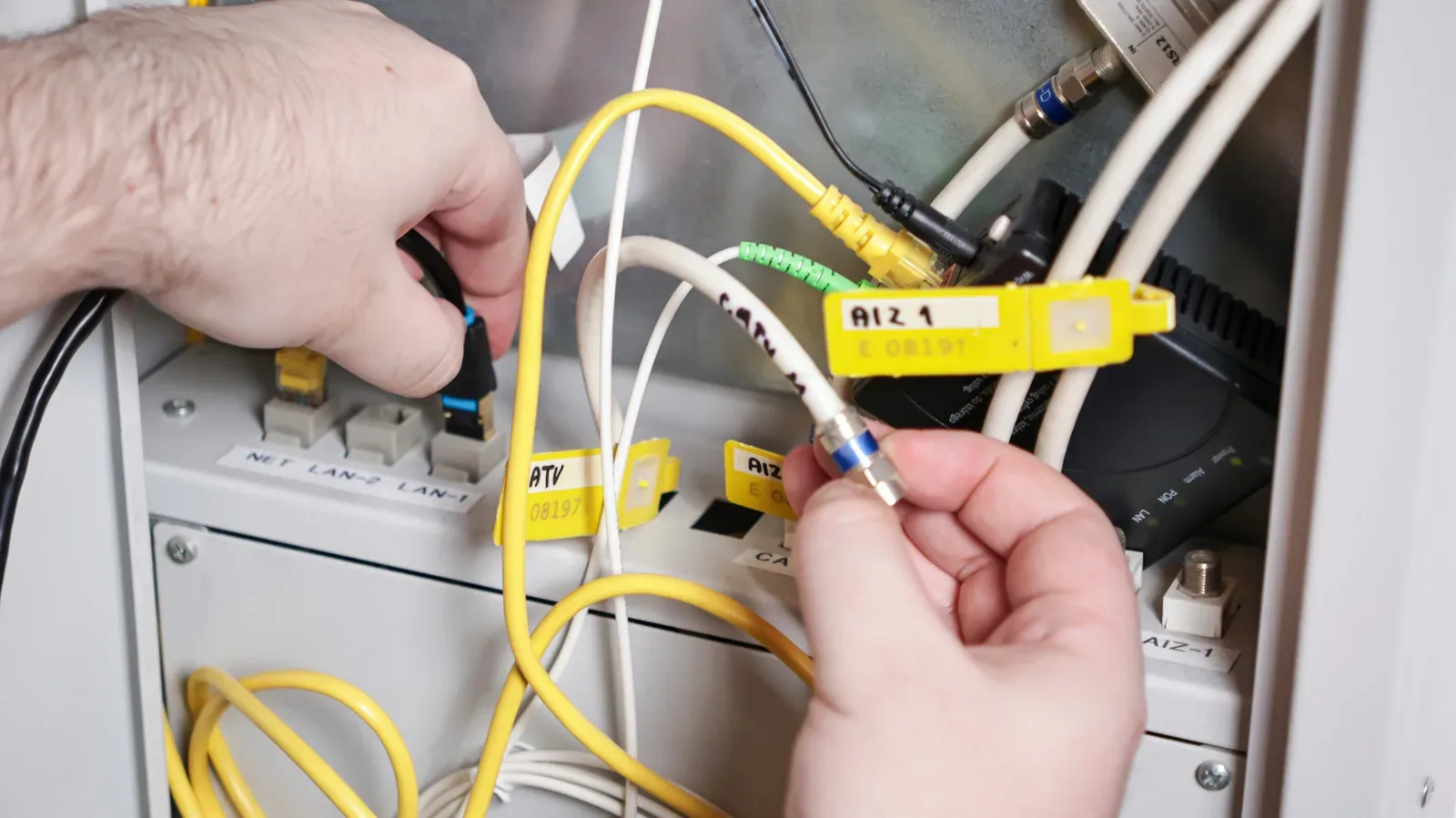
- The Ethernet cable must be suitable. Cat5e and newer Ethernet cable categories support 2.5 Gbps. An older cable standard can become the bottleneck.
Think of this as a chain. The route can run no faster than its least capable component. Putting a Cat5e-or-newer cable between compatible 2.5G ports creates the necessary wired foundation, but it does not override a 1G port at the other end. In the same way, a 2.5G local connection cannot turn a slower internet plan into a 2.5 Gbps service.
This is a useful moment to avoid buying or replacing equipment unnecessarily. If a device only has a 1G Ethernet port and its main job is streaming video or playing online games, there may be little practical reason to chase 2.5G for that device alone. By contrast, a computer that frequently handles large backups may deserve the faster port first.
What 2.5G can improve
The core advantage is throughput: the amount of data a connection can carry over time. More throughput can shorten jobs that actually move a lot of data.
- Large local file transfers: Copying substantial files between compatible devices on the home network is a natural fit.
- NAS backups: A compatible computer and NAS can use the 2.5G local link for faster backup traffic.
- Cloud backups and large online transfers: These can benefit when the internet plan also supplies enough bandwidth.
- Busy-network situations: Higher available wired capacity can matter when bandwidth-heavy work is occurring rather than a device merely sitting connected.
For gaming setups, the most persuasive case may be adjacent to gameplay rather than the match itself. A PC that shares files with local storage, maintains substantial backup jobs, or downloads and uploads large quantities of data could make productive use of the connection. This is especially true when several demands overlap and a household network is working harder than usual.
That does not mean every download will become exactly two and a half times faster. The 2.5G number is the speed capability of that Ethernet link. The actual result still relies on the compatible hardware and cable, plus the bandwidth available from the internet plan for online transfers.
What it will not fix: streaming and online-game performance
The biggest misconception around multi-gig Ethernet is that a larger bandwidth figure must improve every online experience. It will not.
Streaming services such as Netflix do not necessarily need 2.5 Gbps for smooth playback. In the same vein, online games generally do not require enormous bandwidth to function well. The supplied evidence makes the limitation clear: a 2.5G connection is not expected to improve online game performance unless the rest of the network is extremely busy.
That is because bandwidth and responsiveness are different things. Bandwidth is the volume of data a connection can carry. Responsiveness, in gaming terms, concerns how promptly data gets between player and game service. A connection can have plenty of bandwidth for an online game without gaining a noticeable gameplay advantage from additional capacity.
There is still a sensible gaming-related reason to prefer wired Ethernet where available: it creates a direct cable connection to the router. But the specific jump from 1G to 2.5G should be evaluated as a capacity upgrade, not sold to yourself as a universal competitive upgrade. If the existing 1G link is already comfortably handling the game’s traffic, the extra headroom may not change the experience.
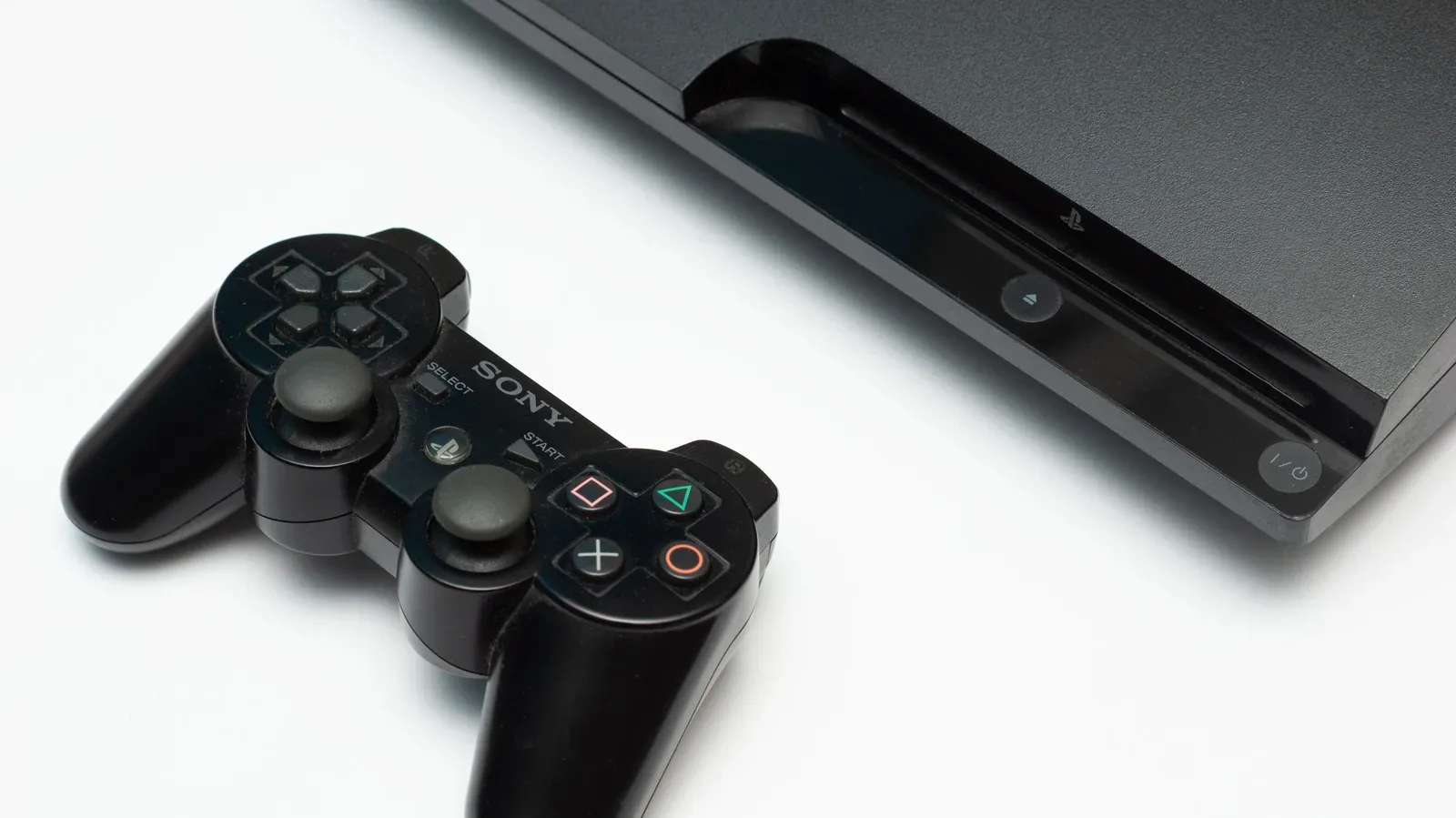
For an older wired gaming setup, it can be more useful to focus on whether the connection is reliable and correctly matched to the hardware than to obsess over a port label. Anyone keeping legacy hardware in service may also find value in this broader guide to useful things to do with a PlayStation 3 before retiring it.
How to choose which device gets the port
Routers may offer only one 2.5G port, making placement a small but meaningful decision. Give priority to the compatible wired device with the largest, most frequent data demand—not necessarily the device used most often.
A desktop PC used for large backups or file transfers is an obvious candidate. A compatible NAS is another, provided the route between it and the PC can sustain the higher local speed. If the main goal is taking advantage of a 2.5 Gbps-or-faster internet plan, the 2.5G port should go to the compatible device doing the heavy downloading, uploading, or cloud backup work.
A console or streaming box can use the port if it supports the required speed, but it may not be the most efficient allocation when another compatible device regularly moves much larger files. There is no prize for occupying the fastest port; the point is to assign it where the faster capacity is likely to be used.
A practical decision guide
Use the 2.5G port when these statements describe your setup:
- Your router has a clearly labelled 2.5G or 2.5GbE port.
- The connected computer, NAS, or other device also supports 2.5 Gbps Ethernet.
- You have Cat5e or newer Ethernet cable.
- You transfer large files locally, make backups to a NAS, or have an internet plan at or above 2.5 Gbps for high-volume online work.
Expect little change when the connected device is restricted to 1G, the cable is limited by an older standard, the broadband plan is below 2.5 Gbps and the task is internet-bound, or the activity simply does not demand much bandwidth. Streaming video and ordinary online gameplay belong in that latter group under normal network conditions.
Ultimately, 2.5G Ethernet is a targeted upgrade. It can make a home network notably better at moving large amounts of data, particularly among compatible local devices. It is less transformative for low-bandwidth entertainment and gaming tasks. Read the labels, check the device port and cable, identify whether the data stays local or crosses the internet connection, and reserve the faster socket for the workload that can actually use it.