Weekend tech discounts are stretching across the parts of a setup that players and creators tend to buy one piece at a time: displays, desk controls, charging equipment, audio and connected-home accessories. The standout reductions include Samsung’s 34-inch ViewFinity ultrawide monitor at $329.99, a Sonos Ace headphone deal at $239, and several Elgato Stream Deck models for people who want dedicated shortcuts at their desk.
The prices below are a snapshot of listed weekend offers, rather than a promise that every retailer will keep a deal live. That distinction matters with post-event sales: a low price can disappear, stock can change, and a discount is only useful if the product actually solves a need in the setup. A 100-inch television is a much bigger purchase than a charger, but it is also a much more consequential decision for room size, viewing distance and budget.
Displays are the largest savings, and the largest commitment
Two 34-inch Samsung ViewFinity monitors are among the more substantial desk-focused reductions. The 34-inch ViewFinity Ultrawide is listed at $329.99, down from $539.99, a $210 reduction. A 34-inch ViewFinity Curved Monitor is listed at $449.99, down from $589.99, a $140 reduction.
An ultrawide monitor is a display with a wider-than-standard aspect ratio, giving the user more horizontal workspace than a conventional widescreen panel. For a PC player, that can mean room for a game and a guide, chat window or music controls alongside it. For editing, streaming and everyday work, the practical appeal is fewer windows stacked on top of one another. The source material does not specify resolution, refresh rate, ports, panel type or console compatibility for either ViewFinity display, so those details should be checked before treating either one as a competitive-gaming monitor recommendation.
The word curved describes the shape of a monitor panel, not an automatic upgrade to picture quality. It may be a preference worth considering at this size, especially when sitting close to a broad display, but the listed product name alone cannot establish how aggressive the curve is or whether it is right for a particular desk. Buyers should measure desk width and depth, account for the monitor stand or arm, and confirm their computer has an appropriate video output.
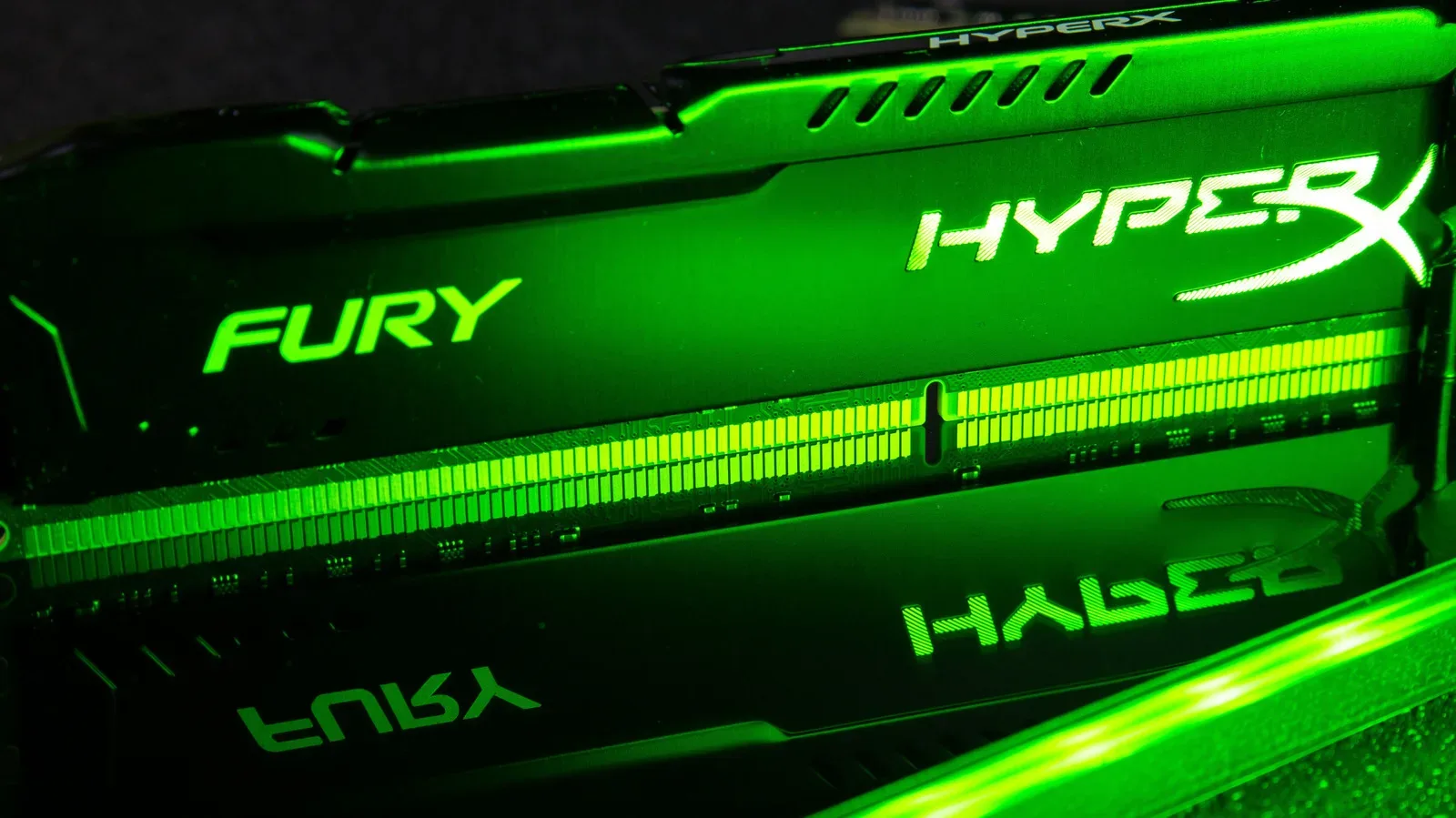
For readers building or refreshing a PC, display shopping is also a useful point to separate different hardware bottlenecks. A bigger screen does not itself give a game more system memory or improve a processor; it changes the workspace and may change the demands placed on a PC depending on the display’s specifications and the games being run. Our explainer on RAM versus ROM covers why those two types of storage are often confused when people troubleshoot game performance.
Television choices range from a 65-inch entry point to a 100-inch mini-LED model
The television offers cover a much wider price range:
- 65-inch Roku Smart 4K TV: $429.99, down from $649.99.
- 65-inch Samsung The Frame (2025): $1,097.99, down from $1,497.99.
- 65-inch Toshiba ArtVision 4K Fire TV: $999.99, down from $1,297.99.
- 75-inch TCL QLED Smart TV: $1,197.99, down from $1,297.99.
- 100-inch Toshiba mini-LED Fire TV: $1,897.99, down from $2,499.99.
The 65-inch Roku set has the biggest dollar reduction among the 65-inch options listed, at $220. The 100-inch Toshiba has the largest raw reduction in this group, $602. That does not make it the default value choice. It is nearly $1,468 more than the discounted Roku 65-inch TV, and size changes the requirements for placement, transport and the physical room.
Some terms in the product names deserve a plain-language read. 4K refers to a high-resolution television format. QLED and mini-LED identify different display technologies or backlighting approaches, but the names do not supply a full picture of performance by themselves. The source does not provide measurements, feature comparisons or gaming-mode details for any of the TVs. Shoppers looking for a screen primarily for a current console or PC should therefore verify the particular model’s inputs and supported capabilities instead of assuming them from its size or its smart-TV platform.
Likewise, “smart” in the listed names signals a television platform and connected features; it does not answer questions about a player’s preferred apps, account ecosystem or external-device habits. For some people, the screen and its physical fit are the main priorities. For others, the software interface and the ports available for consoles, soundbars or a PC matter just as much.
Stream Deck discounts matter most for shortcut-heavy desks
Elgato’s Stream Deck family appears three times in the listings: the Stream Deck Neo at $78.99, down from $99; the Stream Deck MK.2 at $119.99, down from $149.99; and the Stream Deck+ at $159.99, down from $179.99.
A Stream Deck is a desk controller designed around programmable controls. In practical terms, it can be assigned to repeat actions that would otherwise involve keyboard shortcuts, menus or multiple clicks. That is why it can appeal to streamers and creators, but it may also be useful to anyone whose PC routine involves regularly opening the same tools or triggering the same commands.
There is a $81 difference between the discounted Neo and the discounted Stream Deck+, and a $40.01 gap between the Neo and MK.2. Those numbers make the selection question straightforward: choose based on the controls and workflow needed, not merely on the largest percentage or dollar reduction. The listings do not describe the control layouts, included software behavior or compatibility details of these specific models. A buyer who only wants a handful of shortcuts may not need the higher-priced option; a more elaborate desk workflow may justify comparing all three.
A Bontec two-pack of adjustable monitor stands is also listed at $19.99, down from $22.99. The savings are modest at $3, but desk ergonomics can be a more meaningful change than a small accessory discount. As with the monitors, buyers should confirm size and weight support rather than assume a generic stand works for every display.
Audio reductions span personal listening and room sound
Sonos accounts for the main audio price cuts: Ace Headphones are listed at $239, down from $349; the Beam Gen 2 is $359, down from $499; and the Arc Ultra soundbar is $899, down from $1,099. The respective dollar reductions are $110, $140 and $200.
These products serve distinct roles. Headphones are personal listening gear; a soundbar is a compact speaker designed to sit with a television. The Beam Gen 2 and Arc Ultra should not be compared as though they were simply two versions of the same purchase, because room layout, television placement, listening habits and budget all affect what makes sense. The material provided does not include audio tests, feature lists or compatibility notes, so it supports reporting the offers—not declaring a winner.
Other audio listings include Soundcore Sleep A30 earbuds at $168.99, reduced from $229.99, and Dekoni Bulletz memory-foam ear tips for AirPods Pro at $12.99, down from $14.99. Ear tips are an especially personal accessory purchase: they are replacement or alternative tips, not a replacement for the earbuds themselves. The $2 reduction is small, making fit and compatibility the more important considerations.
Charging gear: confirm the job before chasing wattage
The charging deals include an Anker Nano Smart Display Charger for $29.99 rather than $39.99, a Mophie 3-in-1 Travel Wireless Charging Station for $57.59 rather than $95.98, and an Anker 3-Port 160W Prime Charger for $115.99 rather than $149.99.
“3-in-1” means one charging station is intended to cover three devices or charging positions, while “3-Port” indicates multiple physical ports. Neither label alone identifies every device it will support or how power is divided across connected hardware. The 160W figure is a power rating in watts, but shoppers should still check their devices’ requirements and the charger’s supported charging standards before assuming the full rating will apply to every use case.
The Mophie station has the steepest listed percentage-style reduction in this section: it is $38.39 below its $95.98 reference price. It is also a travel-oriented product by name, which makes it more relevant to someone consolidating a portable charging kit than to someone who needs a single high-output desk charger.
Smaller smart-home and device-protection offers
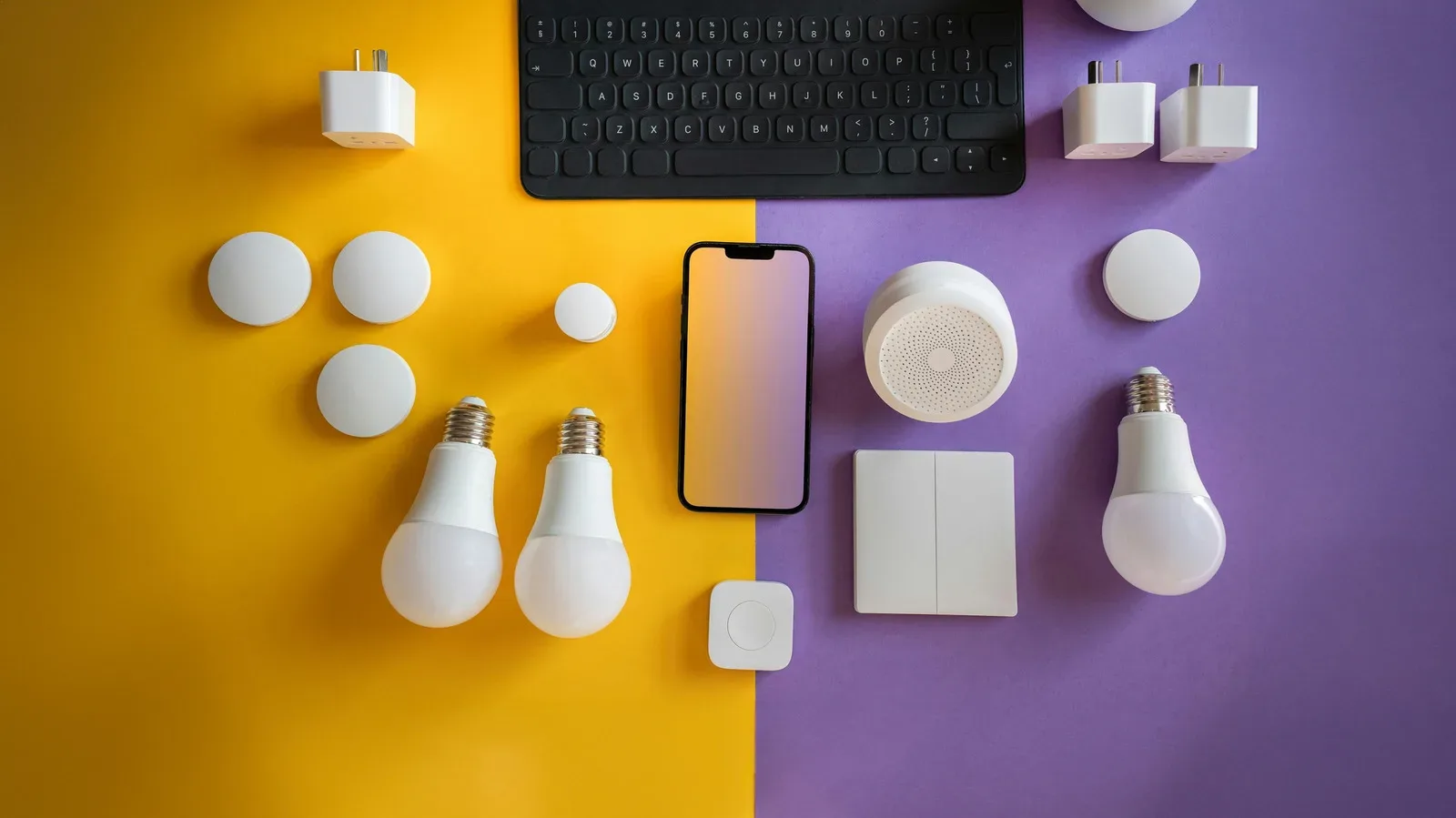
For connected-home accessories, Nanoleaf Essentials Smart Light Bulbs are listed at $22.79, down from $29.99; an Aqara Zigbee Smart Plug is $29.99, down from $32.99; and a Nanoleaf Smart Ceiling Light is $63.99, down from $79.99. Zigbee is a smart-home connectivity protocol, but the listing alone does not establish what hub, ecosystem or device setup a particular plug needs. Compatibility should be verified before purchase.
Other smaller deals include an iPhone Duo Case with Screen Protector at $17.99, reduced from $24.99, and Rock Paper Pencil v3.0 screen protection for iPad mini with Apple Pencil tips at $39.99, reduced from $44.99. These are exactly the categories where precise device matching matters more than the headline saving: model names, generations and screen sizes are not interchangeable.
Finally, a hardcover titled Apple: The First 50 years is listed at $26, down from $50, while a Nanoleaf LED Light Therapy Face Mask is listed at $129.99, down from $249.99. The latter is the biggest percentage-style cut among the home listings, but it is also the least connected to a conventional gaming or PC desk purchase. A large percentage discount is an invitation to research a product’s relevance, not a reason to buy it without a use in mind.
The sensible way to read this collection is as a menu, not a shopping list. Monitor and television deals can reshape a whole setup but need measurement and spec checks. Stream Decks and chargers reward an honest look at daily routines. Cases, screen protection and smart-home additions are smaller decisions, but compatibility is non-negotiable. If the listed price is still available when checking, compare it with the product’s actual role in your space before hitting the checkout button.
Shop the products
Check current price, model and availability at the retailer.