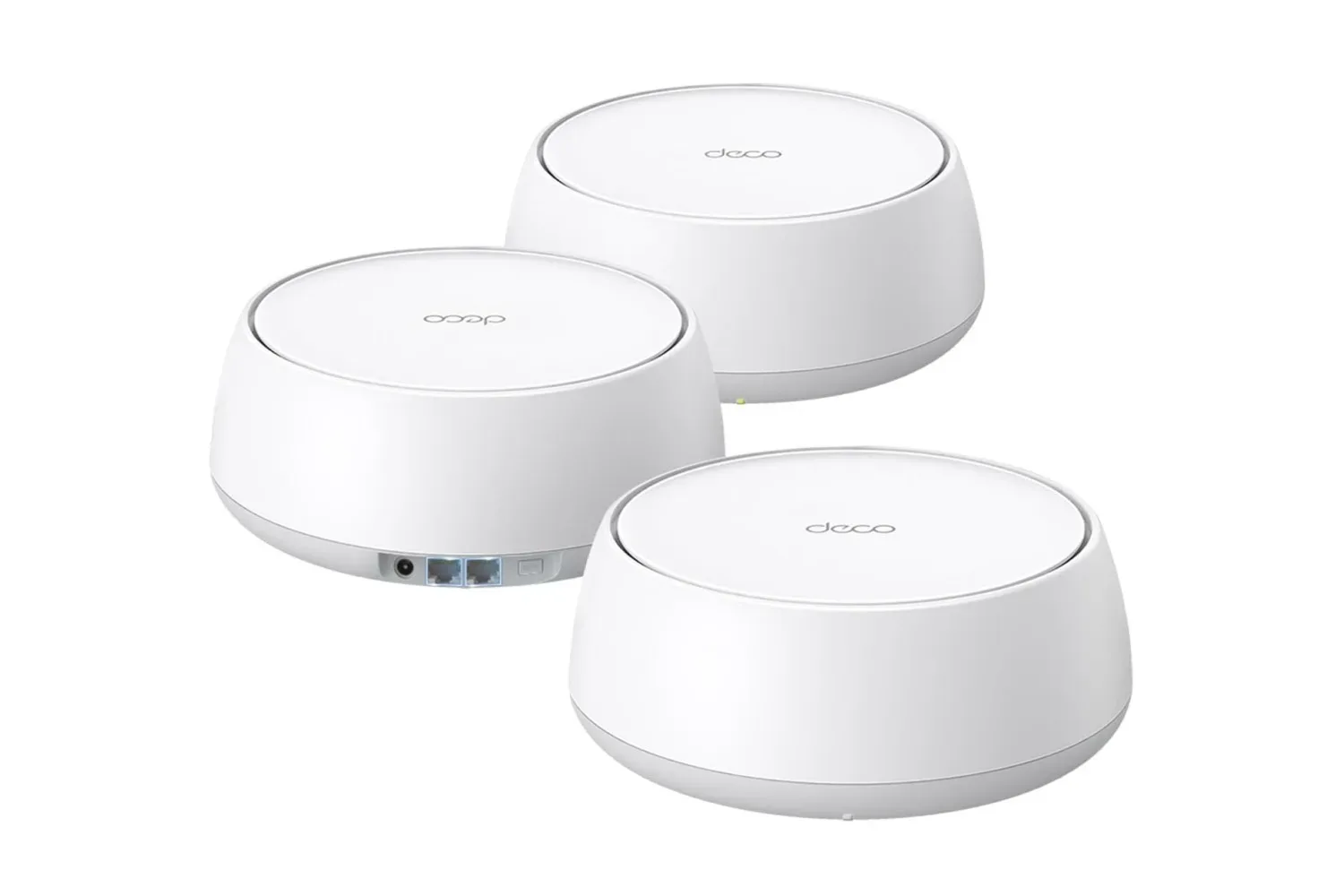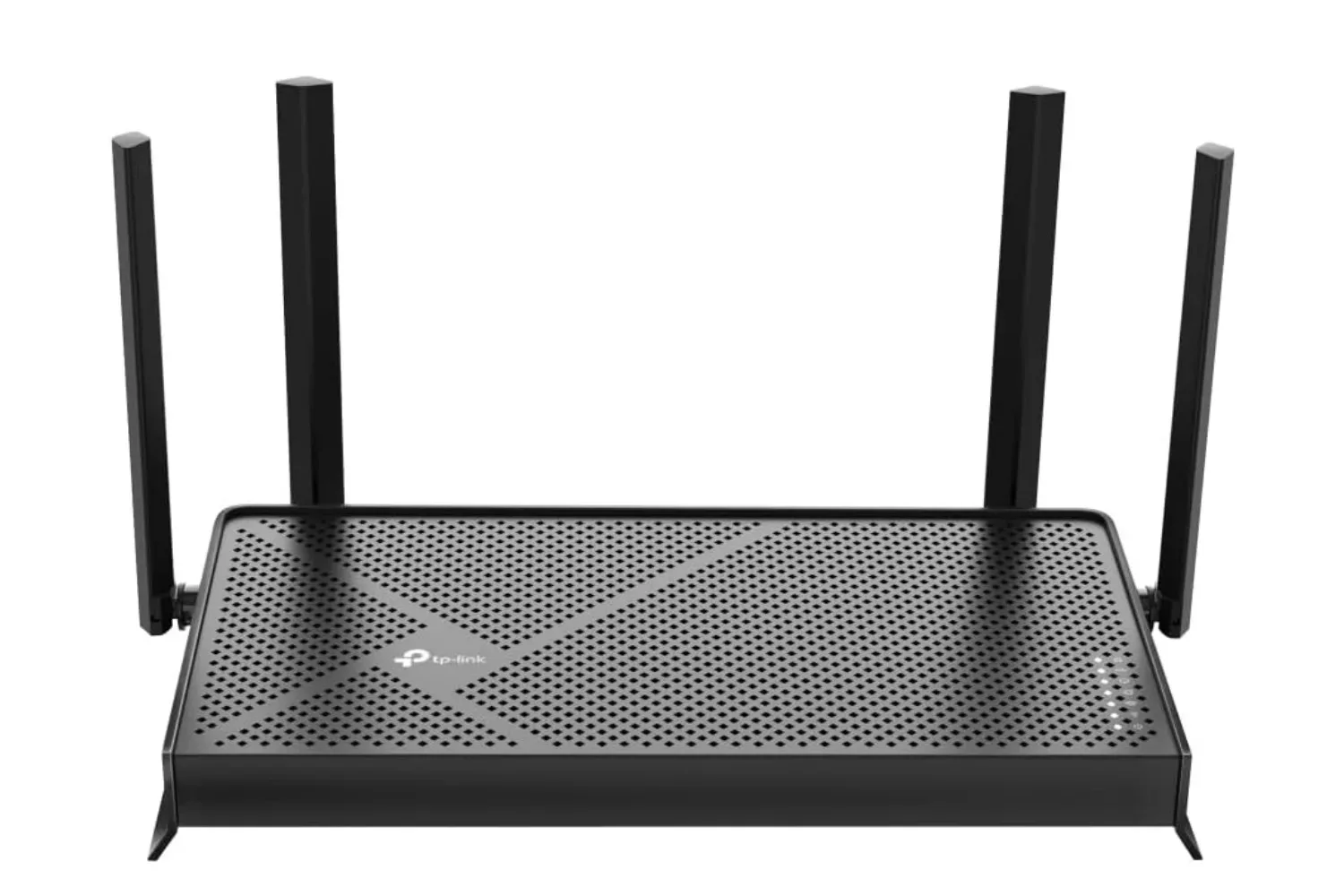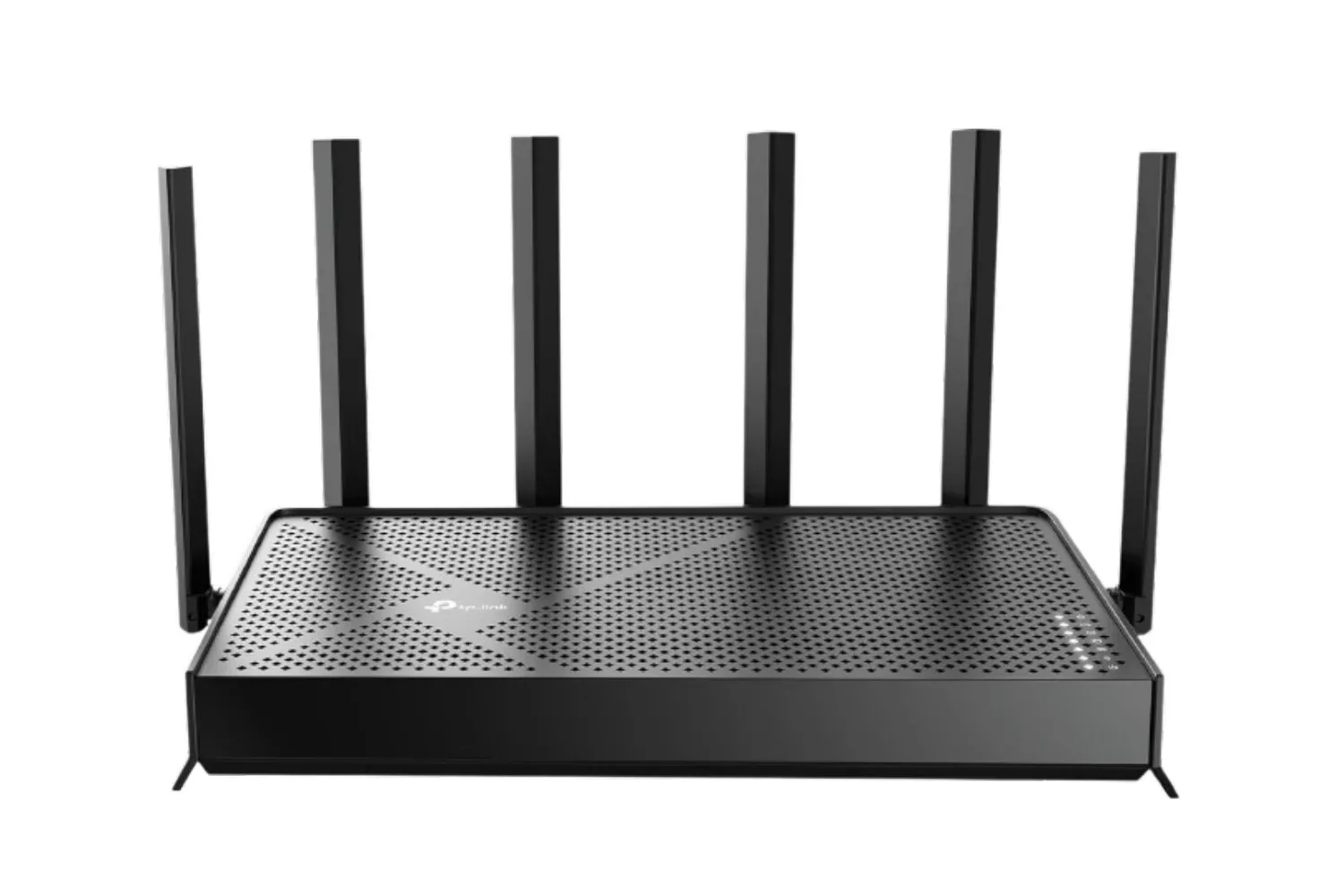
A router is rarely the flashiest part of a gaming setup. It does not have an RGB light show, it cannot carry a team through a final-round firefight, and no one is lining up to admire its cable management. Yet it has a remarkably direct role in whether a download starts promptly, a remote-play session stays stable, or every device in a busy home begins fighting for a slice of the connection.
TP-Link’s Tri-Band BE9700 WiFi 7 router is currently listed at $190 in a limited-time Amazon deal. That is described as its lowest price of 2026 so far, and it puts a comparatively capable WiFi 7 option closer to the kind of money many shoppers expect to spend on a high-end WiFi 6 or WiFi 6E router. It is not a promise that every household will suddenly see gigabit wireless speeds, of course. Internet-plan limits, device support, walls, interference, and server conditions remain very real bosses. Still, the BE9700’s mix of WiFi 7 and multi-gig Ethernet gives it a practical angle for homes that have outgrown a basic router.
The important part is not just the WiFi 7 badge
WiFi labels can make router shopping feel like trying to decode a loot table, but the BE9700 has a specification that is easier to translate into a real-world use case: its wired connections are unusually generous for the price category described here.
The router includes one 10Gbps WAN/LAN port, one 2.5Gbps WAN/LAN port, and three more 2.5Gbps LAN ports. That matters for a household with a multi-gig internet subscription, a fast local network, or several devices that can benefit from more than standard gigabit Ethernet. A single 2.5Gbps connection can be useful, but a router with only one faster port can quickly force awkward decisions about what earns the upgrade: the incoming internet connection, a desktop PC, a network-attached storage device, or a console setup.
With the BE9700, the port selection creates more flexibility. The 10Gbps WAN/LAN port can potentially serve the internet connection or a fast wired device depending on network needs, while the four 2.5Gbps-capable connections provide room for additional equipment. The exact arrangement that makes sense will depend on the modem or optical network terminal, switch, PC hardware, and storage devices in a home. The larger point is simple: anyone paying for a connection beyond 1Gbps should not overlook the wired side of a router while focusing solely on the newest wireless logo.
For PC players, that can be relevant to a desktop that stays parked near the router. For console players, it is useful context for systems located near an Ethernet run. A WiFi 7 router does not turn an older console Ethernet port into multi-gig hardware, but it can help make the wider home network less of a bottleneck. And if the network’s next upgrade is a faster PC, storage box, or switch, the router has more headroom than an entry-level model limited largely to 1Gbps ports.
What the BE9700 offers over the air
TP-Link rates the BE9700 at a combined wireless speed of up to 9,700Mbps across three bands. Its quoted maximums are 5,765Mbps on 6GHz, 2,882Mbps on 5GHz, and 1,032Mbps on 2.4GHz. Those are theoretical class ratings spread across separate bands rather than a speed result one device should expect to receive. They should be read as a broad indicator of capability, not a guarantee for a bedroom at the far end of the house during a family movie night.
The 6GHz band is a major reason WiFi 7 is appealing. The BE9700 supports 320MHz channels there, which expands the potential data pathway for compatible devices. The benefit is most meaningful when there is matching WiFi 7 client hardware and a signal environment suited to using 6GHz. It is also worth remembering that the higher-frequency 6GHz band can behave differently around walls and distance than older bands, so location still matters. A newer standard cannot negotiate a peace treaty with concrete, plumbing, or a particularly determined stack of furniture.
The router uses six positioned antennas and Beamforming, designed to direct signal toward connected devices and gaps in coverage rather than treating every direction as equally important. TP-Link lists coverage of up to 2,600 square feet and support for as many as 120 connected devices. Both figures are useful planning references, not universal measurements. Home layouts, construction materials, placement, congestion from nearby networks, and the mix of devices all shape what a given space actually experiences.
Multi-Link Operation is the WiFi 7 feature to watch
One of WiFi 7’s headline features is Multi-Link Operation, usually shortened to MLO. In basic terms, a compatible WiFi 7 client can use more than one band at the same time. Rather than settling on a single connection path, it can combine bands in a way intended to lower latency and keep the connection more resilient. That may be particularly useful as a device moves around the home or encounters a busy wireless environment.
For gaming, lower and more consistent latency is generally more meaningful than a giant top-line bandwidth number. Downloading a huge game patch benefits from speed, but competitive online play tends to care deeply about stability. MLO is not a magical cure for latency created elsewhere on the route to a game server, and wired Ethernet still has a strong case for fixed devices. Its potential advantage is that the local wireless segment has more options when the client and router both support the feature.
Compatible client devices are still becoming more common rather than universal. The iPhone 16 Pro, Samsung Galaxy S24 Ultra, and PlayStation 5 Pro support WiFi 7. That makes the BE9700 potentially relevant for a household with one or more of those devices, especially if the goal is to build a network that will remain useful as future phones, PCs, handhelds, and consoles add support.
Older gear is not left in the digital attic. The router also supports WiFi 5 and WiFi 6 hardware on its older wireless bands, without requiring special configuration. That backward compatibility is important in any normal home, where a fresh flagship phone might sit alongside a smart TV, an aging laptop, a handheld, smart lights, and a printer that apparently feeds on network drama.
PS5 Pro owners considering a networking refresh may also want to look beyond the console alone. Games can share a household connection with streaming boxes, phones receiving cloud backups, PCs fetching updates, and smart-home devices checking in at all hours. A router’s capacity and traffic management features can matter just as much as whether one device recognizes WiFi 7. For more PlayStation-related news and features, see our look at a fan-made Legend of Zelda remake in Dreams on PlayStation.
Management, security, and VPN options round out the package
TP-Link supports setup and network management through its Tether app on Android and iOS. That is where many owners will likely handle the ordinary router chores: getting connected, adjusting settings, checking devices, and managing a network without treating the browser-based router control panel like an abandoned dungeon.
The company’s HomeShield suite is included for parental controls, real-time security monitoring, and IoT device isolation. The isolation feature is especially worth noting in homes packed with smart-home products. Separating certain devices from more sensitive hardware can be a sensible network-management tool when phones, work laptops, tablets, consoles, cameras, and connected appliances all live under one roof.
The BE9700 also has built-in VPN client and server support. A VPN client option can allow supported network traffic or devices to route through a VPN without installing separate software on each one, while server support can be relevant for securely reaching a home network remotely. How either feature is configured, and whether it suits a particular household, will depend on the VPN provider, privacy needs, and networking experience of the owner. But their presence makes this more than a barebones wireless box.
Who should consider the $190 deal—and who can wait
At $190, the BE9700 appears most compelling for people with a gigabit-plus plan, a near-term interest in WiFi 7 clients, or frustration with a router whose wired ports are holding back the rest of a fast network. It is also a potentially sensible middle route for anyone who has looked at expensive mesh packages and decided that a single-router solution is preferable if their home’s layout permits it.
Those on a slower internet tier with mostly WiFi 5 or WiFi 6 devices may not need to rush. A well-placed WiFi 6 or WiFi 6E router can still be a perfectly sensible fit, and upgrading the router alone cannot exceed an internet plan’s ceiling. Homes with persistent dead zones may also need a mesh system, additional access points, or a more deliberate placement strategy rather than simply a newer router standard.
But the BE9700’s current price changes the math for buyers ready to step up. Its 10Gbps port, four additional 2.5Gbps-capable WAN/LAN connections, tri-band WiFi 7 design, 6GHz support, and MLO capability form a notably future-facing set of features. For a gaming household balancing new hardware with plenty of legacy devices, $190 is a much less intimidating admission price to that next networking tier.
Shop the products
Check current price, model and availability at the retailer.