For a player who has spent years on a MacBook, moving to a Windows laptop can feel less like replacing a tool and more like changing controller layouts in the middle of a boss fight. The fundamentals are familiar: files, browsers, chat apps, music, documents and games all still live on a laptop screen. Yet the shortcuts, settings, hardware choices and ecosystem conveniences change enough that the transition demands some patience.
The appeal is easy to understand. Windows is the default home for the widest range of PC games, from major new releases to smaller experimental projects and decades of older software. It also offers laptop designs Apple simply does not sell: machines with dedicated graphics, high-refresh displays, colorful RGB lighting, two-in-one hinges, touchscreens, expansive port selections and upgrade-friendly parts. For someone building a portable game library, those options can be decisive.
But a switch is not a pure upgrade. Apple’s M-series chips, introduced in 2020, have made modern MacBooks notably strong on battery life and performance, while Apple’s tightly managed combination of hardware and macOS produces a relatively consistent experience. Windows offers more paths, but every extra path creates another decision point. Before choosing a gaming laptop or work-and-play ultrabook, Mac users should know where the friction tends to appear.
Windows wins the game-library argument, but hardware choice has consequences
The central reason to consider Windows for gaming is compatibility. PC releases overwhelmingly target Windows, and its ecosystem accommodates everything from mainstream launchers and multiplayer titles to niche utilities, mods and older games. A MacBook can handle a selection of games, but it remains a more limited platform for anyone who wants broad access without constantly checking operating-system support.
Windows also gives buyers a remarkable spread of hardware categories. One person can choose a light ARM-based laptop focused on everyday productivity and mobility; another can pick a large x86 gaming system with a dedicated GPU built to chase demanding AAA releases. There are convertible tablets, dual-screen designs and machines that prioritize ports over thinness. Apple’s lineup is intentionally narrower, which makes its choices simpler but rules out a lot of specialist designs.
That variety is not automatically synonymous with premium quality. Apple controls the hardware and operating system together, whereas Windows laptop makers work within Microsoft’s platform while combining parts from suppliers such as AMD and Nvidia. The result is that build quality, keyboards, cooling, screens, drivers and bundled software can vary substantially between models.
At lower prices, plastic Windows chassis that flex or creak are common enough to surprise someone accustomed to the aluminum construction associated with MacBooks. Premium alternatives exist. The 2026 Dell XPS 13, for example, is positioned with an aluminum chassis, while Asus has drawn attention for its “ceraluminum” material on models including the Zenbook A16. The point is not that Windows laptops are inherently less refined; it is that refinement must be researched model by model rather than assumed from the operating system alone.
For gamers, the same warning applies to specifications. A large laptop with dramatic lighting may have the graphics hardware a MacBook lacks, but it may also be heavier, louder and far less pleasant to unplug. Conversely, a thin Windows ultrabook can be excellent for work and lighter games without being an ideal device for every blockbuster. The best Windows choice is therefore tied to the games a buyer actually intends to play, not merely to the desire to leave macOS.
Battery life and architecture are a real dividing line
Apple Silicon has given MacBooks an important reputation: strong efficiency. M-series systems use ARM-based chips, and recent generations have consistently been among the more battery-friendly powerful consumer laptops. Many Windows systems still use x86 processors, and they generally do not match MacBooks on unplugged endurance.
Windows is not standing still. ARM laptops using Qualcomm and MediaTek chips now provide options that can compete more closely with MacBooks on battery life. They may be especially appealing to a Mac user who wants a portable system for browsing, office tasks and travel, with occasional gaming rather than a full-time gaming rig.
However, ARM-based Windows brings its own compatibility questions. Applications designed for x86 may require emulation or may not behave exactly as expected, making it important to check the specific games, launchers, peripherals and productivity tools that matter before committing. That check is particularly important for PC players, because game compatibility is often the entire motivation for choosing Windows in the first place.
Buyers should not assume that “Windows laptop” describes one predictable experience. The distinction between ARM and x86, integrated graphics and dedicated graphics, thin-and-light systems and gaming-focused machines can radically affect battery life, software support, performance profiles and portability.
Ports, repairs and upgrades can be liberating
Windows hardware has a practical advantage that reaches beyond frame rates. MacBooks have regained useful connections such as HDMI and SD card readers in recent Pro generations, but Windows laptops still tend to offer more generous connectivity overall. That can make life easier for players who use wired controllers, external displays, Ethernet adapters, capture devices, storage drives or assorted legacy accessories.
Upgradability is another meaningful difference. MacBook M-series designs place the CPU, memory and storage within a single soldered system-on-chip arrangement, so those components are not meant to be upgraded later. The Windows market includes many laptops where RAM and storage can be replaced, although buyers must verify this for each individual model.
Modular systems demonstrate the upside more clearly. The Framework Laptop 13 Pro is an example of a machine built around easy-to-upgrade internals and hot-swappable I/O. Not every Windows laptop goes that far, and thin premium machines can be just as sealed-up as other modern electronics, but the option exists in a way it largely does not in the MacBook range.
That flexibility fits PC gaming culture particularly well. A larger SSD can accommodate a growing library. Extra memory may extend a laptop’s useful life. A different port configuration can solve an awkward desk setup without an elaborate chain of dongles. The catch is that flexibility rewards research. Check whether a specific model has accessible parts, what it supports and whether opening it affects warranty terms.
The Windows 11 setup can feel like an unwanted tutorial level
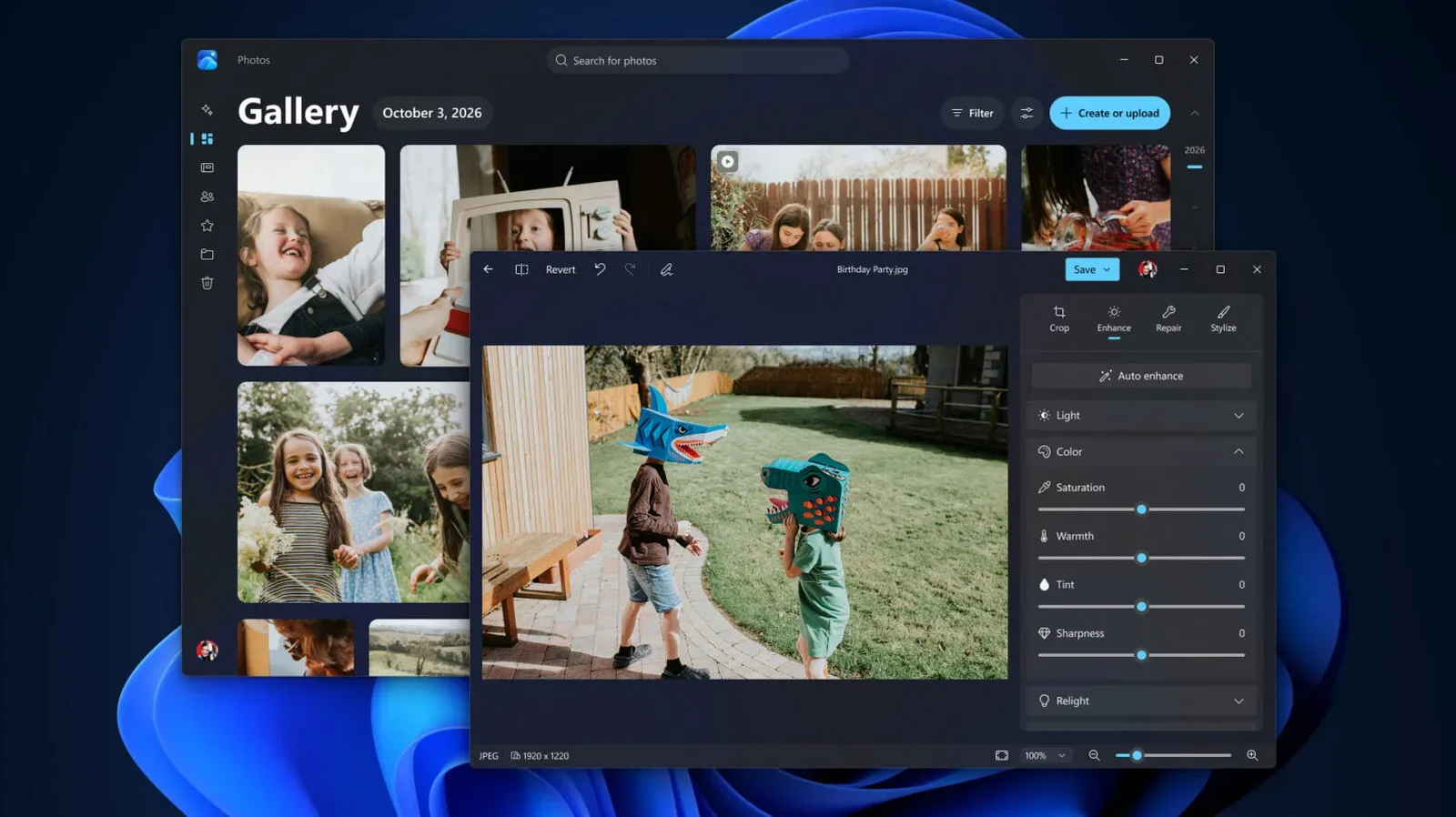
The biggest hurdle for many switchers is not hardware. It is Windows 11 itself. macOS has its own restrictions and preferences, but its first-run experience often feels comparatively contained. Windows 11 setup can press users to connect a Microsoft account and promote services such as Microsoft 365 and Copilot. Depending on the laptop maker, the desktop may also arrive with trial antivirus packages and other preinstalled extras.
This creates an immediate cleanup job. A new Windows owner may want to remove software they did not ask for, review advertising and data-collection settings, decide which apps launch automatically and change notification behavior. None of that makes Windows unusable, but it turns the first evening with a new computer into configuration time rather than game time.
Be cautious with all-in-one “debloat” utilities. Such tools often promise a quick route to a cleaner Windows installation, but they can run scripts that make broad system changes. They may remove something useful or create problems that are harder to diagnose later. For most newcomers, changing settings deliberately and uninstalling unwanted programs one at a time is slower but safer.
Windows also asks more of users who want to customize deeply. That can be a feature: third-party shell additions, BIOS performance adjustments and registry edits offer room to tailor a machine. It can also be a hazard. The operating system gives its owner enough control to create instability through a poorly understood tweak. Mac users accustomed to Apple deciding which doors remain locked may find that freedom refreshing, irritating or both.
An iPhone does not stop working, but the Apple handoff does
A MacBook-to-Windows move matters beyond the laptop if an iPhone is part of the daily routine. Apple’s cross-device features are designed around Apple hardware, and several are diminished or absent on Windows. AirDrop is not available for non-Apple devices, so moving files calls for another method, such as a third-party service.
Windows Phone Link can provide partial iMessage access, but there are limits: group messages, voice memos and media are not supported through that route. FaceTime is also restricted. A Windows user can join an existing FaceTime call, but cannot start one, and Apple does not provide a Windows FaceTime application.
These limitations do not make an iPhone-and-Windows pairing impossible. They do mean that a workflow based on quick AirDrop transfers, seamless Messages continuity and Apple-only calling tools must be redesigned. Someone who is already comfortable with cloud storage, cross-platform chat and browser-based services may barely notice. Someone who relies on Apple’s handoff conveniences every day probably will.
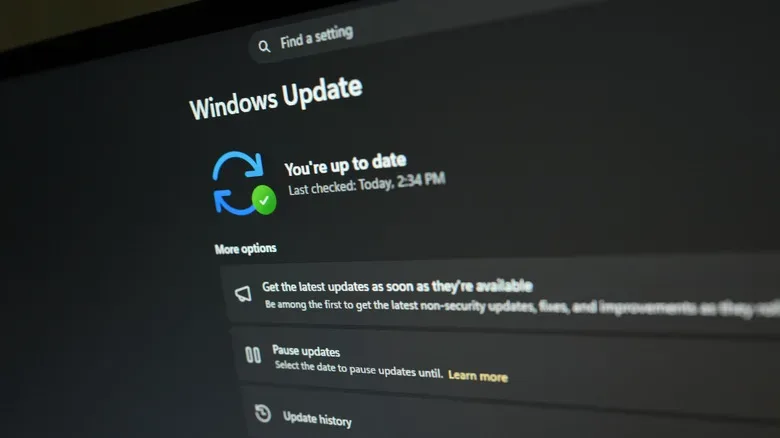
There is a similar mindset shift around operating-system maintenance. Windows offers immense access to games and hardware, but it benefits from routine attention to updates, drivers, security and software clutter. For PC gaming, that trade can be worthwhile: a machine can be selected around a preferred display, GPU, repair plan and library rather than around a fixed product family. Readers also weighing the wider PC ecosystem can follow the long road toward Riot’s League of Legends MMO, one more reminder that Windows remains where much of the PC gaming conversation lands.
A practical checklist before leaving macOS
- List essential games and apps: Confirm operating-system support, launcher requirements and, for Windows on ARM, architecture compatibility.
- Decide what matters more: Maximum gaming performance, quiet portability, battery endurance, a touchscreen, repairability or abundant ports rarely all peak in one laptop.
- Inspect the exact model: Read about chassis quality, cooling, display behavior, upgradeable RAM and storage, and included software rather than judging by brand alone.
- Budget time for setup: Expect to review account, privacy, notification and startup settings, then remove unwanted preinstalled programs.
- Plan around the iPhone gap: Pick file-sharing, messaging and video-call alternatives before the first workflow interruption becomes annoying.
- Customize carefully: Windows rewards knowledgeable adjustments, but aggressive scripts and registry changes can create more hassle than they remove.
Switching from a MacBook to Windows can be the sensible choice for a player whose priority is access to the full breadth of PC games and the hardware built around them. It simply works best when approached as an exchange rather than a one-sided victory: more games, configurations, ports and potential upgrades in return for less uniform polish, more setup work and a looser connection to Apple’s ecosystem.