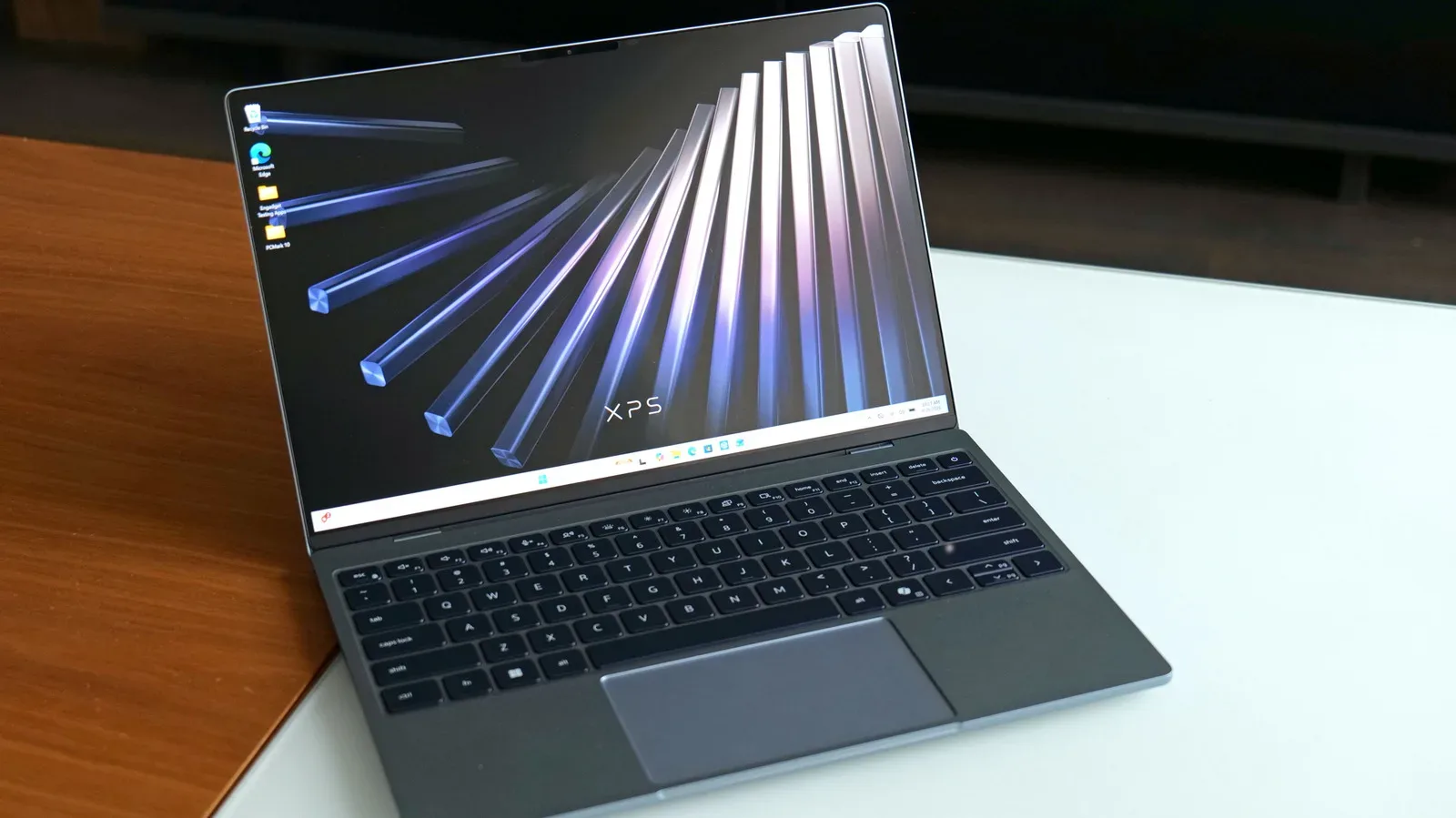
Windows 11 is receiving a batch of performance and feature changes that Microsoft says should make the operating system feel more responsive—particularly on machines with modest memory capacity. The headline claim is a gain of up to 20 percent in responsiveness, driven in part by improved memory efficiency and management. For PC players, that is the sort of update that may matter far more than a flashy interface revision: the desktop, browser, launcher, voice chat and background utilities all compete for the same pool of system memory before a game even starts.
The most meaningful stated change concerns what Windows keeps in RAM, or random-access memory. Microsoft says Windows 11 can retain up to 2GB more active data in memory rather than moving it to slower storage. In plain terms, active data is information applications may need again soon. Keeping it in RAM can help a computer move between open programs, browser tabs and tasks without waiting for that information to be fetched from storage.
That does not mean every PC will instantly gain 2GB of usable memory, nor does it establish a guaranteed gaming frame-rate uplift. It is a description of revised operating-system behavior, and the company’s “up to” responsiveness figure is a best-case ceiling rather than a universal promise. Still, reducing unnecessary trips to storage is a sensible target for systems that regularly run near their memory limit.
Why 8GB machines are the focus
Microsoft specifically says PCs with 8GB of memory could see an especially meaningful difference. That makes practical sense. An 8GB system has less room for the operating system, a web browser, game launchers, messaging apps, capture tools and the game itself to coexist. When available RAM gets tight, Windows may shift less immediately needed information out to storage. This process is commonly described as paging or swapping.
Storage is essential for holding games, files and applications permanently, but it is generally slower than RAM for actively used data. When a computer has to shuffle data back and forth more aggressively, users can experience a machine that feels less immediate: applications may take longer to return to the foreground, browser tabs may be slower to resume, and background tasks can become more noticeable.
Microsoft’s claim is therefore less about turning low-memory hardware into a high-end gaming rig and more about making finite resources go further. The potential benefit is clearest for people who keep multiple applications open while playing or who use a PC for work, school and games without shutting everything down between sessions.
That group includes plenty of PC players. A typical setup can involve a game launcher, a browser with guides or videos open, a chat client, music playback and perhaps a controller or headset utility. Even when a game remains the main workload, the surrounding software can make an 8GB machine feel constrained. Better memory management may leave more breathing room for the task the user actually cares about.
It is important to separate that prospect from a hardware-upgrade claim. More efficient management can reduce avoidable pressure, but it cannot change the memory requirements of games and programs. If a title needs more RAM than a system can reasonably supply, an operating-system update is not a substitute for additional memory. Microsoft has not provided game-specific benchmark results here, so there is no basis to attach the responsiveness claim to particular titles, settings or frame rates.
Widgets are being loaded only when opened on lower-memory PCs
One concrete measure applies to machines with 8GB of RAM or less: Windows 11 will load widgets only when the user opens them. Microsoft says this frees more than 200MB of memory for other work.
Widgets are small informational panels, generally intended to surface items such as feeds and quick updates. Deferring their loading is a straightforward example of prioritization. A feature that is not currently visible or being used does not need to occupy memory in the background on a machine where that capacity may be valuable elsewhere.
More than 200MB is not a transformation on every computer, but it is a specific amount that can matter when a system is already close to its limit. It also illustrates the broader approach behind the update: reduce background memory use where possible, then reserve available capacity for the applications users have actively chosen to run.
For players, the practical implication is modest but welcome. The change will not eliminate the need to close unused software before a demanding game, but it may mean one less always-ready component is consuming memory. Users who never open widgets are especially likely to view this as a sensible trade-off.
Bluetooth and Windows Hello changes target daily friction
Microsoft also says Bluetooth headphone reliability has improved, including faster pairing for AirPods on PCs. That is not a gaming-specific improvement, yet it can be relevant to any player who uses Bluetooth audio for a casual session, voice communication or media between matches. Faster pairing is valuable chiefly because it removes a small but frequent interruption: the delay between sitting down and getting audio where it needs to go.
The company is also promising Windows Hello sign-ins that are easier, faster and more reliable. Windows Hello is the Windows sign-in system that can use supported authentication methods rather than requiring a conventional password entry each time. Login is another short, repeated step where reliability matters more than spectacle. If the improvement holds across supported devices, it should reduce friction before users reach the desktop, launcher or game library.
Neither change should be oversold. Bluetooth behavior can depend on the headset and PC hardware, while Windows Hello depends on a compatible setup. Microsoft’s update describes intended improvements, not identical outcomes for every device combination. The important point is that this release is not exclusively focused on memory; it also targets the routine points where a PC can feel less dependable than it should.
AI-powered Search remains an Insider test feature
Windows Insider testers can now try the revamped AI-powered Search that Microsoft revealed previously. The company says users can perform thousands of actions directly through Search, effectively turning it into a chatbot-style interface.
An Insider build is a test channel for features that are not yet broadly released to all Windows users. That distinction matters. The performance work described above is beginning to reach all users after Insider testing, while the new Search experience is specifically presented as something testers can access now. Anyone reading the update should not assume that every announced element will appear on every standard Windows 11 installation immediately.
The larger design shift is that Search is being positioned as an action layer rather than solely a way to find files, settings and applications. A conventional search tool returns destinations; a chatbot-style system is meant to interpret requests and carry out tasks. Microsoft’s reference to thousands of actions indicates a wide ambition, though the available details do not specify which actions will be useful for gaming workflows or how consistently the system will handle different requests.
That uncertainty is worth keeping in view. AI features can be convenient when they reduce the number of menus a user has to navigate, but their utility depends on clear controls, predictable results and whether they save time in real use. For now, the relevant fact is that the experience is being tested through the Windows Insider program, not that it has become an established replacement for ordinary search.
A refreshed Photos app brings local, OneDrive and iCloud libraries together
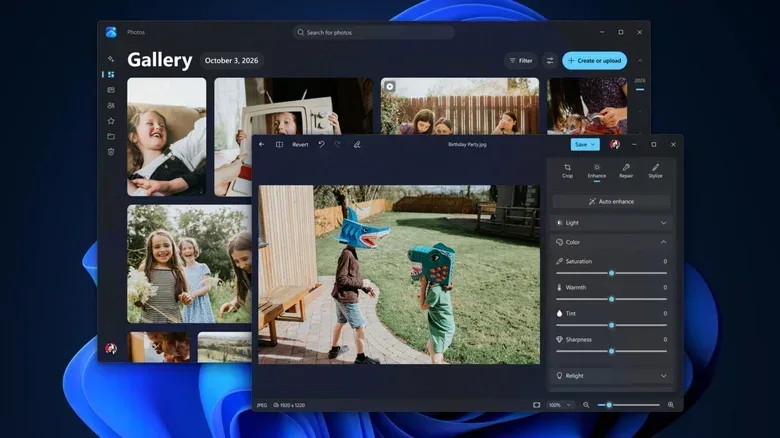
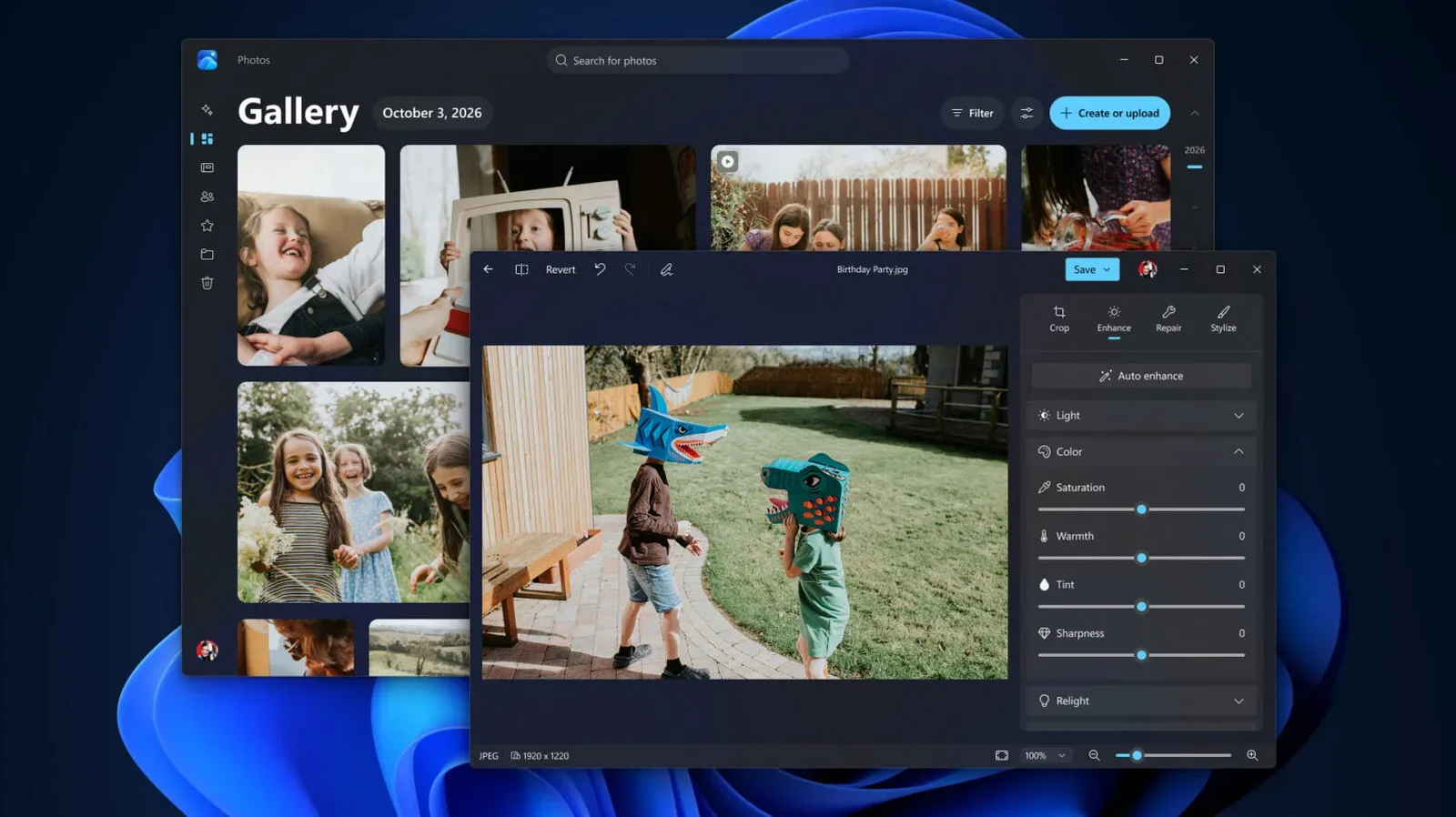
Insiders are also receiving a new Photos app with a revised gallery. Microsoft says it can bring together pictures from local storage, OneDrive and iCloud. That three-way scope could be handy for users whose screenshots, downloads and phone photos are spread across a PC and more than one cloud service.
For a game-focused desktop, screenshots are an obvious use case. The source material does not describe dedicated gaming features, tagging tools or capture integrations, so it would be premature to call this a new screenshot-management solution. What it does establish is a more unified gallery concept: local images and pictures held in the two named cloud services can be gathered in one application.
Microsoft further claims that the built-in editor loads 25 percent faster and the native viewer loads 30 percent faster. As with the Windows responsiveness figure, these are company performance claims rather than independently established results. The distinction does not make the numbers unimportant; it simply defines what they are. A faster-loading viewer or editor could make small, repeated image tasks feel snappier, but the actual experience will depend on the device and image library involved.
What Windows 11 users should reasonably expect
The most grounded expectation from this update is a potential improvement in everyday responsiveness, with the strongest emphasis on 8GB PCs. Users who habitually have many browser tabs and applications open may be best placed to notice better memory behavior. The widget adjustment is especially direct: on eligible lower-memory systems, Windows will avoid loading that component until it is requested, with Microsoft estimating that more than 200MB can be left available.
For gaming, the improvement is best viewed as system housekeeping rather than a new performance mode. A tidier memory footprint can be helpful before and around play, particularly on an 8GB PC, but no game-performance promises have been made. The sensible standard is to look for a desktop that remains steadier as apps and tabs accumulate, not to assume that every game will suddenly run at a higher setting or frame rate.
The paired feature rollout also has two tracks. Broad Windows 11 updates are starting to move beyond testing, while the AI-powered Search and refreshed Photos app are available to Windows Insider testers. Keeping those tracks separate will help users set expectations about what should already be present on their own machines.
As PC software and services ask more of everyday hardware, efficiency work is less glamorous than a new assistant or redesigned gallery, but it may be the more consequential part of this release. A system that wastes less memory in the background gives users more room for the programs—and games—they deliberately opened. For a wider look at what is happening on the PC side of games, see our coverage of World of Warcraft: Forever Beta’s Skyborne player share.