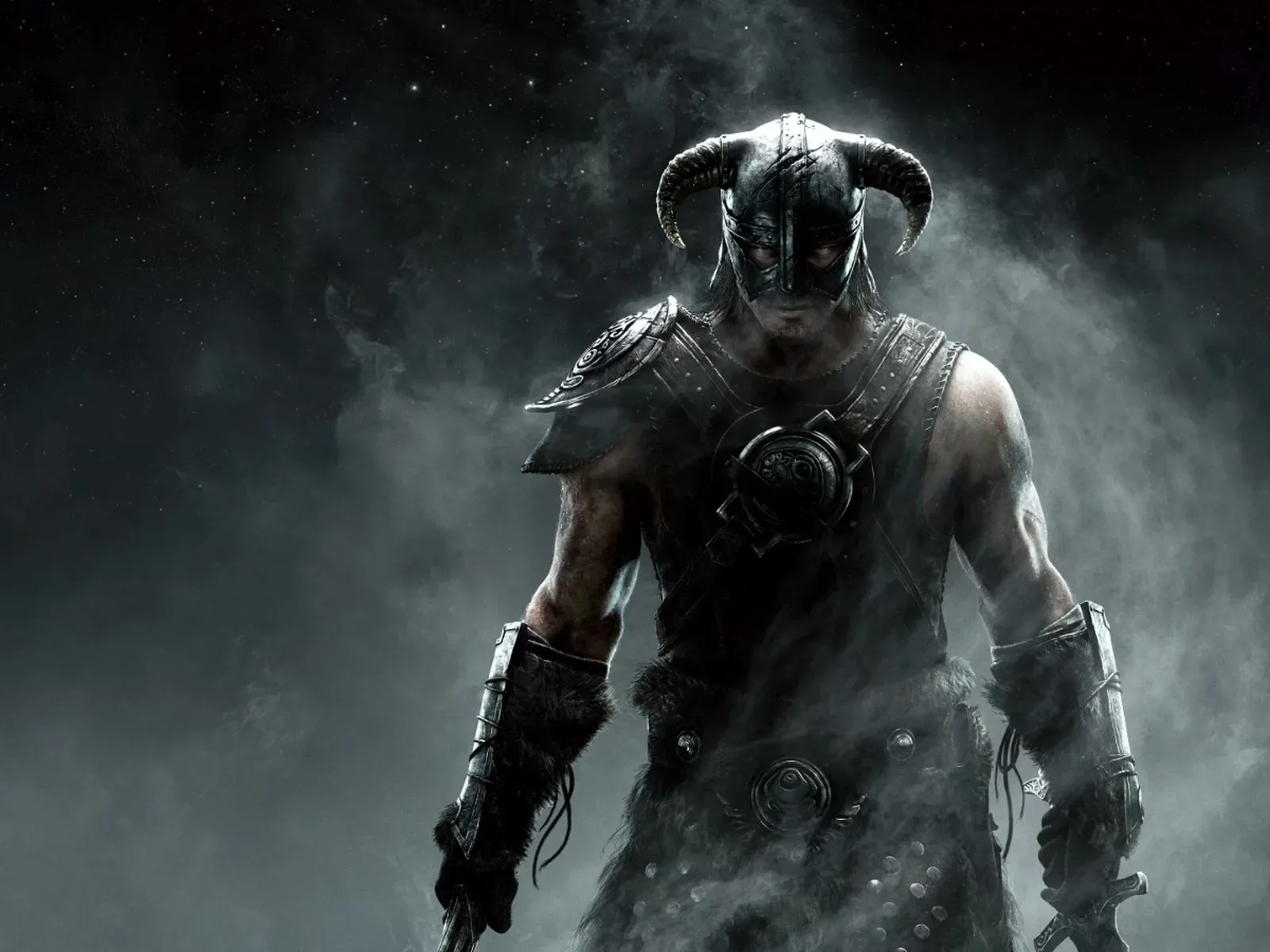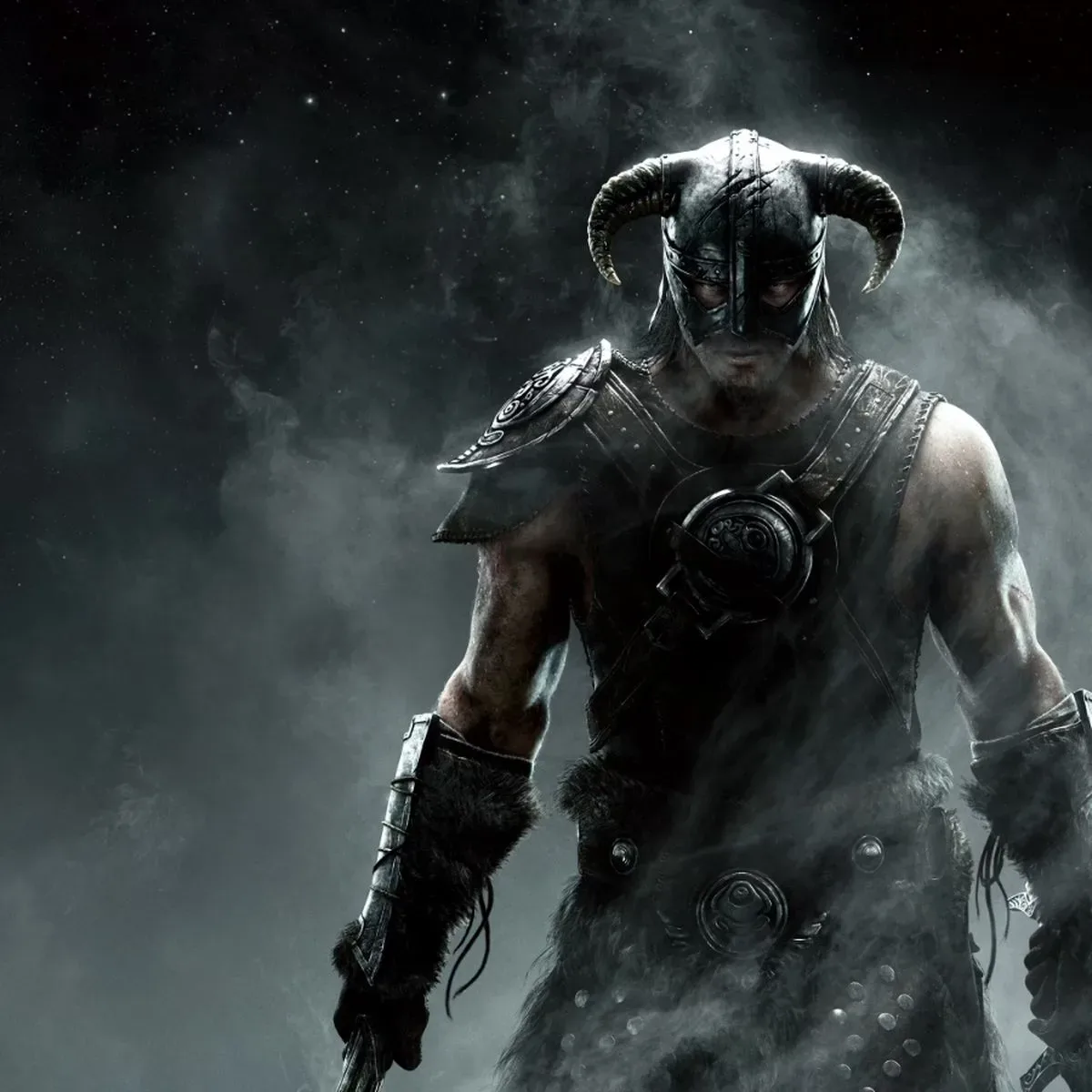
The Elder Scrolls V: Skyrim has spent years turning up on an extraordinary range of hardware, but an official Mac edition has never been part of that long-running tour. SkyrimMT, an unofficial open-source project, is intended to narrow that gap for Apple silicon Mac owners by putting installation, compatibility setup and mod management in one Skyrim-specific application.
The project supports the Steam versions of Skyrim Special Edition and Skyrim Anniversary Edition. Rather than presenting users with a series of separate tools to locate, configure and maintain, SkyrimMT automates the compatibility-software setup, then guides the player through Steam sign-in and installation of a copy they already own.
That focus matters because playing a Windows game on modern Macs is not simply a matter of downloading a Mac client. SkyrimMT is not an official port, and it does not remove the need for a Steam copy of the game. What it does aim to do is make a technically involved route more approachable, especially for players whose interest in Skyrim extends beyond the unmodified game.
Why Apple silicon changes the usual Mac gaming answer
Mac players have previously used several routes to run Skyrim. On Intel-based Macs, one option was Boot Camp: installing Windows on the machine and using it as a Windows PC when booted into that operating system. That route is not available on Apple silicon Macs. Players on those systems instead need a way to run the Windows game through a compatibility approach.
SkyrimMT is built around that reality. Beneath its streamlined interface, it uses Wine to run the Windows version of Skyrim and DXMT to translate the game’s Direct3D 11 graphics calls to Apple’s Metal graphics framework.
Those terms are worth separating:
- Wine is compatibility software. In this context, it provides the layer that allows a Windows game to operate without the Mac becoming a native Windows installation.
- Direct3D 11 is the graphics interface used by the Windows game.
- Metal is Apple’s graphics API.
- DXMT handles the translation from Skyrim’s Direct3D 11 instructions to Metal, allowing the game’s graphics work to be understood by the Mac-side graphics stack.
The practical value of an all-in-one project is not that it changes Skyrim into a native Mac release. It is that it makes the required compatibility chain less fragmented. Instead of treating Steam installation, the Windows compatibility layer, graphics translation and mod tooling as disconnected chores, SkyrimMT places them in a single workflow tailored to this one game.
Modding is the central feature, not an afterthought
Skyrim has remained especially relevant because its mod ecosystem can substantially alter the game: interface changes, bug fixes, visual revisions, quest expansions and broad overhauls can all involve a large number of files with dependencies and a specific loading order. A workable modding setup therefore needs more than an Install button.
SkyrimMT includes a native mod manager with support for browsing Nexus Mods, installing Nexus Collections and Wabbajack modlists, and importing existing Mod Organizer 2 setups. Each of those options represents a different way players commonly approach an extensive mod library.
- Nexus Mods is a mod-hosting platform, and browsing from the manager places discovery closer to installation.
- Nexus Collections are curated groupings of mods, designed to give users a more organized starting point than selecting every component individually.
- Wabbajack modlists are another packaged mod-list format, useful for players pursuing a predetermined configuration.
- Mod Organizer 2 is established mod-management software. Import support is meaningful for a player who already has a setup to bring over rather than rebuild from scratch.
The app can also install commonly used additions including Skyrim Script Extender and SkyUI. Script Extender is important because some Skyrim mods rely on its expanded scripting capabilities. SkyUI is a widely used interface-oriented mod. Their inclusion in the app’s installation options addresses a familiar point of friction: major mods and the tools they depend on are often inseparable in practice.
There is a key distinction between “mod support” and an environment that is actually manageable over time. SkyrimMT’s listed controls point to the latter. Users can keep separate mod profiles, inspect conflicts, sort load orders and restore earlier configurations through snapshots.
What those safeguards mean in everyday use
A profile is a separate mod configuration. One profile could preserve a comparatively restrained game while another is reserved for a much larger overhaul. The benefit is separation: experiments do not necessarily have to overwrite the setup a player already trusts.
A load order is the sequence in which mods are processed. Where multiple mods affect the same aspect of the game, that order can determine which changes take precedence. Sorting it is therefore a compatibility-management task, not just a matter of tidiness.
A conflict occurs when mod files overlap or otherwise make competing changes. Conflict inspection gives a user a way to see those intersections instead of discovering every problem only after launching the game.
Snapshots offer a recovery mechanism by preserving an earlier configuration. That can be particularly useful before trying a major list, changing a group of mods or importing an existing setup. It does not guarantee that every mod combination will behave perfectly, but it can make iteration less punishing by giving users an earlier state to restore.
What Mac players need before starting
SkyrimMT’s stated requirements are specific:
- An Apple silicon Mac
- macOS Ventura 13 or later
- About 25GB of free storage
- A Steam copy of Skyrim Special Edition or Skyrim Anniversary Edition
That storage figure should be viewed as the project’s base requirement, not a promise that a heavily customized installation will stay within that amount. Mods, collections, modlists and backups can all add material to a game setup. Players interested in ambitious configurations should keep an eye on available disk space rather than assuming the minimum will cover every future addition.
Likewise, compatibility tooling is not the same thing as a formal platform guarantee. SkyrimMT is an unofficial project and uses translation technology to run a Windows game. Its purpose is to streamline that process, but users should understand the distinction between this route and a game built and supported natively for macOS. Sensible modding habits still apply: change one set of things at a time, retain a working profile, and use snapshots before substantial alterations.
A more coherent route for a famously adaptable RPG
The most notable part of SkyrimMT is the scope of its target. It is not described merely as a launcher for getting Skyrim to open. It brings game installation, Wine-based compatibility, Direct3D 11-to-Metal translation, Steam access and a sizeable selection of mod-management features under one Skyrim-centered umbrella.
That approach fits a game whose longevity is closely tied to customization. For a player only interested in the base game, automated setup reduces the amount of compatibility plumbing they need to confront. For a player who regards mod profiles, load orders and curated mod lists as part of the Skyrim experience, the project is attempting to bring the more complicated half of the hobby into the same Mac-oriented tool.
It is also another reminder that platform access can depend as much on community-built infrastructure as on official releases. Apple silicon removed the Boot Camp route available to Intel Mac users, creating a stronger need for alternatives that can handle Windows games. SkyrimMT’s specific answer is to package the pieces required for one enduring RPG, rather than ask every player to assemble the same pieces independently.
For readers tracking how older games continue to find new technical paths, our look at Wii strategy games and platform-specific design offers another perspective on how hardware shapes the way games are played and revisited.
SkyrimMT is available as an open-source download through the project’s GitHub releases page. Its arrival does not amount to an official Mac version of Skyrim, but it gives Apple silicon owners a more integrated option for running the Steam game and managing the modding ecosystem around it.