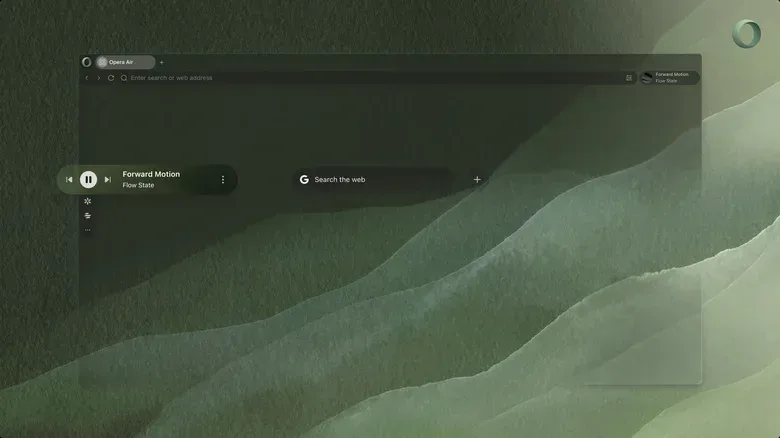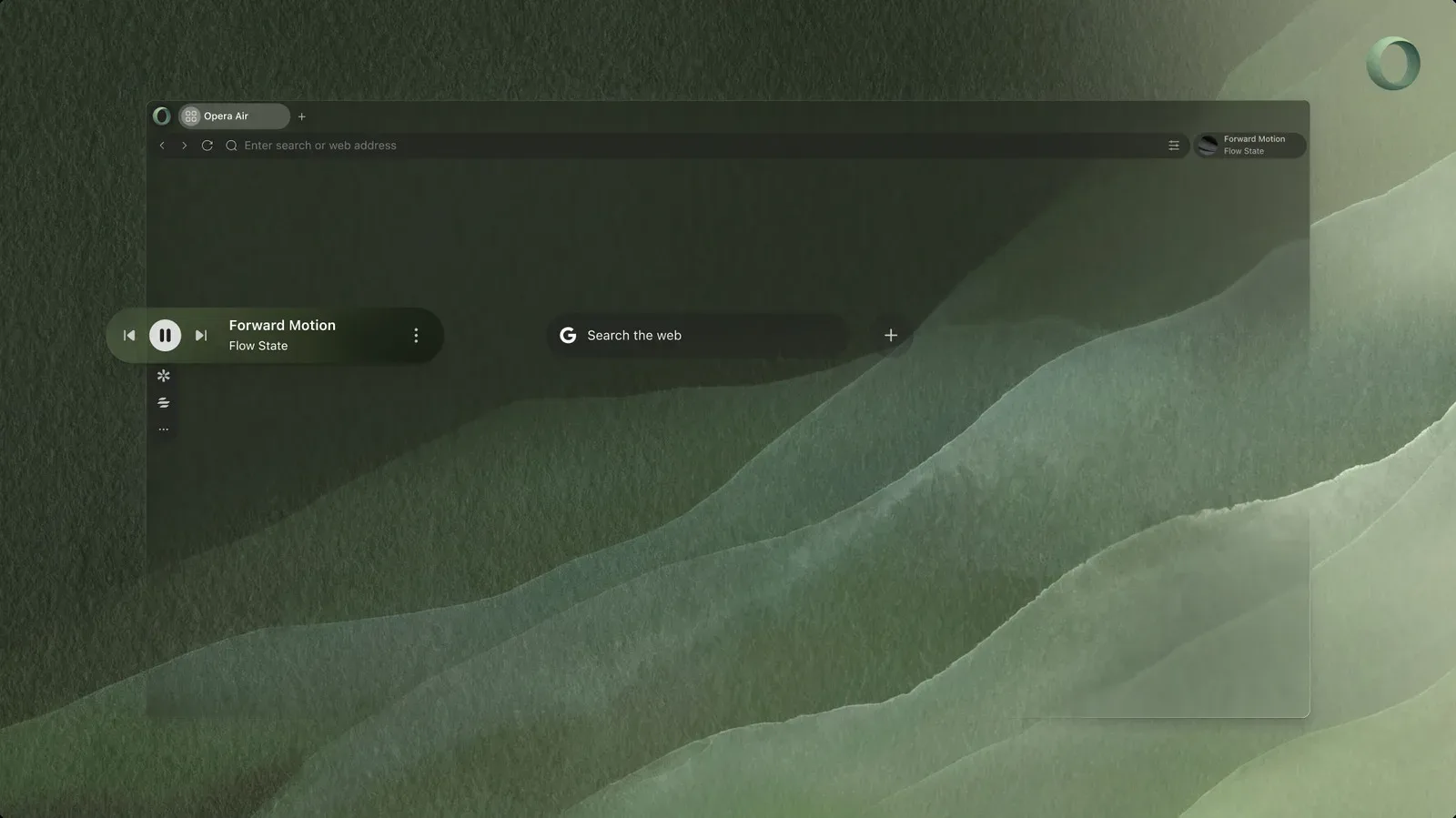
Opera has refreshed Opera Air, its deliberately pared-back browser for Windows and macOS, with a new set of features meant to make the web feel less like a machine engineered to throw a thousand blinking objects at your face. The free browser now includes built-in soundscapes, scheduled breathing exercises, neck-stretch prompts, new nature-minded wallpapers and automatic dark mode.
The central idea is not complicated: a browser can be more than a launchpad for tabs, feeds and accidental 45-minute detours. Opera Air is positioned as a mindful alternative to the usual online scrum, using its interface and optional tools to encourage attention rather than relentlessly bidding for it. That is an unusually explicit design goal in a category where “one more tab” is often the only feature anyone really needs.
Soundscapes turn the browser into a quieter workspace
The most notable addition is Air Soundscapes, an integrated set of audio tracks split into four modes: Focus, Relax, Work and Ambience. The Ambience selection includes natural audio such as forest and sea sounds.
A soundscape is background audio designed to establish an atmosphere rather than demand close listening. In practical terms, it is an alternative to opening a separate music service, hunting for a suitable playlist, reading song titles, changing tracks and somehow emerging 20 minutes later with a new opinion about an artist’s entire catalog. Keeping these options in the browser means the concentration aid is close to the place where the distraction is happening.
The four labels also suggest that Air is not treating every computer session as the same task. “Focus” and “Work” imply different needs even if their exact audio profiles are not detailed: one person may want a low-key backdrop while writing or studying, while another may simply want a steady buffer between themselves and the noise of the surrounding room. “Relax” and “Ambience” broaden the browser’s role beyond pure productivity without turning it into a full entertainment hub.
That boundary matters. Opera Air’s pitch is not that music alone makes browsing healthy, nor that a loop of ocean sounds can defeat a notification avalanche by force of vibes. Rather, the soundscapes are one optional part of an environment built to reduce friction around small, intentional habits.
Breathing and stretch reminders are built into the routine
Opera Air also adds breathing exercises that users can schedule at intervals they choose, alongside guided neck stretches. These are lightweight wellness prompts rather than a claim that the browser can solve the physical costs of sitting at a computer all day. Their utility comes from interruption: it is easy to keep clicking through a task, a game guide, a community thread or a search spiral without noticing how long the session has lasted.
Scheduling is the significant detail. A manually opened breathing exercise depends on a person remembering to take a pause precisely when they are already absorbed in something. An interval prompt shifts that responsibility to the software. Users still decide whether to engage with it, but the browser at least creates a moment in which continuing on autopilot is no longer the only visible option.
The neck stretches follow the same philosophy. They are not framed as medical treatment, and users with health concerns should use their own judgment, but they acknowledge an ordinary reality of desktop browsing: concentration often produces an impressively static posture. A short on-screen cue can be useful precisely because it is modest. It does not need to transform the day to be a meaningful reset between research, work, messaging and play.
A stripped-back browser by design
Opera Air’s calmer angle is reflected in how it handles its sidebar. Apps are not presented as a fully stocked collection of irresistible shortcuts; users must manually add the apps they want. This is a small interface decision with a large philosophical neon sign above it: convenience is not always the same thing as helping.
A sidebar is the persistent vertical area where browsers may surface quick links, messaging services, assistants and other tools. It can be useful, especially for people who regularly move among a small number of services. It can also become a compact hallway of digital doors, each one promising that it will only take a second. Requiring deliberate additions gives users a chance to decide which doors should remain open in the first place.
The refresh also brings wallpapers intended to evoke open space, perspective and natural textures. That will not be everyone’s preferred desktop aesthetic, and it does not need to be. The relevant point is consistency: Air is trying to make the browser’s visual layer part of the same low-pressure experience as its audio and break tools.
Automatic dark mode joins the package as well. Dark mode changes the interface to a darker color scheme, typically reducing bright screen areas in lower-light settings. It is a familiar feature rather than a radical reinvention, but it fits the browser’s emphasis on a gentler visual presentation. Automatic behavior also means users do not have to constantly manage the setting themselves.
Blocking ads and offering a VPN can reduce clutter, but they are different tools
Opera Air includes a built-in ad blocker and a free VPN. Both are relevant to a less cluttered browsing session, but they do different jobs and should not be confused.
An ad blocker is designed to prevent or reduce advertising content from loading or appearing on pages. In the context of Air’s focus-oriented approach, that can mean fewer visual interruptions competing with the thing a user actually opened the page to read, watch or use. It may also make a page feel materially simpler when ad placements are a major part of its layout.
A VPN, or virtual private network, routes internet traffic through a VPN service. Opera Air offers one at no additional cost. Its inclusion makes sense alongside the browser’s privacy- and distraction-aware posture, but it is important not to flatten every privacy tool into the same category. An ad blocker manages page content; a VPN concerns how traffic is routed. Neither feature alone tells a user everything about every site, account or online service they use.
For PC players and hobbyists who spend time jumping between storefront pages, patch notes, wiki entries, community posts and long-form guides, a browser that foregrounds fewer distractions may be appealing. The browser itself cannot decide what deserves attention, of course. It can only make intentional choices easier to maintain. When it is time to look for something more recreational, the wider PC space is still busy, as seen in this roundup of Steam Next Fest demos spanning dark RPGs, sandcastles and body horror.
ChatGPT is available, but not pushed into the foreground
Opera Air can connect with ChatGPT, though its sidebar option is unchecked by default. That is a particularly revealing choice for a browser centered on restraint. Generative AI tools can be useful for drafting, summarizing, brainstorming or answering questions, but putting an assistant directly in permanent view may also create another invitation to switch tasks.
Leaving the option off by default preserves access without assuming that every browsing session needs an AI companion waiting in the wings. Users who want the integration can enable it; users who would rather keep the interface quiet are not asked to dismiss or ignore it constantly. In product-design terms, this is an opt-in feature: it requires an affirmative user choice before it becomes part of the regular setup.
That distinction is broader than one checkbox. Focus software often fails when it responds to distraction by introducing yet another dashboard, streak, badge, feed or mandatory workflow. Air’s current approach appears more measured. Sound, reminders, appearance settings, ad blocking, VPN access and the optional ChatGPT connection are tools available within the browser rather than a loud program of self-improvement users must perform before opening a webpage.
What the refreshed Air browser is trying to solve
Opera first introduced Air in early 2025 as a mindful response to an internet that can be exhausting by default. The current relaunch extends that premise through audiovisual and ergonomic touches rather than through a radically different model of browsing.
The practical appeal will depend on personal habits. Someone who prefers every service, messenger and assistant permanently available may find the manual-sidebar approach too austere. Someone who already uses ambient audio and timed breaks may appreciate having fewer separate utilities open. And someone who only wants a browser with a built-in ad blocker, VPN and dark mode may find the wellness extras easy to ignore.
That flexibility is likely the most sensible part of the package. A browser cannot command focus, and it should not pretend that a forest soundtrack makes the internet harmless. But it can decline to make every session louder, busier and more compulsive. Opera Air’s new features aim to make the intentional choice the convenient one—an almost suspiciously reasonable ambition for software that lives next door to the infinite scroll.
Opera Air remains free to download for Windows and macOS.