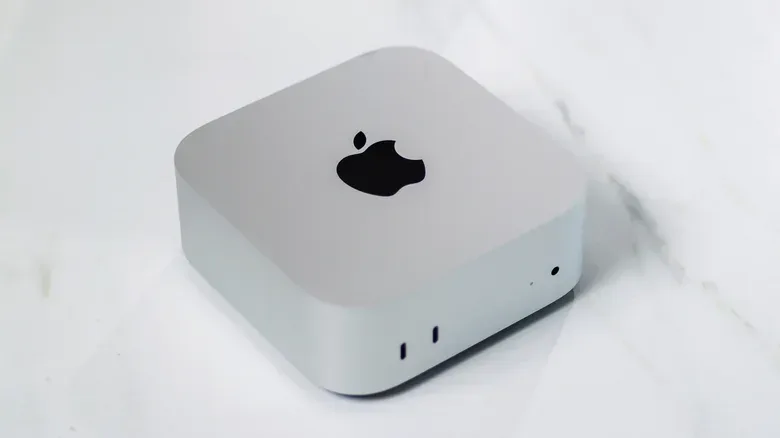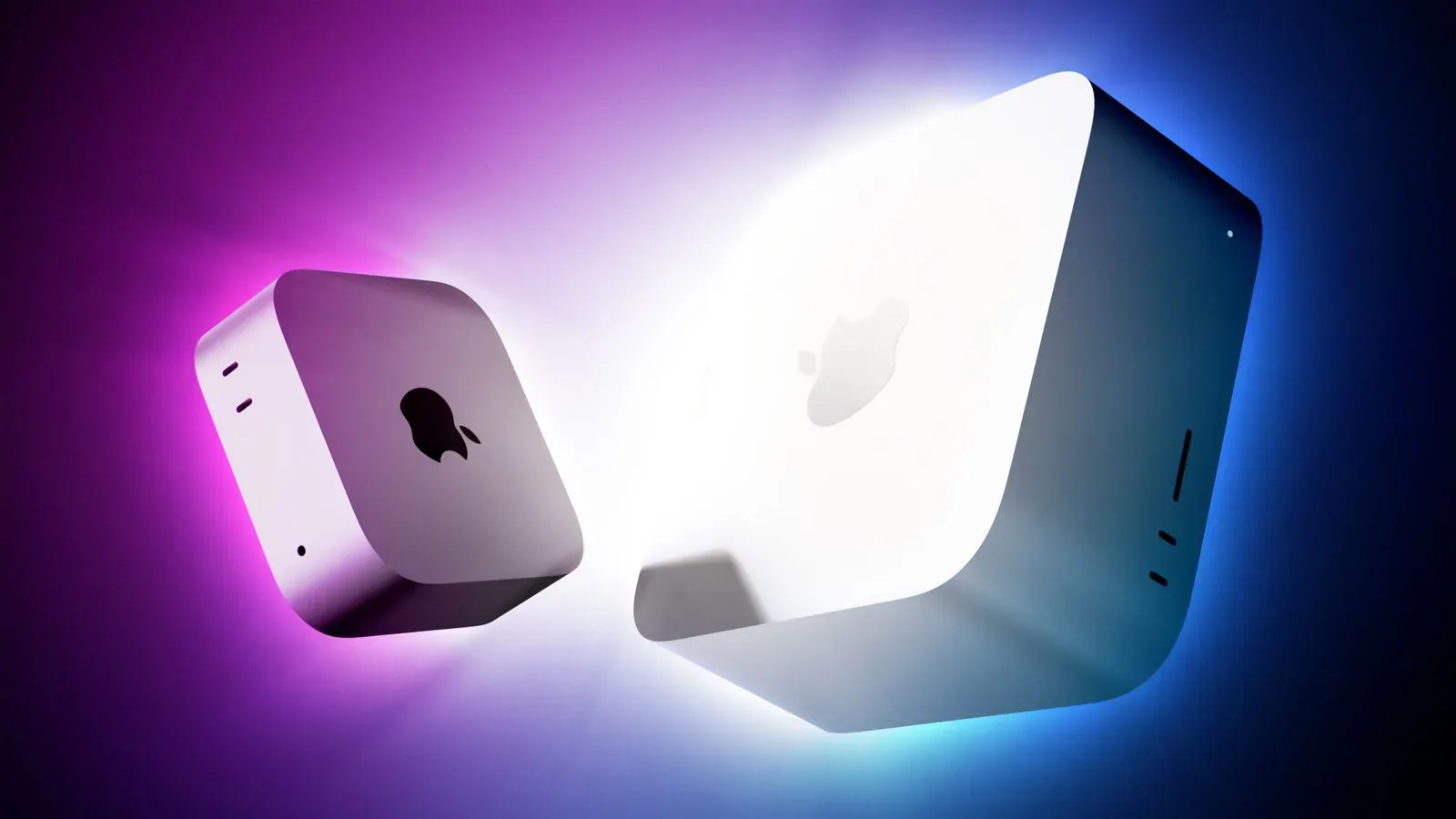
The Mac mini can look like a spectacularly cheap route into Apple hardware—especially when its base configuration is priced at $900 with an M6 processor. But the small desktop is not a laptop with the screen accidentally forgotten in the box. Its price is lower because it is a fundamentally narrower purchase: computing hardware intended to join equipment you already own.
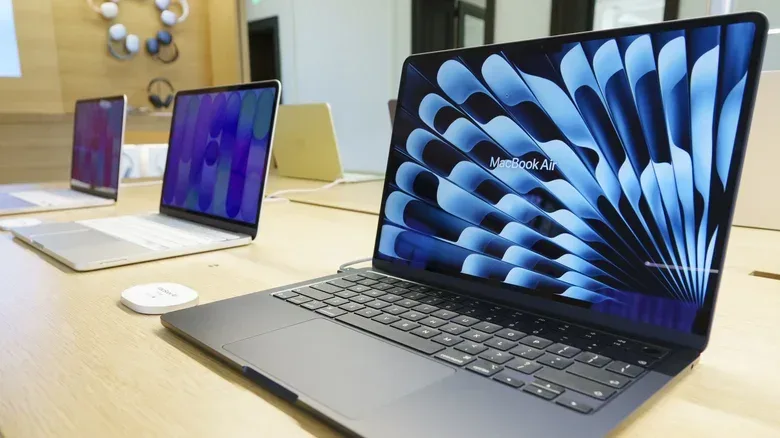
That distinction matters for players, stream viewers, creators and everyday users weighing a compact desktop against a MacBook. The mini can be an excellent value if there is already a monitor, TV, keyboard and mouse waiting for it. If there is not, its appealing entry price can become only the first line of a longer shopping list. A MacBook Air costs more upfront, but it arrives as a complete, portable computer with its display and controls attached.
The useful question is therefore not simply which Mac has the lowest price, or even which one has the newest chip. It is: what do you need to buy before you can actually use it in the place and manner you intend?
Why the Mac mini starts at a lower price
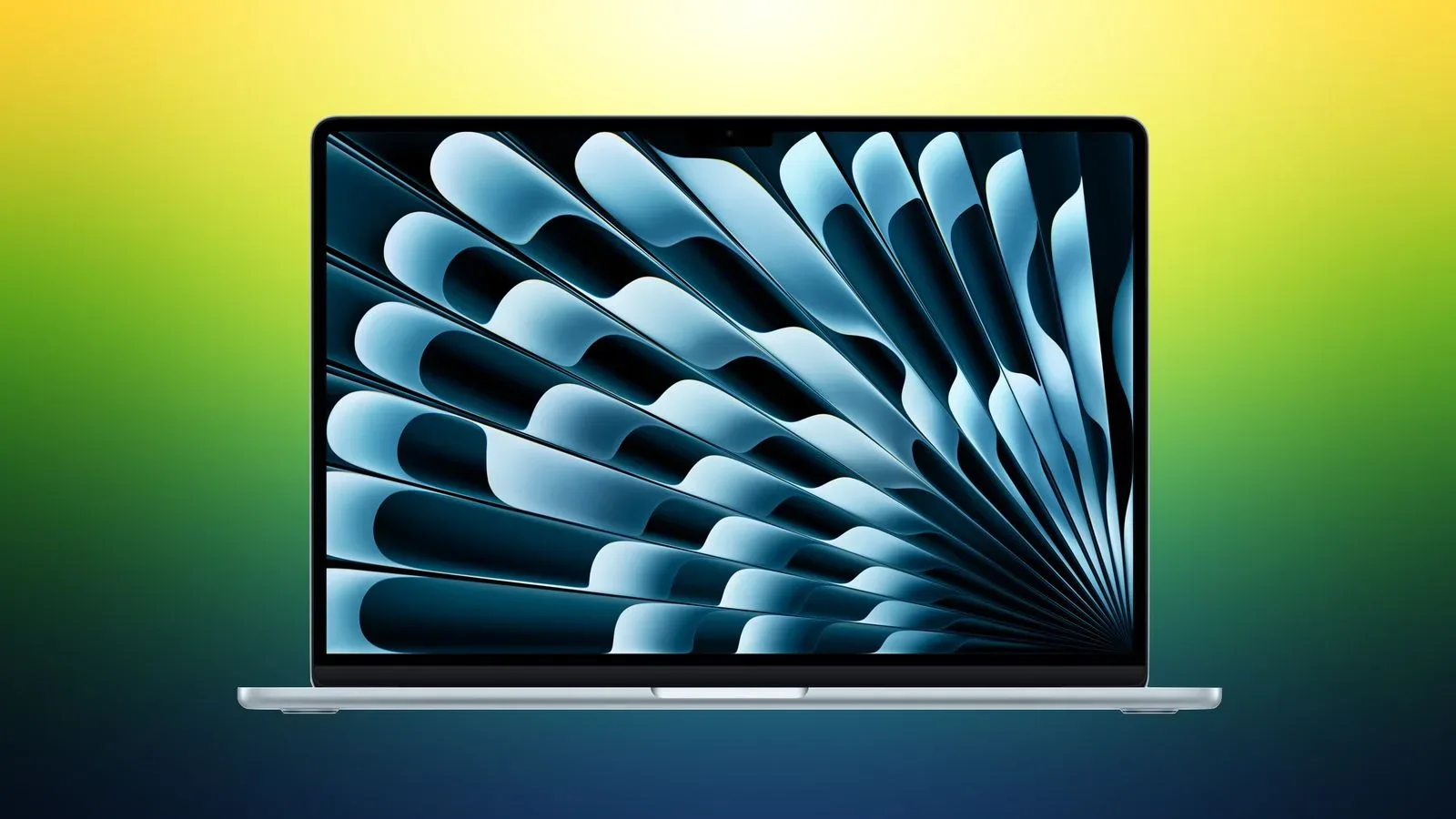
The largest missing component is the display. A MacBook includes a panel, its surrounding structure, a hinge and the cabling that connects it to the rest of the machine. It also includes an embedded Center Stage camera. The mini includes none of these things, which makes sense for a desktop that might live under a TV, on a desk, or even tucked into a cabinet.
A replacement display for a MacBook can cost several hundred dollars when AppleCare coverage is not involved. That is not a manufacturing-cost breakdown, and Apple does not publish official bills of materials for these products. It does, however, underline the basic point: a laptop screen assembly is a substantial piece of hardware, not a minor convenience accessory.
The mini also arrives without the input devices built into a MacBook. There is no keyboard, mouse or trackpad. Individually, those items can be modest add-ons, particularly for someone reusing peripherals from an older computer. But a buyer beginning with an empty desk must account for all of them. The sticker price is lower in part because Apple has shifted the decision—and the cost—of selecting a screen and controls to the buyer.
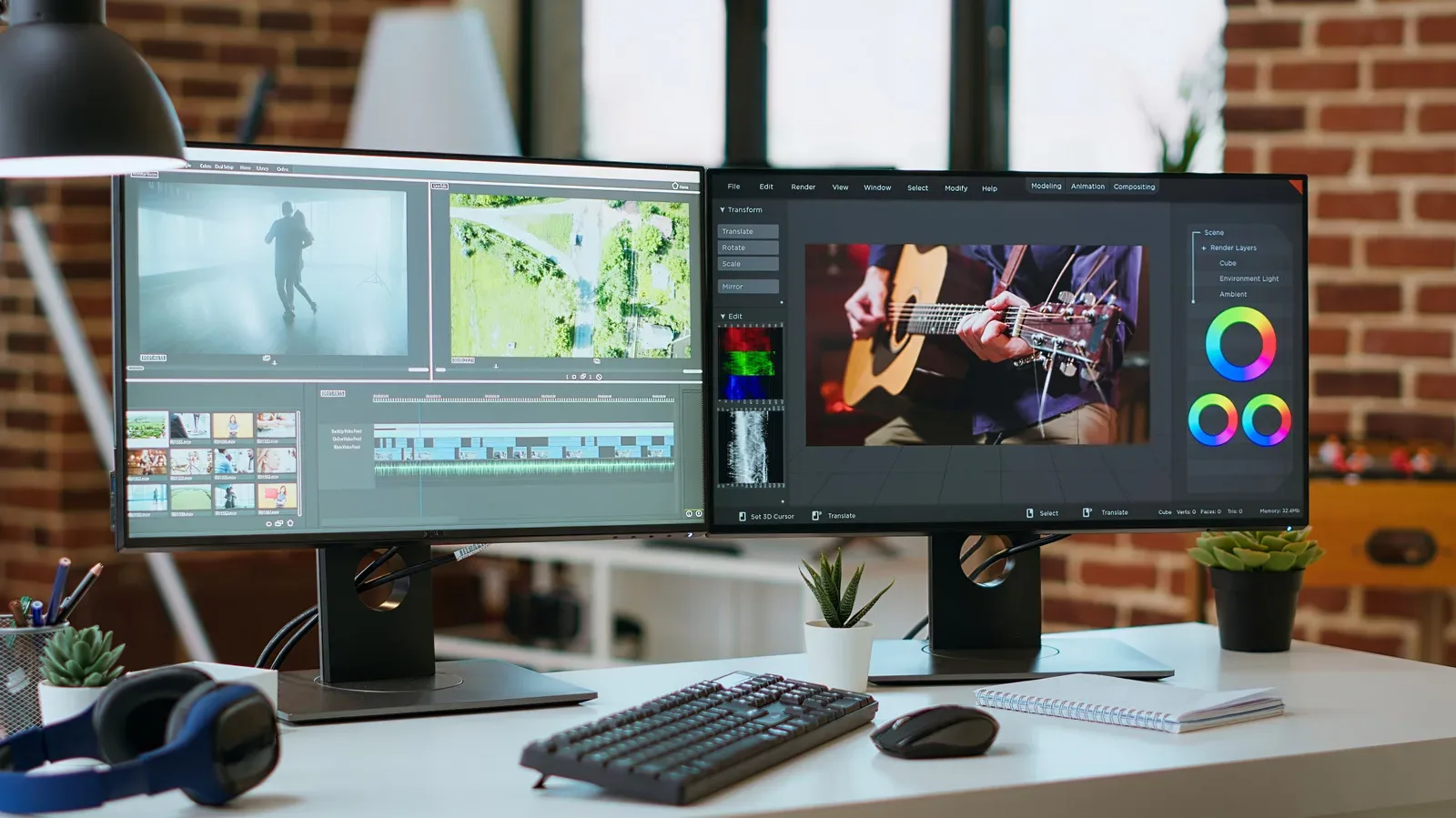
For a desktop setup, that flexibility can be a feature rather than a penalty. Someone who prefers a particular monitor size, already uses a TV, or has a favored keyboard does not need to pay again for laptop hardware they will not use. This is especially relevant to people considering a larger work or game display; a second monitor can also change how practical a desk setup feels for everyday multitasking. The mini lets an existing display arrangement remain the center of the system.
No battery means fewer parts—and no portable mode
The other conspicuous omission is a battery. A MacBook is designed to operate away from a wall outlet. The mini only needs AC power. Lithium-ion battery packs are not cost-free components, and Apple’s battery service pricing for MacBooks runs from $150 to $250 including labor. Service pricing is not the same thing as the original component cost, but it demonstrates that the battery is an important physical part of the laptop package.
Related coverage includes Why the Mac mini Costs Less Than a MacBook.
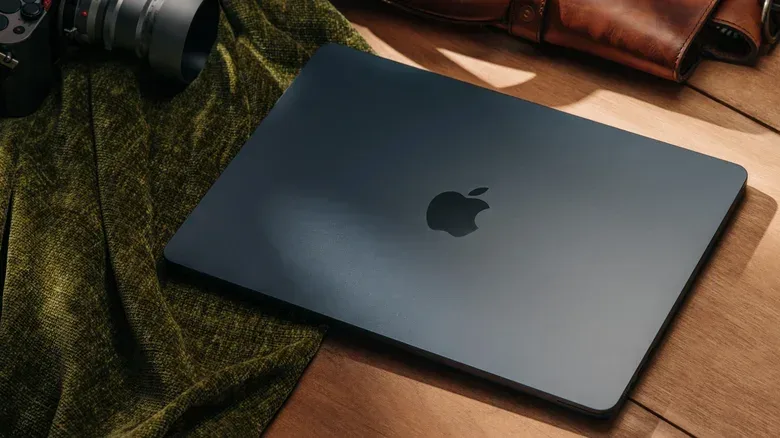
More importantly, removing the battery changes the product’s purpose. The mini cannot move from a desk to a sofa, a classroom, a hotel room or another room in the house without a display and inputs going with it. A MacBook can. That convenience is not an optional bonus bolted onto the Air; it is a defining part of what the higher laptop price buys.
There are engineering consequences as well. A laptop must be thin, resistant to the knocks associated with travel and highly power-efficient. The mini has different constraints. It can use a large circular vent on its underside for cooling, a design that would not fit the same way into a MacBook. It does use compact, laptop-style components to achieve its small form factor, but it does not have to solve the same portability problem.
That is why comparing processor names alone produces an incomplete picture. An M6-equipped mini may appear to beat an M5-equipped MacBook Air on the specification line, yet the Air bundles the display, keyboard, trackpad, camera, battery and mobile design that turn its processor into an all-in-one machine.
Ports are a meaningful desktop advantage
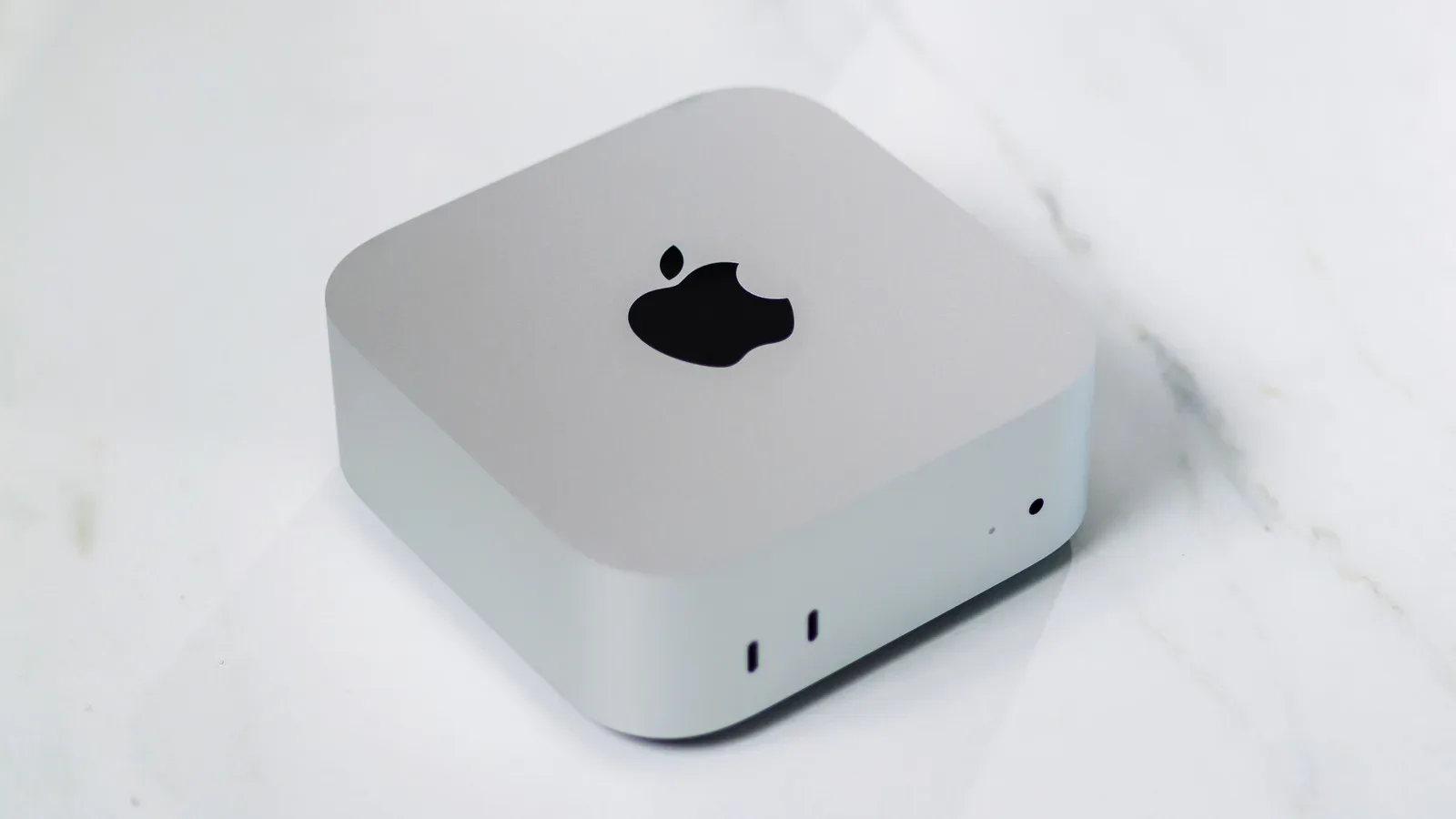
The mini is not merely a cut-down MacBook. It has a practical edge for a fixed setup: two USB-C ports and three Thunderbolt ports. Across its non-power connections, it has eight ports compared with three on the MacBook Neo or MacBook Air.
That difference matters once a desk starts accumulating accessories. A display, storage, camera, controller, audio gear and other peripherals all need somewhere to connect. On a MacBook—even potentially on a Pro model—a dock may become necessary to attach everything. A dock is an additional piece of hardware that expands available connections; needing one can change both a setup’s cost and its tidiness.
For someone using a mini with a TV or established monitor, those extra ports can make the compact desktop particularly sensible. The machine is designed to sit at the center of a stationary cluster of equipment. The Air is designed to take its core equipment with it. Neither approach is automatically superior, but each one creates a very different daily workflow.
Base-model value is not the same as total value
The base mini’s $900 price is compelling in isolation, and its M6 processor is more capability than many ordinary applications require. Browsing in Safari or playing media in VLC is unlikely to approach the chip’s potential. More demanding workloads, such as DaVinci Resolve or Resident Evil, are the kinds of tasks more likely to put that headroom to use.
Storage is the key limitation in the base configuration. It includes 256GB, an amount that can disappear quickly for people synchronizing personal photo and video libraries. Before choosing on price, it is worth separating two questions: whether the processor is sufficient, and whether the storage is sufficient. For many people, the first answer may be an easy yes while the second is more complicated.
The lower-priced MacBook Neo illustrates a related problem with entry-level comparisons. It costs $700, but comes with 8GB of RAM and an A18 Pro processor also used in the iPhone 16 Pro. RAM, or memory, is the working space available to active apps and tasks; it is distinct from storage, which is where files and apps are kept. The Neo is cheaper than the mini, but its specifications involve more meaningful compromises.
The MacBook Air begins at $1,100 with an M5 chip and 16GB of RAM. Elsewhere in the current comparison, a $1,300 Air is framed as the practical all-in purchase for someone new to Macs. Those figures describe why prospective buyers should check the specific configuration rather than treating one price as universal. The central comparison remains intact: the mini’s apparent savings need to be weighed against the equipment a buyer must add.
Who should pick the mini?
The mini makes the strongest case for buyers who already possess the desktop basics. A monitor, TV, keyboard and mouse or trackpad substantially change the math. So does a workflow that is always tied to one location. If the computer will live beside a television or at the same desk every day, paying for a built-in MacBook display, keyboard, trackpad and battery may add little practical value.
It is also a natural fit for someone who values connections. The mini’s port selection can reduce the chance that a dock becomes mandatory as accessories pile up. That does not mean every user needs all five USB-C and Thunderbolt connections, but it is a concrete advantage for a more involved permanent setup.
At the same time, buyers should not mistake configuration choice for traditional PC-style upgrading. The mini cannot have its parts swapped in and out as a Windows desktop can. Instead, Apple offers more options at the point of purchase for a high-end machine. The top configuration reaches $6,800 with an M5 Pro, 64GB of RAM, 8TB of storage and 10 Gbps Ethernet.
The cost of storage is especially dramatic. Dropping that configuration to 512GB brings the price to $3,000. At that level, the value comparison shifts again: a Mac Studio starts at $2,500 with an M5 Max chip and 36GB of RAM. In other words, the mini is not always the automatic value leader just because its base model is inexpensive. The further a buyer travels through configuration upgrades, the more important it becomes to compare the next product tier.
Who should pay more for a MacBook?
A MacBook Air is often the more straightforward value for a person entering the Mac ecosystem without a screen or desktop peripherals. Its higher purchase price includes the necessary interface: display, keyboard and trackpad, as well as the ability to use the computer away from a fixed workspace. Buying a mini plus every missing accessory can reach, or exceed, the cost of the laptop package.
The Air does not have the mini’s M6 chip at this point, but that may not be decisive for ordinary use. The M6’s advantage is less meaningful if the actual needs are web browsing, video playback, documents and general tasks. In that scenario, the ability to open the computer and work anywhere can carry more day-to-day value than processor headroom left unused.
Put plainly, the Mac mini is cheaper because it is selling less of the total computer experience. That is not a criticism. It is exactly why it can be such an attractive machine for an existing desk or TV setup. But a buyer should price the complete system, confirm storage needs, consider port demands and decide whether mobility is essential. Once those factors are visible, the mini-versus-MacBook choice becomes far less mysterious than the price gap first suggests.