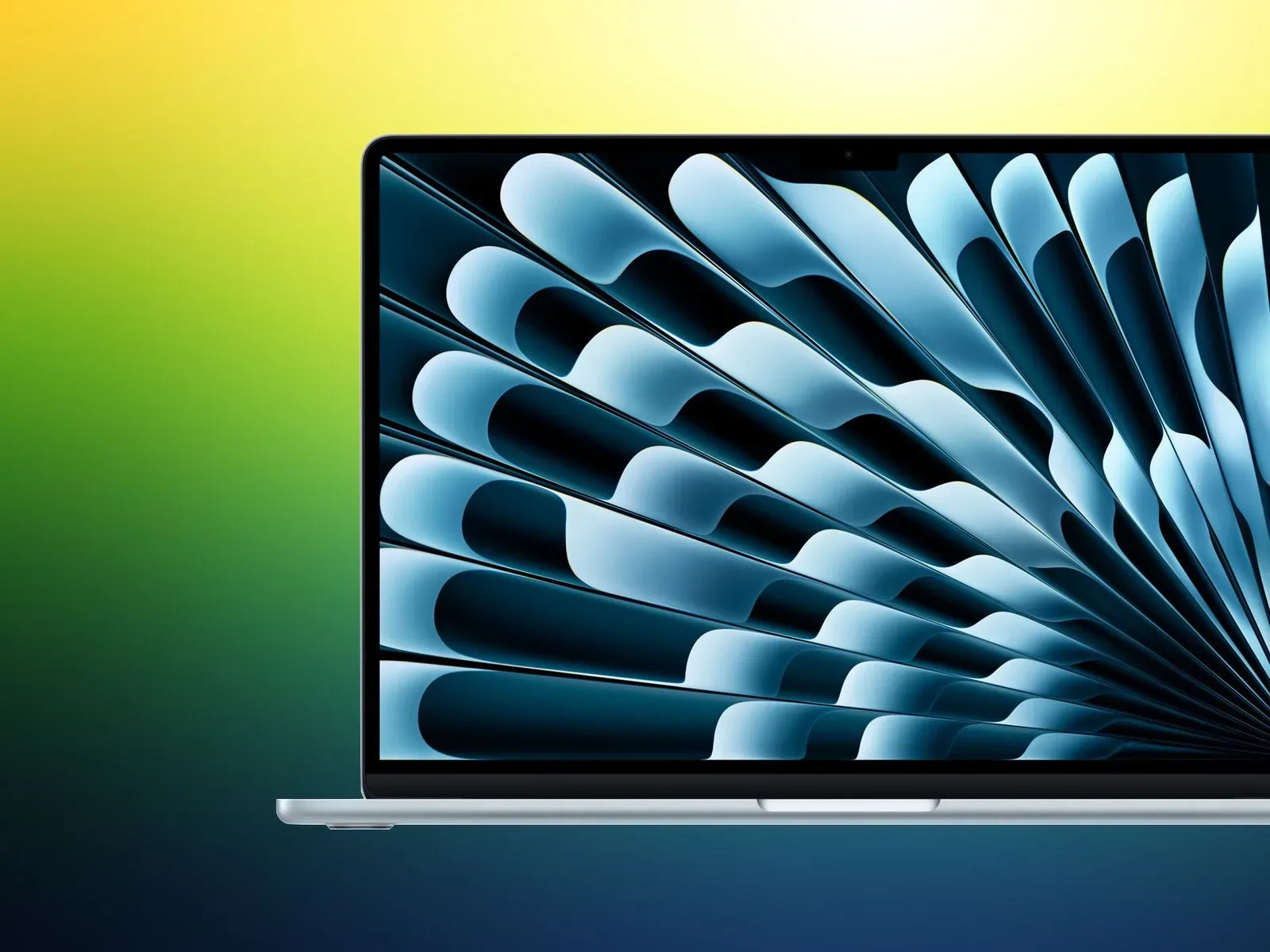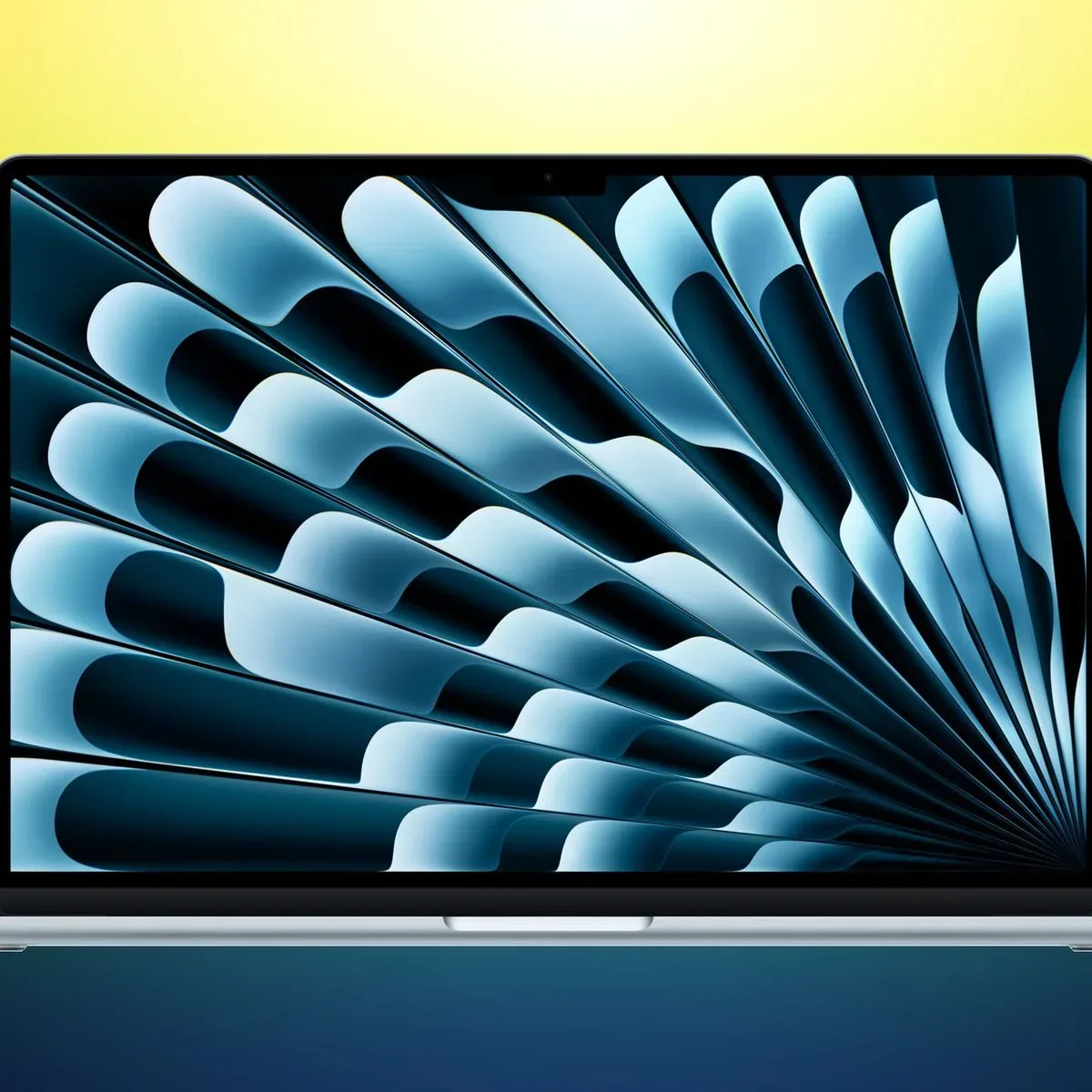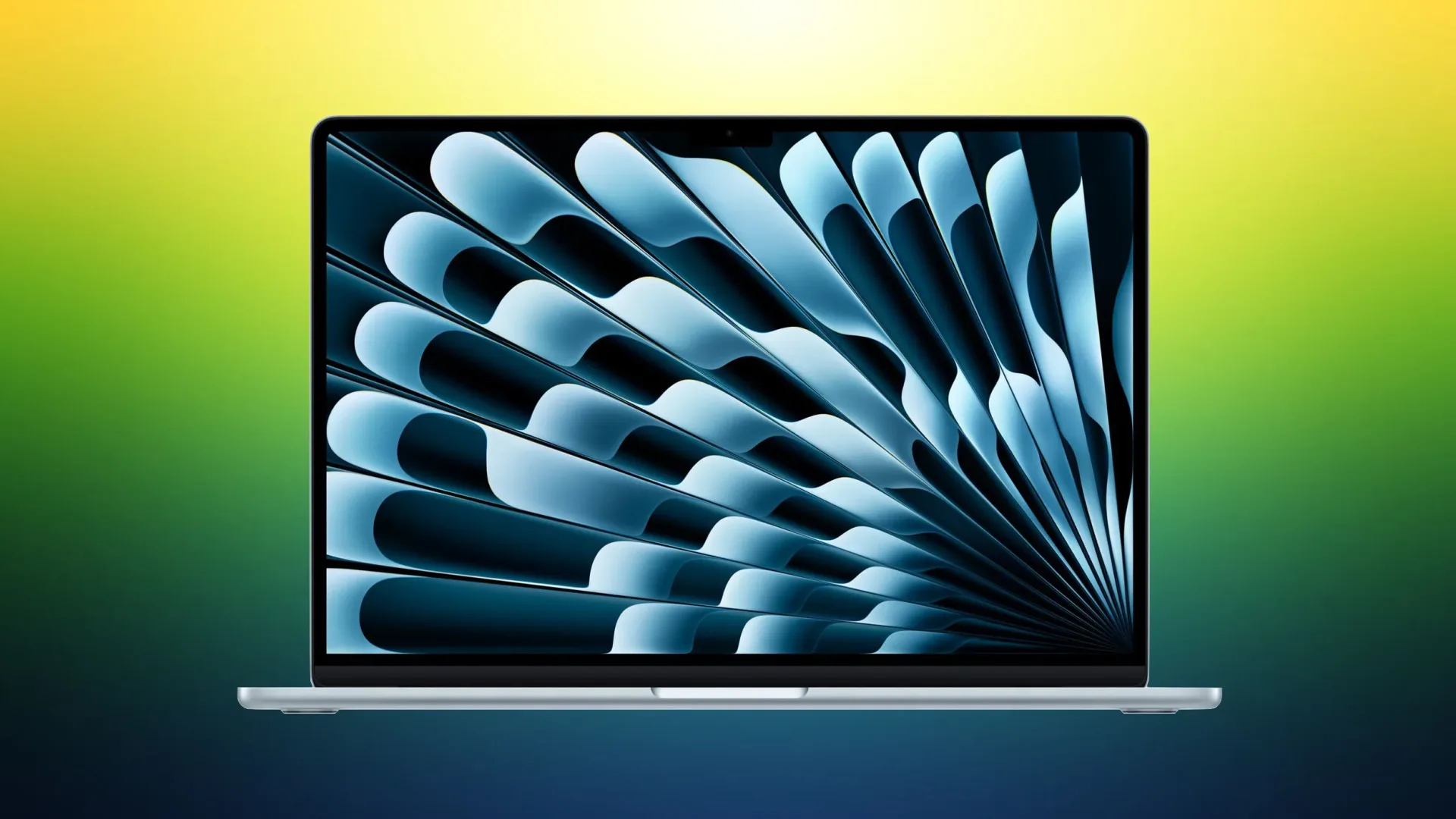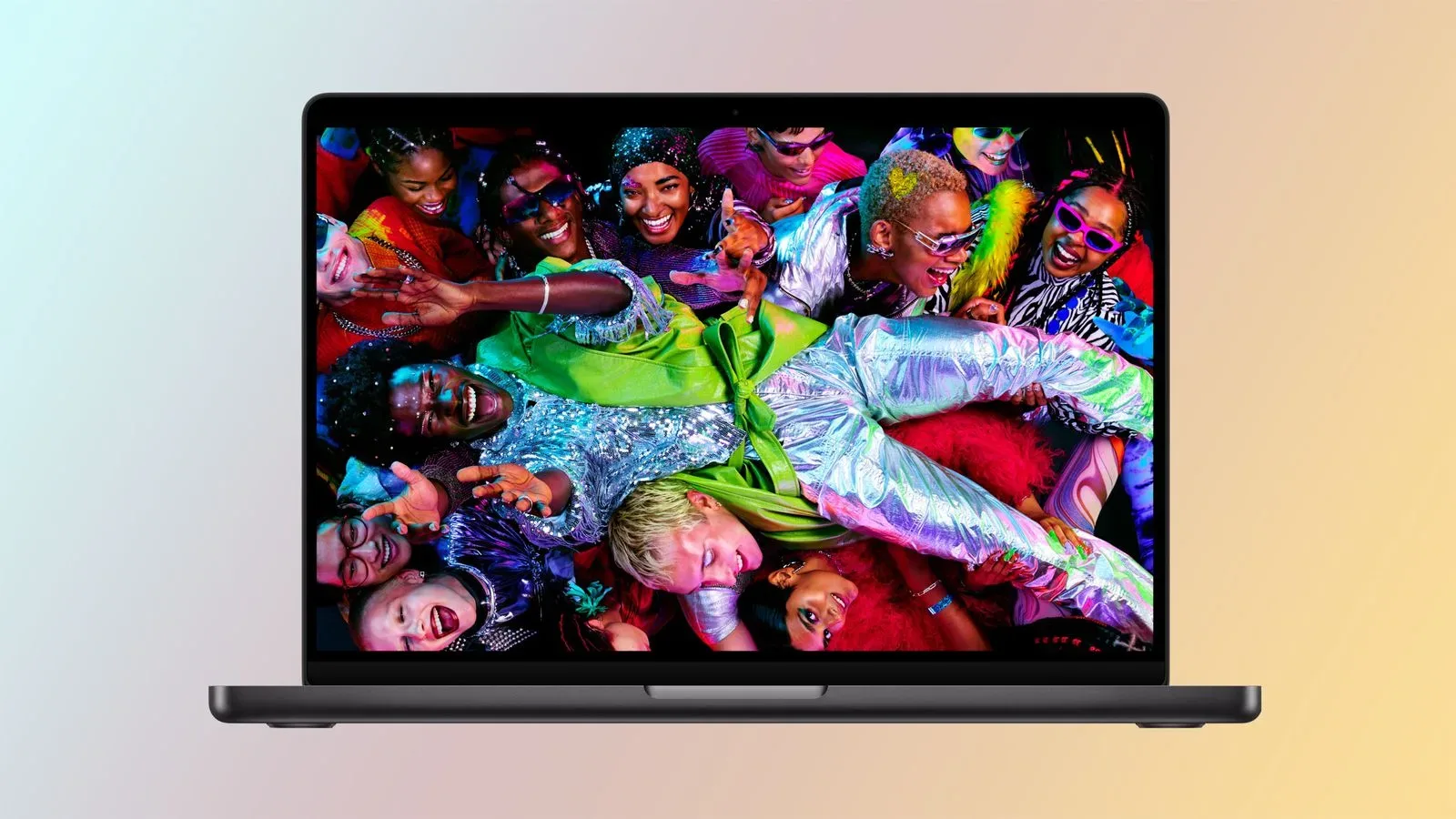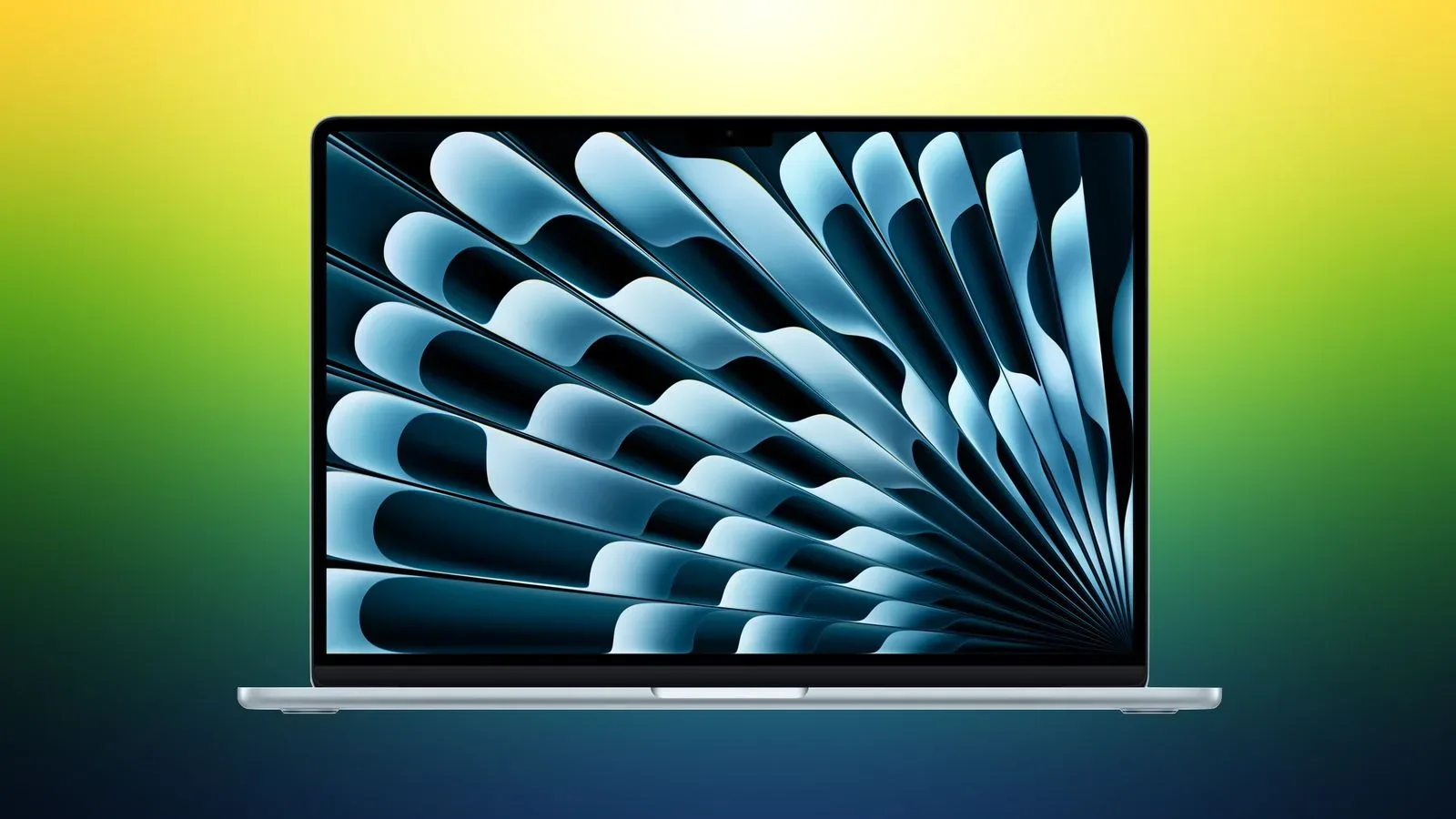
Amazon is offering discounts of up to $150 on select M5 MacBook Air configurations, covering both the 13-inch and 15-inch versions of Apple’s thin-and-light notebook. The sale matters less as a blanket price cut across every configuration than as a reminder to shop the exact model number, memory capacity, storage tier, screen size, and color rather than assuming every MacBook Air has fallen by the same amount.
The most clearly detailed listing is the 13-inch M5 MacBook Air with 16GB of memory and a 1TB SSD, in Sky Blue, for $1,449. That is $150 below its listed $1,599 price. Two 15-inch M5 MacBook Air discounts are also included in the wider promotion, although the available information does not specify their configurations or exact sale prices.
The deal at a glance
- Product: M5 MacBook Air
- Retailer: Amazon
- Maximum stated discount: Up to $150 on select models
- Specific configuration detailed: 13-inch, 16GB memory, 1TB storage
- Specific price detailed: $1,449, reduced from $1,599
- Color named for that configuration: Sky Blue
- Other eligible models: Two 15-inch M5 MacBook Air listings
These prices are described as the lowest yet seen for the M5 MacBook Air following Apple’s summertime price increases. That framing is useful, but it should not be mistaken for a permanent new baseline. Retail prices, third-party retailer inventory, color-specific stock, and configuration availability can all shift independently. A discount attached to one capacity and finish does not automatically carry over to the laptop a buyer actually wants.
Why the 16GB/1TB model deserves a closer look
Among the sale listings, the 13-inch system is the easiest to assess because its specifications and price are stated. It combines 16GB of memory with 1TB of storage, two details that can have an outsized impact on whether a laptop fits a particular workload over time.
Memory, often called RAM, is the short-term working space used while applications and browser tabs are active. The listed 16GB capacity is therefore relevant to people whose typical day involves multiple programs at once: a game launcher or chat client alongside a browser full of guides, a capture utility, image editor, spreadsheet, and background downloads, for example. It does not establish how any particular game or creative application will perform, since no benchmark, graphics information, or hands-on testing is part of this deal information. It simply identifies a configuration with more room for simultaneous work than a lower-memory alternative would offer.
Storage is the longer-term space for macOS, apps, local files, videos, and game installations. A 1TB SSD gives buyers more capacity than a smaller drive, which can be particularly practical for those who keep large media libraries or several large projects locally. But more capacity is not the same thing as an unlimited library. It remains worth checking the real footprint of the software and files that will live on the machine rather than buying on the assumption that any 1TB drive makes storage management disappear.
For gaming-minded buyers, a MacBook Air purchase should begin with the games and services they genuinely plan to use. The supplied sale details establish the computer’s M5 branding, physical size options, memory and storage for one 13-inch configuration, and price; they do not establish compatibility or performance in a particular title. Check a game’s current macOS support and its stated system requirements before treating this sale as a shortcut to a portable gaming setup.
13-inch versus 15-inch: size is not a minor checkbox
The deal covers both available screen-size families, and that choice is more fundamental than it can look on a product page. A 13-inch laptop is generally the option for buyers who prioritize a smaller footprint. A 15-inch laptop provides a larger display area, which can make timelines, documents, chat windows, browser tabs, and game interfaces easier to arrange. Neither is automatically the correct pick solely because it has the larger discount.
The practical decision is about where the machine will be used. Someone frequently carrying it between classes, workspaces, or trips may value the more compact format. Someone using the laptop as a primary desk machine without an external display may find more value in the larger panel. Since the provided information identifies two discounted 15-inch options but does not list their memory, storage, finish, or price, shoppers should compare the full specifications before deciding that the larger model represents the better deal.
How to read “up to $150 off” without being baited by the headline
“Up to” is a ceiling, not a promise that every model receives the maximum discount. In this case, the specified 13-inch 16GB/1TB Sky Blue model does receive the full $150 reduction, moving from $1,599 to $1,449. The other eligible systems may differ. That is normal for configuration-based sales: a retailer may reduce individual stock-keeping units rather than an entire product line uniformly.
A useful way to judge the offer is to separate three questions:
- Is this the configuration I need? Start with screen size, then memory and storage. A low price on an unsuitable configuration is not necessarily savings.
- Is the discount real for this exact listing? Confirm the struck-through or regular price and the checkout price on the particular color and capacity selected.
- Is it good relative to recent pricing? The promotion is characterized as the lowest price seen after summer price rises, but buyers should still decide whether the final amount fits their own budget and timing.
This approach also guards against an easy shopping mistake: comparing a sale price for one high-capacity system with the list price of a different, lower-capacity system. Memory, storage, display size, and sometimes color availability can change the comparison. Keep the specifications aligned before calculating a discount percentage or declaring one listing a winner.
A quick pre-checkout checklist
- Verify that the listing says M5 MacBook Air, not a similarly named prior model.
- Confirm the selected screen size: 13-inch or 15-inch.
- Confirm memory and storage after choosing a color or configuration, because variations may not share the same price.
- For the detailed 13-inch offer, verify that it remains the 16GB/1TB Sky Blue configuration at $1,449.
- Check that the discount still appears in the cart before completing an order.
- Check the applications and games you intend to run for current macOS compatibility rather than inferring it from the laptop’s name alone.
- Review shipping, return, and warranty terms directly on the retailer’s listing.
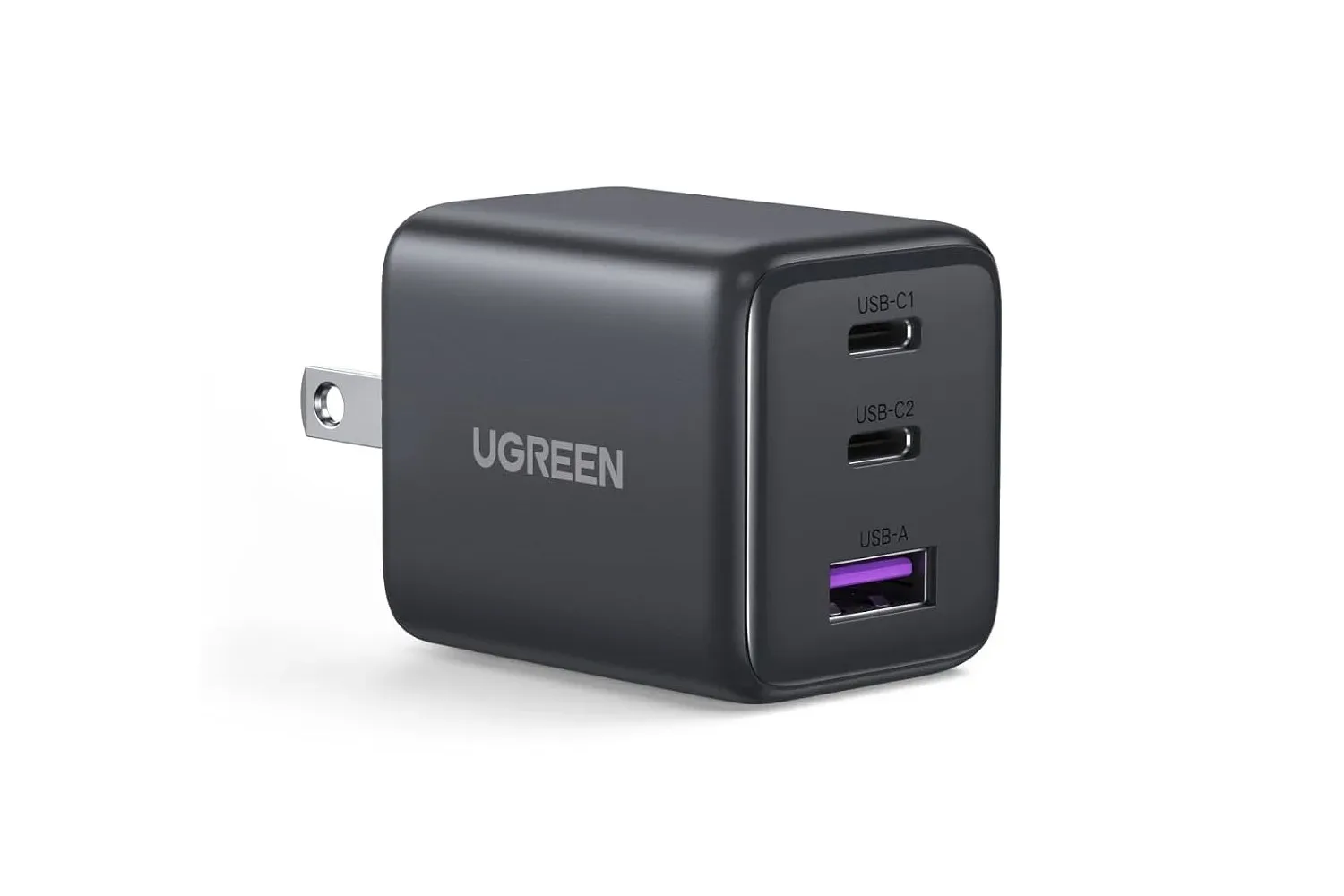
Portable-computing deals increasingly intersect with the broader desk setup. A laptop buyer considering accessories should be equally precise about charging claims, ports, and power limits; a recent look at a low-cost three-port charger explains why a tempting headline spec can require closer reading: UGREEN’s Three-Port 30W Charger Is Listed at $9.95, but Gamers Should Check the Fine Print Before Calling It a Setup Upgrade.
What this sale does—and does not—tell buyers
The available details support a straightforward takeaway: selected M5 MacBook Air models are cheaper at Amazon, with the detailed 13-inch 16GB/1TB option reduced by $150 to $1,449 and at least two 15-inch variants also discounted. For a buyer already targeting that exact 13-inch specification and Sky Blue finish, the math is clear.
What the deal information does not provide is just as important. It does not set out the exact 15-inch configurations, their prices, sale duration, stock levels, performance measurements, battery figures, port selection, gaming results, or all-model pricing. Those unknowns should remain unknown rather than being filled in with assumptions. The sensible move is to use the stated $150 saving as a concrete reference point, then verify every remaining purchase-critical detail on the live product listing.
Shop the products
Check current price, model and availability at the retailer.