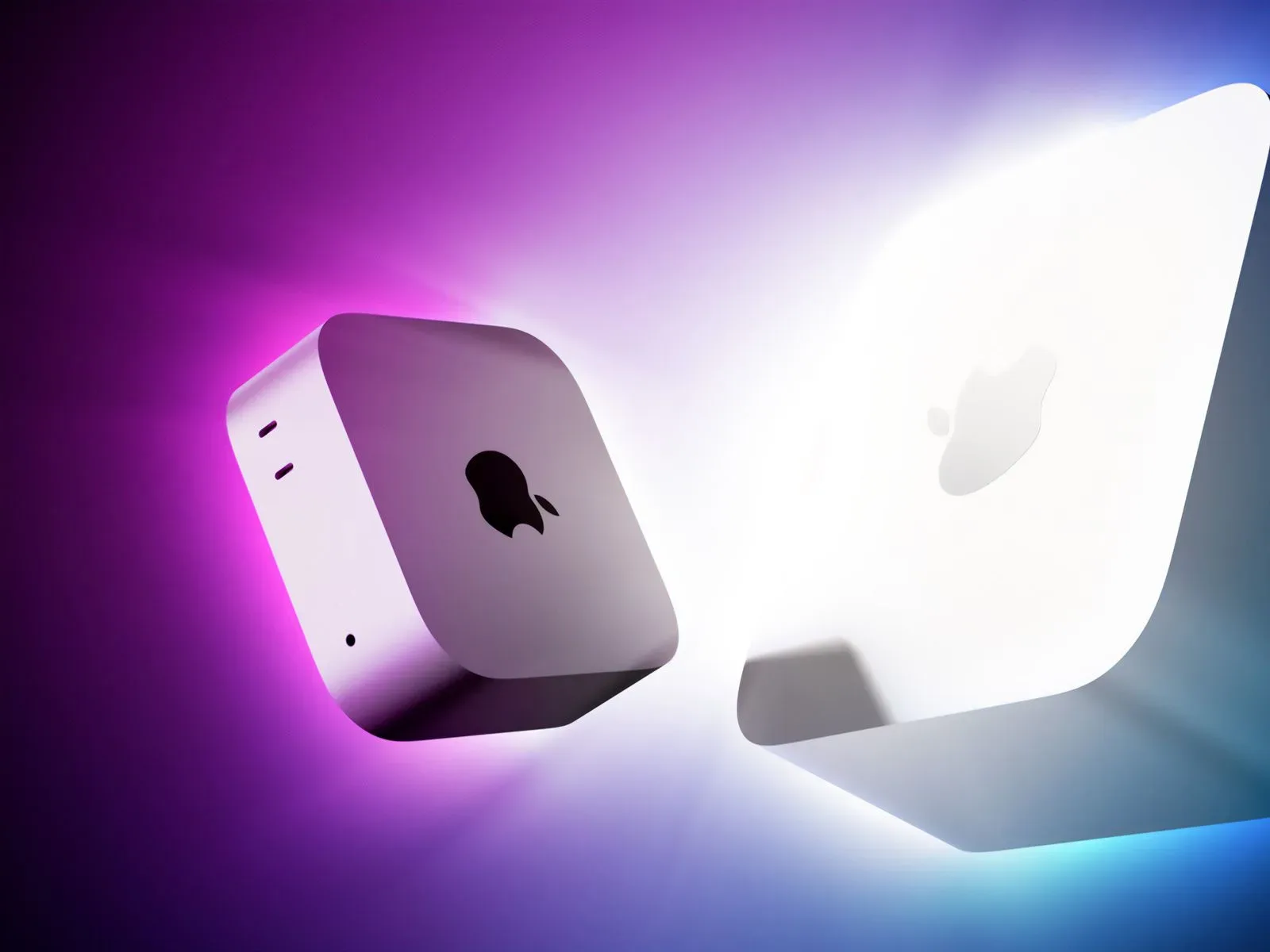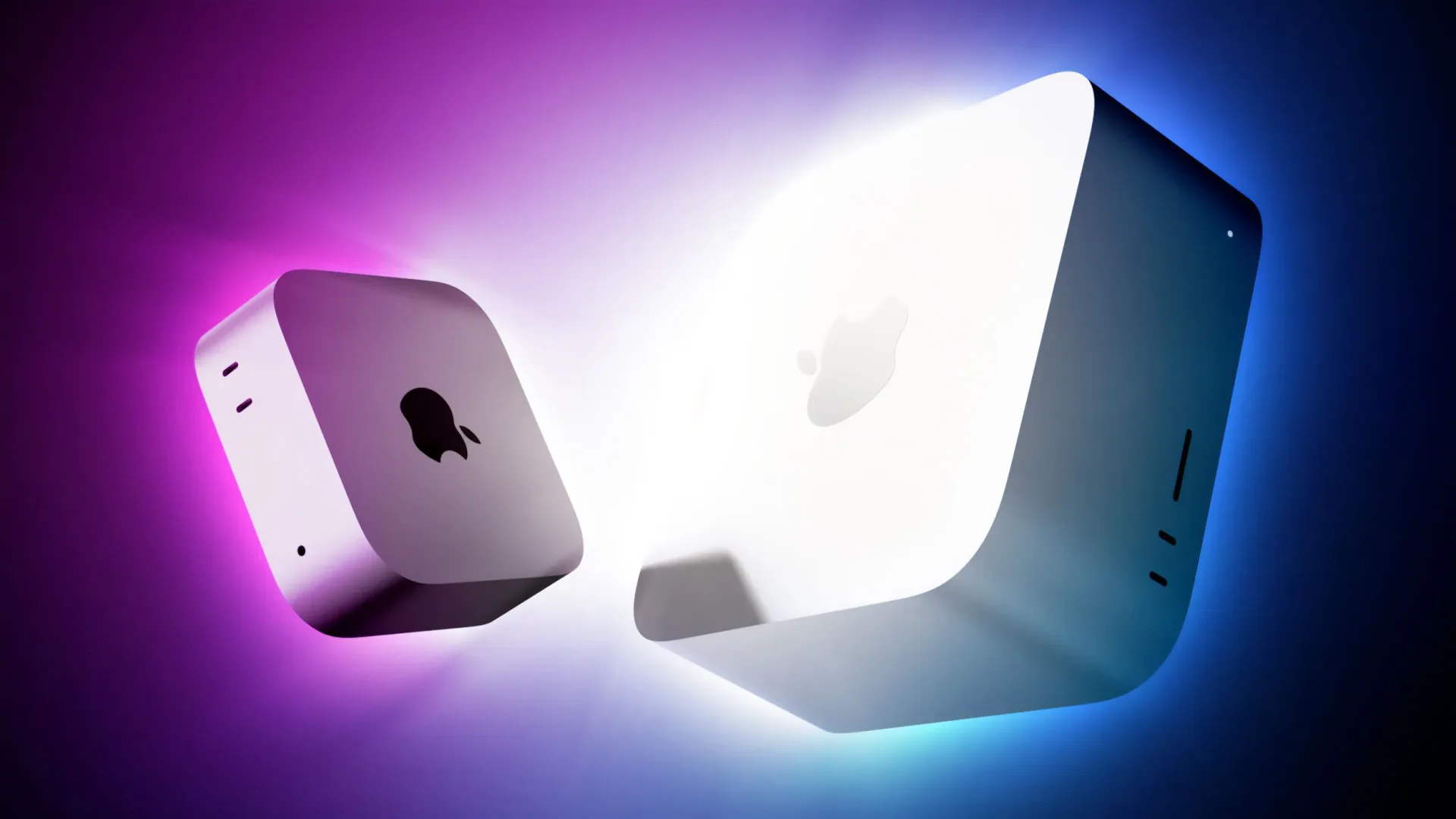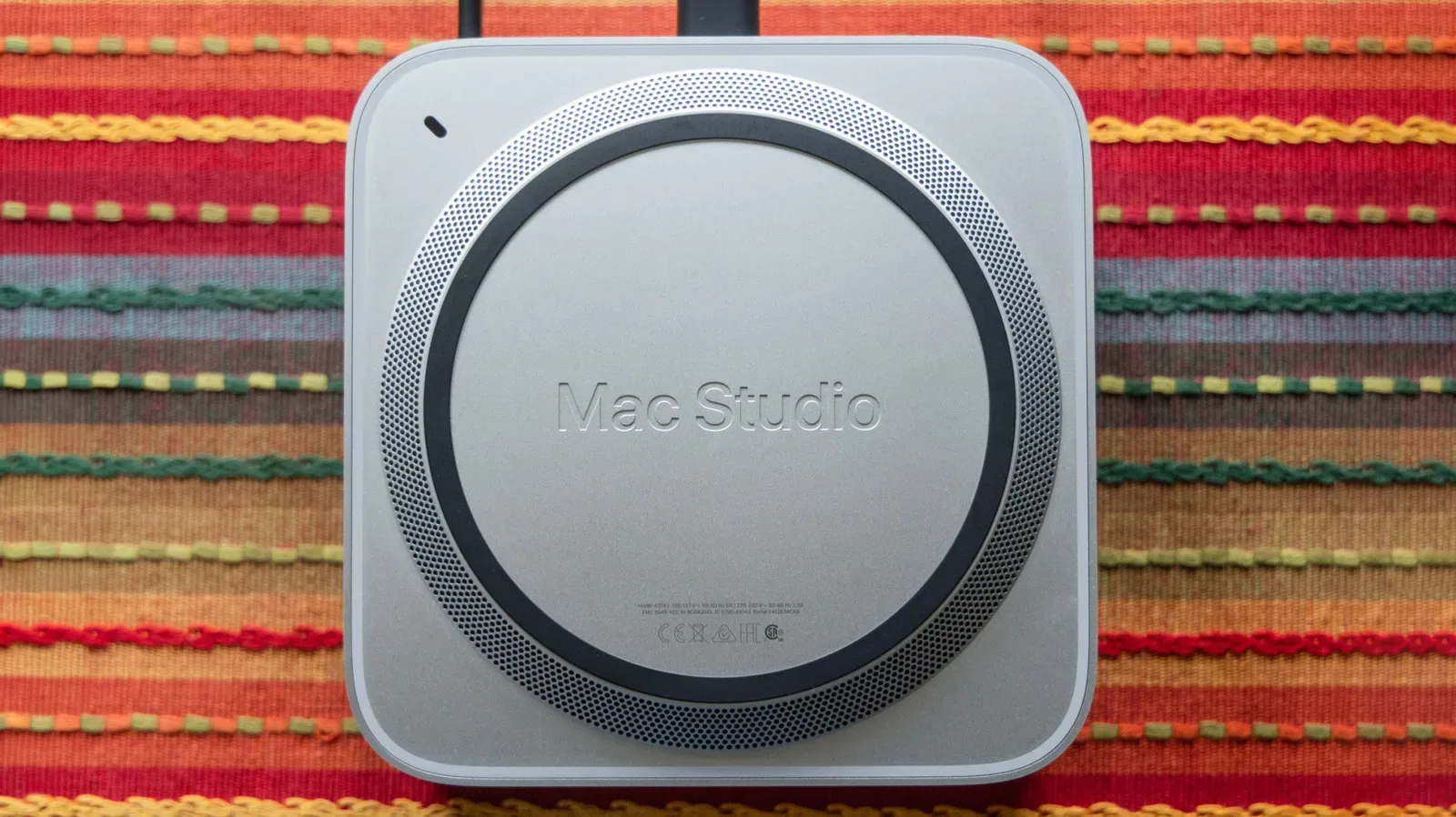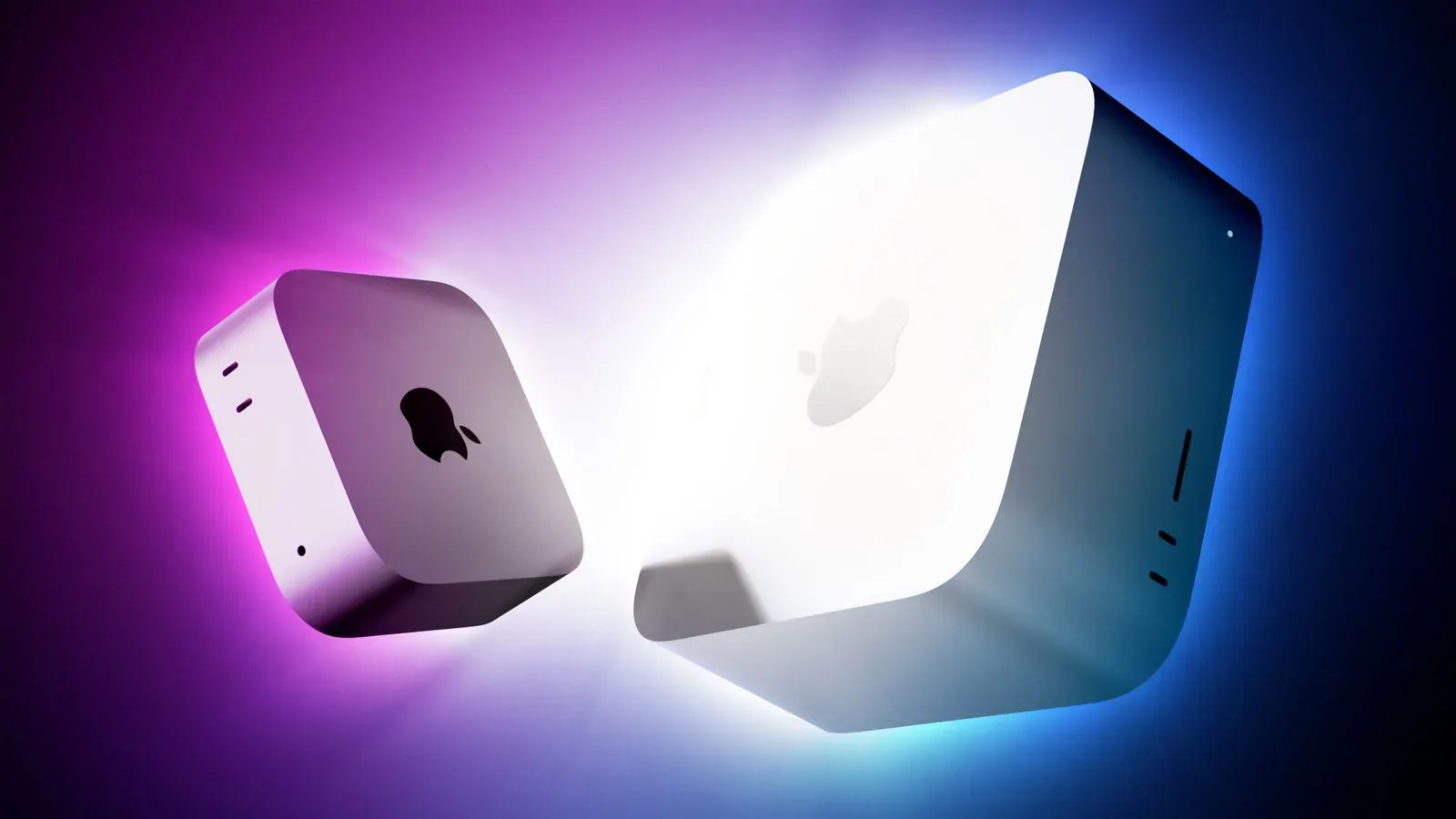
Apple’s new Mac mini and Mac Studio desktops are now available in 30 countries and regions, including the United States. For buyers who do not want to watch a delivery tracker perform its slowest possible loading animation, many Apple Store locations are offering same-day pickup on eligible configurations.
The availability covers a newly split desktop lineup: the Mac mini is offered with either an M6 or M5 Pro chip, while the Mac Studio is available with M5 Max or M5 Ultra. The machines occupy very different price tiers, but the same pickup caveat applies across the range: same-day collection is for available standard models, not custom configurations ordered with upgraded specifications.
How Apple Store pickup works
Customers can begin on Apple’s online store by placing an eligible Mac mini or Mac Studio in their bag. At checkout, select the option to pick up the order, enter a ZIP code, choose a store with stock, then select an available collection date. The order is paid for online.
Anyone collecting should be prepared to show a valid government-issued photo ID and the order number, as these may be required at pickup. It is a straightforward process, but checking the store-specific availability before treating the trip like a guaranteed loot drop remains sensible.
- Add the desired Mac to the online bag.
- Proceed to checkout and choose the pickup option.
- Enter a ZIP code and select an Apple Store with availability.
- Choose a collection date.
- Complete payment online.
- Bring the order number and, if requested, a valid government-issued photo ID.
The important limitation: custom builds are not same-day pickup orders
Apple says same-day store pickup is not available for custom Mac configurations with upgraded specifications placed through its online store. In practical terms, shoppers who require a configuration beyond what their selected store has ready to go should expect a different fulfillment path rather than an immediate pickup appointment.
That distinction matters most on a workstation-class purchase. A desktop computer is rarely an impulse buy in the same way as a phone charger or a cable, and buyers may have particular needs that do not align with a store’s standard inventory. If a specific upgraded configuration is essential, selecting it is more important than chasing same-day availability. If speed is the priority, selecting from the configurations displayed as available at a nearby store is the relevant route.
There is also a simple terminology point worth keeping clear: same-day pickup means a particular store has an eligible configuration available for collection that day. It does not mean every model, every chip option, or every possible upgraded specification can be collected immediately. Availability can vary by location.
Mac mini pricing and chip choices
The new Mac mini starts at $899 with M6, or $799 for eligible education customers. The M5 Pro version starts at $1,699, with eligible education pricing starting at $1,599.
- Mac mini with M6: from $899; $799 for eligible education customers.
- Mac mini with M5 Pro: from $1,699; $1,599 for eligible education customers.
Apple has described M6 as its first 2nm chip. “2nm,” or two nanometers, is a manufacturing-process label used for a chip generation; it should not be read as a literal measurement of the complete processor. For a buyer comparing store listings, the more immediately useful point is that M6 and M5 Pro are separate Mac mini options with substantially different starting prices.
The “Pro” label identifies the M5 Pro as a higher-tier option within the supplied lineup, but shoppers should avoid filling in unlisted specifications from the name alone. The relevant purchase decision is not simply whether one chip title sounds more powerful; it is whether the readily available configuration, price, and fulfillment timing match the buyer’s requirements.
Mac Studio moves into higher-priced territory
The new Mac Studio starts at $2,499 with M5 Max, or $2,299 for eligible education customers. The M5 Ultra model starts at $5,499, dropping to $5,099 for eligible education customers.
- Mac Studio with M5 Max: from $2,499; $2,299 for eligible education customers.
- Mac Studio with M5 Ultra: from $5,499; $5,099 for eligible education customers.
Apple calls M5 Ultra its most powerful chip ever. That is a manufacturer performance claim, while the tangible shopping takeaway is the pricing ladder: the M5 Ultra Mac Studio begins $3,000 above the M5 Max model at standard pricing. It is therefore especially important to verify the precise machine in the bag before checkout rather than treating “Mac Studio” as one undifferentiated product.
“Max” and “Ultra” here are chip-tier names, not separate types of computer. Both options belong to the Mac Studio range, but they represent different starting configurations and budgets. For purchasers buying a desktop to anchor a setup, the rest of that setup still matters too: displays, storage, networking, peripherals, and any existing workflow should factor into the choice. A desktop that can be picked up today is convenient; it is not automatically the right one just because it is sitting behind the counter.
What the launch-day pickup option is actually good for
Same-day pickup is most useful for buyers who have already made the configuration decision and can find that exact standard model at a nearby store. It provides a defined handoff: payment is settled online, store stock is chosen at checkout, and the purchaser collects the machine in person. That can be preferable to waiting for a shipment when a replacement desktop is needed promptly or a new setup is ready to be assembled.
It is less useful for someone still deciding between tiers or hoping to create a made-to-order machine with upgrades. That shopper should regard pickup availability as one input, not the whole answer. The storefront may have the M6 Mac mini but not the M5 Pro model, or one Mac Studio tier but not another. Selecting an available base configuration merely to get it today could mean accepting a different product than the one originally intended.
For people planning a practical household or media-focused desktop role, a broader setup plan may be more valuable than a launch-day sprint. Our guide to turning an older computer into a home media server is a useful reminder that the best use for an existing machine can sometimes be a changed role rather than immediate replacement.
Leasing is also available to eligible U.S. customers
Eligible U.S. customers can use Apple Upgrade to lease a new Mac through monthly payments and upgrade at the end of the lease. This is distinct from the listed purchase prices and should be considered separately from whether a particular configuration is available for pickup.
The key questions are therefore neatly divided: first, choose the Mac mini or Mac Studio tier and configuration that fits the intended use; second, check nearby stores for the exact eligible standard model; and third, choose between buying outright or, for qualifying U.S. customers, leasing through Apple Upgrade. Treating those as separate decisions prevents the urgency of a same-day slot from deciding the entire purchase.
For launch-day buyers, the cleanest approach is to confirm the configuration name, verify its price and education eligibility if applicable, choose pickup only if the local store has that exact model, and bring the necessary collection details. The new desktops may be ready for a speedy store run, but custom-spec shoppers will need to let the side quest take the longer route.