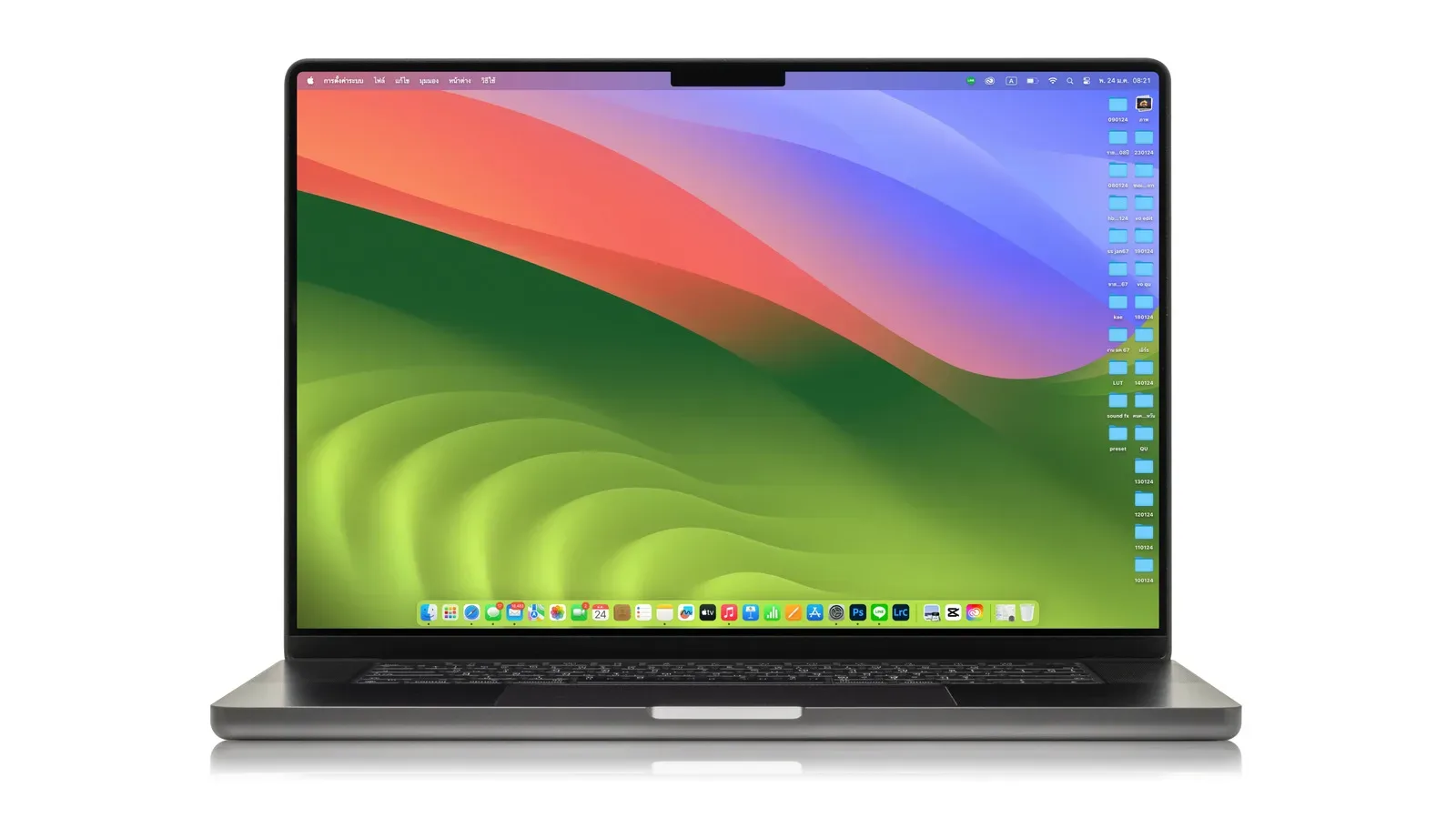
Apple desktop shoppers have a fresh reason to pause before paying list price: select new Mac mini configurations are being discounted by as much as $149, while a configured M5 Max Mac Studio has dropped by $200. The reductions apply to specific memory and storage combinations, rather than every model in either compact-desktop family, so the configuration attached to a listing matters as much as the product name.
The clearest Mac Studio offer is an M5 Max model with 36GB of memory and a 512GB SSD at $2,299, reduced from $2,499. That is a straightforward $200 saving on a machine positioned as the higher-end option in Apple’s small-desktop range. On the Mac mini side, a model listed with 16GB of memory and 256GB of SSD storage is $779.99, or $119 below its stated regular price, while the 16GB/512GB version is $949.99, a $149 reduction. Sale pricing is also reported for M5 Pro Mac mini configurations, though the available details do not establish the exact configurations or discounts for each of those listings.
The prices currently reported
- Mac mini, 16GB memory / 256GB SSD: $779.99, a stated $119 off.
- Mac mini, 16GB memory / 512GB SSD: $949.99, a stated $149 off.
- Mac Studio, M5 Max, 36GB memory / 512GB SSD: $2,299, down from $2,499 for a $200 reduction.
- Mac mini M5 Pro: discounts are reported on some configurations, but no individual price-and-specification pair has been confirmed here.
The sale report also describes M6 and M5 Pro Mac mini models as included. That naming detail is worth keeping separate from a purchase decision: buyers should rely on the processor name, memory amount and SSD capacity shown on the exact listing they are considering, rather than assuming that every Mac mini under a sale banner shares the same chip or saving.
Why configuration details deserve more attention than the headline discount
A Mac mini and a Mac Studio are compact desktop computers, not all-in-one systems. A buyer generally needs to account for a display and input devices if they do not already own them. The lower sticker price of a Mac mini can therefore be only one part of the total desk setup cost. Conversely, someone replacing an existing desktop while retaining a monitor, keyboard, mouse and storage may be in a much better position to judge the deal solely on the machine itself.
Memory and storage are particularly important because the advertised discounts are tied to those specifications. Memory, often called RAM, is the fast working space a computer uses while applications and files are active. The 16GB figure in the listed Mac mini deals and the 36GB figure in the Mac Studio deal should not be treated as a generic measure of which computer is “better” in every context; they indicate different configurations aimed at potentially different workloads and budgets.
SSD storage is the built-in solid-state drive capacity used for macOS, applications, games, project files and other local data. The listed 256GB and 512GB capacities tell shoppers how much internal space is included before they make any decisions about external drives or cloud storage. A $149 reduction on a 512GB Mac mini may be meaningful to someone who specifically needs that capacity, but it is not automatically the superior buy for someone whose use case comfortably fits in 256GB.
That distinction may sound obvious, but it prevents a familiar sale-season error: comparing only the largest dollar discount. A deal is useful when the discounted configuration fits the work, library and desk already in place. Buying more storage or memory than needed simply because a discount looks larger can still mean spending more overall.
Mac mini or Mac Studio: start with the role, then compare the listed specs
The Mac mini is the more accessible entry in the reported offers, beginning at $779.99 for the 16GB/256GB configuration. The Mac Studio offer, at $2,299, sits in a substantially different budget tier. The reported hardware names reinforce that separation: the Studio configuration is identified as M5 Max with 36GB of memory, while the mini offers mentioned include M6 and M5 Pro variants.
There is not enough information in the available sale details to make a responsible performance ranking between every chip named here. Processor labels alone do not provide a complete answer about a buyer’s experience, and no benchmark results, graphics specifications, port selection or other technical performance data are established in the material behind these prices. Shoppers should resist filling those gaps with assumptions.
Instead, use the sale listings as a short list and verify the exact machine on its own terms. A practical comparison begins with the advertised chip, then moves to included memory, SSD capacity and final checkout price. That method is more reliable than treating “Mac mini” or “Mac Studio” as if each name referred to one fixed specification.
For people shopping for a multipurpose desk machine, the gap between the two main reported prices is also useful context. The $2,299 Mac Studio costs $1,519.01 more than the $779.99 16GB/256GB Mac mini sale price. That is not an argument that either option is wrong; it is a reminder that these discounts create choices across very different spending levels. The Studio’s $200 cut is larger in raw dollars, while the listed 512GB Mac mini’s $149 reduction lowers the price of a much less expensive starting point.
What the discounts do—and do not—tell buyers
The reported reductions offer a snapshot, not a permanent price floor. Retail promotions can change, inventory can vary by configuration and a product page can be updated without notice. Anyone considering one of these machines should confirm that the price, chip designation, memory and SSD capacity at checkout are the same as those in the offer they intend to use.
It is equally sensible to distinguish a discount from a recommendation. The $2,299 Studio deal clearly identifies both the previous price and the new price, making its $200 difference easy to calculate. The mini listings do the same for two specified configurations. But a sale cannot determine whether 256GB or 512GB is adequate for a particular person, whether 16GB or 36GB is appropriate, or whether a buyer already has the monitor and accessories needed for a desktop setup.
For shoppers already comparing Apple hardware, Joking Joystick’s look at MacBook Pro pricing across M5 and earlier M1 Pro models offers related context on how product generations and configurations can complicate a simple price comparison. Desktop and notebook needs are different, of course, but the underlying shopping discipline is the same: compare like with like before deciding that one number represents the better value.
A sensible checklist before committing
- Match the listing to the configuration: Confirm the chip label, memory and SSD capacity. Do not assume a lower-priced Mac mini has the same specifications as another discounted mini.
- Calculate the full setup cost: If this is a first desktop purchase, include a display and any required input devices in the budget.
- Think about local storage: The advertised mini options differ between 256GB and 512GB, while the Studio offer includes 512GB. Identify how much room current applications and files require before choosing on discount alone.
- Check the final price: Promotions may be temporary, and individual configurations may not all receive the same reduction.
- Do not infer unlisted specifications: No conclusions about gaming results, graphics behavior, ports, displays or benchmarks should be drawn from the sale information alone.
These offers are most useful to buyers who already know which configuration they need. The 16GB/256GB Mac mini at $779.99 is the lowest stated entry point among the detailed deals. The 16GB/512GB Mac mini raises the upfront cost to $949.99 but has the larger reported mini discount, at $149. The M5 Max Mac Studio carries the biggest stated reduction, $200, and includes 36GB of memory with a 512GB SSD at $2,299.
That is enough information to make an informed first pass, but not enough to turn an incomplete product label into a blanket buying verdict. Treat the discounts as an opportunity to compare exact configurations carefully—because in desktop shopping, the small print is usually where the real build lives.
Shop the products
Check current price, model and availability at the retailer.