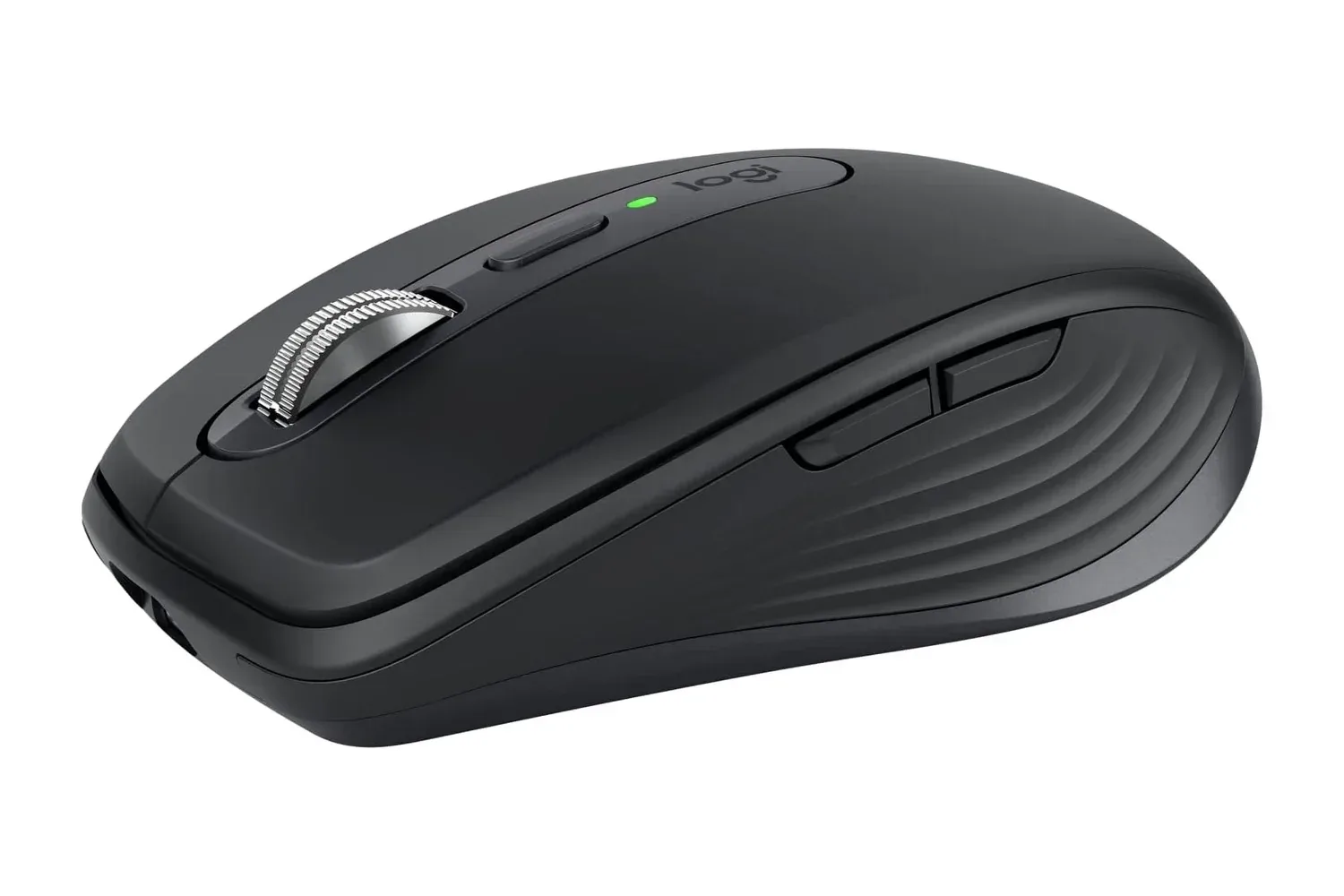
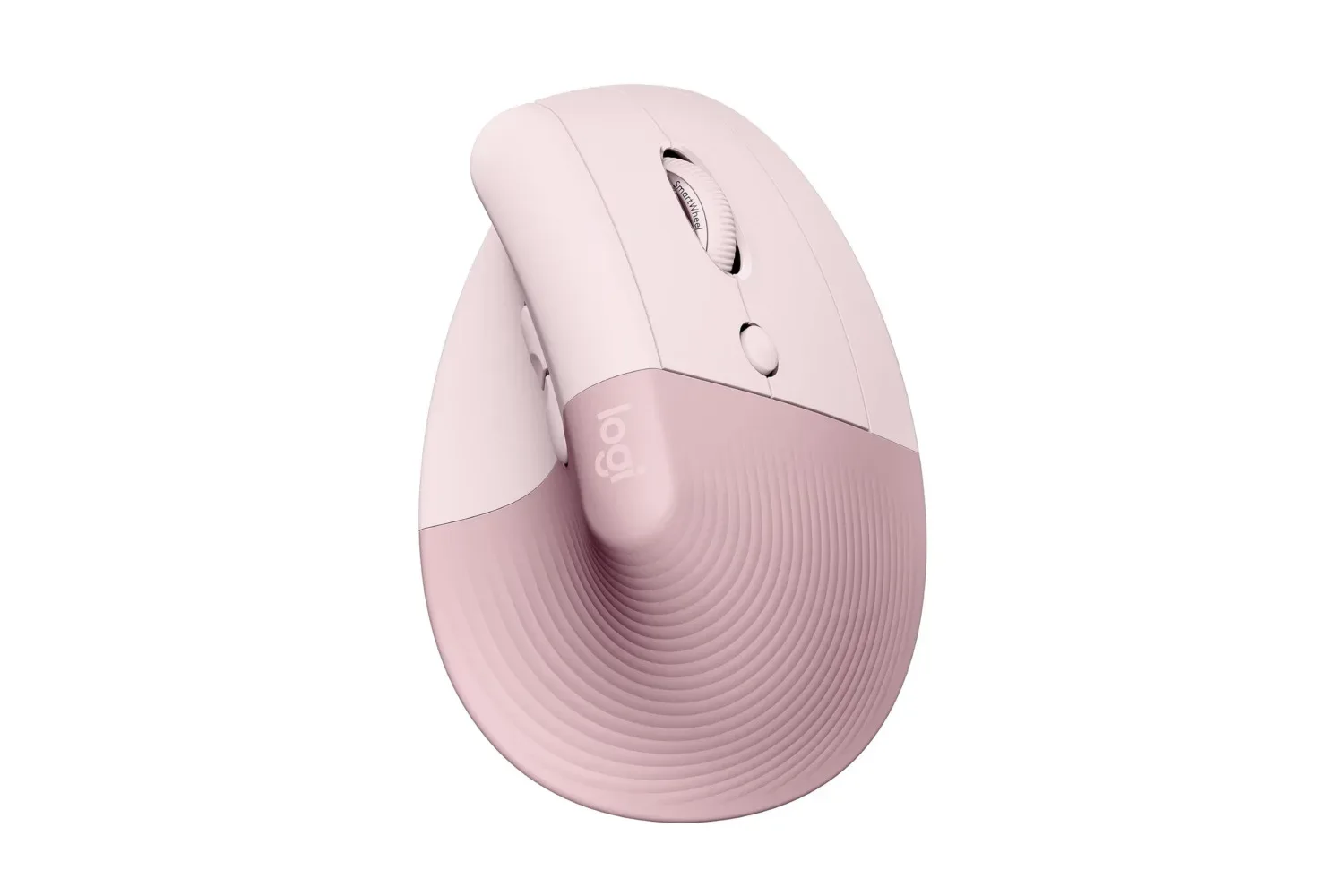
Desk gear rarely gets the same attention as a new graphics card, monitor or console, but the mouse is one of the pieces of hardware people use most continuously. Logitech’s Lift Vertical Ergonomic Mouse is the latest peripheral to fall into Black Friday pricing: Rose and Graphite versions are listed at $54, a $26 reduction from the stated $80 regular price. Sand and Off White are listed at $57.
The pricing matters because the Lift is not simply a conventional compact mouse in a different color. Its defining feature is its upright shape, built around a 57-degree angle intended to place a user’s hand closer to a handshake-like position. It is aimed at people who want an alternative grip posture during long sessions at a desk, whether that time is spent gaming, working, editing or navigating a multi-device setup.
There are caveats worth checking before treating the price as the whole story. The product is sold in right-handed and left-handed versions, but the left-handed Lift is only available in Graphite. The $54 offer applies to Rose and Graphite, while the other two colors carry the slightly higher listed price. Retail promotions can change, so buyers should verify the color, handedness, exact price and shipping terms in the listing before checking out. The Black Friday listing details are available here.
What makes a vertical mouse different?
A traditional mouse generally asks the hand to rest flatter, with the palm facing down toward the desk. A vertical mouse rotates that orientation so the hand sits more on its side. Logitech describes the Lift’s 57-degree angle as a more natural handshake position, with support for the fingers, thumb and palm area.
For more context, explore Cardi B and Offset Settle Beverly Hills Mansion Dispute Tied to “Like What” Video.
That is an ergonomic design approach, not a universal cure for discomfort. “Ergonomic” means a product is shaped to suit human use and posture more comfortably; it does not guarantee that one size, angle or grip works for every person. Hand size, desk height, chair position, sensitivity settings and how someone grips a mouse can all affect whether a particular model feels suitable. The practical takeaway is that the Lift’s form is its main reason to consider it, rather than an incidental extra attached to a low sale price.
For PC players, the most obvious use case may not be a competitive match. A vertical mouse can be more relevant during the hours around gaming: browsing guides, managing launchers, chatting, watching streams, doing schoolwork or office tasks, and navigating strategy, management or point-and-click games. That does not rule it out for other play, but the supplied details emphasize comfort, quiet operation and shortcut access rather than gaming-specific sensor specifications or performance claims. Buyers looking for evidence about competitive performance should avoid assuming it from the product’s ergonomic positioning alone.
Scrolling and shortcuts are the productivity side of the package
The Lift offers both speed and precision scrolling modes. In simple terms, those modes are meant to give the scroll wheel different behavior depending on the task: moving quickly through a lengthy page or document versus making more controlled movement through content. That flexibility can be useful when one minute involves moving through a long web page and the next involves making a smaller adjustment.
It also has four customizable buttons. Customizable buttons are physical controls that can be assigned shortcuts instead of always performing a fixed default action. Logitech’s Logi Options+ app can set those functions on a per-application basis. That means a button assignment can change with the program in use, so the same button could serve one function in a browser and another in a different app.
This is a potentially useful distinction for people whose desk time is split among multiple tasks. Per-app customization is about reducing repeated mouse travel or menu hunting, not adding more buttons for their own sake. A user who does not want to install or configure software can still judge the Lift on its shape and connectivity, while someone who does use the app has a route to tailor its controls to recurring routines.
The mouse is also described as operating fairly quietly. That may be a modest feature on a specification list, but it has a real environmental benefit for a shared room, an office or a late-night desk setup. It should not be confused with a claim that the device makes no noise at all; the relevant point is that it is positioned as a quieter option for clicking.
Bluetooth, Logi Bolt and three-device pairing explained
The Lift can connect through Bluetooth or through the included Logi Bolt USB receiver. Bluetooth is a wireless connection built into many computers and tablets, so it can be convenient when a free USB port is scarce. The Logi Bolt receiver is a separate USB device included with the mouse, offering another way to establish the wireless connection.
Support is listed for Windows, macOS, iPadOS, Chrome OS and Linux. That broad operating-system coverage is especially relevant for a household or workstation that does not revolve around one platform. The supplied compatibility information also includes Apple hardware such as MacBook Neo laptops.
The mouse can be paired with up to three multi-OS devices at once. Pairing is the process of registering a wireless accessory with a device so they can communicate. In practical terms, three-device pairing means a person with, for example, more than one computer and a tablet can keep the Lift associated with those machines rather than starting from scratch whenever they change devices. The provided information does not specify how users switch among those paired devices, so shoppers should not infer a particular switching method from the three-device claim.
For gamers who also use a work laptop or a tablet, that setup could be more meaningful than a small price reduction. It potentially makes one mouse serve a desk that changes roles throughout the day. Conversely, anyone who uses only one computer may see Bluetooth-versus-receiver choice as the more immediately relevant feature.
A replaceable AA battery changes the ownership calculation
Logitech says the Lift can run for up to two years from one AA battery. The phrase “up to” is important: it represents a maximum stated battery-life figure rather than a promise that every setup and pattern of use will achieve exactly two years. Still, the stated lifespan suggests that frequent charging is not central to this model’s design.
The Lift uses a replaceable AA rather than a built-in rechargeable battery. That has a straightforward advantage when power finally runs out: replacing the battery gets the mouse running again without waiting for a charge. Some buyers prefer rechargeable peripherals to reduce the need for disposable cells, while others value the immediate swap offered by a removable battery. The supplied information establishes the Lift’s approach, but not which choice is better for every desk.
There is also a small planning benefit to a device with this kind of claimed battery life. Users who depend on one mouse for work and leisure can keep an AA on hand and avoid the surprise of plugging in an accessory mid-task. It is a mundane consideration, but it is exactly the sort of detail that affects day-to-day peripheral ownership more than product photos do.
Who should consider this deal?
The Black Friday pricing is most compelling for shoppers who already know they want a vertical ergonomic design and can select the appropriate handedness and color. At the listed prices, Rose and Graphite receive the largest reduction, while Sand and Off White remain close behind at $57. The Graphite option is particularly important because it is the only color offered in the left-handed version.
- Long desk-session users: The 57-degree vertical shape is designed around a more handshake-like hand position.
- Multi-device households: Bluetooth, the included Logi Bolt receiver and pairing for up to three devices provide flexibility across supported operating systems.
- Shortcut-focused users: Four customizable buttons and Logi Options+ per-app settings can put repeated functions closer at hand.
- Shared-space users: The quieter operation may better suit environments where constant click noise is unwelcome.
- Left-handed shoppers: They should specifically select Graphite, as that is the only left-handed option identified.
What the available details do not establish is equally important. There is no supplied information on sensor sensitivity, weight, dimensions, charging because it uses an AA battery, or specialized gaming controls. There is also no reason to assume that a vertical shape will be comfortable for every grip or every game. The honest purchasing decision is therefore less about declaring the Lift the right mouse for everyone and more about matching its documented strengths to the job at hand.
For the right buyer, $54 turns a comfort-oriented wireless mouse with broad platform support, programmable controls and long claimed battery life into a notably more approachable desk upgrade. Check the selected finish and handedness carefully, and treat the sale price as a time-sensitive retail listing rather than a permanent new baseline.
Shop the products
Check current price, model and availability at the retailer.