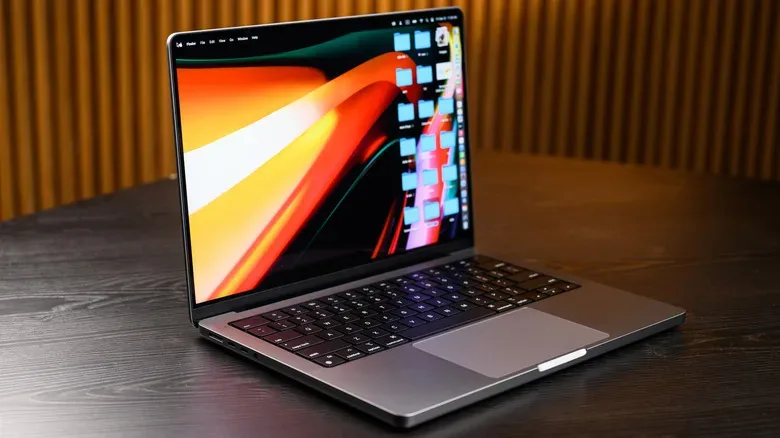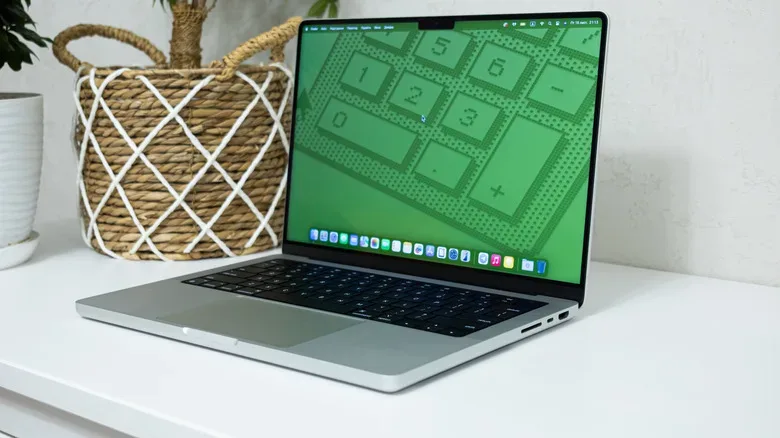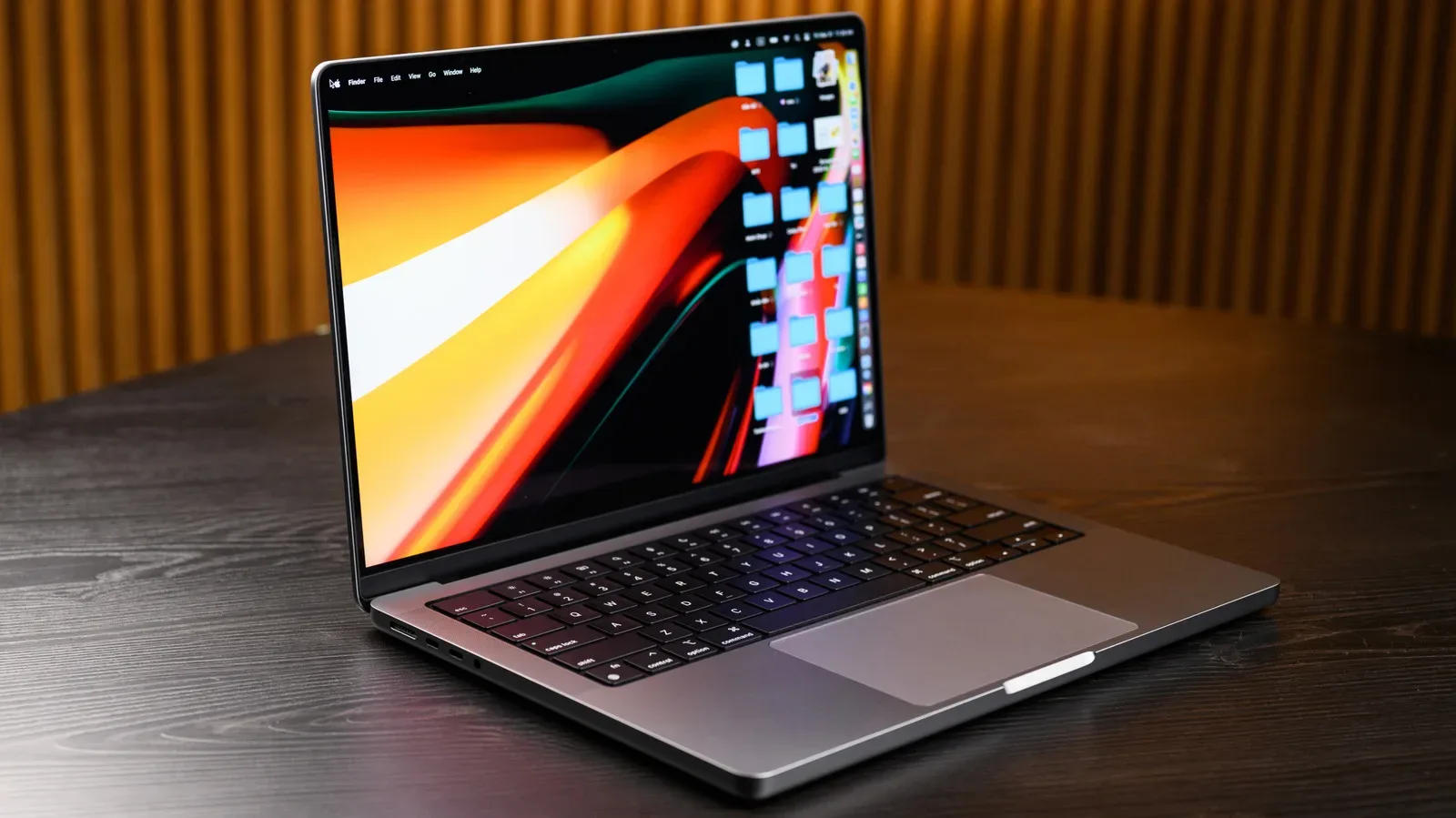
There is a very tempting trap in the used-laptop market: spotting the lowest-priced MacBook and treating the discount as the whole story. In 2026, that is the wrong starting stat. A used MacBook is only a bargain if it can still run the software a buyer needs, receive meaningful security support, and survive the less glamorous realities of second-hand hardware: a tired battery, unreliable ports, a questionable keyboard, or a configuration that was modest even when it was new.
The cleaner dividing line is Apple Silicon. A MacBook with an M-series chip—beginning with the M1 generation introduced in 2020—remains the sensible floor for most shoppers. Apple’s macOS 27 Golden Gate compatibility list includes Apple Silicon MacBook Air and MacBook Pro models dating back to 2020. That gives these machines a materially better software outlook than Intel-based MacBooks, which will not run macOS 27 Golden Gate.
That support distinction matters more than a model’s age, and it changes how buyers should judge every discount. The M1 MacBook Air is still positioned as a capable machine for browsing, streaming, and everyday laptop work. More demanding buyers may find better value in a lightly used MacBook Pro with additional memory, storage, and a stronger M-series processor. Neither recommendation is about chasing the newest badge. It is about buying enough remaining usefulness that the lower upfront cost does not become false economy.
The key question is support, not simply release year
Apple began moving its MacBooks from Intel processors to its own chips in 2020 and stopped selling Intel-based MacBooks in 2021. That history produces a straightforward 2026 shopping rule: confirm whether the particular laptop has an M-series processor before becoming interested in its price.
Apple Silicon is Apple’s name for the processor family used in modern Macs. In this context, it includes the M1 and later M-series chips. An Intel Mac is a MacBook using an Intel processor from the pre-transition era. The labels are not merely collector shorthand or spec-sheet trivia; they identify different software-support paths.
macOS 27 Golden Gate is the first macOS release limited to Apple Silicon Macs. Intel owners are not necessarily left with an instantly unusable machine: Apple is still issuing security updates for several macOS versions, including Tahoe 26, Sequoia 15, and Sonoma 14 as of August 26. But an Intel machine already outside the newest macOS release starts with a shrinking margin. Over time, applications can require newer macOS versions, narrowing the software buyers can reasonably expect to use.
Security updates are also not the same as a full platform future. They are patches intended to address vulnerabilities on an operating system version Apple still supports. They are valuable, but they do not turn an older Mac into a current model or guarantee access to future app requirements. For someone planning a long-term everyday laptop purchase, that distinction should carry real weight.
There is a specialist exception. A buyer comfortable with Linux may extend the life of a pre-M-series MacBook beyond what its macOS future suggests. However, 2018 through 2020 Intel MacBooks have Apple’s T2 security chip to contend with. The T2 is a security-focused chip, and the need to work around it makes the Linux route a project rather than a general recommendation. It may suit technically confident users with a clear purpose; it is not a compelling reason for most people to choose Intel over a similarly priced Apple Silicon option.
Why an M1 MacBook remains the practical entry point
An M1 MacBook Air is not the newest MacBook, and a barebones configuration is not a substitute for every workload. Yet it has two major advantages in a value conversation: it can handle basic computing needs, and it stays within the Apple Silicon group supported by macOS 27. That pairing makes it more than just an inexpensive old laptop.
For a buyer whose routine is web use, video streaming, communication, documents, and similarly everyday tasks, the older Apple Silicon Air is the sensible baseline to compare against. The point is not that all M1 systems are identical in condition or configuration. It is that a buyer is assessing a platform with an ongoing operating-system path rather than purchasing a machine that has already missed the next major macOS release.
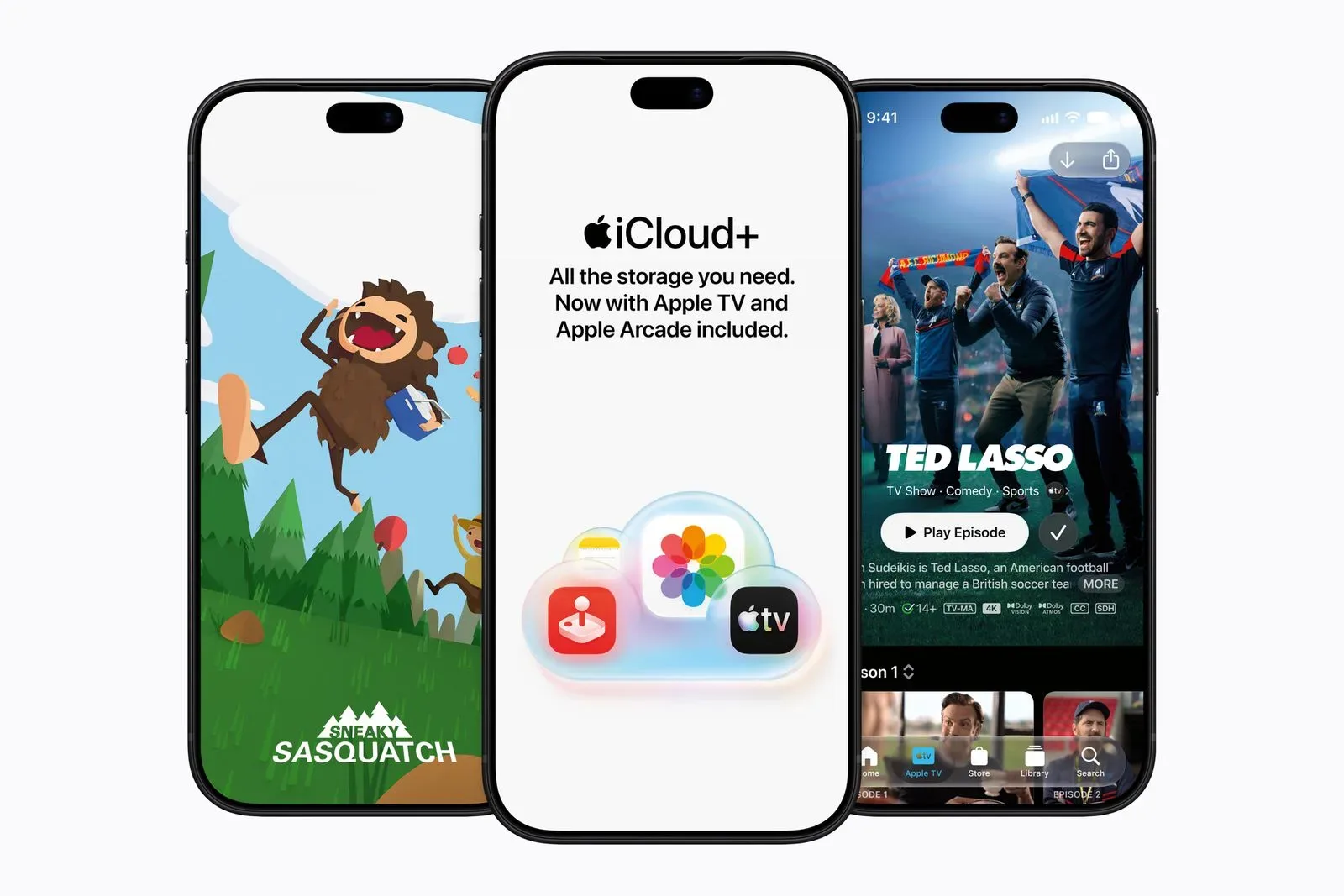
This is especially relevant to people who use a Mac as part of a broader Apple service setup. Apple has recently expanded the relationship between its entertainment services and iCloud+ plans; Apple’s wider TV and Arcade bundle changes are a reminder that laptop value is not measured solely in browser tabs and benchmark-style specifications. Software compatibility is the gateway to the services and applications a buyer expects to use.
For more demanding tasks, the recommendation becomes more individualized rather than automatically newer. A used MacBook Pro with more memory, more storage, and a stronger M-series chip can offer substantial savings versus a new model while better matching a heavier workload. Memory, commonly called RAM, is the working space a computer uses while running applications. Storage is the longer-term internal space for files and installed software. Buyers should match both to their own needs instead of assuming a low price makes a limited configuration a better buy.
That is why the previous generation can be the value sweet spot. The absolute cheapest listing may be old Intel hardware with limited macOS prospects, unknown battery health, or an inconveniently minimal configuration. A more recent used or refurbished Apple Silicon MacBook can cost more at checkout but offer the more useful lifespan.
Used MacBook checklist: verify the actual machine
Do not rely on a seller’s broad description such as “MacBook Air 2020” or “great condition.” Apple sold different machines across transition periods, and year labels alone do not establish processor, memory, storage, or future macOS compatibility. Ask for, or inspect, the exact model identifier and configuration. Then compare that identifier with Apple’s macOS compatibility information before committing.
A thorough in-person check should cover the parts that are expensive, annoying, or impossible to discover from a polished listing photo:
- Processor and configuration: Confirm that it is an Apple Silicon M-series model if that is what is being advertised, along with its memory and storage.
- Battery condition: Check the battery cycle count and any service recommendation. A cycle count reflects cumulative battery use and is a useful condition clue, while a service message is a direct signal not to ignore.
- Keyboard and display: Test keys and inspect the screen rather than assuming a clean exterior means the laptop is fully sound.
- Ports and wireless: Check physical ports, Wi-Fi, the camera, speakers, and other core connections.
- Identity: Verify the serial number and ensure it matches the configuration being sold.
These checks matter most in a private transaction. A local meeting can make it possible to test the computer properly rather than accepting a seller’s description at face value. It also makes serial-number and configuration verification much more practical. A private listing may undercut retailer pricing, but the lower price comes with higher risk if the buyer cannot inspect the device.
Refurbished status can be worth more than an extra discount
Refurbished is not a magic word, so buyers should distinguish between a clearly defined refurbishment program and a vague use of the term in a listing. Apple Certified Refurbished products include a standard one-year warranty and may be discounted by up to 15% compared with new products. A reputable retailer can also be a reasonable route when it clearly states the laptop’s condition and its return period or warranty.
The practical benefit is not just the warranty itself. A stated condition grade, a defined return window, and a seller accountable for the description reduce the chance that a bargain turns into a repair bill. That can be a worthwhile trade-off against the potentially lower asking price of a private sale.
Buyers should still read the listing rather than substituting the word “refurbished” for due diligence. Confirm the precise model, processor, memory, storage, battery details where available, warranty coverage, and return terms. A return policy is particularly useful when a full inspection is not possible before purchase.
When an Intel MacBook can still make sense
An Intel MacBook is not automatically electronic waste, but it is no longer the default value choice. It may be defensible for limited, short-term use: a buyer with a very simple task list, a clear understanding of its current macOS position, or a technically experienced Linux user with a plan for the machine. Those are narrow use cases, not evidence that Intel and Apple Silicon have equal value in 2026.
The central risk is buying a laptop already excluded from the latest macOS release and expecting it to serve as a flexible long-term computer. That expectation gets harder to justify as software moves forward. If the Intel price is low enough to be interesting, the buyer should be even more disciplined about calculating the likely duration and limits of the purchase.
For nearly everyone else, the decision is less dramatic: favor an M1 or newer MacBook, prioritize the best condition and configuration within budget, and verify support before paying. The smartest second-hand MacBook purchase is not necessarily the newest model or the lowest-priced listing. It is the machine that has the software runway, physical health, and specifications to keep being useful after the initial deal glow wears off.