A portable second screen can solve a very particular modern problem: a laptop is wonderfully easy to carry, right up until one display is expected to hold a game, a chat window, a browser, a guide, a spreadsheet, or a video all at once. ASUS’s 15.6-inch ZenScreen portable monitor is currently described as being discounted from a regular price of $109 to below $100.
There is one important catch for anyone treating this as a buying alert: the supplied deal information contains two different sale figures. One section lists the monitor at $89, while a later section says it is down to $79. That means the only price point that can be stated confidently from the available details is that it was presented as under $100. Prospective buyers should verify the live retailer listing, final cart total, and any applicable shipping or tax before deciding whether the saving is worthwhile.
What the ZenScreen is meant to do
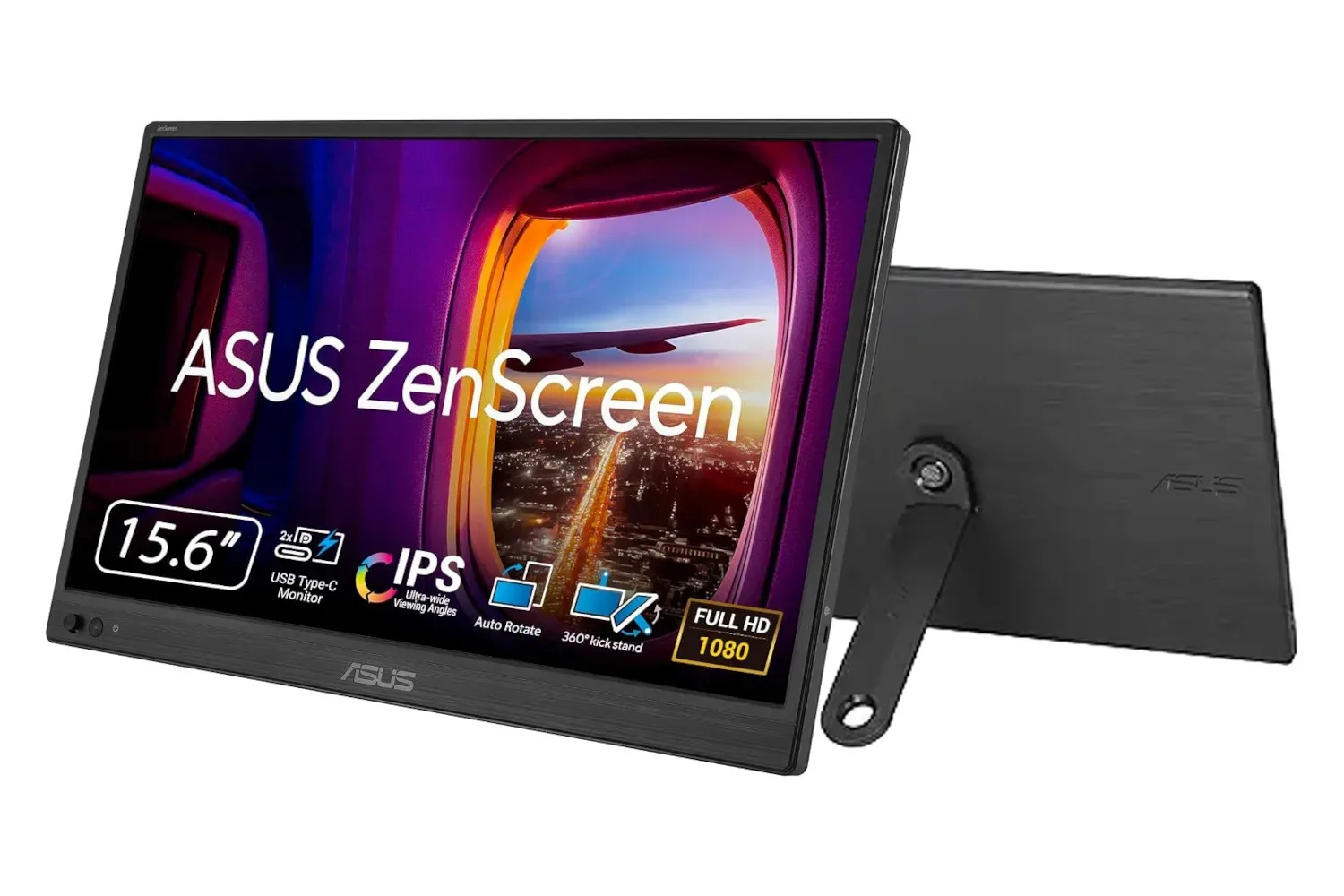
The central appeal of a portable monitor is flexibility rather than raw desk-monitor scale. This ZenScreen has a 15.6-inch display and HD visuals, and is positioned as a lightweight companion for a laptop. The supplied information says it can be connected with USB-C, uses an integrated kickstand, and works in either horizontal or vertical orientation.
That sounds simple, but each of those points matters in a portable setup. USB-C is a compact reversible connector commonly used for data, video, and power. A single-cable arrangement can reduce the amount of gear that needs to travel in a bag, though buyers should still confirm their particular laptop or other device supports the connection required by the display. “USB-C” describes the connector shape, not a universal guarantee that every device will output video in every situation.
The ability to switch between horizontal and vertical placement is also more than a novelty. Landscape orientation generally makes sense when the screen is serving as a conventional second desktop, a video window, or a broader view of a game-related page. Portrait orientation can be more useful for long documents, chat logs, code, web pages, or a vertically structured reference list. The useful configuration is the one that keeps the primary screen less cluttered.
A practical extra display for PC players and laptop users
For gaming, a portable monitor should not automatically be treated as a replacement for a main display. The available information highlights HD visuals but does not provide refresh-rate, response-time, brightness, panel-type, resolution beyond that description, port specifications, or compatibility details. Those are meaningful omissions for people considering fast competitive games or intending to attach the monitor to a specific machine.
Instead, the strongest use case described here is the extra-screen role. A player might reserve the laptop’s own display for the game and use the ZenScreen for a browser, messages, a voice-chat panel, notes, or non-game video. The same basic setup works for school, office work, and creative tasks: the second screen can hold research or reference material while the main screen stays dedicated to the active project.
That division of space is the practical advantage of a second display. It does not make the computer faster, and it does not add power to a game. It can, however, reduce window swapping. For someone working from a single-screen laptop, less time spent repeatedly minimizing and reopening windows can make a compact portable panel more useful than its modest footprint suggests.
Related coverage includes ASUS ZenScreen 15.6-Inch Portable Monitor Drops Below $100.
Portable displays can also be appealing for travel, temporary workspaces, and shared rooms because they do not require a permanent desk installation. The lightweight design described for this model is especially relevant there. A display that stays in a drawer or travels in a backpack has a different purpose from a large monitor that remains on a desk full-time.
Kickstand and eye-comfort features are part of the proposition
The monitor’s kickstand is described as working across its intended uses. In a device designed to move between desks, tables, hotel rooms, and other temporary spaces, a built-in stand avoids needing a separate accessory simply to position the screen. It also supports the claimed horizontal and vertical flexibility.
The supplied details additionally mention features intended to keep users’ eyes comfortable, without naming the specific technologies or making a medical claim. That language should be read as a convenience feature rather than a promise that long sessions carry no strain. Display comfort is shaped by several practical factors, including screen position, room lighting, brightness settings, text size, breaks, and how close the user sits to the panel.
For shoppers, the absence of further specification means it is sensible to check the product page for the exact eye-comfort options, if those features are a deciding factor. It is also worth distinguishing “has eye-comfort features” from a detailed statement of what they do. The information available supports the former, not the latter.
Adobe Creative Cloud offer is included in the stated package
The deal details say the monitor comes with a three-month Adobe Creative Cloud subscription. That could add value for buyers who have a real use for creative software, especially those who want a second screen for visual work. For everyone else, it should not be the reason to choose the display.
Subscription bundles are only valuable when the recipient can use them and when the redemption terms make sense for their situation. The available details do not state eligibility restrictions, redemption deadlines, renewal conditions, or which Creative Cloud plan is included. Checking those terms before purchase is the sensible route, particularly for people who already subscribe or have previously used a promotional trial.
How to assess the deal without assuming too much
At the stated regular price of $109, both cited sale figures represent a noticeable reduction: $20 off at $89, or $30 off at $79. But the difference between the two matters. A buyer budgeting for an under-$80 accessory may see the proposition differently if the checkout price is closer to $90.
- Confirm the current price: The supplied deal text cites both $89 and $79, so neither should be assumed without checking the live listing.
- Check device compatibility: The monitor is described as using USB-C, but users should confirm their laptop or intended device supports the needed video connection.
- Look beyond the discount: HD visuals and portability are stated, but specifications such as refresh rate, brightness, resolution details, and ports should be verified if they are important to the intended use.
- Consider the role of the screen: This appears best suited to being an additional workspace or travel display, not necessarily a replacement for a primary gaming monitor.
- Read subscription terms: The three-month Creative Cloud inclusion may be useful, but its exact conditions are not included in the supplied information.
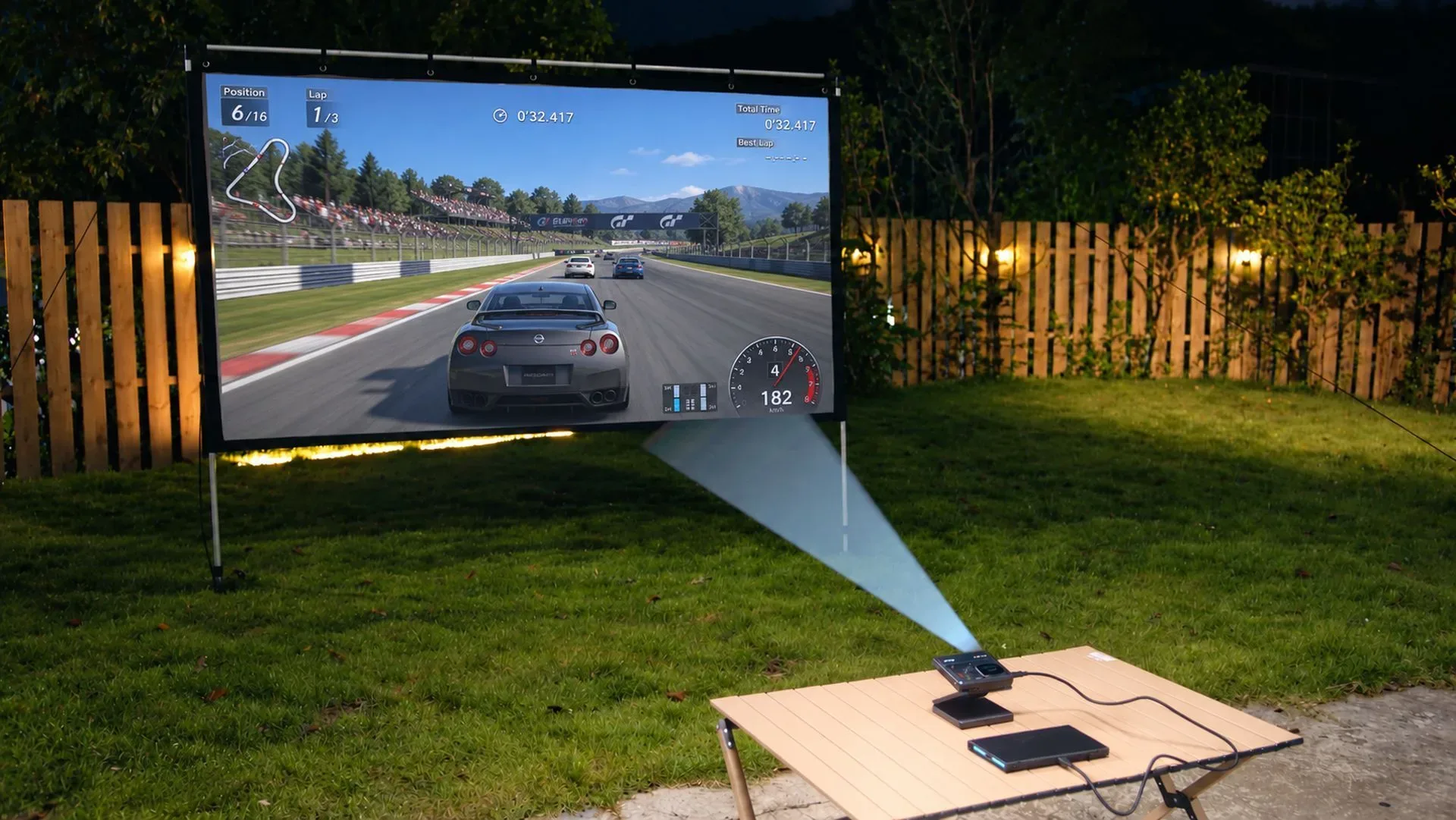
Portable gaming setups can take several forms, from pocketable projection to a compact second panel. For another take on transportable display hardware, see this look at a 1080p pocket projector for portable game nights.
Ultimately, the ZenScreen’s case is straightforward: it is a lightweight 15.6-inch, USB-C portable display with an adjustable orientation, kickstand, HD visuals, and a stated Creative Cloud offer. The under-$100 framing makes it potentially interesting for buyers who need that flexibility. The immediate practical step is simply to verify the actual current price, because the two figures in the deal details do not match and the duration of the discount is unspecified.
Shop the products
Check current price, model and availability at the retailer.