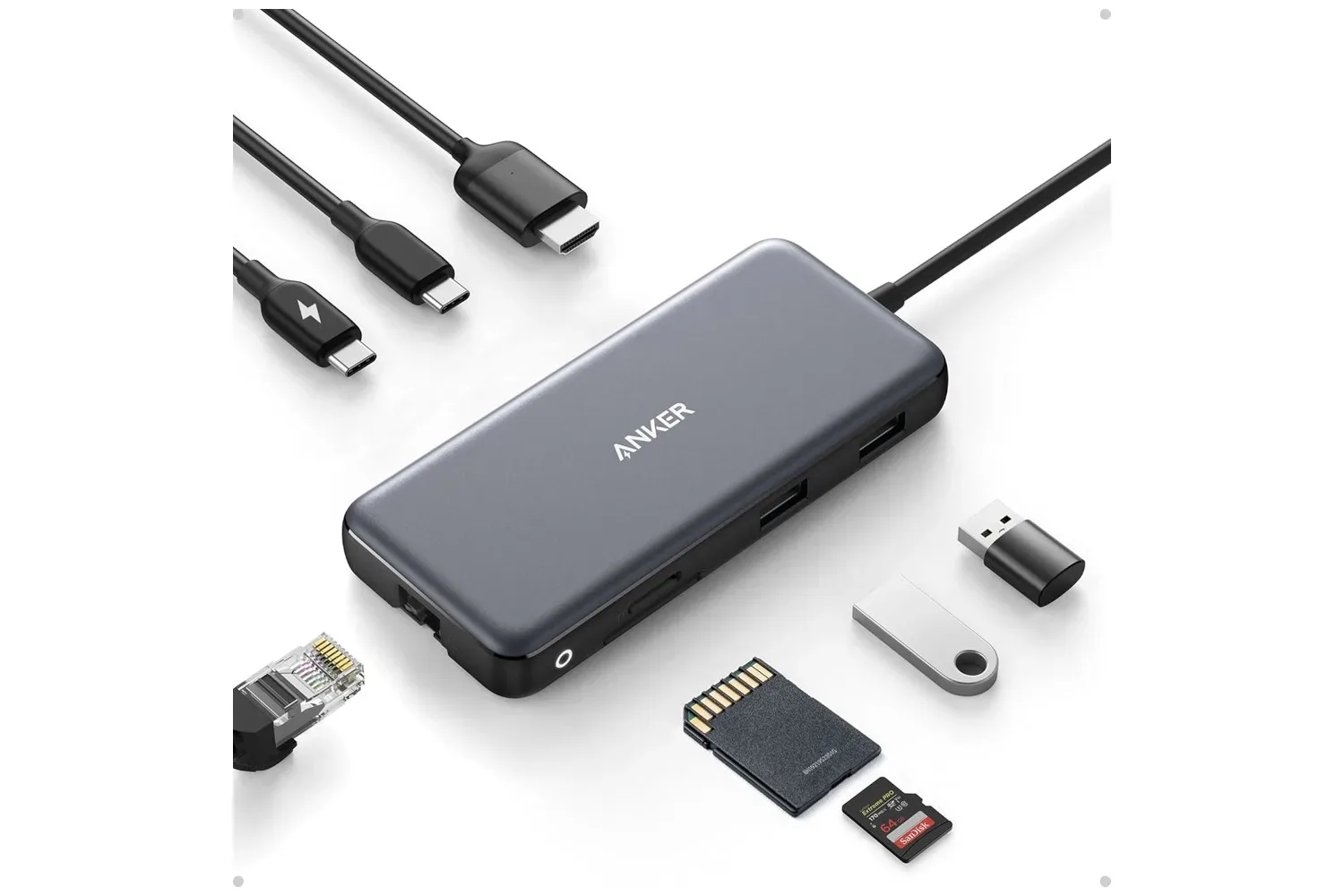
Modern laptops can be wonderfully portable right up until a desk setup asks them to do more than their port selection allows. A mouse, keyboard, external monitor, wired network connection and SD card can turn a single USB-C socket into a very busy little roundabout. Anker’s 8-in-1 USB-C Hub is currently listed at $36, a reduction from its stated $50 regular price.
That works out to a 28% discount, or $14 off. As with any retailer-listed promotion, the price and availability may change, so it is worth checking the live listing before treating the $36 figure as guaranteed.
What the hub adds
The Anker hub connects to a computer through USB-C, then expands that single connection into a selection of commonly needed ports. Its listed connections include a USB-C port, two USB-A ports, HDMI, Ethernet and an SD card reader. The USB-C connection used to attach the hub is effectively replaced by a USB-C port on the accessory, while the other connections provide options that may be missing from a thin laptop.
- USB-C: a modern reversible connector used by a wide range of computers, accessories and cables.
- USB-A: the older rectangular USB connection still commonly found on keyboards, mice, controllers and storage devices.
- HDMI: a display connection that can be used for an external monitor or compatible television.
- Ethernet: a wired networking connection, useful where a wired cable is preferred over Wi-Fi.
- SD card reader: a slot for reading compatible SD memory cards without requiring a separate reader.
The practical appeal is less about any one port than the ability to use several types of accessory at once. Someone building a compact desk setup could leave a keyboard, mouse, display cable and network cable connected to the hub, then attach the laptop through its USB-C lead when it is time to work, play or transfer files. A dorm-room setup can follow the same basic idea without committing to a full desktop tower.
A simple answer to port pressure
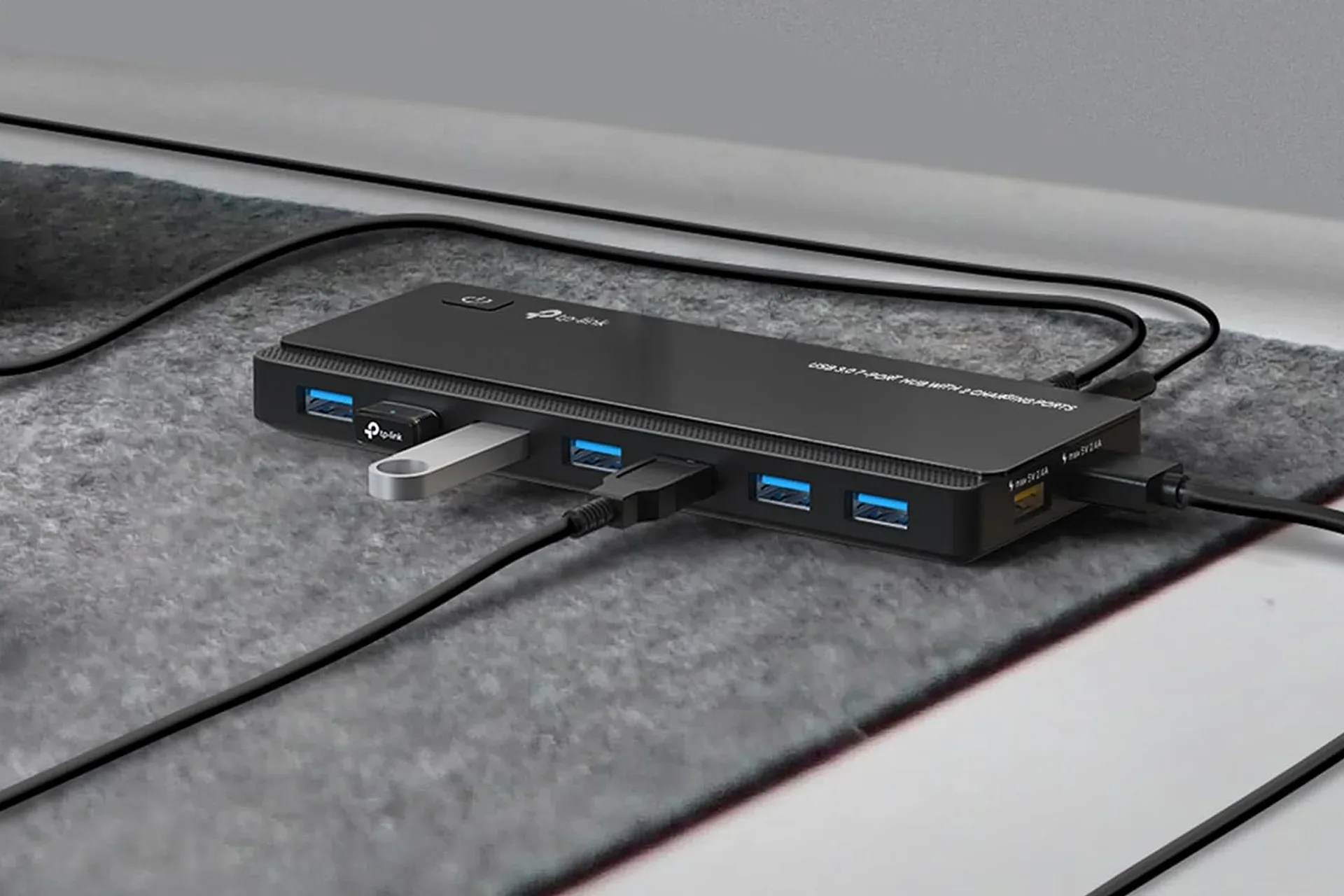
USB-C hubs are sometimes called docks, though the terms can describe a wide variety of products. In straightforward terms, a hub takes one connection on the host computer and makes several connections accessible. For laptops that prioritize slim designs and mobility, that can make a bigger difference than the small size of the accessory suggests.
For PC players, HDMI can be the relevant piece when a laptop is being used with a larger display. The two USB-A ports can help accommodate familiar wired accessories such as a mouse and keyboard. Ethernet is also included for users who have access to a wired connection. Meanwhile, the SD card reader provides a direct route for compatible memory cards, avoiding another dongle in a bag or on a desk.
None of that turns a laptop into a different machine. A hub expands physical connectivity; it does not add processor performance, graphics power or storage capacity by itself. That distinction matters when deciding whether the problem is genuinely too few ports or something else, such as a computer that cannot deliver the performance required by a game or workload.
Still, connectivity can be the immediate obstacle. A laptop may be perfectly capable of handling day-to-day tasks, streaming, schoolwork or less demanding games, yet become inconvenient when it cannot simultaneously accommodate the display, input devices and other hardware a user relies on. In that situation, one accessory can be more sensible than replacing an entire system solely for extra connectors.
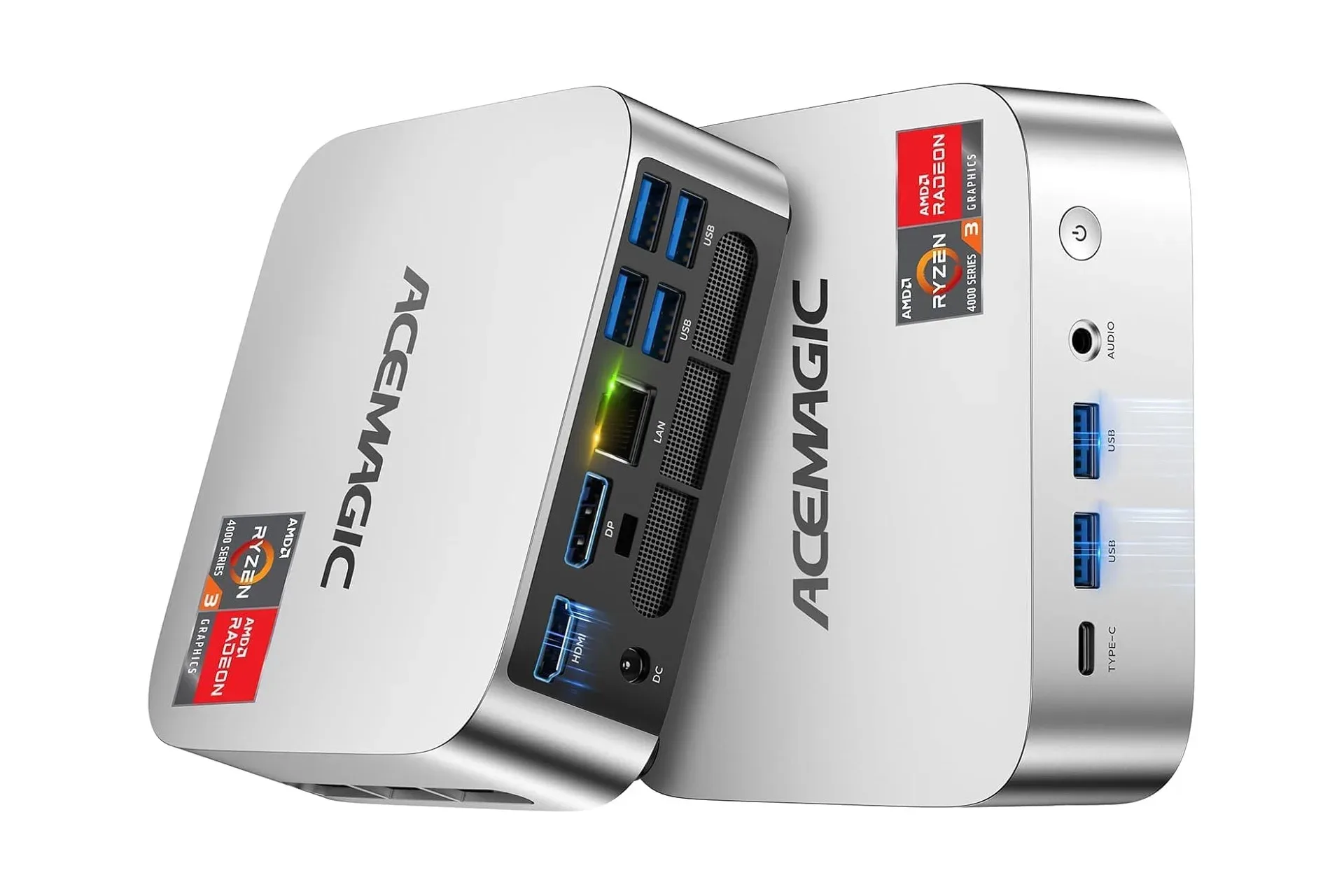
Buyers considering a more stationary compact computer can also compare the connection needs of a laptop-and-hub arrangement with a small desktop. The AceMagic K1 mini PC listing, for example, illustrates why port layout remains a useful part of any desktop or laptop purchase decision. The right option depends on whether the priority is portability, expansion at a single workspace, or a permanently connected system.
What to check before buying
The provided listing identifies the hub’s connector types, but it does not establish detailed operating specifications such as display resolution support, refresh-rate capability, USB transfer speeds, charging behavior, cable length or compatibility with every laptop and accessory. Those details can be important, particularly for gaming displays, high-speed storage or power delivery. They should be checked in the product listing and against the specifications of the laptop being used.
It is also useful to distinguish between having a port and knowing what a particular computer supports through that port. USB-C describes a connector shape, not a complete promise of every possible feature. A laptop’s USB-C port may have different capabilities depending on the model. Before buying, users should verify the computer’s documentation for the features they intend to use, especially if HDMI output or charging passthrough is central to the purchase.
That does not diminish the value of a hub; it simply sets expectations correctly. The device is a convenience and expansion tool, not a universal upgrade that overrides the capabilities of the connected laptop. Checking the intended monitor, networking cable, memory card and peripherals in advance is the clearest way to avoid buying a multiport accessory that solves only part of the setup.
Who the $36 listing makes sense for
The deal is most compelling for people who already know they regularly run short of ports. Laptop users who rotate between portable use and a home desk are a particularly natural fit. So are students and workers who want to arrive at a workspace and connect several accessories without repeatedly swapping cables.
It may be less essential for someone who needs only a single extra USB connection or who does not use an external display, wired networking or SD cards. In that case, paying for a broader port selection may not be necessary. But for anyone whose everyday setup includes more than one of those items, the 8-in-1 design consolidates several needs into one compact piece of hardware.
At the currently listed $36, compared with the stated $50 regular price, Anker’s hub offers a lower-cost way to make a USB-C-equipped laptop more adaptable. The important purchase question is not simply how many ports the hub has. It is whether its mix of USB-A, USB-C, HDMI, Ethernet and SD access matches the cables and accessories already waiting on the desk.
Shop the products
Check current price, model and availability at the retailer.