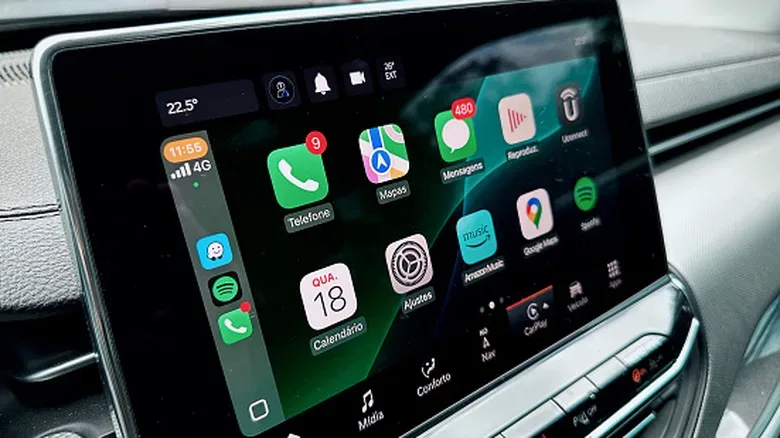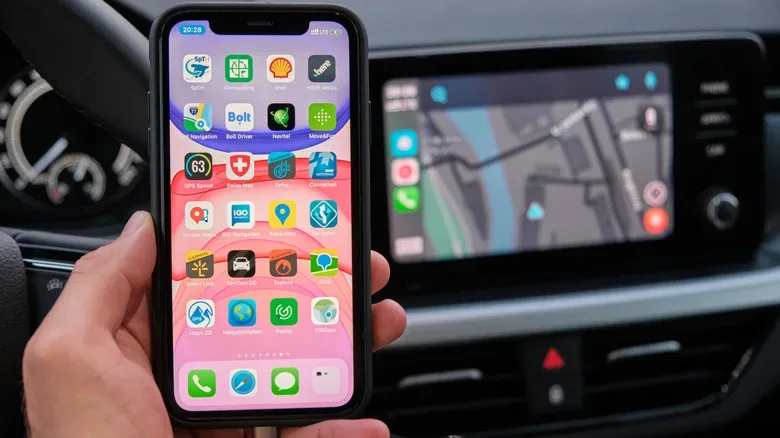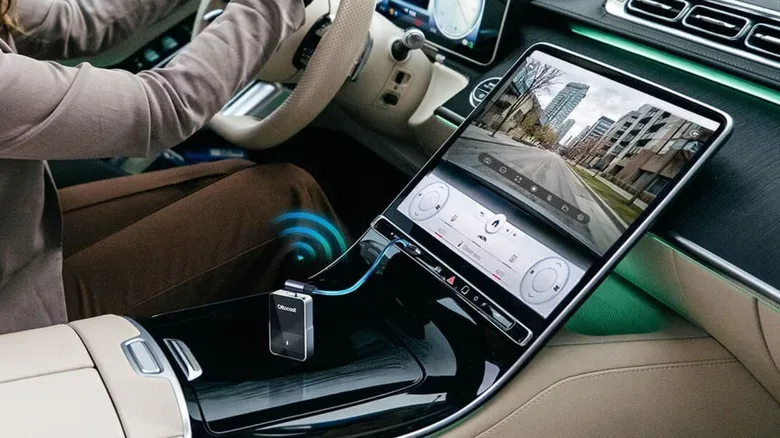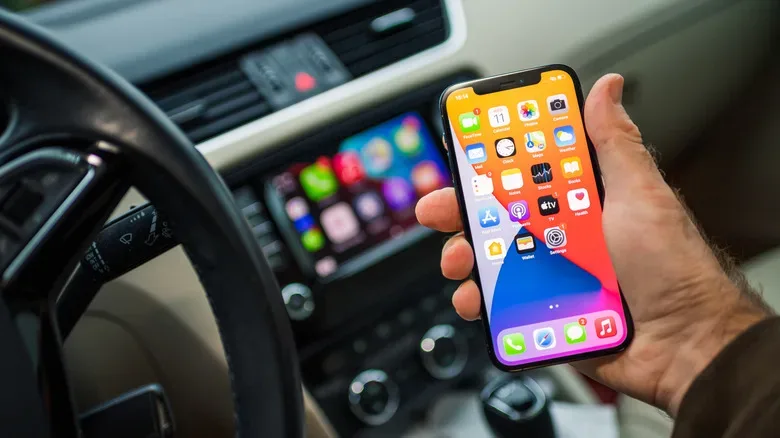
There is a particular kind of tiny daily annoyance that modern in-car technology creates brilliantly: a vehicle may have Apple CarPlay, an iPhone may have all the right apps, and yet every trip still begins with finding a cable. An Ottocast adapter is designed to remove that step. It sits between an iPhone and a vehicle’s infotainment system, using the USB port intended for wired CarPlay to create a wireless connection instead.
That description comes with one crucial asterisk large enough to park a crossover in: Ottocast is not a way to add CarPlay to a car that lacks it. The vehicle must already have factory wired Apple CarPlay. If plugging an iPhone into the relevant USB port normally launches CarPlay, an adapter may turn that cable-dependent setup into one that reconnects after the initial pairing. If the car has no wired CarPlay function at all, this category of adapter cannot supply it.
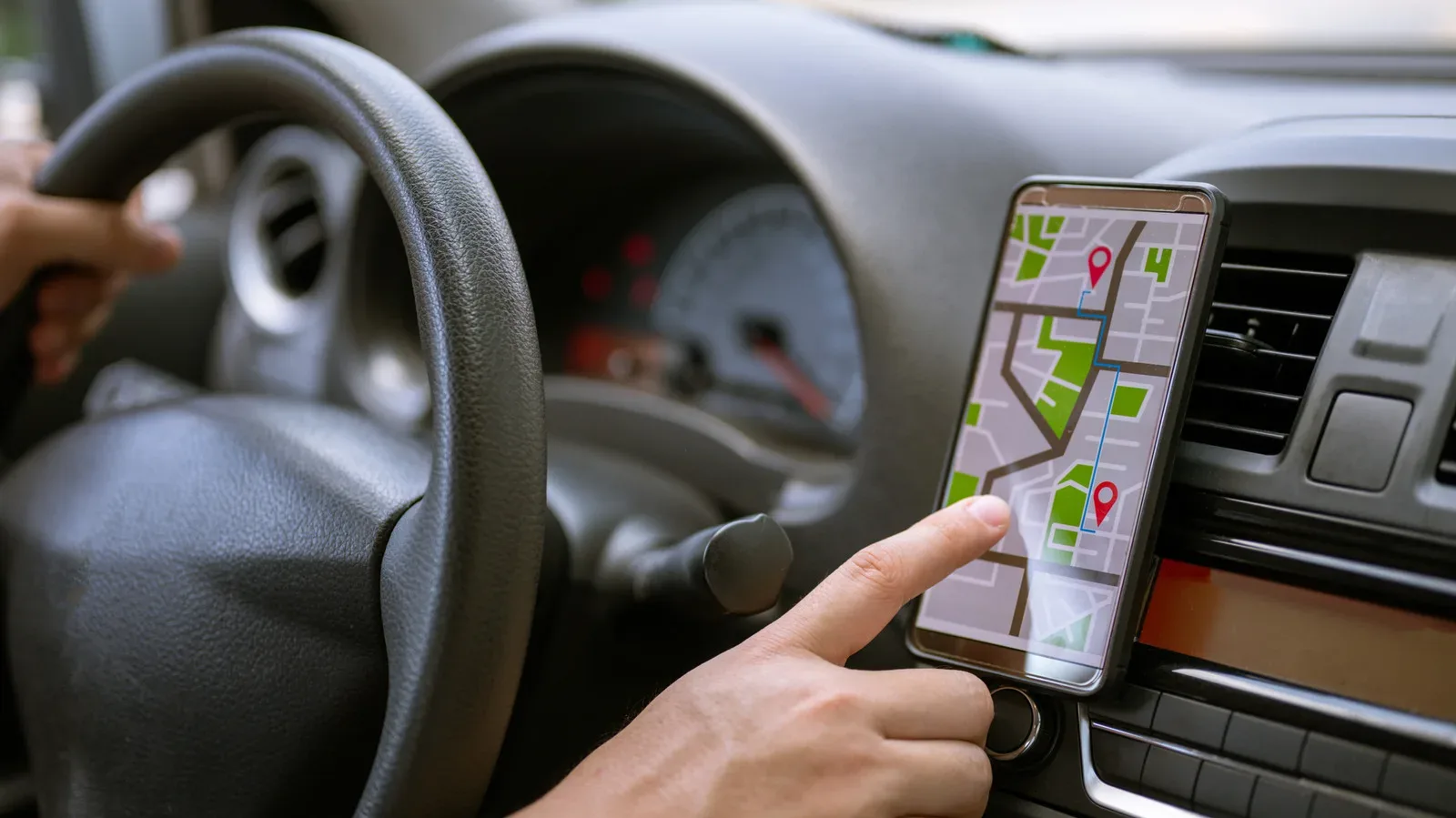
For drivers with compatible systems, the appeal is straightforward. The adapter can remain plugged into the car, while the phone stays in a pocket, bag or cupholder. Navigation, calls, music and messaging retain the familiar CarPlay presentation rather than shifting to a separate Ottocast-designed dashboard.
What an Ottocast adapter actually does
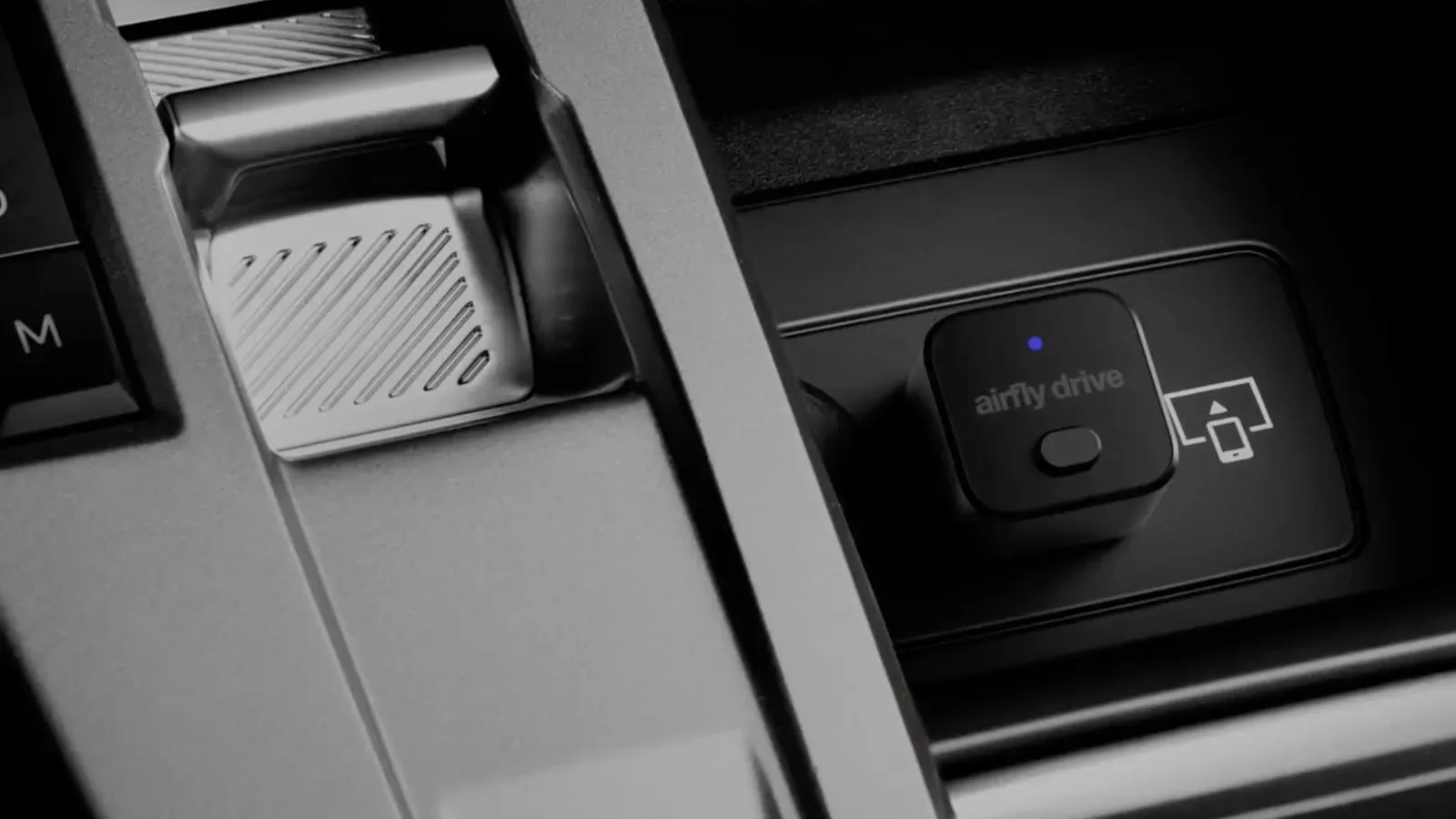
An Ottocast unit plugs into the same data-capable USB port used for a normal wired CarPlay session. To the vehicle, it presents itself as the CarPlay-connected device. At the same time, it communicates with the paired iPhone wirelessly, relaying the CarPlay connection between phone and infotainment system.
Initial setup requires some participation. Once the adapter is connected to the car’s USB port, the iPhone is paired through Bluetooth and the requested connection is approved. Bluetooth is used to establish the relationship; the connection then moves to Wi-Fi for the ongoing CarPlay link. That Wi-Fi handoff matters because CarPlay needs considerably more bandwidth than Bluetooth alone is suited to provide.
Following that first setup, the adapter is intended to remember the phone and attempt to reconnect when the vehicle starts. It is not necessarily instant. A short connection handshake is part of the trade-off for avoiding the cable, and connection behavior can vary between vehicles and phones.
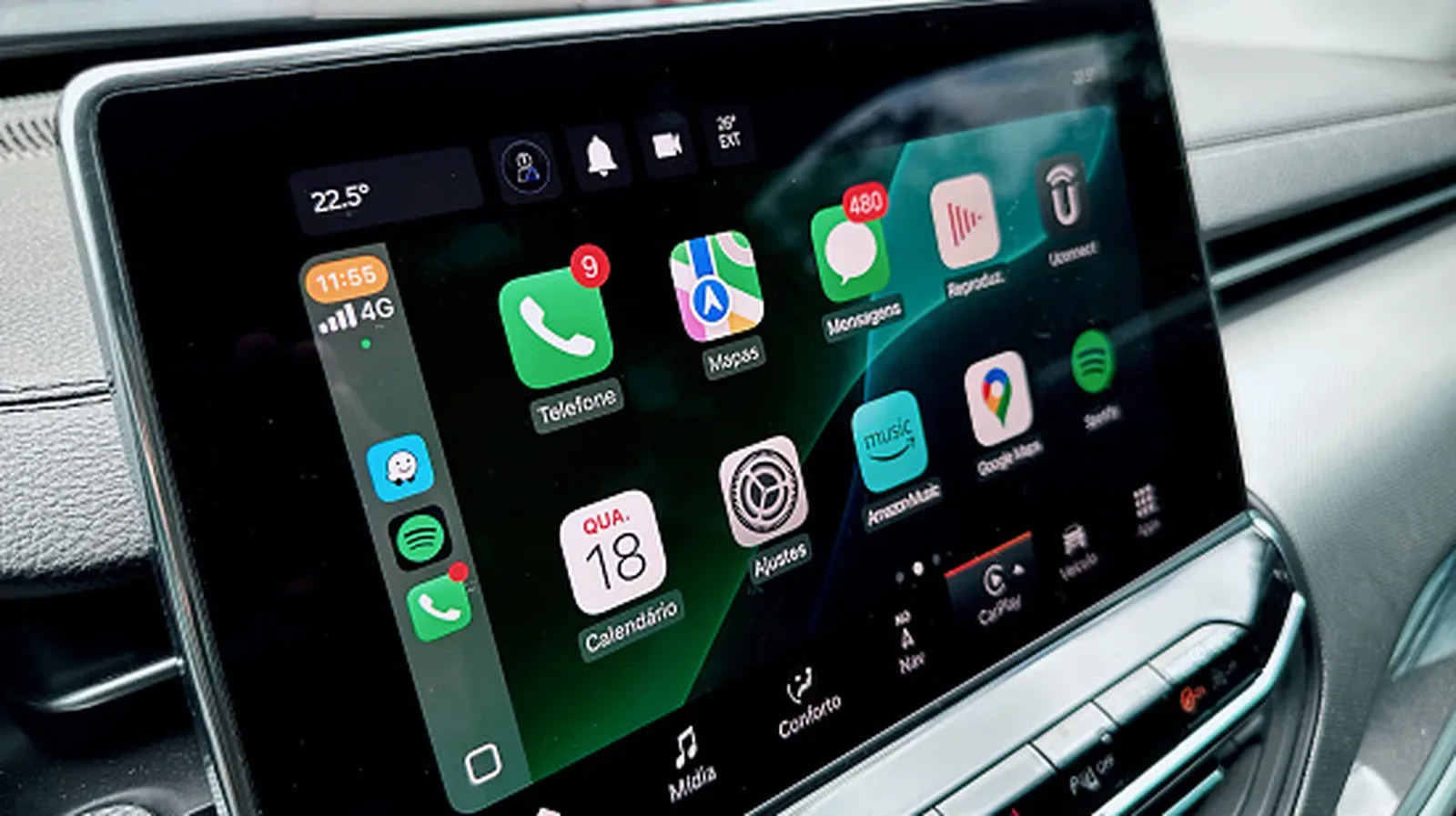
Once CarPlay is up, the intended experience is Apple’s usual interface. The vehicle touchscreen, physical dashboard controls and steering-wheel buttons continue to be the controls the driver knows. Calls should still use the car’s microphone and speakers, while audio apps route through the vehicle as they do in an ordinary CarPlay session. The goal is convenience, not a visual overhaul.
Wireless freedom, with a few practical trade-offs
The biggest advantage is simply less friction. Someone who uses navigation on frequent short drives may appreciate not having to connect and disconnect a handset each time. It can also reduce cable clutter and wear on a phone port. That is the whole pitch: keep the CarPlay routine, lose the ritual of plugging in.
There are limitations worth treating seriously rather than discovering after checkout. The wireless handshake may take a few seconds, and an occasional lag event or disconnection is possible. Third-party adapters are also not Apple-approved accessories, so Apple support is not available for troubleshooting an Ottocast-specific issue. Alternatives in the same general space include AAWireless and CarlinKit, but compatibility remains a product-by-product and vehicle-by-vehicle matter.
There is also a very ordinary battery consideration. A wired CarPlay connection often charges the iPhone at the same time. An adapter occupies the CarPlay USB port but does not turn it into a phone-charging cable. Drivers whose car has only one convenient USB port will need another charging solution if they want power during a journey.
Ottocast models and listed prices
Ottocast sells several devices rather than one universal dongle, with the differences extending beyond shape and port placement. Prices below are listed standard prices and may not reflect temporary promotions or regional variations.
- Mini Cube — $49: This is a compact, right-angled adapter positioned as a basic wired-to-wireless solution. It supports wireless CarPlay and can also make Android Auto wireless for vehicles that support Google’s platform. The right-angle shape is intended to sit closely against the USB port.
- Mini — $59: A smaller model that broadly serves the same purpose: changing a compatible wired connection into a wireless one. Other Mini-family variations, including the Mini Slim, differ in physical sizing and connector support such as USB-A and USB-C.
- U2Air Pro — $59: This model is iPhone-only, meaning it is intended for Apple CarPlay rather than Android Auto. It occupies a similar price range to the Mini while targeting drivers who only need the Apple side of the equation.
- Play2Video Ultra: In addition to CarPlay support, this model can make the car display a place to access Netflix, YouTube and Prime Video while parked. Any screen-based entertainment use should remain limited to safe, lawful stationary situations.
- OttoAibox P3 Pro — $219: The high-end option is closer to an Android mini PC than a simple wireless adapter. It includes 8GB of RAM, 128GB of integrated storage, Google Play support, a built-in AI assistant and a custom vehicle interface. It can switch between its Android mode and Apple CarPlay or Android Auto functionality.
The more expensive products therefore aim at a different proposition. A basic adapter is mainly about replacing the wire. The OttoAibox P3 Pro adds its own software environment and app-installation capability, while the Play2Video Ultra expands into parked streaming use. That broader entertainment idea reflects how vehicle screens increasingly serve as general-purpose displays, a shift also visible in efforts to put streaming and AI-made programming on connected TV platforms such as Roku’s free channel ecosystem. In a car, though, convenience and driver attention must remain the priorities.
Compatibility is the purchase decision
Before comparing prices, confirm the car’s existing CarPlay behavior. The essential test is simple: connect the iPhone with a cable to the vehicle’s applicable USB port. If factory wired CarPlay launches, the car clears the basic requirement. If it does not, an Ottocast adapter is not a shortcut around missing CarPlay hardware or software.
Ottocast indicates that its products may work with cars from 2016 onward, but model year alone does not establish compatibility. Features can differ between trims, regions, head units and model-year revisions. A 2016-or-newer vehicle may still lack wired CarPlay, while a supported configuration can have a USB port positioned so awkwardly that a particular adapter will not physically fit.
Port geometry deserves more attention than it usually gets. A recessed port, a tight center-console cubby or a connector surrounded by trim can make a chunky or angled device impractical. Checking the location and available clearance before choosing between Mini variants can prevent an otherwise compatible purchase from becoming an expensive little piece of console décor.
Product-specific exceptions matter too
Not every Ottocast unit supports every arrangement. The U2Air Pro, for example, is not intended for systems that are already wireless CarPlay- or Android Auto-only, and it does not support aftermarket Sony head units. Compatibility can also be inconsistent for some Mitsubishi owners. Those details mean shoppers should check both the exact vehicle configuration and the exact adapter rather than relying on a broad claim that a brand works with a make.
Apple offers a vehicle compatibility lookup covering more than 800 models, which can help establish whether CarPlay is present. After that, Ottocast’s own vehicle and product compatibility information is the relevant second check. It is sensible to verify connector type, head-unit status and any manufacturer-specific restriction before ordering.
Who an Ottocast adapter makes sense for
An Ottocast adapter is most easily justified by a driver who already relies on wired CarPlay and wants the phone connection to happen with less effort. The interface does not gain new Apple CarPlay features merely because the cable is gone. The improvement is that the same navigation, calling and audio experience can reconnect without handling the phone first.
For a compatible car, a $49 Mini Cube or $59 Mini-class option frames that convenience as a relatively modest upgrade. The $219 OttoAibox P3 Pro is a different purchase, intended for buyers who specifically want an Android-based in-car computing environment alongside CarPlay and Android Auto. Neither approach can compensate for an unsupported vehicle, a poor physical fit or the need to keep an iPhone charged from the lone USB connection.
In short, Ottocast’s purpose is clear: it is a bridge for a wired CarPlay car, not a replacement infotainment system for every car on the road. Confirm wired CarPlay first, select the adapter that matches the needed features and connector layout, and expect a small startup delay in exchange for leaving the cable behind.