An old car stereo is not automatically a bad car stereo. It may lack the conveniences now expected from a dashboard—Bluetooth streaming, phone-based navigation, hands-free calling or a screen for compatible apps—while still delivering perfectly acceptable sound through its original radio and speakers. Treating every older system as a full-replacement project can mean spending effort on the wrong part of the experience.
The sensible upgrade path starts by separating three jobs that are often bundled together in newer vehicles: getting audio from a phone into the car, putting phone information on a dashboard display, and improving the sound produced by the speakers. A solution that is excellent for one job may accomplish nothing for another. A Bluetooth receiver can make streaming painless, for example, but it will not repair a distorted speaker. A new screen can put maps within view without turning a weak factory audio system into a powerful one.
That distinction matters particularly for drivers who simply want a reliable way to play music, podcasts or game-related audio on the road. The least disruptive upgrade may be enough. For drivers seeking built-in touchscreen controls, the project is more involved and compatibility becomes central.
First, identify the missing feature
Before buying anything, check what the car already has. Look for a small round 3.5mm port marked AUX or AUX IN. Check whether there is an existing screen, whether the factory stereo controls a backup camera or vehicle settings, and whether the complaint is about phone connectivity or the actual sound. These details point toward radically different purchases.
- Wireless music or podcasts are missing: A Bluetooth connection solution may be all that is needed.
- Maps, calls, messages and music controls are wanted on a screen: Consider a portable CarPlay or Android Auto display, or a replacement stereo.
- Audio is unclear, distorted or lacks bass: Focus on speakers, amplification or a subwoofer rather than another phone adapter.
- A permanent integrated dashboard setup is the goal: An aftermarket head unit may be appropriate, provided the car-specific installation requirements are understood.
This approach avoids a familiar tech-purchase trap: selecting the most impressive-looking product instead of the product that removes the actual annoyance. A driver with a working radio and good speakers does not necessarily benefit from dismantling the dashboard just to gain wireless playback.
The low-interruption route: Bluetooth through AUX
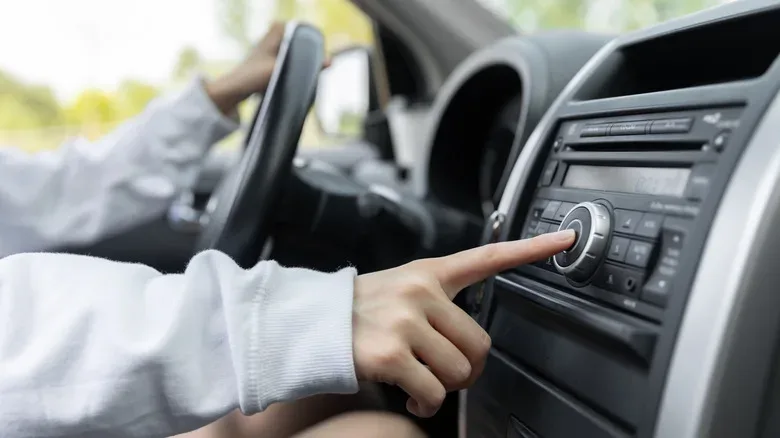
If the stereo has a 3.5mm AUX input, a Bluetooth receiver is generally the most straightforward route to wireless phone audio. The phone pairs with the receiver over Bluetooth, then the receiver sends the audio through the AUX connection and into the existing stereo. The car’s original radio and speakers remain in use.
AUX is an analog audio input: it is a direct route for sound from an external device into the stereo. In this setup, Bluetooth adds the wireless link between phone and receiver, while AUX handles the short wired connection from receiver to car. The practical appeal is clear: there is no need to replace the head unit—the dashboard stereo assembly—or take dashboard panels apart merely to stream audio.
For somebody whose only priority is getting a phone playlist or podcast through an older radio, that simplicity is a feature, not a compromise. The factory controls and appearance are retained, and the change targets the missing connection rather than rebuilding a functioning sound system.
When AUX is absent, FM can bridge the gap
A car without an AUX input can still receive phone audio via a Bluetooth FM transmitter. These accessories typically plug into the vehicle’s 12-volt socket, commonly called the cigarette-lighter socket. The phone connects to the transmitter over Bluetooth. The transmitter broadcasts the audio over an unused FM frequency, and the car radio is tuned to that same frequency.
It is a clever workaround, but it adds an extra link to the chain. Rather than feeding the stereo through AUX, the audio must travel as a small local FM broadcast and be received by the car’s radio. The tradeoff is potential interference. A chosen open frequency may cease to be clear when the car enters an area where a radio station uses that portion of the dial. Long-distance drivers may therefore have to select a new unused frequency along the way.
That does not make an FM transmitter a poor choice. It makes it the practical choice when the vehicle has no AUX input and the goal is phone audio without a stereo replacement. But where AUX exists, an AUX Bluetooth receiver avoids the FM-tuning step and is usually the cleaner, simpler route.
A display solves a different dashboard problem
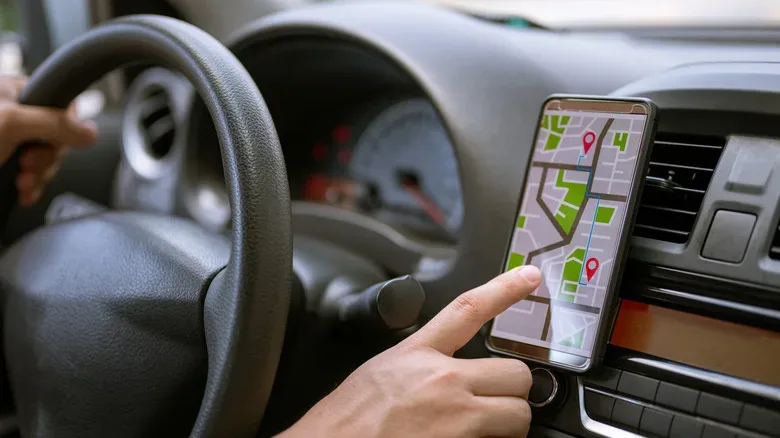
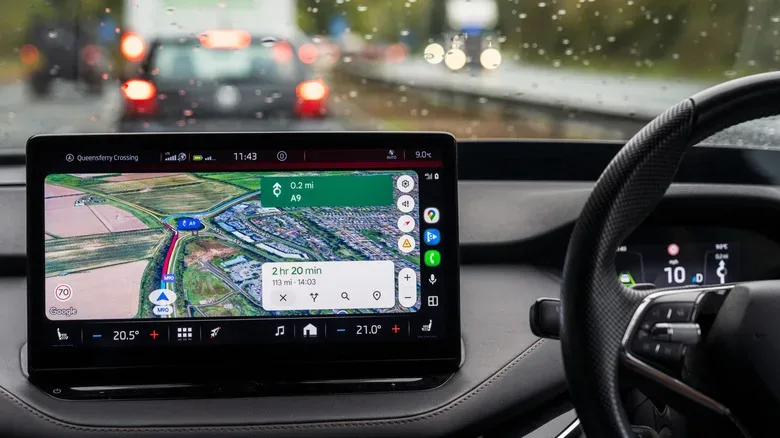
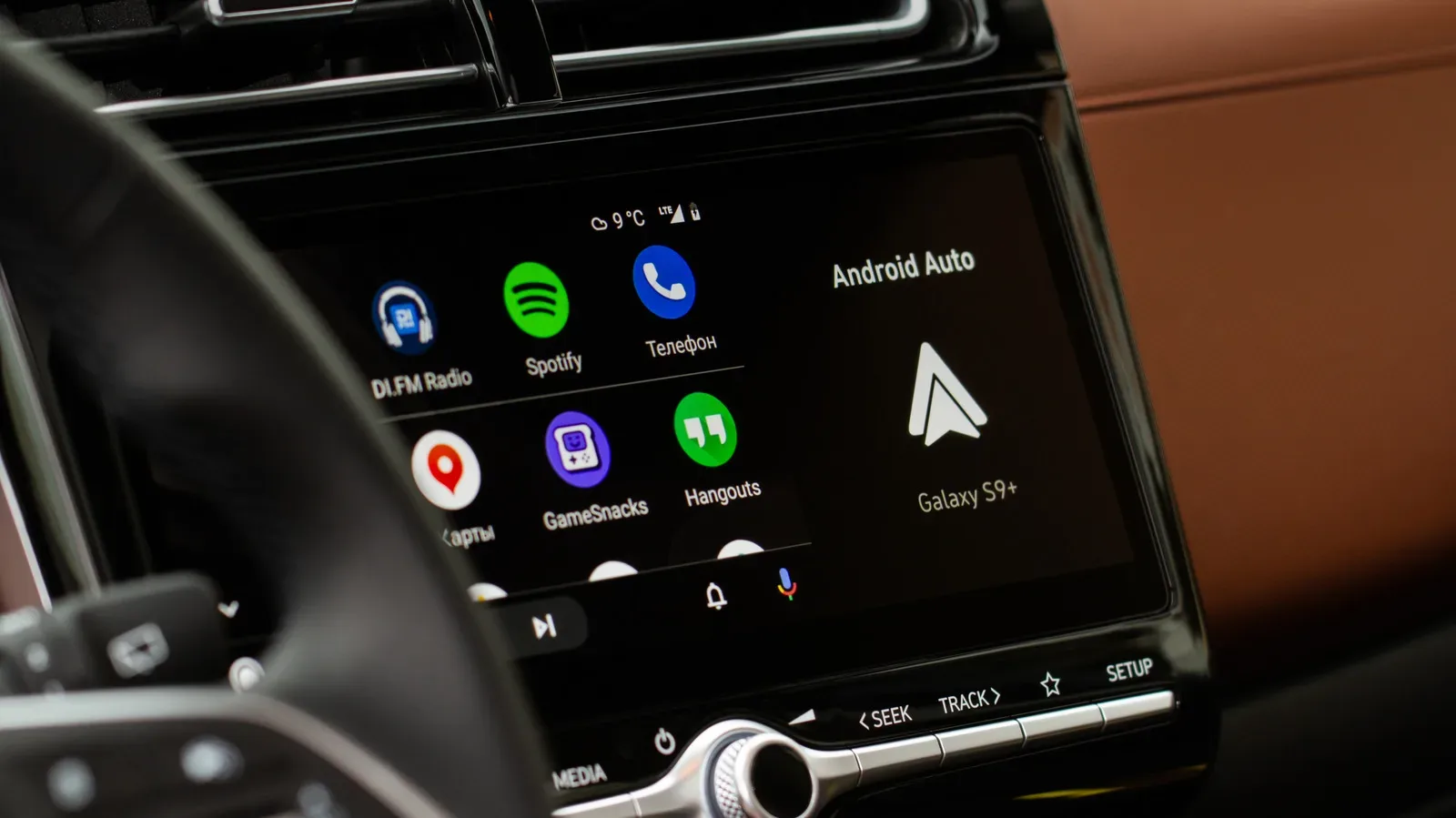
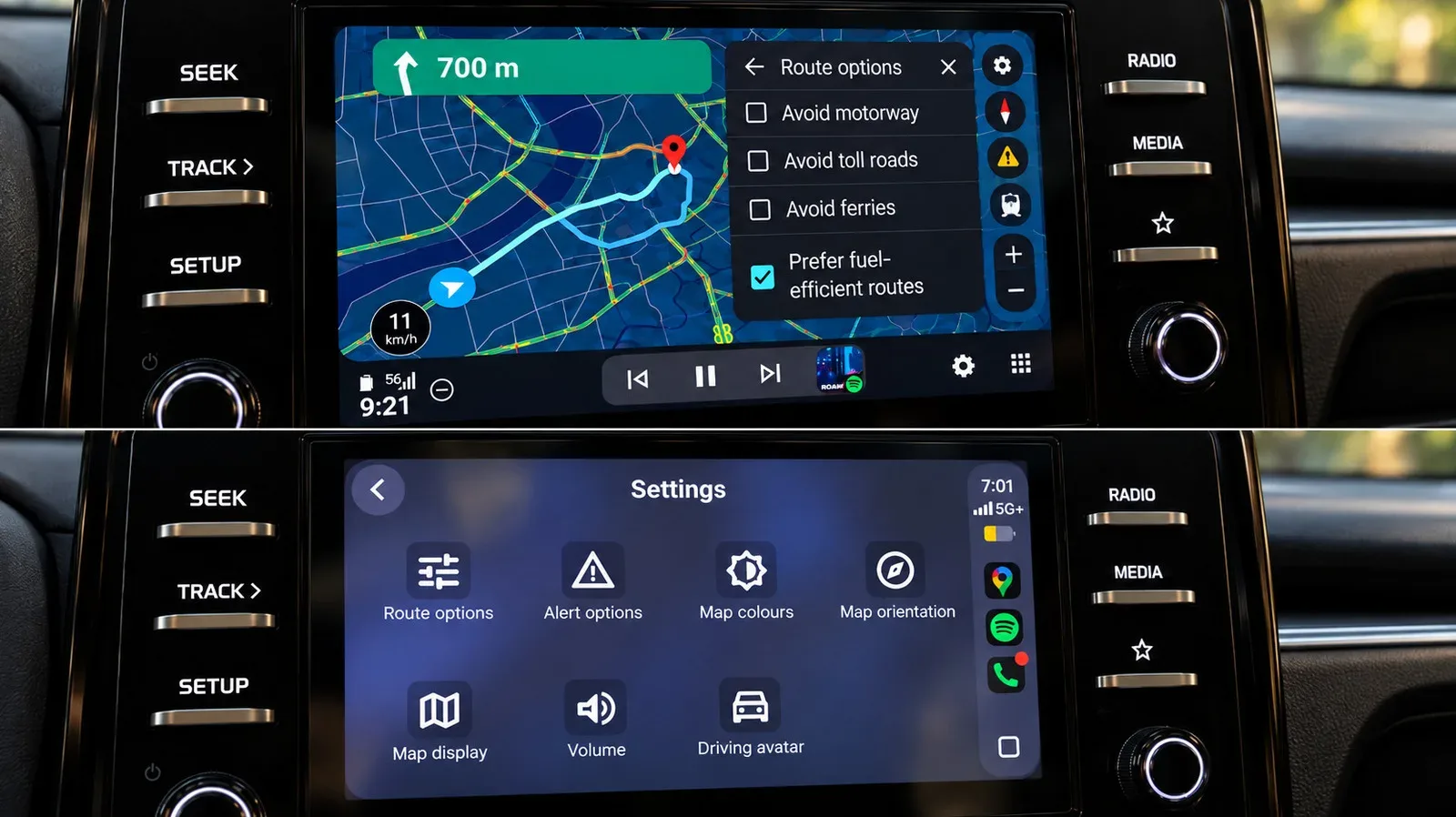
Wireless music is only part of what many people now expect from a car. CarPlay and Android Auto can bring compatible phone functions—such as maps, music, calls and messages—to a display designed to be viewed from the driver’s seat. For an older vehicle, a portable dashboard display can add that screen-based experience without requiring the factory stereo to be removed.
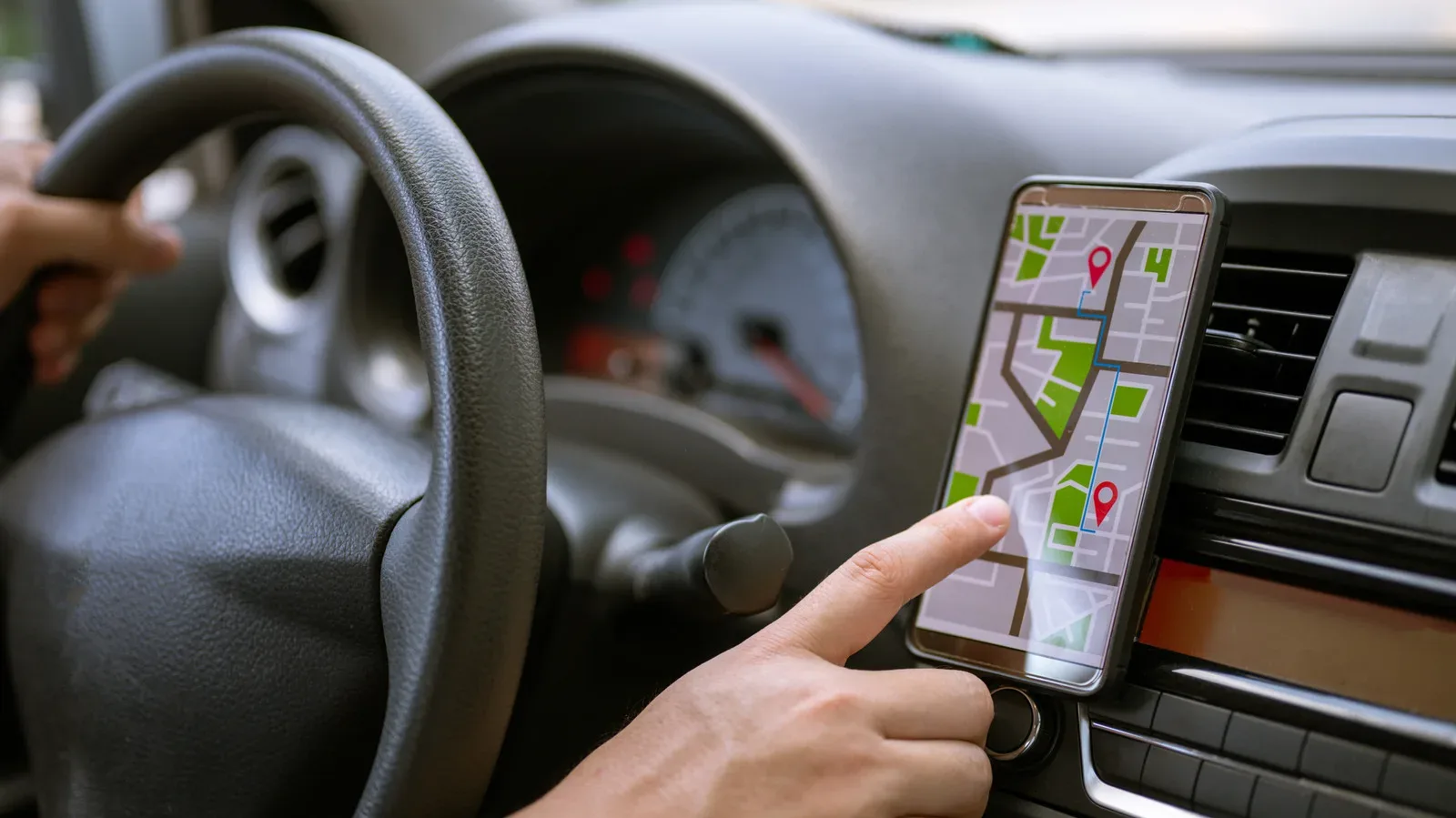
These portable units mount on the dashboard or windshield in the general spirit of a standalone navigation device. The phone connects to the display, and the display presents the relevant interface. Audio may still reach the car’s speakers through AUX, FM or another connection supported by the specific display. That means the display and the audio path should be considered together. A screen alone does not guarantee that sound will automatically arrive through the original speakers in the preferred way.
The attraction is modularity. It is possible to add touch-based navigation and phone controls while leaving the old radio in place. For a driver who values the original dashboard hardware, or does not want to undertake an installation project, that can be a meaningful middle ground between a tiny audio adapter and a full replacement.
Anyone managing more than one phone should also understand that a dashboard interface may not behave like a shared living-room screen. CarPlay can pair with two iPhones, but only one gets the screen at a time; connection status and control are not necessarily the same thing.
Wireless adapters do not create missing CarPlay or Android Auto
One category is easy to misunderstand: the compact USB adapters marketed for wireless CarPlay or wireless Android Auto. These are not universal upgrades for any radio with a USB port. A wireless Android Auto adapter works with a vehicle that already supports wired Android Auto; it changes the connection method from cable-based to wireless. The equivalent limitation applies to wireless CarPlay adapters.
In other words, such an adapter does not give an older non-smart stereo the underlying CarPlay or Android Auto system it never had. It solves the cable problem for an already compatible system. That is a valuable distinction before purchase, because a USB connector can look like an invitation to add modern software features when it may not be one.
The practical question is not “Does my car have USB?” but “Does the existing stereo already support wired CarPlay or Android Auto?” If the answer is no, a portable display or replacement head unit is the more relevant category of upgrade.
Replacing the head unit is the integrated option—and the compatibility-heavy one
The head unit is the stereo built into the dashboard. Replacing it with an aftermarket unit can consolidate a touchscreen, Bluetooth, CarPlay and Android Auto in a permanent installation. This is the answer for drivers who want the modern functions built into the dash rather than attached as a separate display.
It is also the point at which a car stereo stops being only a stereo. In some vehicles, the original unit is tied to steering-wheel buttons, a backup camera, a factory amplifier or vehicle settings. Removing it without the right supporting parts can jeopardize functions the driver expects to keep.
Vehicle-specific wiring harnesses and interface adapters may be required to retain those connections. A wiring harness is the connector arrangement that lets the replacement equipment communicate with the car’s wiring; an interface adapter can help preserve particular factory-linked controls or systems. Compatibility should therefore be checked before committing to a head-unit replacement, and professional installation may be appropriate when the system has these dependencies.
This is not an argument against a replacement stereo. It is an argument for treating it as an integration job, not a simple swap based solely on screen size or a feature list. The more the factory unit does beyond playing radio and audio, the more important those checks become.
Connectivity upgrades are not sound-quality upgrades
Modern phone access and better sound are related in daily use, but they are not the same repair. If the phone already connects in a satisfying way and the system still sounds weak, distorted or thin on bass, adding another Bluetooth product or a new dashboard display is unlikely to change the underlying audio result.
In that situation, speakers may improve clarity. An amplifier can provide compatible speakers with more clean power, while a subwoofer is intended to handle deeper bass. Each addresses a different part of the listening chain: speakers turn the signal into sound, an amplifier provides power for compatible speakers, and a subwoofer concentrates on low-frequency output.
That separation offers a useful buying rule. Do not judge a speaker problem by whether the dashboard has a touchscreen, and do not judge a connectivity problem by how much bass the system produces. A car can need one upgrade, both, or neither.
Choose the smallest solution that genuinely fixes the problem
There is no universal order of upgrades because vehicles and priorities differ. An AUX-equipped car with healthy speakers may need only a Bluetooth receiver. A vehicle without AUX may be well served by an FM transmitter if streaming is the goal. A driver who wants navigation and calls on a dedicated screen can look at a portable CarPlay or Android Auto display. Someone seeking a permanent in-dash system can consider a head-unit replacement after checking every factory function that might be connected to it.
The winning move is less about making an old dashboard look new and more about avoiding unnecessary hardware. Start with the feature that is actually absent, understand what each device can and cannot add, and reserve the major installation work for when an integrated upgrade is truly worth it.