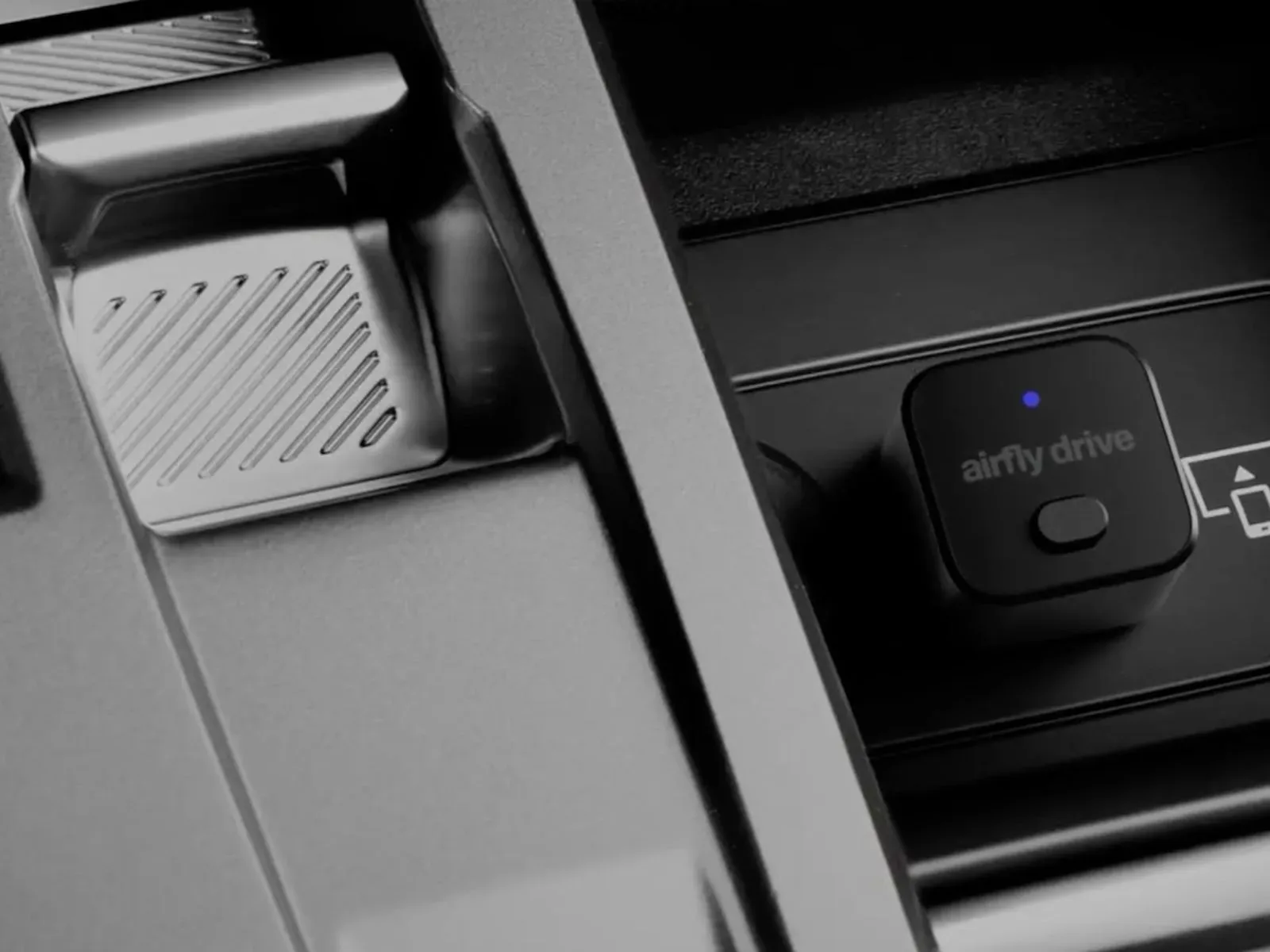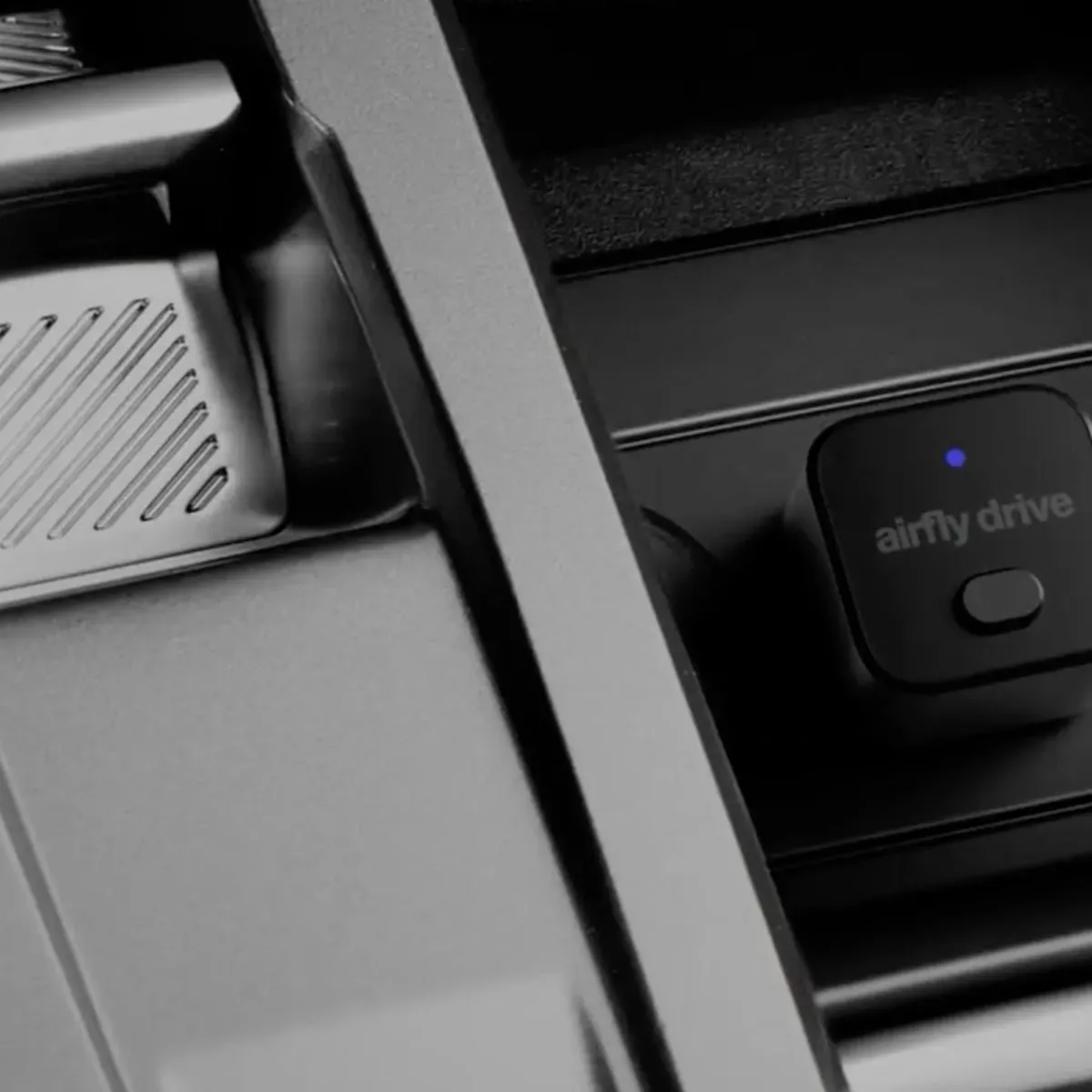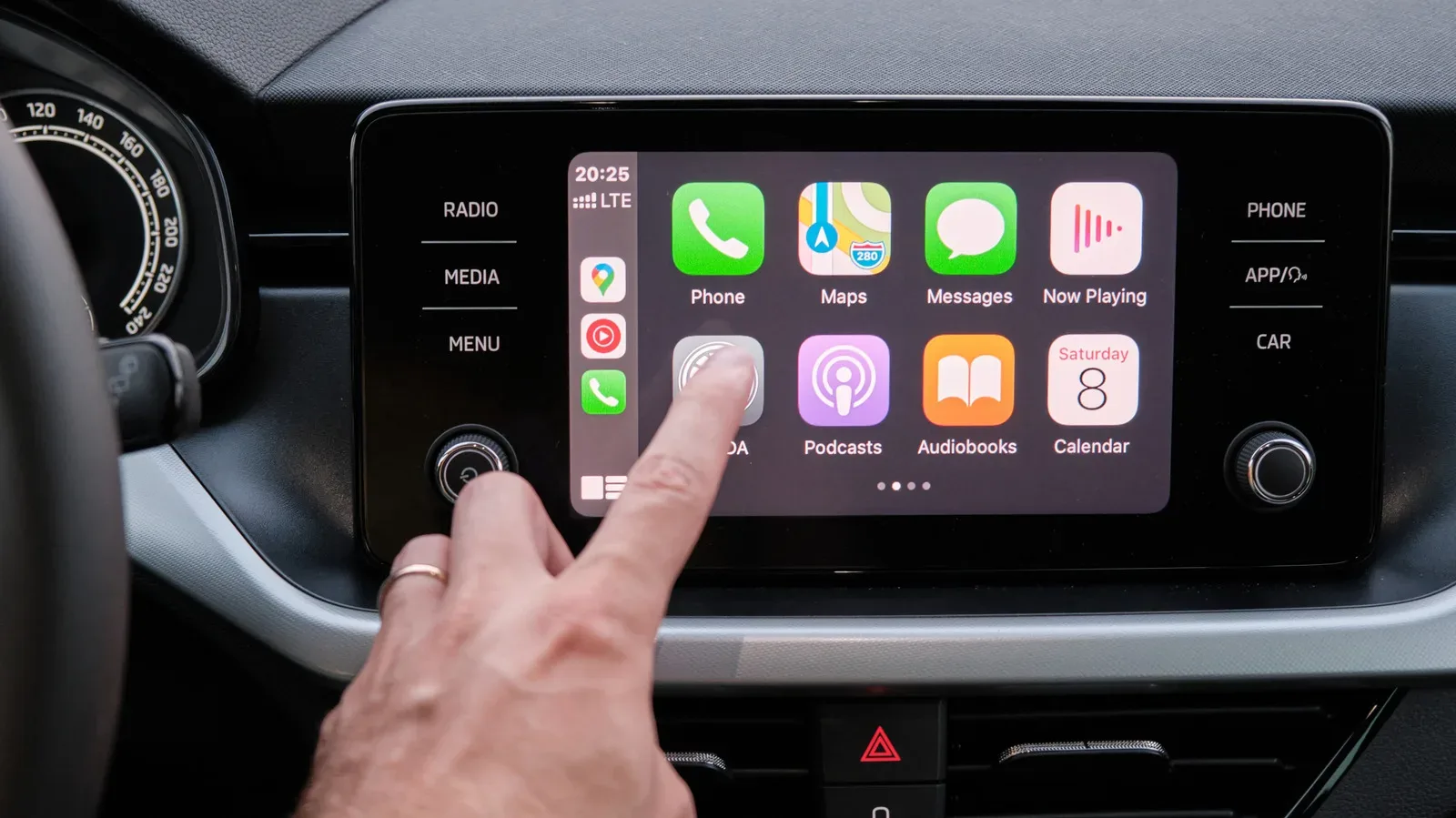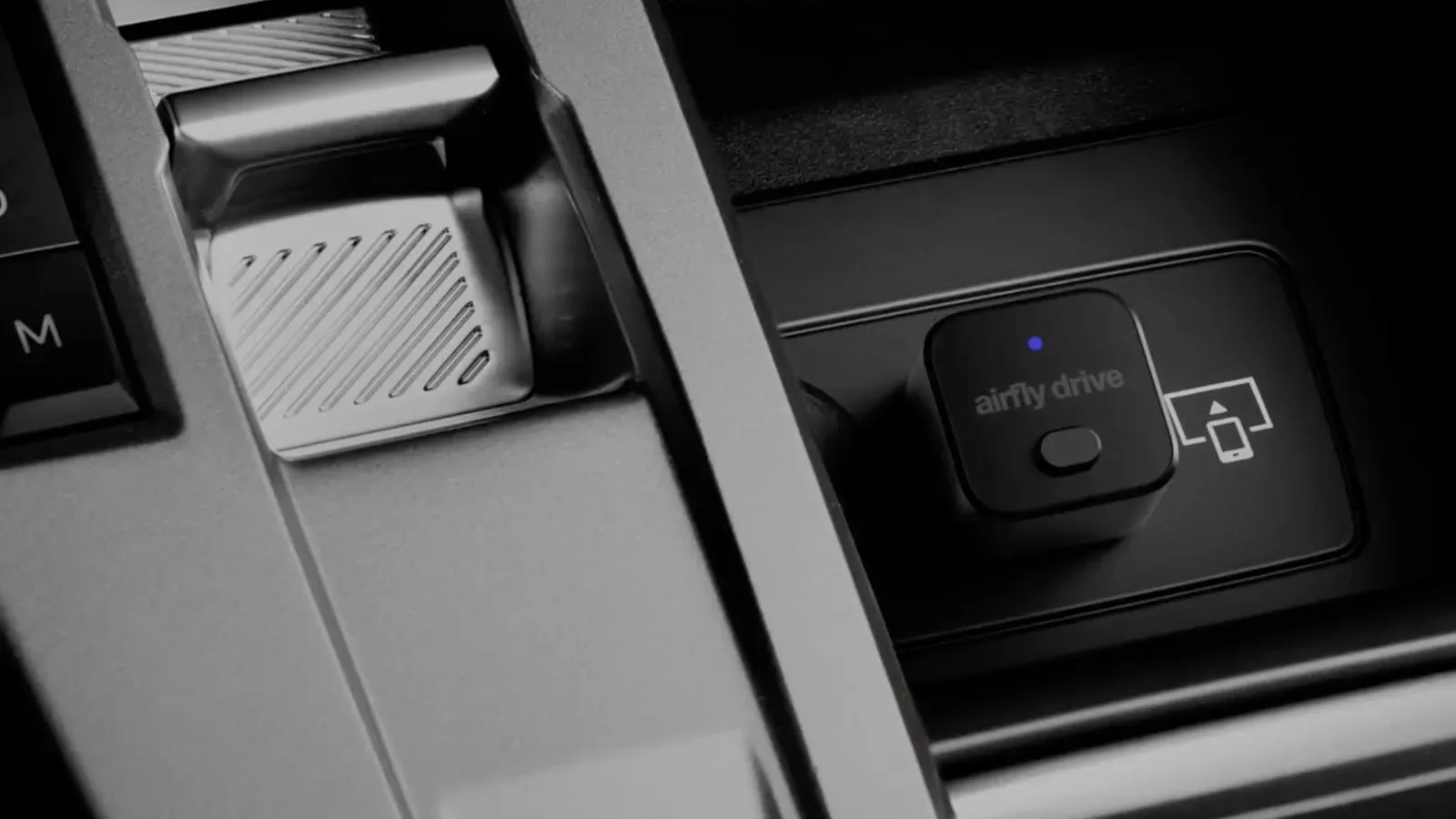
For drivers whose cars support CarPlay but only through a cable, Twelve South has introduced a small adapter intended to cut the cord without replacing the vehicle’s infotainment hardware. The new AirFly Drive turns an existing wired CarPlay connection into a wireless one, using Wi-Fi between the iPhone and the vehicle-side setup.
The premise is pleasingly simple: plug the adapter into the car’s USB data port, pair an iPhone once, and leave it in place. On later trips, the phone is meant to reconnect automatically when the vehicle starts, allowing CarPlay to appear without reaching for a USB-C cable first.
AirFly Drive is priced at $39.99 in the United States and is available in black or white. It is designed as a compact aluminum cube, with a USB-A connection and an included USB-C adapter. That combination matters because vehicle USB ports are not uniform; the included adapter gives the product a path into either of the two common physical port styles without changing what the accessory is intended to do.
What AirFly Drive does—and what it does not do
The key compatibility distinction is also the most important buying check. AirFly Drive is for vehicles that already have factory wired CarPlay. It does not add CarPlay to a car that lacks it, and it does not replace a vehicle display or upgrade an older infotainment system by itself.
In other words, the product sits between an iPhone and a car that already knows how to run CarPlay over USB. Rather than plugging the phone directly into that data-capable port, the driver plugs in AirFly Drive. The adapter then handles the wireless link, letting the vehicle access CarPlay through the wired connection it already supports.
That makes it a convenience accessory rather than a broad in-car entertainment conversion kit. A car with no factory wired CarPlay remains outside its stated use case, even if it has USB ports. Not every USB socket transfers data: some are simply there for charging. AirFly Drive needs the port that the vehicle uses for wired CarPlay.
A quick compatibility checklist
- The vehicle must offer factory wired CarPlay.
- The connection must be made through the vehicle’s USB data port, not a charging-only port.
- The iPhone must run iOS 10 or later.
- Drivers should choose the supplied connection arrangement that fits the vehicle’s USB-A or USB-C port.
Those limitations are not unusual for this category, but they are worth spelling out. The word “wireless” can suggest that an adapter works with any dashboard screen or any iPhone-equipped car. Here, wireless describes the link between the phone and the adapter; the underlying requirement is still a vehicle with wired CarPlay support.
Wi-Fi is doing the heavy lifting
AirFly Drive uses Wi-Fi to establish its connection between the iPhone and vehicle. In practical terms, that is the part that eliminates the everyday cable routine for CarPlay. The adapter remains connected to the car’s USB data port while the phone communicates with it wirelessly.
That setup should not be confused with a claim that the accessory powers an iPhone. Twelve South specifically says no charging is required for the AirFly Drive experience, meaning a driver can use CarPlay without physically connecting the phone to make the system work. The obvious trade-off is that the phone is no longer receiving power from the car through that same cable during use. Drivers who depend on a wired connection to replenish battery life on long journeys may still want a separate charging solution.
There is a larger practical point here. A wired CarPlay system asks the driver to make a physical connection each time. A wireless conversion changes that ritual: the hardware remains in the car, while the phone reconnects after the initial pairing. For short, frequent drives, that may be the entire appeal. It is less about adding a new dashboard feature than removing one repeated step.
That convenience can be particularly attractive in a shared household, where a cable may otherwise be borrowed, moved, or left at home. It can also make the car’s built-in experience feel closer to vehicles that shipped with wireless CarPlay support from the outset—while keeping the existing wired-capable infotainment system in place.
Pair once, then let the car handle the routine
Twelve South says an iPhone only needs to be paired with AirFly Drive once. After that, the accessory is designed to reconnect automatically and quickly whenever the vehicle starts. The product does not require a companion app or an account.
That absence of an app and account is meaningful in a narrow but useful way: the stated workflow is focused on connection rather than creating a separate software service to manage the accessory. A driver’s regular CarPlay setup stays central, while AirFly Drive functions as the bridge between the phone and a wired CarPlay input.
The accessory also has a physical button for one-press switching between two paired iPhones. That feature is aimed directly at cars shared by two people. Rather than treating the adapter as permanently attached to one driver’s phone, it provides a simple way to select between two previously paired devices.
The wording is important: the button switches between two paired iPhones; it is not presented as a general multi-user manager for an unlimited list of phones. For a two-driver vehicle, however, the design addresses a common point of friction. Shared-car technology often works best when the handoff is obvious. A dedicated button is easier to understand at a glance than digging through menus before leaving the driveway.
Why an adapter can be the practical route
There are already other wired-to-wireless CarPlay dongles on the market, including options sold through Amazon. AirFly Drive enters an established accessory category rather than introducing a brand-new form of CarPlay connectivity. Its differentiating details are the compact aluminum-cube design, USB-C adapter in the box, automatic reconnection, two-phone switching control, and its focus on staying plugged into the vehicle.
For someone with a wired CarPlay-equipped car, an adapter can be a more targeted solution than changing the vehicle’s head unit or chasing features the factory system was never designed to offer. The vehicle retains its existing screen and factory CarPlay integration. The change is at the connection point.
There is also a tidy placement advantage. Because AirFly Drive is designed to remain connected, it avoids becoming another item that has to be packed, charged, or remembered. Its home is the car’s CarPlay data port. The less frequently an accessory needs attention, the closer it comes to the experience of a built-in feature—at least in the specific task it is designed to handle.
Drivers should nevertheless keep expectations grounded. The supplied details establish compatibility, connection method, pricing, colors, automatic reconnection, and the two-iPhone switch. They do not establish performance comparisons with other adapters, real-world range, or behavior in every vehicle. Those variables can matter with wireless accessories, but they are not claims attached to this release.
The gaming-adjacent appeal: fewer pre-drive rituals
There is a familiar appeal here for anyone who likes technology that gets out of the way. In games, a good quality-of-life improvement often removes menu work without changing the core experience. AirFly Drive follows a similar idea for a car’s media and navigation interface: CarPlay remains CarPlay, but a cable connection can be removed from the start-up routine.
It is the same basic instinct behind restoring old hardware or polishing a favorite setup: preserve the part that already works, improve the point of friction. For a different flavor of vehicle-focused play, see the latest on Lemans 2’s Commodore 64 arcade-racing update.
AirFly Drive will not be equally compelling for every driver. Those who routinely need to charge their phone in the car may prefer their existing wired habit, or will need to use another power connection. Drivers whose vehicles already support wireless CarPlay have no reason to add it. And anyone without factory wired CarPlay is outside the accessory’s stated compatibility.
But for the specific group with wired CarPlay, an iPhone on iOS 10 or newer, and a desire to stop connecting a cable each trip, the proposition is direct. At $39.99, AirFly Drive is a small hardware add-on meant to make an existing feature feel less tethered—without demanding an app, account, or a more invasive change to the car.