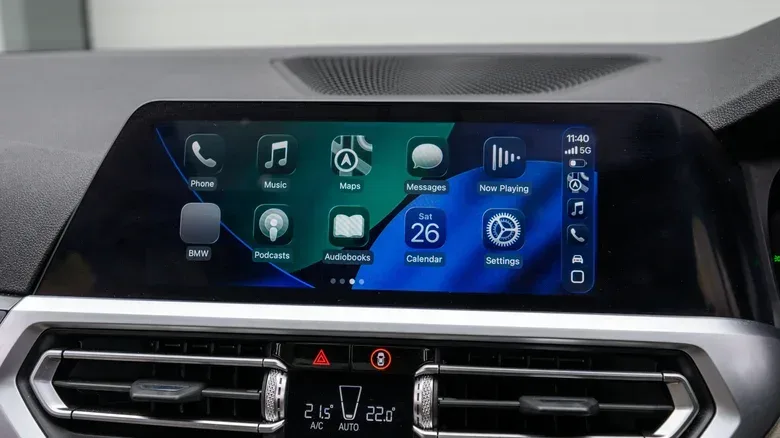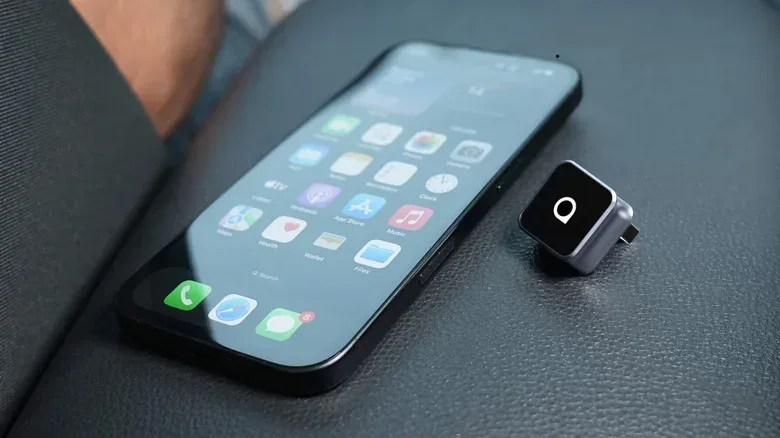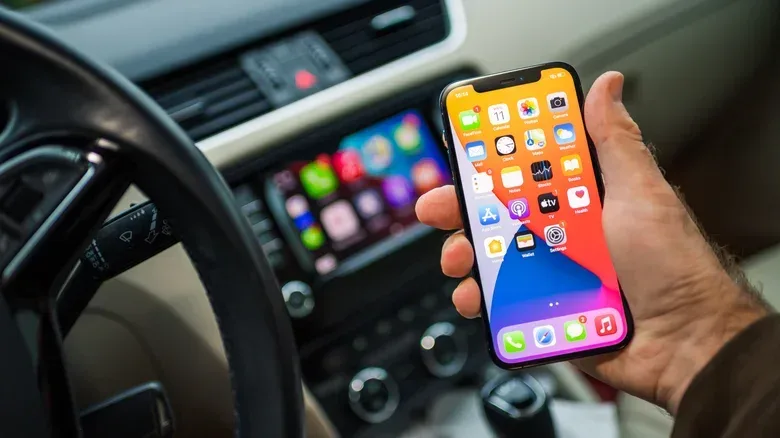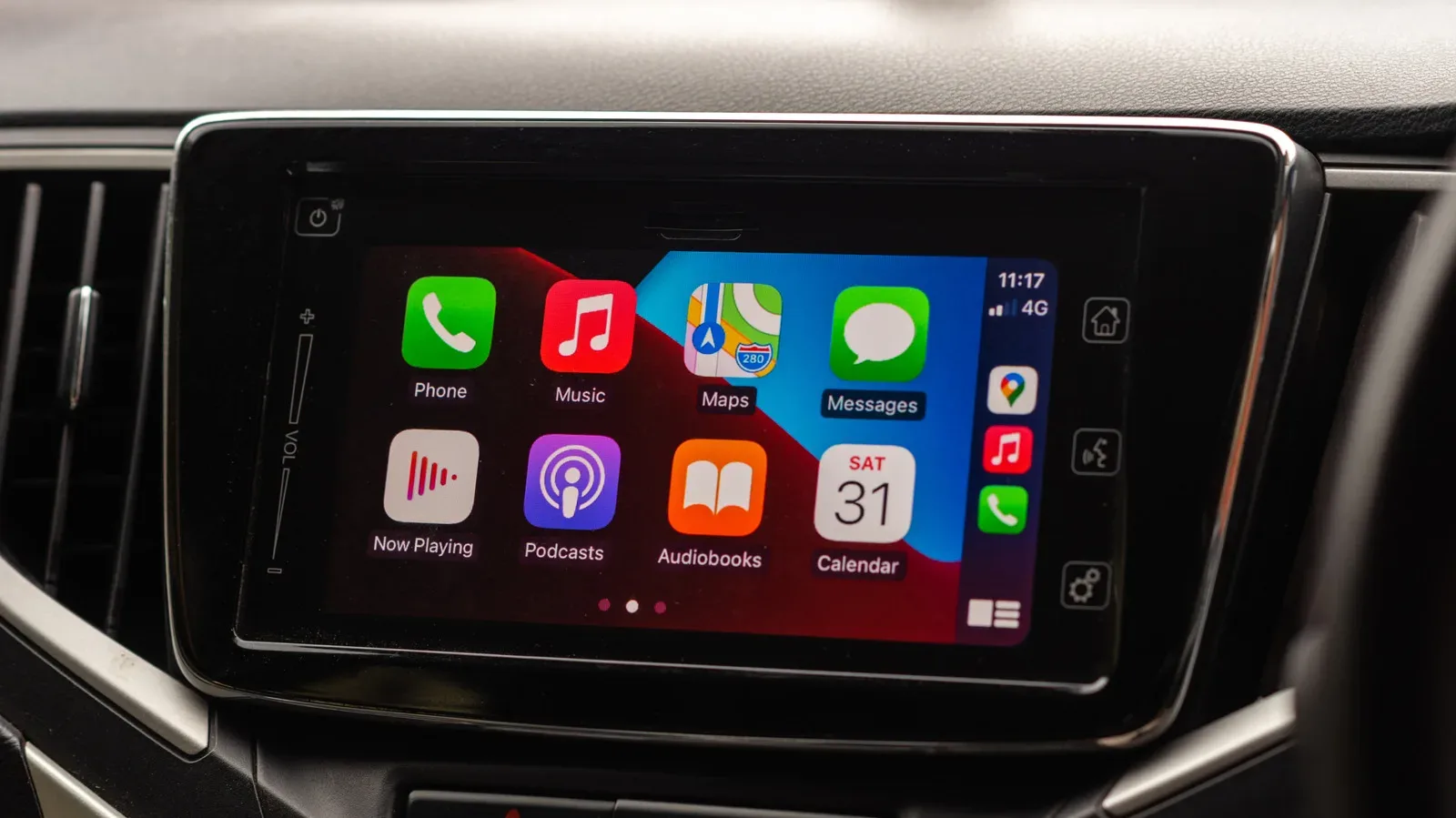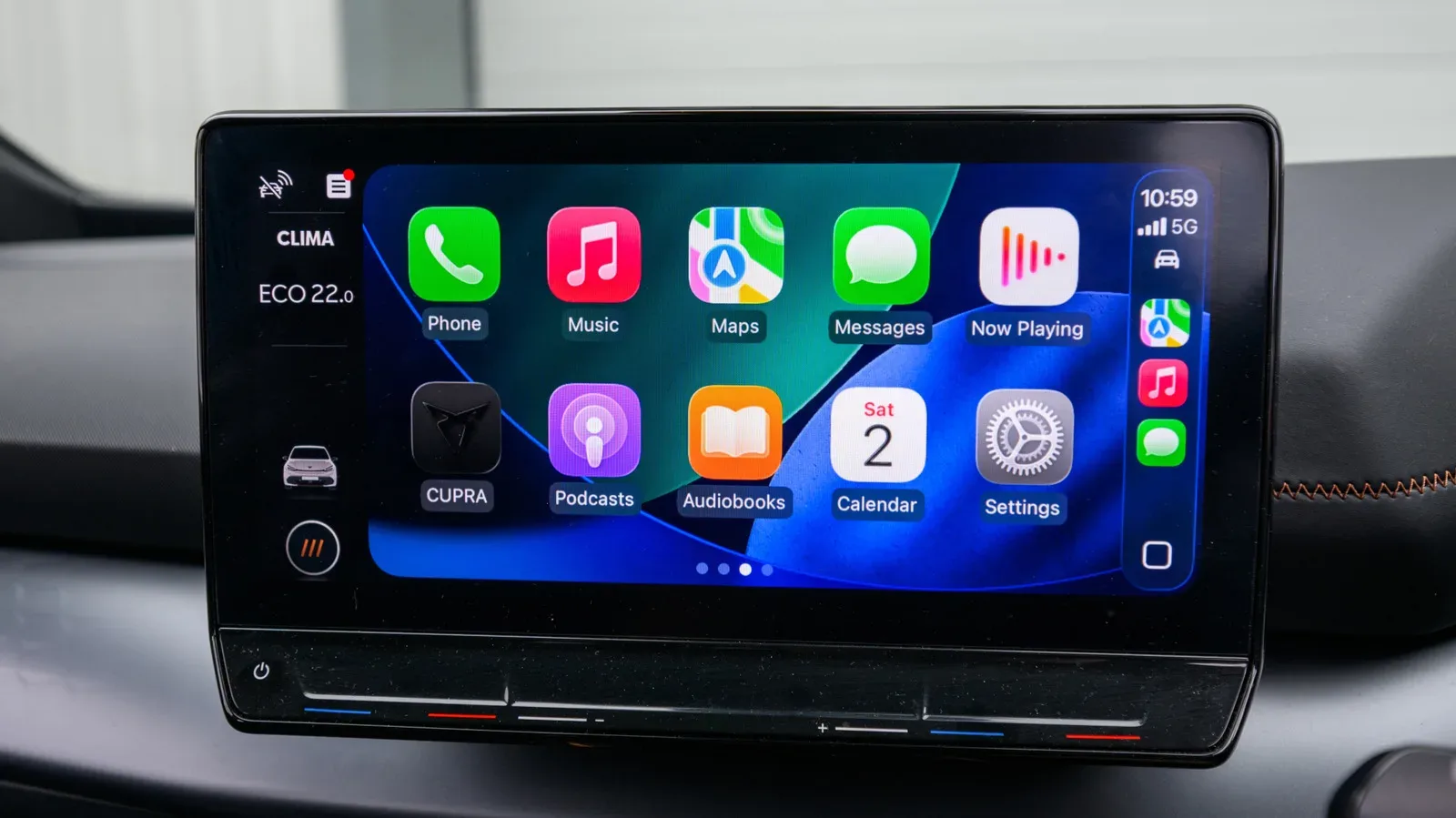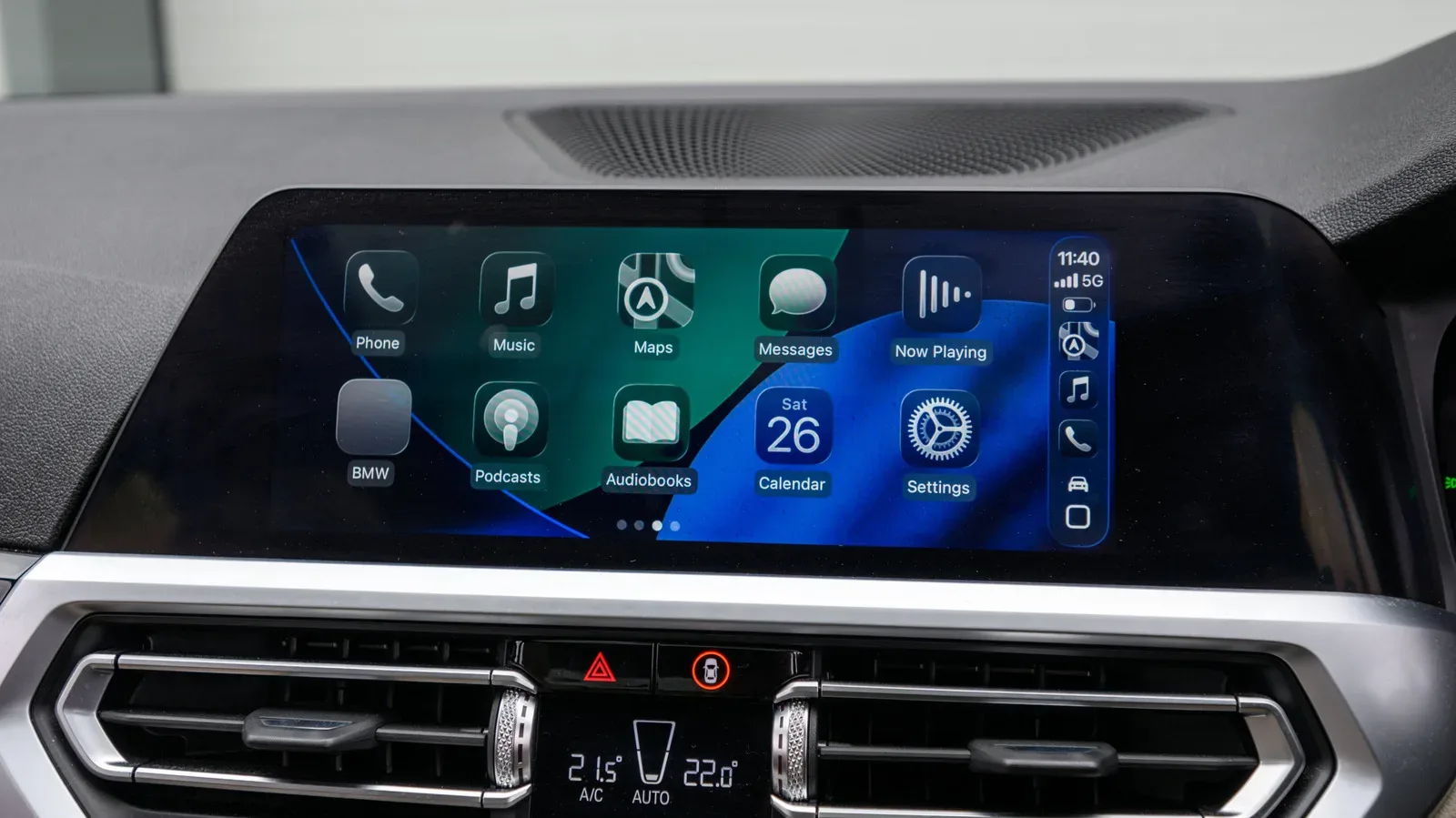
A wireless CarPlay adapter sounds like one of the simpler upgrades in car technology: plug a small device into the USB port normally used for CarPlay, pair an iPhone, and stop reaching for a cable whenever the engine starts. In the right vehicle, that is broadly the idea. The adapter acts as a bridge, converting an existing wired CarPlay connection into a wireless one without replacing the car’s infotainment hardware.
But the key phrase is existing wired CarPlay. These adapters are not universal upgrades for every dashboard with a USB socket, nor are they a substitute for an infotainment system that supports CarPlay in the first place. A good purchase starts with compatibility, then moves to the less glamorous but more consequential details: connector type, update support, automatic reconnection, wireless standards, and retention of the controls a driver actually uses.
The upside is convenience. A wired setup can be more stable, while a wireless setup lets an iPhone stay in a pocket, bag or another suitable place rather than remain tethered to the dashboard. The trade-off is that an additional device and wireless connection introduce more points where a setup can be slow, incompatible or unreliable. That does not make wireless adapters a bad bet; it makes them a category where a few checks matter much more than a flashy product listing.
Start with the limitation that decides everything
A wireless CarPlay adapter only converts wired CarPlay to wireless CarPlay. It relies on the car already having built-in CarPlay through its infotainment system. In practical terms, the vehicle’s USB CarPlay connection is the foundation; the adapter sits between that system and the iPhone.
If the car has no CarPlay capability, plugging in one of these adapters will not create it. That is a different problem with a different kind of solution, such as a portable CarPlay display. Buyers should separate those two products before comparing prices or specifications. A conversion adapter is for a vehicle that already supports the platform by cable. A display is for adding a separate screen-based solution where the existing system does not provide CarPlay.
This distinction also explains why broad claims about compatibility deserve careful reading. An adapter may be designed to work with many vehicles, and one Amzfeel model claims compatibility with more than 800 vehicle models, but a large headline number is not confirmation for a particular car. The useful question is much narrower: does the manufacturer list the exact vehicle or infotainment system, and do owners of that vehicle report success?
A compatible-vehicle list in the product description is a sensible first stop. Car forums can provide an additional real-world check, particularly where a vehicle has multiple infotainment configurations. The goal is not to assume that every car of a certain make behaves identically, but to verify the setup that is actually installed.
Inspect the USB port before choosing a model
Connector choice is a small specification with an outsized effect on daily usability. Older vehicles commonly use USB-A ports, while newer ones may use USB-C. The adapter should match the port that provides wired CarPlay in the car.
That advice is not merely about tidiness. Adding another USB adapter between the car and the wireless CarPlay device creates another component in a chain that already depends on the infotainment system, adapter and phone working together. Matching the correct port avoids that needless extra layer.
Before ordering, identify both the port shape and the relevant port’s function. A vehicle may have more than one USB connection, but the adapter needs the one that handles the car’s wired CarPlay connection. Selecting an adapter because it physically fits an available port, rather than because it matches the CarPlay-capable port, risks a frustrating mismatch.
Why software updates should be treated as a buying feature
CarPlay adapters live between an iPhone and a vehicle system, so their ongoing compatibility is not solely determined on the day they are purchased. New iOS versions can cause trouble for models that do not receive firmware updates.
Firmware is the software that runs on the adapter itself. It is distinct from iOS on the iPhone and from the software in the vehicle’s infotainment system. When an adapter maker offers firmware updates, it has a route to address compatibility problems that emerge as phone software changes. That does not guarantee every future issue will be fixed, but it is a more durable proposition than a unit with no update path.
Buyers should therefore check two things separately: whether the adapter supports the version of iOS currently installed on their iPhone, and whether the adapter can be updated later. Current support answers whether it should work now. Update capability is the safeguard against needing an early replacement after a later software change.
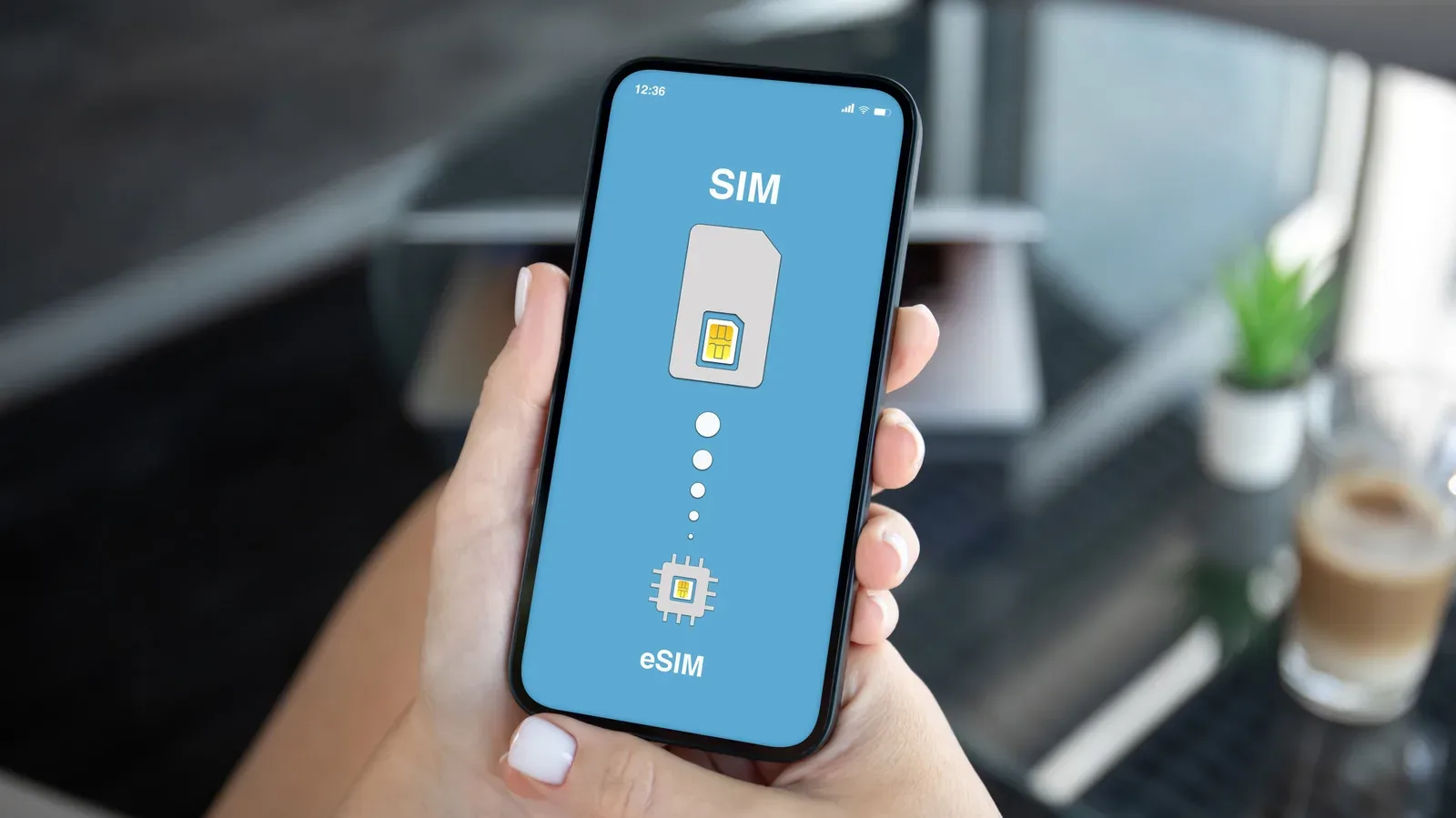
This is a useful wider lesson for accessories that connect to phones. Hardware may look static, but its usefulness often depends on software compatibility. For a broader look at how convenience and device compatibility can pull in different directions, see eSIM vs. Physical SIM: Convenience, Compatibility and the Fine Print.
Auto-reconnect is the feature that shapes the everyday experience
Once basic compatibility is confirmed, auto-reconnect may be the most meaningful quality-of-life feature. After initial setup, it allows the iPhone to start wireless CarPlay automatically when the vehicle starts. Without it, the driver may need to pair the phone manually each time.
That difference is easy to underestimate during a quick specifications comparison. A wireless conversion is purchased largely to remove routine friction. If the adapter replaces plugging in a cable with a repeated pairing ritual, the convenience argument weakens sharply. Auto-reconnect is therefore not an optional flourish; it is central to whether the product feels like an upgrade rather than another task.
Connection speed matters for similar reasons. Some adapters can take too long to connect. A device may technically function yet still be irritating if the driver routinely waits for the system to become available. Product descriptions and compatibility reports should be read with the real trip in mind: start the car, let the phone connect, and use CarPlay without additional intervention.
Bluetooth and Wi-Fi do different jobs
Wireless CarPlay adapters use Bluetooth and Wi-Fi, and the supported standards can affect connection speed and stability. The most useful specifications to look for are at least Bluetooth 5.0 and 5GHz Wi-Fi.
Bluetooth 5.0, in this context, is associated with quicker connections. That matters during the initial linking process between the iPhone and adapter. 5GHz Wi-Fi is relevant because it can avoid some congestion, helping support a more reliable and stable connection for the wireless CarPlay experience.
These terms can sound like box-ticking jargon, but the practical concern is straightforward. Older wireless standards may lead to lag or interference. A lagging interface is especially unwelcome in a car because the point of CarPlay is quick access to compatible navigation, communication and entertainment functions through the vehicle’s system. The better wireless specifications do not erase every possible incompatibility, but they are meaningful signals when choosing among otherwise similar adapters.
It is also worth keeping expectations realistic. Wired CarPlay offers greater stability. Going wireless exchanges some of that inherent simplicity for flexibility in where the phone can be placed. A buyer who values the most stable possible connection above all else may prefer to keep using a cable. A buyer who prioritizes an uncluttered cabin and less handling of the phone may find the wireless trade-off worthwhile, provided the adapter is well matched to the car and iPhone.
Protect the controls that make CarPlay useful
Compatibility does not end when the CarPlay screen appears. Not every adapter supports steering-wheel controls or hands-free Siri. Anyone who considers these functions essential should verify support before buying rather than assuming that basic CarPlay operation means every control method carries over.
Steering-wheel controls can be a core part of a car’s established interface. Hands-free Siri is similarly important for people who expect voice interaction rather than touching the screen. The right standard is not simply “does it connect?” but “does it preserve the way this driver expects to interact with CarPlay?”
Households with multiple iPhone users have another practical requirement: multiple paired iPhones. A model that can support more than one paired phone better fits a shared vehicle. This is a straightforward feature, but it prevents the adapter from becoming effectively dedicated to one person’s device.
Extra features should come after the fundamentals
Some higher-priced adapters add features such as Android Auto support or video streaming apps. Those additions may be useful for particular buyers, but they should not distract from the compatibility checklist. An adapter with extra functions but poor reconnection behavior, unsupported controls or uncertain iOS support is not automatically a better choice than a simpler model that handles the basics reliably.
Price provides a helpful reality check. Many adapters, including options from Ottocast, fall in the $30 to $50 range, while models with additional features can cost more. That makes the category relatively accessible compared with replacing an infotainment system or buying a new vehicle, but it also means feature claims should be weighed against the actual need. Paying extra for Android Auto support makes sense only for a driver who will use it; paying for an update-capable, compatible unit has clearer long-term value for an iPhone owner relying on CarPlay.
A concise pre-purchase checklist
- Confirm built-in wired CarPlay: The car must already support CarPlay through its infotainment system.
- Verify the exact vehicle or system: Check the manufacturer’s compatible-vehicle information and, where helpful, owner discussions for the same setup.
- Match the connector: Choose USB-A or USB-C to match the car’s CarPlay port and avoid adding an unnecessary USB adapter.
- Check the installed iOS version: Confirm the adapter supports the iPhone software in use.
- Favor firmware updates: An update-capable model has a better chance of remaining useful as iOS changes.
- Look for auto-reconnect: It is the difference between a genuinely hands-off experience and repeated manual pairing.
- Prioritize Bluetooth 5.0 and 5GHz Wi-Fi: These standards are associated with quicker, steadier connections and reduced congestion.
- Verify essential controls: Confirm steering-wheel controls and hands-free Siri support if they matter to the driver.
- Consider shared use: Multiple paired iPhone support is valuable in a car used by more than one person.
The best wireless CarPlay adapter is not necessarily the one with the longest features list. It is the one that cleanly fits the car’s existing CarPlay setup, uses the correct port, works with the iPhone’s present software, can be updated, reconnects automatically, and preserves the controls the driver depends on. Get those fundamentals right, and a modest accessory can make a wired-only CarPlay system feel considerably less restrictive.
Shop the products
Check current price, model and availability at the retailer.