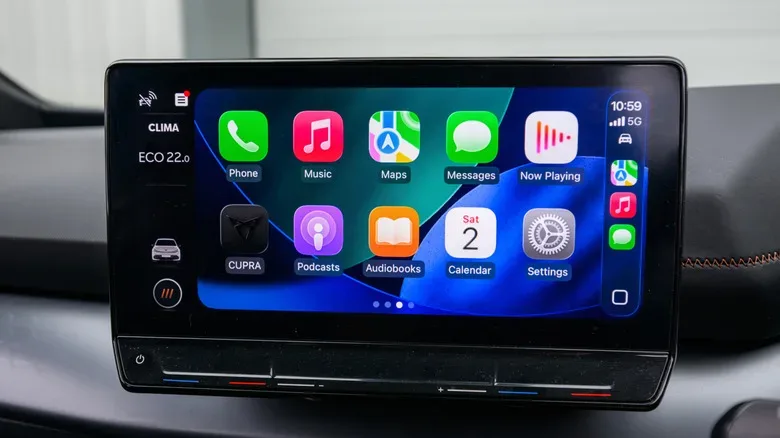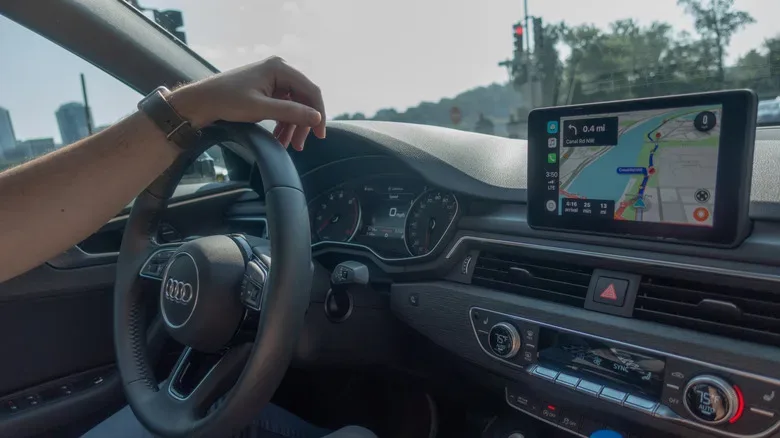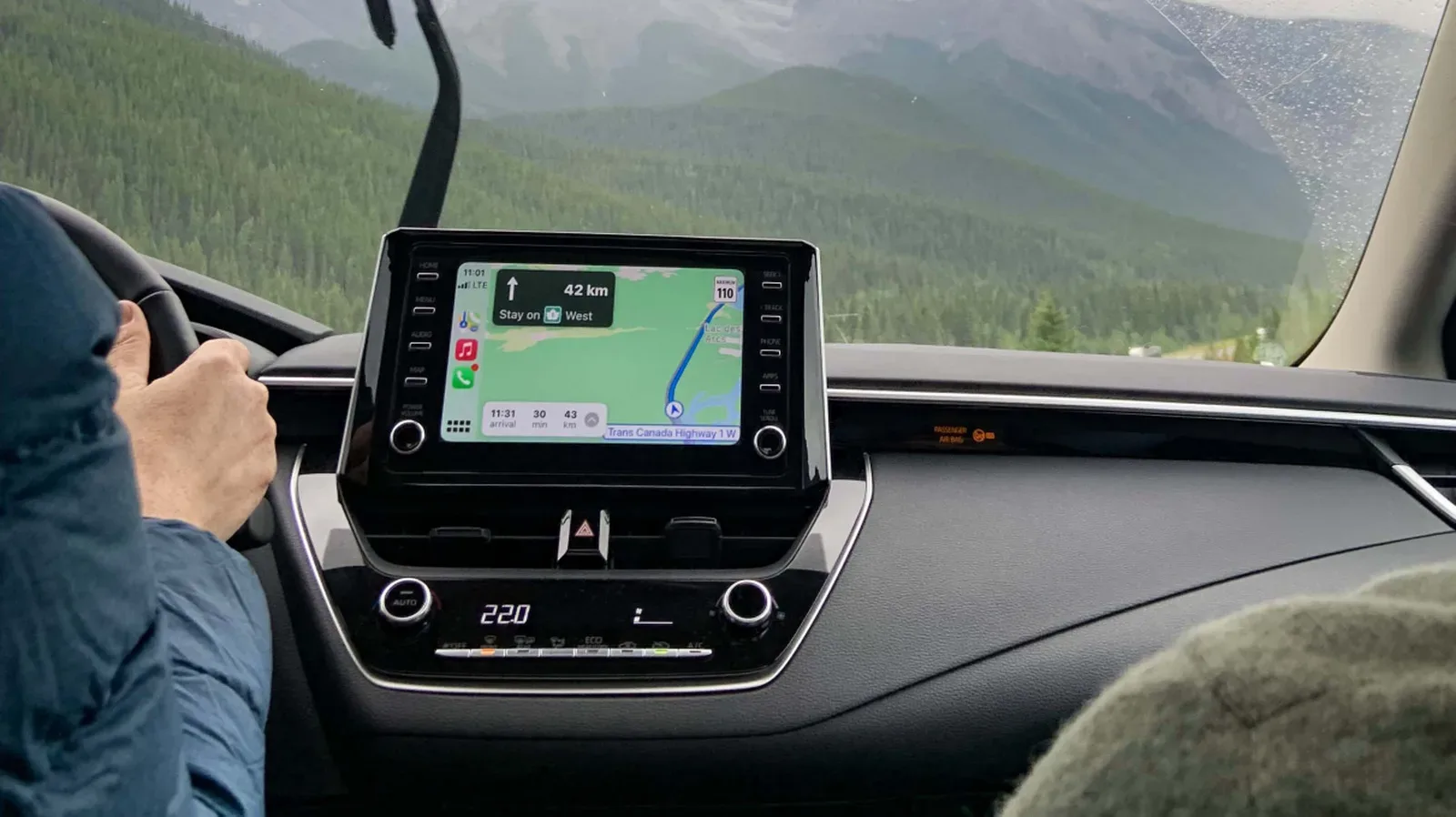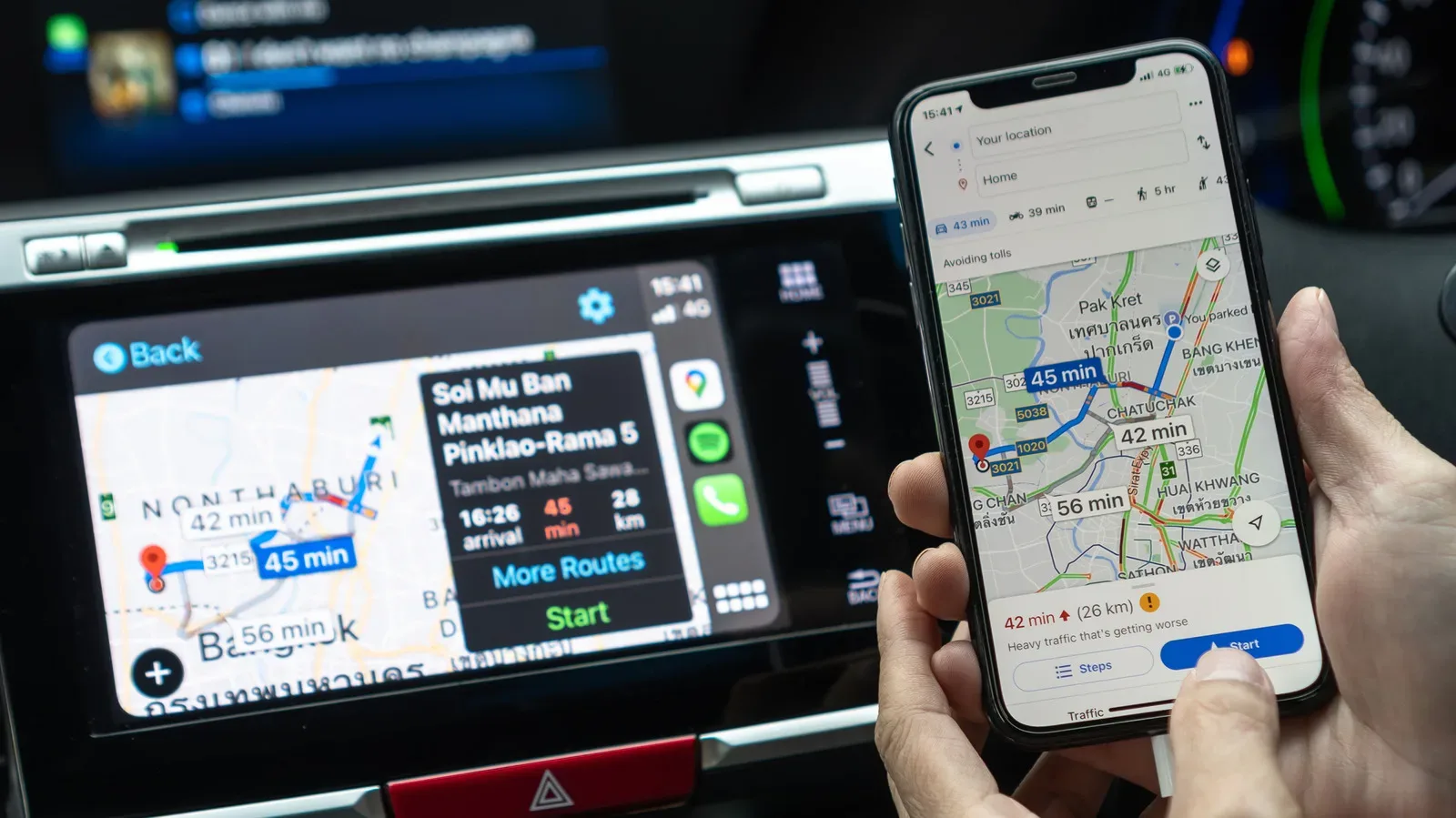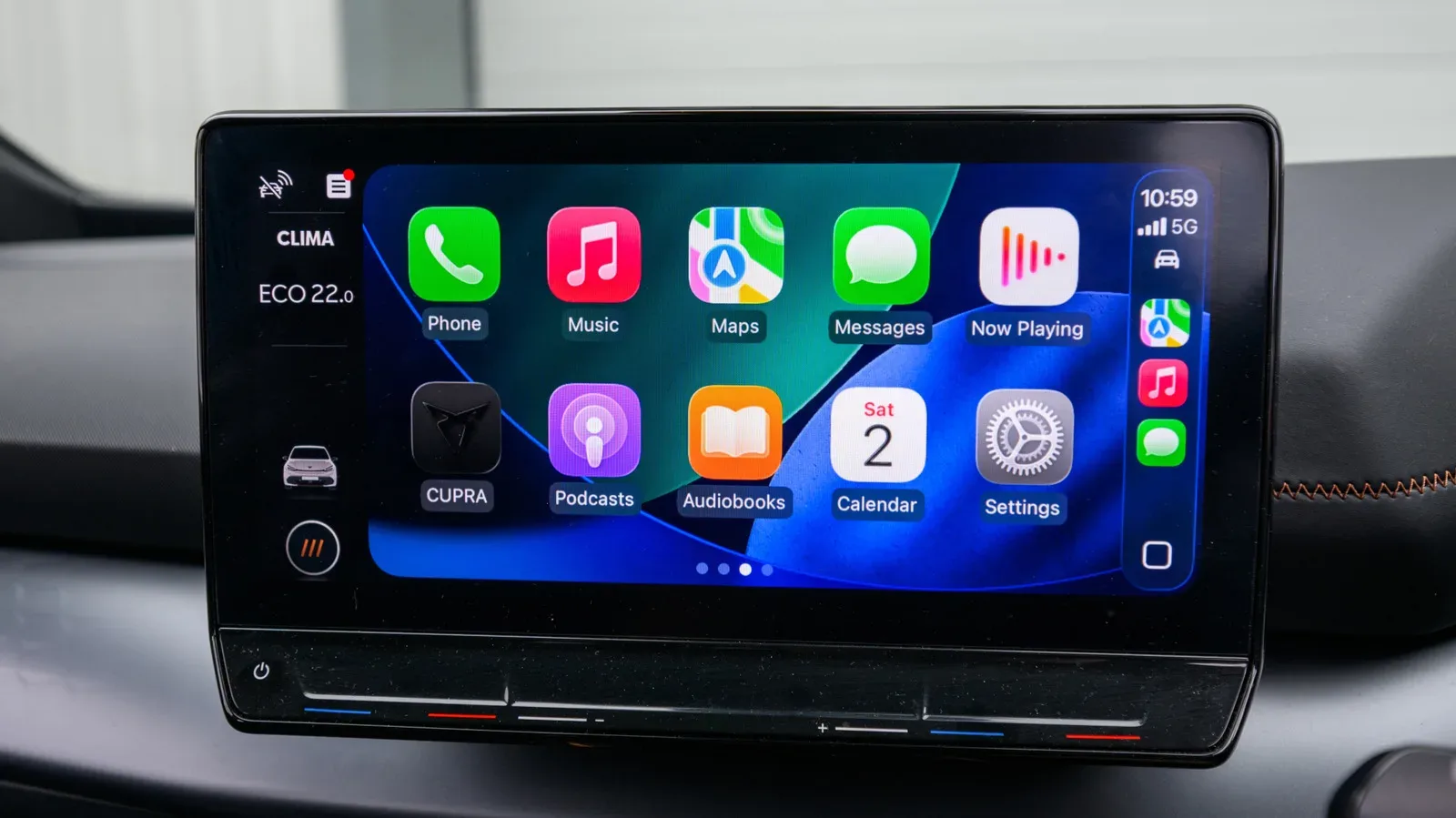
There is a particular kind of automotive annoyance reserved for drivers whose cars are otherwise perfectly dependable but whose dashboards belong to another technological era. The engine starts, the air conditioning works, and the vehicle may still have years of useful life left—yet navigation requires balancing a phone somewhere optimistic, music controls are scattered across tiny screens, and messages are best left untouched until the trip ends.
A portable Apple CarPlay screen is aimed directly at that problem. Rather than replacing a vehicle’s entire factory head unit, these self-contained displays sit on or near the dashboard and connect to an iPhone. They can place familiar navigation, music, calling and messaging functions on a dedicated screen without demanding that a driver replace the car itself or undertake a more involved dashboard retrofit.
They are not an automatic purchase for every car owner. A portable screen will not have the seamless, built-in appearance of a factory infotainment system, and installation details can turn a cheap-looking solution into either a useful upgrade or a distracting piece of dashboard clutter. Still, for the right driver, this is one of the most practical ways to bring CarPlay into an older vehicle—or one that lacks it by design.
Who gets the most value from a portable CarPlay display?
The clearest case is an older vehicle with no CarPlay-compatible infotainment system. More than 800 vehicle models support CarPlay, but that still leaves plenty of cars on the road without it. If the vehicle is mechanically sound and the owner does not want to spend heavily on a stereo replacement, a portable display offers a comparatively low-cost route to a modern phone interface.
It can also suit drivers who want to preserve a factory dashboard. Replacing the built-in head unit may affect the original look of the interior and can be a larger project than expected. A standalone screen avoids much of that disruption. It does not make the dashboard look factory-fitted, but it can supply the central benefit people are after: a larger, more accessible place for iPhone apps while driving.
There is another audience here: people whose newer vehicles do not offer the phone projection system they prefer. Some manufacturers have moved away from CarPlay and Android Auto in certain electric vehicles, favoring their own software ecosystems. A portable unit can function as a workaround for drivers who want their iPhone’s navigation, media and communication interface within view rather than relying entirely on the vehicle maker’s native system.
Cost is a major part of the appeal. Many portable CarPlay displays can be found below $50, while options around $150 are still far less expensive than replacing a car or pursuing a comprehensive integrated upgrade. That price spread is also a warning: not every inexpensive screen delivers the same quality, and the lowest-priced choices may make compromises that are immediately obvious once the vehicle is moving.
The first question is not price: where will it go?
Before comparing specifications, look at the vehicle itself. A portable screen needs a secure position that remains visible without blocking the road ahead, important dashboard controls, vents or instrument cluster. It must also be placed so the driver is not constantly looking down or far to one side.
Screen sizes commonly run from roughly 6 to 11 inches. Bigger is not necessarily better. An 11-inch panel may offer a generous view of maps and larger touch targets, but it can overwhelm a compact cabin or become a visual distraction. A smaller display may be easier to mount cleanly, fit better among existing controls and keep the driver’s attention closer to the road. The sensible choice depends on available space, seating position and how the dashboard is shaped—not simply on the largest number on a product listing.
Mounting hardware deserves as much scrutiny as the display. A poor mount is more than an aesthetic irritation. If the unit shakes constantly or comes loose when the car turns, the driver may be tempted to catch, reposition or adjust it while in motion. Look carefully at how the screen attaches and whether the mounting approach makes sense for the surfaces in the vehicle. The goal is a stable, predictable installation, not a tablet that becomes a passenger during every corner.
Display clarity and touch response are daily-use features
Portable CarPlay screens are not intended as 4K video displays, and that is not a useful standard for this category. But low resolution can still make ordinary driving tasks unpleasant. Maps, labels, icons and interface text need to be readable at a quick glance. A display with at least 1280 by 720 pixels is a reasonable baseline to seek out.
Resolution alone does not determine whether a screen feels good to use. Touch response matters because CarPlay is designed around quick taps and simple interactions. A laggy or inaccurate touchscreen can turn a simple change of destination or music selection into a frustrating sequence of repeated pokes. The very cheapest units are often the ones where a poor touchscreen becomes difficult to ignore.
Size, clarity and responsiveness should be treated as one package. A large screen with fuzzy text has not solved much. Neither has a sharp small display mounted in an awkward location. Buyers should think about the real job: reading directions, recognizing controls and making limited interactions promptly and safely.
Audio is where a promising setup can fall apart
CarPlay is only half the experience if its navigation prompts, calls and music emerge from a tiny built-in speaker. Most portable screens are not likely to impress as standalone audio devices, so connection options to the vehicle’s existing sound system are essential.
Useful outputs include AUX, Bluetooth and FM transmission. Each vehicle will favor a different method. An older car with an auxiliary input may have an obvious path. A vehicle with Bluetooth audio may be able to receive sound that way. FM can be a fallback in cars with neither of those convenient options. What matters is confirming that the portable display offers a connection the specific vehicle can actually use.
Do not assume that the screen’s CarPlay connection automatically means audio will move effortlessly into the car speakers. Check the product’s supported audio methods before ordering. The screen may be affordable, but a setup that leaves calls and navigation instructions coming from a weak onboard speaker will feel like a compromise every time the car is used.
For iPhone owners weighing related upgrades, it is also worth keeping the phone itself in reliable shape; our guide to buying a refurbished iPhone from Walmart covers condition, seller and return considerations that are relevant when an older handset is becoming the center of an in-car setup.
Wireless CarPlay should be verified, not assumed
One of the main conveniences of a modern CarPlay arrangement is avoiding a cable every time the driver enters the vehicle. Yet not every portable display supports wireless CarPlay. Some require a wired iPhone connection, which may be perfectly acceptable for a driver who prefers reliable charging and does not mind plugging in. It is not the same feature set, however.
Anyone specifically shopping for the cable-free experience should ensure the listing explicitly identifies wireless CarPlay support. Avoid treating vague language around phone connectivity as confirmation. This is a basic compatibility detail that is easy to overlook and hard to fix after the screen is already mounted.
A wired model is not inherently a bad choice. It may fit a driver who already uses a cable to charge on every trip. But the decision should be deliberate: choose wired because it suits the routine, not because the product description buried the limitation in a specification list.
Extra hardware can make the upgrade more useful
Some portable CarPlay displays do more than display CarPlay. Integrated dash cameras are available on many models, often with loop recording to microSD storage. That can be appealing to drivers who want a single device handling both phone projection and recording duties.
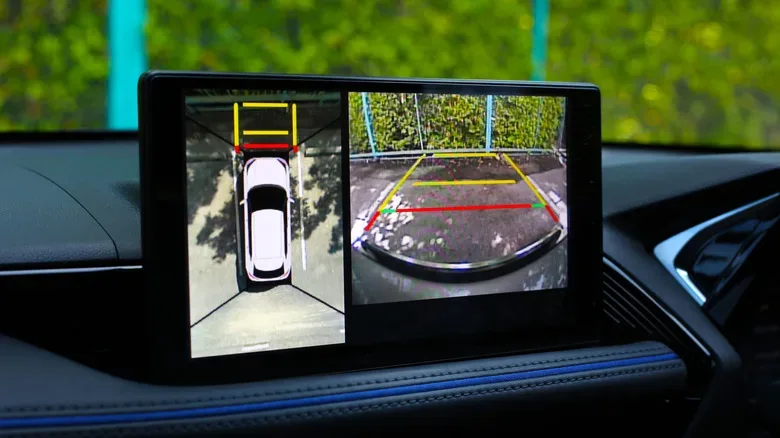
Rear-camera bundles are another feature to consider. For an older car without parking assistance, a rear camera paired with the display can add a practical layer of visibility when reversing. It will not transform every vehicle into a modern factory system, but it can be a meaningful upgrade where the car currently has no camera at all.
Other units include Android as a built-in operating system. That is not required for CarPlay, which relies on the iPhone connection, but it can allow apps to run on the screen itself without the phone serving as the active source. Whether that capability is useful depends on the buyer’s needs. It should be considered an optional extra, not a replacement for checking core items such as mounting, display quality, audio and CarPlay mode.
A sensible pre-purchase checklist
- Measure the dashboard area and choose a 6- to 11-inch screen size that will not dominate the cabin or obstruct important views and controls.
- Prioritize a stable mount. A display should remain secure during normal driving and turns.
- Look for at least 1280 by 720 resolution so maps, text and icons are not needlessly difficult to read.
- Confirm audio compatibility through AUX, Bluetooth or FM based on what the vehicle supports.
- Check for wireless CarPlay specifically if a cable-free connection is important.
- Consider cameras and built-in Android only after the essentials are covered.
- Be wary of ultra-cheap models where touchscreen quality may be a major compromise.
A portable CarPlay screen is most worthwhile when it removes a genuine daily irritation without creating new ones. For an owner who wants to keep an older vehicle, maintain its factory stereo, or regain a preferred phone interface in a car that does not provide it, the category can offer a straightforward answer. The best purchase is not necessarily the largest screen or the least expensive listing. It is the one that fits the dashboard securely, connects cleanly to the car’s audio, presents a readable interface and supports the iPhone connection style the driver actually wants.