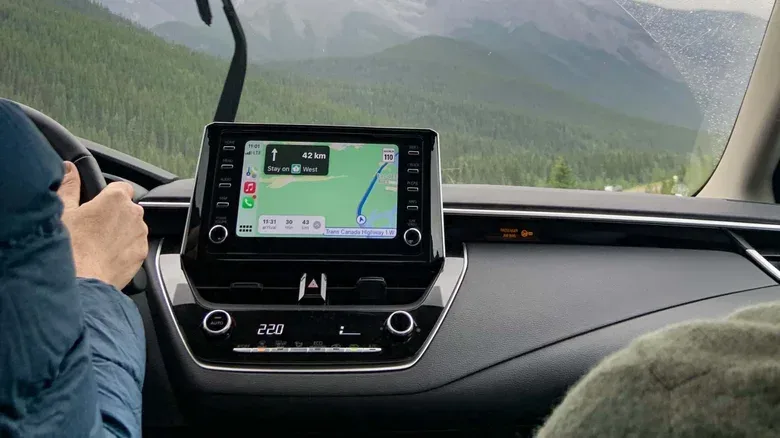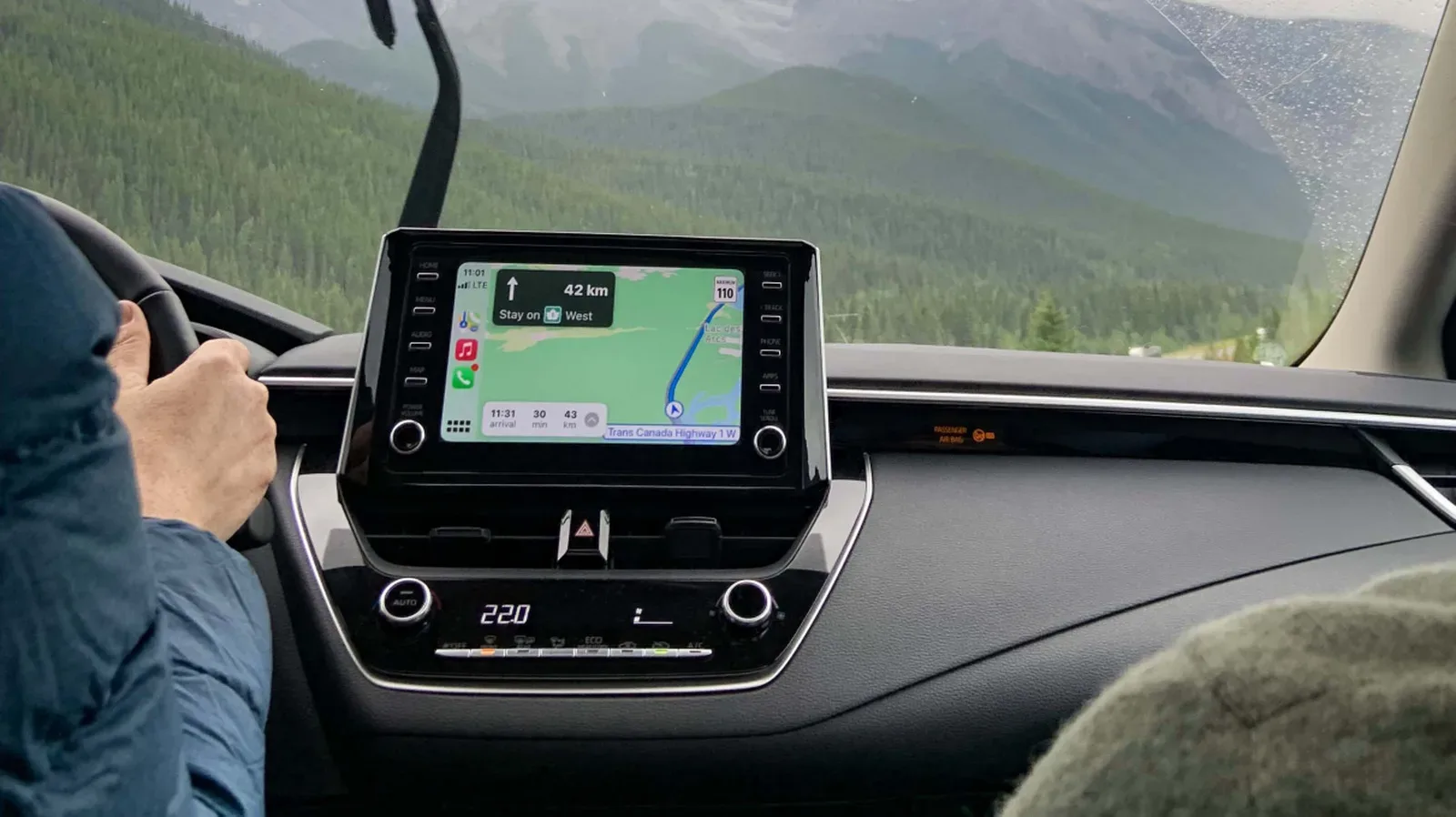
Apple Maps is the map app most iPhone owners will encounter by default in CarPlay, and it can handle the basics perfectly well. But default is not the same thing as definitive. Navigation is one of those rare pieces of technology where the “best” option can change with the trip: a commuter fighting daily congestion needs different information than a driver crossing areas with unreliable coverage, and neither necessarily needs what a weather-conscious road-tripper does.
That is where a small bench of CarPlay alternatives becomes useful. Google Maps leans on broad coverage, traffic information and business listings. Waze turns the commute into a live stream of driver-reported conditions. TomTom GO aims for a cleaner, dedicated-GPS style of guidance. Magic Earth makes a privacy-focused and offline-capable case. Drive Weather is a specialist companion for understanding the conditions waiting farther down the road.
The sensible approach is not necessarily to delete Apple Maps and pledge allegiance to one new navigation icon. It is to identify the information that matters most on a routine route and test the relevant app there before trusting it on a long drive. Maps are tools, not sports teams—although anyone who has missed an exit because of a last-second reroute may reasonably feel otherwise.
Why CarPlay navigation choices still matter
CarPlay puts iPhone apps into a driving-oriented interface, meaning navigation apps compete for a valuable, limited slice of dashboard attention. A map can differ not just in its visual style, but in the underlying priorities it presents: traffic reports, business information, incident alerts, lane guidance, offline data, privacy terms, weather radar, or a deliberately sparse display.
Turn-by-turn navigation is the familiar instruction-by-instruction guidance to a destination. The more meaningful distinction is what sits around it. Lane guidance, for example, helps indicate which lane a driver should be in for an approaching maneuver. Offline maps are map data downloaded before the journey, reducing dependence on a live connection. Real-time traffic uses current information to describe congestion and potentially influence routing. Each feature addresses a different failure point in the travel experience.
There is also an Apple ecosystem wrinkle. Siri generally uses Apple Maps for directions unless the request explicitly names another app. In the European Union, people can select a different default navigation app. Elsewhere, a Siri request for another map service needs wording such as “directions to [destination] on Google Maps.” It is a small extra phrase, but a meaningful bit of friction if an alternative app is the one a driver genuinely prefers.
Once a route has been started in Google Maps, CarPlay can remember that choice on its Dashboard. The Dashboard layout is useful because it can keep navigation visible in one panel while another supported app, such as music, occupies the remaining space. Waze also works in this layout.
Google Maps: the broad, practical alternative
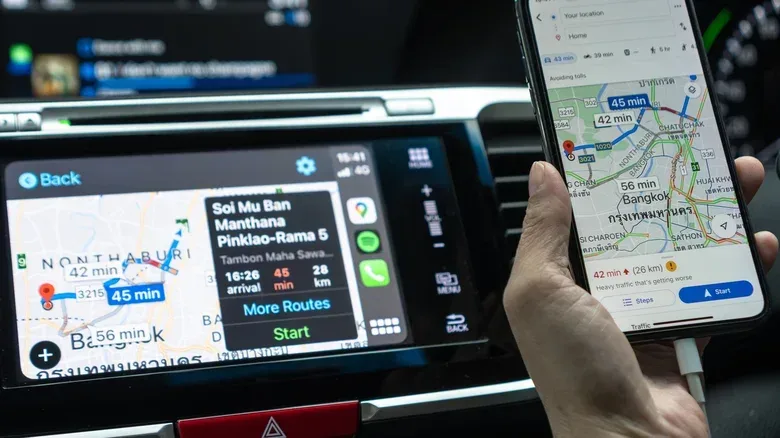
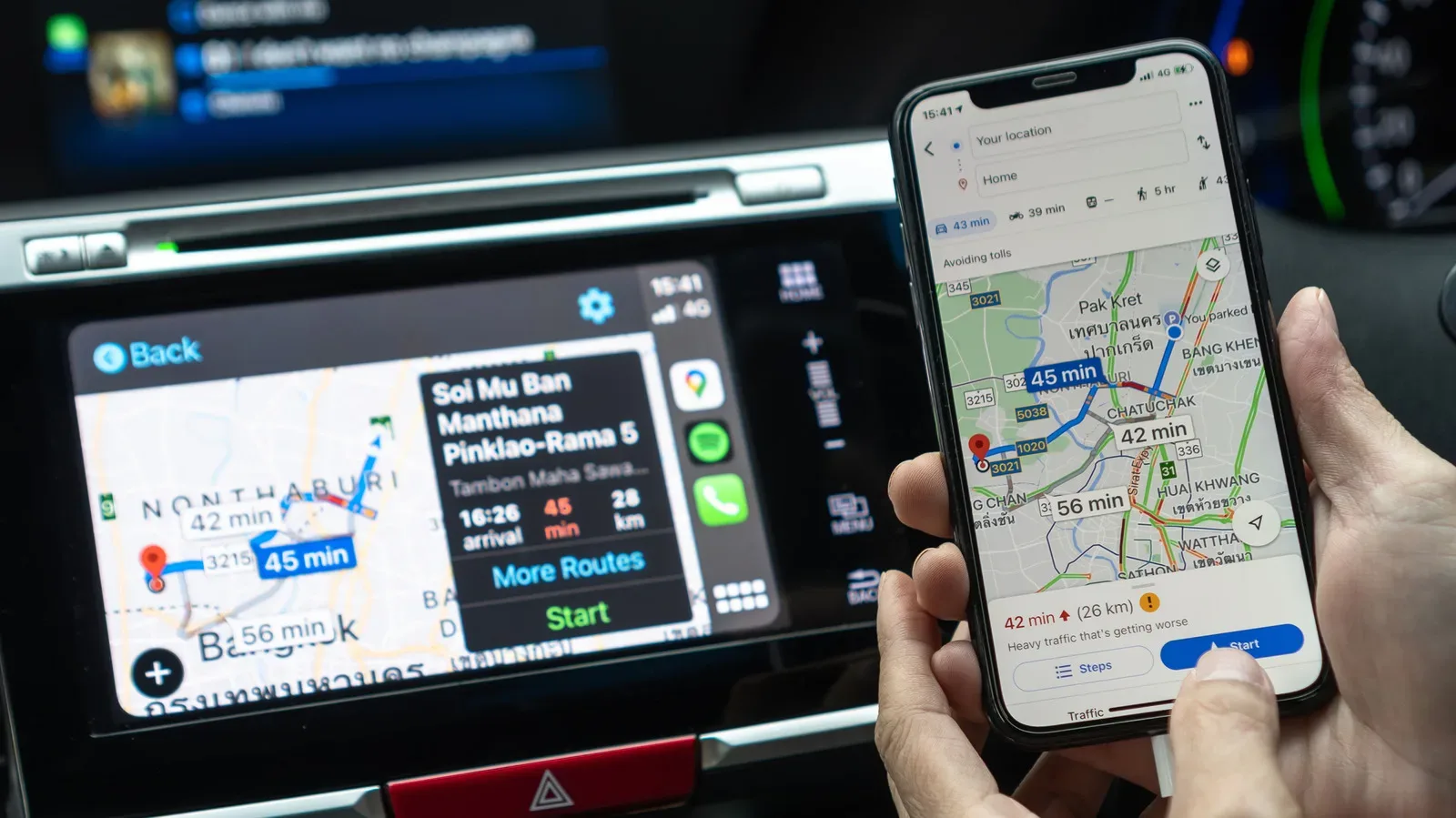
Google Maps is the straightforward first alternative for many CarPlay users. Its primary appeal is not novelty; it is breadth. It is especially useful to people who value its traffic data and business listings, which can have more frequent updates and more user reviews. It also generally offers broader mapping coverage outside the United States.
That makes Google Maps a reasonable fit for drivers who often search for places rather than merely navigate to known addresses. The quality and density of business information can matter when the destination is a restaurant, shop, service stop or other point of interest and the real question is not simply “how do I get there?” but “which one should I choose?”
The trade-off is interface polish versus utility. Its CarPlay presentation may not have the same refined look as Apple Maps, but the traffic, place data and international coverage can outweigh that for many users. In practical terms, it is the app worth keeping installed even if it does not become the everyday default.
The Siri limitation is the biggest usability caveat outside the EU. Users need to name Google Maps in their spoken request rather than assume it will take over automatically. That is not a route-planning problem, but it is a workflow problem. If voice requests are a core part of someone’s driving setup, the extra command language is worth factoring into the decision.
Waze: the commute’s hyperactive scout
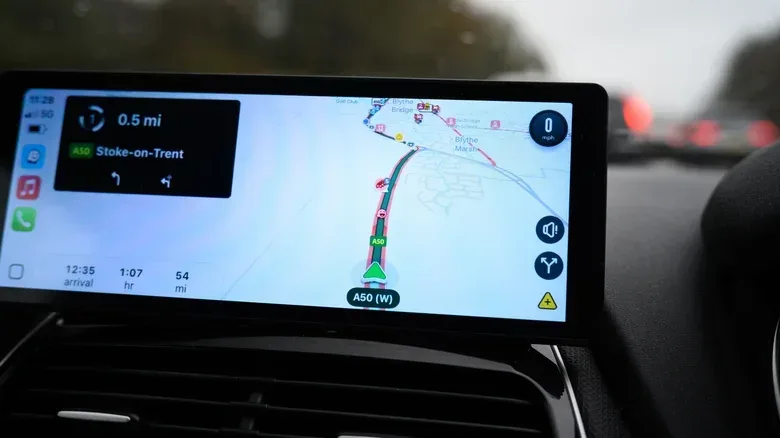
Waze has a more focused pitch: it is built around reports from people on the road. Its real-time alerts can flag heavy traffic, speed cameras, accidents and other hazards, making it particularly compelling for drivers who regularly encounter congestion or want a fuller picture of incidents on their route.
That crowd-informed element is what makes Waze feel different from a standard map. The app is not just calculating a path; it is drawing on current reports to surface things that may affect the drive. It also has Gemini-powered Conversational Reporting, which allows a driver to report an incident in more natural spoken language rather than reaching for the screen.
That advantage comes with two important limits. First, Waze does not offer an offline navigation mode, so it is not the ideal option for routes where internet access may be weak or absent. Second, its abundance of alerts can make the screen feel busy. For a driver who wants the map to say only the next essential instruction, Waze may be too chatty.
Fortunately, its interface offers substantial customization, including changes to the vehicle icon and voice. That does not eliminate the app’s alert-heavy character, but it gives users some ability to make it less intrusive. Its support for CarPlay Dashboard also makes it easier to retain other useful information on screen without abandoning navigation.
Waze is therefore best understood as a live-conditions specialist. It makes the strongest case on familiar, traffic-heavy driving where fresh reports are more valuable than offline resilience. It is less persuasive as the one app to take everywhere.
TomTom GO: a cleaner dashboard map
TomTom GO takes a nearly opposite approach to Waze. Rather than filling the map with activity, it emphasizes a simpler, more distraction-conscious navigation experience. Its CarPlay interface has very few controls: a search button and zoom controls. The visual result is often cleaner than Apple Maps, with the attention concentrated on guidance rather than on a long menu of options.
This is a useful reminder that “more information” is not automatically “better navigation.” A clutter-free screen can be a feature when a driver wants clear directions with minimal visual negotiation. TomTom GO’s reputation for accurate navigation is central to that proposition, while its map updates include speed cameras, roadblocks and lane guidance.
TomTom GO is now free, which makes it unusually easy to test as a low-friction alternative. However, it does not allow offline map downloads for no-connection navigation. That is a meaningful distinction for anyone who assumed the TomTom name alone guaranteed offline maps.
There is a separate TomTom GO Expert app for truck drivers. It supports offline navigation but requires a paid subscription. That division matters: the free TomTom GO app may appeal to ordinary drivers seeking minimalism, while the Expert option addresses a more specialized need with a different pricing model.
Magic Earth: privacy and downloaded maps, with a subscription decision
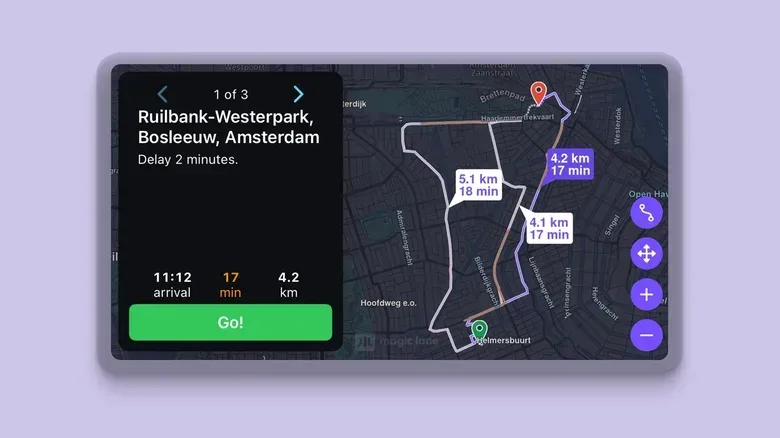
Magic Earth takes its maps from OpenStreetMap, a community-made mapping project, and makes privacy one of its core selling points. The app says it does not track users, build route-based profiles or sell data to third parties, while also offering an ad-free experience. For people who regard route history as sensitive personal data, that policy focus is likely more important than a decorative map theme or a novelty voice prompt.
On CarPlay, Magic Earth offers a clean interface with both 2D and 3D navigation. It also lets a user add or remove waypoints from a route without picking up the phone. A waypoint is an intermediate stop inserted between the starting point and final destination—useful for a planned fuel stop, pickup, or detour that needs to be part of the same route.
Offline maps are another significant advantage. Unlike services that depend entirely on a live connection, Magic Earth can remain useful where coverage is inconsistent. It works in most countries, strengthening its appeal for drivers who place a premium on broader travel flexibility.
The caveat is that the CarPlay experience is no longer included in the app’s free tier. Basic iPhone navigation remains free, but advanced features—including real-time traffic and CarPlay—require a subscription after a 30-day free trial. The listed cost is $19.99 per year. Because OpenStreetMap data is community-made, its accuracy can vary from one region to another. The trial should be treated as an evaluation period, not merely a countdown to a charge: try the app on the roads, destinations and neighborhoods that actually define a normal week.
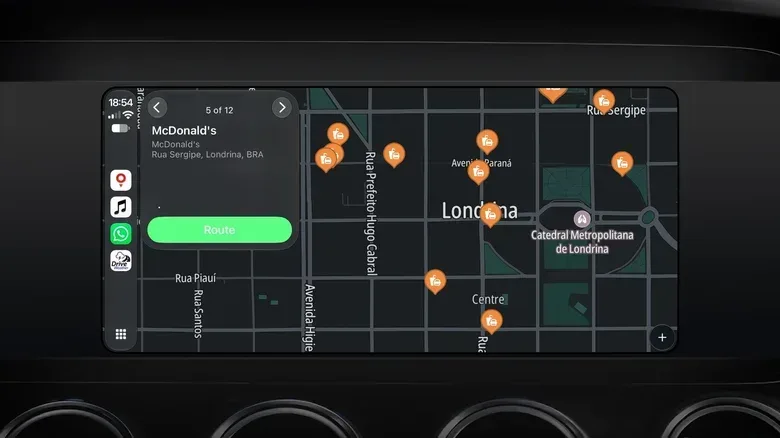
Drive Weather: the route planner that watches the sky
Drive Weather is not a direct Apple Maps replacement. It is more accurately a planning tool designed to answer a question ordinary navigation apps do not emphasize: what weather will a driver encounter at each point along a route, and when?
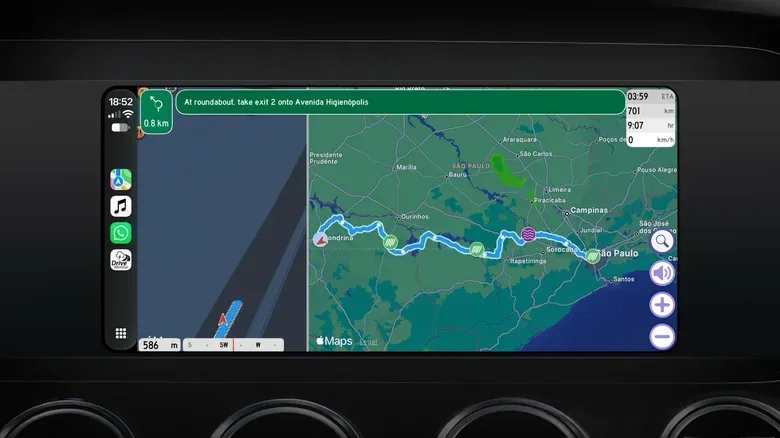
That makes it especially relevant for longer trips. The app includes live weather radar and can suggest routes that avoid troublesome conditions such as strong winds or snow. Its CarPlay version can split the display between turn-by-turn directions and route-specific weather conditions, so the forecast is tied to the journey rather than treated as a separate phone task.
This distinction is important. A single city forecast may be of limited help on a cross-country drive, where conditions can change dramatically between departure and arrival. Drive Weather’s value lies in connecting timing, place and route: a driver can see not just that weather exists somewhere, the planet’s most unsurprising fact, but where it intersects with the planned drive.
It is less tailored to city driving, where its traffic and road-incident information may not be as strong as the information provided by more traffic-centered apps. The free version has limitations. Paid access unlocks real-time weather updates, icy-road alerts and unlimited route distance, with pricing starting at $5.99 per month; annual pricing is presented as the more cost-effective option.
Choosing a navigation lineup instead of a single winner
The strongest practical answer may be a small rotation rather than one permanent replacement. Google Maps fits drivers prioritizing traffic, business listings and coverage beyond the U.S. Waze is geared toward a daily commute where changing incidents and driver reports are especially valuable. TomTom GO is the option for someone who wants an uncluttered, traditional navigation presentation without a price barrier. Magic Earth asks drivers to weigh privacy, offline capability and OpenStreetMap coverage against an annual CarPlay subscription. Drive Weather earns its place for weather-aware long-distance planning rather than urban incident monitoring.
Test any candidate on ordinary routes first. Compare whether it finds the destinations you use, whether its traffic picture feels useful, whether its display makes the next maneuver immediately clear and whether it remains useful when connectivity is poor. Only make changes before setting off, and let the system guide the trip rather than inviting screen management while the vehicle is moving.
For iPhone owners reassessing their wider Apple setup, our guide on making an older iPhone feel faster before replacing it is another useful reminder that a few targeted adjustments can matter more than an automatic upgrade. With CarPlay, the equivalent is simple: keep the map that suits the journey, not merely the one that launched first.